Black Friday is hereShop new DoorbustersShop now

Main Content

Questions & Answers

Your price for this item is $314.99
Clearance
The comparable value price is $369.99
Page Showing 1-20 of 76 questions
  • QuestionDoes this tv have a warranty

    Asked by Jenny.

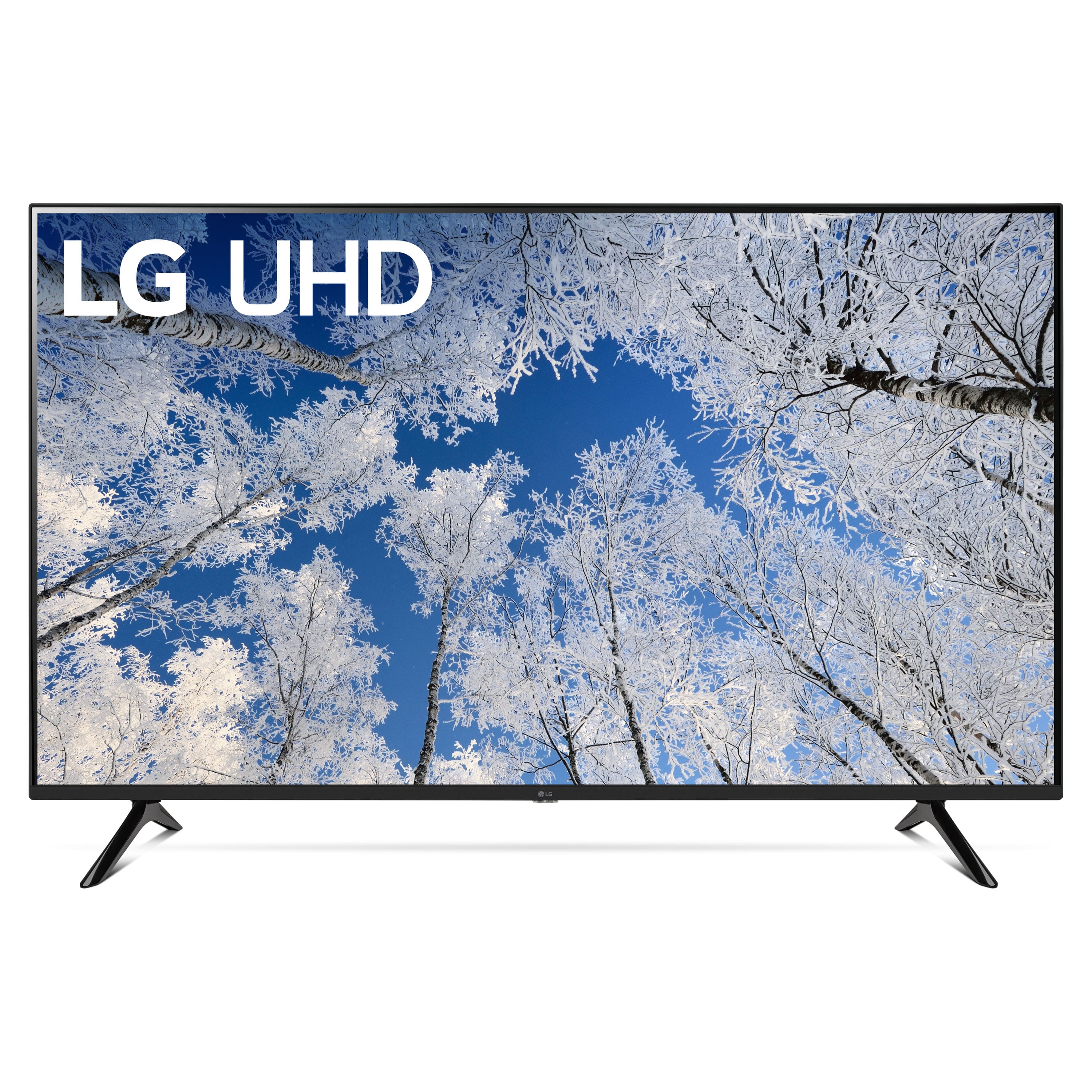
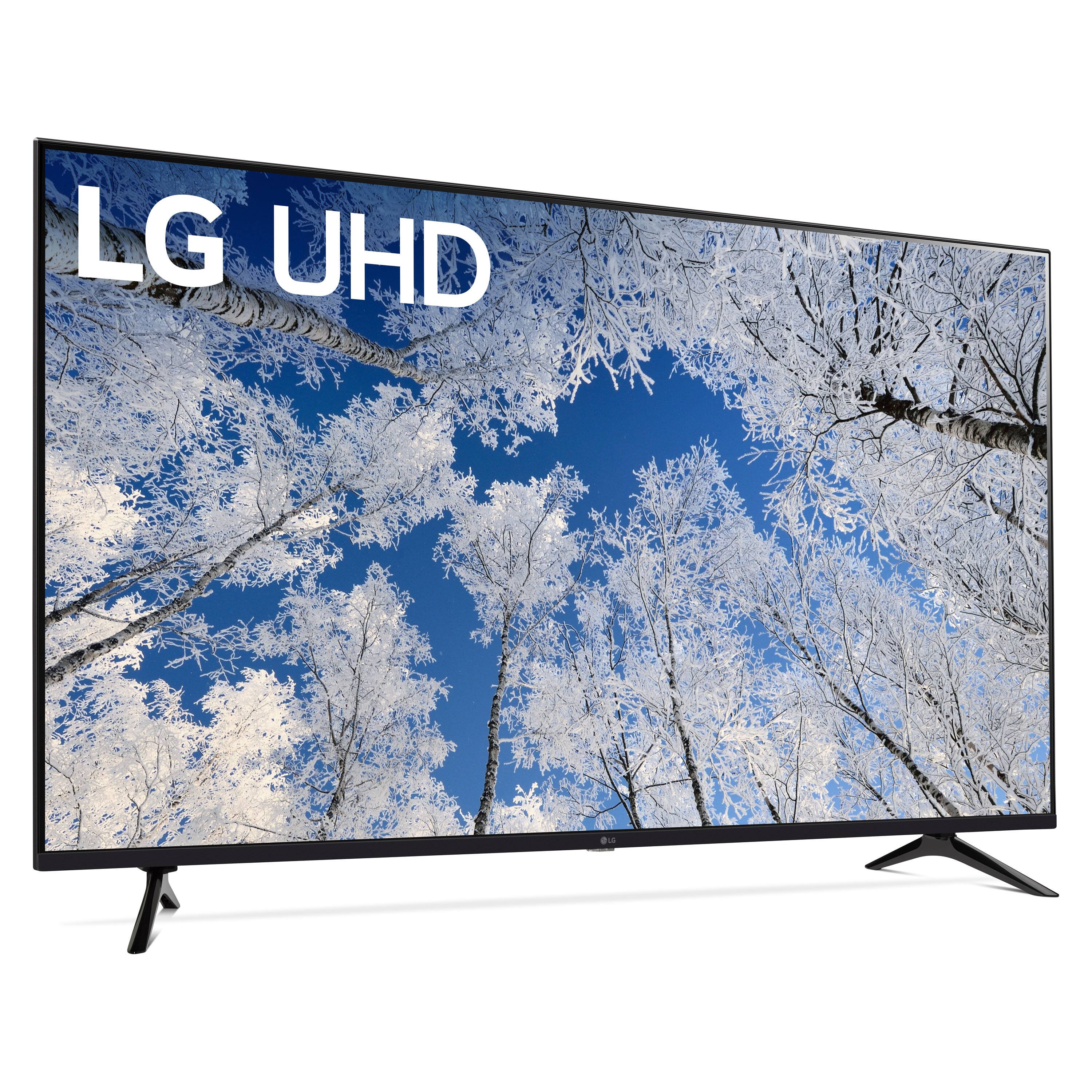
    • Answer Thank you for your interest in the LG 55 Inch Class 4K UQ7050 ZUD Series Smart TV w/ WebOS22 (55UQ7050ZUD) model. The LG 55UQ7050ZUD comes with a 1-year warranty for both parts and labor. You can download its owner's manual through this link for more information: https://www.lg.com/us/support/product/lg-55UQ7050ZUD.AUS. ^Cris
      Answered by LG Digital Customer Care

  • QuestionMy plan is to replace my 3-year-old Samsung Smart TV with this model. The wife and I were in the middle of FUBAR, when, well, whattayaknow the TV monitor is, wait for it,,, F U B A R!Has anyone had a similar experience?

    Asked by ArnoldFan.

    • Answer I to replaced a high dollar Samsung tv after only having it for about 4yrs. Started having problems about a month prior. Very satisfied with the LG replacement that I purchased.

      Answered by DeborahM

  • QuestionDoes this TV get local tv channels? I want to watch the Young and the Restless and The View.

    Asked by Anne.

    • Answer Thank you for your interest in the LG 55 Inch Class 4K UQ7050 ZUD Series Smart TV w/ WebOS22 (55UQ7050ZUD) model. To watch local TV channels, including "The Young and the Restless" and "The View," on the LG 55UQ7050ZUD TV, you can use an over-the-air antenna to access the available local channels in your area. You can download its owner's manual through this link for more information: https://www.lg.com/us/support/product/lg-55UQ7050ZUD.AUS. ^Cris
      Answered by LG Digital Customer Care

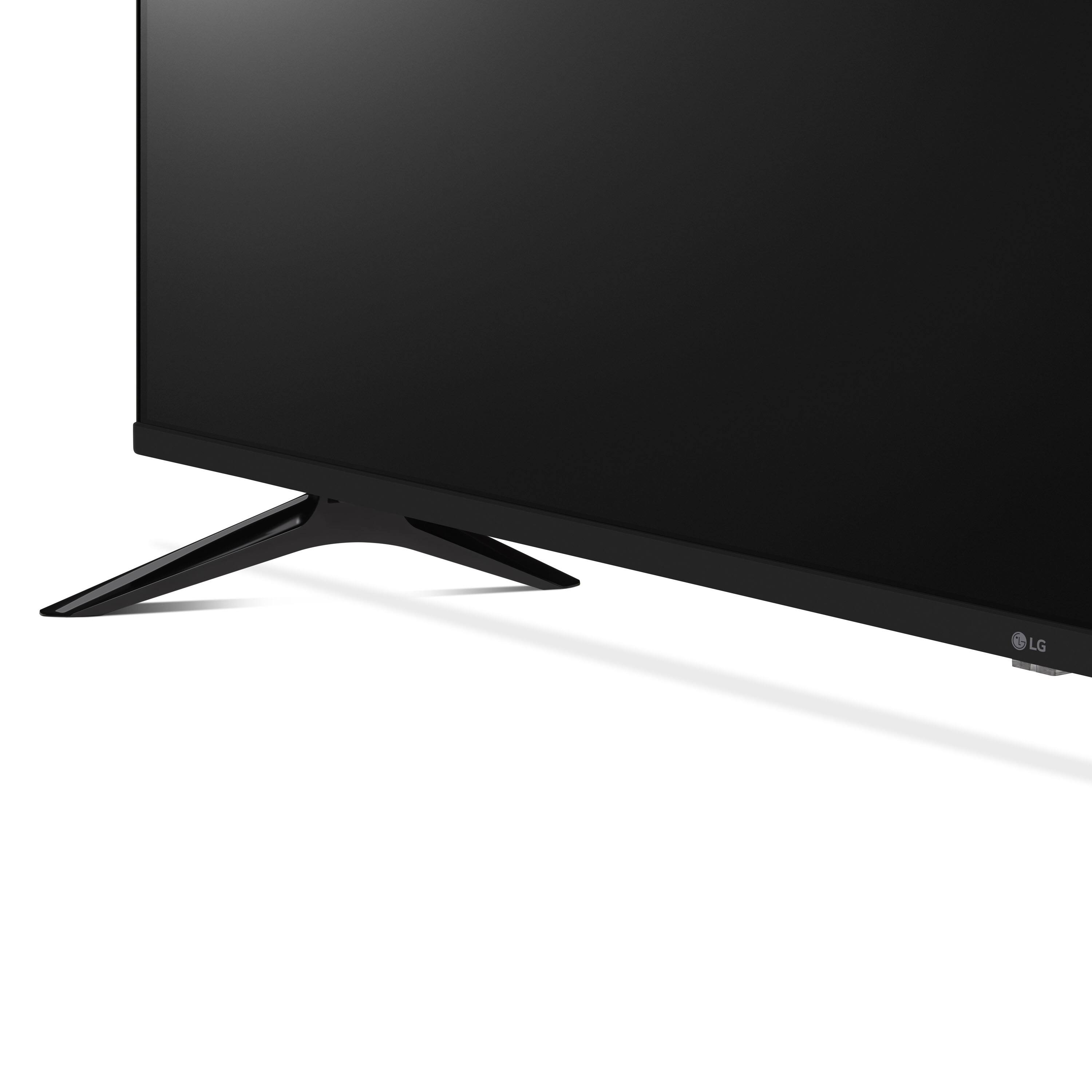
  • QuestionAll of my other tvs are Smart Tvs and easy to set up. Why won't this tv let me set up my Fire Stick or the Philo App. ? I think this will have to be returned and exchanged.

    Asked by Shelly.

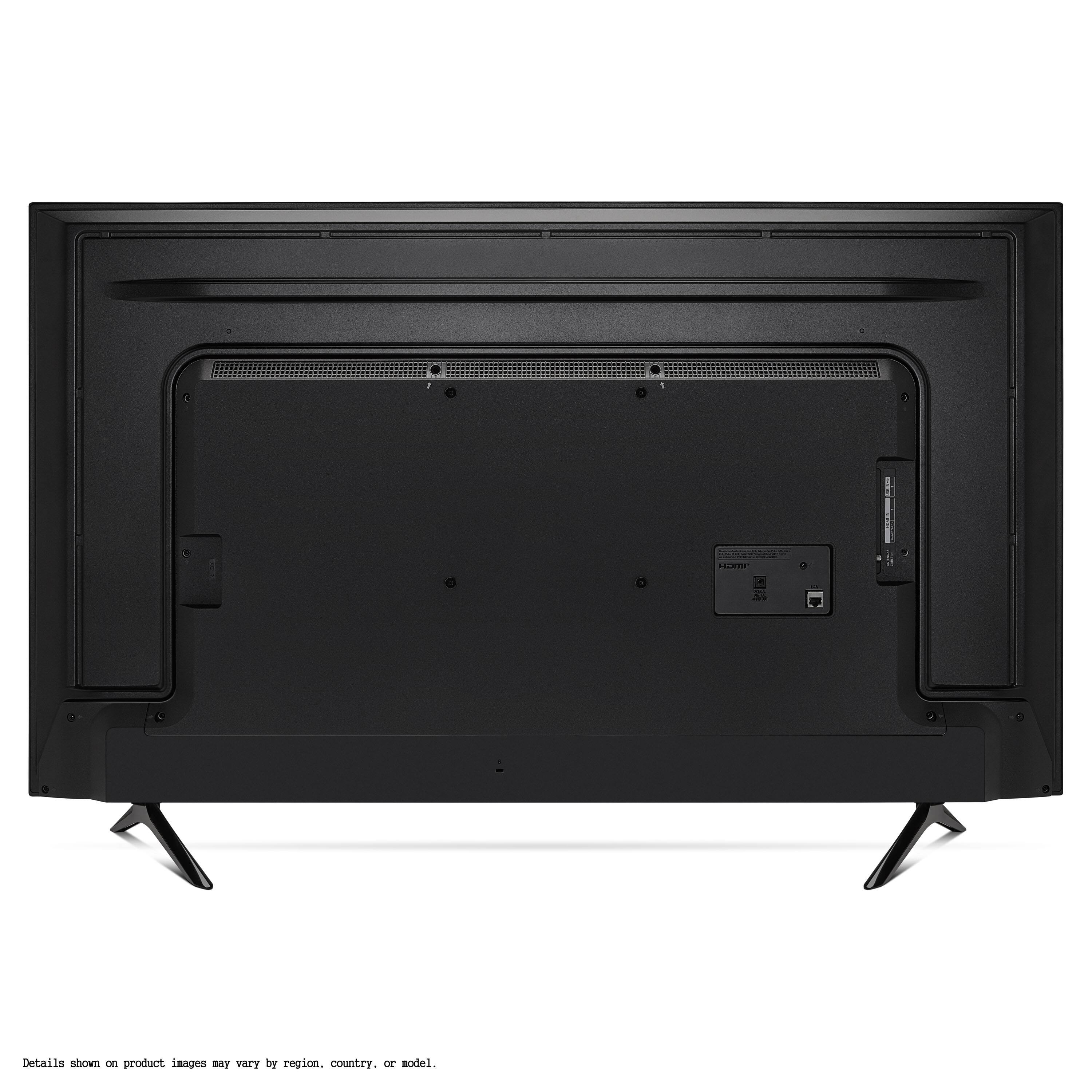
    • Answer Thank you for your interest in the LG 55 Inch Class 4K UQ7050 ZUD Series Smart TV w/ WebOS22 (55UQ7050ZUD) model. The LG 55UQ7050ZUD TV should support external devices like the Fire Stick or the Philo app. If you're having trouble setting them up, try these simple troubleshooting steps before considering a return: 1. Check Compatibility: Verify that the Fire Stick and Philo app are compatible with your LG 55UQ7050ZUD TV. Most modern smart TVs should work with these devices, but it's always good to double-check for compatibility. 2. Update TV Software: Ensure that your LG TV's software is up to date. Follow the instructions in the TV's user manual or visit LG's support website to check for and install any available updates. 3. Connectivity: Make sure the Fire Stick is properly connected to one of the HDMI ports on your TV. If you're using the Philo app, ensure that the TV is connected to the internet and that the app is available for download from the LG Content Store. By following these steps, you may be able to resolve any setup difficulties with your external devices and enjoy them on your LG 55UQ7050ZUD TV. You can download its owner's manual through this link for more information: https://www.lg.com/us/support/product/lg-55UQ7050ZUD.AUS. ^Cris
      Answered by LG Digital Customer Care

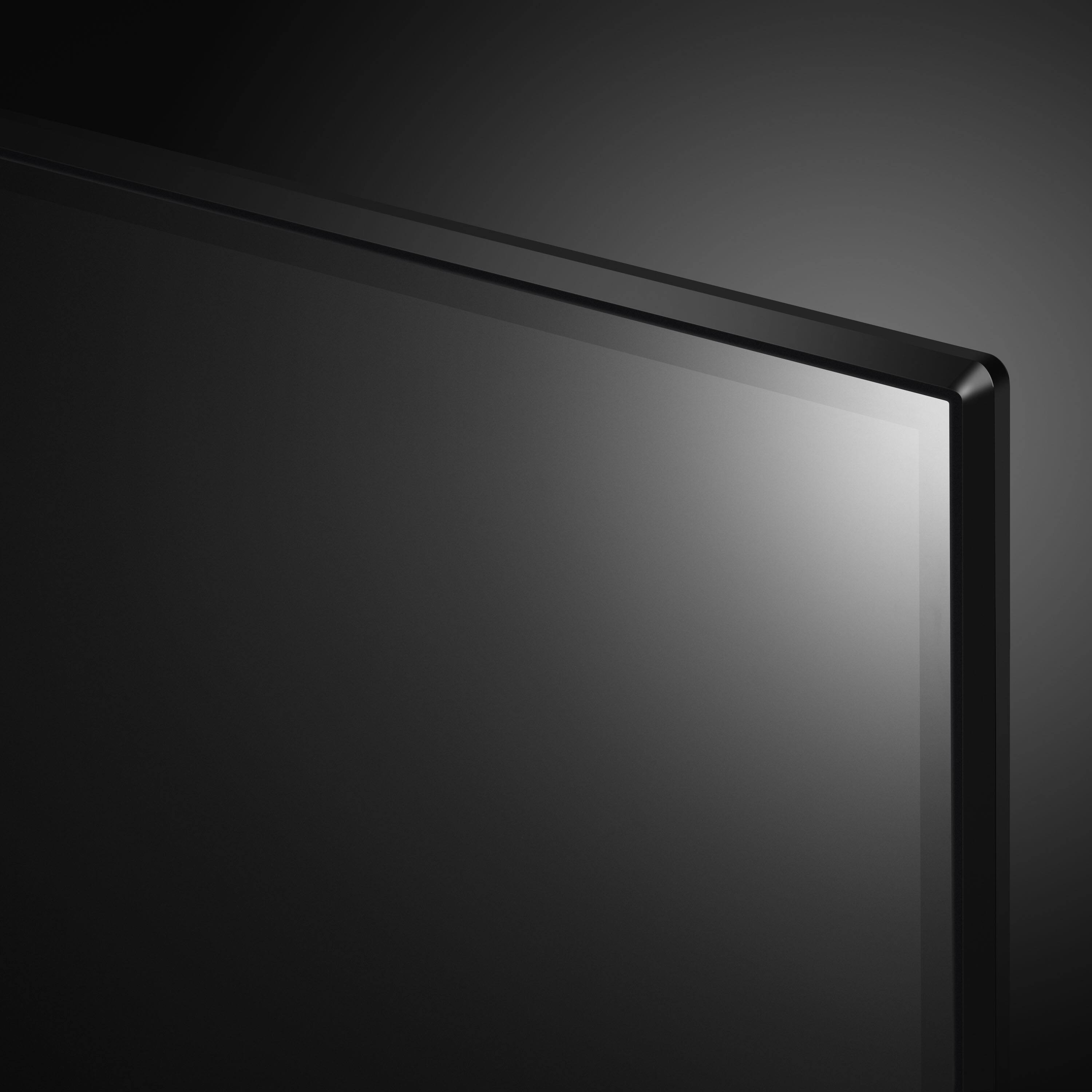
  • QuestionDoes this TV have a web browser

    Asked by Peach.

    • Answer Thank you for your interest in the LG 55UQ7050ZUD.AUS model. Yes, the LG 55UQ7050ZUD.AUS LED 4K UHD TV has a web browser. You can download its owner's manual through this link for more information: https://www.lg.com/us/support/product/lg-55UQ7050ZUD.AUS. ^Cris
      Answered by LG Digital Customer Care

  • QuestionDoes it have Bluetooth? I currently have to pair to transmitter would love to not have to any more.

    Asked by Puck.

    • Answer Thank you for your interest in the LG LG 55 Inch Class 4K UQ7050 ZUD Series Smart TV w/ WebOS22 (55UQ7050ZUD) model. To pair Bluetooth devices like headphones or speakers with your LG 55UQ7050ZUD TV, just follow these simple steps: 1. Make sure that your Bluetooth device is turned on and in pairing mode. 2. On your LG TV, click the Settings icon and select Advanced Settings > Sound Out. 3. From the list, choose LG Sound Sync Bluetooth and select Detect. 4. Choose your LG device from the available devices list to pair it. For Bluetooth headphones, follow these steps: 1. Press the Settings button on the TV remote and select Sound. 2. Choose Sound Out > List of Bluetooth Devices. 3. Select your Bluetooth headphones from the list to connect. If you're unable to connect, try the following: 1. Make sure the Bluetooth device is on and in pairing mode. 2. Verify that the device isn't already paired with another device. 3. Erase the device from the TV's list of registered devices and do the search again. 4. Turn the Bluetooth device off, then back on, and search for devices again. You can download its owner's manual through this link for more information: https://www.lg.com/us/support/product/lg-55UQ7050ZUD.AUS. ^Cris
      Answered by LG Digital Customer Care

  • QuestionDoes this tv provide screen mirroring with iOS devices?

    Asked by Mary.

    • Answer Yes. You can airplay to this tv

      Answered by Doug

  • QuestionDoes this lg tv come ready to attach to a wall mount or would I have to also purchase a Vesa mount to attach it to a wall mount?

    Asked by VA.

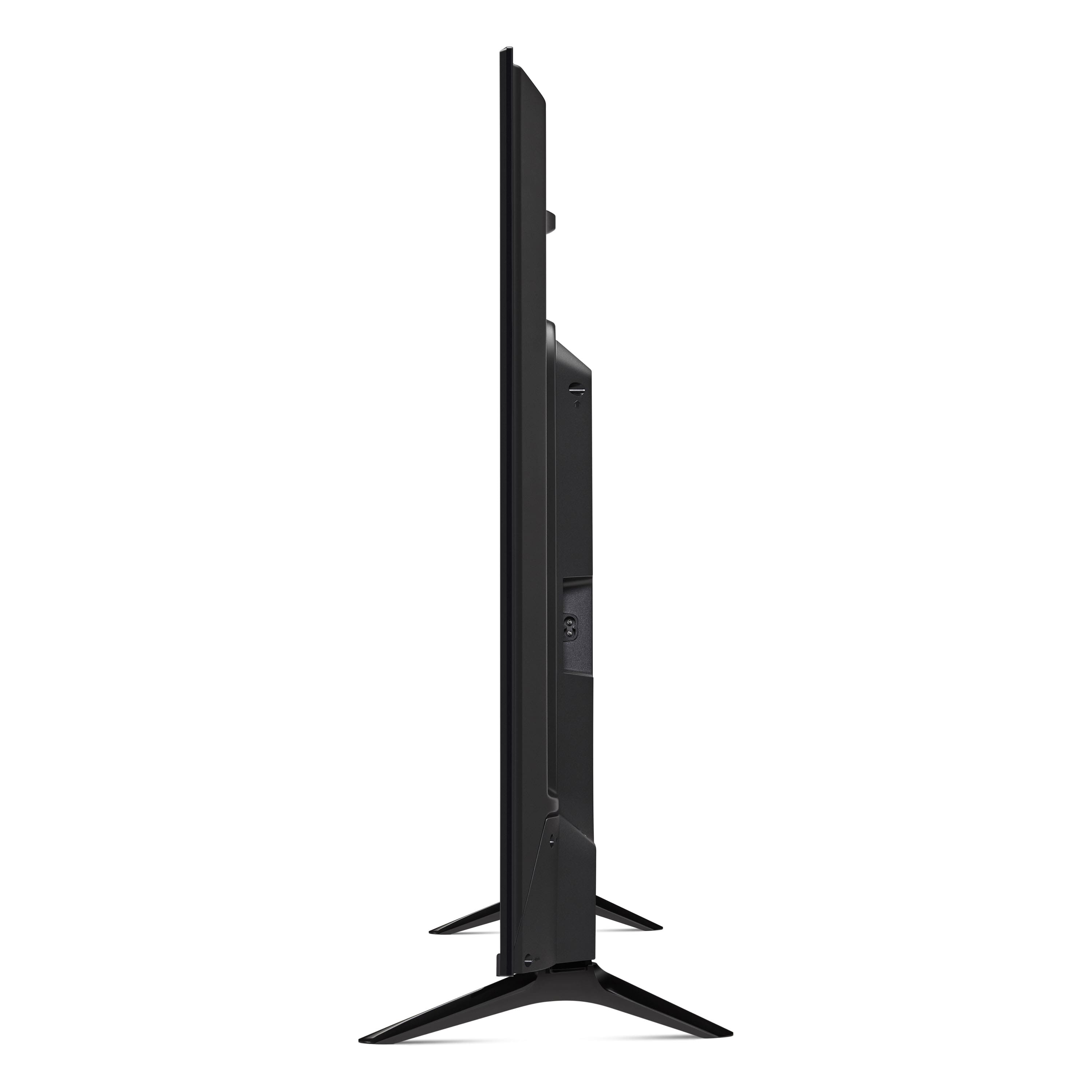
    • Answer Hi! This particular model doesn’t include a VESA mount out of the box. However, it does come with a sturdy stand, so you can set it up easily. If you decide to mount it on the wall, you’ll need to buy a separate VESA mount. Enjoy your TV experience! ^Sam

      Answered by LG Digital Customer Care

  • QuestionIs it refurbished

    Asked by CarolynW.

    • Answer Thank you for your interest in the LG Smart webOS TV. No, the LG 55UQ7050ZUD TV is a new, standard model, not a refurbished unit. You can download its owner's manual through this link for more information: https://www.lg.com/us/support/product/lg-55UQ7050ZUD.AUS. Cris

      Answered by LG Digital Customer Care

  • QuestionDoes the tv have an art mode like a frame tv? Is it frameable?

    Asked by Red.

    • Answer Thank you for your interest in the LG Smart TV w/ WebOS22 (55UQ7050ZUD) model. The LG 55UQ7050ZUD does not have a dedicated "Art Mode" like the Frame TV. However, it does feature a Gallery Mode that allows you to display artwork, photos, and other images when the TV is not in use. You can visit this website for more information and options: https://www.lg.com/us/support/help-library. ^Cris

      Answered by LG Digital Customer Care

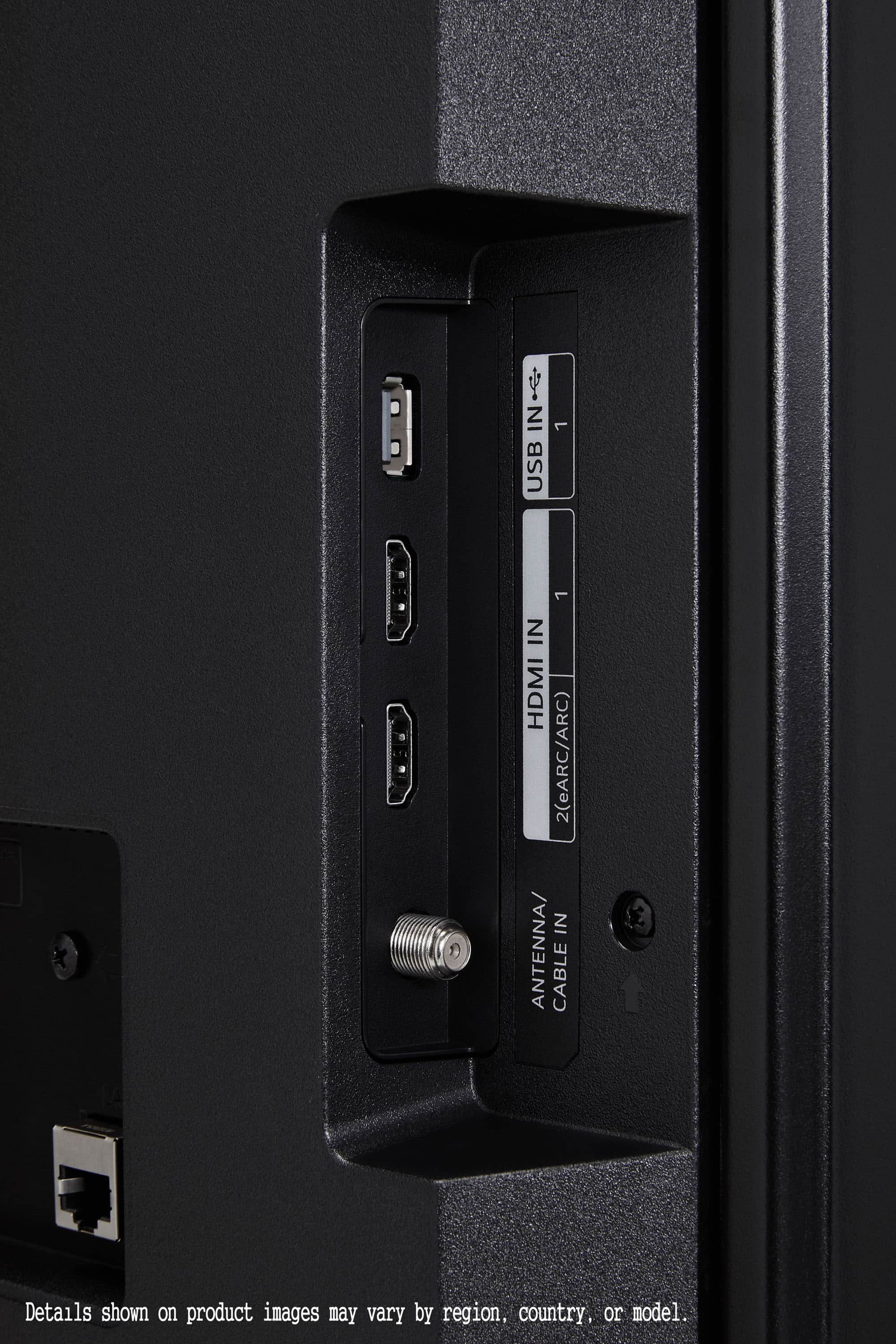
  • QuestionCan this TV be controlled by Google Home?

    Asked by GlennA.

    • Answer Thank you for your interest in the LG 55 Inch Class 4K UQ7050 ZUD Series Smart TV w/ WebOS22 (55UQ7050ZUD) model. Yes, the LG 55UQ7050ZUD TV can be controlled by Google Home. It comes with built-in Google Assistant, allowing you to control the TV, launch apps, search for content, and more using simple voice commands. You can download its owner's manual through this link for more information: https://www.lg.com/us/support/product/lg-55UQ7050ZUD.AUS. ^Cris
      Answered by LG Digital Customer Care

  • QuestionDoes this LG TV have a protective screen film that needs to be removed? There was plastic around all the edges but I don't want to dig at the screen itself if there is there is nothing to remove. It would be nice if the manual addressed this.

    Asked by DeniseK.

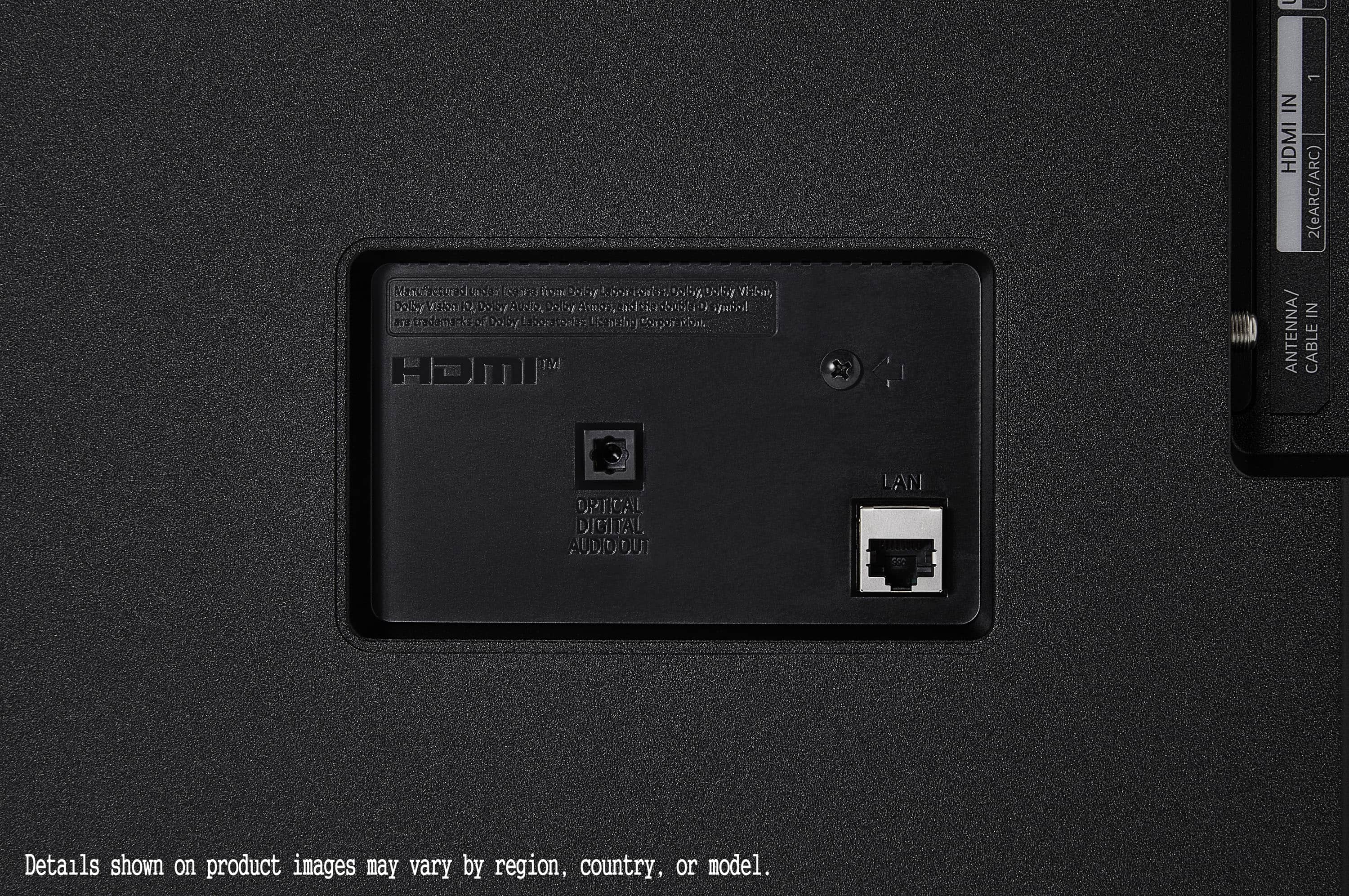
    • Answer Thank you for your interest in the LG 55 Inch Class 4K UQ7050 ZUD Series Smart TV w/ WebOS22 (55UQ7050ZUD) model. The LG 55UQ7050ZUD TV does not have a protective screen film that needs to be removed. You can download its owner's manual through this link for more information: https://www.lg.com/us/support/product/lg-55UQ7050ZUD.AUS. ^Cris
      Answered by LG Digital Customer Care

  • QuestionCan this tv plug to 110-220v?

    Asked by Roses.

    • Answer Standsrd household circuits are noted as 110-120 volts. Circuits that require higher amperage to operate (electric stoves or water heaters) will be 220-240 volts and will have a very different plug end. All standard TVs utilize standard circuits, 110-120.

      Answered by Anonymous

  • QuestionDoes this tv work with Alexa

    Asked by Anonymous.

    • Answer The user guide says "yes".

      Answered by Anonymous

  • QuestionWhen did I purchase my LG TV?

    Asked by Al1.

  • QuestionIs this model compatible with lg’s magic remote? The remote it comes with out of the box is horrible.

    Asked by Mike.

    • Answer Yes

      Answered by KalyanB

  • QuestionDoes this tv have a guide button on the remote?

    Asked by Anonymous.

    • Answer This TV does have a guide button on the remote and it is very helpful when I'm looking for a particular channel very helpful

      Answered by JosieP

  • QuestionIs this monitor touch-enabled? Meaning can I connect a mouse to the TV and control it?

    Asked by InstructorK.

    • Answer No

      Answered by KalyanB

  • QuestionWhere do I find the sports alert setting? Which button on the remote?

    Asked by RayFan.

    • Answer Have not a clue

      Answered by ElizabethT

  • QuestionDoes this tv offer free channels ?

    Asked by Mort.

    • Answer Comes with the basic cable provided by LG

      Answered by user276462