A:AnswerPlease reach out to our support team via private message on Facebook @LGUSSupport and use #VOC in your first message to our social media support team or call at 800-243-0000. Also, be sure to provide your contact information, model/serial numbers and date of purchase. ^Daphane
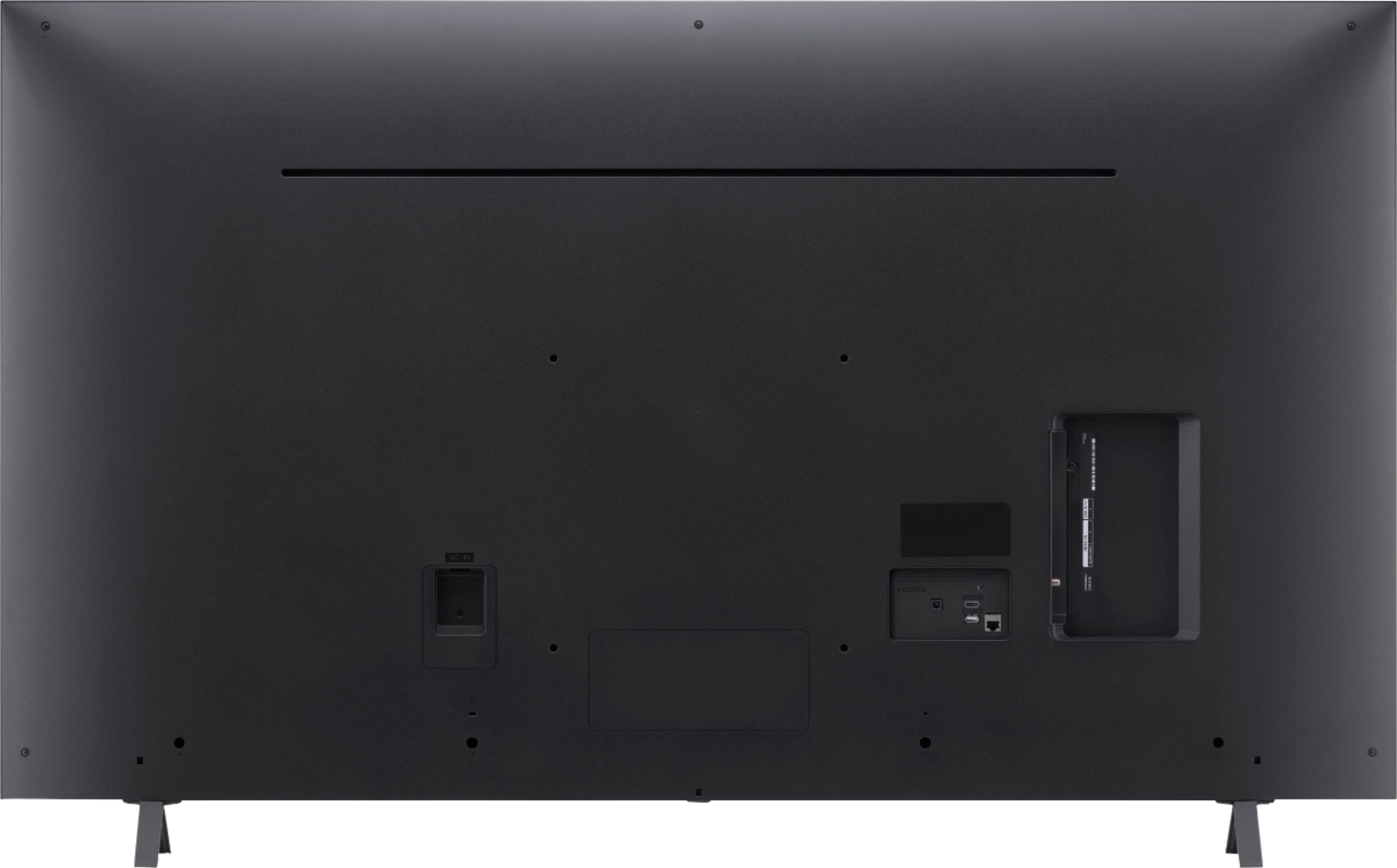
A:AnswerThe VESA Mount interface pattern is 300 x 300 (W x H). The size of the screws for mounting are M6. The length of the screw will be dependent on the thickness of the mount. The VESA holes at on the back of the TV are 12.638" from the top of the TV and 6.299" from the bottom of the TV. ^Daphane
A:AnswerPlease reach out to our support team via private message on Facebook @LGUSSupport and use #VOC in your first message to our social media support team or call at 800-243-0000. Also, be sure to provide your contact information, model/serial numbers and date of purchase. ^Daphane
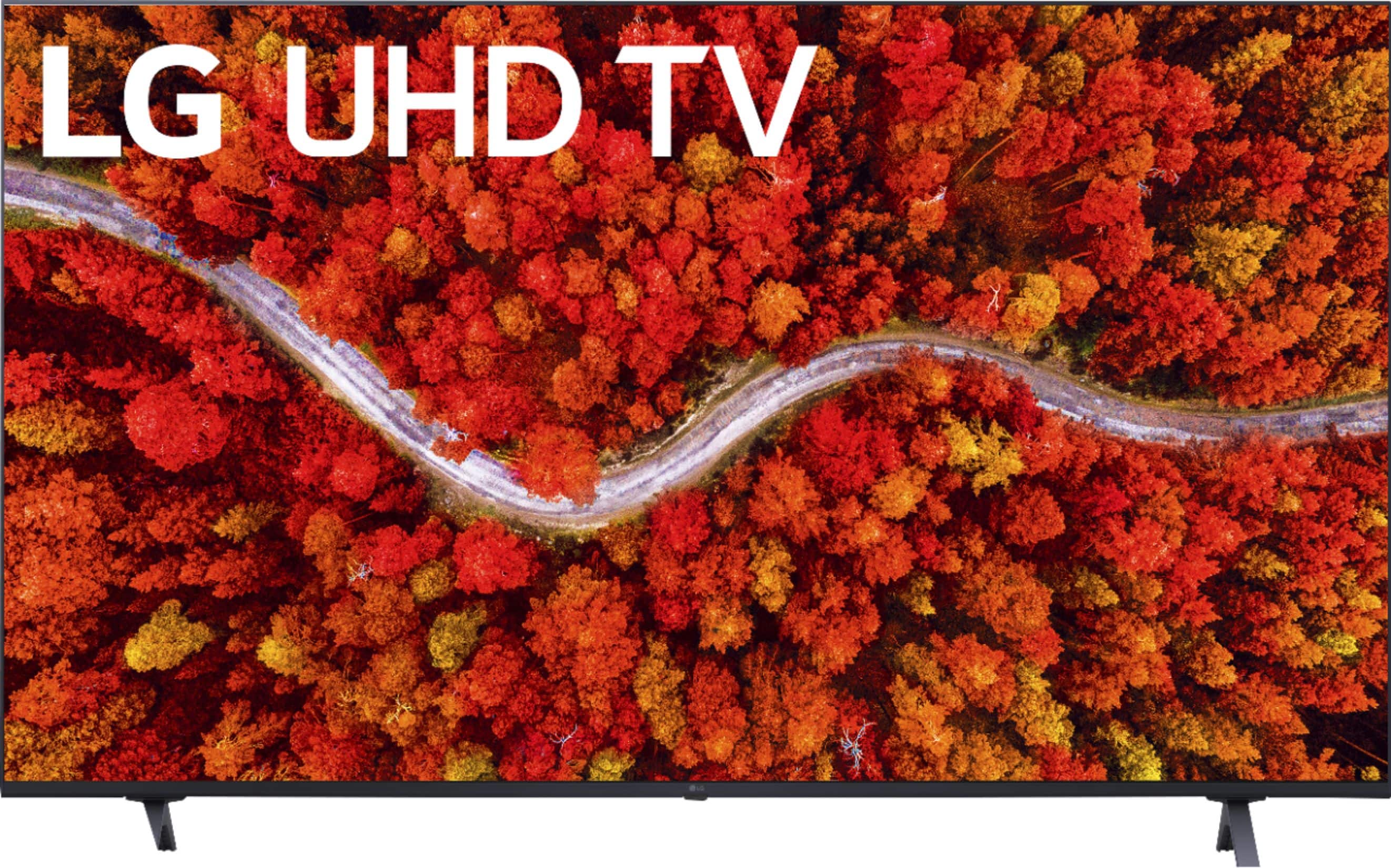
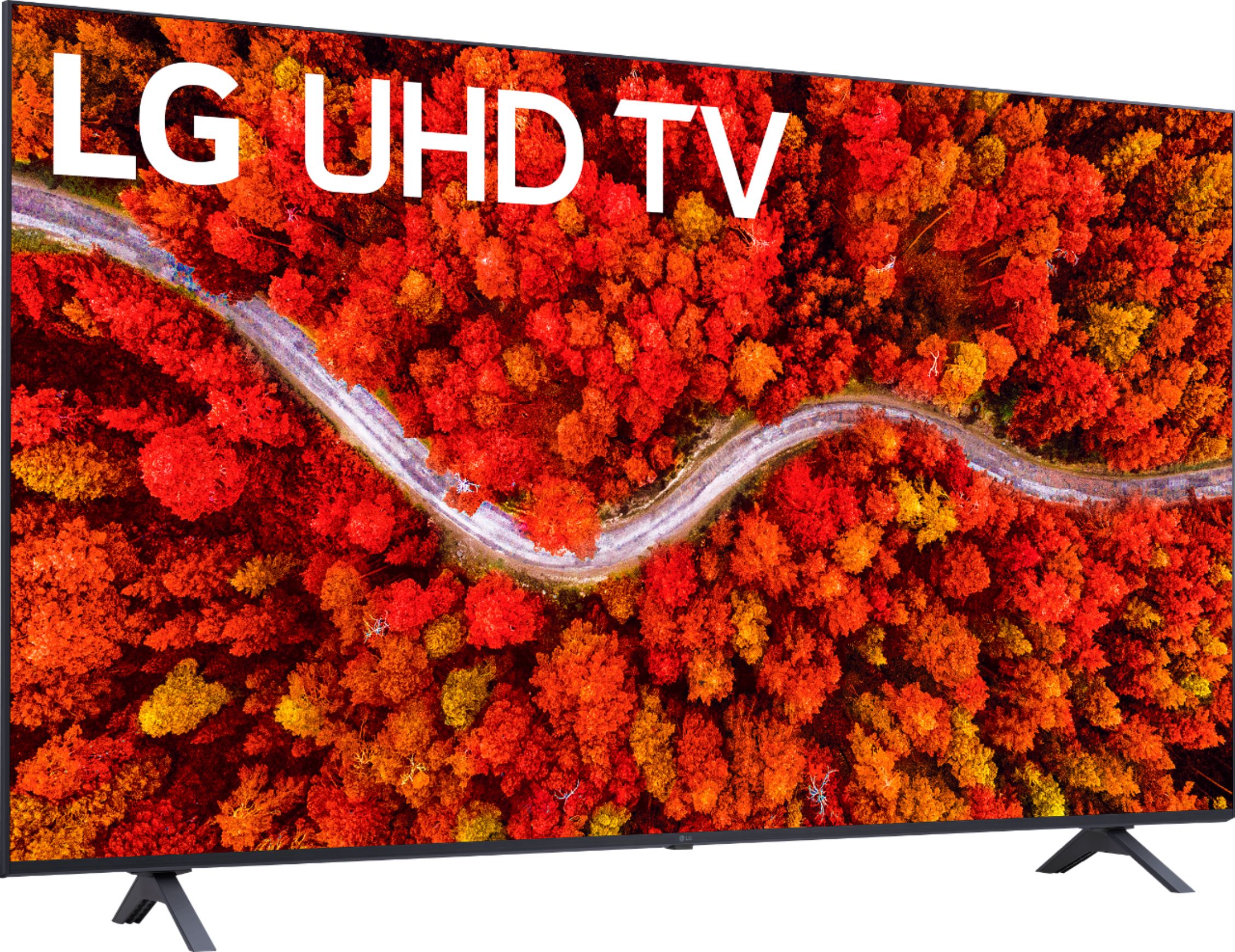
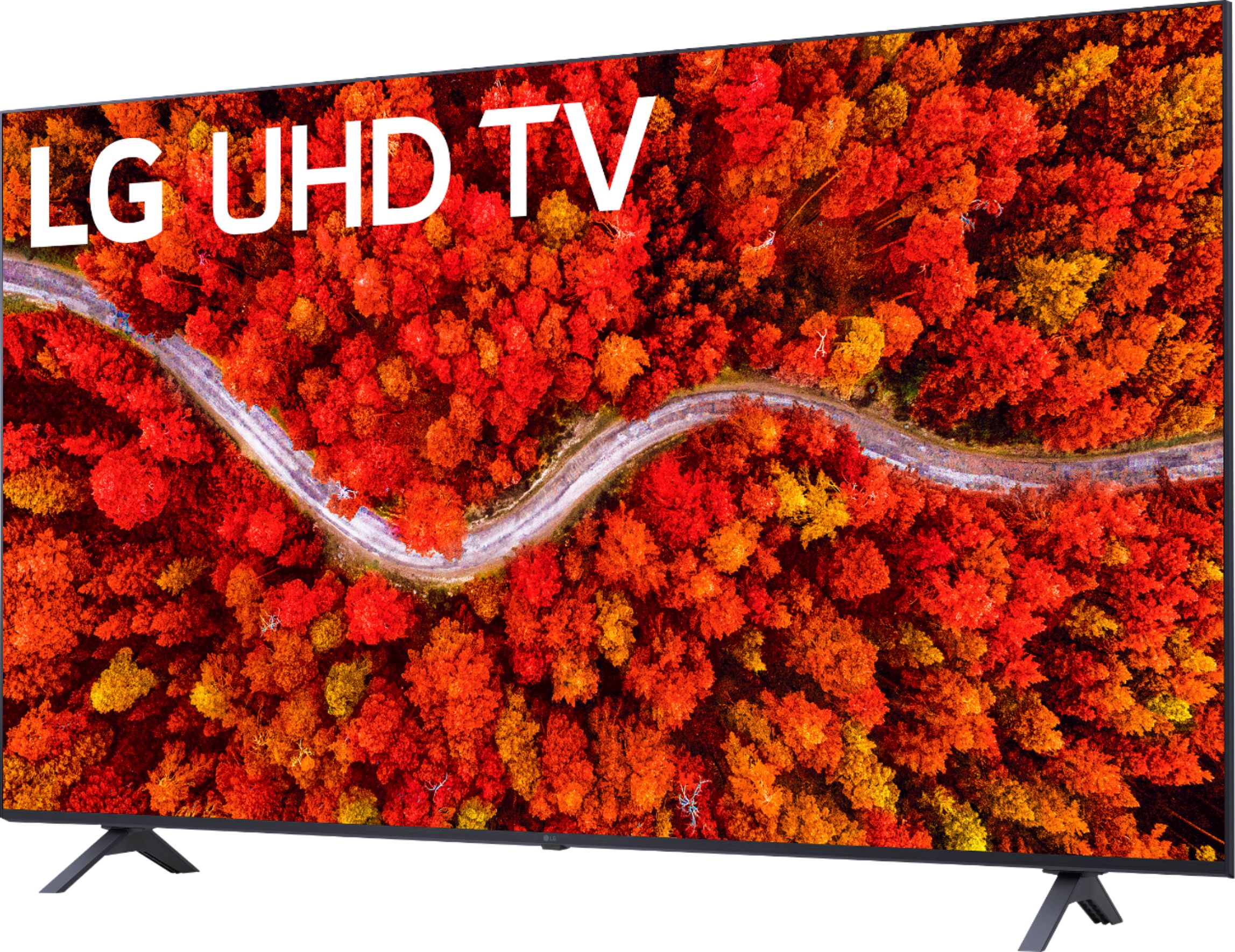
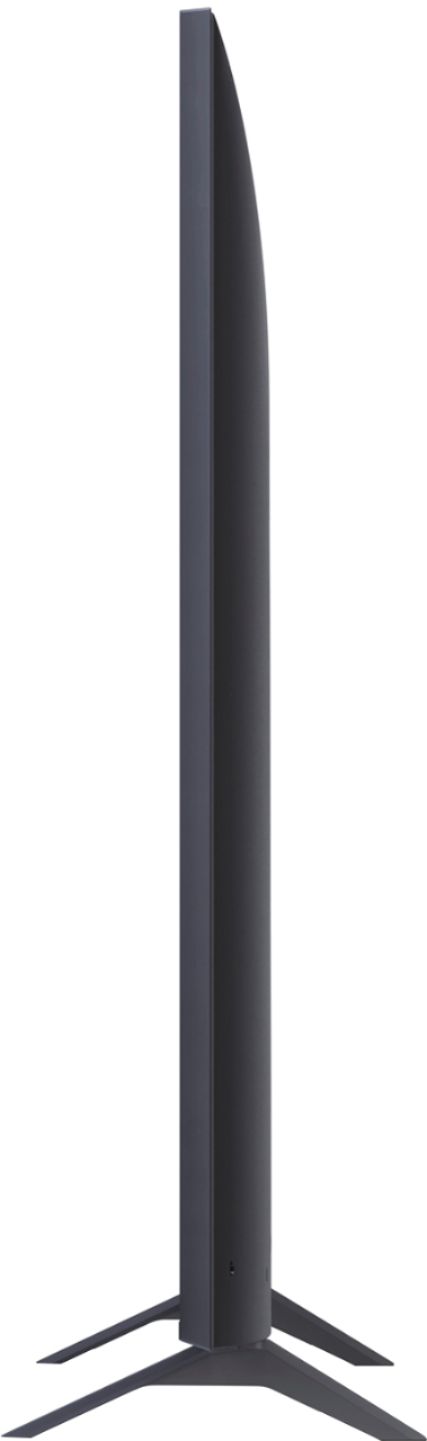
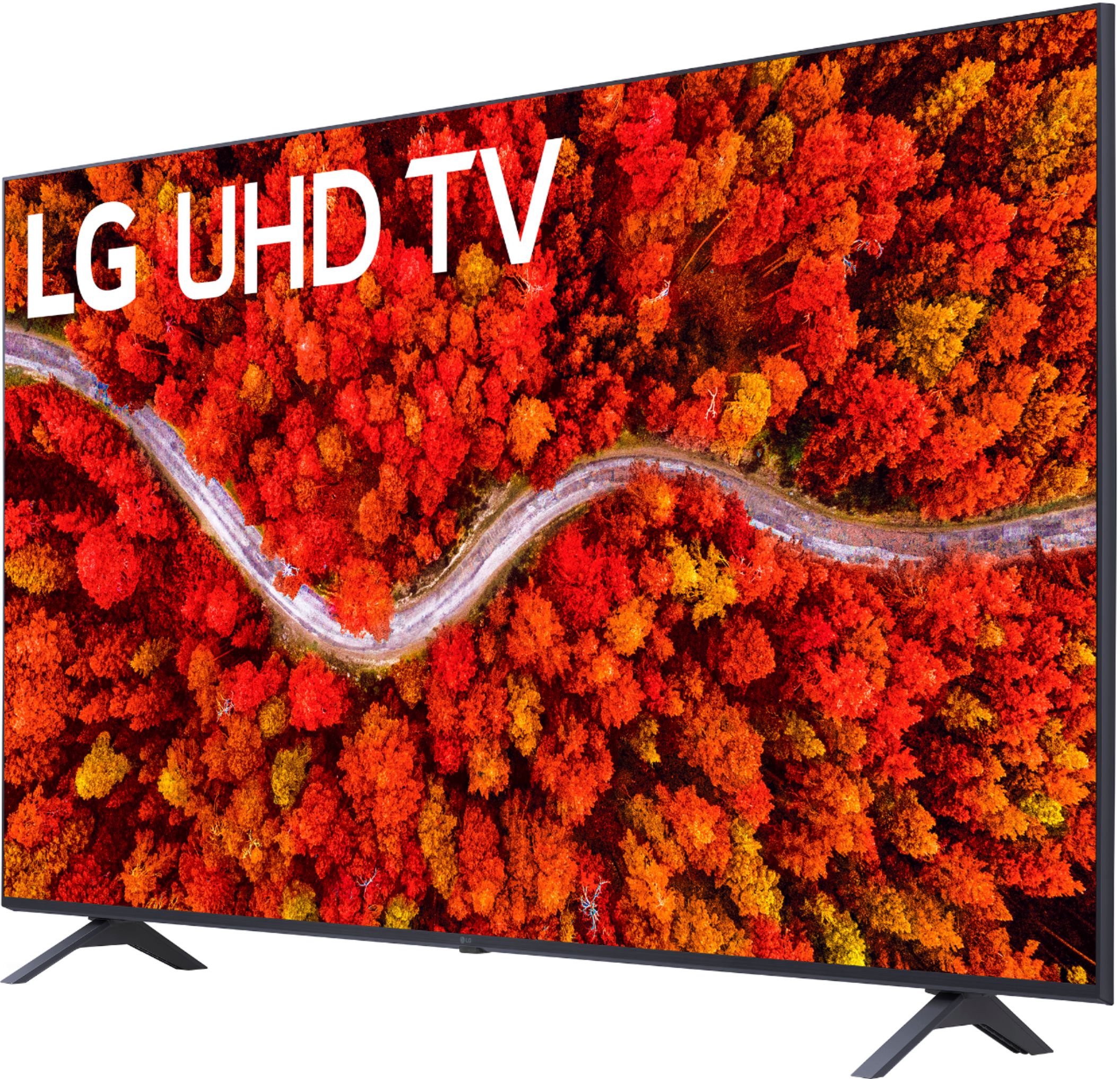
A:AnswerThe TV dimensions with the stand are 53.4"W x 33.3"H x 10.7"D and without the stand are 53.4"W x 30.8"H x 2.3"D. The stand width 41.8". ^Daphane
A:AnswerfuboTV app is in the LG Content Store (App Store). For a complete listing of available apps, please visit: https://us.lgappstv.com/main/tvapp. ^Daphane
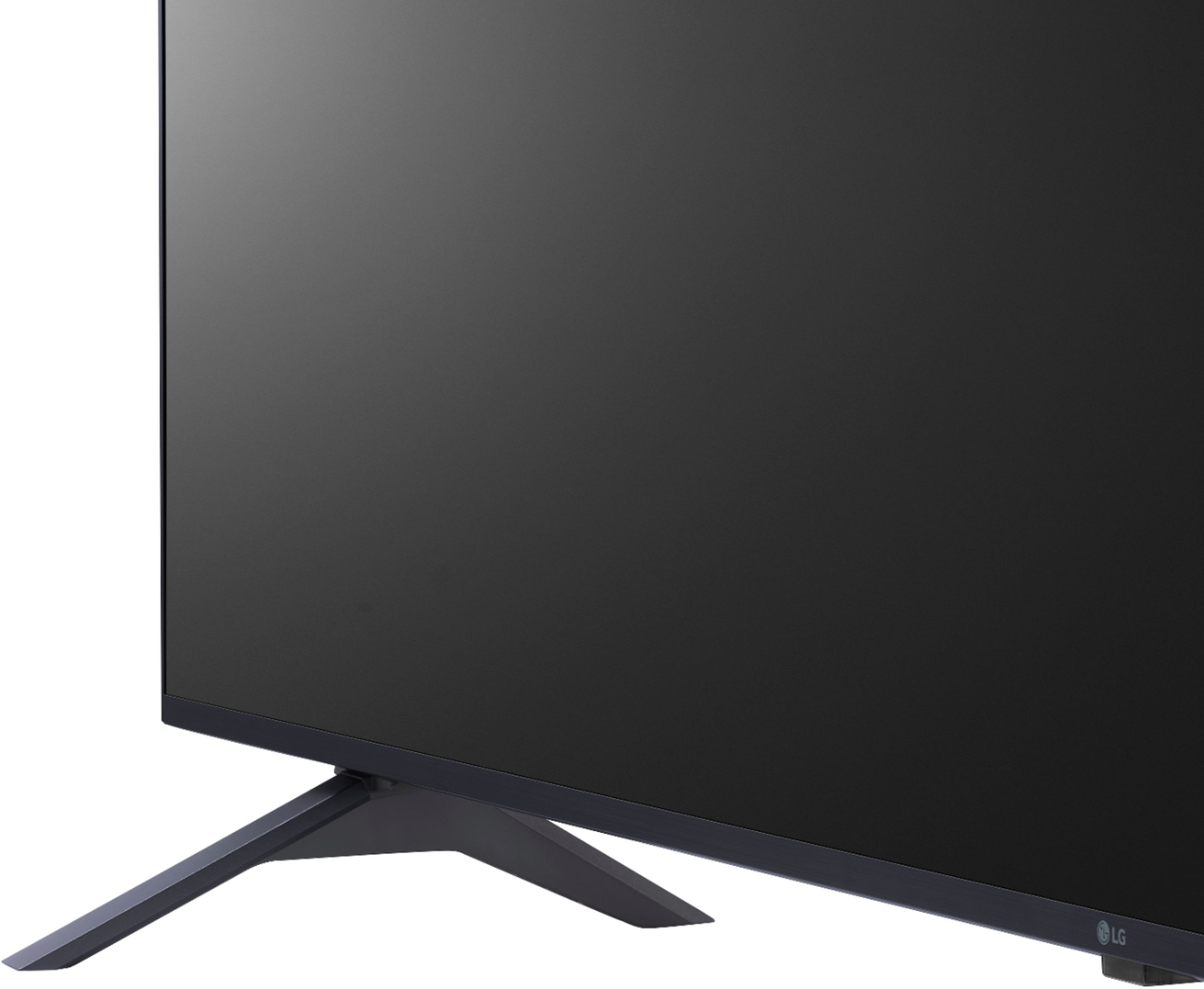
A:AnswerYou could use a TV table top stand that attaches to the VESA holes. I prefer them to the included legs/supports that come on most TVs. Do some shopping for the stand.
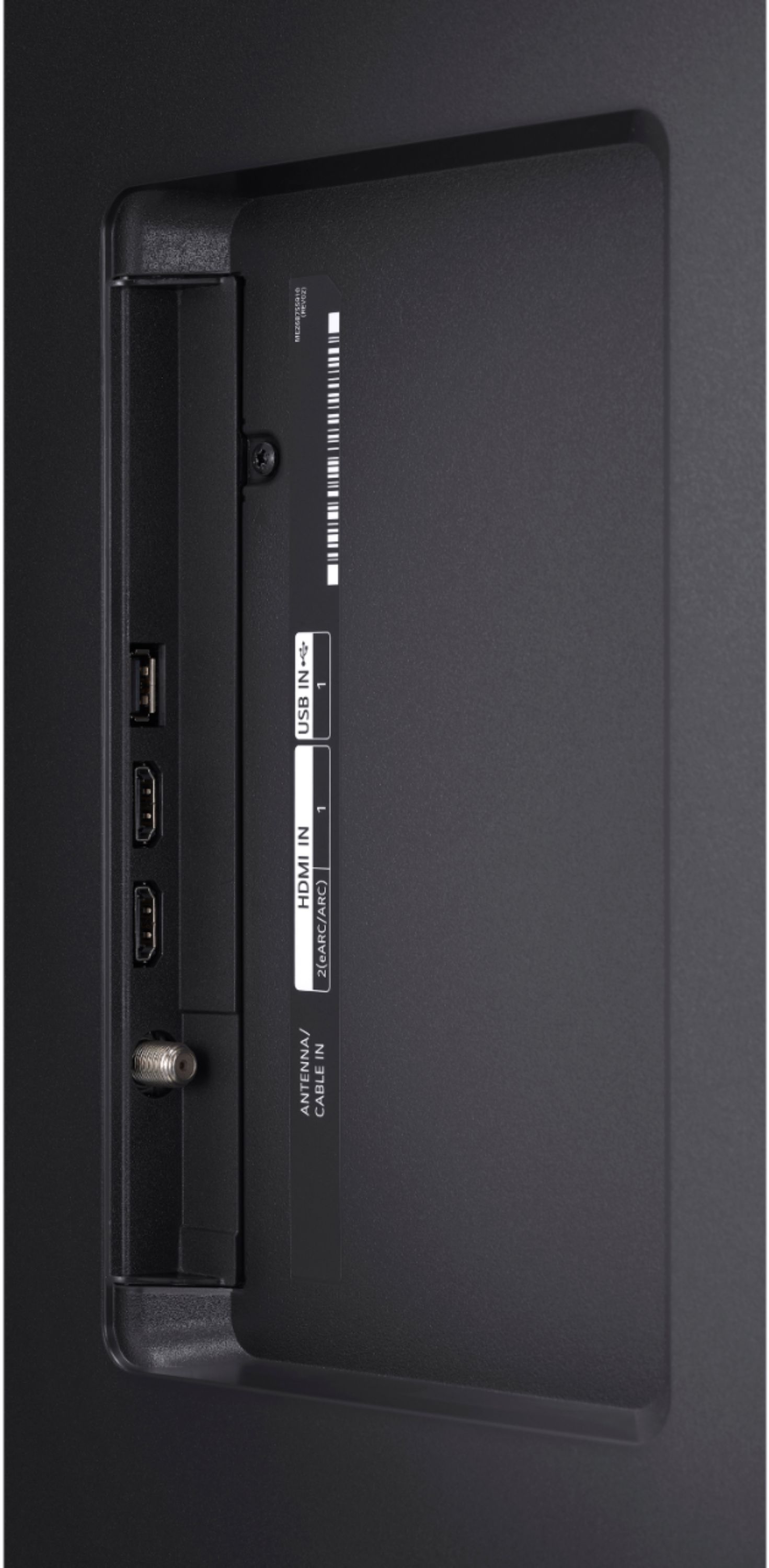
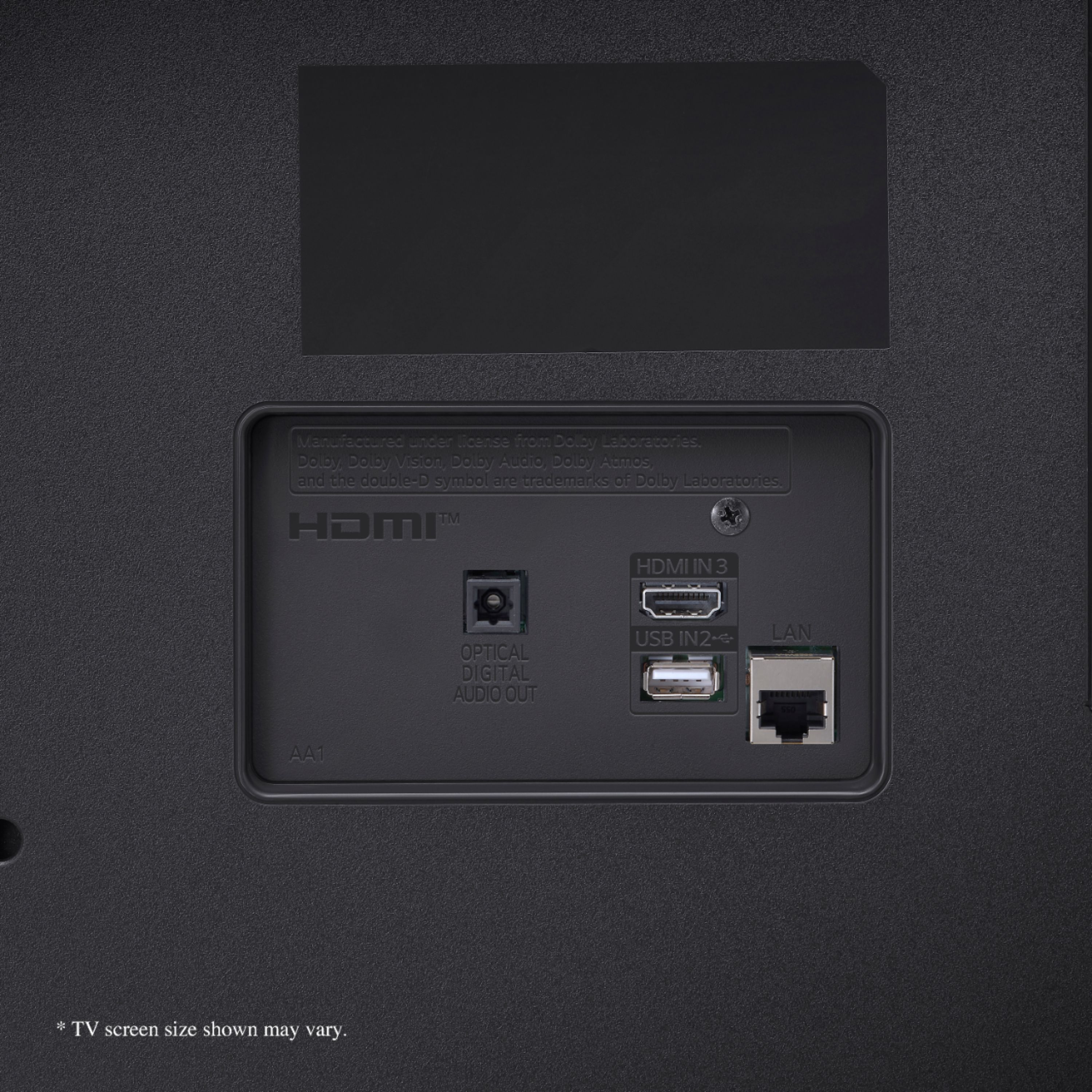
A:AnswerYou do not need to pick up special HDMI cables. The HDMI cable standard can impact color and resolution, but newer versions are not required for 4K TV. ^Daphane
A:AnswerfuboTV is in the LG Content Store (App Store). For a complete listing of available apps, please visit: https://us.lgappstv.com/main/tvapp. ^Daphane