A:AnswerYou can set the picture any way you want. The picture settings should be the topmost one on the settings screen. My suggestion is to go to the LG website or to Google to get specific instructions. Or call LG>
A:AnswerPlease seek recommendations/opinions at https://lgcommunity.us.com. The LG Community Forum is a great resource for getting help from other LG customers. ^Daphane
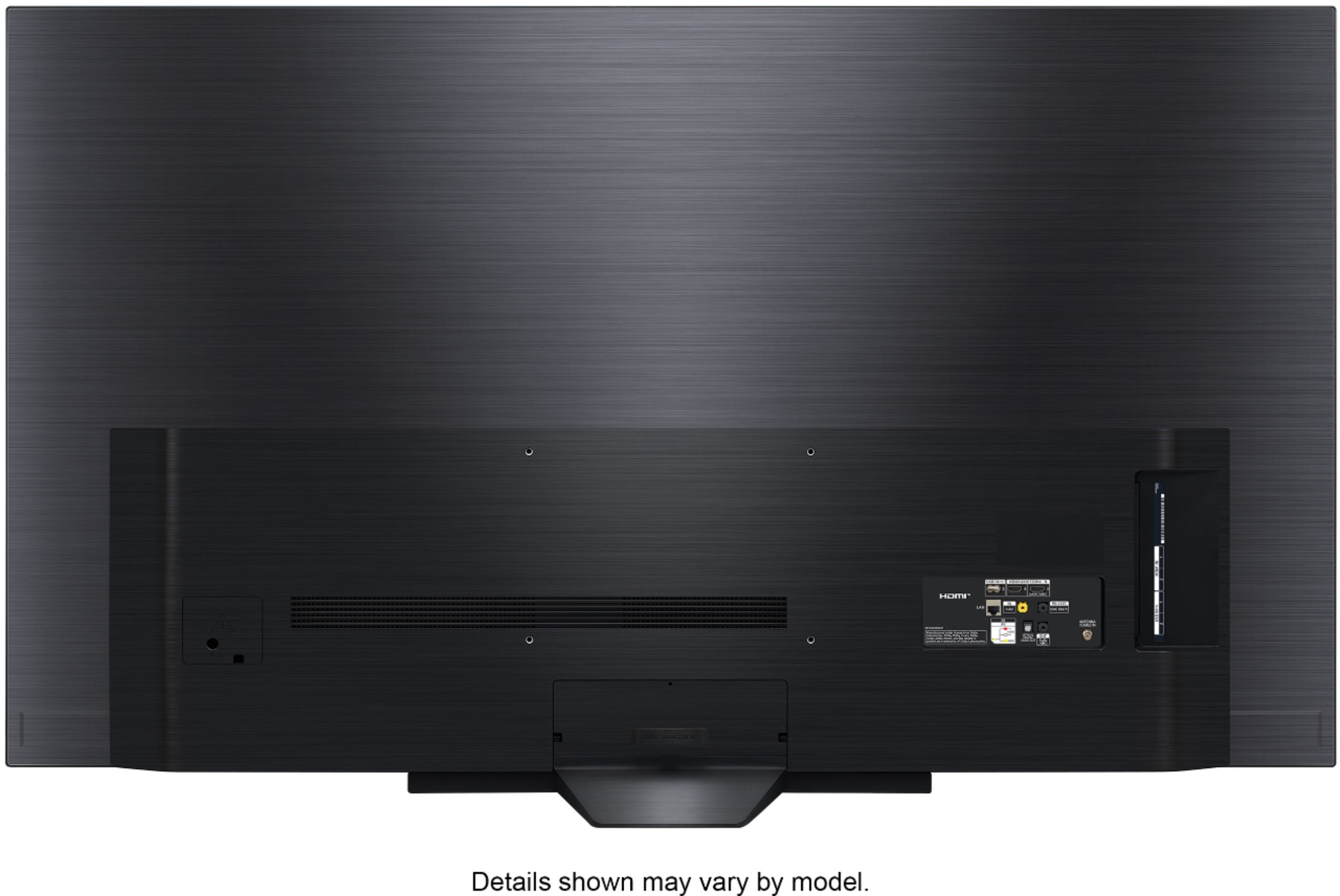
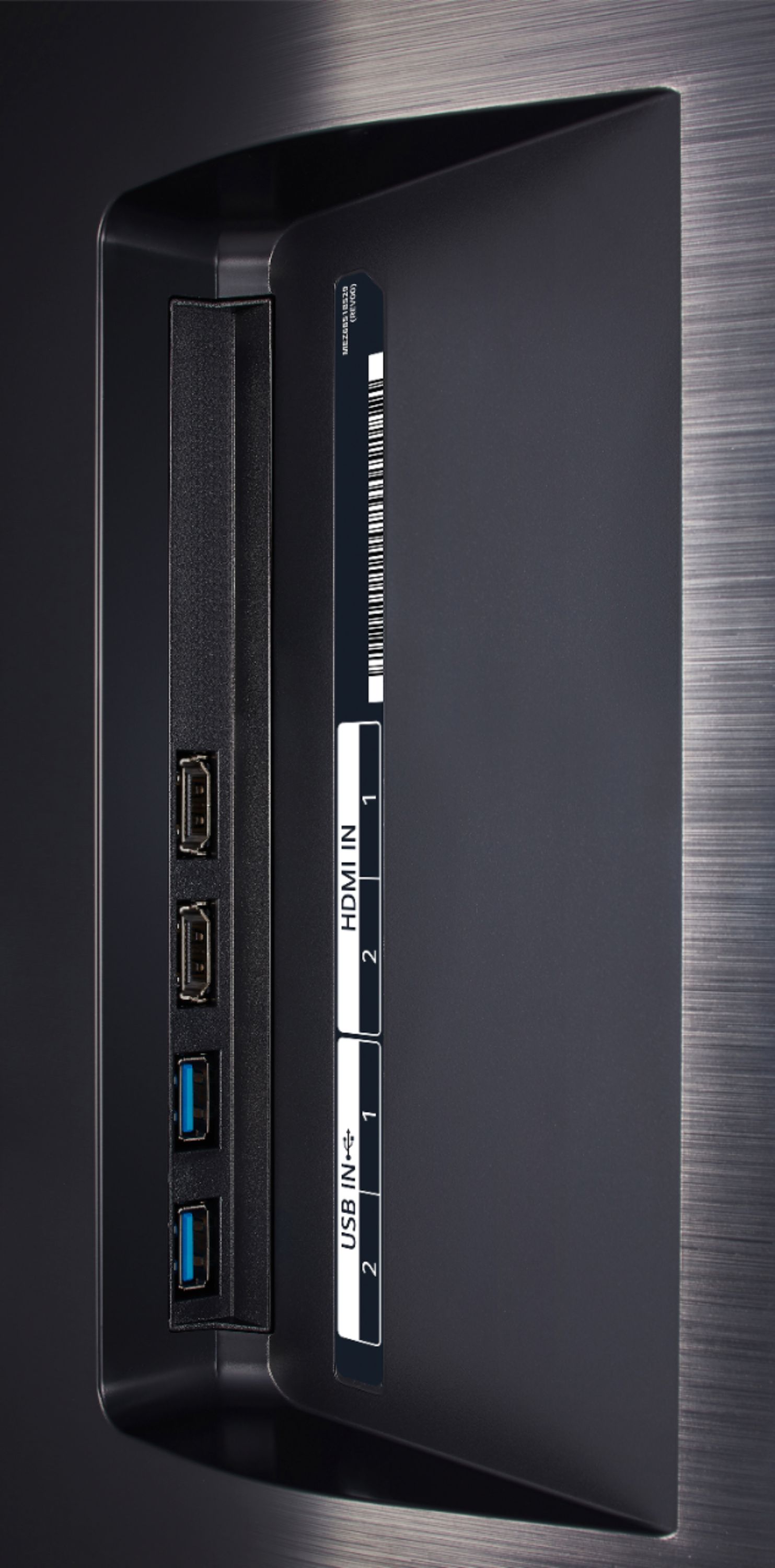
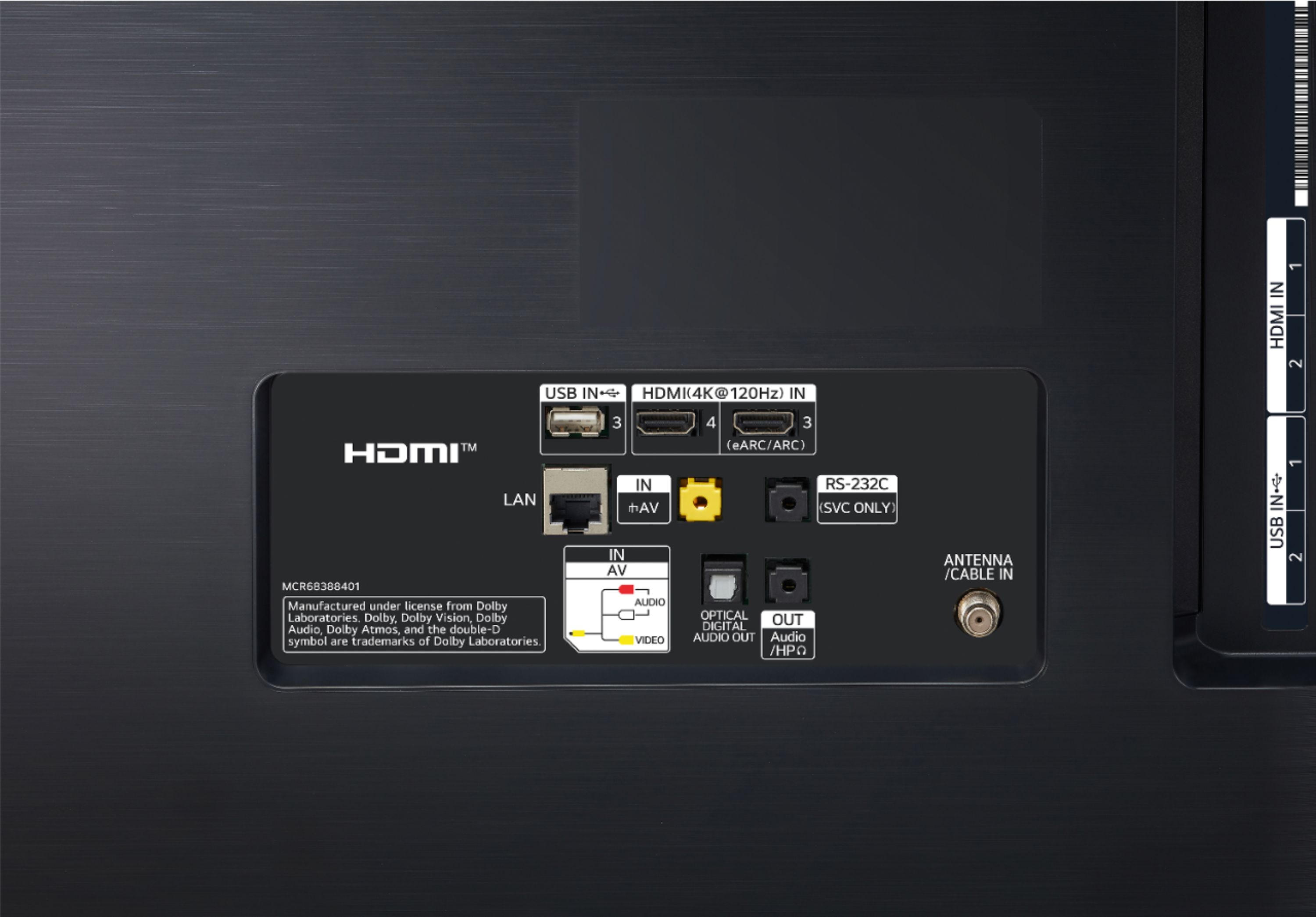
A:AnswerI encourage you to visit the product page and review specifications to ensure the TV has the necessary inputs/outputs to support the receiver. I am not familiar with the product to offer a helpful response. If you are in need of further assistance, please reach out to our support team on Twitter via @LGUSSupport or on Facebook at https://www.facebook.com/LGUSA. You can also try the LG Community Forum; it is a great resource for getting help from other LG customers: https://lgcommunity.us.com. ^Daphane https://www.lg.com/us/tvs/lg-oled65bxpua-oled-4k-tv
A:AnswerThe Refresh Rate is 120Hz (Native). OLED Motion Pro uses black frame insertion to improve motion handling. This literally inserts a black frame between every frame, which does help with motion, not supported on streaming content. ^Daphane
A:AnswerI am sorry, I do not have knowledge to offer a helpful answer. Please reach out to our support team on Twitter via @LGUSSupport or on Facebook at https://www.facebook.com/LGUSA/.You can also try the LG Community Forum; it is a great resource for getting help from other LG customers: https://lgcommunity.us.com. ^Daphane