Questions & Answers
- Model:
- 65SM9000PUA
- |
- SKU:
- 6339241
Highly rated by customers for: Picture Quality, Ease of use, Remote Control
Page Showing 101-106 of 106 questions
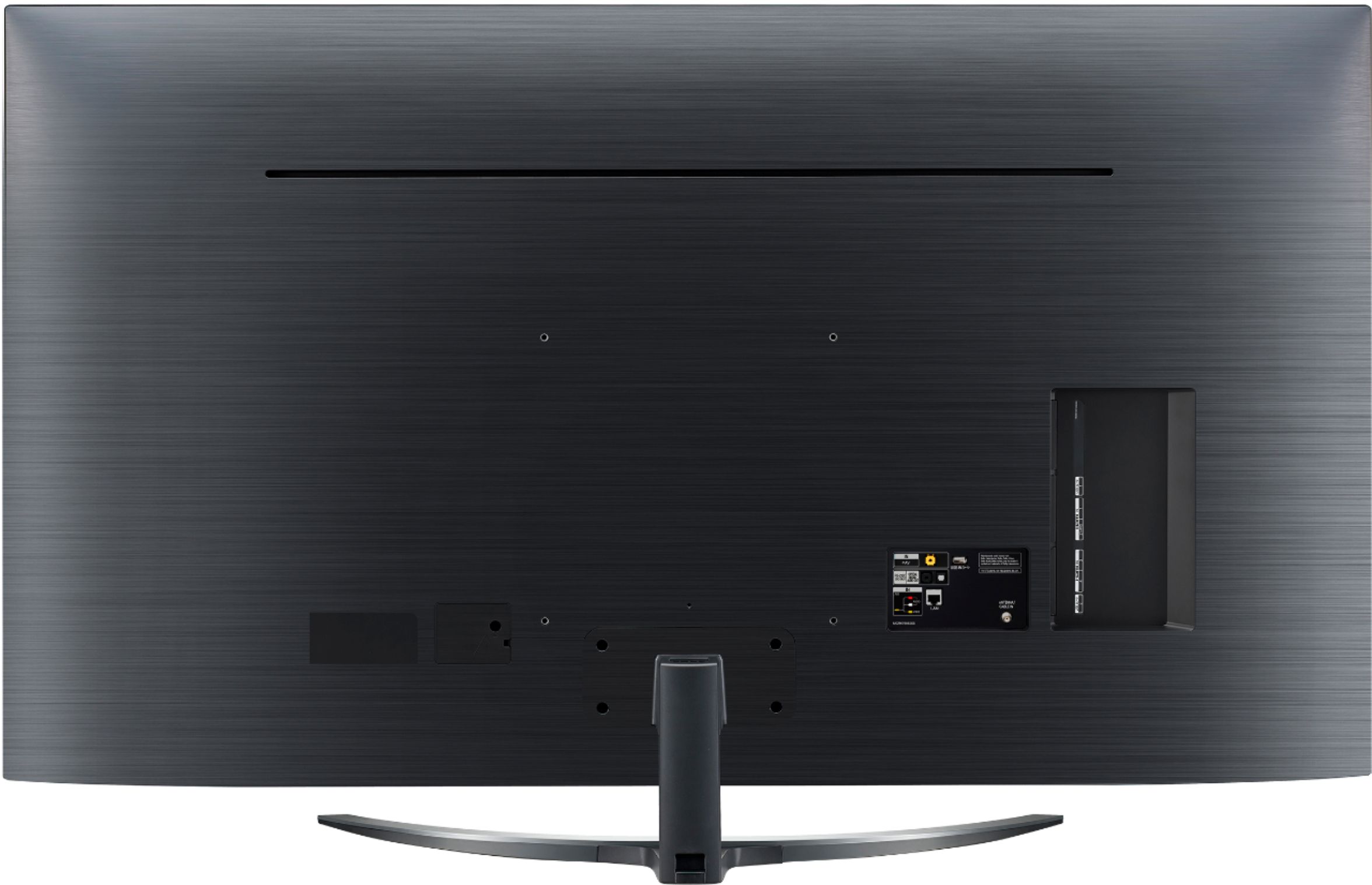
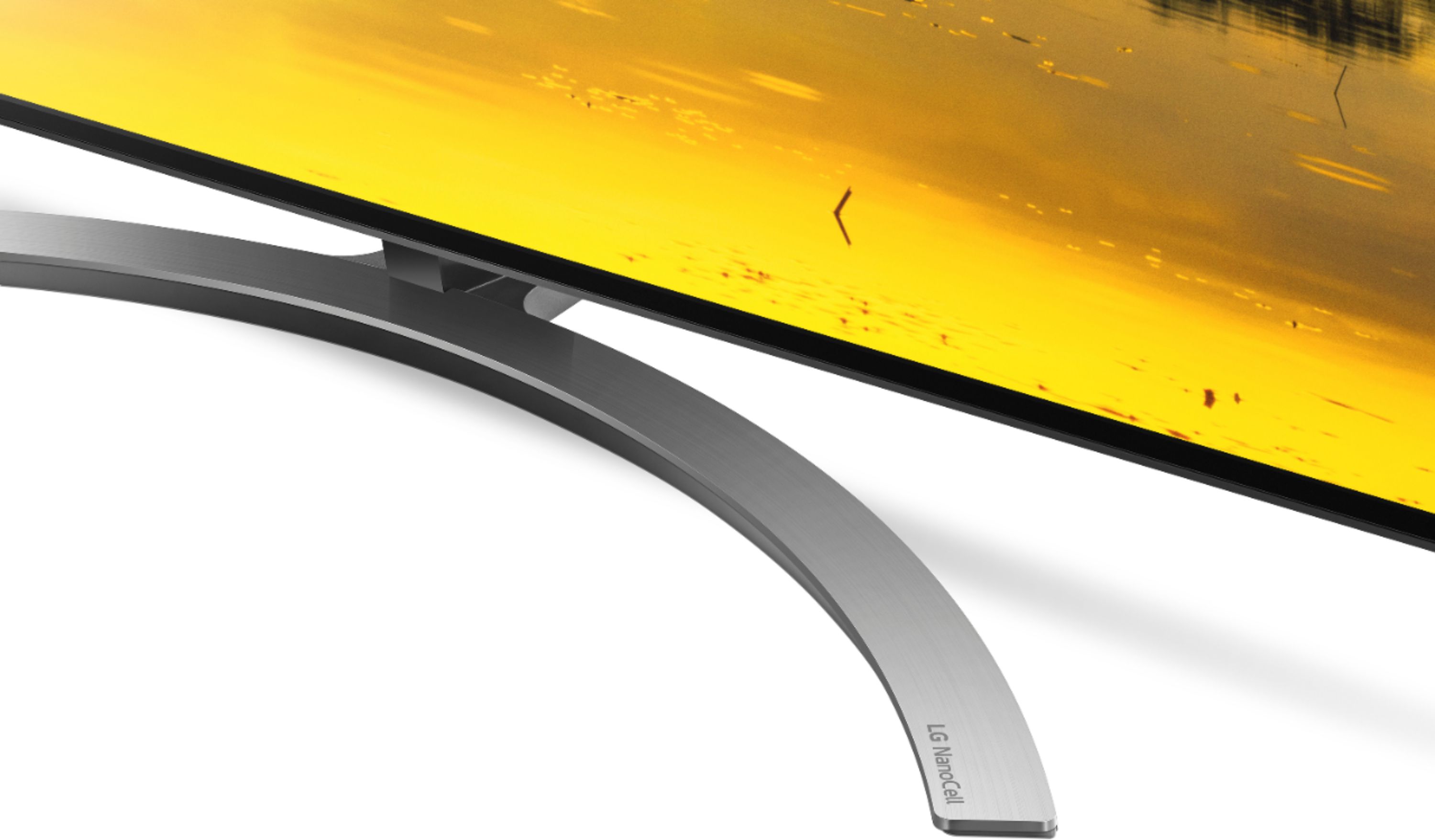
Q: QuestionWhy is the stand so wobbly? Can anything be done to correct that?
Asked by Trickypat72.
- A:Answer Maybe re- tightening it. Lg could have made a better stand. I have the same issue.
Answered by B169
Q: QuestionI read that Alexa is now built in. What does that mean and how can I use it? I couldn’t find any information in the manual or guide. Are there any videos?
Asked by Robert.
- A:Answer My understanding is that it helps you navigate the menus etc, or find content.
Answered by DGBMWR
Q: QuestionI hear the relays clicking like the TV is cycling on and off between commercials and when I change inputs even when playing video games on ps4 when it switches to a loading screen. It's turns off the sound bar when it does this too. My tv defective?
Asked by Robseda.
- A:Answer Same with my nano95. Is this a model thing?
Answered by Tobbe
Q: QuestionCan 65 inch NanoCell 9000 tv's get burn in?
Asked by Blaise.
- A:Answer All the information about this TV indicates, the risk is very minimal or non existent. Owning this tv for almost a month with being on for about 10 hr each day, do not see nor experience any burn in.
Answered by unhappy
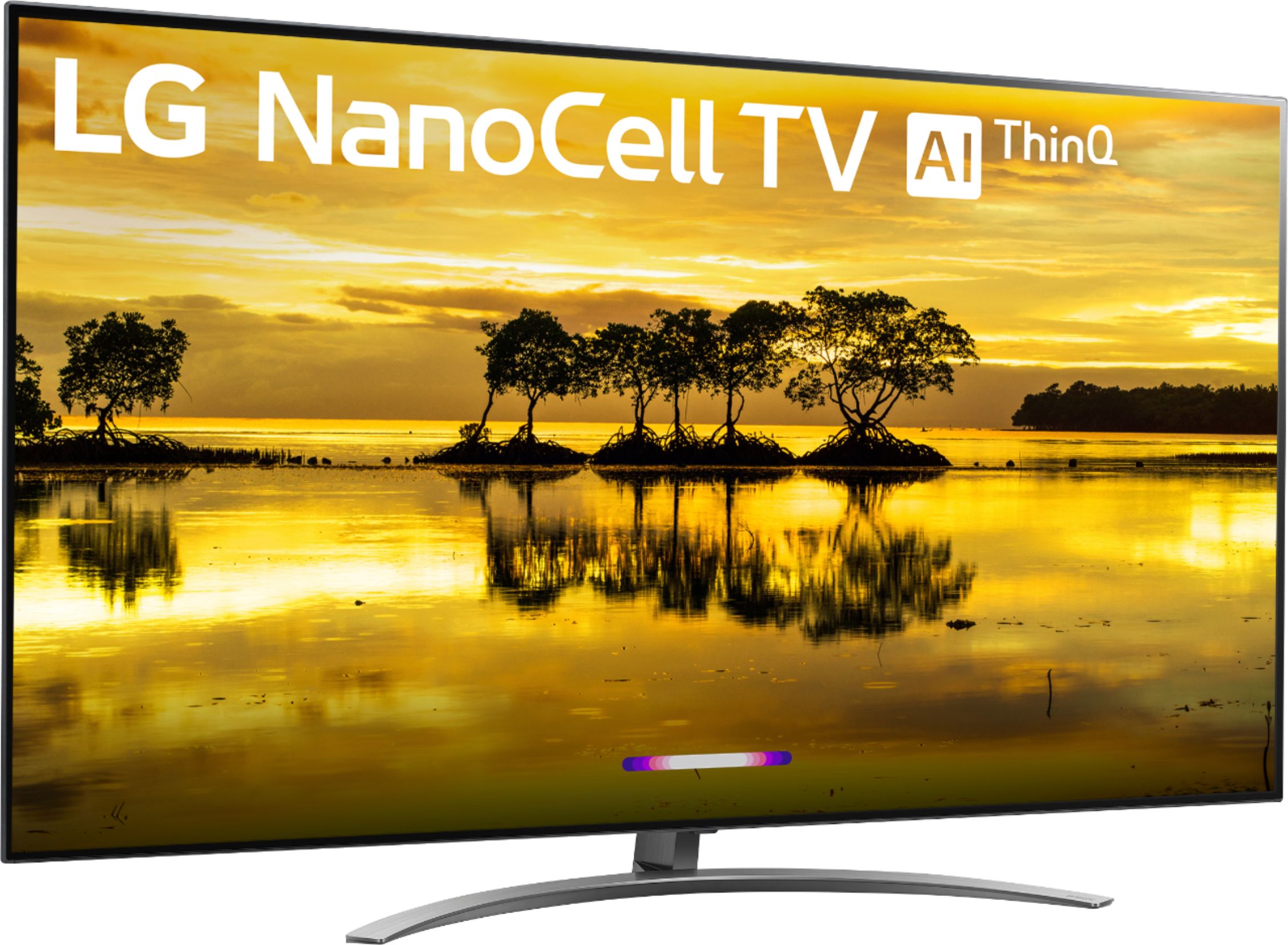
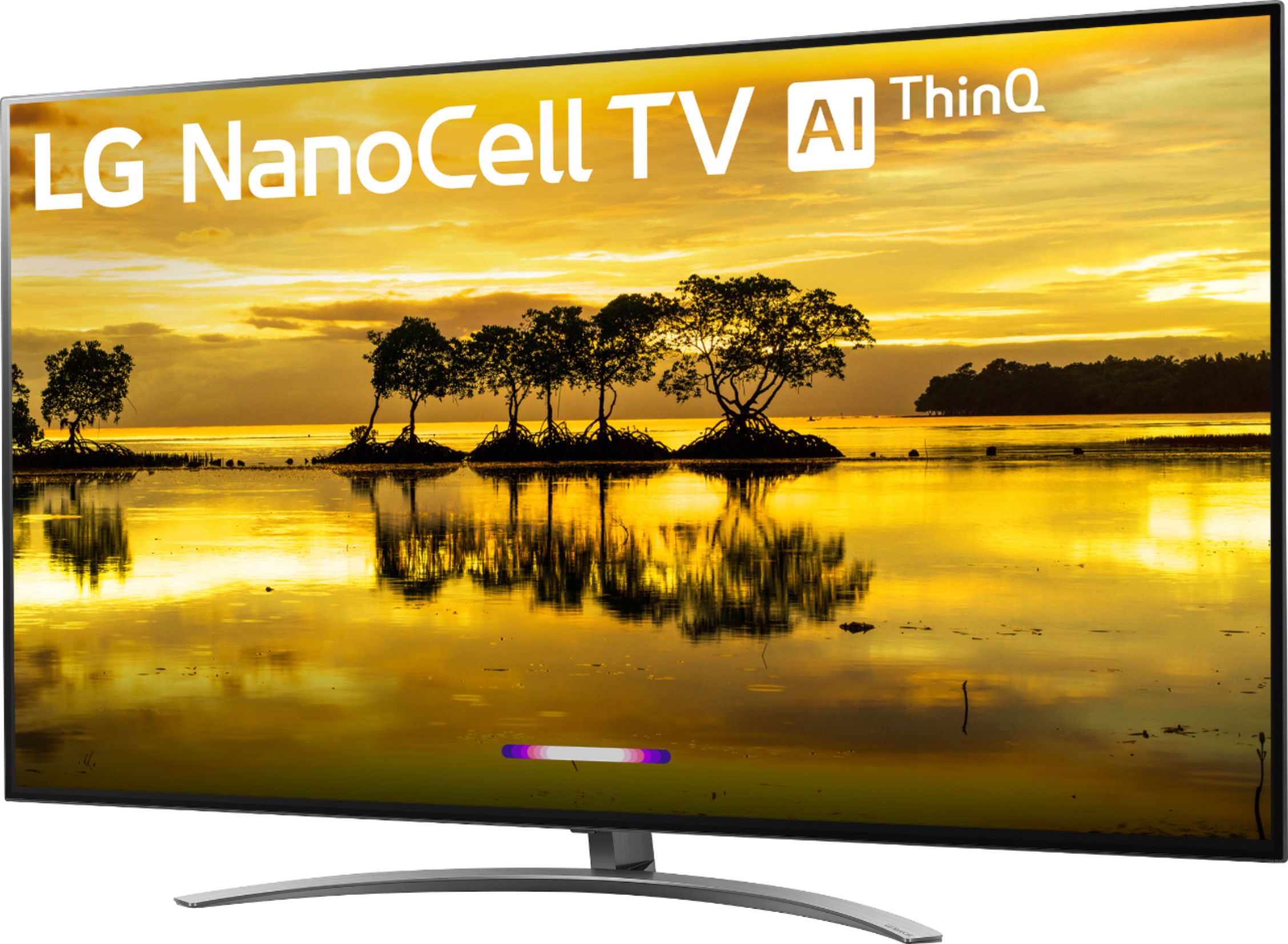
Q: QuestionCan some one explain to me what the Nano 9 refers tool.. What is it better than?
Asked by MrBill.
- A:Answer NanoCell technology improves color accuracy with an expanded color gamut that delivers true colors and deeper black levels at wide viewing angles (as far as 60 degrees). The result? No matter how you watch your favorite home entertainment, you’ll get an unrivaled experience, whether you're seated directly in front of your TV, or at an angle. Full Array Local Dimming delivers enhanced black levels, better shadow detail, greater contrast and superior picture quality, not to mention enriched colors and life-like images for a true home-cinema experience. The innovative α7 Gen 2 Intelligent Processor is at the center of intelligent enhancement of images, action and color. A powerful processor empowered by AI at its core. If you are in need of any assistance, have additional questions, or would just like to see our helpful tips, check us out on Twitter @LGUSSupport Facebook https://www.facebook.com/LGUSA/ ^CP
Answered by LG Digital Customer Care

Q: QuestionIs there no "Last" button to go back to the channel you were just on? Almost every remote I've owned has this and I can't find it and guessing LG decided not to add this?? big bummer
Asked by Bizy.
- A:Answer The LG TV does not have a “previous channel” button. In other words the button you use to toggle between two sports channels, or two movies, it does not exist. Tried calling the LG customer service line to confirm this and they did. How is a TV remote designed today without a previous channel button? This LG TV has been in my house for one day and it is going back to Nest Buy. I do not want a TV where the engineers can forget the most basic feature. This tells me they can’t get the big and hard things correct if they can’t get the small and easy things correct. Never buy and LG TV for competent engineering of remote control features.
Answered by Unhappy
Top Rated
- Tech Fest Deal$99.99