A:AnswerHBO Max is not currently available on LG’s webOS platform. However, we are continually working to add the latest streaming applications, such as HBO, but cannot provide a concrete timeline at this time. In the meantime, our webOS platform offers over 600 apps including streaming content and games - including over 180 free streaming channels via the LG Channels app. Also, you can access much of the HBO content through the Amazon Prime, YouTube TV or Apple TV+ apps that are available on our platform. For a complete listing of available apps, please visit: https://us.lgappstv.com/main/tvapp. ^Daphane UPDATE: HBO Max is now available in the LG Content Store and is accessible to TVs with a webOS4.0/4.5/5.0/6.0. ^Daphane
A:AnswerLG TVs do not support the Spectrum TV app. You can access the app via a Roku device to hook up to your tv or gaming console like an Xbox One. ^Daphane
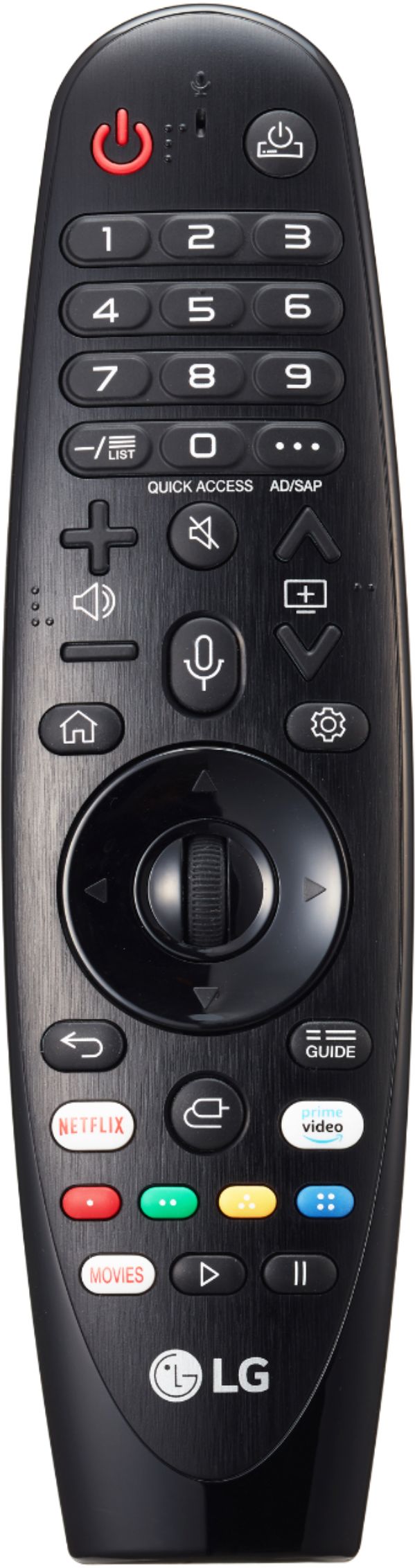
A:AnswerYou can screen share using the app LG TV Plus which is available in your app store. With the LG TV Plus app, control your smart TV, view photos, and play videos and music from your phone on the big TV screen. ^Daphane
A:AnswerThe refresh rate of this TV is TruMotion 240- Native 120Hz. TruMotion is LG's implementation of motion smoothing. Motion smoothing works by increasing the framerate of the video by inserting extra “fake” frames between each real frame. ^Daphane https://www.lg.com/us/support/help-library/trumotion-hdtv-netcast-webos-CT10000018-20150159237971
A:AnswerThe resolution and refresh rate would put it ahead of most TVs in its price range especially if you catch it on sale. Only thing that would be better quality starts approaching the $2k price range. Currently running all current gen consoles on it and am perfectly happy. Also has plenty of room for apps.