A:AnswerAny VESA Compliant Wall Mount that supports the TV's Wall Mount Interface Pattern (300 x 300) can be used whether Fixed, Tilting or Full Motion. ^Daphane
A:AnswerI am sorry, I do not have information on this. You can try the LG Community Forum; it is a great resource for getting help from other LG customers: https://lgcommunity.us.com. ^Daphane
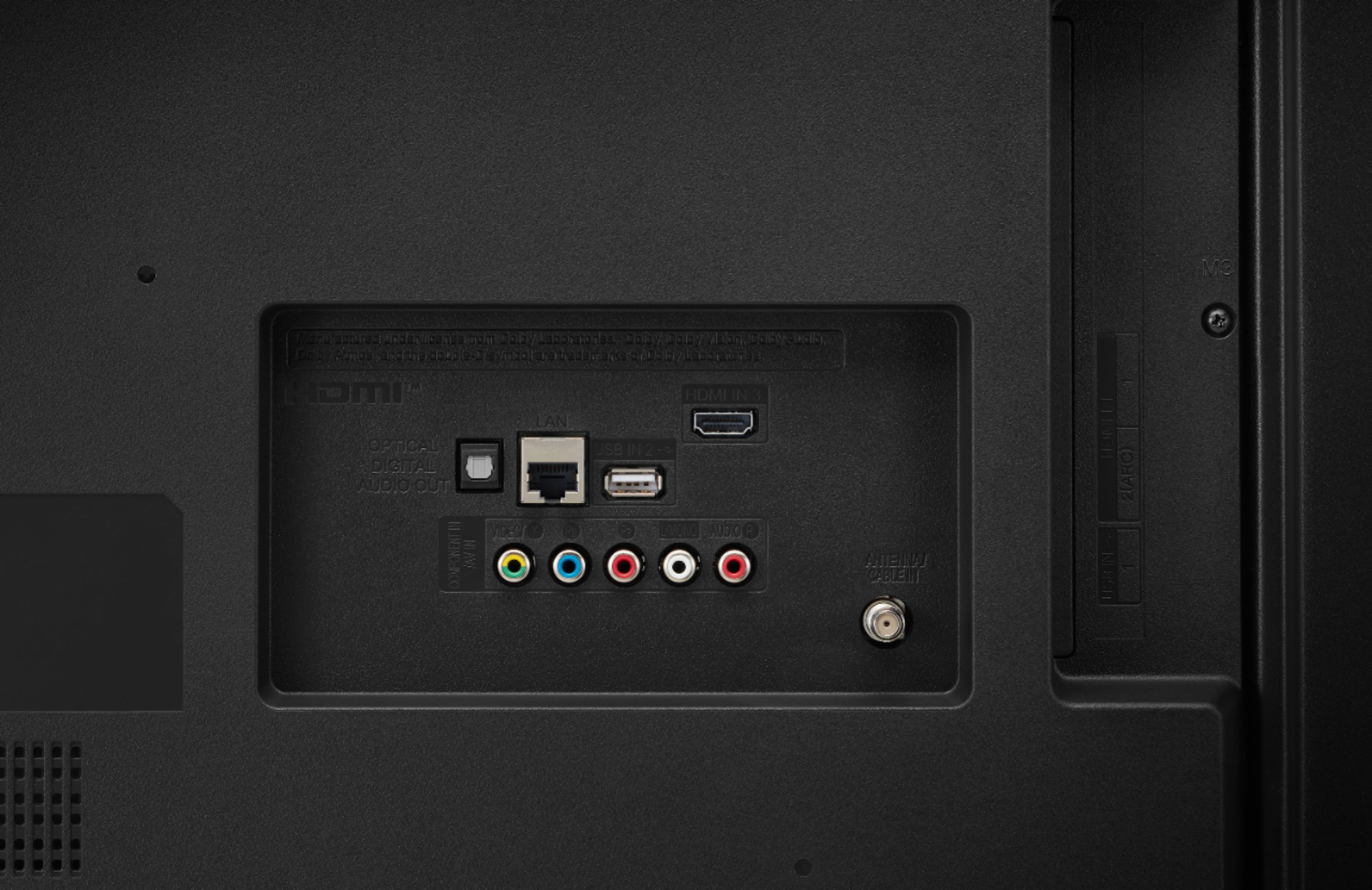
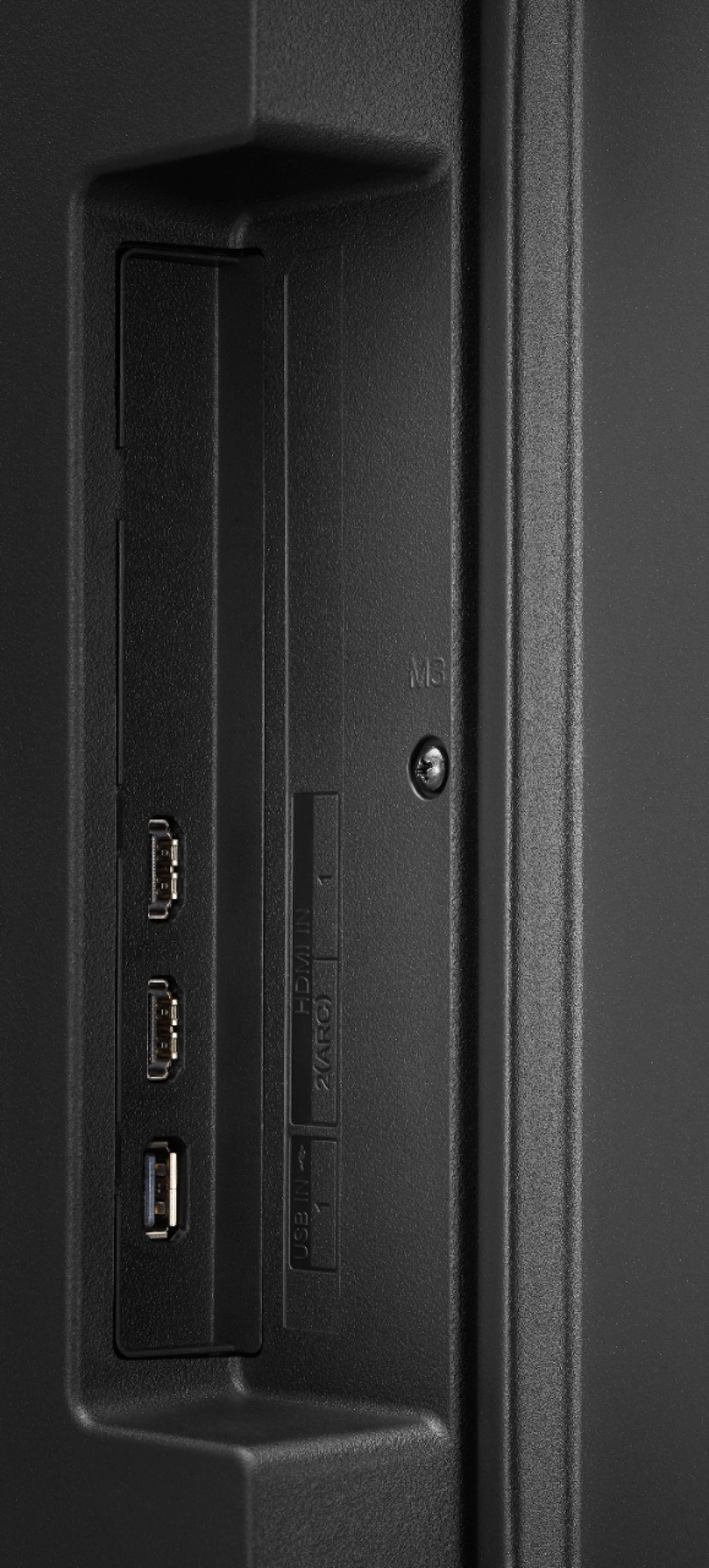
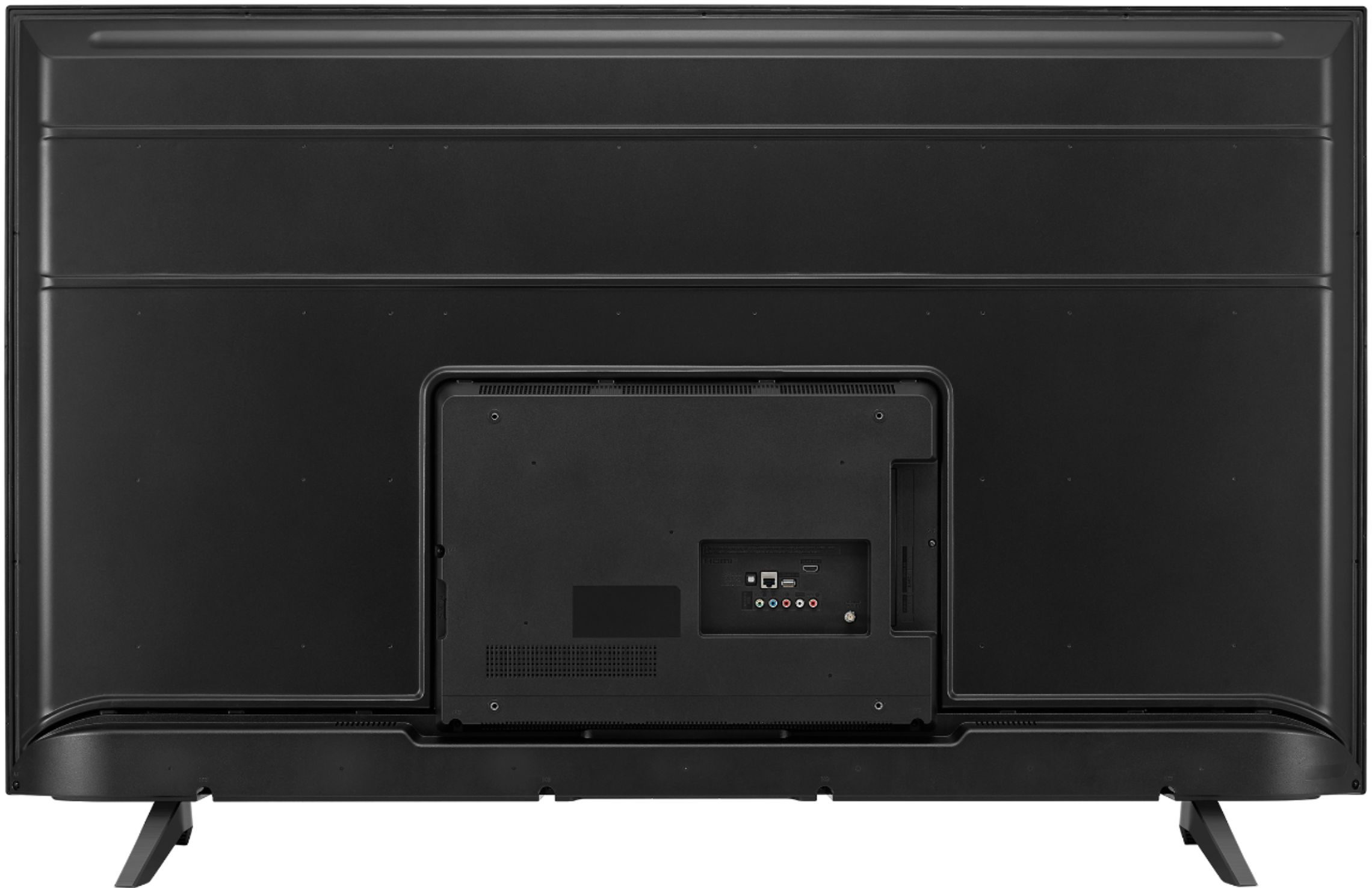
A:AnswerThere are 3 ways to make the connection: digital optical cable, RCA jacks and HDMI, using the TV's ARC. Assuming the TV and your receiver are playing nice with one another, just turn on the TV and that should turn on your receiver and then hit whatever input (source) on your receiver's remote. But if you have to power them up separately, no biggie, so you do. Then hit your receiver's remote source. On mine it says: SAT/CATV, which is my cable box.
A:AnswerHBO Go/Max is not available on our webOS platform. Xfinity Stream Beta is available for download in the LG Content Store. Please visit the link below to browse the available apps for download. Additional charges apply for certain services. ^Daphane https://us.lgappstv.com/main
A:AnswerESPN/ESPN+ are not currently available on our webOS platform. However, we are continuously working to add the latest streaming applications. At this time we cannot provide a concrete timeline as to when it may be available. In the meantime, our webOS platform offers over 600 apps including streaming content and games - including over 180 free streaming channels via the LG Channels app (on select models). For a complete listing of available apps, please visit https://us.lgappstv.com/main/tvapp. ^Daphane
A:AnswerRegrettably, I do not know the specifics on accessing apps. The LG Community Forum is a great resource for getting help from other LG customers: https://lgcommunity.us.com. Thank you. ^Daphane
A:AnswerESPN APP/ESPN+ is not currently available. However, we are continually working to add the latest streaming applications, such as HBO, but cannot provide a concrete timeline at this time. In the meantime, our webOS platform offers over 600 apps including streaming content and games - including over 180 free streaming channels via the LG Channels app. Also, you can access much of the HBO content through the Amazon Prime, YouTube TV or Apple TV+ apps that are available on our platform. For a complete listing of available apps, please visit: https://us.lgappstv.com/main/tvapp. ^Daphane
A:AnswerHBO Max is not currently available. However, we are continually working to add the latest streaming applications, such as HBO, but cannot provide a concrete timeline at this time. In the meantime, our webOS platform offers over 600 apps including streaming content and games - including over 180 free streaming channels via the LG Channels app. Also, you can access much of the HBO content through the Amazon Prime, YouTube TV or Apple TV+ apps that are available on our platform. For a complete listing of available apps, please visit: https://us.lgappstv.com/main/tvapp. ^Daphane UPDATE: HBO Max is now available in the LG Content Store and is accessible to TVs with a webOS4.0/4.5/5.0/6.0. ^Daphane