A:AnswerThis TV has a webOS platform. Our webOS platform offers over 600 apps including streaming content and games - including over 180 free streaming channels via the LG Channels app. For a complete listing of available apps, please visit: https://us.lgappstv.com/main/tvapp. ^Daphane
A:AnswerWe recommend LG Sound bar for the best compatibility with LG Sound Sync and SIMPLINK that will support Dolby Vision® video pass through. ^Daphane
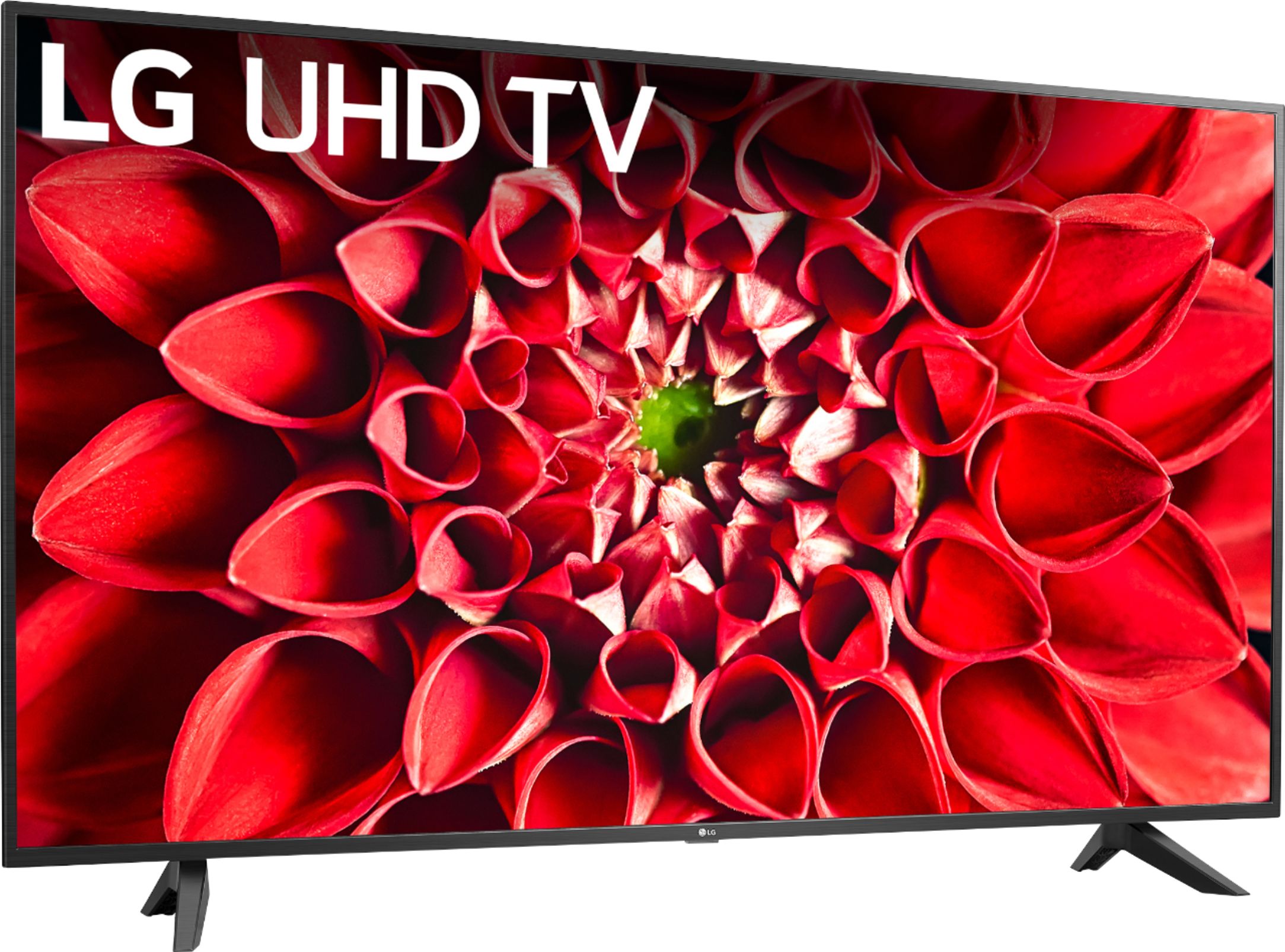
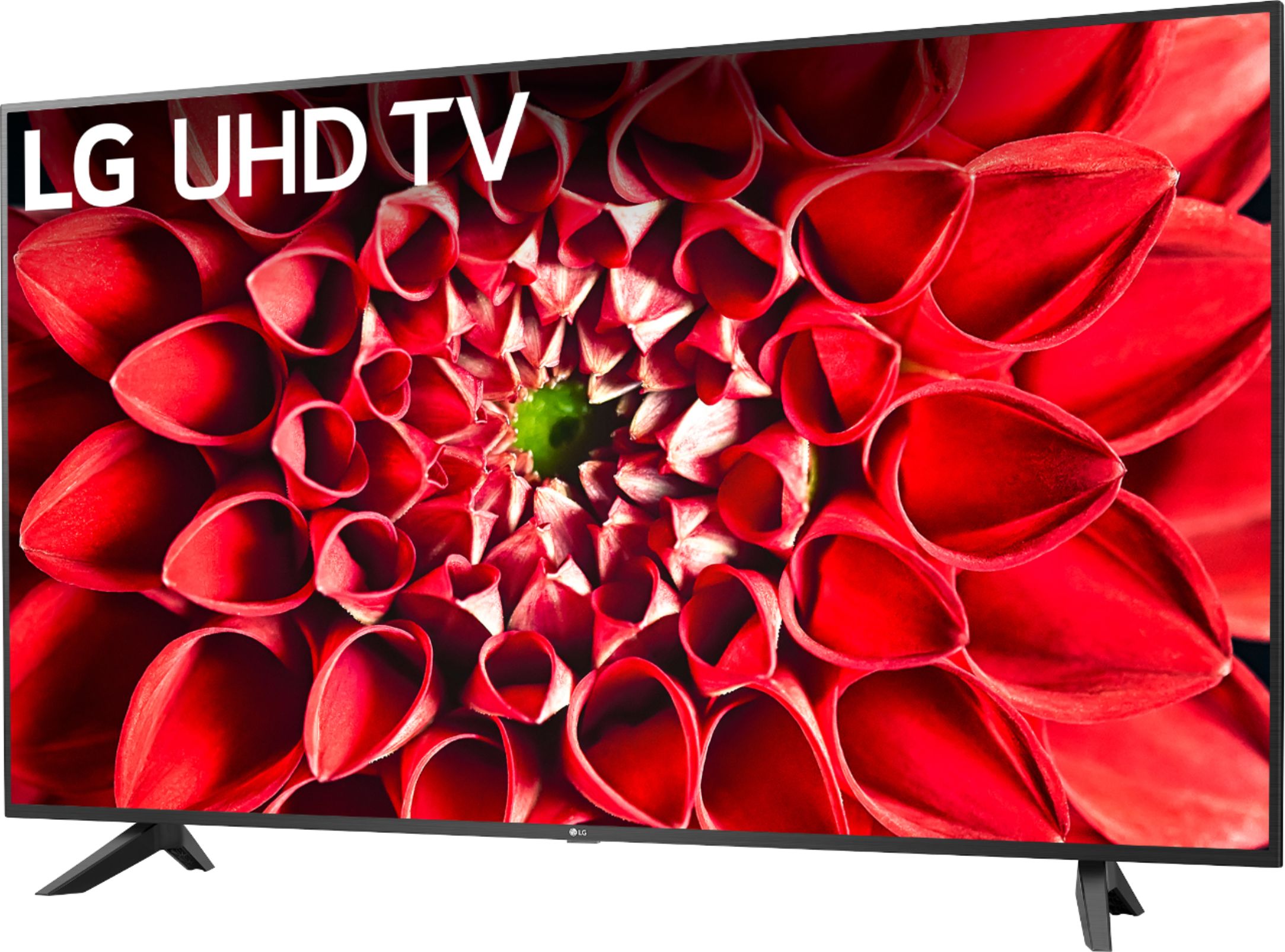
A:AnswerThe LG UHD 70 Series 65 inch 4K HDR Smart LED TV, Model # 65UN7000PUD does not support Dolby Atmos®. LG TVs that support Dolby Atmos® start with the LG NanoCell 85 Series 2020 4K Smart UHD NanoCell TV w/ AI ThinQ® and above and all the LG OLED models support Dolby Atmos®. The LG UHD 8570 Series 4K Smart UHD TV with AI ThinQ® which is offered in 86", 82" and 75" screen sizes also supports Dolby Atmos® as does the LG UHD 8500 Series 4K Smart UHD TV with AI ThinQ® which is only offered as a 65" screen...^IFV
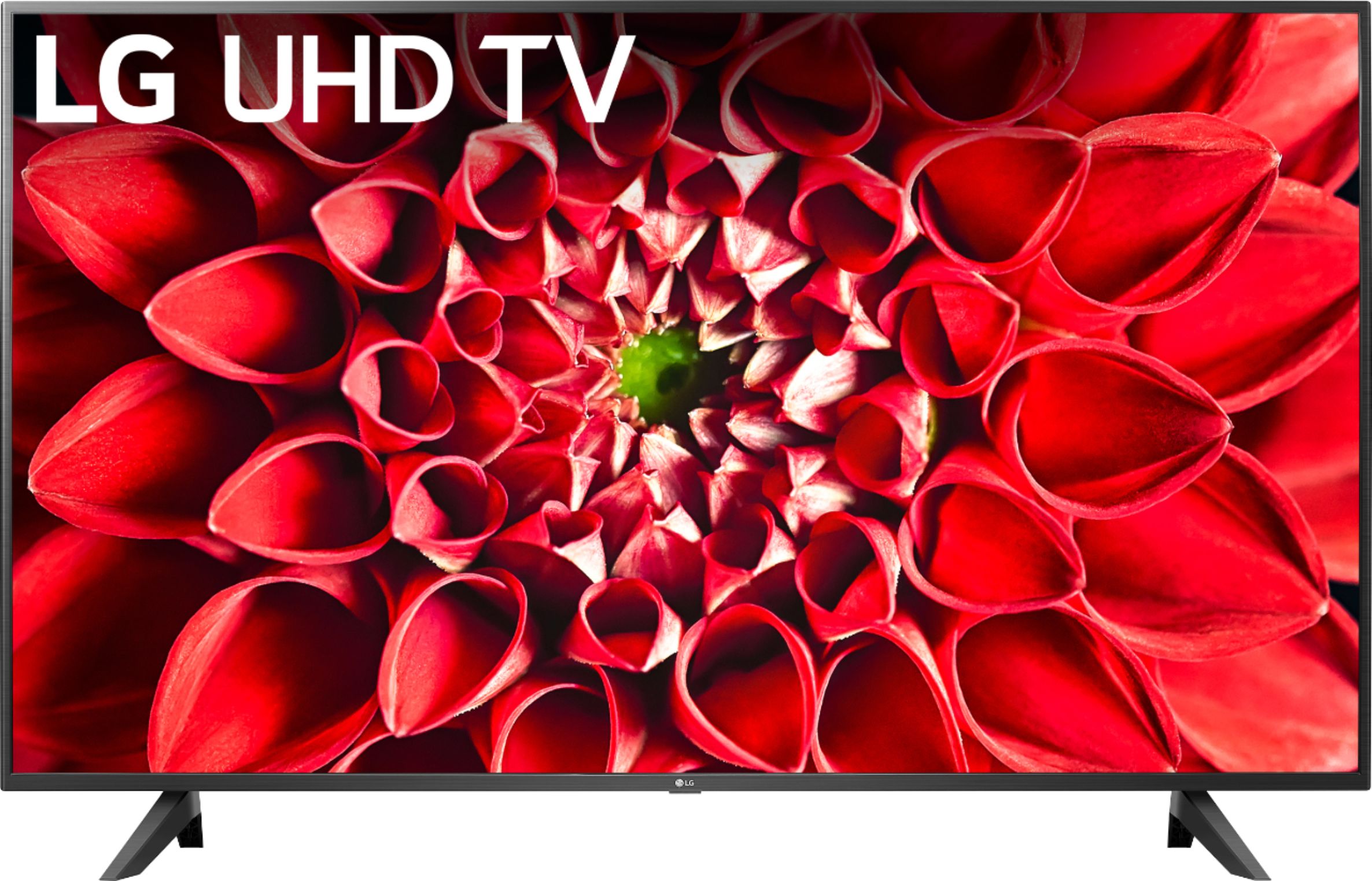
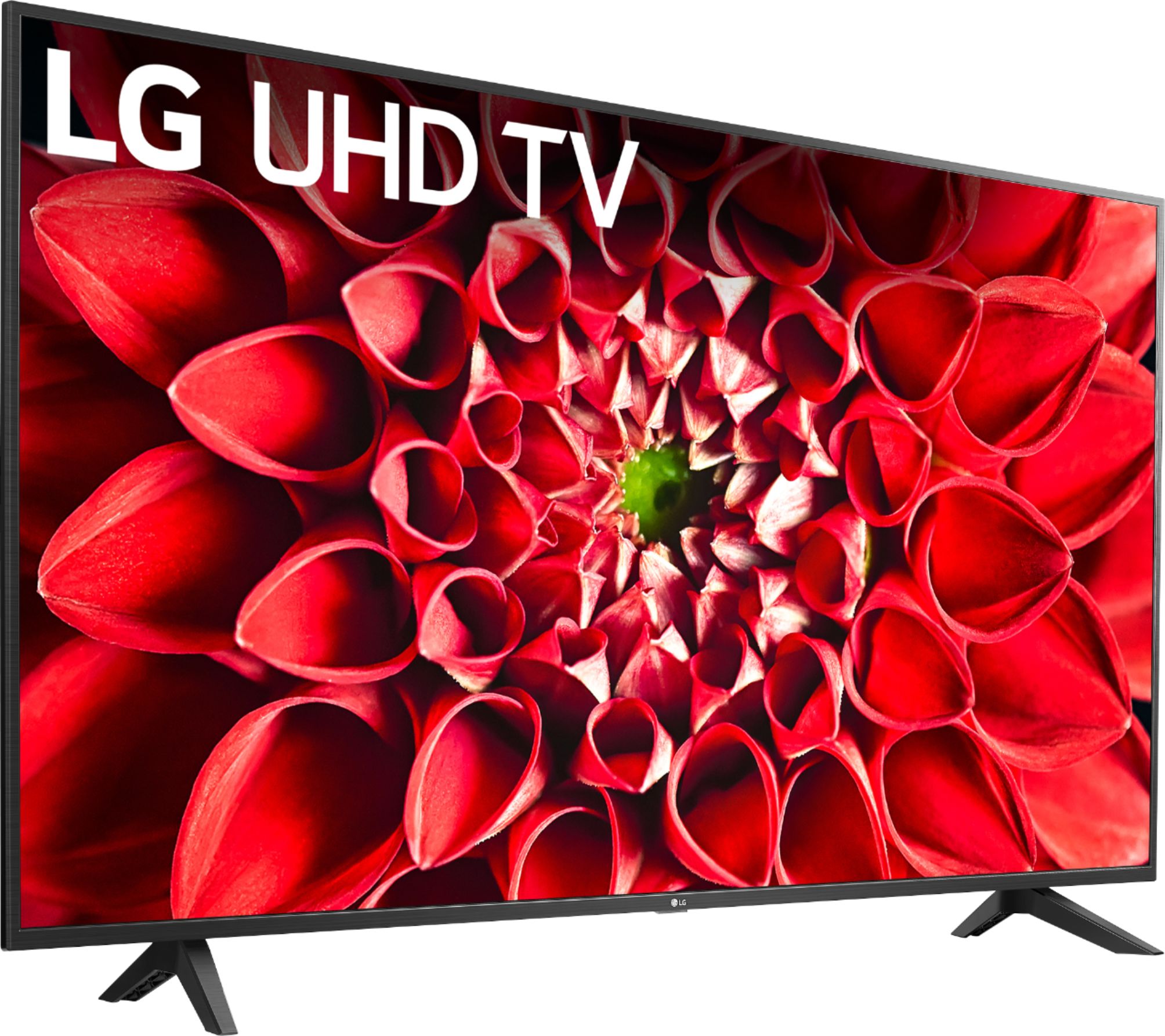
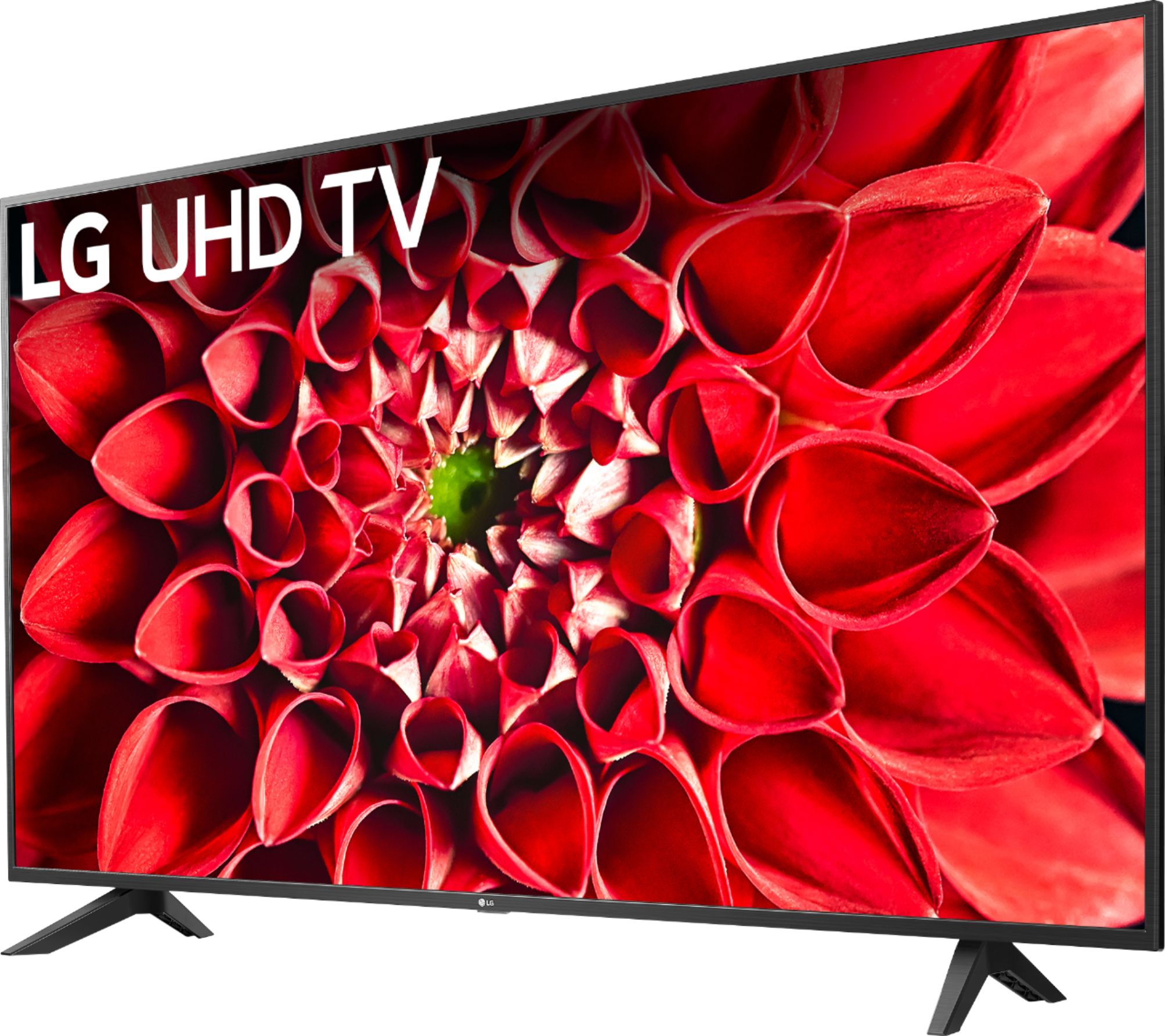
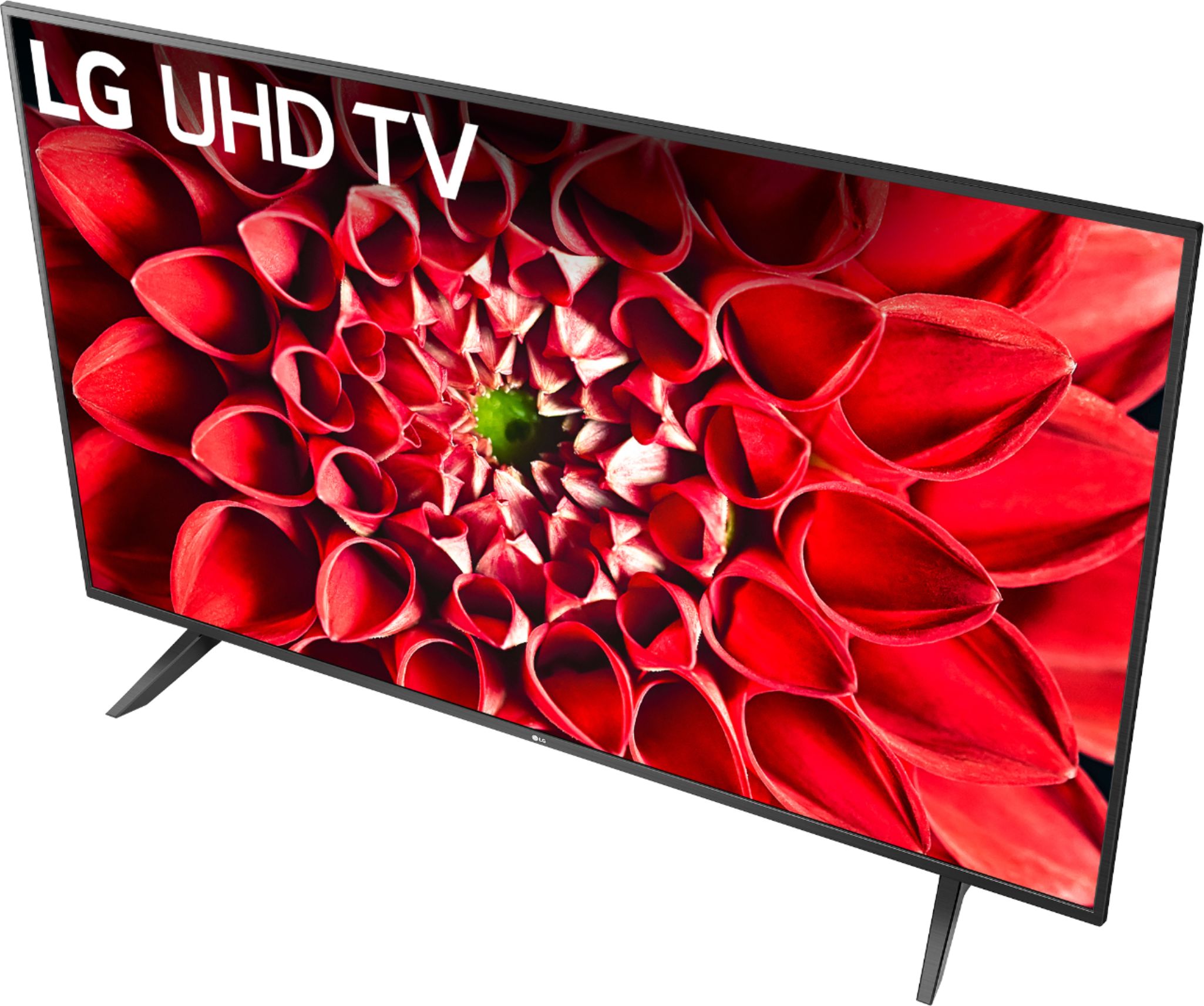
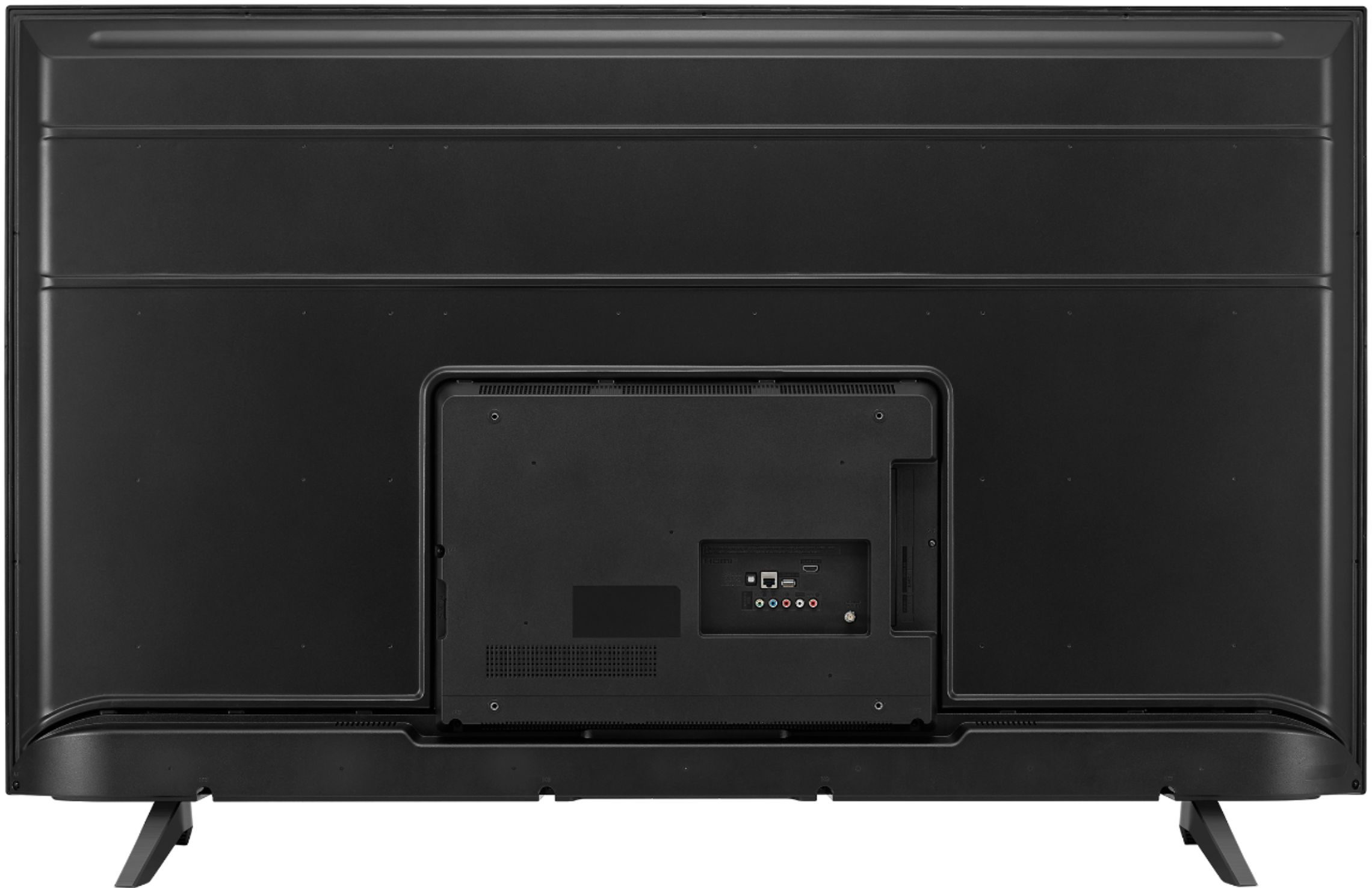
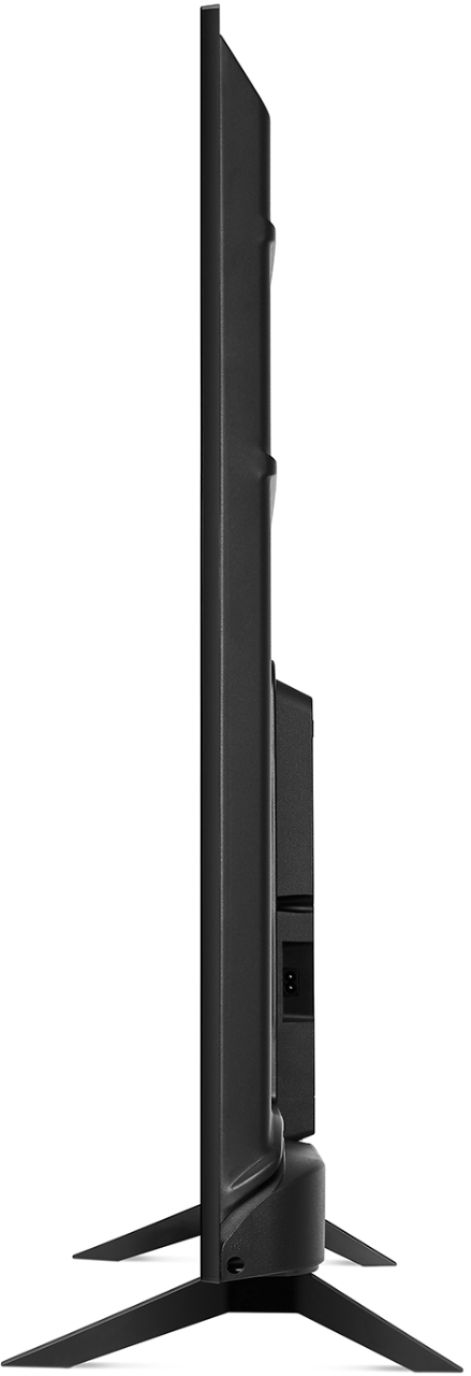
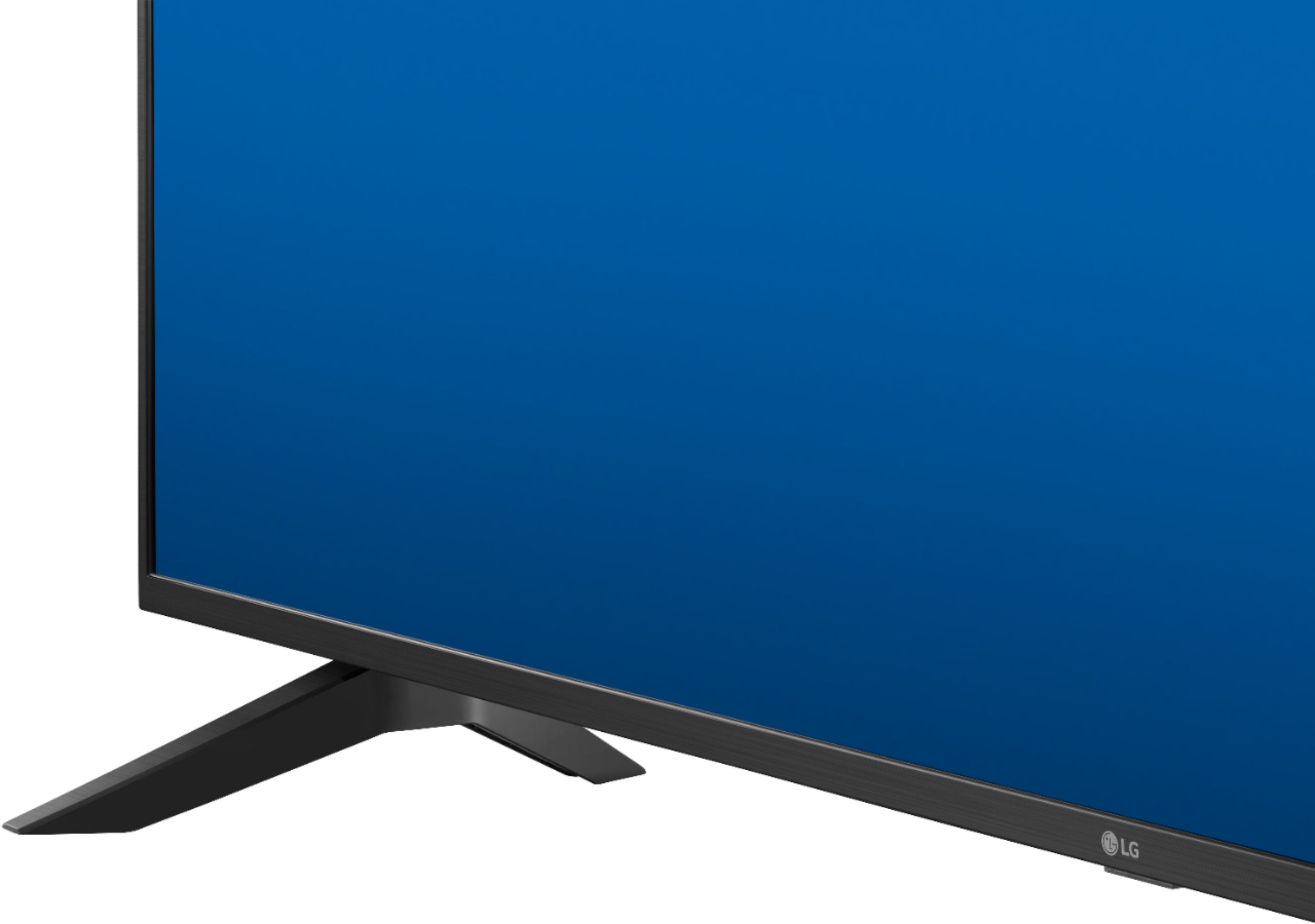
A:AnswerThe stand legs for the LG UHD 70 Series 65 inch 4K HDR Smart LED TV, Model # 65UN7000PUD are packaged with the TV and will have to be attached to the TV with the provided screws...^IFV
A:AnswerFuboTV is not available on the LG UHD 70 Series 65 inch 4K HDR Smart LED TV, Model # 65UN7000PUD. It is not a compatible app that is available for download and installation on the TV from the LG Content Store (App Store)...^IFV
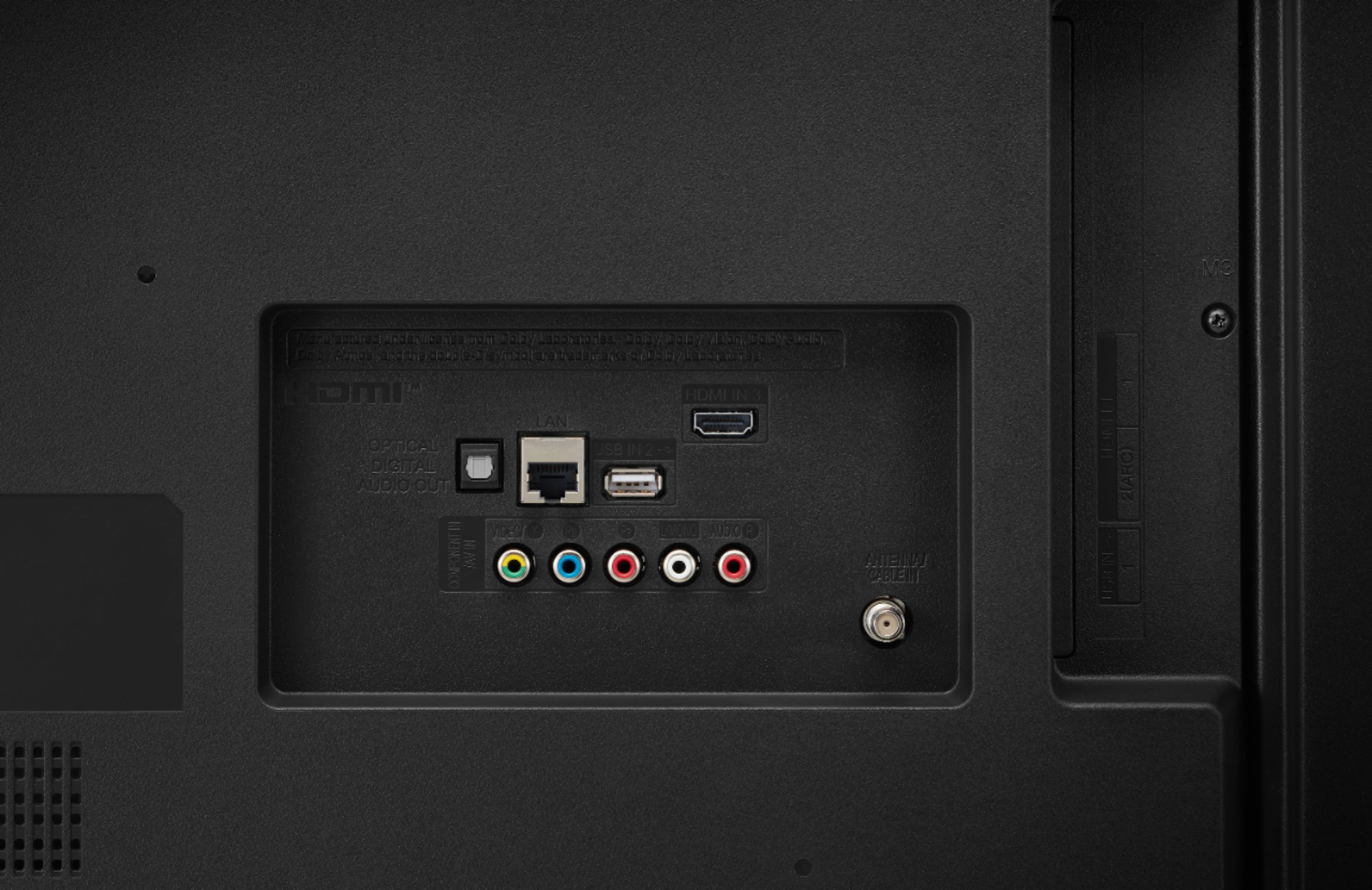
A:AnswerThe LG UHD 70 Series 65 inch 4K HDR Smart LED TV, Model # 65UN7000PUD does not support Bluetooth so you cannot pair Wireless Bluetooth Headphones with it. You can connect the Charging/Transmitting station for Infrared Wireless Headsets to the Optical Digital Audio Out on the TV but you will need to purchase a Digital/Analog Converter and the necessary cables to make the necessary connections...^IFV