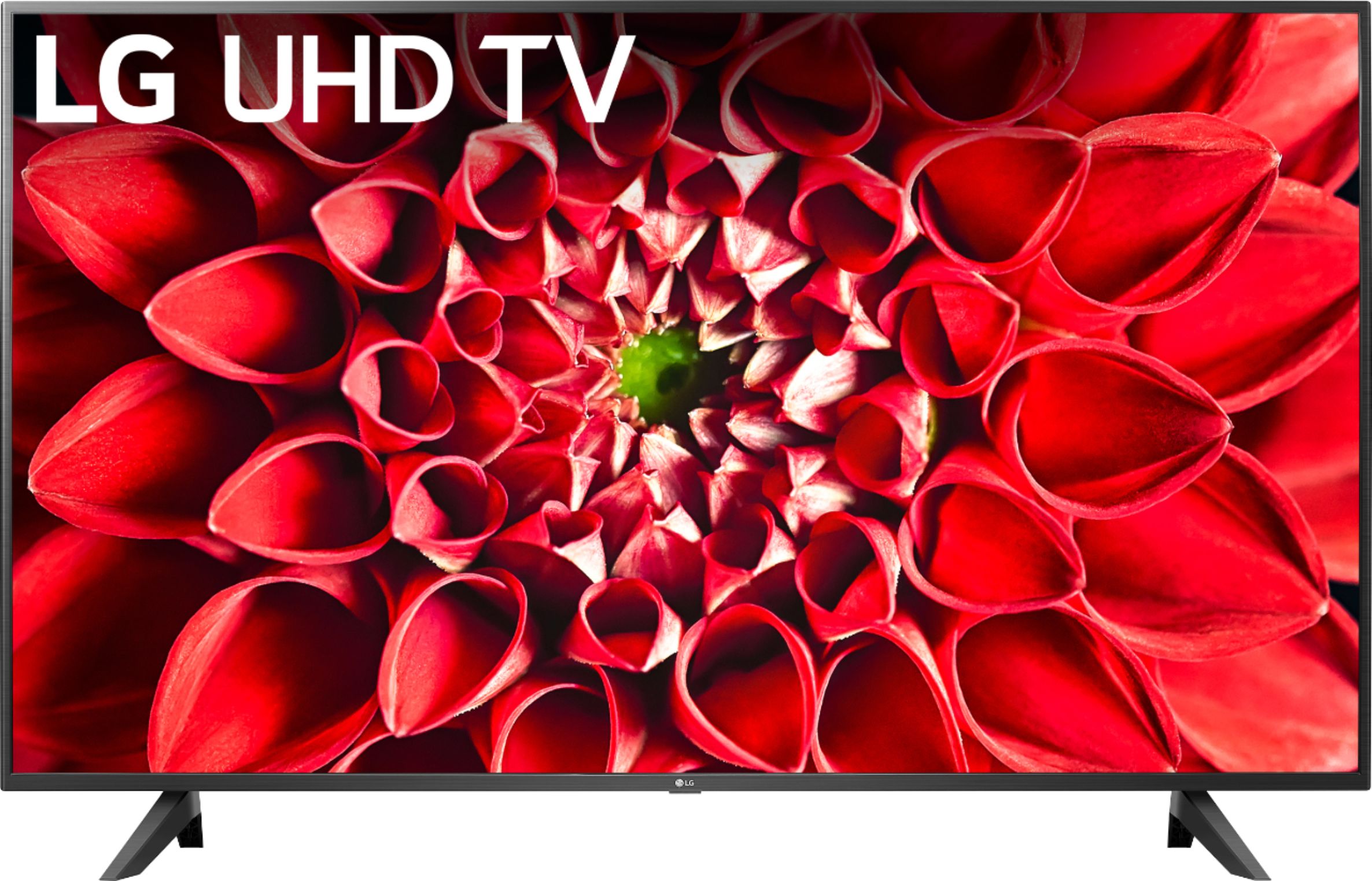
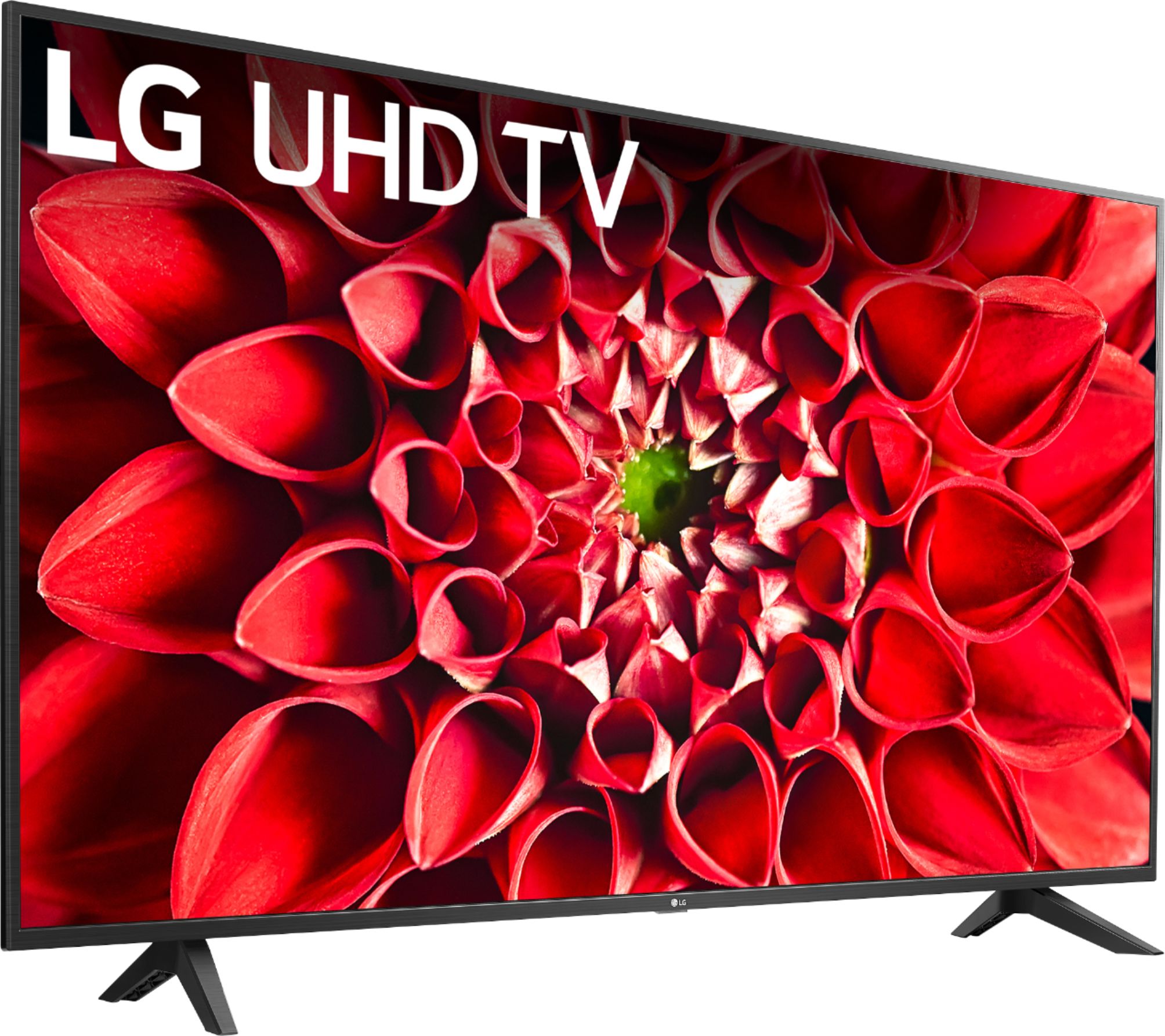
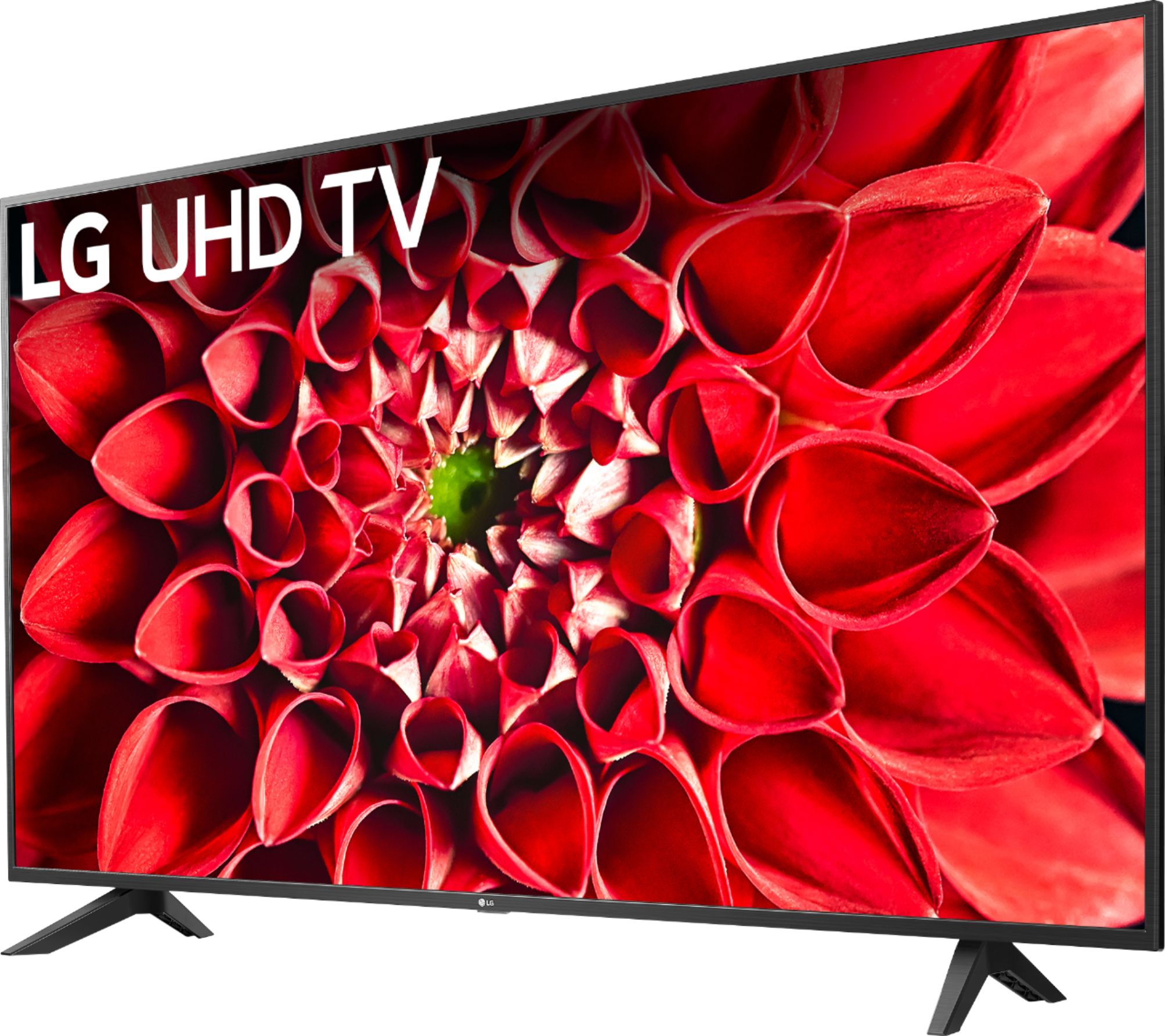
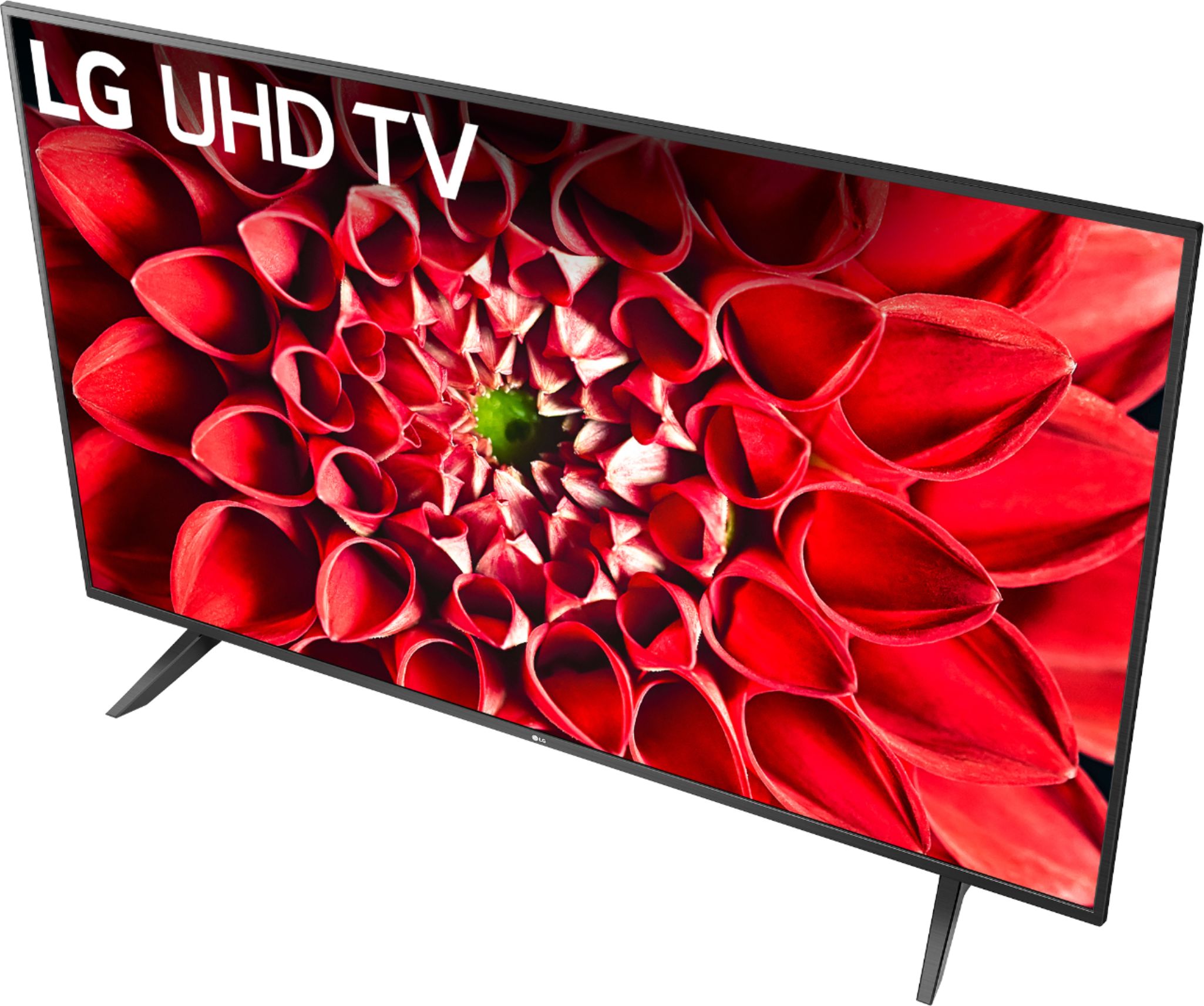
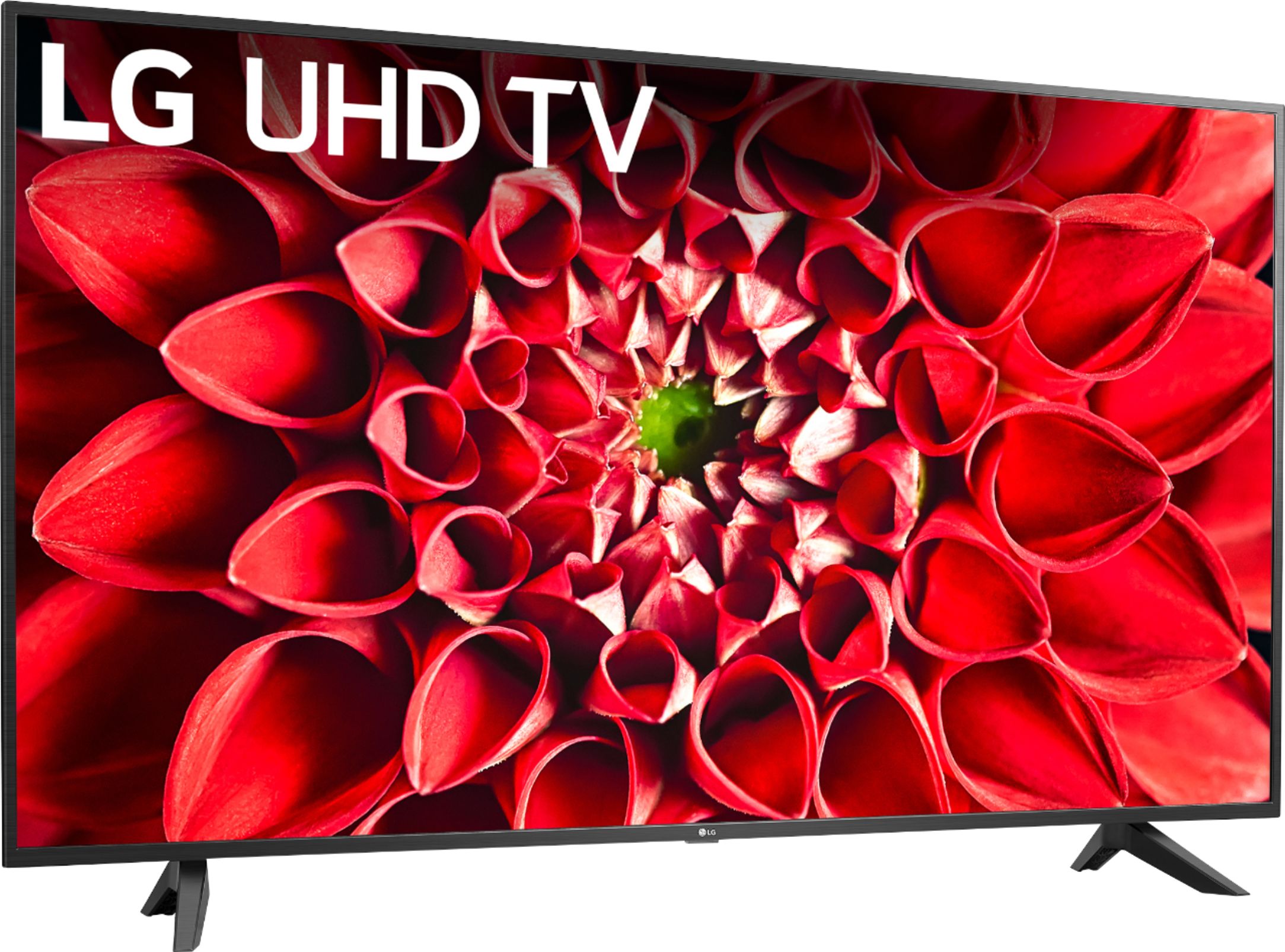
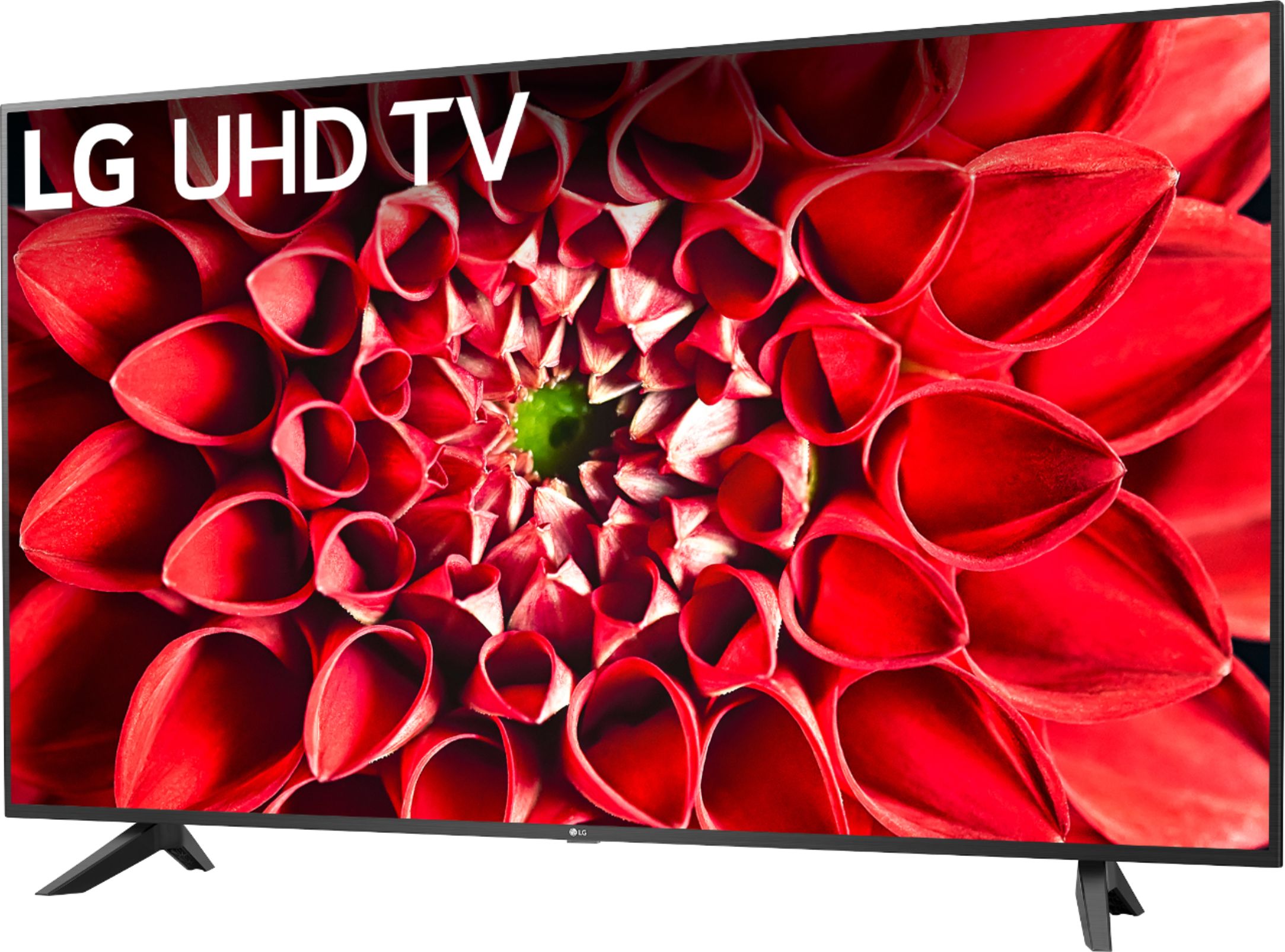
A:AnswerI use my PlayStation 4 and play a lot of different games on the tv it’s a great picture. I bought this one cause I have the 2018 version downstairs in my living room as well and it’s just as great and I wanted a smart tv upstairs. This newer model has screen mirroring as well so I play games from my iPhone on it too.
A:AnswerThere is not an alternative power cord. If you are in need of further assistance, please reach out to our support team on Twitter via @LGUSSupport or on Facebook at https://www.facebook.com/LGUSA or call at 800-243-0000. ^Daphane
A:AnswerYes, YouTube TV is available in the LG Content Store. For a complete listing of available apps, please visit https://us.lgappstv.com/main/tvapp. ^Daphane
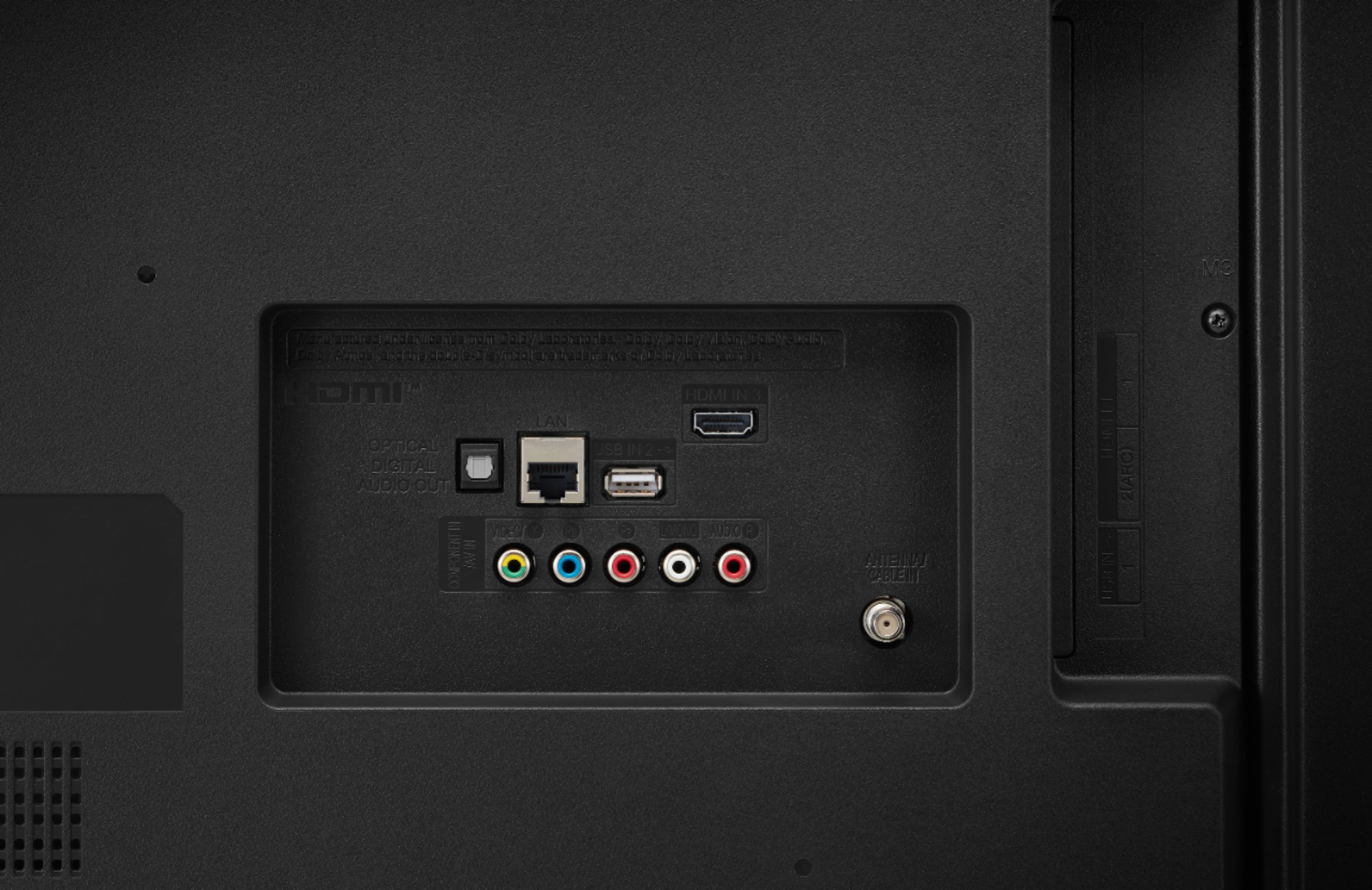
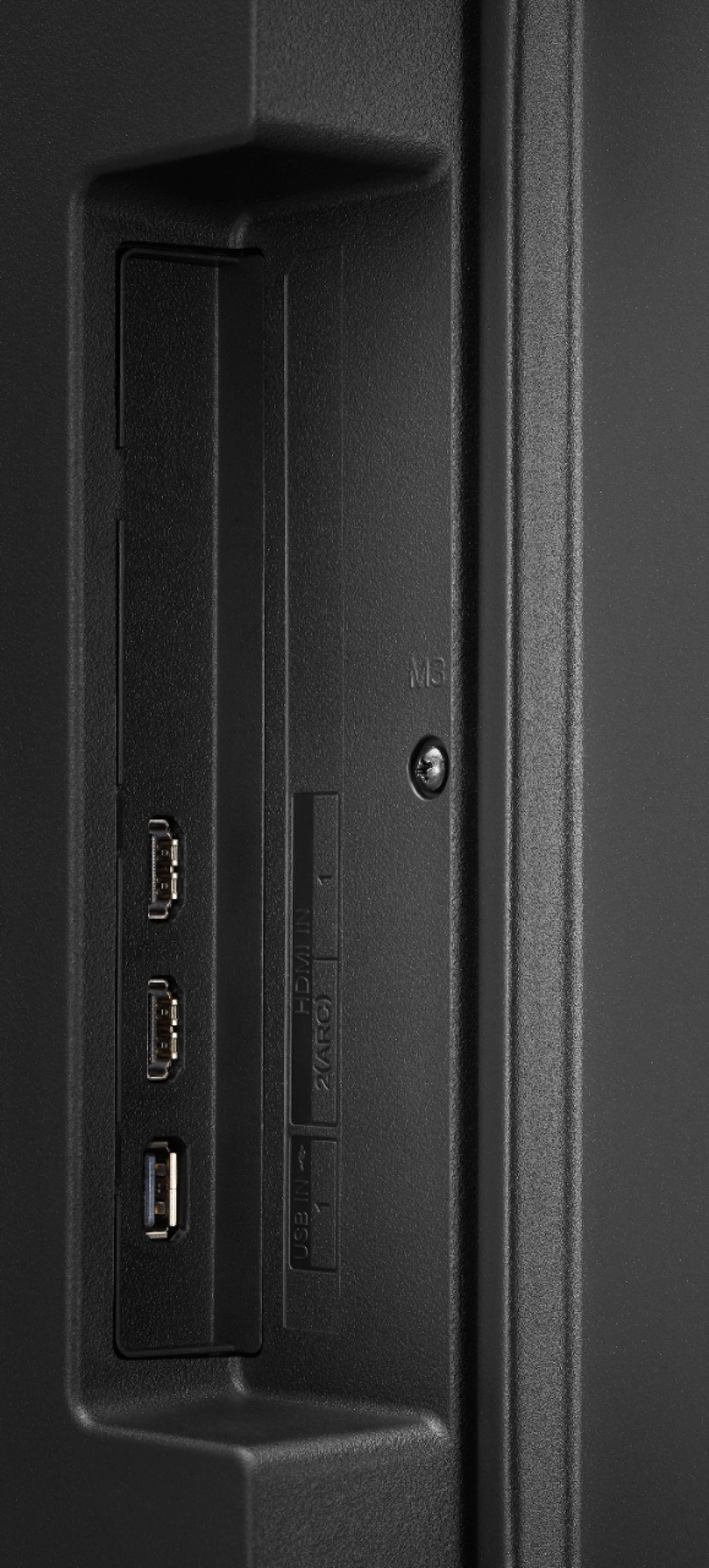
A:AnswerYes, this TV works with LG Sound Sync. In the setting menu choose Sound>Additional Settings>LG Sound Sync after you have connected the compatible device to the optical digital input and set Sound out to optical. If you need further assistance, please reach out to our support team on Twitter via @LGUSSupport or on Facebook at https://www.facebook.com/LGUSA. ^Daphane
A:AnswerNo, MLB TV app is not in the LG Content Store. For a complete listing of available apps, please visit: https://us.lgappstv.com/main/tvapp. ^Daphane
A:AnswerThere are several IPTV apps in the LG Content Store (App Store). For a complete listing of available apps, please visit: https://us.lgappstv.com/main/tvapp. ^Daphane
A:AnswerThis TV has a webOS platform. Our webOS platform offers over 600 apps including streaming content and games - including over 180 free streaming channels via the LG Channels. Additional charges apply for some streaming services. For a complete listing of available apps, please visit: https://us.lgappstv.com/main/tvapp. ^Daphane