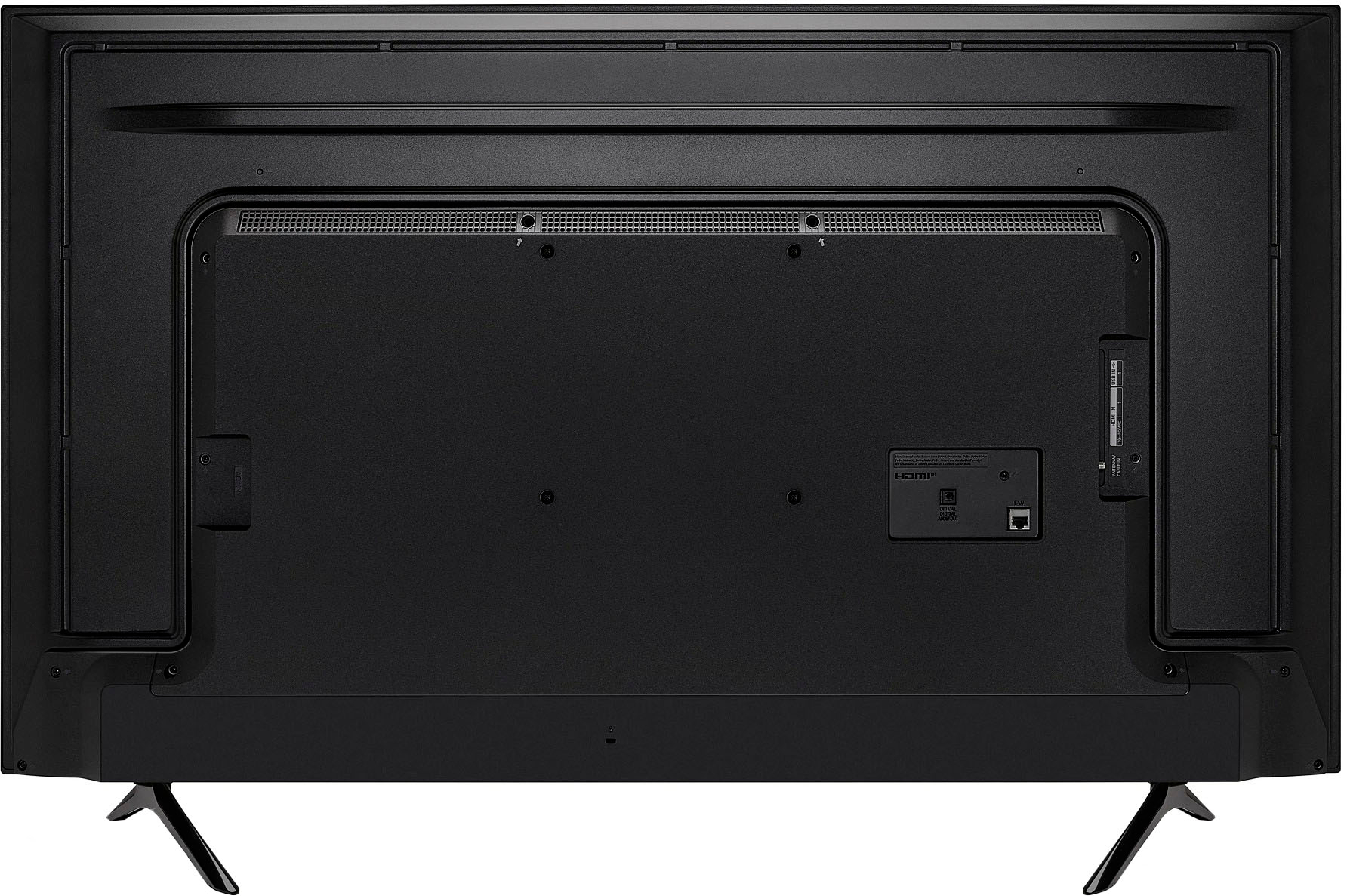
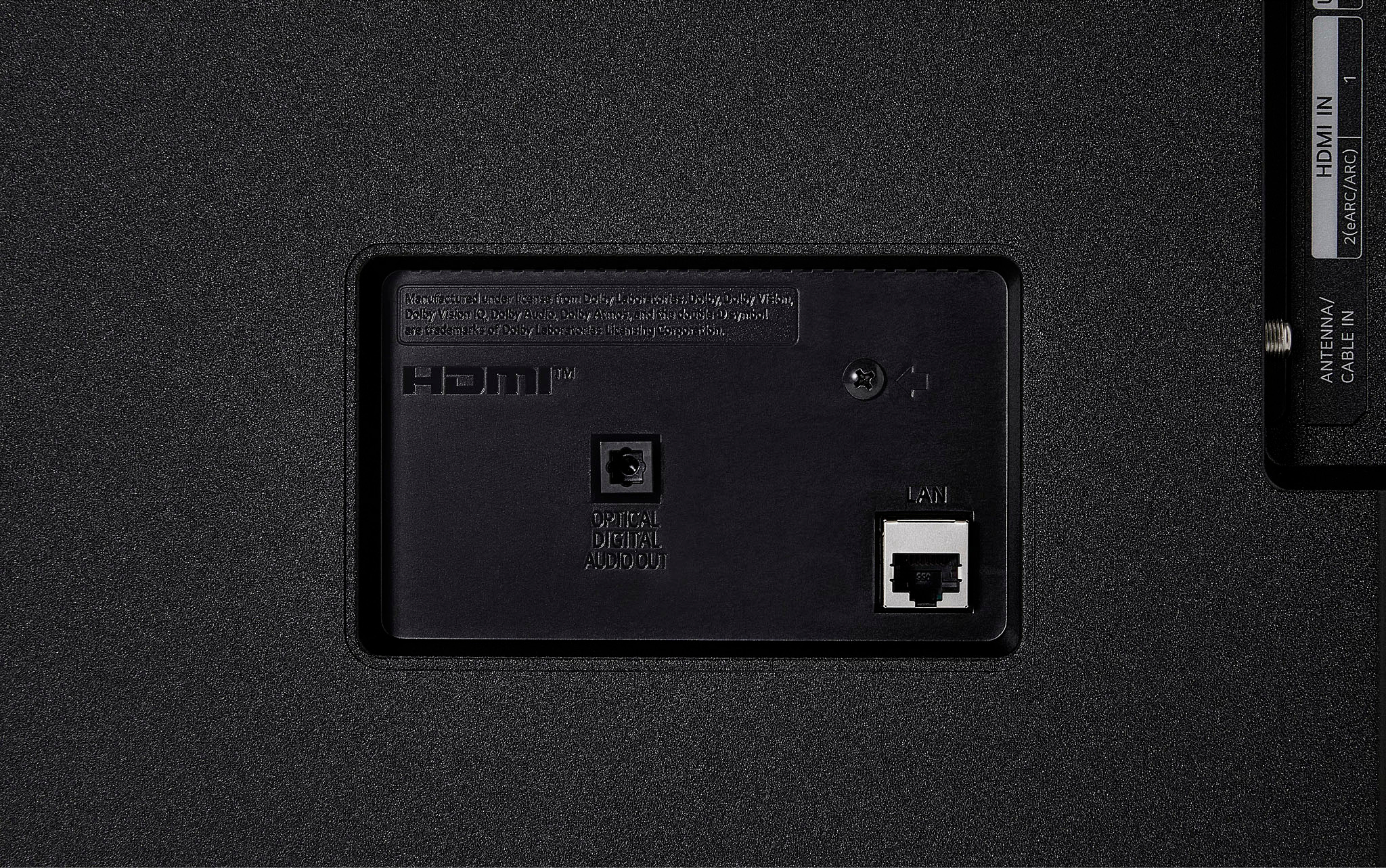
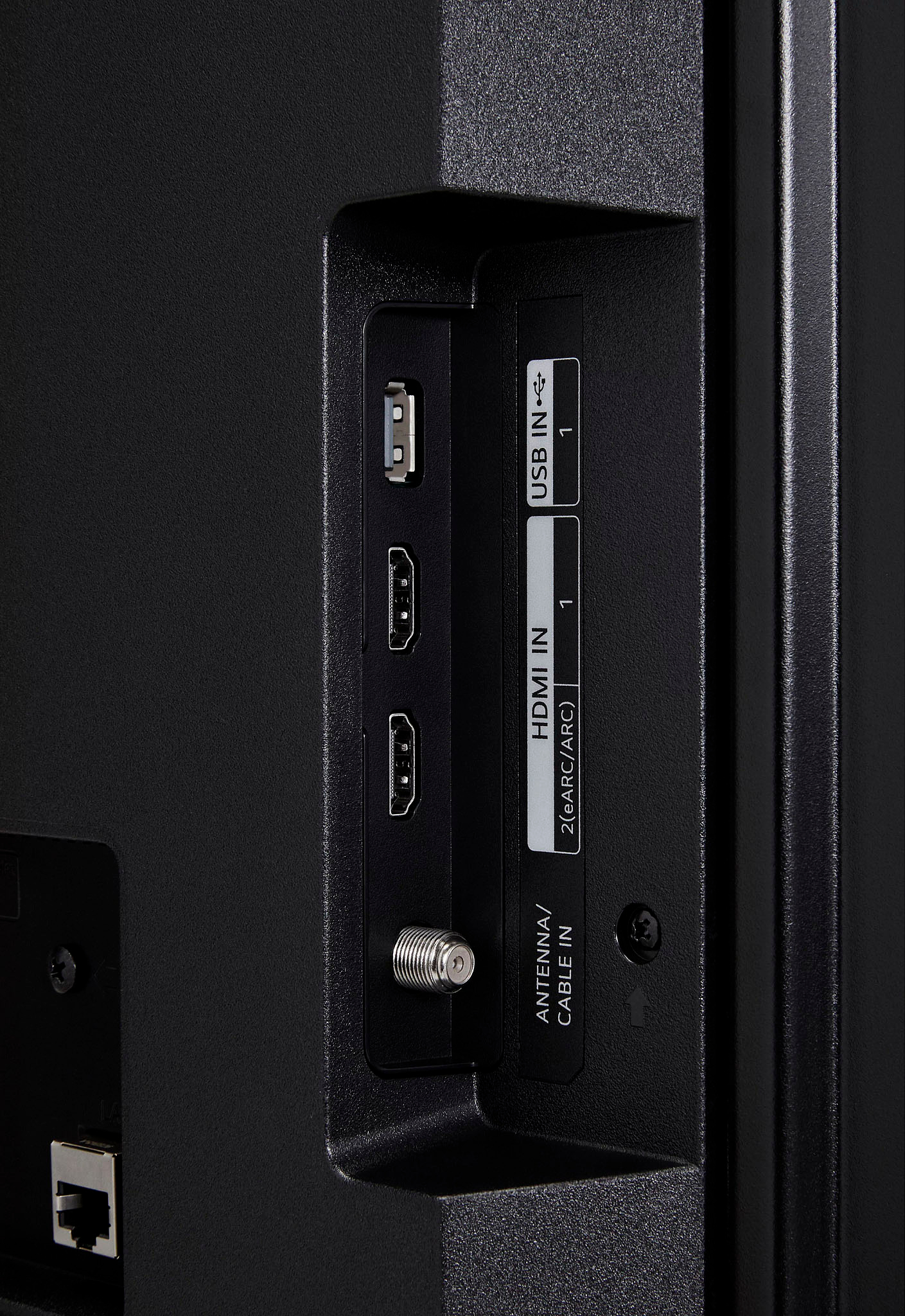
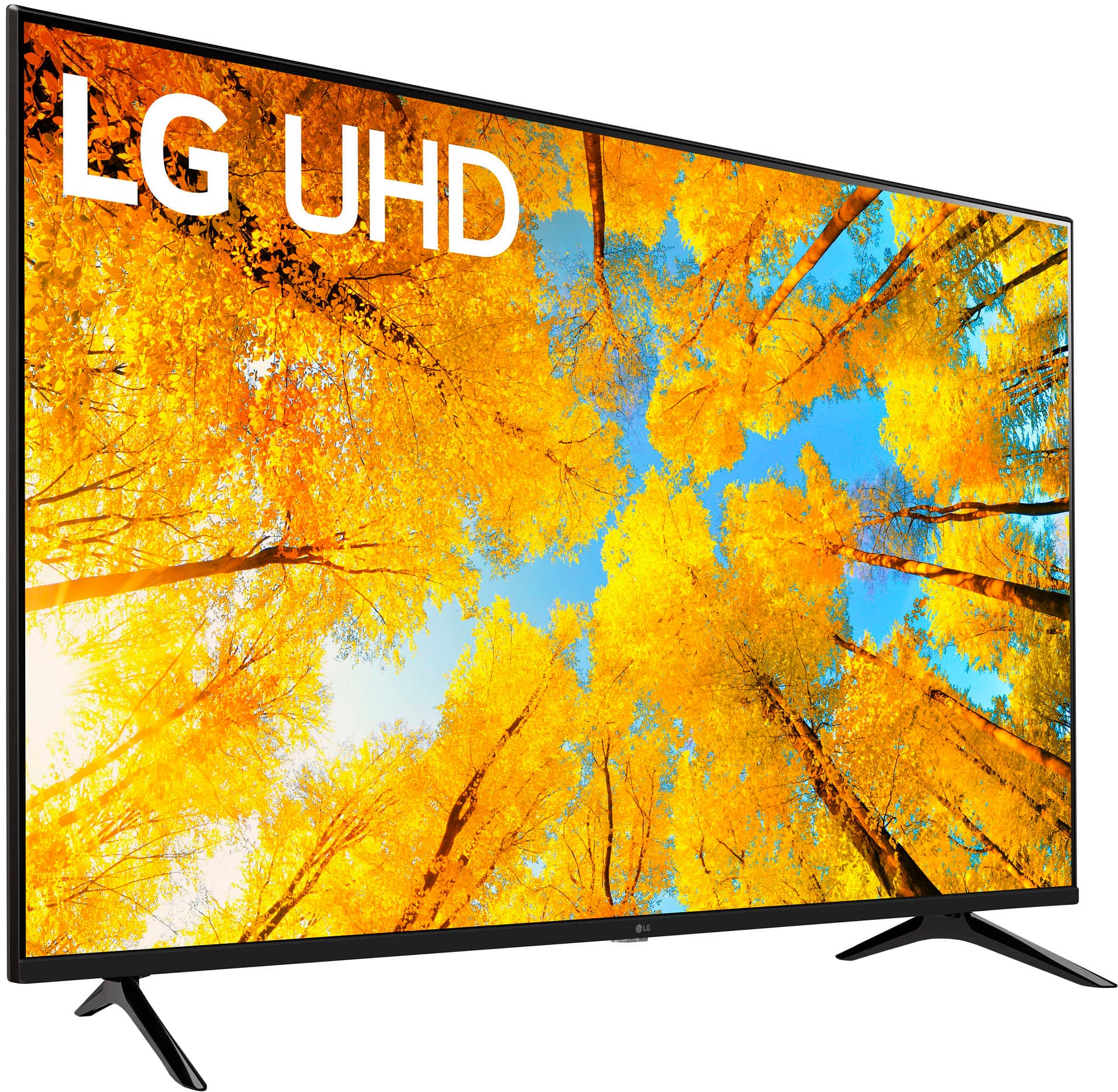
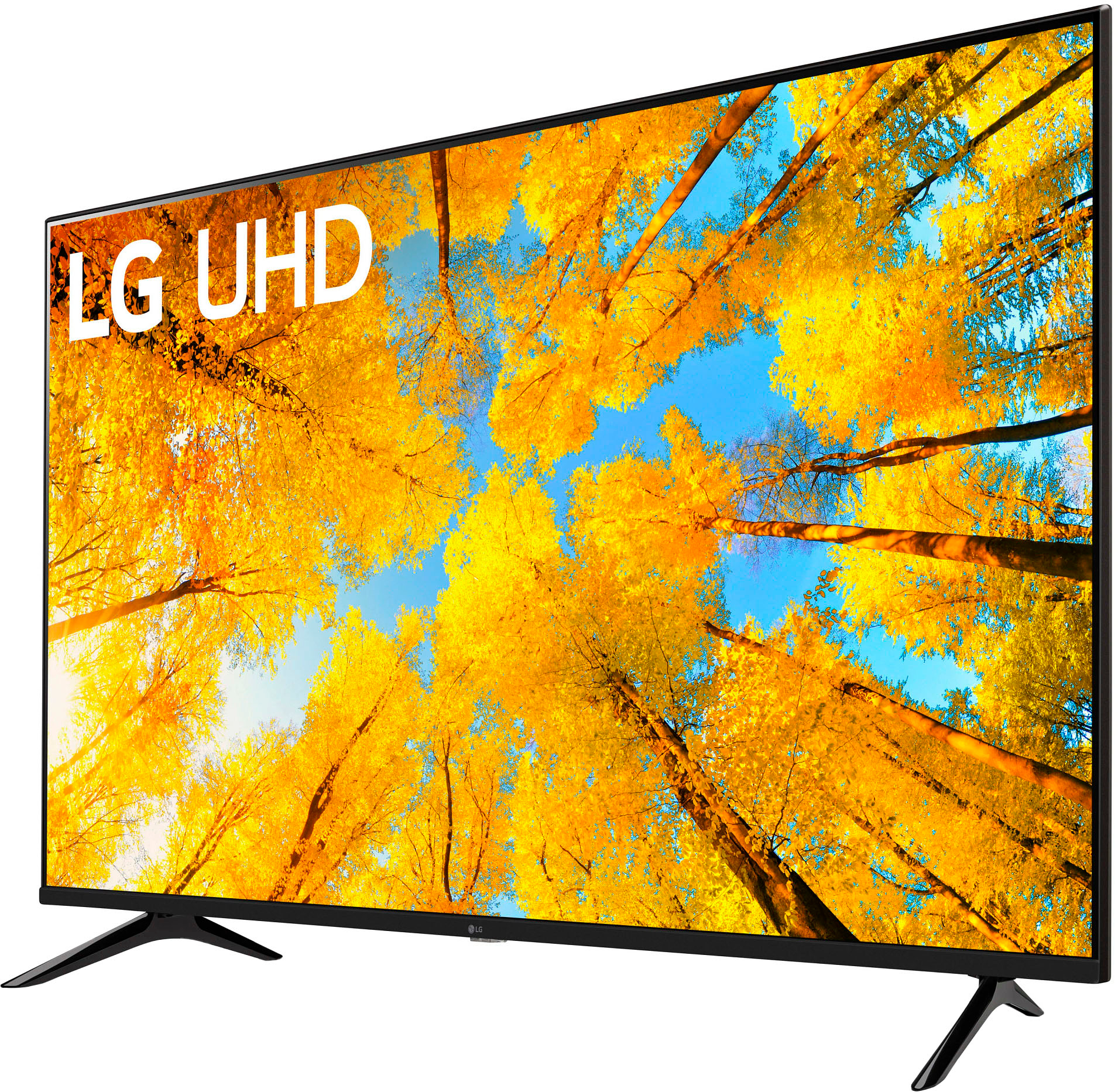
A:AnswerMany budget TV's cut the extras to get the price down into the budget range ..just add an HDMI switch and you can have as many ports as your heart desires
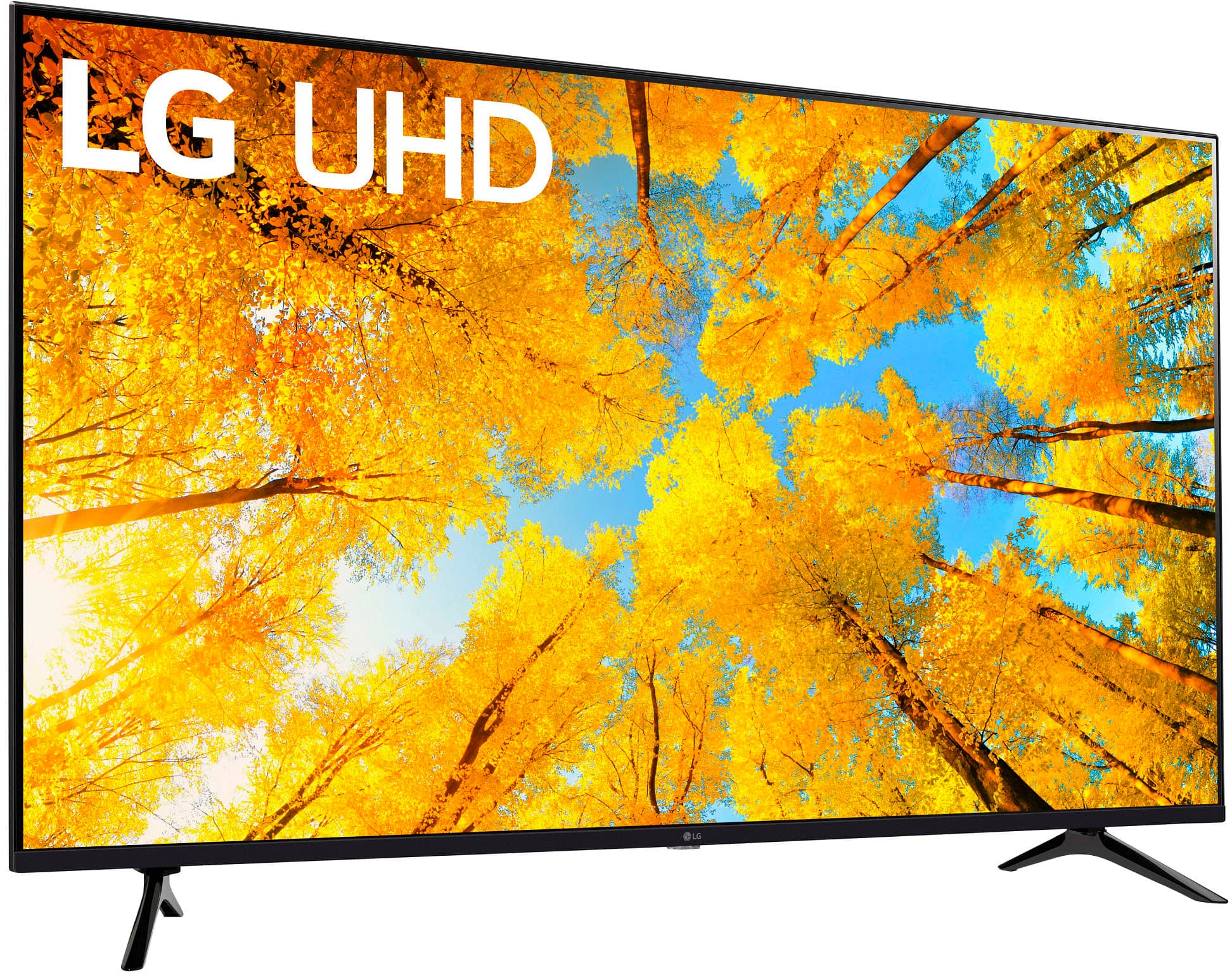
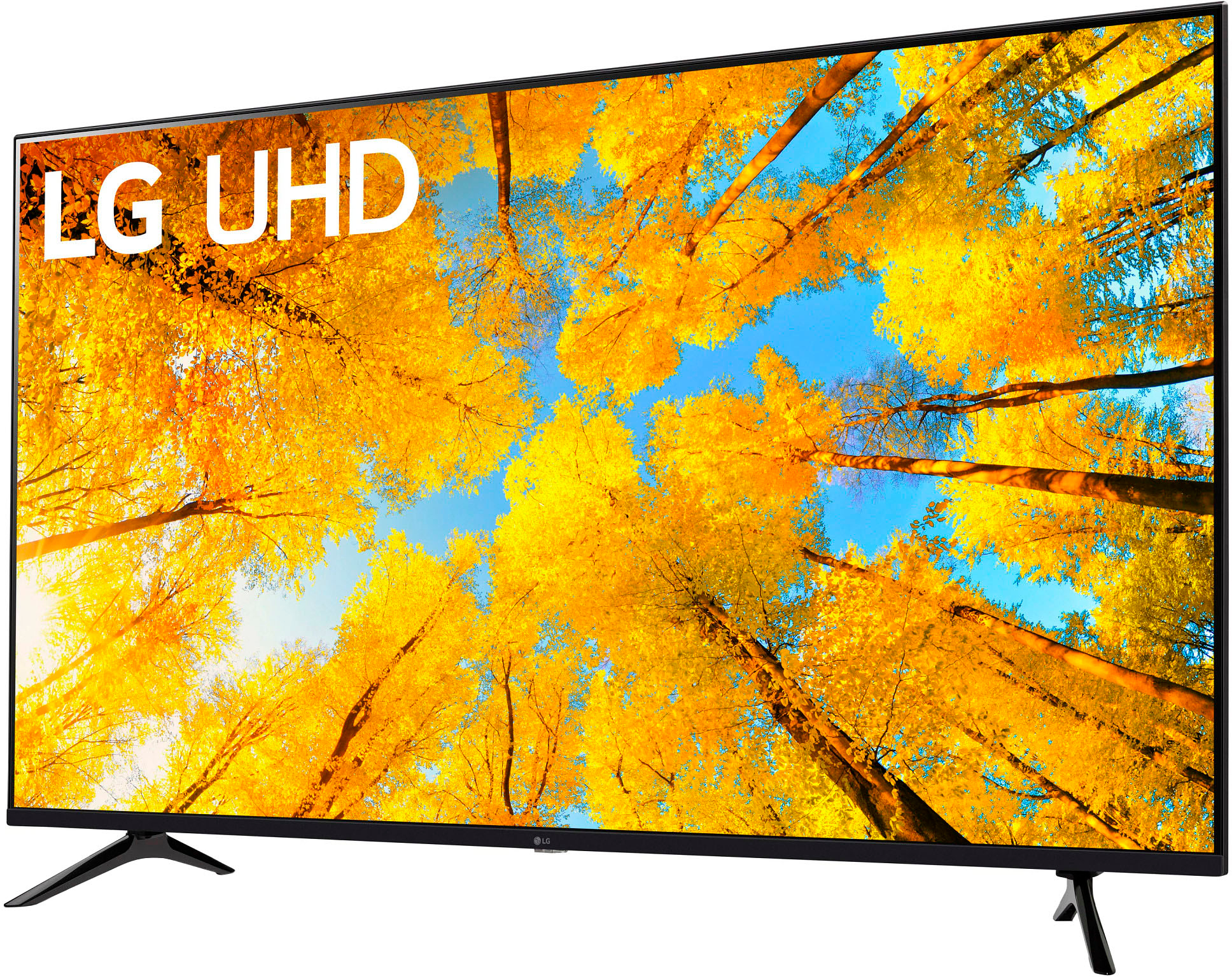
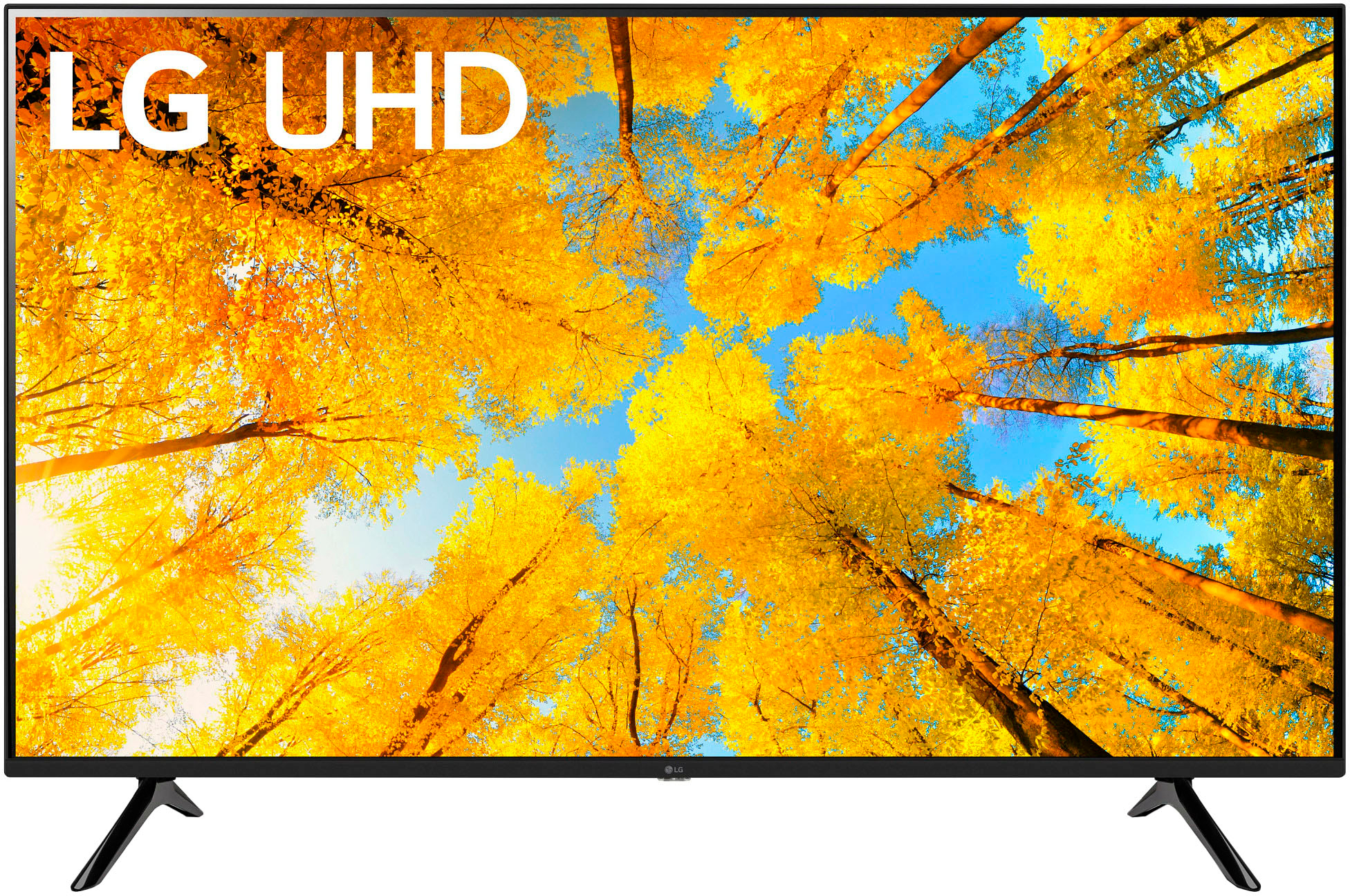
A:AnswerThe LG 65” Class UQ75 Series LED 4K UHD Smart webOS TV, Model # 65UQ7570PIJ is a VESA Compliant display that has a VESA Mount Pattern of 300 x300mm so any VESA Compliant wall mount, regardless of type, brand or manufacturer that supports the TV's VESA Mount Pattern can be used to mount the TV...^Ivan
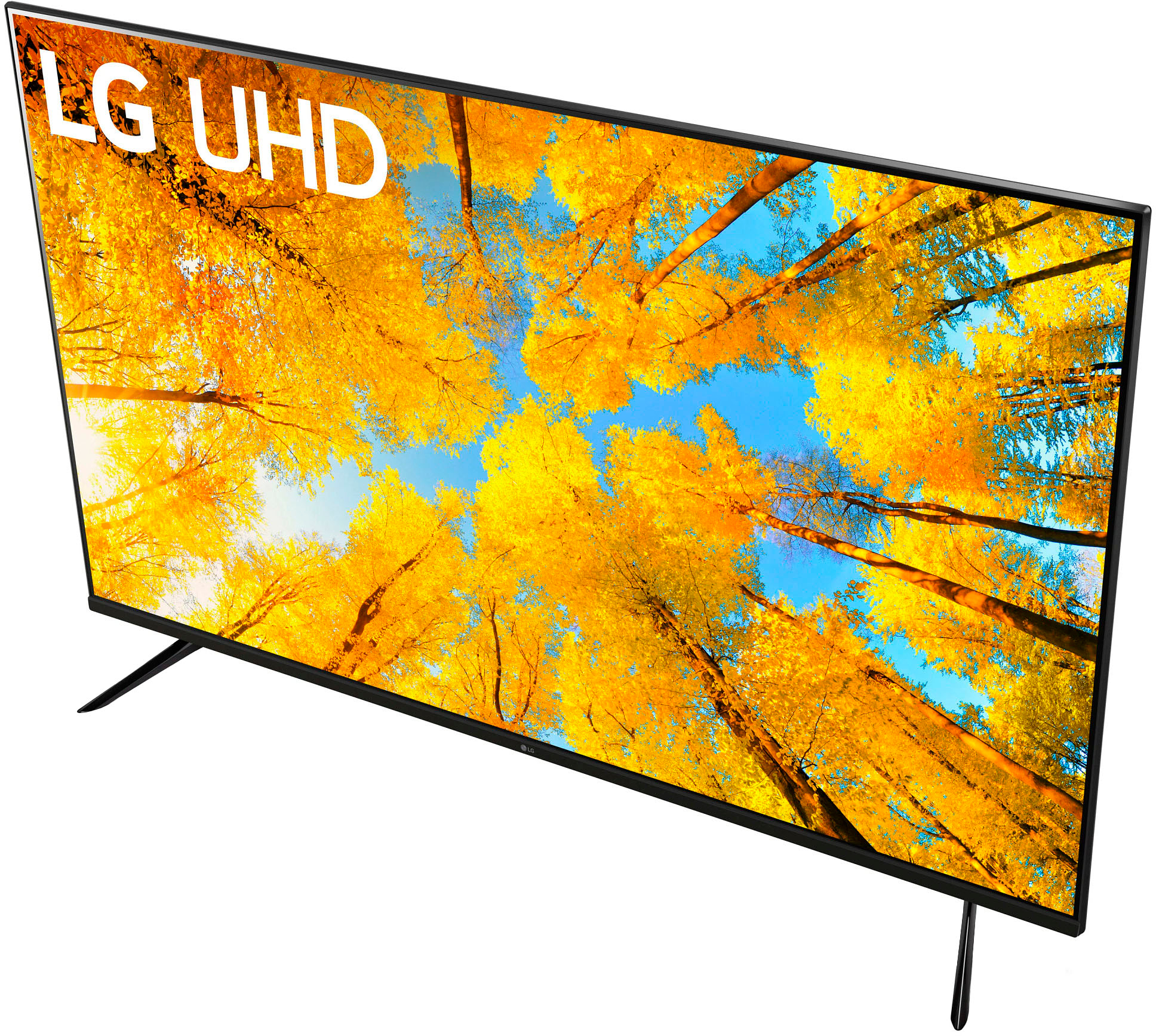
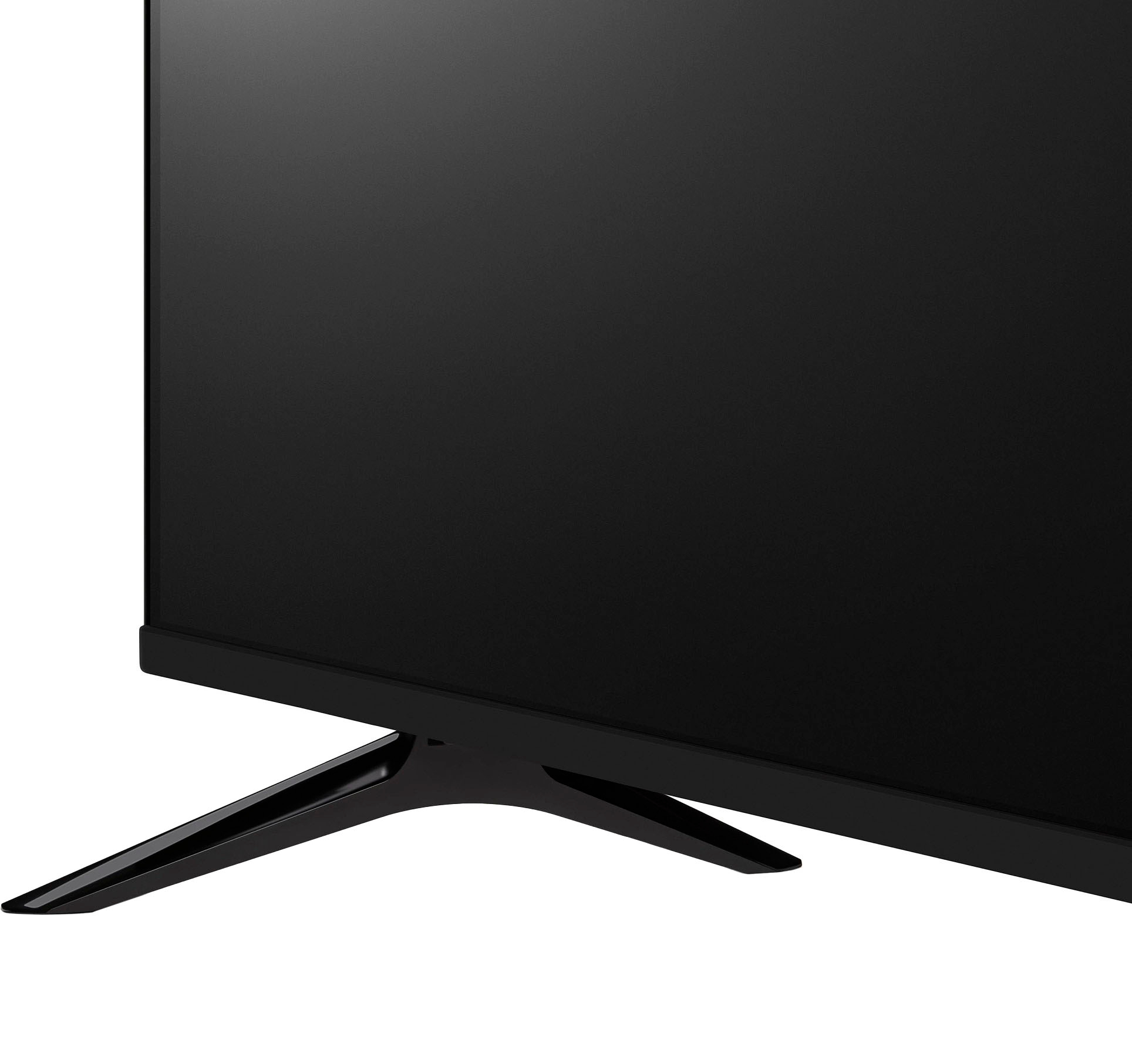
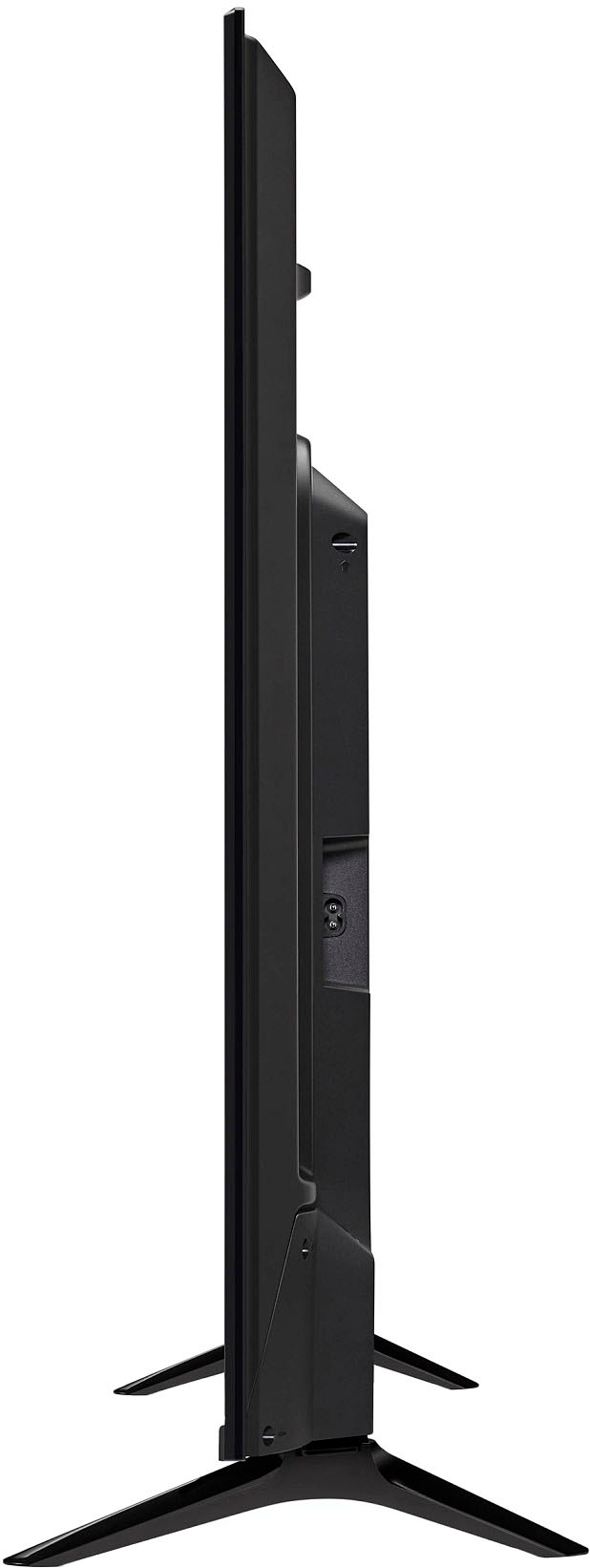
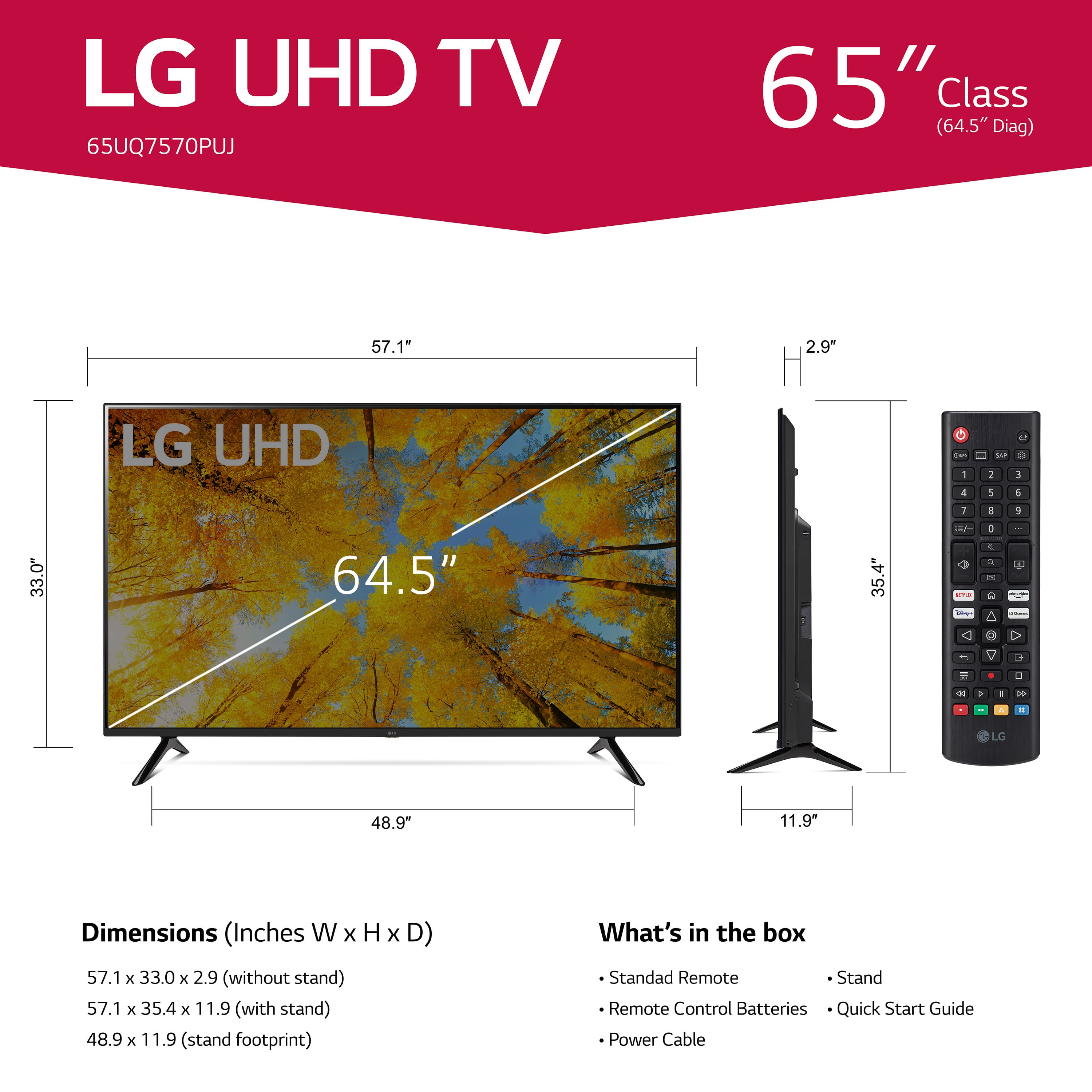
A:AnswerThe TV Stand Width of the LG 65" Class UQ75 Series LED 4K UHD Smart webOS 22 is 48.9". We advise using the right stand for specific models to avoid damaging the product. To know more about this unit, just click this link: https://www.lg.com/us/tvs/lg-65uq7570puj ^Danee
A:AnswerI am not sure if the TV has an SD card slot. However, you can connect an SD card to your TV using an SD card reader with a USB type A connector
How To Connect SD Card To LG Smart TV
you can connect the SD card reader into the USB port and insert the SD card into the SD card reader. Then, power on the television and select the USB input. I hope this helps!
A:AnswerYes, you can connect a DVD player to your TV. The process is quite simple and requires a few cables. You can use either an HDMI cable or a composite cable (yellow, red, and white) to connect the DVD player to the TV 12345. Here are the steps to connect a DVD player to a TV using a composite cable:
Turn off the DVD player and the TV.
Locate the yellow, red, and white ports on both devices.
Connect the yellow cable to the yellow port on the DVD player and the TV, which are used for video output and input.
Connect the red and white cables to the red and white ports on the DVD player and the TV, which are used for audio output and input.
Turn on the TV and use the remote control to select the source or input that matches the composite cable, either AV1 or AV2.
Enjoy watching your DVD!
If you prefer to use an HDMI cable, the steps are similar. You just need to connect the HDMI cable to the HDMI port on both the DVD player and the TV, and then select the HDMI input on the TV 2567. I hope this helps!
A:AnswerThe power requirement for the LG 65 Inch Class UQ7570 PUJ series LED 4K UHD Smart webOS 22 TV, Model # 65UQ7570PUJ is 120 VAC, 50/60 Hz....^Ivan
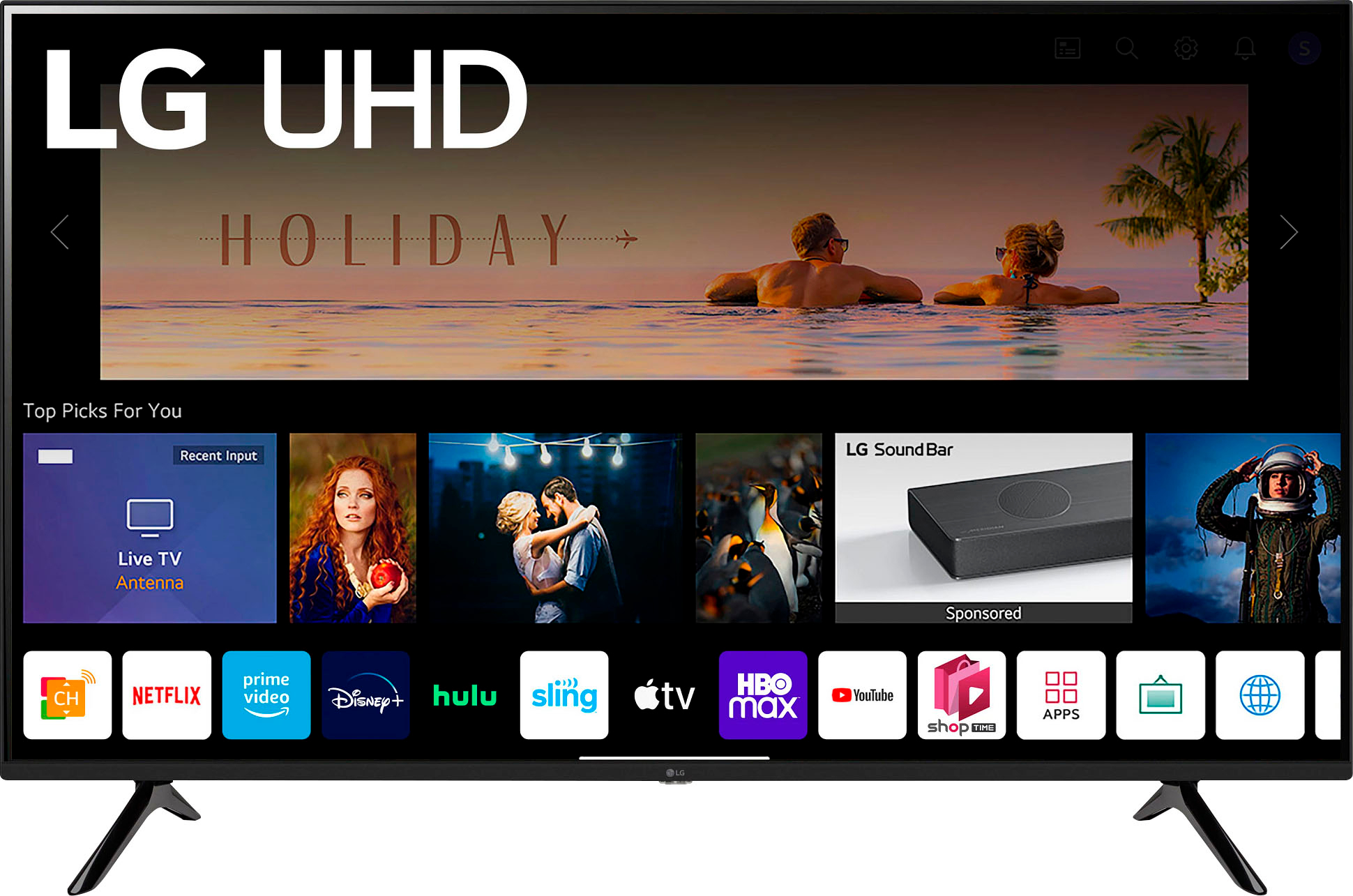
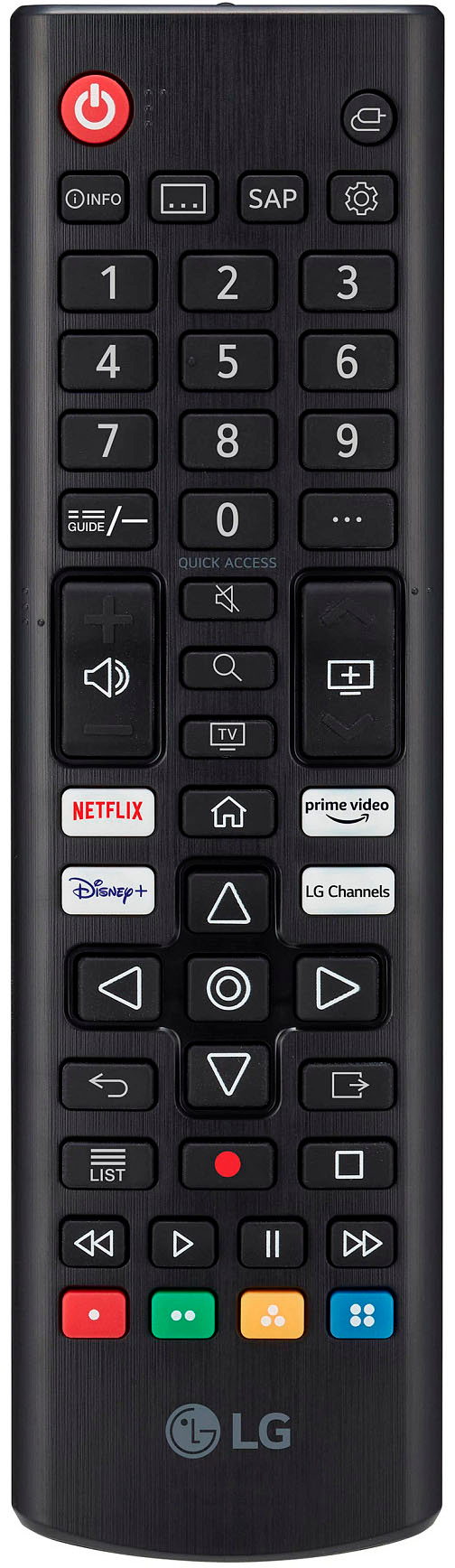
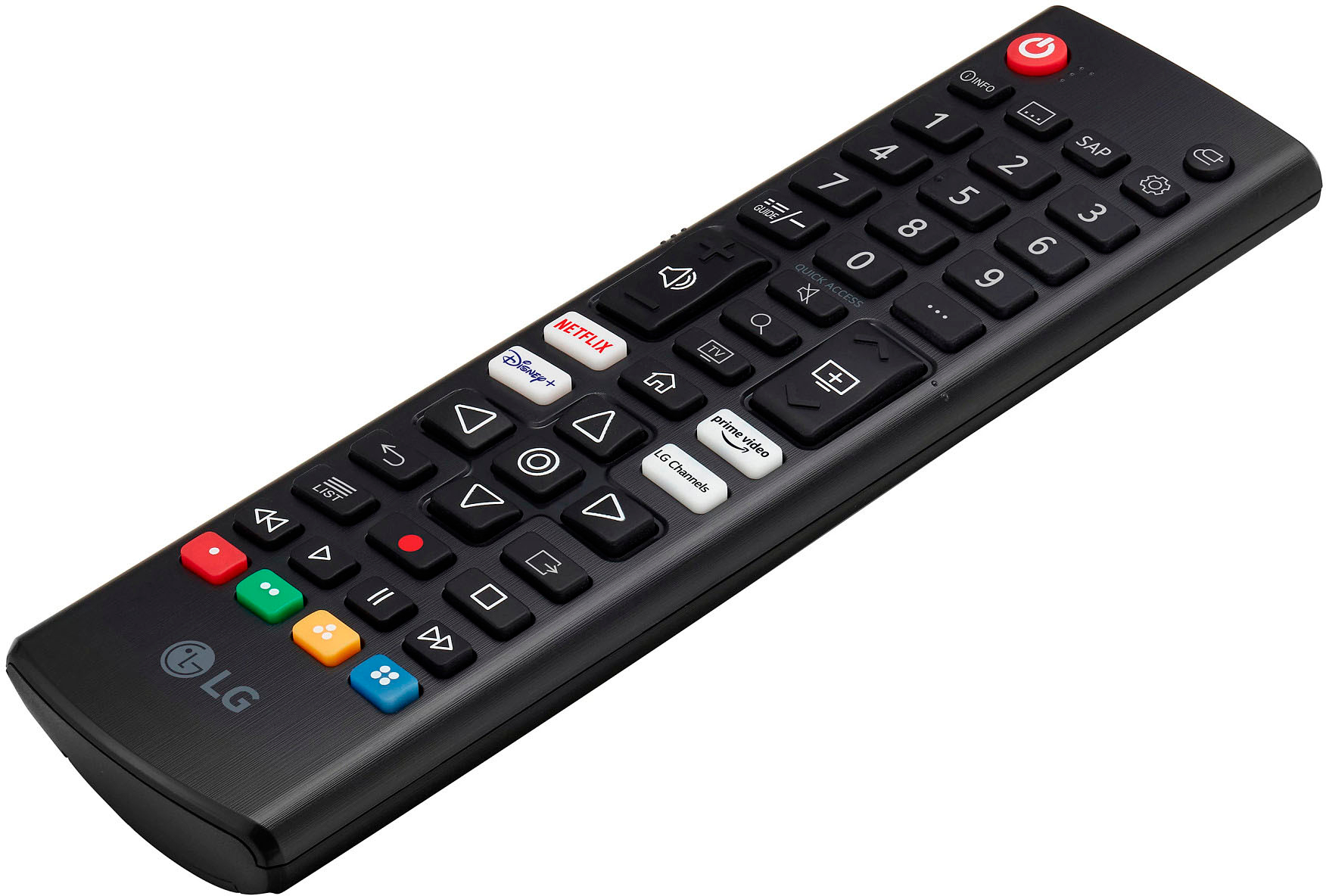
A:AnswerHey there, Lou. So long as your TV has the latest WebOS for the most optimum performance, you should be able to use the web browser from the Home Menu. For more information on how you can find this on your TV, check out this link in the description: https://www.youtube.com/watch?v=YyiLBZmrLns. In regards to the magic remote, you can use it on the following models: OLED Models: Z2, G2, C2, B2, and A2 series.
QNED Models: QNED99, 90, 85, and 80 series.
NanoCell Models: NANO80 and 75 series.
UHD 4K Models: UQ90, UQ80, UQ75, and UQ70 series. Unfortunately, your TV would be not compatible. ~Anthony
A:AnswerHi there. Thanks for reaching out. Make sure your device is running the latest version of iOS, iPadOS, tvOS, or macOS. The offer should be presented immediately after launching the app. If not, go to the Apple TV+ tabwhere you'll see the offer. Tap Enjoy 3 Months Free. `Jai.
A:AnswerHi, This model Works With Amazon Alexa, Google Assistant, Apple HomeKit. This model is magic remote compatible and you need to purchase it separately.You need to have an external device for Alexa. ^Vanessa