A:AnswerI have it connected to my Samsung Q9F with both HDMI through the ARC port and the Optical port. Both ports allow it to turn the soundbar on when the TV powers on, but LG has it own protocol so your setup should be much better and easier.
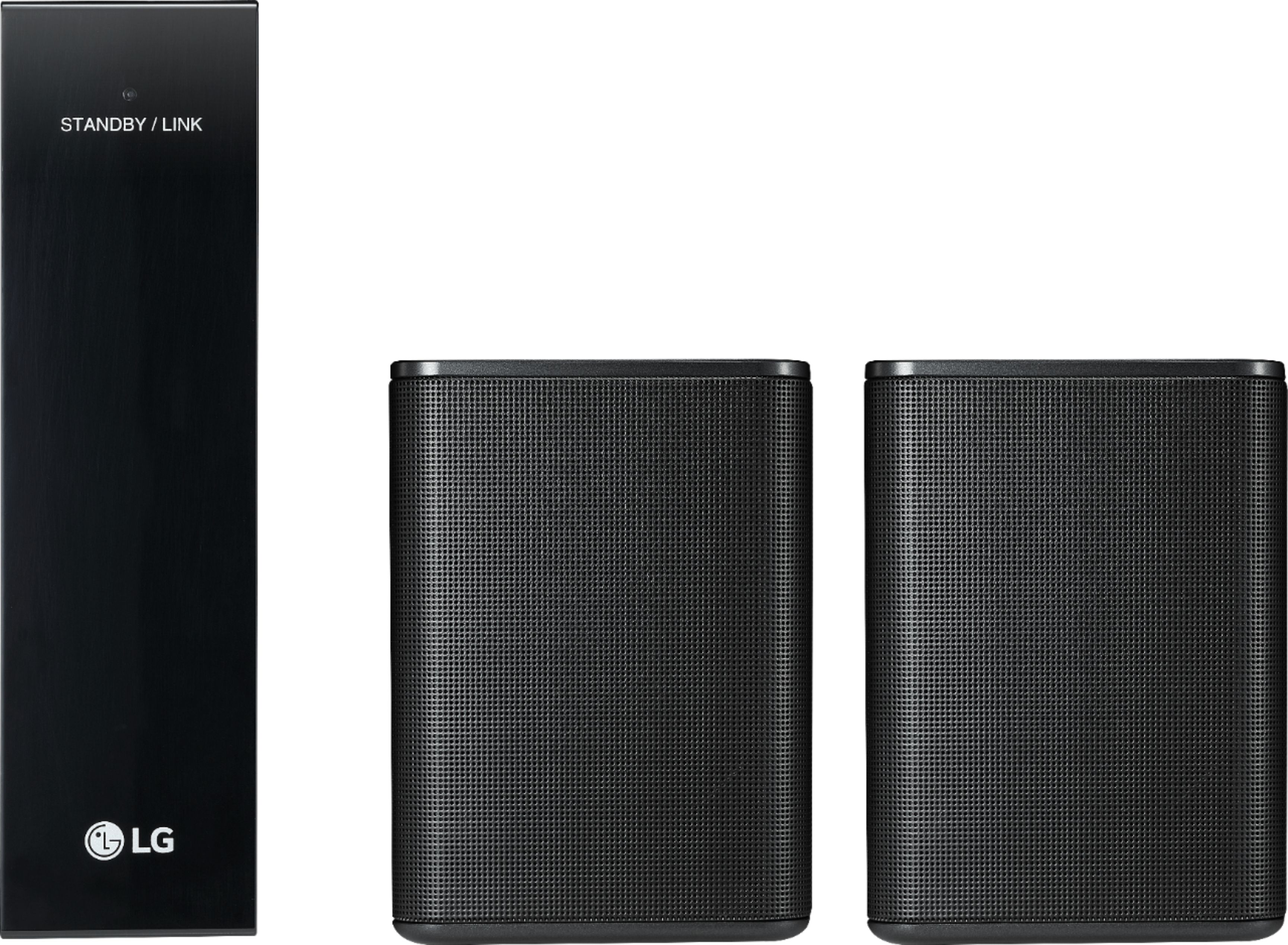
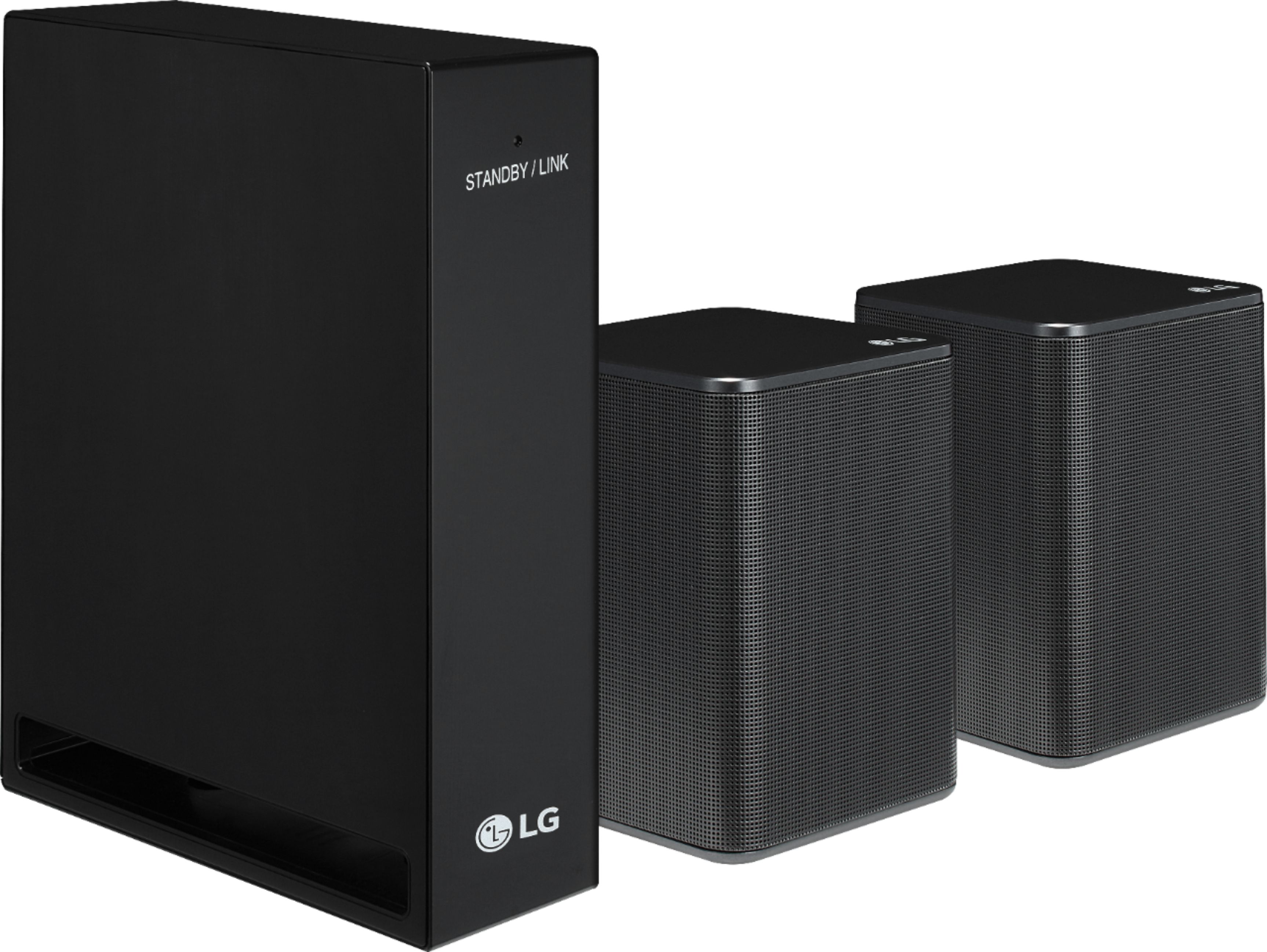
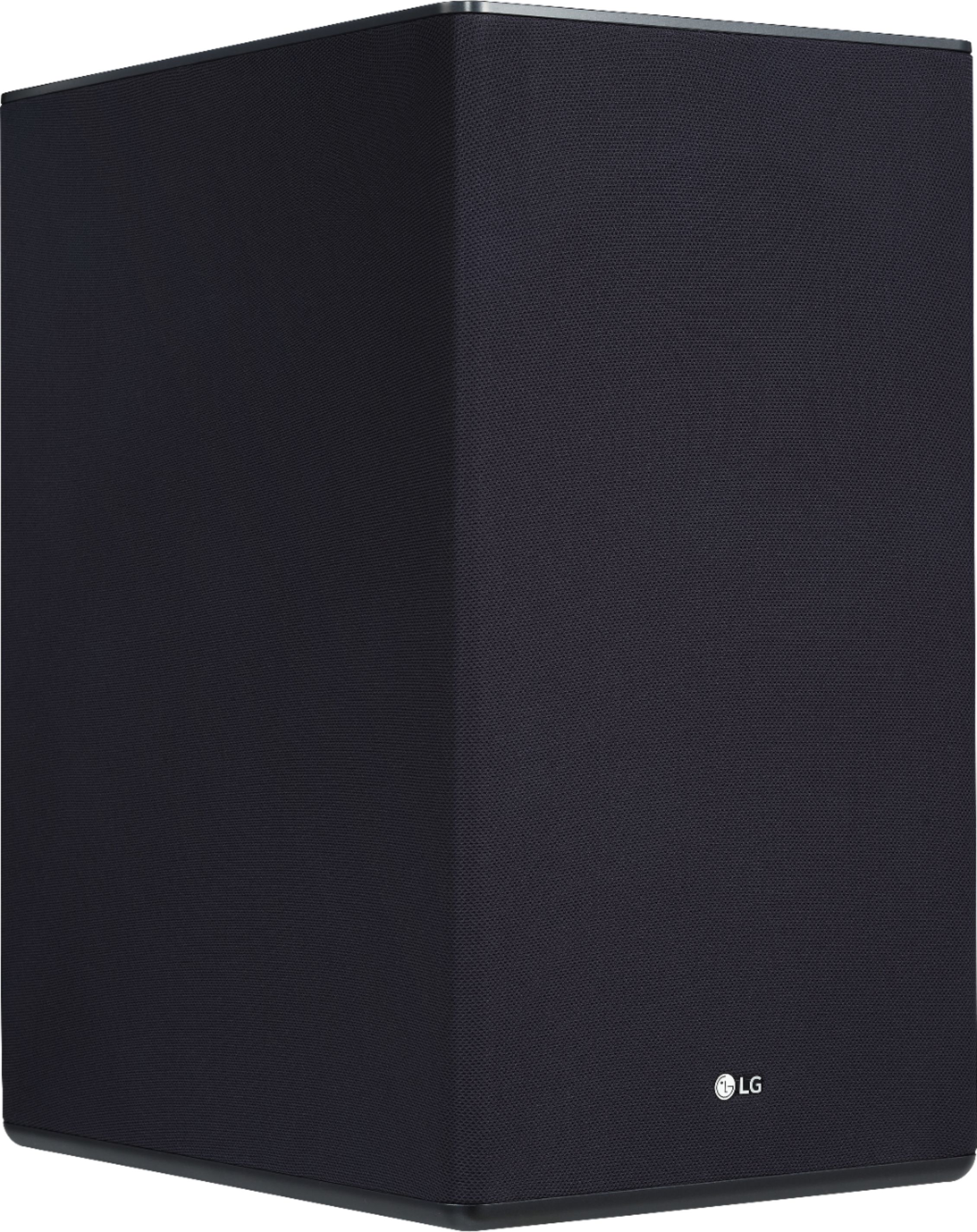
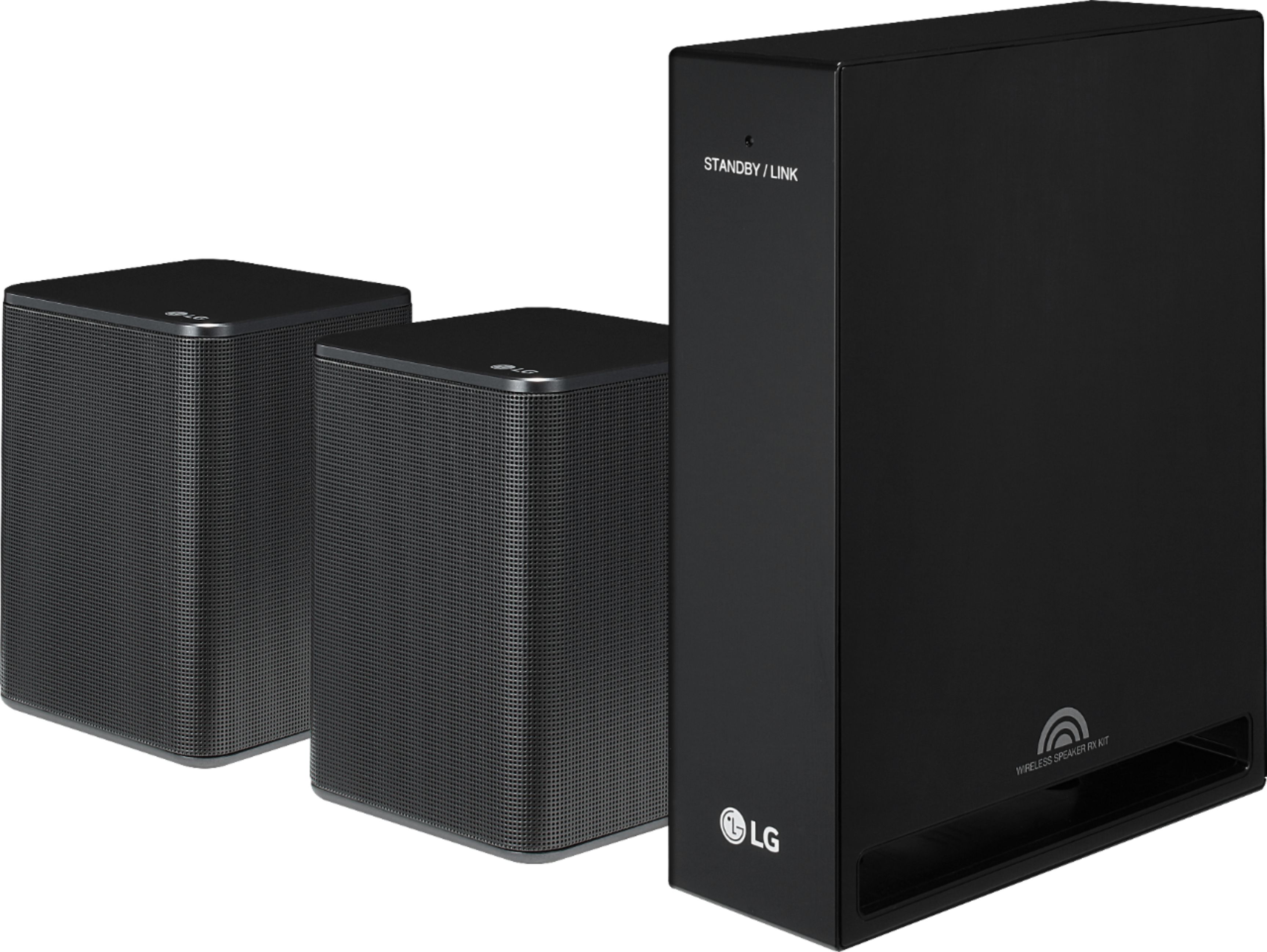
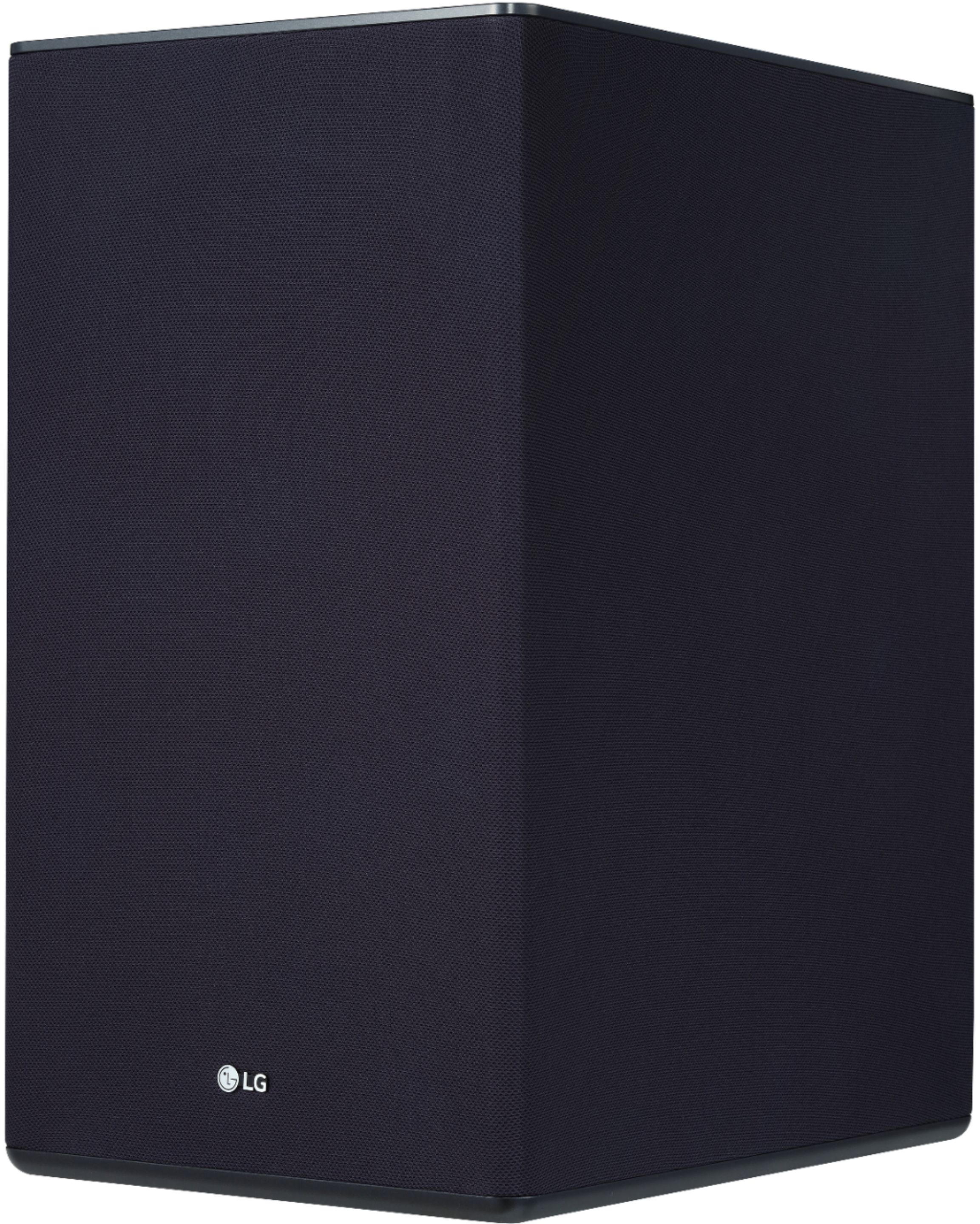
A:AnswerThe soundbar has the HDMI ports and can be used for directly connecting the TV or other components. Although this can allow Bluetooth and could possibly be used this way, I would recommend a wired connection to it, but the Sub and Surround rear speakers are wireless from the soundbar. The sub is plug and play, meaning once you plug the soundbar in, just plug the sub in and they will pair up, the rear Surround receiver is wireless from the soundbar, but both speakers are wired to it.
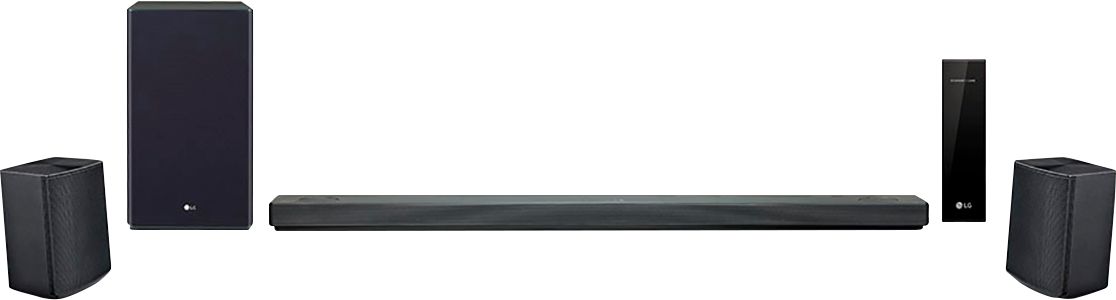
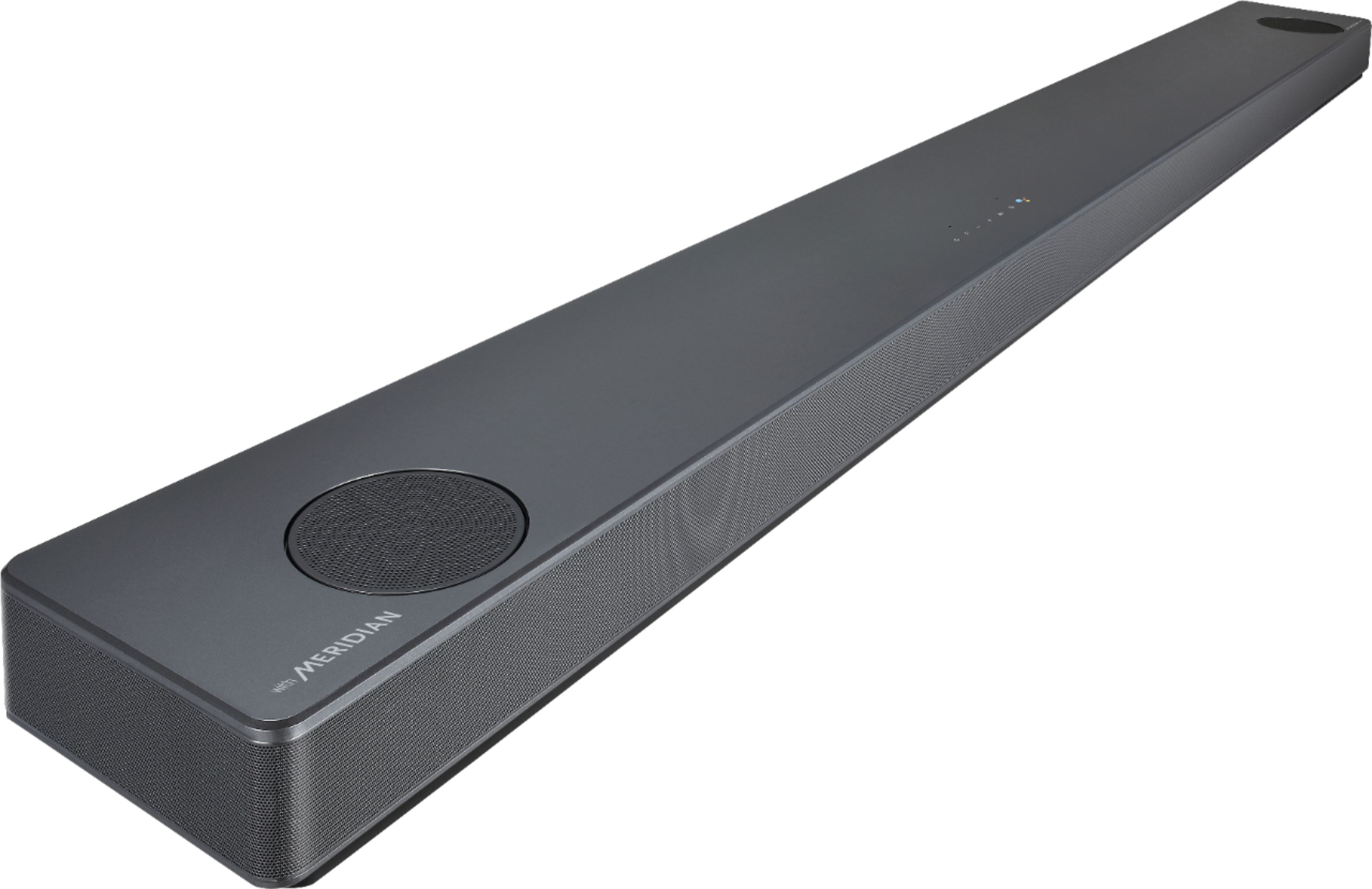
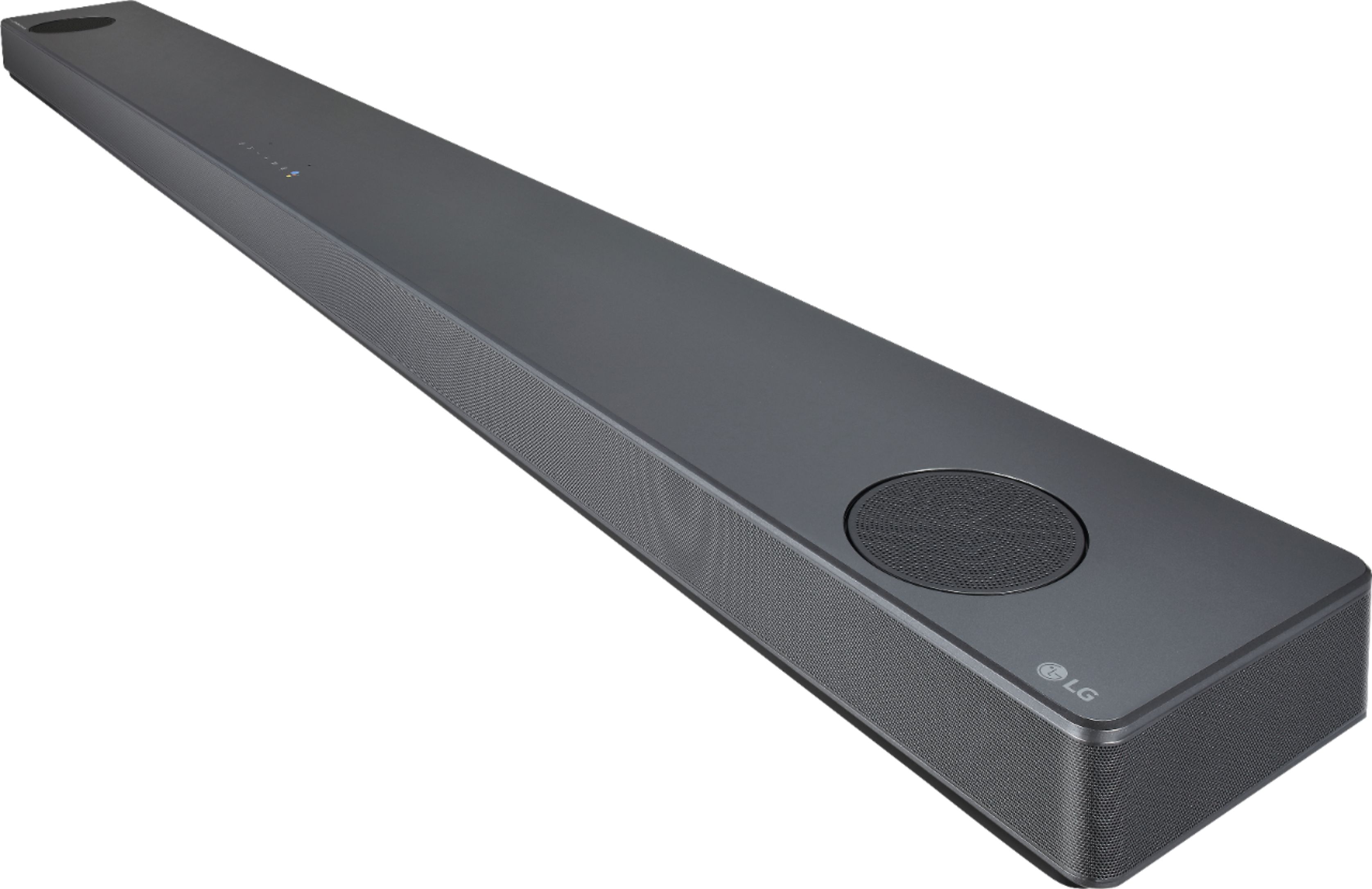
A:AnswerIt should interface with any LG tv that isn't many years old. However, the main bar is very large. I have a 75" lg TV and the soundbar sits in front of the TV and is as long as the TV itself.
A:AnswerFor information regarding setting up the SL10R, check out the owners manual beginning on page 13. https://www.lg.com/us/support/product/lg-SL10RG.DUSALLK This audio system should be compatible with all TV's with the proper audio outputs regardless of manfacturer. ^CP
A:AnswerI am sure you know the soundbar comes with mounting brackets. This is how I mounted mine. Is there a reason that you don't want to use the supplied hardware? For your interest, the rear speakers in the kit will need M4-.70 x 12mm machine screws if you end up mounting those too. LG does not include these screws in the kit and most speaker mounting solutions supply only M6 and/or M8 screws. Good luck.