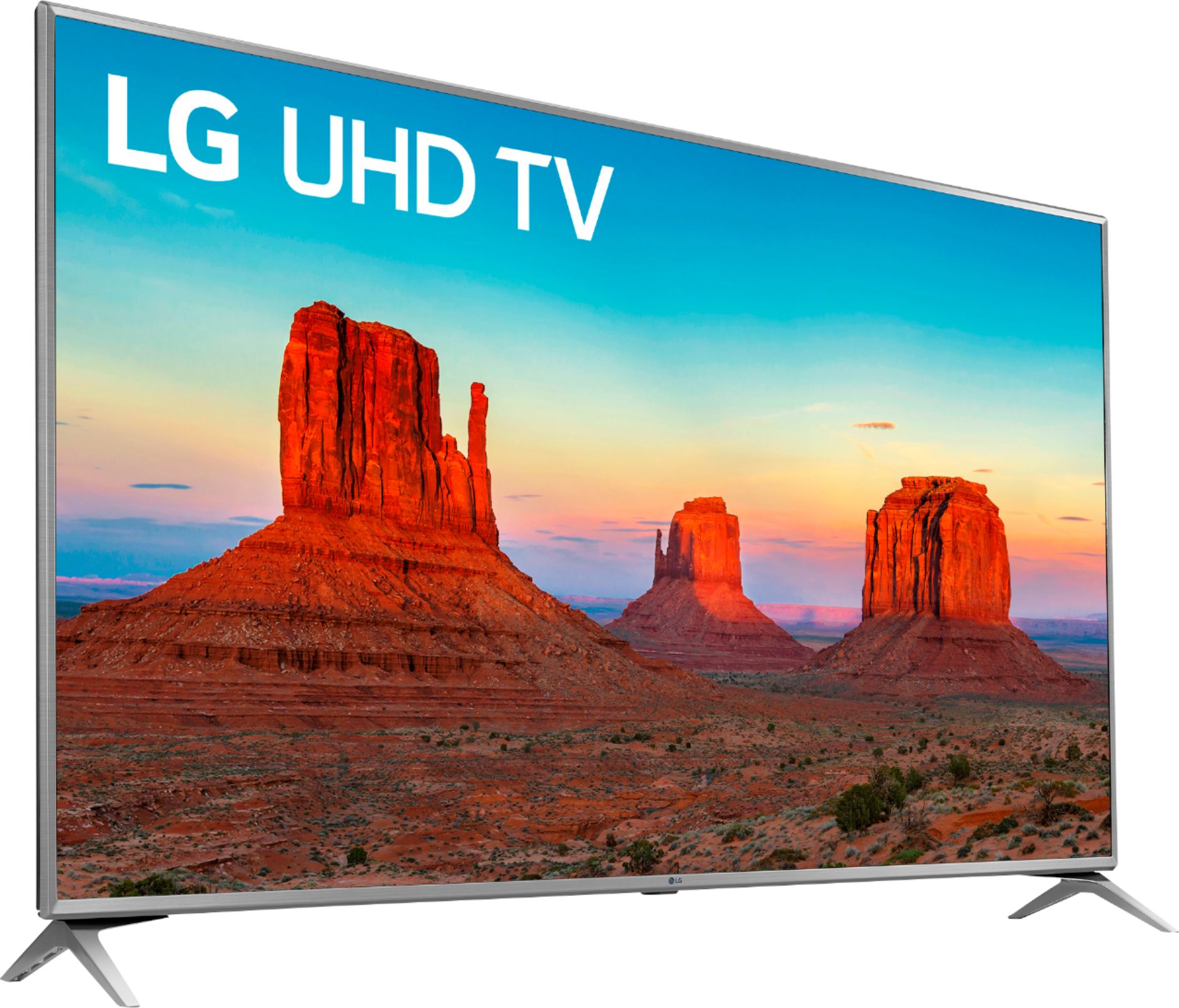
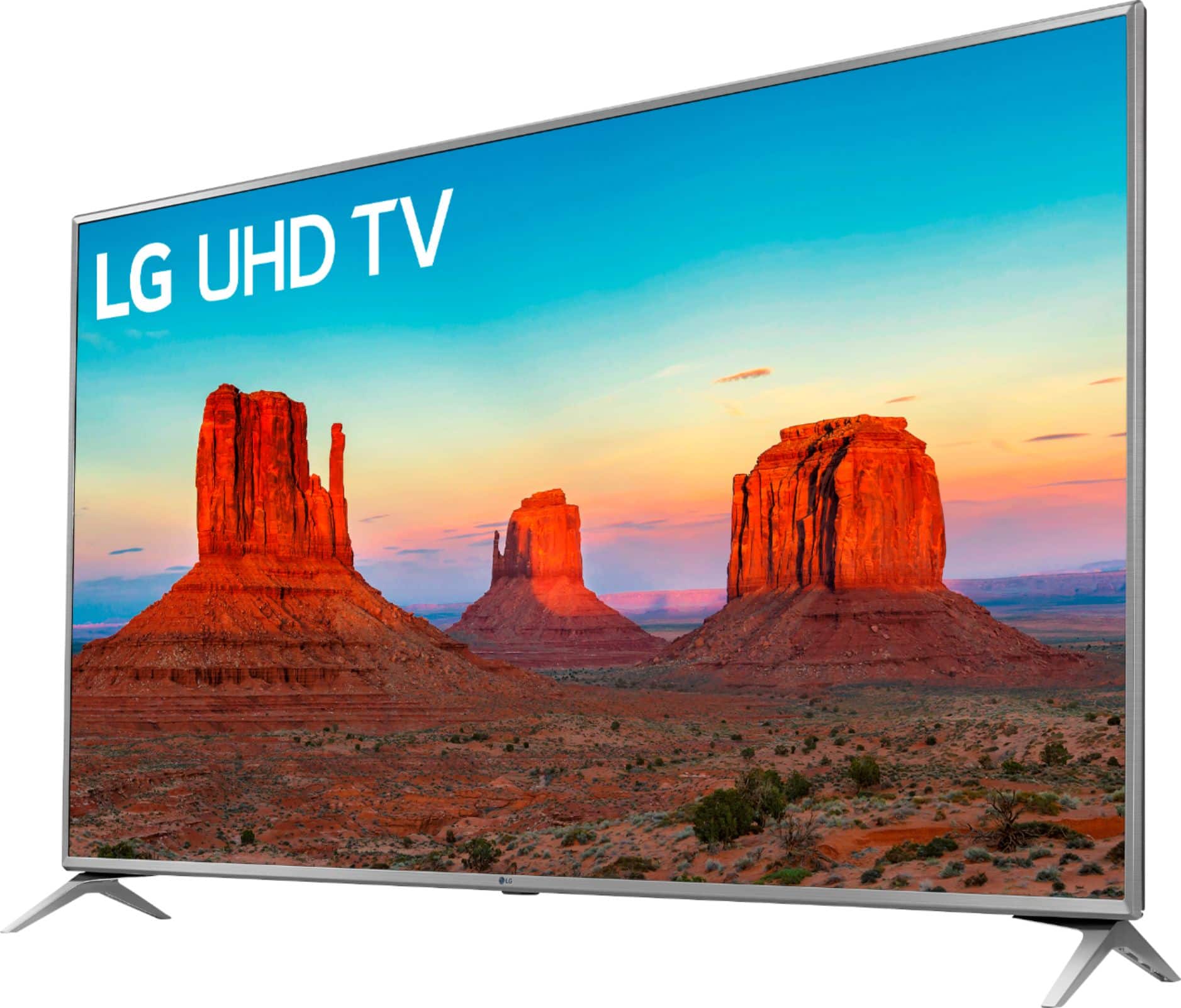
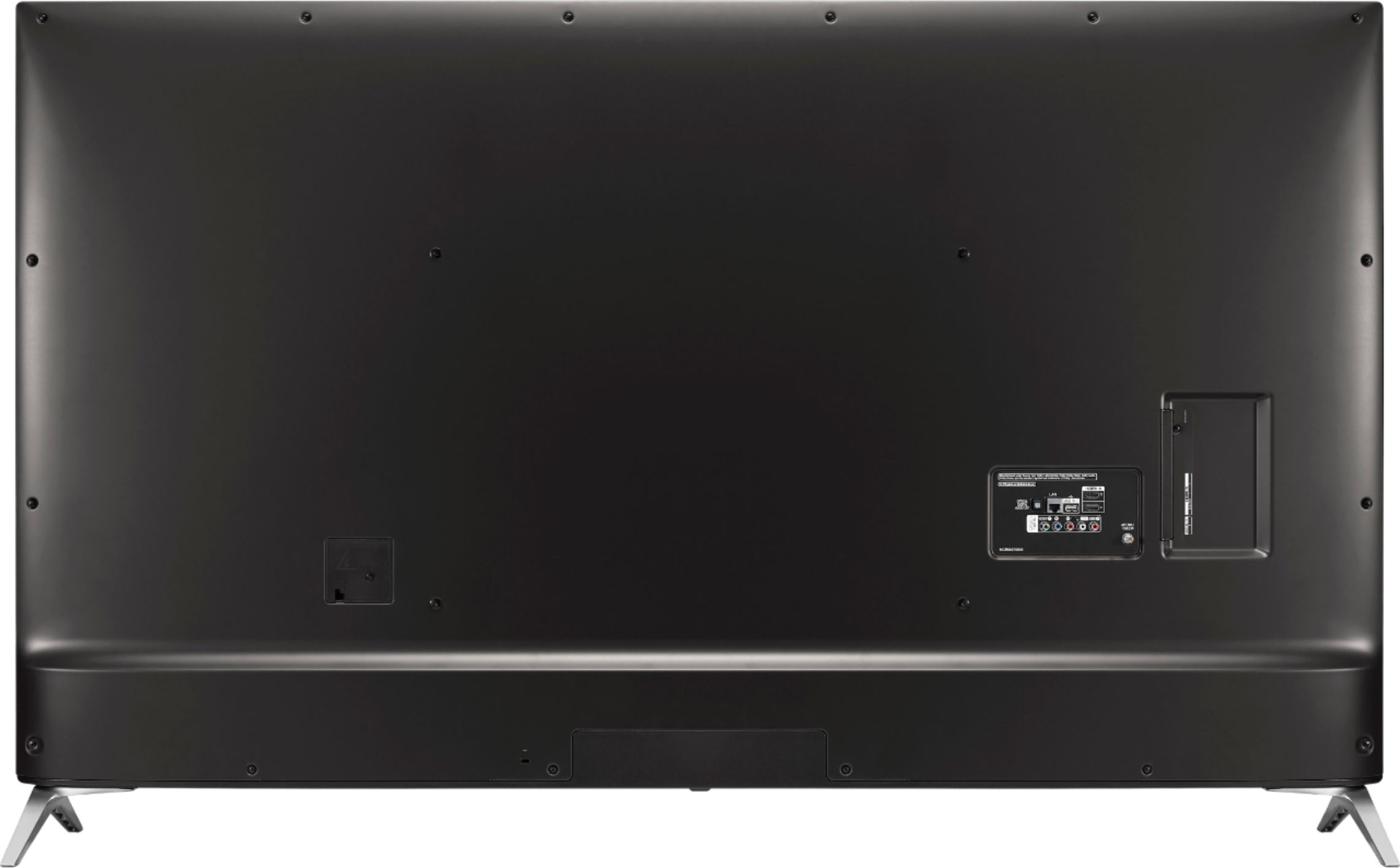
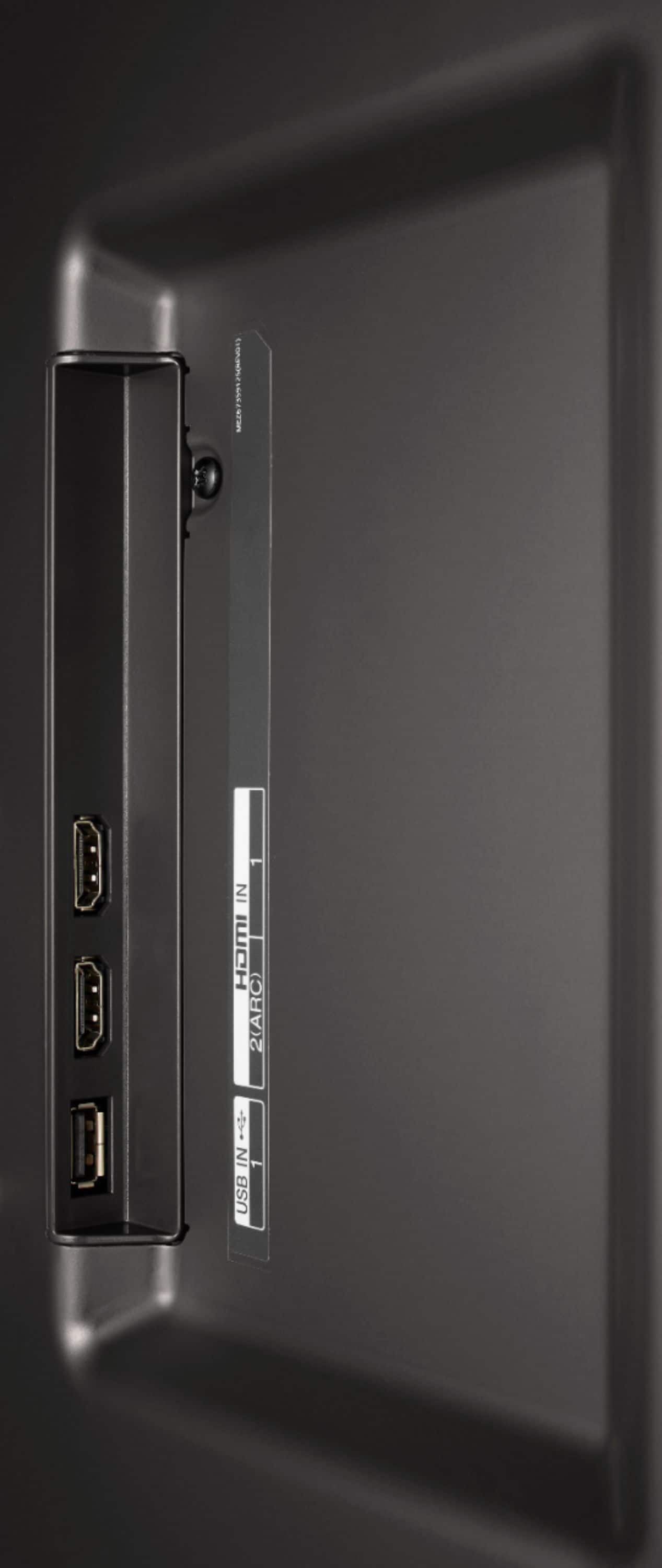
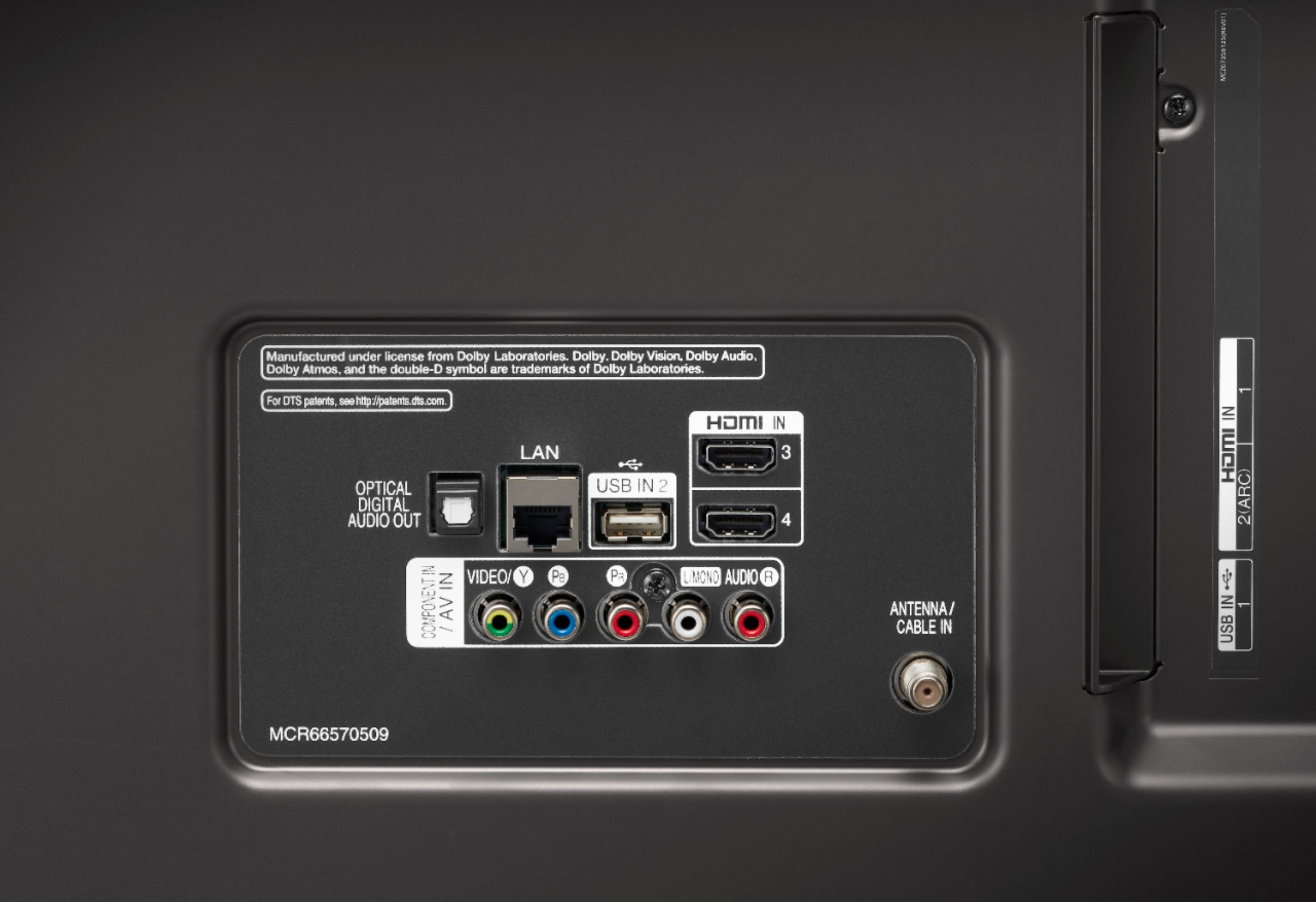
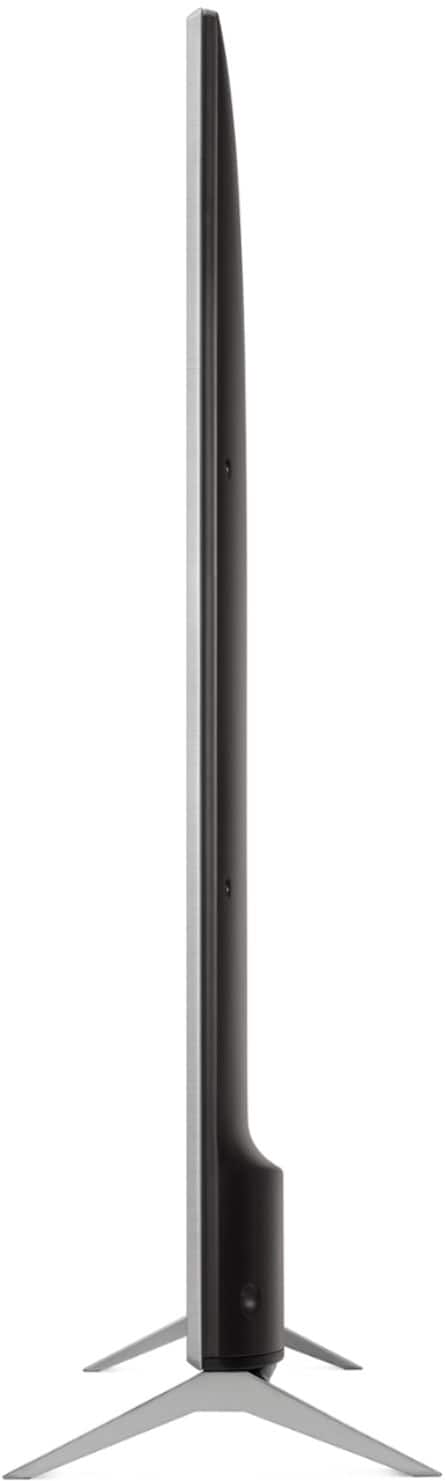
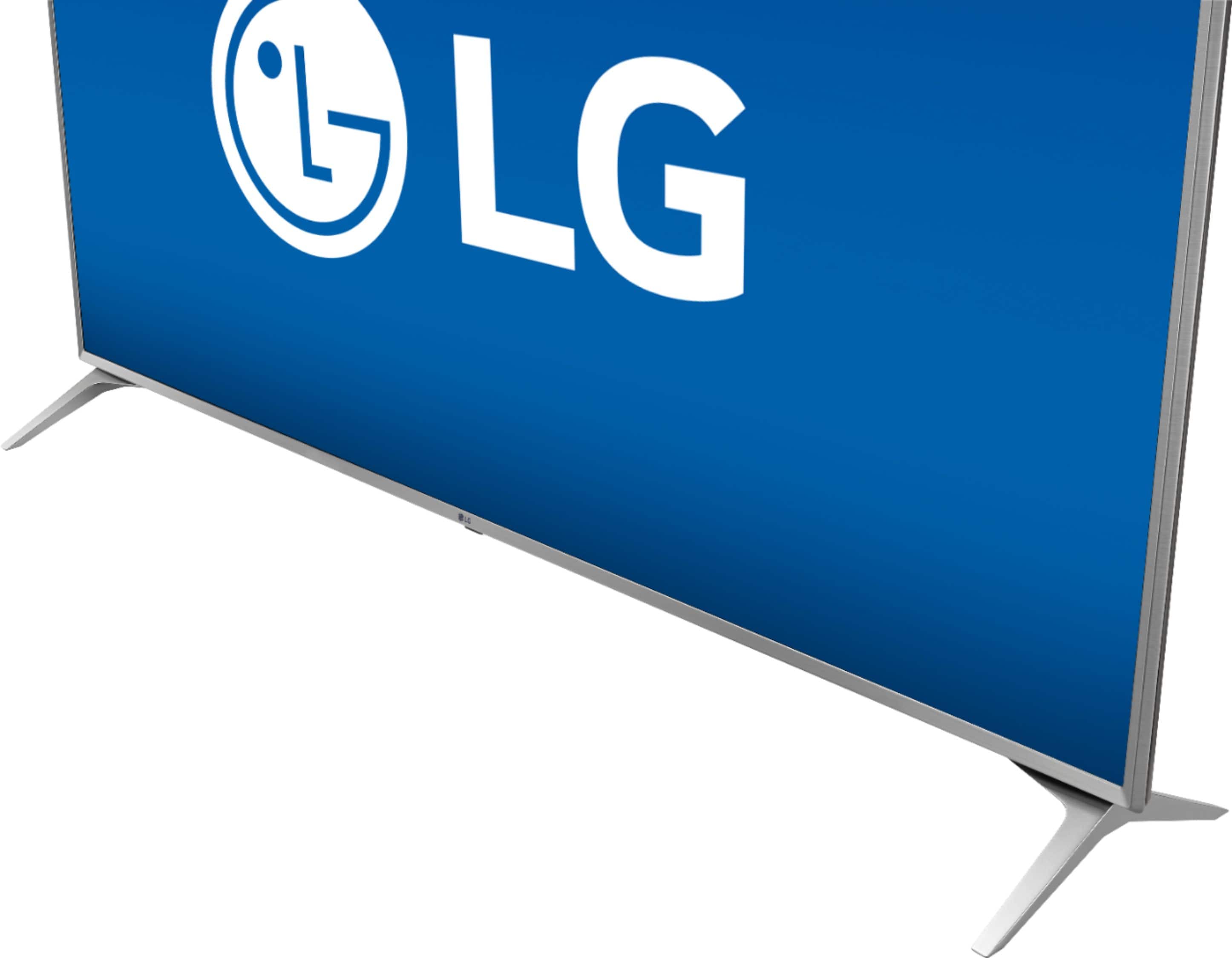
A:AnswerThe 70UK6190 does not have bluetooth connectivity. The 70UK6190 features the following inputs/output connections: HDMI (HDCP 2.2), Audio Return Channel Support (via HDMI), USB v 2.0, RF In (Antenna/Cable), Composite In, Ethernet, Digital Audio Out (Optical). ^CP
A:AnswerThe 70UK6190 has the following tuners built in: ATSC, NTSC-M,64 & 256 QAM. It is able to pick up the channels in your area that are compatible with those tuners. ^CP
A:AnswerThe 70UK6190 features Motion Enhancement Technology called TruMotion. Information regarding TruMotion can be found in the following help library article: https://www.lg.com/us/support/product-help/CT10000018-20150159237971-trumotion If you need assistance, do not hesitate to connect with us directly via Twitter @LGUSSupport or Facebook https://www.facebook.com/LGUSA/ or you can give us a call at 800-243-0000. ^CP
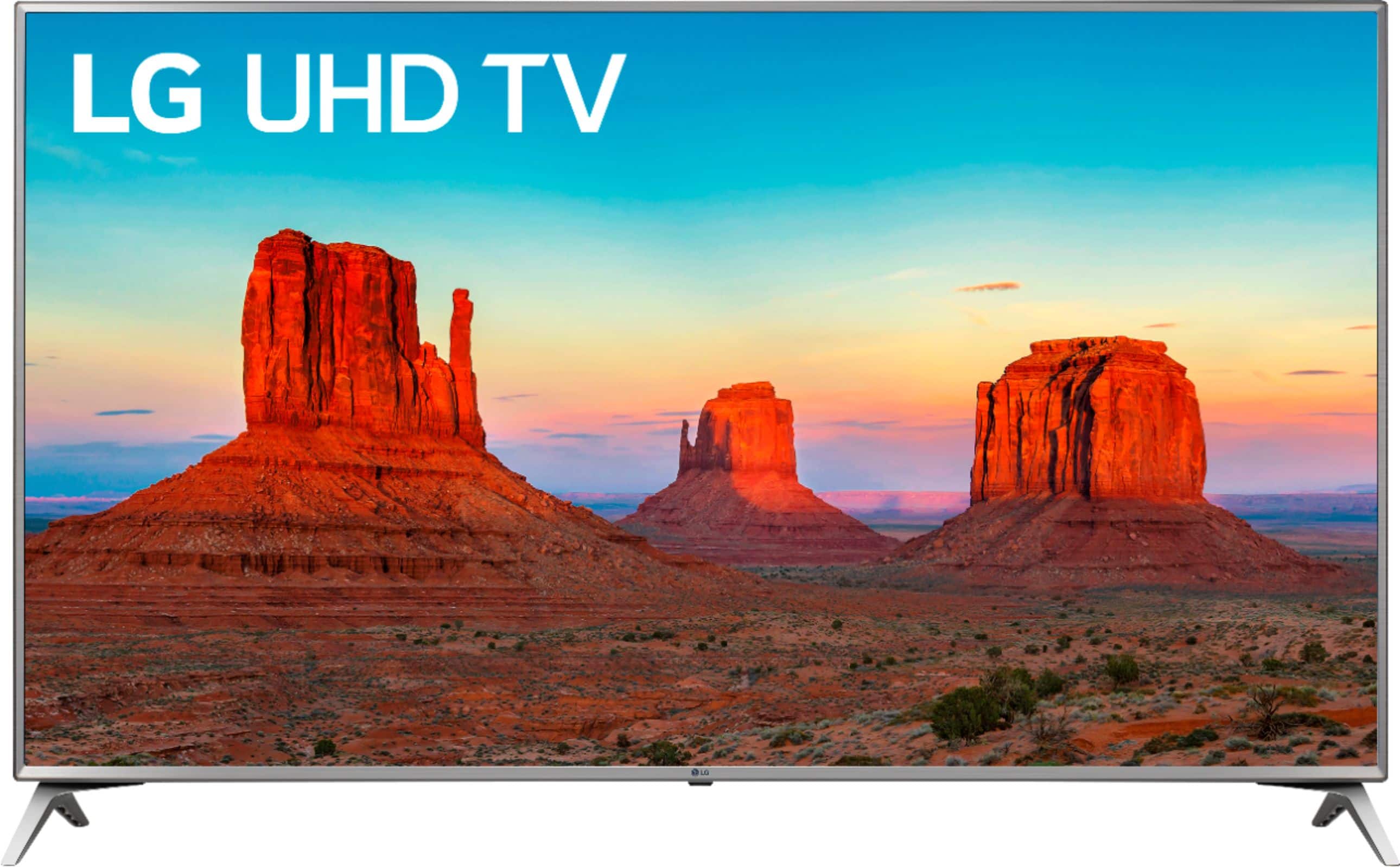
A:AnswerThe LG UK6190PUB 4K HDR Smart LED UHD TV - 70" Class (69.5" Diag), Model # 70UK6190PUIB is an edge-lit panel so it only has standard local dimming, it does not have Full Array Local Dimming. LG does not divulge the number of dimming zones and TV manufacturer's stopped listing contrast ratios for TVs a while back since there was no standard that was set for how contrast ratios were measured nor an identification for what method was used to measure contrast ratios. ^CP
A:AnswerThe 70UK6190 does not feature bluetooth connectivity. Nor does it have a RCA output for connecting headphones. We apologize for the inconvenience. ^CP
A:AnswerI would say that these TVs are very similar as you can tell by the description. They are both TVs with 4k and HDR. It all really depends on the panel that they use for it. In my opinion, I like LG panes better, but I cannot be objective, as I have never had a SONY TV. I would recommend going to the store and seeing if you can get these 2 TVs side by side to compare colors. I would also compare their software as well for the 'Smart TV' portion. I love WebOS on my LG and it makes it easy to work inside my home network and mirror phones and tablets and even pickup my my WD myCloud and allow me to stream content from there. I am not sure what software that Sony uses, but I have never been a fan of Sony software as it has typically been clunky and not very user friendly, but again, I have never used a Sony TV, so I cannot say anything to their TVs.
A:AnswerIt is recommended that you use a keyboard that has been tested for compatibility with LG TVs such as the Logitech K360, K400, K750 or the LG MKS-1200. If you are in need of any assistance, have additional questions, or would just like to see our helpful tips, check us out on Twitter @LGUSSupport or you can give us a call at 800-243-0000. ^CP