Questions & Answers
- Model:
- 70UN7070PUA
- |
- SKU:
- 6417305
Q: QuestionI have an LG Gpad V520. Can I connect the video output from the Gpad to this LG 70" TV??? If yes what else do I need for the connection and any other instructions to make it work. I want to be able to stream YOUTUBE/PEACOCK to this screen??? Thanks, SB
Asked by SteveB.
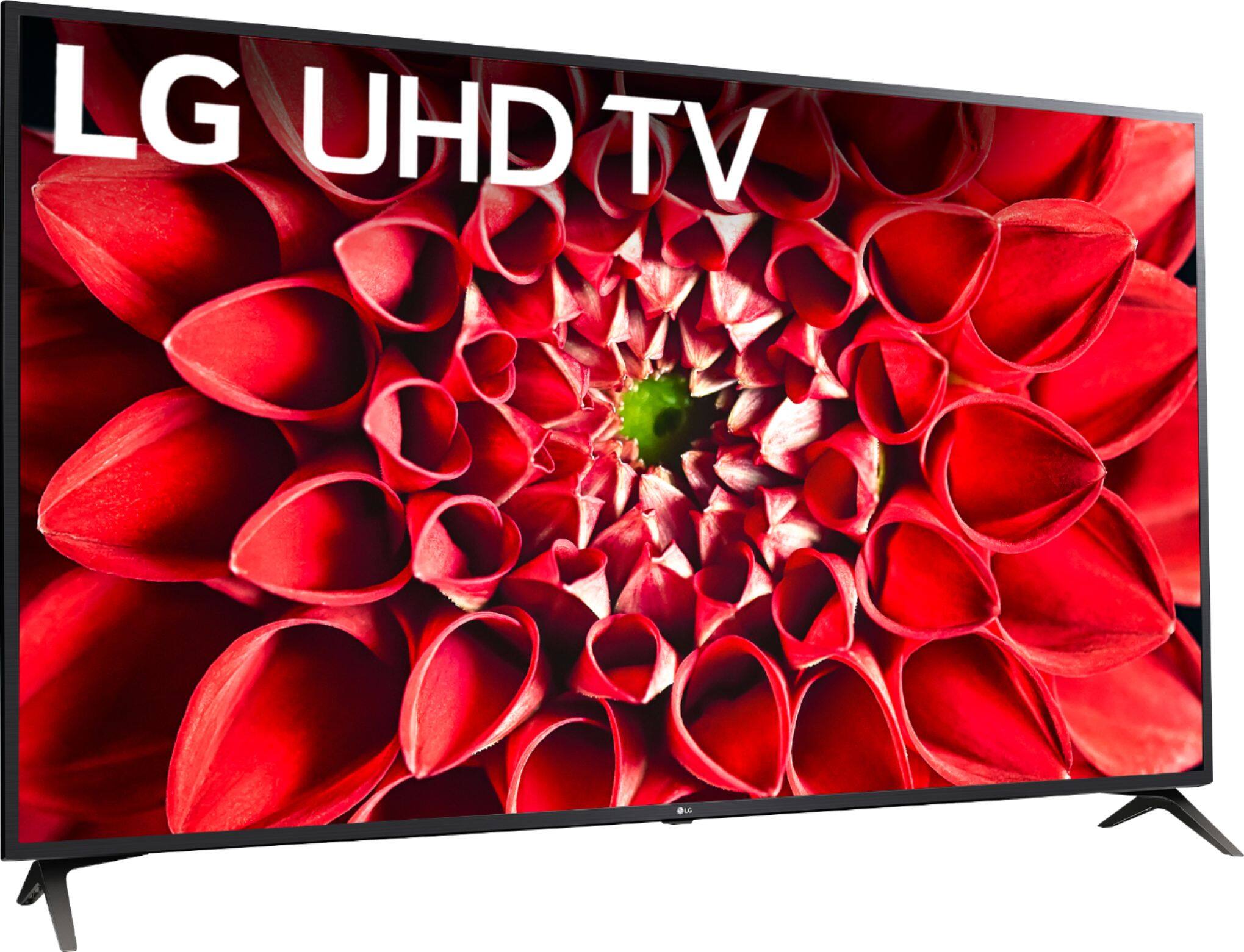
- A:Answer The LG UHD 70 Series 70 inch 4K HDR Smart LED TV, Model # 70UN7070PUA has an LG Content Store feature (App Store) that can be launched from the TV's home screen that you can use to download and install the Peacock app from the LG Content Store. IF you want to cast it from you LG Gpad V520, you can use the Screen Share feature on the TV to display your tablet's screen on the TV wirelessly. Enable Screen Share on the tablet then select the TV from a list of available devices to request a connection. Once the connection is established, your tablet's screen will be displayed on the TV. Both the TV and your tablet have to be on the same network...^IFV
Answered by LG Digital Customer Care

Q: QuestionI lost the screws that attach the TV with the stand/legs it comes with. What size and type of replacement screws do I need?
Asked by Guest123.
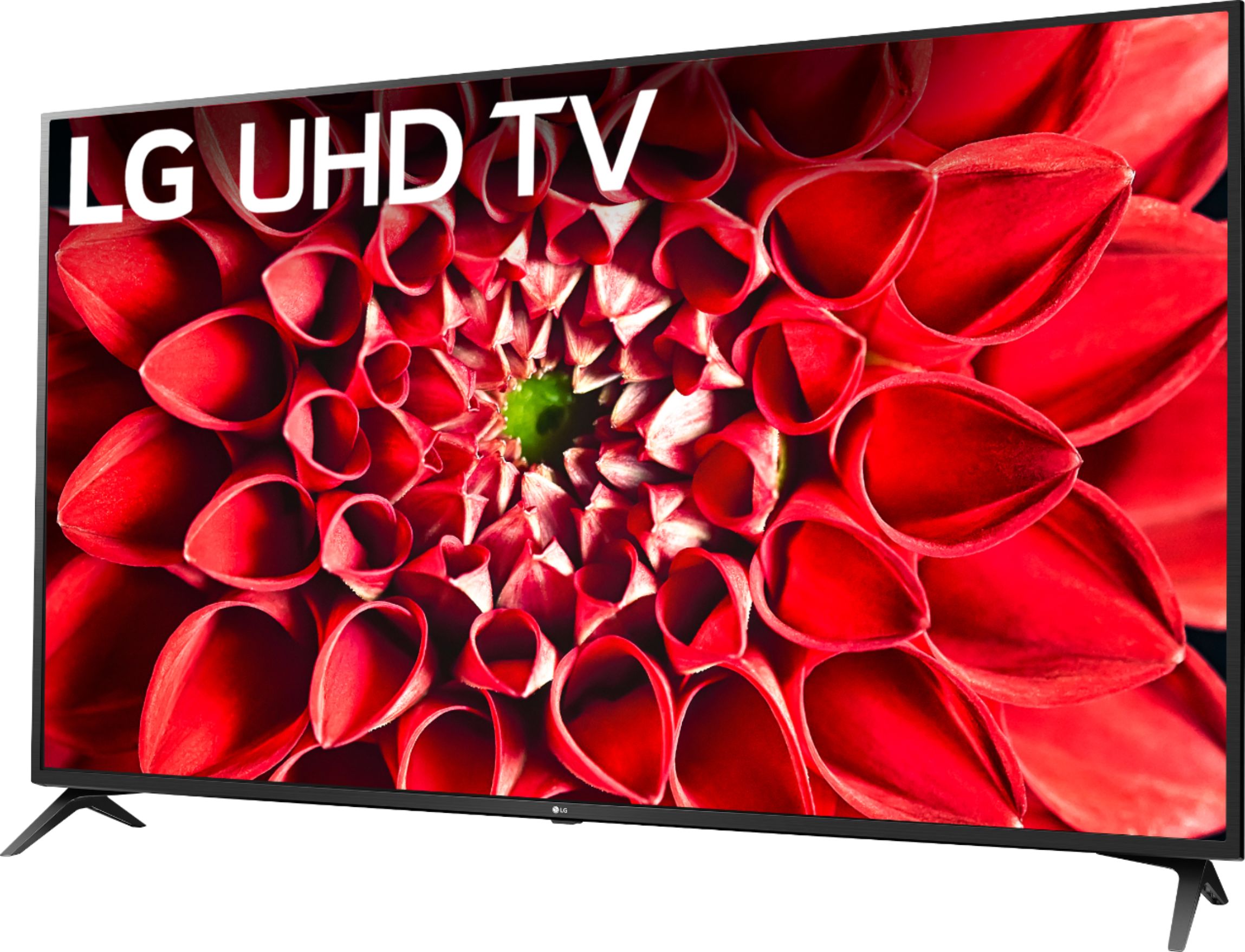
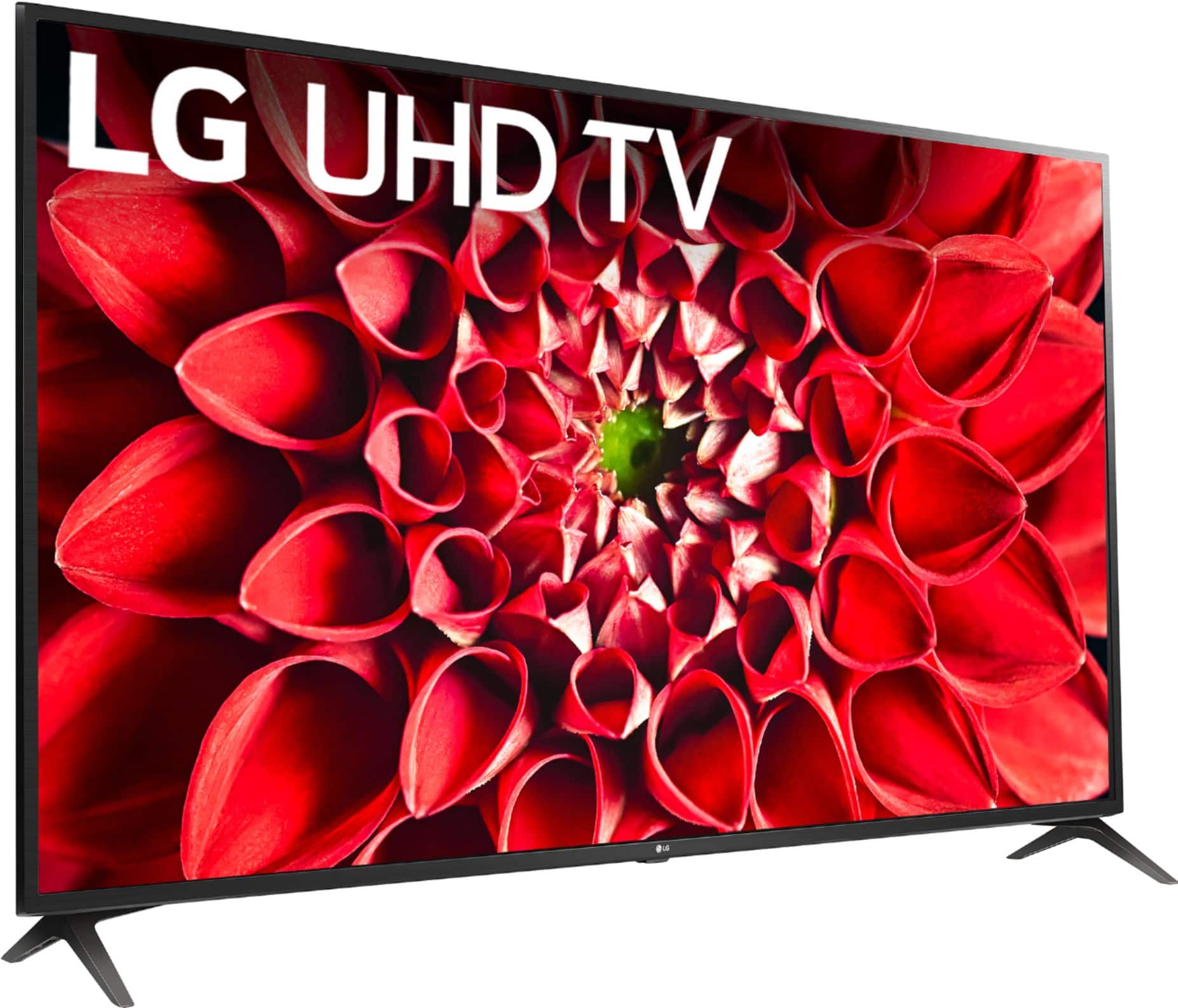
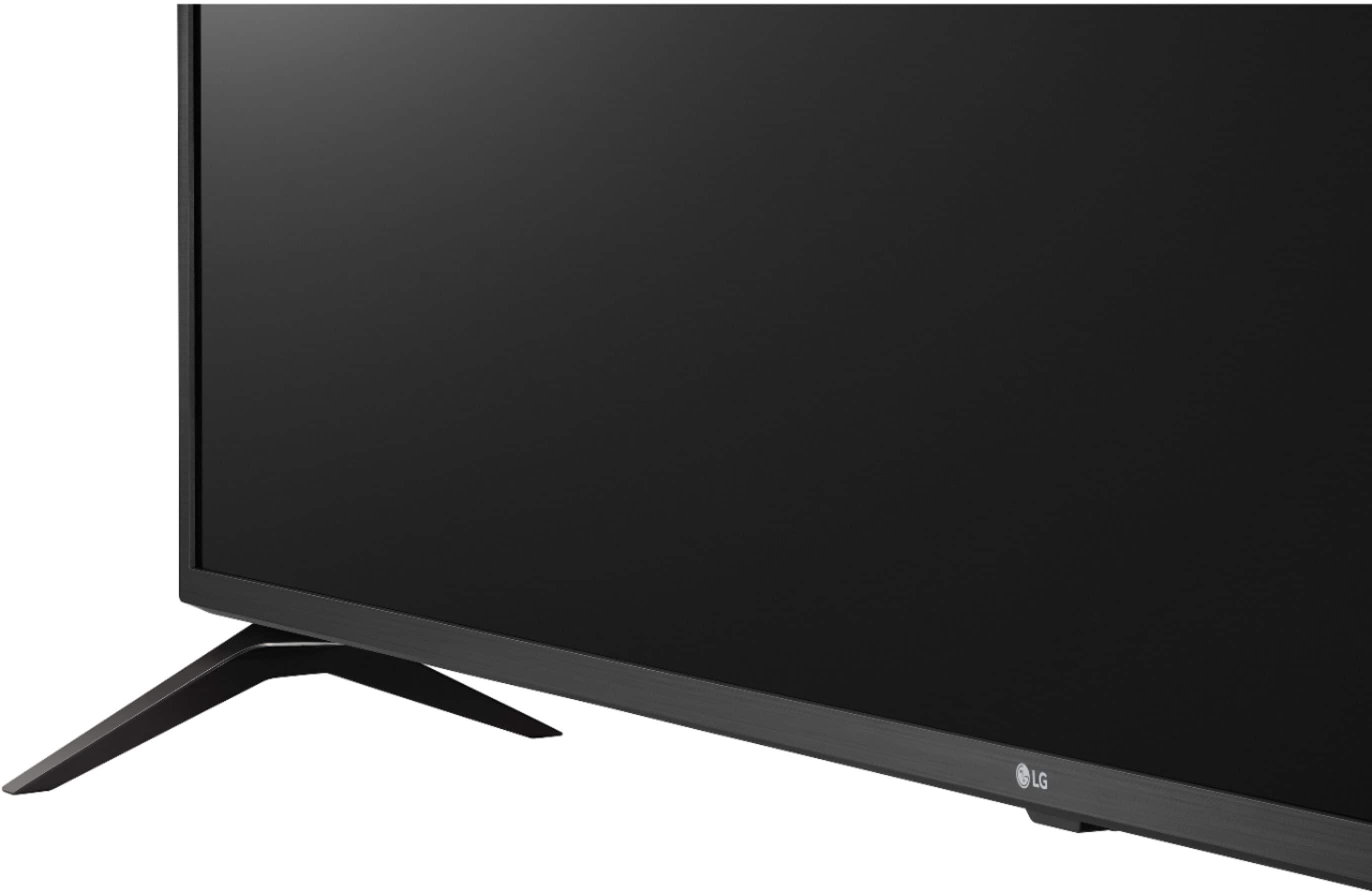
- A:Answer The screws needed to attach the feet to the TV are size M4 x L14. ^Daphane
Answered by LG Digital Customer Care

Q: QuestionCan you SlingTV on this LG model? Thanks in advance!
Asked by AmberDim.
- A:Answer Streaming Services include but are not limited to Apple TV+, CBS All Access, Disney+, Google Play Movies & TV, Hulu, Netflix, Pandora, Prime Video, SHOWTIME, STARZ, Sling TV, Spotify and YouTube. You can install various apps from the LG Content Store. Please visit the link below to browse the available apps for download. Additional charges apply for certain services. ^Daphane https://us.lgappstv.com/main
Answered by LG Digital Customer Care

Q: QuestionCan we able to install Kodi and website?
Asked by Prem.
- A:Answer This TV has a webOS platform. Our webOS platform offers over 600 apps including streaming content and games - including over 180 free streaming channels via the LG Channels. Additional charges apply for some streaming services. For a complete listing of available apps, please visit: https://us.lgappstv.com/main/tvapp. You will need to connect a 3rd party device to access Kodi such as Amazon Firestick. ^Daphane
Answered by LG Digital Customer Care

Q: QuestionHow far apart are feet on 70 inchlguhdtv
Asked by Anonymous.
- A:Answer Length/height?
Answered by Anonymous
Q: QuestionWhere are HDMI located?
Asked by Cindy.
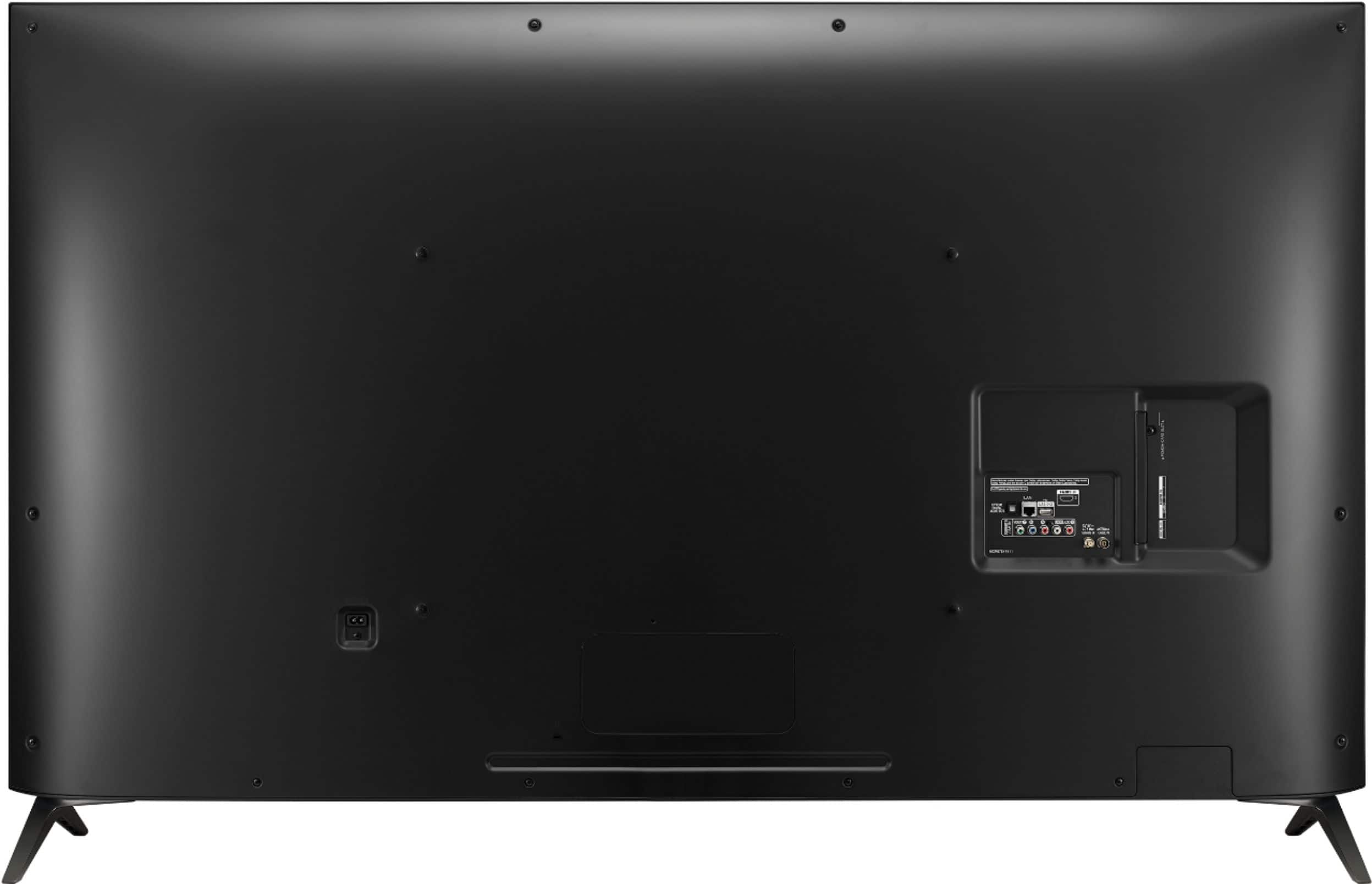
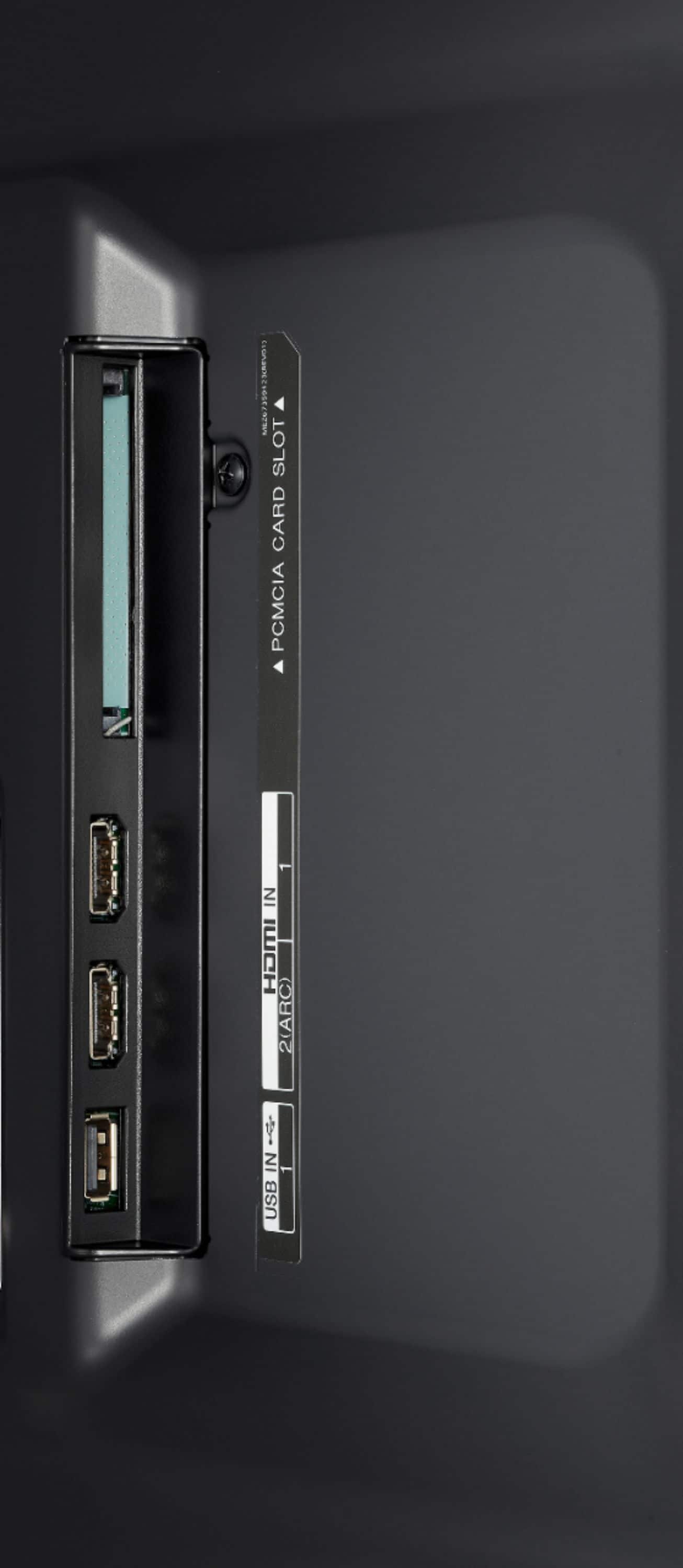
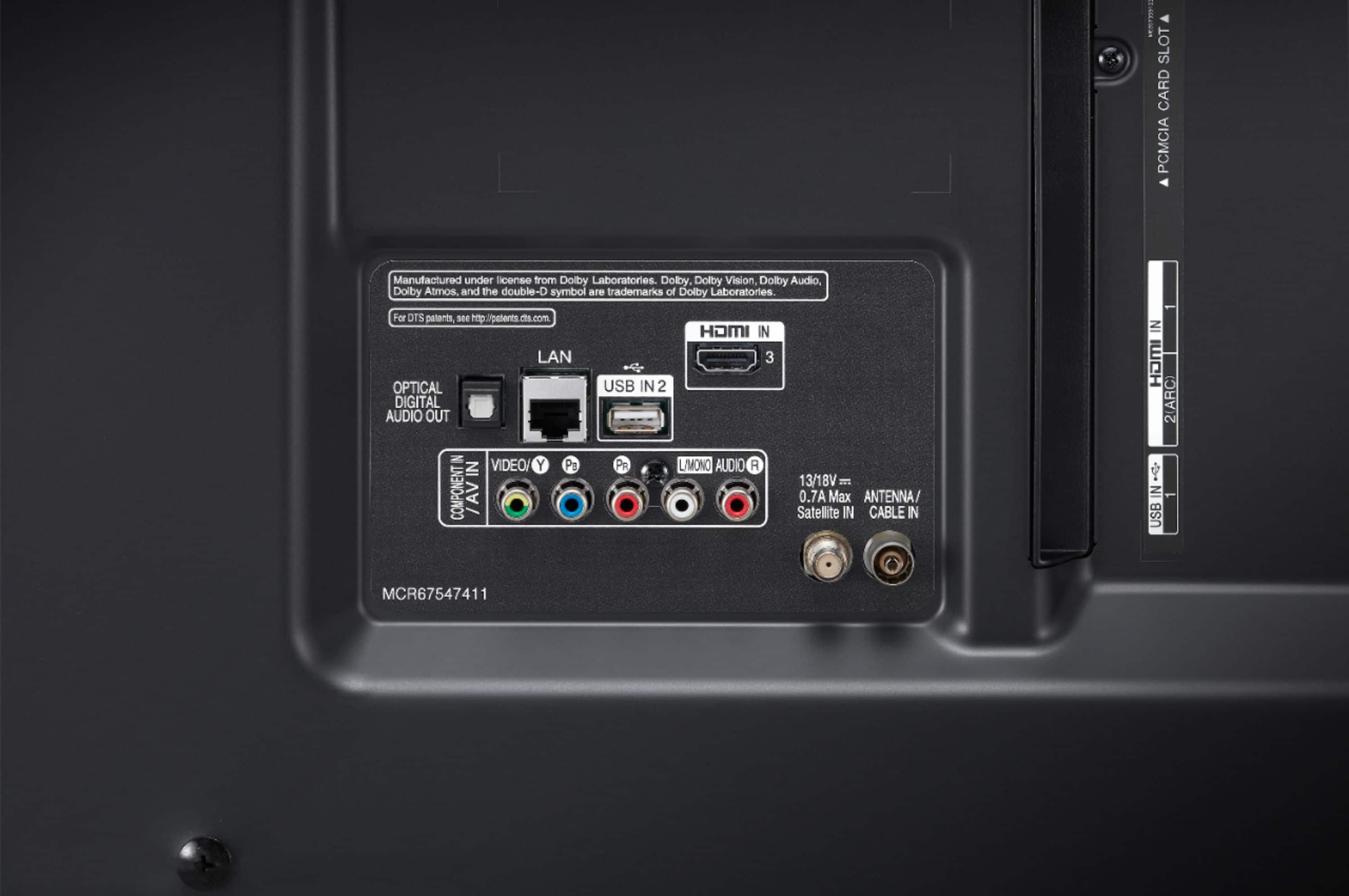
- A:Answer This TV has (3) HDMI inputs, 1 (rear) 2 (side). ^Daphane
Answered by LG Digital Customer Care

Q: QuestionCan you connect an axiim link to this tv?
Asked by Anonymous.
- A:Answer This TV does not have any version 2.1 HDMI inputs and will not support 4K@120Hz. ^Daphane
Answered by LG Digital Customer Care

Q: QuestionDoes this TV work with Spectrum cable and will it show incoming calls??
Asked by Jimandcarol2001.
- A:Answer Yes, this TV works with Spectrum cable. I recently had Spectrum install my cable tv. Instead of their set top box they sold me the Apple TV device. It's not as user friendly as the set top box but it works fine. I'm not sure about the incoming calls.
Answered by Ronco
Q: QuestionIs this LG compatible to Spectrum app, can I download it?
Asked by Sam.
- A:Answer Regrettably, LG TVs do not support the Spectrum TV app at this time. ^Daphane
Answered by LG Digital Customer Care

Q: QuestionDoes lg support Roku streaming stick.
Asked by Anonymous.
- A:Answer yes
Answered by JonathanF
Q: QuestionHow much does it weigh?
Asked by Lucy.
- A:Answer With the stand, the weight is 69.2 lbs. The weight without the stand is 67.7 lbs. ^Daphane
Answered by LG Digital Customer Care

Q: QuestionCan I use a swivel table top stand for this model television
Asked by Essie.
- A:Answer Yes, any mount needs to be VESA Mounting pattern 600 x 400mm. ^Daphane
Answered by LG Digital Customer Care

Q: QuestionWhat additional cables will I need to purchase for this to set it up? Thank you.
Asked by Blanco.
- A:Answer I recommend an hdmi cable. Not sure of your home setup. So it just varies on length. That’s all you need
Answered by Snowman
Q: QuestionWhat is the width and height?
Asked by Anonymous.
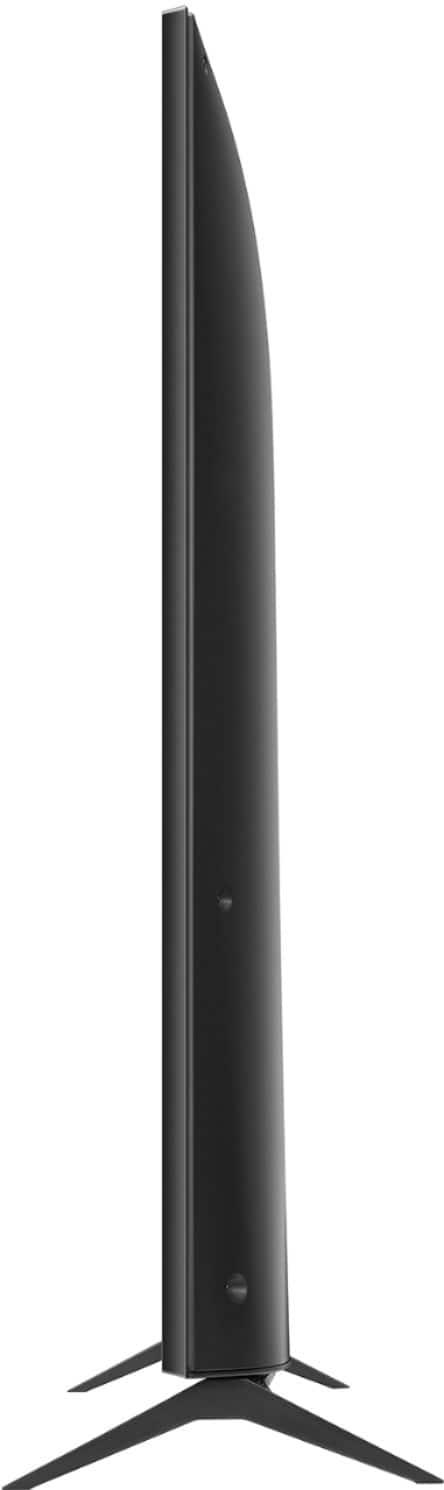
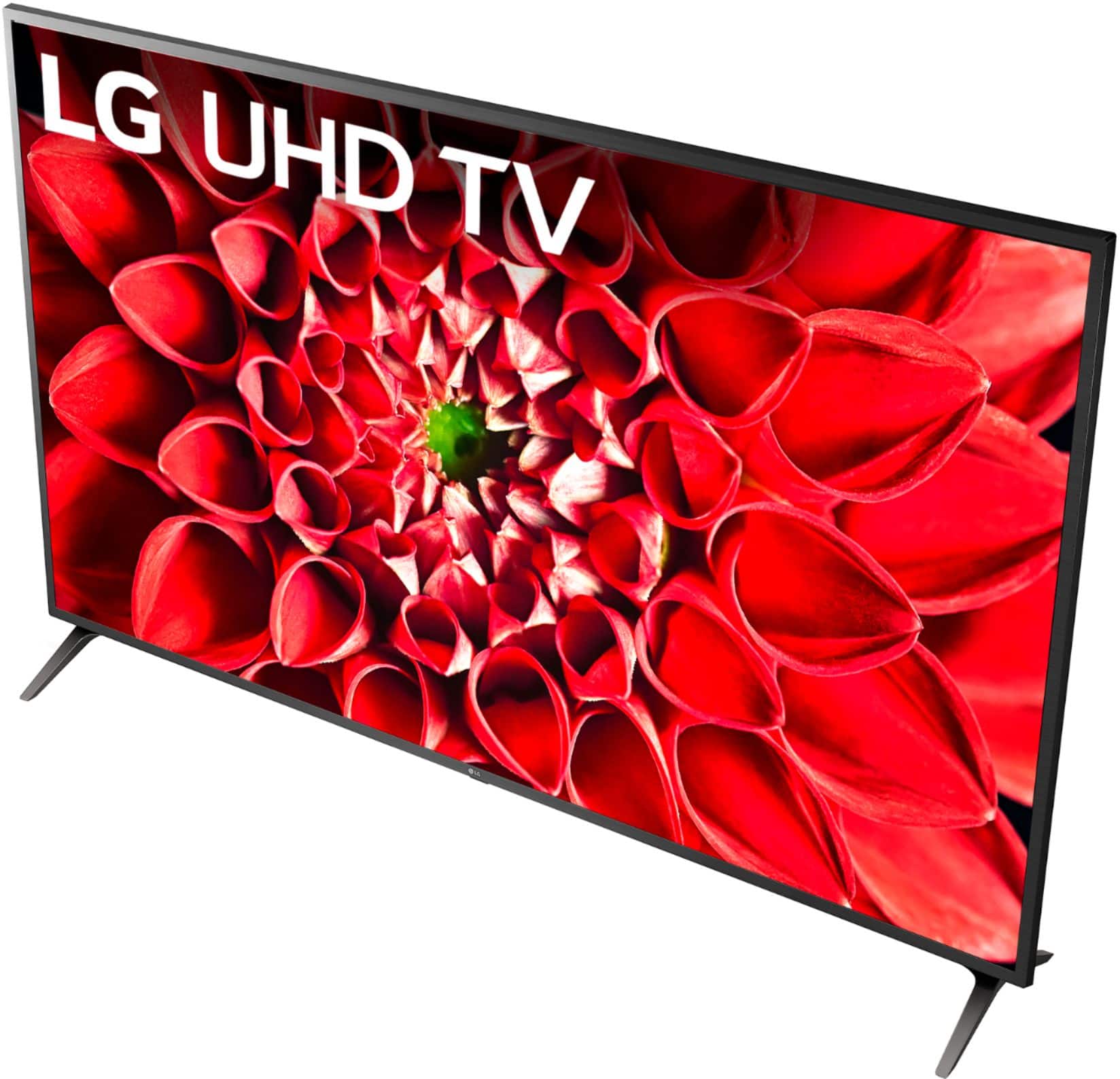
- A:Answer The TV dimensions with the stand are 62.1"W x 38.7"H x 11.8"D and the TV dimensions without the stand 62.1"W x 35.9"H x 3.6"D. The stand width is 58.9". ^Daphane
Answered by LG Digital Customer Care

Q: QuestionCan you screen mirror to this tv?
Asked by Anonymous.
- A:Answer Screen mirroring technology include Apple AirPlay 2 and Miracast Please be mindful that in order to use AirPlay 2 the following system requirements must be met: iPhone, iPad, or iPod touch with iOS 11.4 or later; Apple TV 4K or Apple TV HD with tvOS 11.4 or later1; HomePod with iOS 11.4 or later; Mac with either iTunes 12.8 or later or macOS Catalina. ^Daphane
Answered by LG Digital Customer Care

Q: Questiondo i have to by sound equipment
Asked by jobob.
- A:Answer No. Sound is good
Answered by SweetO
Q: QuestionHi, has anyone else had a problem with the tv turning off randomly continuously?? How can I fix that ??
Asked by Lg.
- A:Answer Well we actually don't have any issues that the tv is turning off randomly.But you need to check if the Sleep Timer is ON or you can just reset the Tv by going to All Settings>General>Reset to Initial Settings.If you have questions or further concerns, please reach out to our support team on Twitter via @LGUSSupport or on Facebook at https://www.facebook.com/LGUSA/.^Venette
Answered by LG Digital Customer Care

Q: QuestionWhere are the speakers?
Asked by Anonymous.
- A:Answer The built-in speakers for the LG UHD 70 Series 70 inch 4K HDR Smart LED TV, Model # 70UN7070PUA are bottom firing speakers and they are located on the bottom of the panel...^IFV
Answered by LG Digital Customer Care

Q: QuestionWhat is the weight of the T.V.
Asked by Bo.
- A:Answer The TV weight with the stand 69.2 pounds and the TV weight without the stand is 67.7 lbs and the packaging weight is 87.5 lbs. ^Daphane
Answered by LG Digital Customer Care

Q: QuestionI asked a question about the LG 7070series TV regarding the eARC Comparability Thanks for the three answers Unfortunately they are all different One says yes another says no the other Says “I’m pretty sure yes“ Any other ideas anyone Thanks
Asked by Brian.
- A:Answer Hi Brian. With regards to your quistion about eARC compatibility, the LG UHD 70 Series TVs are only offred as a 75" or 70" screen and they do not support HDMI eARC. All The ports for this series are HDMI 2.0 ports and HDMI 2 on the TVs is an HDMI ARC port. HDMI eARC is supported on LG TVs with HDMI 2.1 ports...^IFV
Answered by LG Digital Customer Care

Top Rated
- $299.00$299.00The price was $349.00
- $249.99$249.99The price was $379.99
- $99.99$99.99The price was $129.99
- $299.00$299.00The price was $349.00
- $149.99$149.99The price was $199.99
- $1,099.99$1,099.99The price was $1,299.99