


Questions & Answers
- Model:
- 70UQ7590PUB
- |
- SKU:
- 6501936
Highly rated by customers for: Picture Quality, Ease of use, Price
$397.99Your price for this item is $397.99
Clearance
Comp. Value: $529.99
The comparable value price is $529.99
Page Showing 1-20 of 99 questions
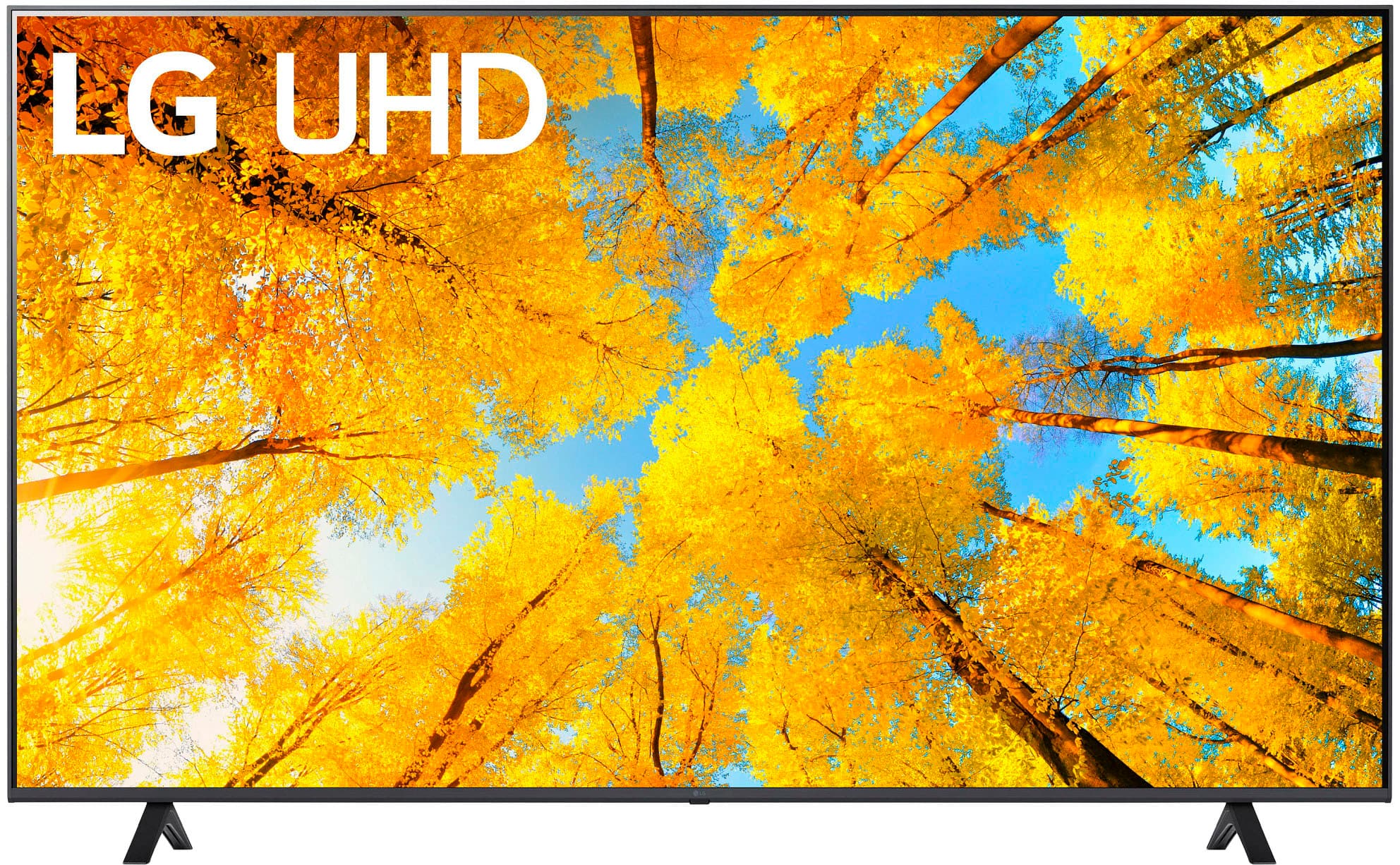
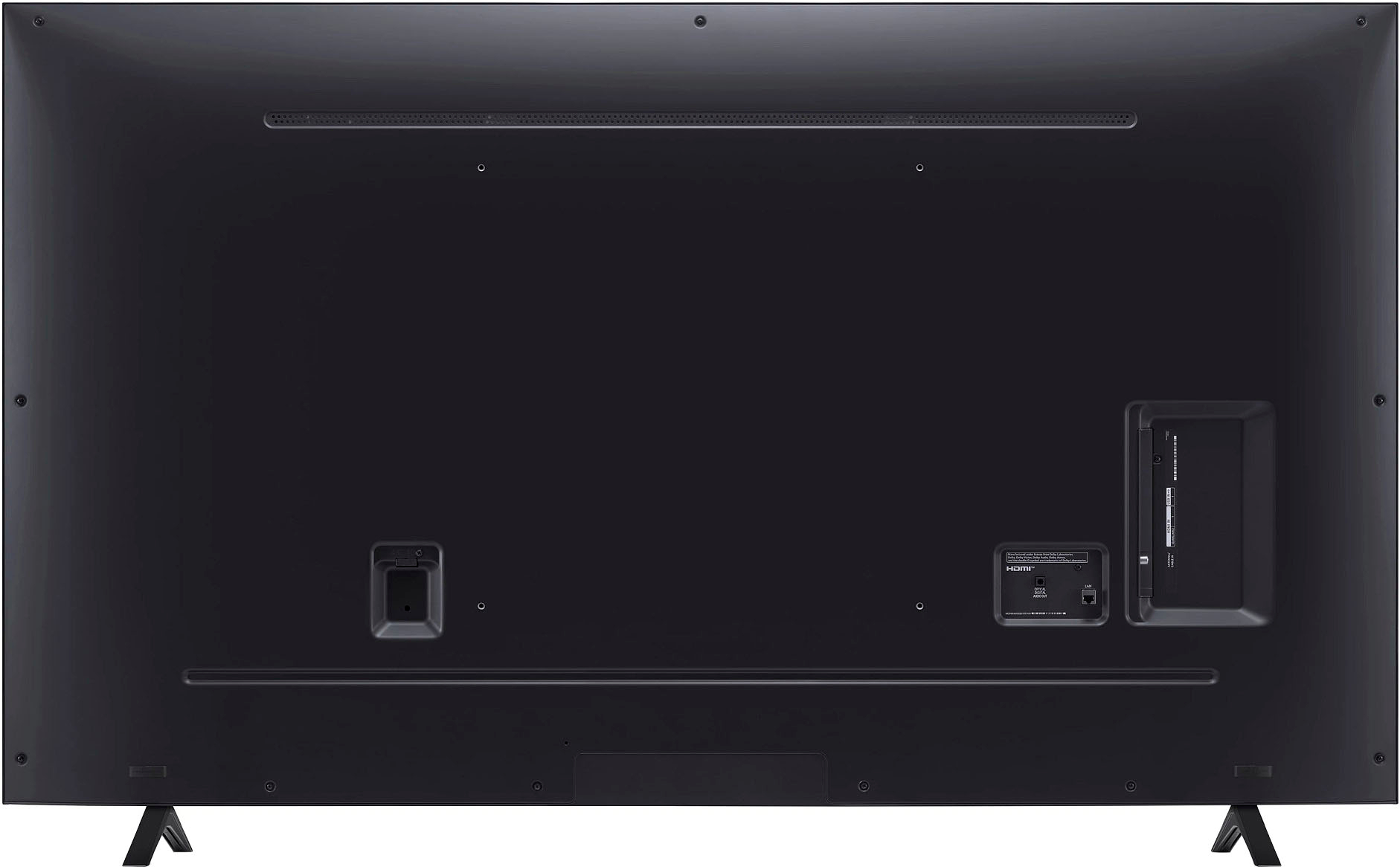
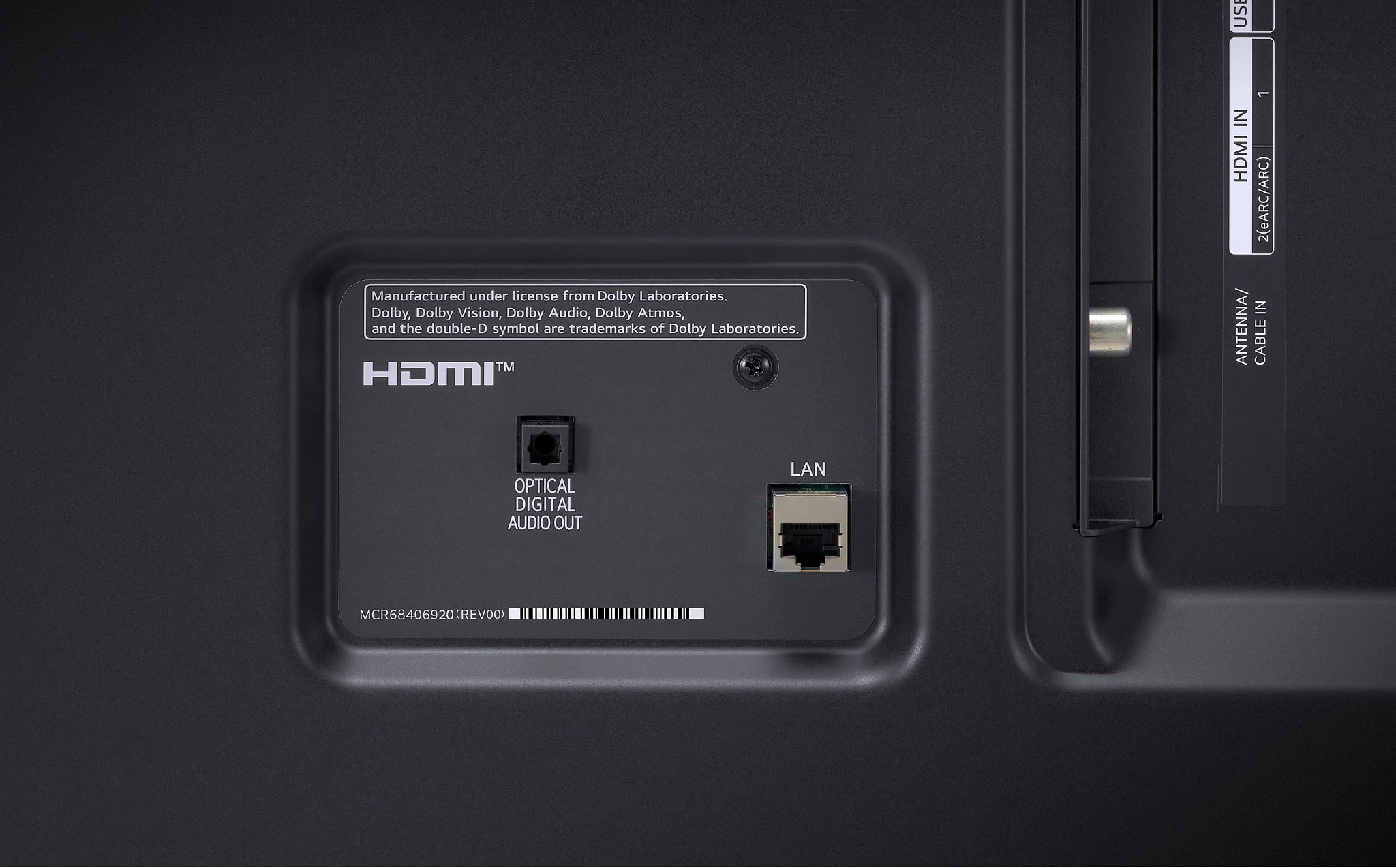
Q: QuestionHow many HDMI ports does this LG TV have?
- A:Answer This LG TV has 2 HDMI ports.
This question and answer was generated by AI based on customer and product data.Q: QuestionDoes this LG TV have built-in speakers?
- A:Answer Yes, this TV has built-in speakers.
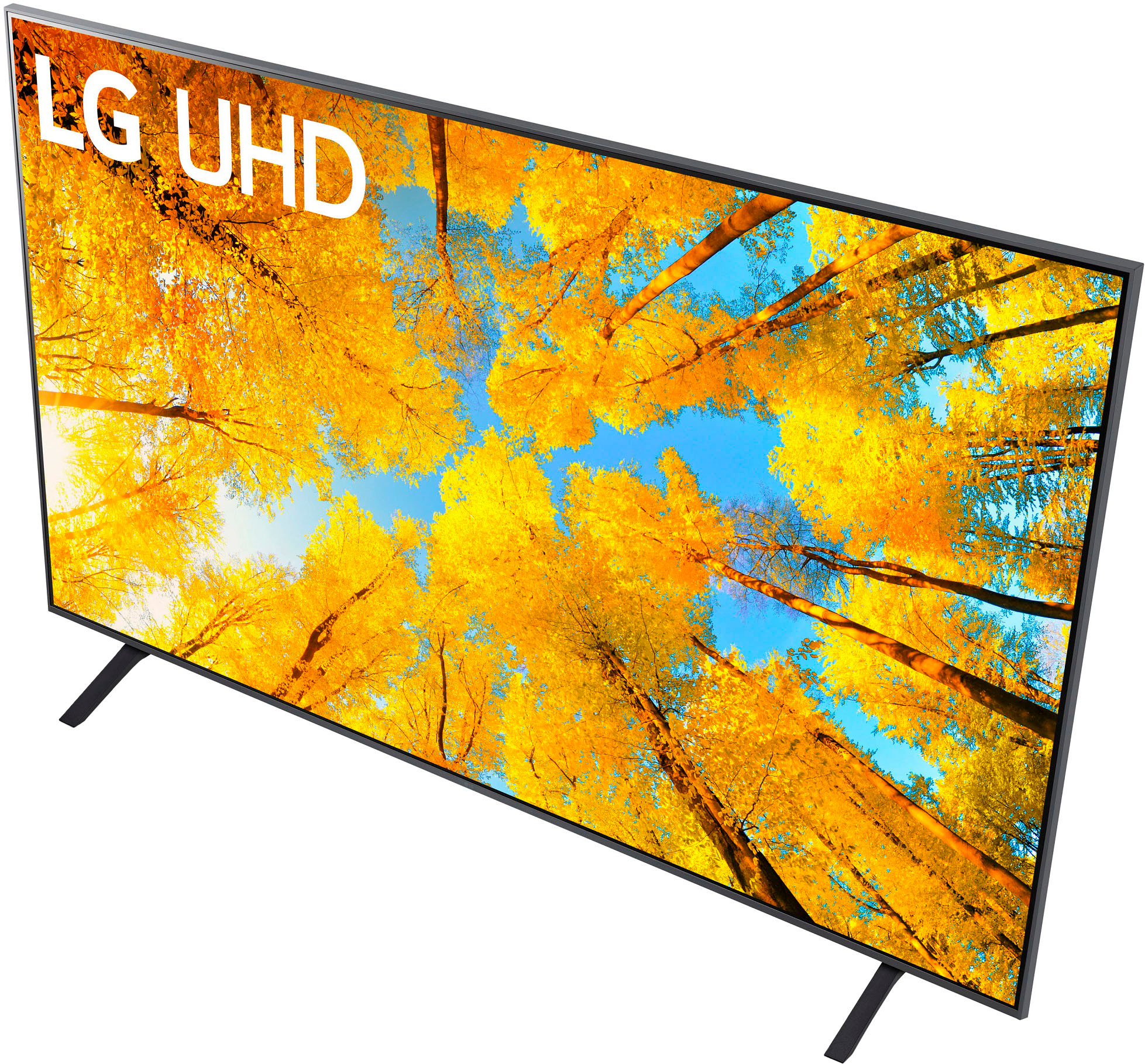
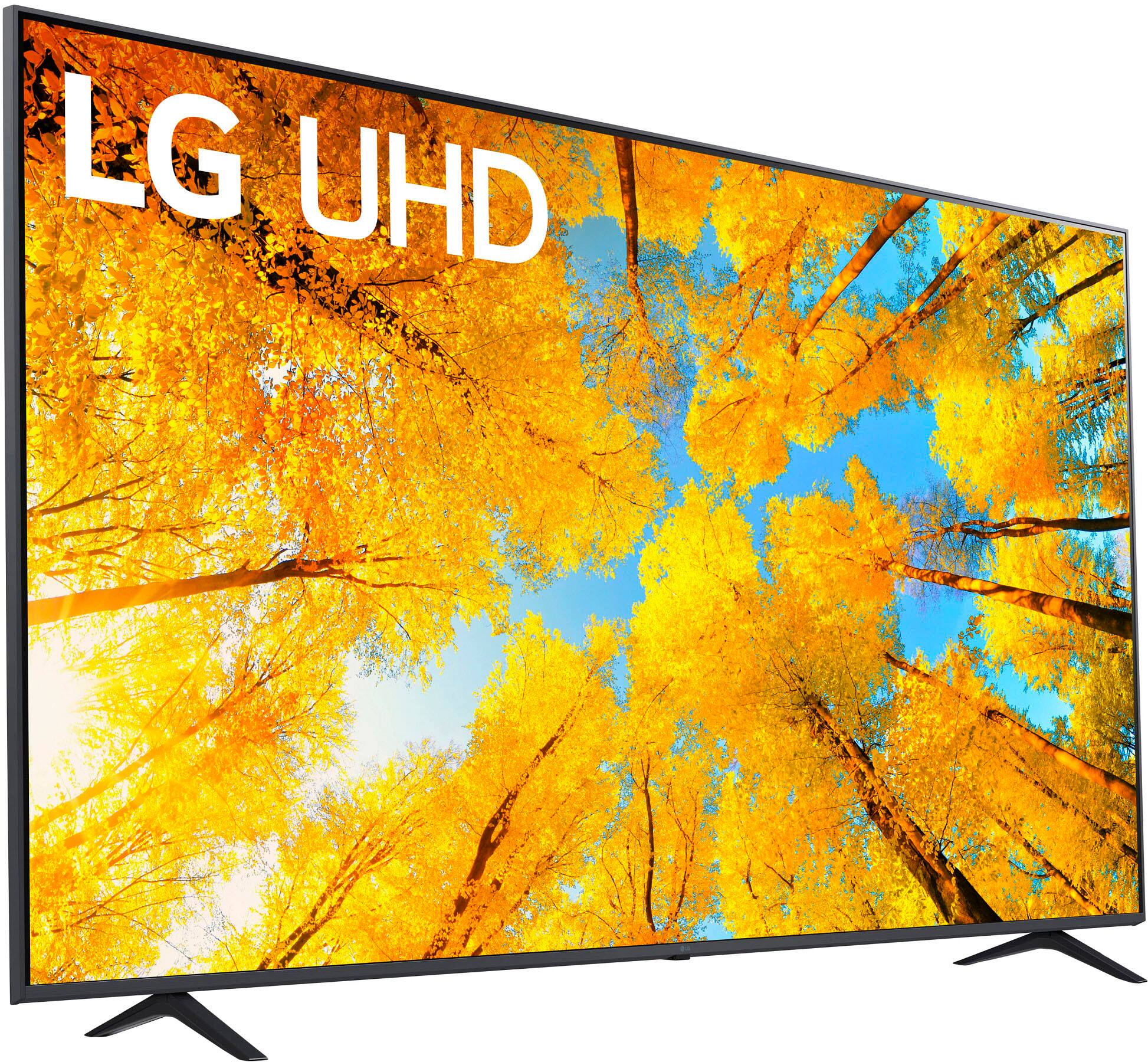
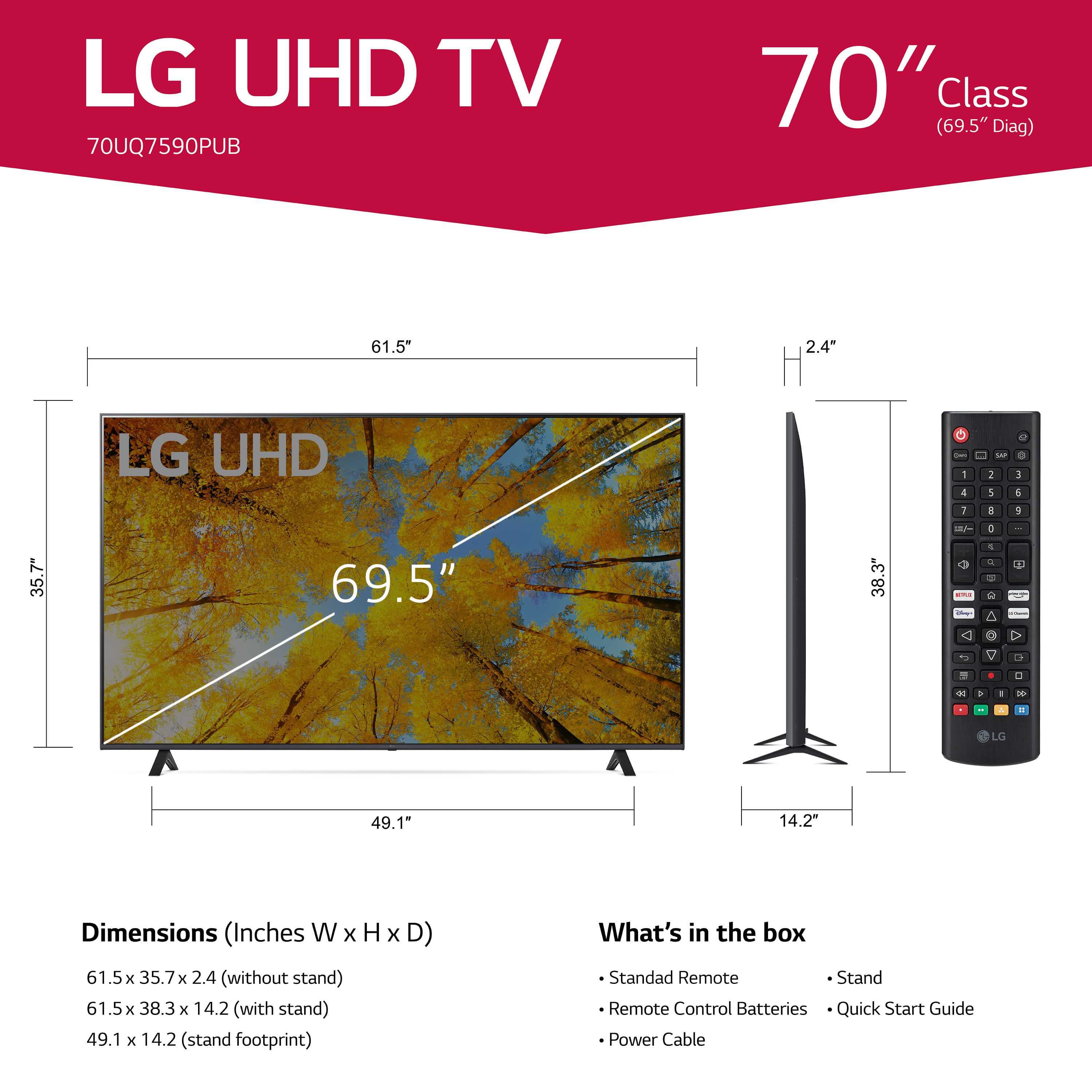
This question and answer was generated by AI based on customer and product data.Q: QuestionWhat is the screen size of this LG TV?
- A:Answer The screen size of this TV is 69.5 inches.
This question and answer was generated by AI based on customer and product data.Q: QuestionWhat is the resolution of this LG TV?
- A:Answer This LG TV has 4K (2160p) resolution.
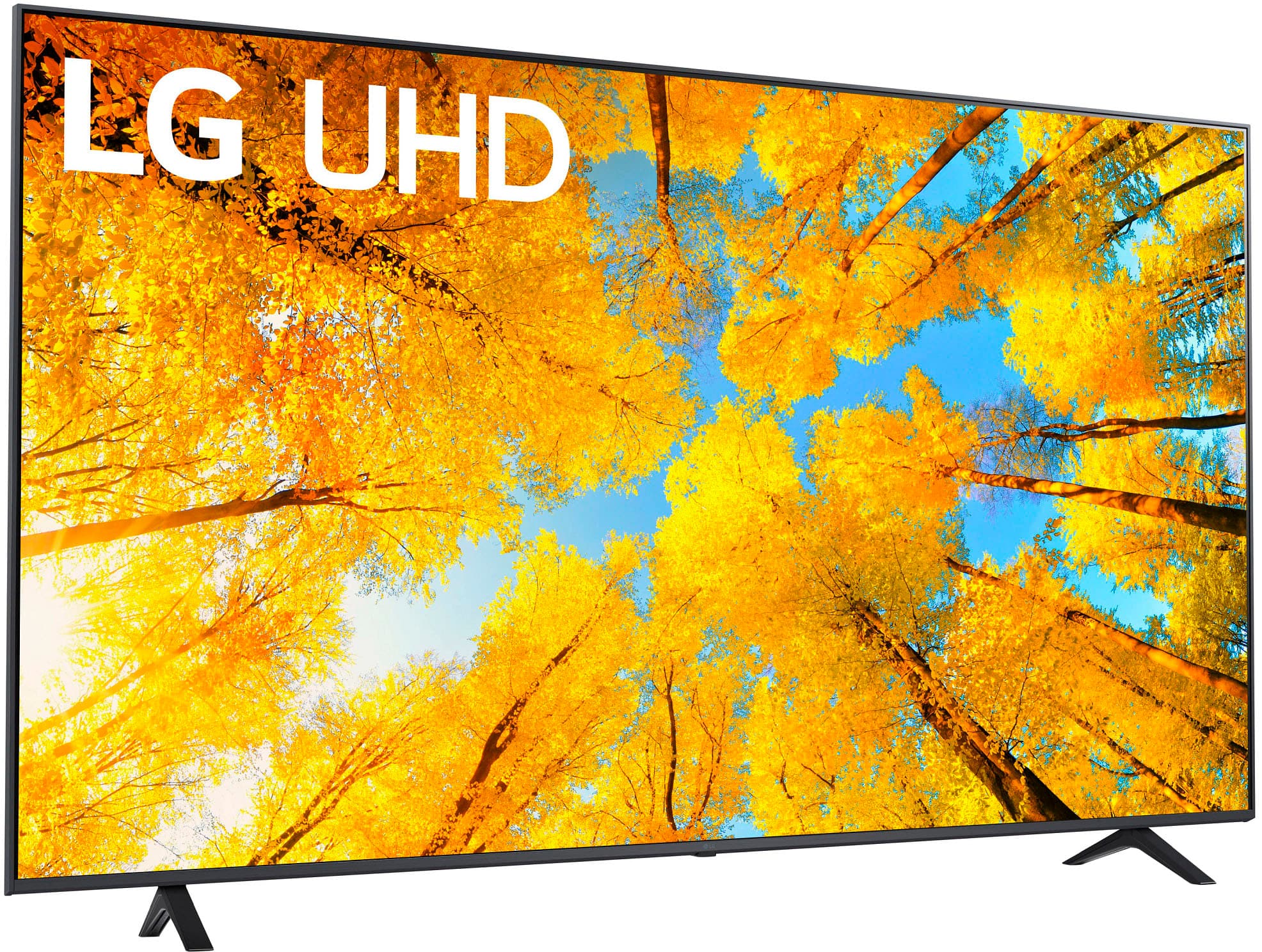
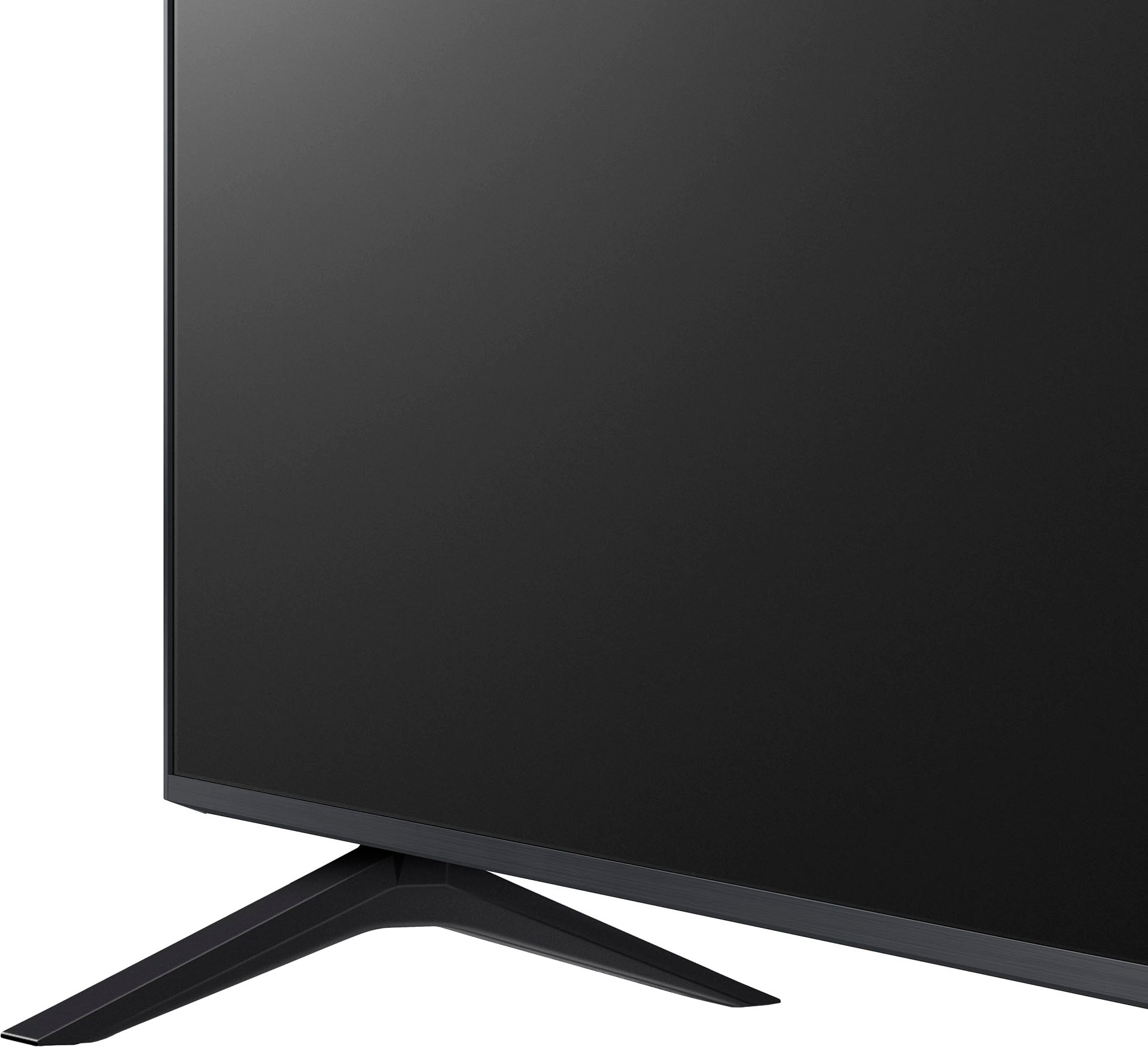
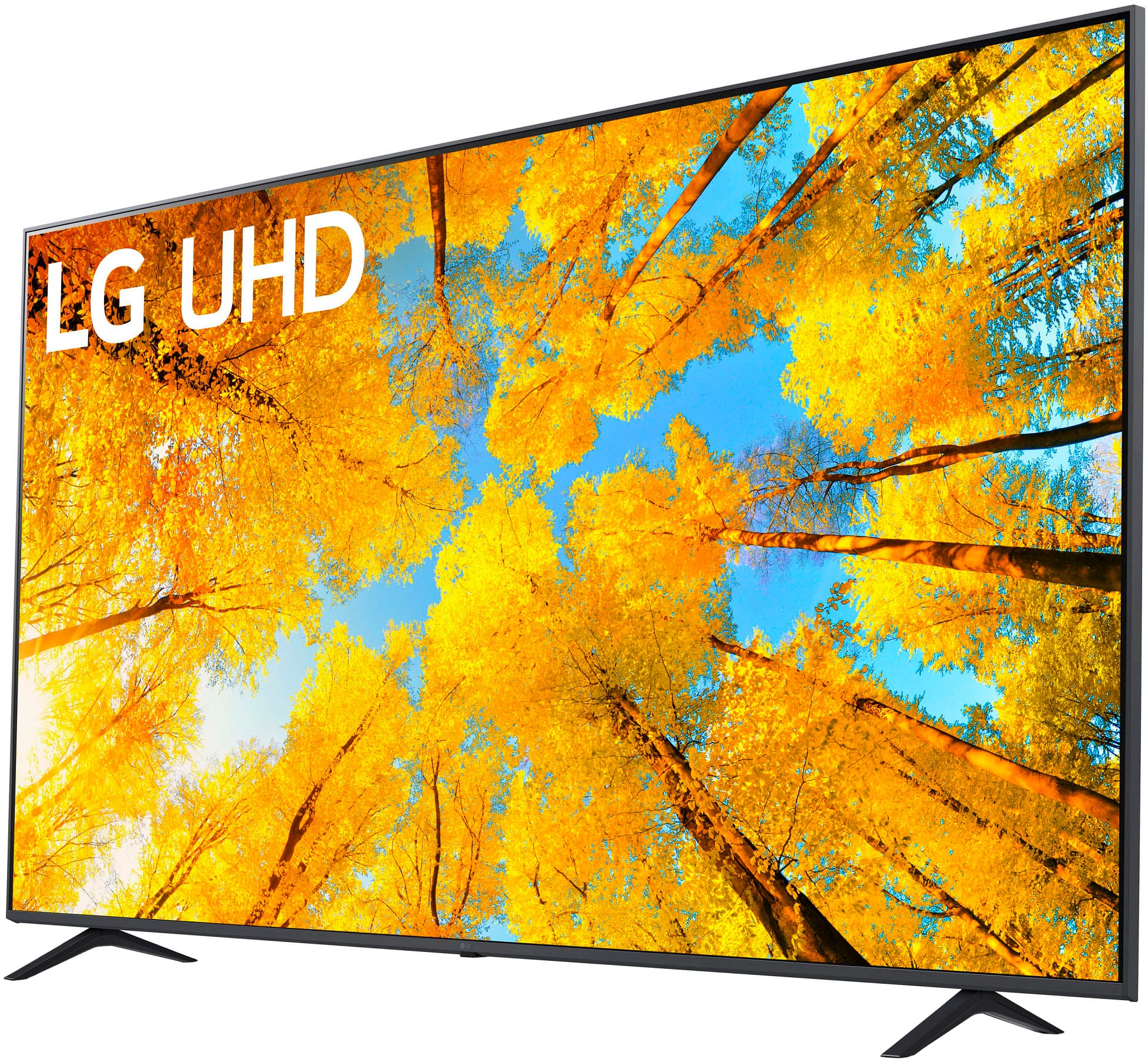
This question and answer was generated by AI based on customer and product data.Q: QuestionDoes this LG TV come with a stand?
- A:Answer Yes, the TV comes with a stand.
This question and answer was generated by AI based on customer and product data.Q: QuestionWhat type of processor does this LG TV use?
- A:Answer This LG TV uses the a5 Gen 5 AI Processor 4K.
This question and answer was generated by AI based on customer and product data.Q: QuestionWhat is the stand width?
Asked by Todd.
- A:Answer Hello, the stand width of this model is 49.1 inches.^Venette
Answered by LG Digital Customer Care

Q: QuestionDoes this have a connection for an old-school antenna and include cable?
Asked by Anonymous.
- A:Answer Yes
Answered by SDK1966
Q: QuestionWhat is the difference between the model number 70uq 7070zud at Walmart and the Best Buy LG 70 model number 70uq7590 Pub?
Asked by Anonymous.
- A:Answer Hello there! Thank you for reaching out with your question regarding the difference between the LG 70UQ7590PUB model at Best Buy and the 70UQ7070ZUD model at Walmart. Both models share similar features, such as 4K UHD resolution, Active HDR, and the α5 Gen 5 AI Processor 4K, which enhances picture quality and provides AI upscaling. However, the key difference lies in the content partner options and some subtle variations in their specifications. The 70UQ7590PUB, available at Best Buy, offers content partners like Apple TV, CBS All Access, and more, while the 70UQ7070ZUD at Walmart features Apple TV, HBO Max, and others. Additionally, the 70UQ7070ZUD model is available in a variety of sizes, including the 43" model, while the 70UQ7590PUB is a 70" model. Both models are equipped with webOS, support for Amazon Alexa and Google Assistant, and are designed to provide an excellent viewing experience. We understand that choosing the right model is important, and we'd love to assist you further! Please send us a private message on Social Media @LGUSSupport, and our team will be happy to help you explore the best option based on your needs. —Renzo
Answered by LG Digital Customer Care

Q: QuestionHow do I turn the screensaver off on the LG UQ75? There are no screensaver options in the settings.
Asked by Sam.
- A:Answer The LG UQ75 does not have an option to turn off the screensaver in the settings. However, there are some workarounds that you can try: 1. Keep the screen awake: If you want to keep the screen awake and prevent the screensaver from coming on, you can try playing a muted video or using a web page that refreshes every few minutes. This may not be a permanent solution, but it can work for short periods of time. 2. Use the exit button: If the screensaver comes on while you are using the TV, you can use the exit button on the remote to return to the main menu 3. Use the service menu: Some LG TVs have a service menu that allows you to disable the screensaver, but this is not recommended as it can void the warranty and cause other issues 4. Use a third-party app: There are some third-party apps available that claim to disable the screensaver on LG TVs, but these are not officially supported by LG and may not work on all models It is important to note that the screensaver is a safety feature that helps prevent burn-in on OLED TVs, so disabling it may increase the risk of burn-in over time.
Answered by LG Digital Customer Care

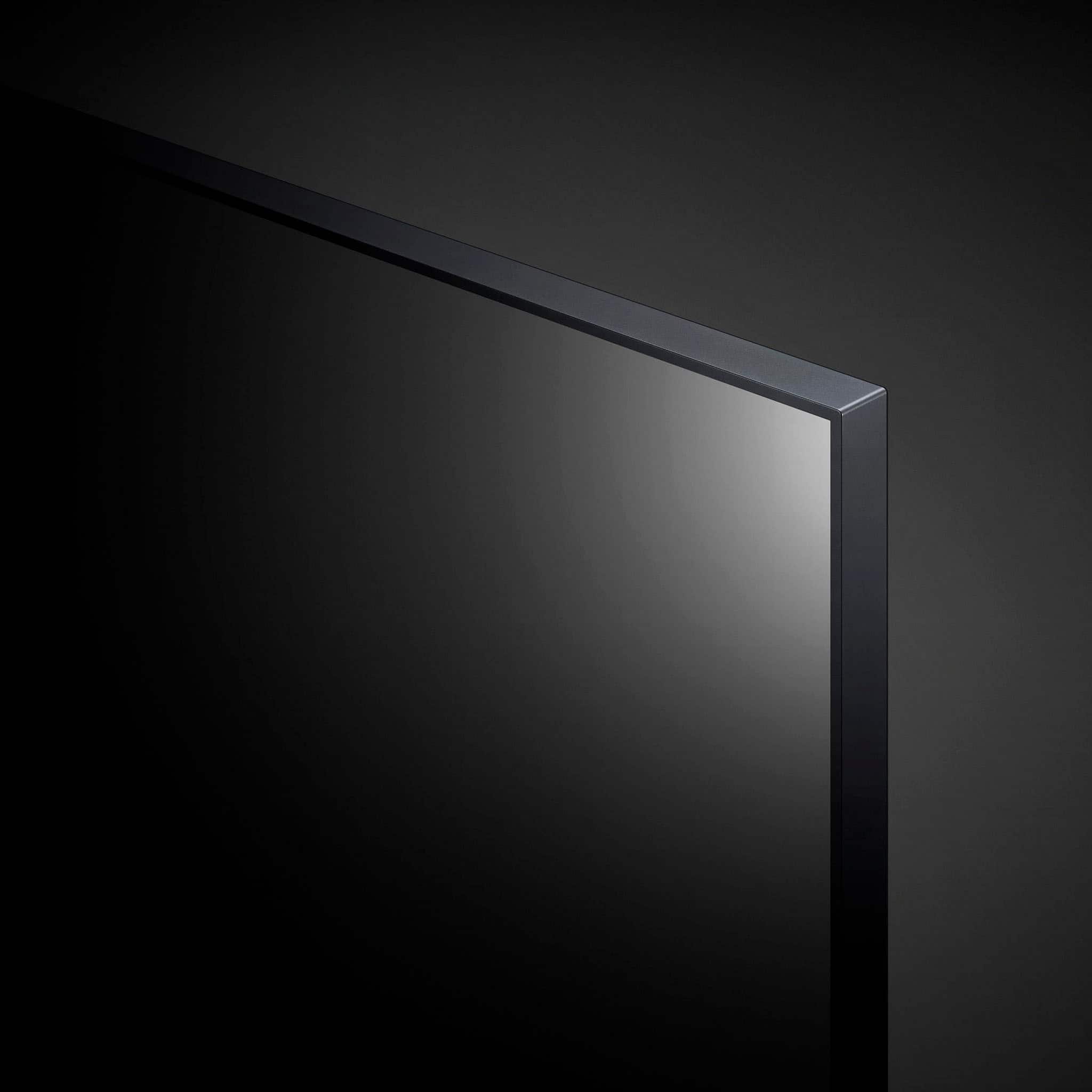
Q: QuestionHi! How is the reflection on this tv? I need one for outside on my patio so if i use it in direct sunlight, will it be ok? thank you in advance!
Asked by BanannaRama.
- A:Answer The LG 70 inch Class UQ7590 series LED 4K UHD Smart webOS 22 TV, Model # 70UQ7590PUB has decent reflection handling. Its semi-gloss screen coating helps reduce the intensity of direct reflections a bit, but it will not overcome glare from bright lights or windows opposite the TV...^Ivan
Answered by LG Digital Customer Care

Q: QuestionWhat is the best system to use to cast my computer to the tv?
Asked by Anonymous.
- A:Answer Hi, you can use your phone. ^Vanessa
Answered by LG Digital Customer Care

Q: QuestionConnect with my fire stick
Asked by Bo.
- A:Answer Hello there, Bo. Thank you for reaching out about connecting your Fire Stick to the LG 70UQ7590PUB 4K UHD TV. We understand you'd like to set up your Fire Stick, and we’re happy to assist! To connect your Fire Stick, simply plug it into one of the available HDMI ports on your TV. Once connected, ensure the TV is on the correct HDMI input by using the remote and selecting the corresponding HDMI source. If you encounter any issues with the connection, try restarting both the TV and the Fire Stick. https://www.lg.com/us/tvs/lg-70uq7590pub-4k-uhd-tv#pdp_specs If you need further assistance, please send us a private message on social media @LGUSSupport. Our team will be more than happy to help you with the setup process. We appreciate your patience! —Renzo
Answered by LG Digital Customer Care

Q: Questionwill this tv mount to the wall, i currently have a lg 55": mounted & want to use the same mount, will it be compatable? thank yu
Asked by mark.
- A:Answer Hi, Mark. Yes. The LG 70UQ7590PUB TV can be mounted to the wall. If the wall mount you're using for your current 55" TV, the VESA mounting pattern should be 400 x 400 to be able to work with your TV. This is the wall mount that will work for this TV model: https://www.lg.com/us/tv-home-theater-accessories/lg-lsw440b-wall-mount. `Liz
Answered by LG Digital Customer Care

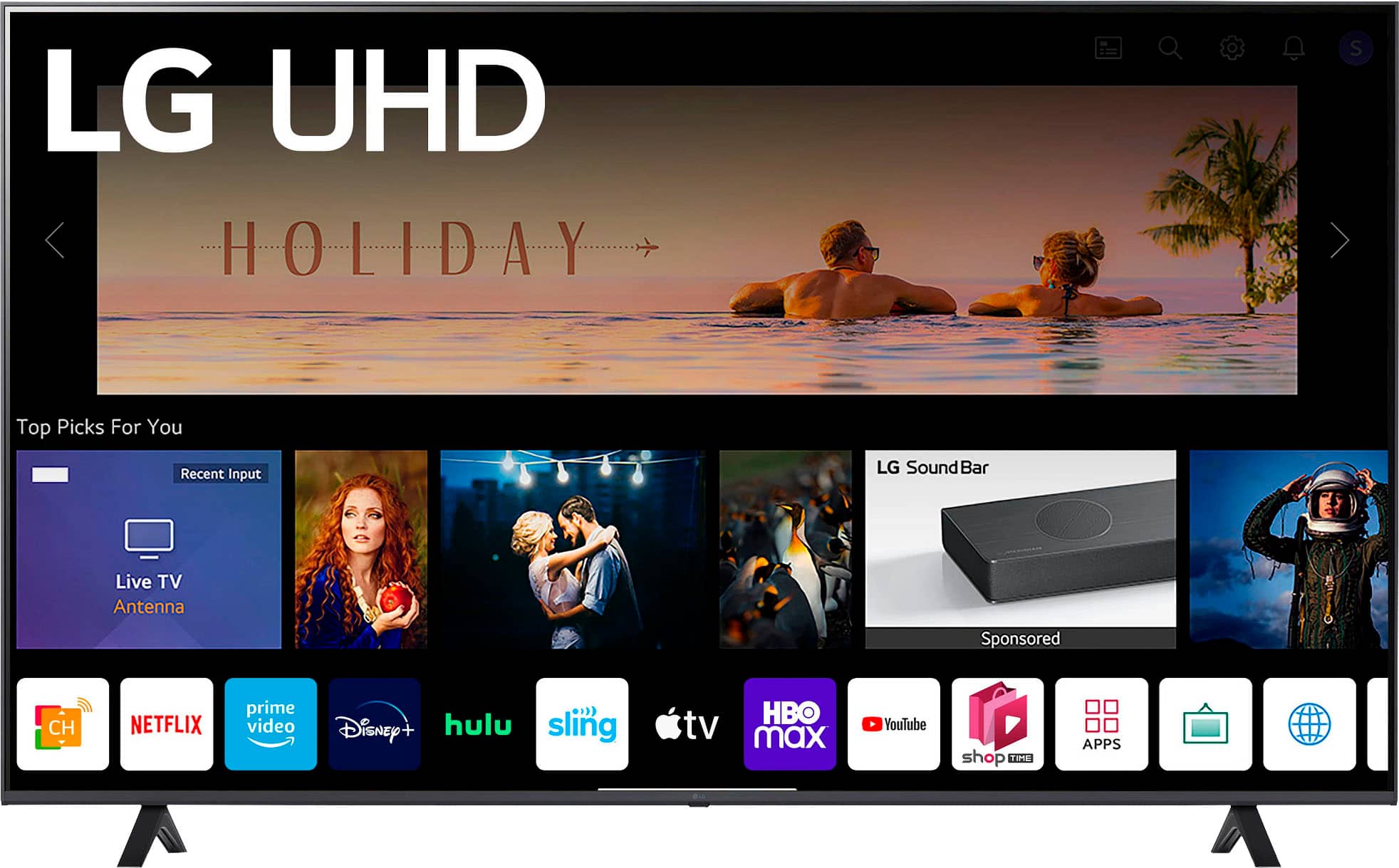
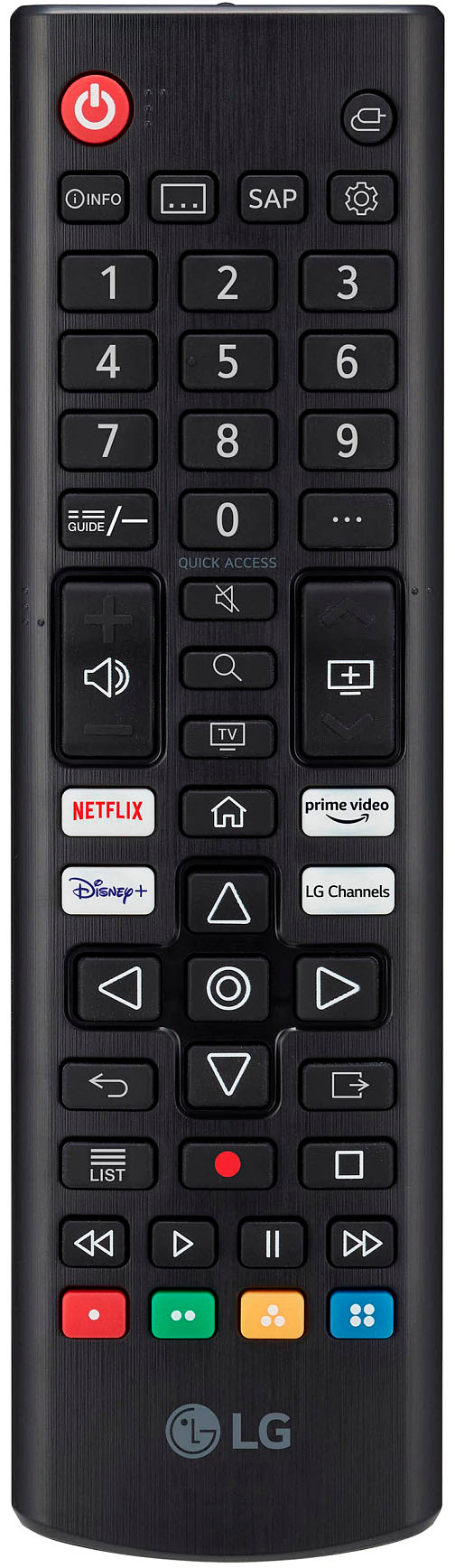
Q: QuestionWill I need ROKU?
Asked by Don.
- A:Answer You don't need a roku but, I will say roku is easier to use than the built-in apps. But once you get used to it, it's not so bad.
Answered by JohnJ
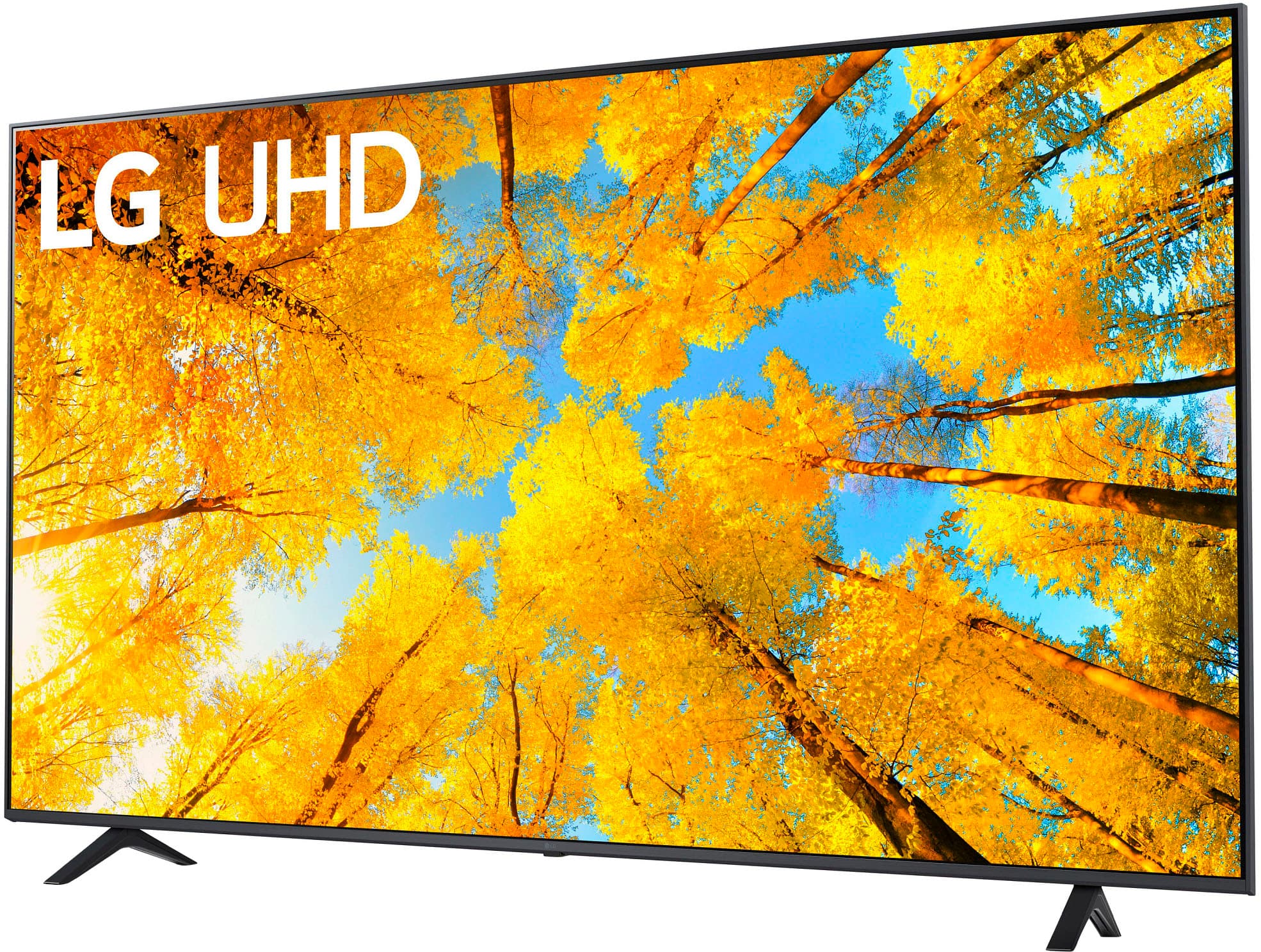
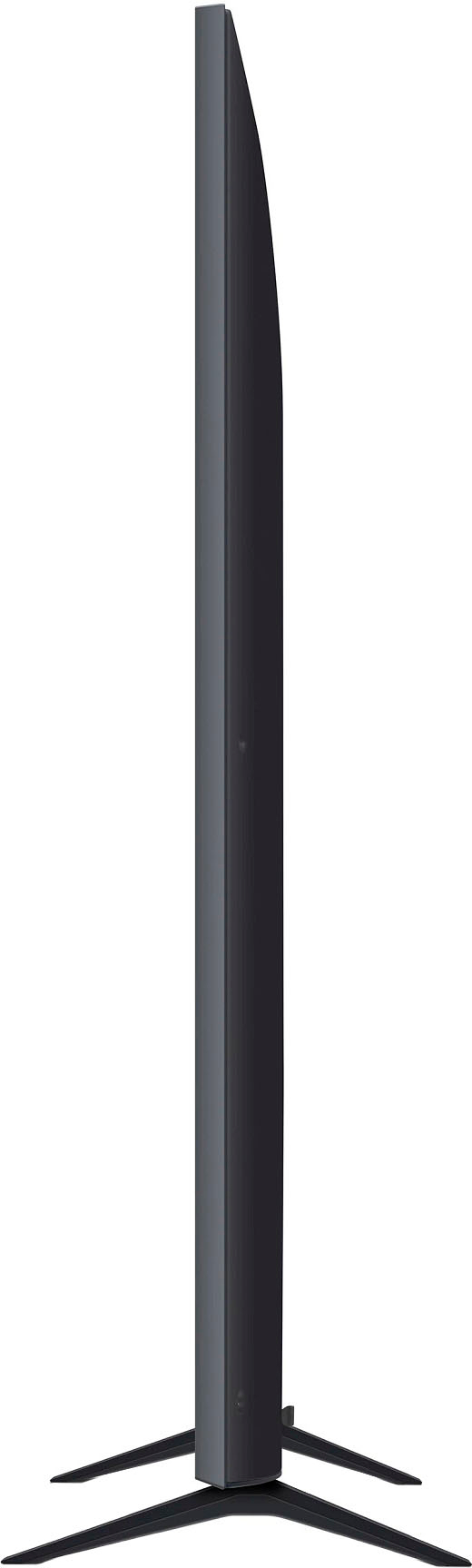
Q: QuestionCan the feet be adjusted to an angle when installing?
Asked by Anonymous.
- A:Answer The stand feet for the LG 70” Class UQ75 Series LED 4K UHD Smart webOS TV (2022), Model # 70UQ7590PUB, cannot be installed at an angle, or adjusted to an angle when installing them...^Ivan.
Answered by LG Digital Customer Care
Q: QuestionHello, I'd like to find out if my tv can be fixed?
Asked by 70LGscreen.
- A:Answer In many instances, the LG 70” Class UQ75 Series LED 4K UHD Smart webOS TV (2022), Model # 70UQ7590PUB can be fixed depending on what needs to be fixed. A service technician will have to inspect the TV first to determine if it can be fixed and give you a diagnostic fee for the cost of repair. You can contact our Support Center on social media using our handle @LGUSSUPPORT and they can assist setting up an appointment to have it inspected...^Ivan.
Answered by LG Digital Customer Care

Q: QuestionDoes this TV come anti-glare? If not, what size should I get to cover the screen?
Asked by Glare.
- A:Answer Like most other LED TVs, the LG 70” Class UQ75 Series LED 4K UHD Smart webOS TV (2022), Model # 70UQ7590PUB has a semi-gloss coating on it which has a decent reflection handling, but if you need an anti-glare screen to handle the intensity of direct reflections, you will need to measure the viewing screen to determine what size is appropriate for the TV since the dimensions for the viewing screen are not listed in the TV's specifications...^Ivan.
Answered by LG Digital Customer Care

Q: QuestionWhat is the return policy?
Asked by LG70tv.
- A:Answer On the product detail page for the LG 70” Class UQ75 Series LED 4K UHD Smart webOS TV (2022), Model # 70UQ7590PUB, or for any other product on Best Buy, you can scroll down to the first column labeled Orders and Purchases and then click on Returns & Exchanges to open a page that outlines Best Buy's return policy...^Ivan.
Answered by LG Digital Customer Care

Most-viewed items
- Doorbuster$169.99Your price for this item is $169.99
- Black Friday Deal$999.99Your price for this item is $999.99
- Black Friday Deal$349.99Your price for this item is $349.99
- $279.99Your price for this item is $279.99$399.99The comparable value for this item is $399.99
- Black Friday Deal$99.99Your price for this item is $99.99
- Black Friday Deal$899.99Your price for this item is $899.99
- Black Friday Deal$1,399.99Your price for this item is $1,399.99
- $549.99Your price for this item is $549.99$1,299.99The comparable value for this item is $1,299.99
- Black Friday Deal$329.99Your price for this item is $329.99
- $899.99Your price for this item is $899.99$2,499.99The comparable value for this item is $2,499.99
- Black Friday Deal$499.99Your price for this item is $499.99
- Black Friday Deal$299.99Your price for this item is $299.99
- Black Friday Deal$399.99Your price for this item is $399.99
- Black Friday Deal$379.99Your price for this item is $379.99
- Black Friday Deal$999.99Your price for this item is $999.99
- Black Friday Deal$399.99Your price for this item is $399.99
- Black Friday Deal$329.99Your price for this item is $329.99
- $249.99Your price for this item is $249.99$379.99The comparable value for this item is $379.99
- Black Friday Deal$449.99Your price for this item is $449.99
- Black Friday Deal$179.99Your price for this item is $179.99


