Black Friday is hereAlso, shop the 24-Hour Flash Sale.Shop now

Main Content

Questions & Answers

Your price for this item is $397.99
Clearance
The comparable value price is $529.99
Page Showing 81-99 of 99 questions
  • QuestionIs this TV compatible with the LG SP2 100 W Speaker bar? Does it do LG Sound Sync?

    Asked by IWUJackson.

    • Answer If I had to guess from my experience, I would probably say yes because, I have a 65 and a 70 inch tv and I can control both of them with the same remote. I am definitely going to purchased sound bars for both of them. Just my opinion

      Answered by MillerTime93

  • QuestionI can't tell if there is a protective film on the screen or not. It looks like there is, but it doesn't seem to want to come off, and I don't want to try to remove it if it is part of the screen.

    Asked by Austin.

    • Answer There is NOT a protective film on the screen; what you see like a satin finish is actually the anti glare fixture of the screen. Do NOT intent to scratch it out because you will damage the screen. There is a protective film on the aluminum frame of the screen; that want you can remove it if you like

      Answered by Chris

  • QuestionDoes this tv have an internal channel guide

    Asked by lg315.

    • Answer Only for the LG channels. The other channel guides will be part of the app or box of your tv provider

      Answered by Chris

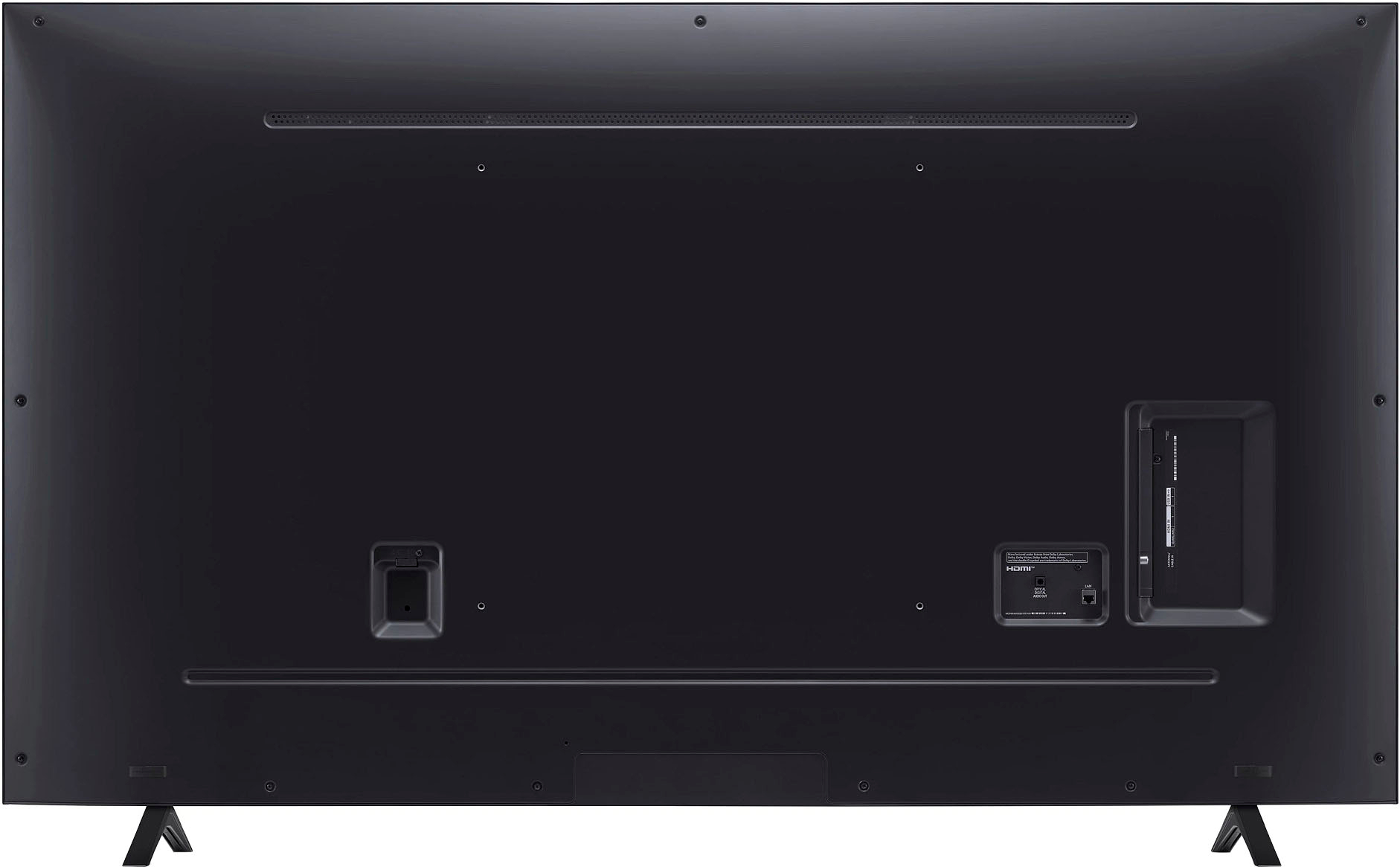
  • QuestionWhat do I need to wall mount this tv?

    Asked by Anonymous.

    • Answer I used the Best Buy tv wall bracket that retails for about $ 29. It’s excellent if you want your tv on a fixed position on the wall for a frontal view. The picture will loose some quality when watched from the angles which it’s a common thing for any led tv. Best Buy sells a full motion bracket for less than $ 60 bucks

      Answered by Chris

  • QuestionBetween this TV and the Samsung crystal uhd same inches which one has a more live clear picture

    Asked by Anonymous.

    • Answer The LG TV is the winner

      Answered by SwitchtoLG

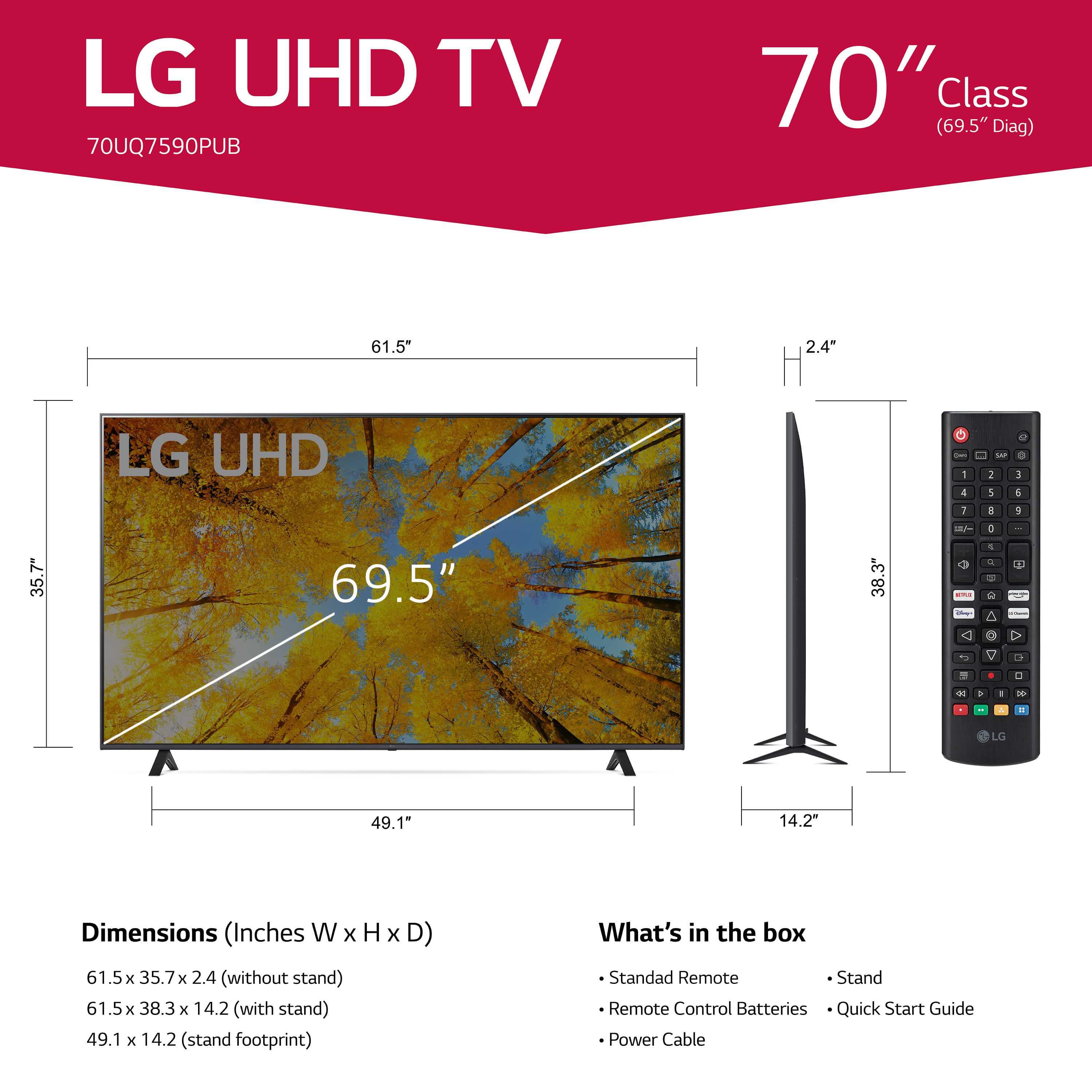
  • Questionwhat is the width of this tv.

    Asked by Anonymous.

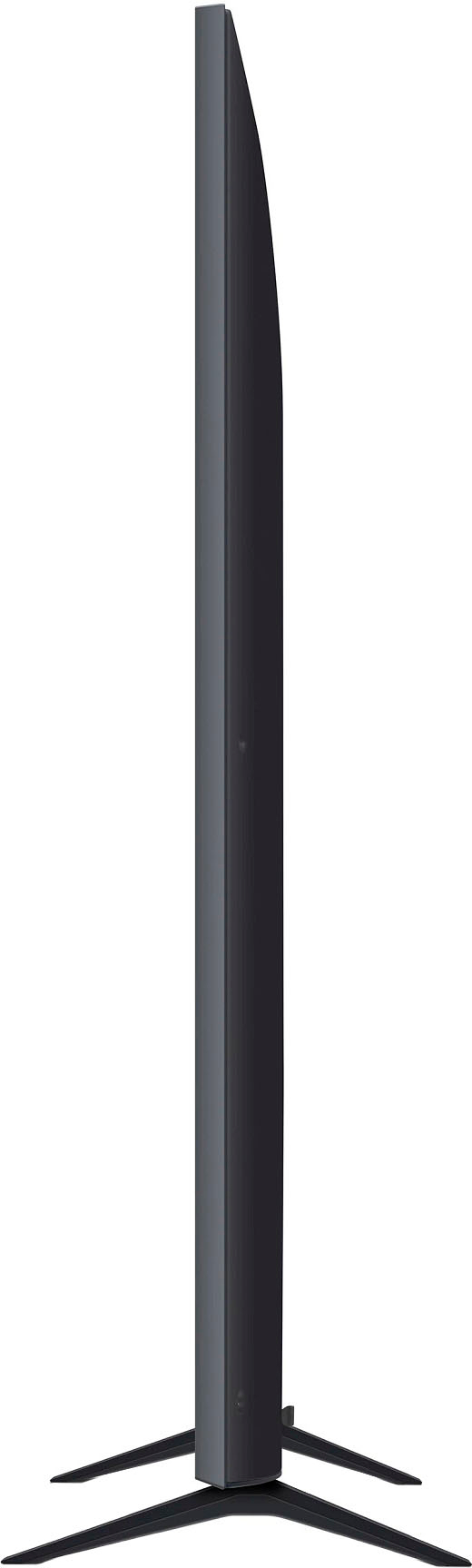
    • Answer Hello, here is the TV Dimensions with Stand (WxHxD) 61.5" x 38.3" x 14.2".^Venette

      Answered by LG Digital Customer Care

  • QuestionCan i use this TV in africa. What's the volt

    Asked by Will.

    • Answer Hello, yes you can and it is 120V.^Venette

      Answered by LG Digital Customer Care

  • QuestionHow do you turn on closed captions

    Asked by Skylor.

    • Answer Please reach out to our support team on Facebook at @LGUSSupport and use #VOC in your first message to our social media support team. Please be sure to provide your name, phone number, address, email, model/serial numbers, and date of purchase and we will be happy to assist you. There are policies and procedures in place to ensure resolutions are consistent and fair. I am confident that we will work to provide an agreeable resolution.^Venette
      Answered by LG Digital Customer Care

  • Questioncan this be connected to a computer for zoom meetings?

    Asked by Anonymous.

    • Answer As with most, if not all current TV, regardless of brand or manufacturer, the LG 70” Class UQ75 Series LED 4K UHD Smart webOS TV (2022), Model # 70UQ7590PUB, can be connected to a PC/laptop via its HDMI port for Zoom meetings...^Ivan.

      Answered by LG Digital Customer Care

  • QuestionHow do I turn the TV on without the remote

    Asked by Shawn.

    • Answer Hi there, Shawn. Thank you for reaching out with your question about the LG 70UQ7590PUB 4K UHD TV. We understand how important it is to know all the ways to operate your TV. You can turn the TV on without the remote by using the physical power button located on the TV itself. For the 70UQ7590PUB, the power button is typically located on the underside of the TV, near the center or one of the bottom corners. Pressing and holding this button will turn the TV on or off. https://www.lg.com/us/tvs/lg-70uq7590pub-4k-uhd-tv#pdp_specs If you have additional questions or need further assistance, please feel free to send us a private message on social media @LGUSSupport. We’re always here to help! —Renzo

      Answered by LG Digital Customer Care

  • QuestionHow much storage does this TV have ?

    Asked by Susan.

    • Answer Thank you for your interest in the LG Smart webOS (70UQ7590PUB) model. The LG 70UQ7590PUB TV does not have internal storage for apps or other content. It relies on external devices for storage, such as USB drives or networked storage devices. You can download its owner's manual through this link for more information: https://www.lg.com/us/support/product/lg-70UQ7590PUB.AUS. ^Cris

      Answered by LG Digital Customer Care

  • QuestionWhat is the size of the screws needed for the back of the TV for wall mounting? Also why were they not included in my box?

    Asked by Nick.

    • Answer # 6 metric // fine thread

      Answered by Anonymous

  • QuestionWhat is the height and width of the LG 70" TV?

    Asked by Anonymous.

    • Answer Hello! This model is 61.5" wide and 38.3" tall, with 49.1" as the width of the stand. ^Ian

      Answered by LG Digital Customer Care

  • QuestionIn the Best Buy store, this TV had severe problems with "stuttering" that were so bad it was almost in slow motion. 3 TVs were next to each other. One didn't "stutter" at all. One did a little. The LG did the worst. Why was this "stuttering" happening?

    Asked by MichaelZ.

    • Answer LG Answers, it seems unlikely that this was associated with any "cables." I specifically mentioned this to the staff of Best Buy. I was shown how the Hisense U8H model I saw with problems "Stuttering" had reviews saying "Stuttering" was a problem. I witnessed that for myself. I just want to know if "Stuttering" is a problem LG considers "normal" for programs running at slower framerates - such as movies running at 24 frames per second?

      Answered by MichaelZ

  • Questionwill a SLT3 wall mount fit this TV?

    Asked by lloyd.

    • Answer what is weight of tv

      Answered by Anonymous

  • QuestionDoes Chromecast work with this tv? Looking to use it as a wireless display.

    Asked by Guest.

    • Answer Hello, this model has a bluetooth feature. ^Vanessa

      Answered by LG Digital Customer Care

  • QuestionNeed model number for magic remote requirements for a UQ75.

    Asked by Anonymous.

    • Answer Let us help you with that! Please send us a private message on Facebook or Twitter using @LGUSSupport and include #VOC, your contact info and we can expedite a resolution for you. Thank you. ^Venette

      Answered by LG Digital Customer Care

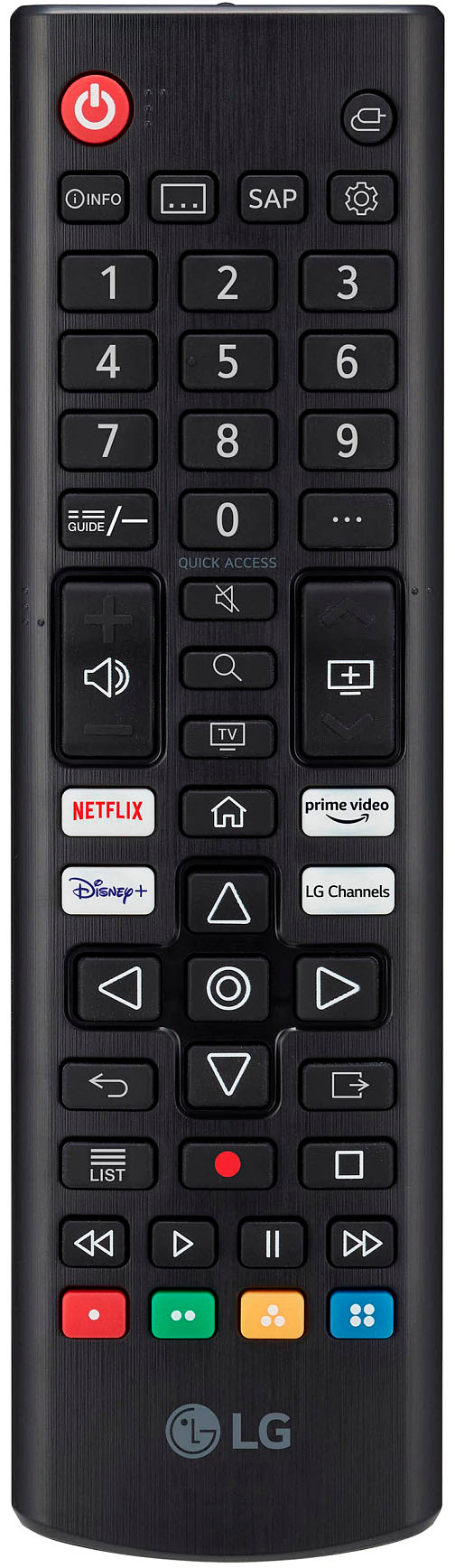
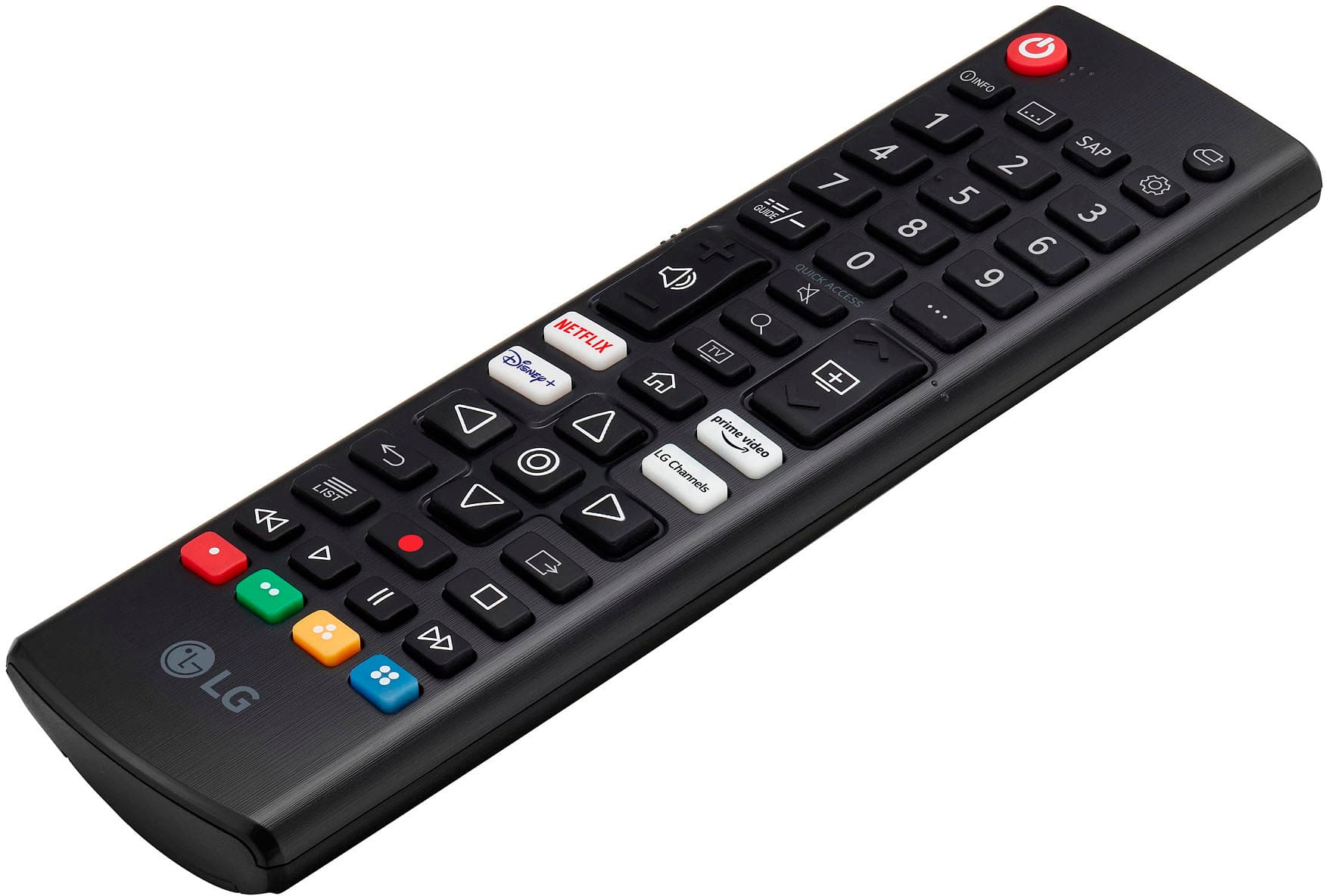
  • QuestionHow do I use Alexa with the standard remote? It doesn’t have the button they tell me to use?

    Asked by Joce.

    • Answer Thank you for your interest in the LG 70 inch Class UQ7590 series LED 4K UHD Smart webOS 22 TV (70UQ7590PUB) model. To use Alexa on an LG 70UQ7590PUB TV with the standard remote, follow these simple steps: 1. If your remote has an Alexa button, press and hold it to talk to Alexa. 2. If your remote doesn't have an Alexa button, use the home button and scroll through the apps to find the Alexa app. 3. Choose "Get Started" from the app menu. 4. Follow the on-screen instructions to set up Alexa on your TV. You can download its owner's manual through this link for more information: https://www.lg.com/us/support/product/lg-70UQ7590PUB.AUS. ^Cris
      Answered by LG Digital Customer Care

  • QuestionSize screws for tv stand?

    Asked by Meli.

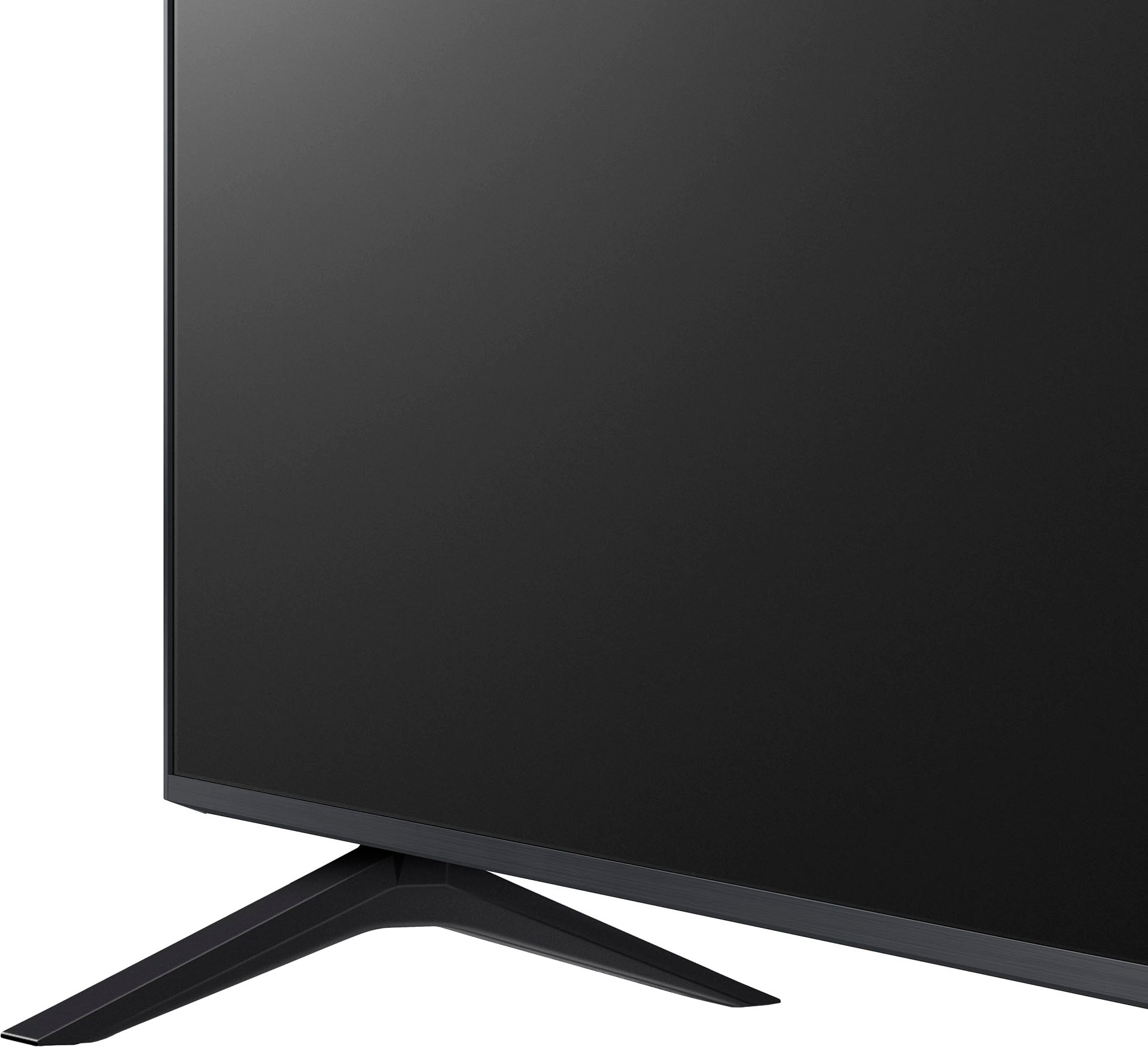
    • Answer The LG - 70” Class UQ75 Series LED 4K UHD Smart webOS TV requires M4 14mm screws for attaching the TV stand. These screws are roughly equal to 9/16" length and are designed to be used exclusively with the original factory stands. The length is measured on the threaded part of the screw (the shank), and the head is not included in the length.

      Answered by LG Digital Customer Care