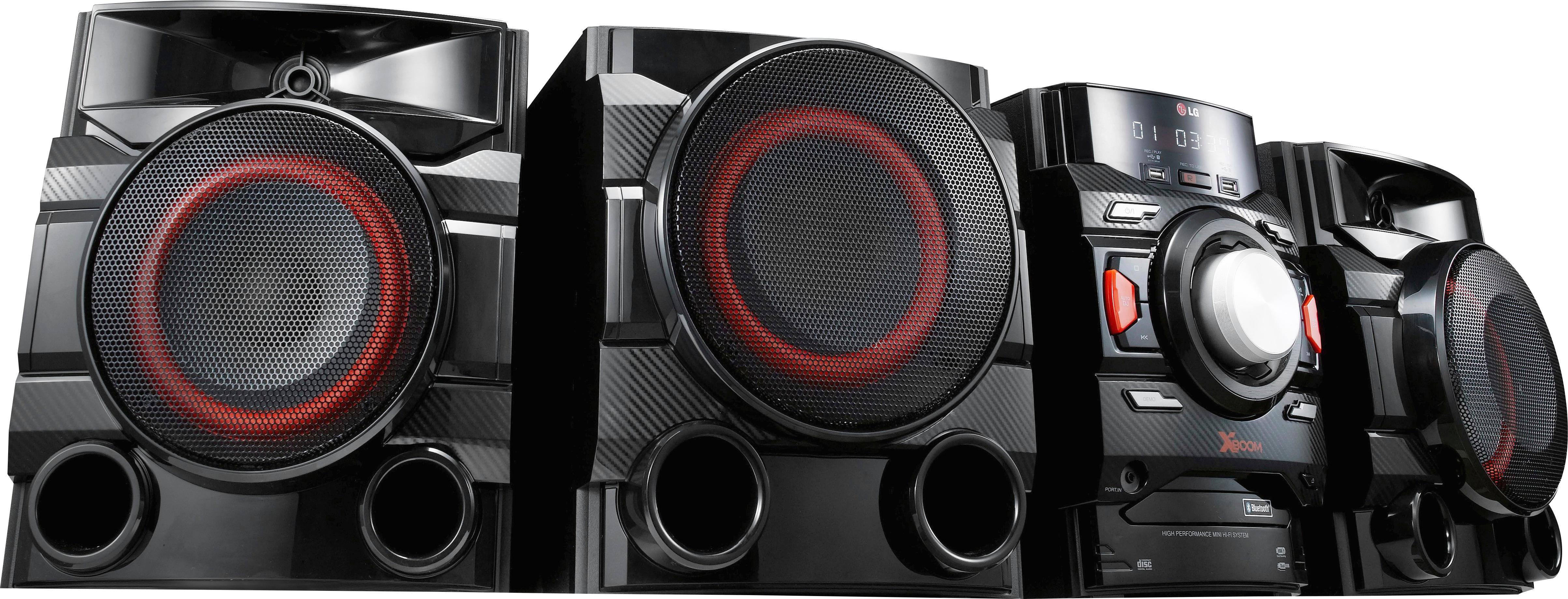
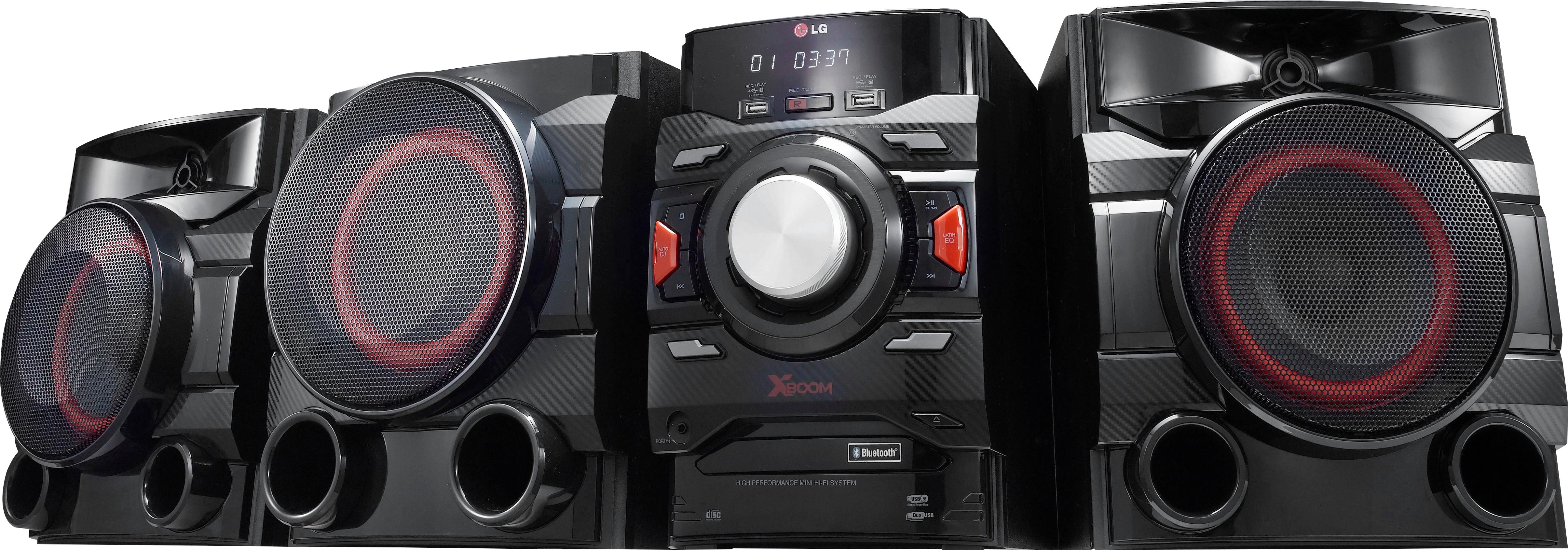
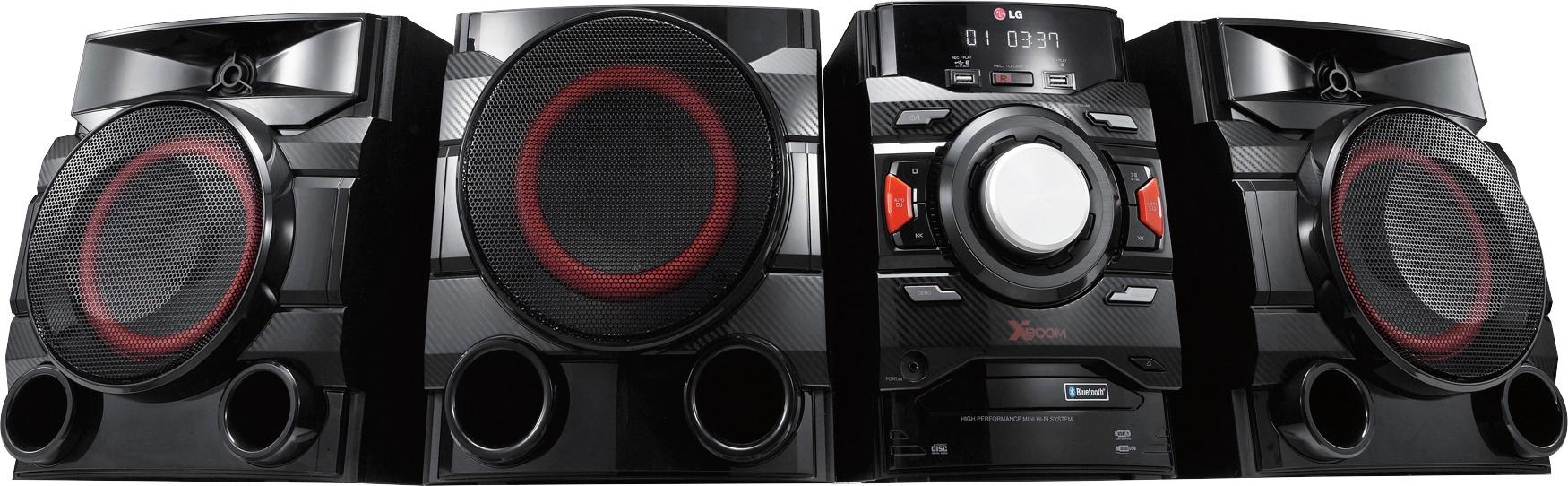
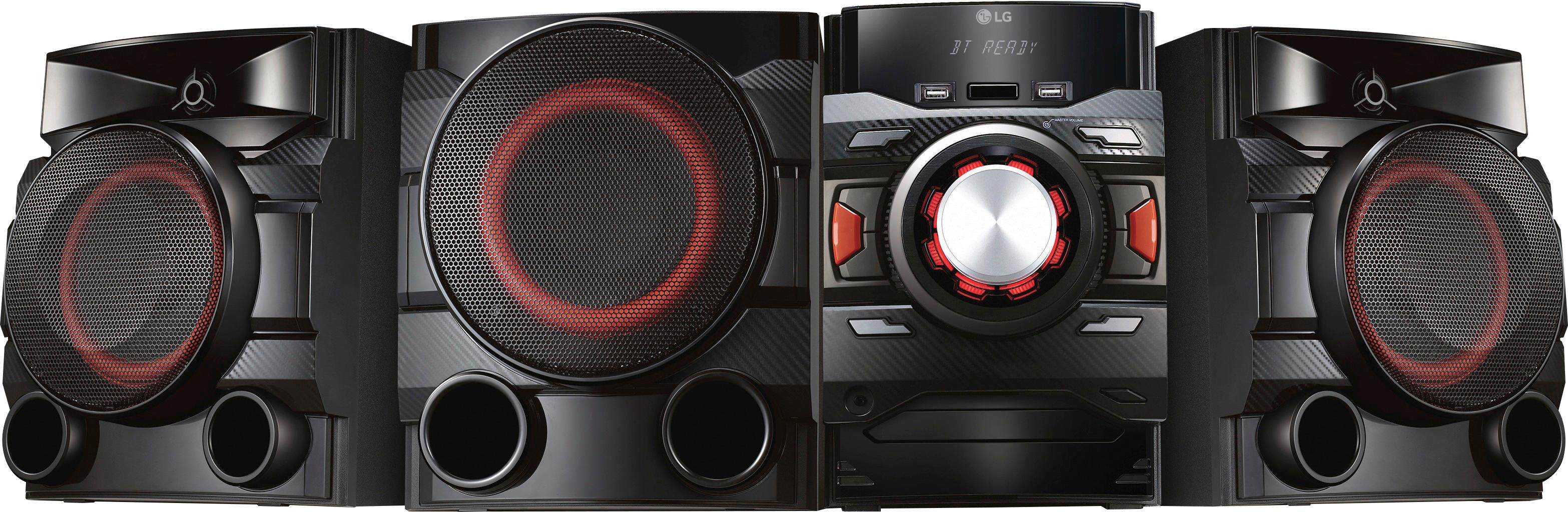
A:AnswerThe wires for the LG XBOOM 700W 2.1ch Mini Shelf System with Built-in Subwoofer and Bluetooth®, Model # CM4550 are typically about 6-8' long. Speaker wire is identified by the gauge of the speaker wire and for this unit, it is either 16 gauge or 18 gauge. Best Buy carries either gauge and will sell it in rolls of varying length. Keep in mind that the supplied wire has a proprietary plug on the end that plugs into the receiver so you will need to attach one onto the longer wire you want to replace it with if you don't want to splice the wire. The subwoofer is powered by the main stereo unit. ^CP
A:AnswerWe would be happy to look into the problems you are experiencing with your CM4550. So that we are able to gain more insight and research what assistance may be available to you, we request that you reach out to a specialist via Twitter @LGUSSupport or Facebook https://www.facebook.com/LGUSA/ ^CP
A:AnswerWe hate to hear you have had this issue with the disc tray not opening after your move. We would love to look into the repair options available. Please take a moment, at your convenience, to contact us directly via Twitter @LGUSSupport or Facebook https://www.facebook.com/LGUSA/ or you can give us a call at 800-243-0000. ^CP
A:AnswerThe LG - 700W Mini Shelf System - Black, Model # CM4550 has a 3.5 mm Portable In port on it that can be connected to the output jack of compatible external devices. It is not necessarily a microphone jack, but depending on the line level of the microphone, you might be able to use a microphone through that port. ^CP
A:AnswerSimple.
Left and right "RCA jacks" pluged into my LG television. I run a line from the TV from the audio red and white only leave the yellow one hanging in the Wind...plug the red & the white jacks into your stereo.... leave the yellow hanging... switch the stereo to auxiliary sit back and enjoy wonderful sound my TV doesn't have Bluetooth either.
A:AnswerI really don't know. Your best bet is to ask for technical help at Best Buy. I doubt that only about 1 person in a million would even attempt to do such a thing. These systems are really powerful all by themselves. I only run it up to about a level of 10 on the volume and that's plenty for me in our large exercise room.
A:Answerthe 700 does have capacity to hold three (3) CD's, BUT will not allow the three to play in succession !!!! THIS is STUPID and the people saying the 700 only holds one CD are NOT looking at the 700 BUT look at 300. LG techs (three) have repeatedly said the 700 CANNOT play three in succession. WOW! LG has really screwed UP!!!!!
A:AnswerNone. Unless you hook up your headset to the bare wire speaker ports. If you decide to do that its not as easy as cutting off the connector and making up the ends. With an old pair this may be possible but the new ones are different.
A:AnswerIf you just use the flash drive, then yes, it works as you described. The order of playback is the order of copy to the drive. You could pre-plan your play list and copy in that order to the drive. There is a feature called Programmed Playback on page 19 in the big manual that may serve without having to build a special flash drive, but it sounds like a pain to me. Download the manual from here: http://www.lg.com/us/support-product/lg-CM4550#manuals
Hope this helps, God Bless You.
A:AnswerFor information on recording to USB, please see page 28 of the owner's manual which can be downloaded here: http://www.lg.com/us/support-product/lg-CM4550#manuals ^CP
A:AnswerIf your Vizio has a stereo output (it should... look for RCA jacks or 3.5mm mini-plug(s) labeled OUT or OUTPUT or HEADPHONES) you can get the appropriate RCA to RCA or Mini 3.5 to RCA or Mini 3.5 to Mini 3.5 cable depending on what is on your TV output and plug into the back of the unit in the case of RCA into the AUX INPUT RCA jacks, or through the front of the unit via the PORTABLE INPUT Mini 3.5mm plug. Select AUX with the remote or the selector switch on the front of the unit for the rear RCA AUX INPUT connection, or the PORTABLE selection for the 3.5mm PORTABLE INPUT on the front. Download the manual from here : http://www.lg.com/us/support-product/lg-CM4550#manuals and review page 17 in the big manual. Hope this helps. God Bless You.