A:AnswerYes. the CM4550 has an alarm clock. 1. Turn the unit on. 2. Press and hold ALARM. 3. Press |<< / >>| on the remote control to change the hours and minutes and press SET to save. 4. Press |<< / >>| on the remote control to select function and press SET to save. - Press |<< / >>| to select a memory No. when you select Tuner and then, press SET. If there is no memory No., this step is skipped. 5. Press |<< / >>| on the remote control to change the volume and press SET to save. The clock icon shows that the alarm is set. ^CP
A:AnswerWe are sorry to hear you are experiencing an issue with the sound of your audio system. We would be happy to look into what could be causing this. So that we are able to gain more insight and research what assistance may be available to you, we request that you reach out to a specialist via Twitter @LGUSSupport or Facebook https://www.facebook.com/LGUSA/ ^CP
A:AnswerHate to hear but would love to see if we can help out. We will need some more information if you could drop us a line on Twitter at @LGUSSupport or on Facebook https://www.facebook.com/LGUSSupport/ so we can get that info and see what is going on. ^AC
A:AnswerWe are sorry to see you are having trouble connecting your iPhone to the device. We would recommend trying to connect to your iphone via bluetooth. Additional information regarding this can be found in the owner's manual on page 22 https://www.lg.com/us/support-product/lg-CM4550#manuals ^CP
A:Answerall your speakers should be working. make sure you have your negative and positive plugged in correctly. My Grandson is very happy with his. No problems at all. Hope all works out for you!
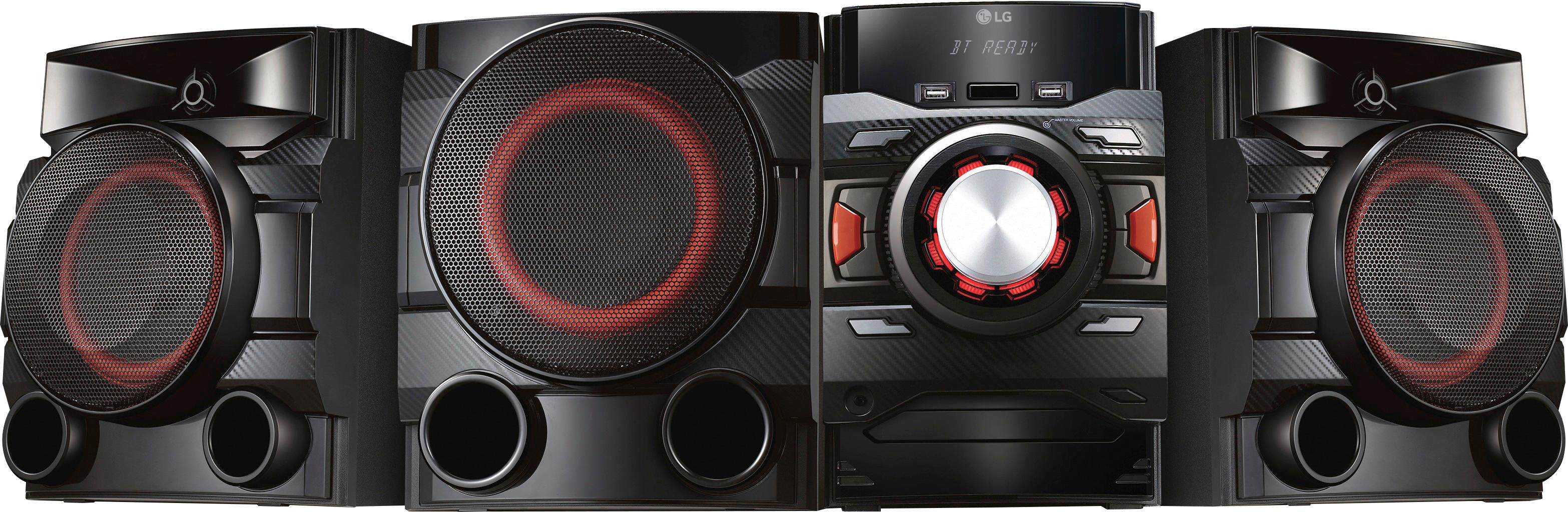
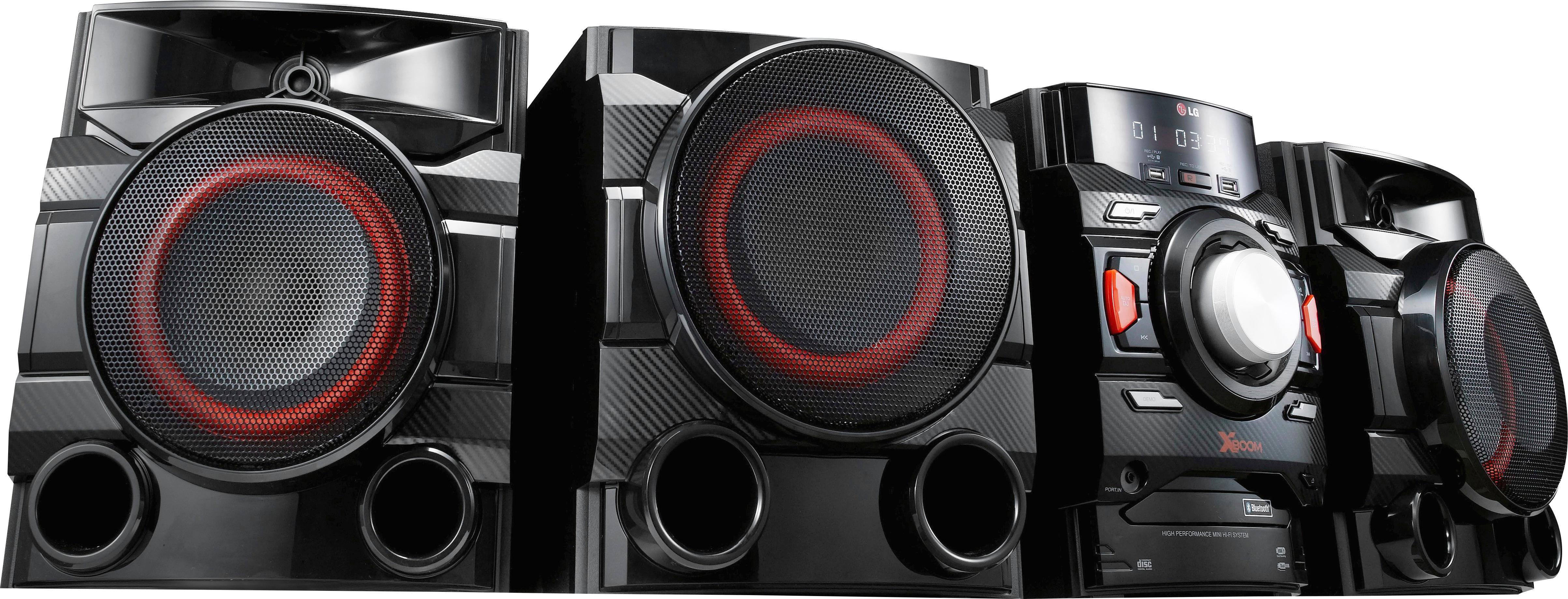
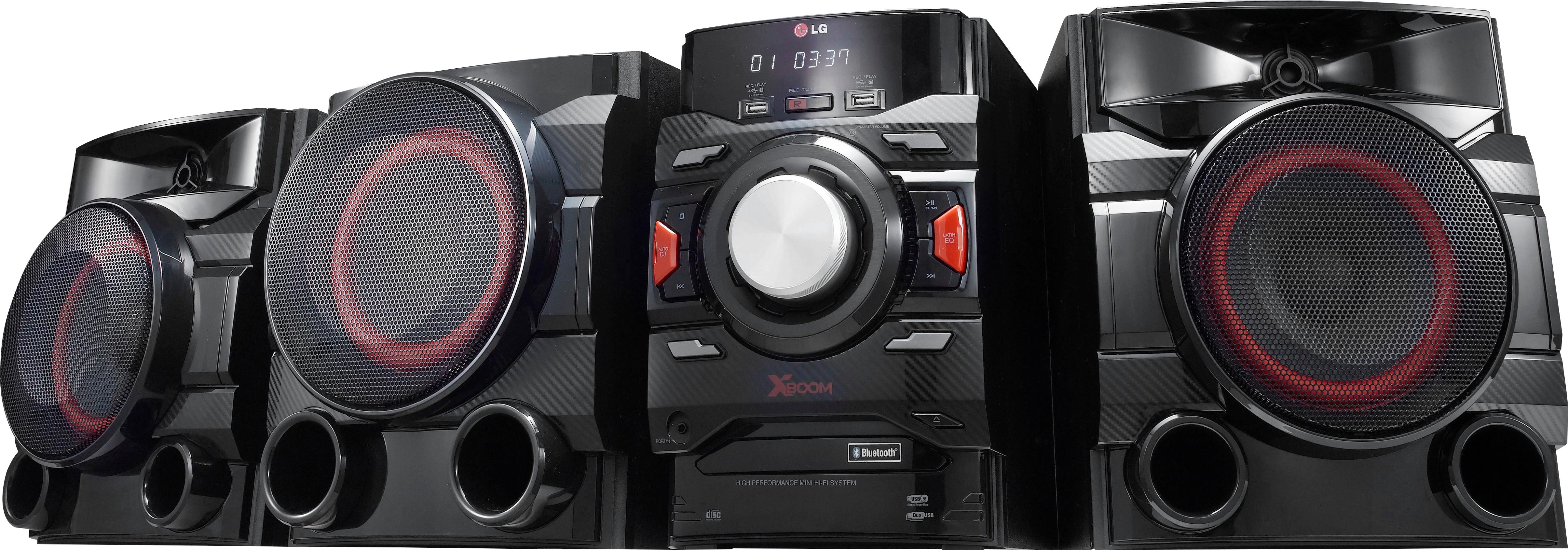
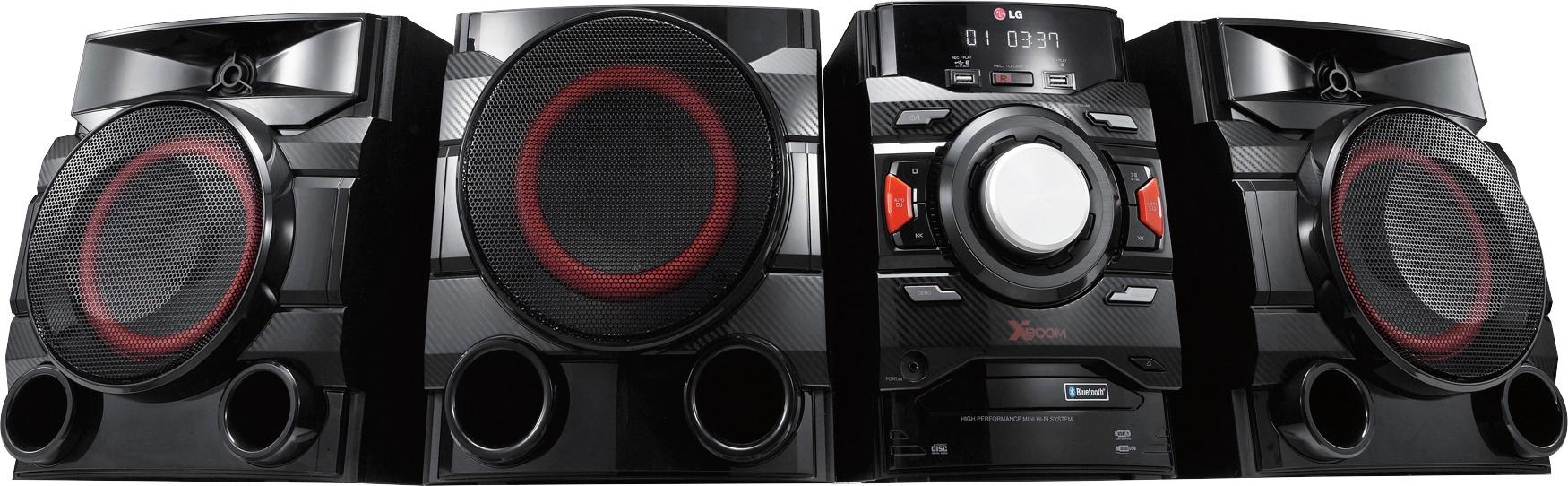
A:AnswerThe CM4550 is made up of 4 components. Two Front Speakers, a Subwoofer and the Main Unit. The Front Speakers each have the following dimensions: (WxHxD)10.5" x 12.0" x 10.4". The subwoofer has the following dimensions: (WxHxD)10.5" x 12.0" x 9.1". The main unit has the following dimensions: 8.0" x 12.0" x 10.7". ^CP
A:Answer1. Turn the unit on.
2. Press and hold ALARM.
3. Press |<< / >>| on the remote control to change the hours and minutes and press SET to save.
4. Press |<< / >>| on the remote control to select function and press SET to save.
- Press |<< / >>| to select a memory No. when you select Tuner and then, press SET. If there is no memory No., this step is skipped.
5. Press |<< / >>| on the remote control to change the volume and press SET to save. The clock icon shows that the alarm is set. ^AC
A:AnswerWe do not understand the question being asked and would be happy to assist you with your question. Our support team is available via Twitter @LGUSSupport, Facebook https://www.facebook.com/LGUSA/ or you can give us a call at 800-243-0000. ^CP
A:AnswerThe LG XBOOM 700W 2.1ch Mini Shelf System with Built-in Subwoofer and Bluetooth®, Model # CM4550 has an Auxiliary input on it labeled as AUX In (L/R) that you can connect an external device to that has either an AUX Out or an RCA Audio Out (both are Red/White color coded RCA Barrel ports). If you are connecting to the Headphone (3.5 mm) jack of another device, you will need a stereo to mini stereo RCA cable to make the connection...^IFV
A:AnswerIf your TV only has an Optical Digital Audio Output on it, you will need a Digital/Analog Converter that you can connect to the TV at one end via the Optical Digital Audio Input on the D/A Converter and then connect it to AUX In Input on the LG XBOOM 700W 2.1ch Mini Shelf System with Built-in Subwoofer and Bluetooth®, Model # CM4550 at the other end of the D/A Converter that has RCA Stereo barrel ports (Red/White)...^IFV
A:AnswerWe are sorry to see you are having trouble using your audio system. We would be happy to look into the problem you are having. So that we are able to gain more insight and research what assistance may be available to you, we request that you reach out to a specialist via Twitter @LGUSSupport or Facebook https://www.facebook.com/LGUSA/ ^CP
A:AnswerPress the FUNCTION button until the Bluetooth function is selected. “BT READY” appears on the display window. Operate the Bluetooth device and perform the pairing operation. When searching for this unit with the Bluetooth device, a list of the devices found may appear in the Bluetooth device display depending on the type of Bluetooth device. Your unit appears as “LG CM4550(XX)”. ^CP