A:Answer Redridepilot
If it wont power up:
1. Verify batteries in remote are good and contacts are not corroded.
2. Massage the buttons on the remote. Its possible one might be cocked slightly sideways, preventing further commands. (Only one button can work at a time)
3. Verify this hasn't occurred on the tv as well.
4. Confirm the input source, some cable boxes and other peripherals,
use a priority remote that may over ride the LG's remote function, (such as Contour).
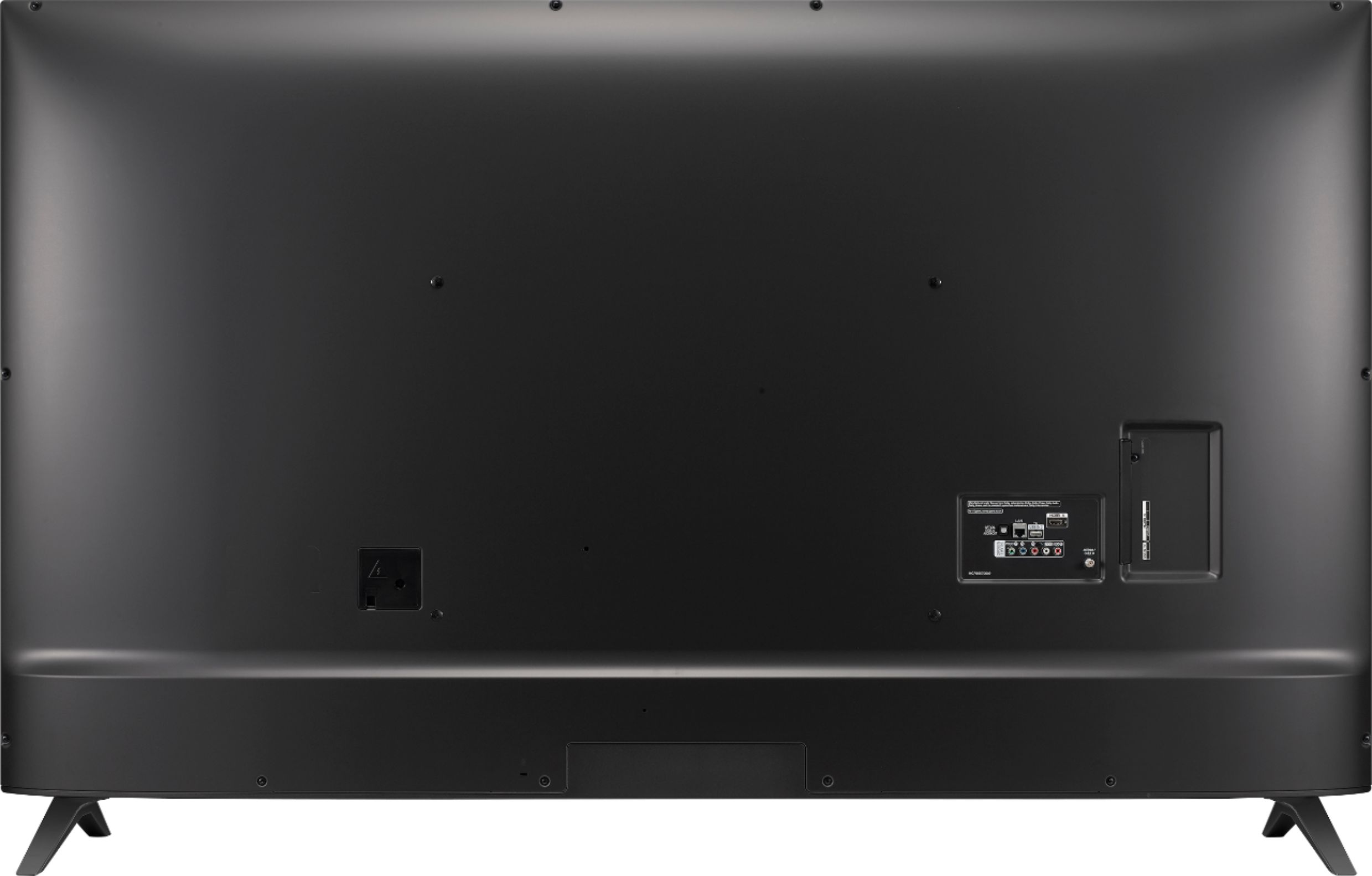
5. Unplug the tv, remove the batteries from the remote, for 5 minutes. Additionally, with power cord unplugged, touch the two blades to a coin or other metal object, as to short the blades together. This may drain all internal capacitor's and memory, returning the set to its factory default settings. (This will not harm the tv in any way)
6. Start the camera app on your phone, point the remote's IR light at the camera and press the power button on the remote. Do you see the IR light flashing? If not, the remote is toast. If so, contact LG and request an RAN, (return authorization number). Most manufacturers will warranty their products for 1 year. Some State, Consumer laws mandate the same.
Good luck.