Early Black Friday DealsNew Doorbusters every Friday.Shop now

Main Content

Questions & Answers

Your price for this item is $549.99
Clearance
The comparable value price is $899.99
Page Showing 21-26 of 26 questions
  • QuestionCan you download the Roku app to this tv ?

    Asked by Terry.

    • Answer It is not currently available natively using LG Smart TVs like the LG 75” Class UR9000 Series LED 4K UHD Smart WebOS TV (75UR9000PUA). Roku Channel may launch a native app for LG Smart TVs in the future, but for now, you can only stream using Apple AirPlay (2018+ (webOS 4.0+) models). You can still watch its content using other devices like Amazon Fire TV, Google Chromecast, Roku,iPhone/iPad, Android Phone/Tablet, Mac, and Windows.  To stream it using Apple AirPlay, follow the steps below: 1. Install the Roku Channel iPhone/iPad app. 2. Make sure your smart TV is connected to the same Wi-Fi network. 3. as your iPhone/iPad. 4. Start playing the content in the Roku Channel app and select the AirPlay icon. 5. Choose your LG Smart TV, and it will start displaying on your Smart TV. -Cazz
      Answered by LG Digital Customer Care

  • QuestionI bought a TV. Actually, where is the LED substructure?

    Asked by Alex.

    • Answer Thank you for your interest in the LG LG 75 Inch Class UR9000 series LED 4K UHD Smart webOS 23 w/ ThinQ AI TV (75UR9000PUA) model. The LED substructure of the LG 75UR9000PUA TV is located behind the screen, providing the backlighting for the display. You can download its owner's manual through this link for more information: https://www.lg.com/us/support/product/lg-75UR9000PUA.AUS. ^Cris

      Answered by LG Digital Customer Care

  • QuestionIs this tv digital satellite

    Asked by Oscar.

    • Answer Thank you for your interest in the LG 75 Inch Class UR9000 series LED 4K UHD Smart webOS 23 w/ ThinQ AI TV (75UR9000PUA) model. Yes, the LG 75UR9000PUA TV is a digital television that can receive digital satellite signals. You can download its owner's manual through this link for more information: https://www.lg.com/us/support/product/lg-75UR9000PUA.AUS. ^Cris

      Answered by LG Digital Customer Care

  • QuestionIs this tv compatible with Echo? I would like to ask it to turn the tv on and off, switch apps, etc.

    Asked by Chris.

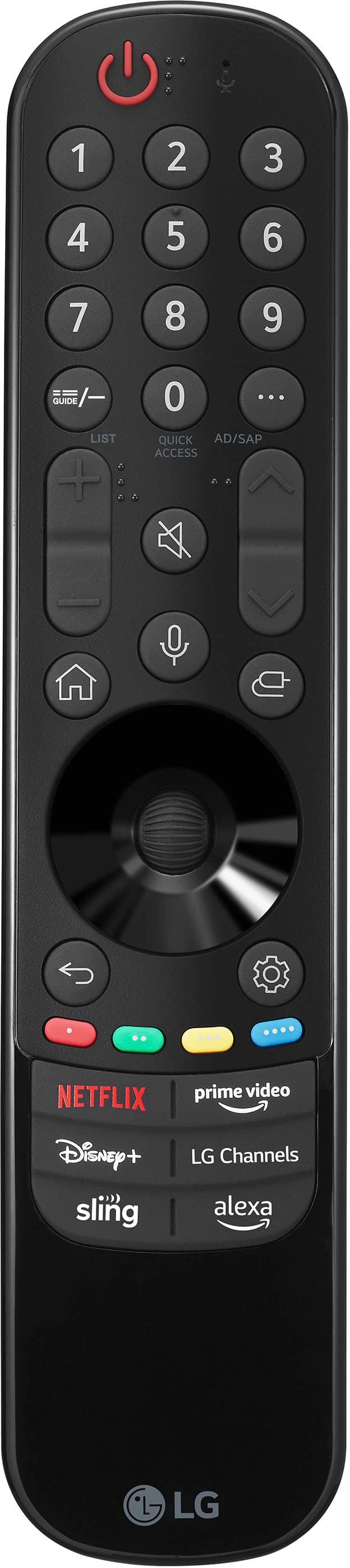
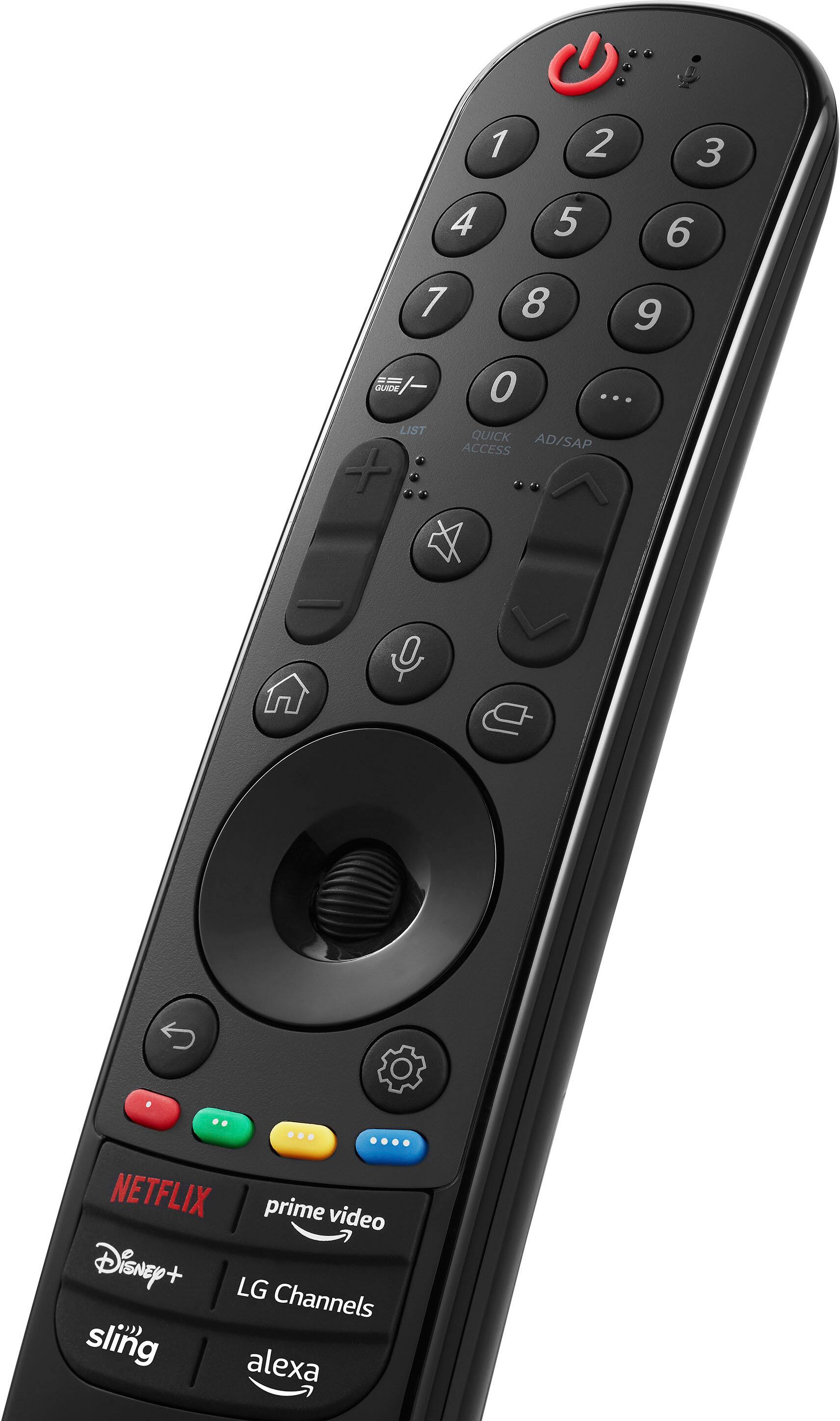
    • Answer The LG 75 Inch Class UR9000 series LED 4K UHD Smart webOS 23 w/ ThinQ AI TV, Model # 75UR9000PUA is Amazon Alexa Compatible, meaning that it is compatible with Amazon Alexa devices...^Ivan

      Answered by LG Digital Customer Care

  • QuestionThe sound is terrible. No bass at all. It sounds tinny and shallow.

    Asked by ThadS.

    • Answer Hi there, Thad. Thank you for sharing your experience with us. We understand that the sound on your 75UR9000PUA TV isn't meeting your expectations, and we'd like to assist you in improving it. Here are a few troubleshooting steps to improve the sound quality: Check Audio Settings: Navigate to your TV's audio settings and make sure it's set to the preferred mode. You can try adjusting the sound mode to "Standard" or "Cinema" for a better balance of bass and treble. Adjust the Equalizer: If your TV has an equalizer option, try adjusting it to increase the bass and lower the treble. External Speakers: Consider connecting external speakers or a soundbar for an enhanced audio experience. This can significantly improve the bass and overall sound depth. LG TV - Troubleshooting Distorted Audio From the TV Speakers - https://www.lg.com/us/support/help-library/lg-tv-troubleshooting-distorted-audio-from-the-tv-speakers--1434405064557 If these steps don’t resolve the issue, please send us a private message on Social Media @LGUSSupport so we can further assist you. We appreciate your patience and look forward to resolving this for you! —Renzo

      Answered by LG Digital Customer Care

  • QuestionWhat 65” smart tv can I download NEWSMAX and OAN on?

    Asked by Mugsy.

    • Answer Thank you for your interest in the LG Smart webOS (75UR9000PUA) model. The LG 75UR9000PUA is a 75-inch TV, not a 65-inch TV. However, if you are looking to download the Newsmax and OAN apps, it's important to note that as of now, LG's Content Store does not seem to have the Newsmax or OAN apps available for direct download on LG TVs. You can visit this website for more information and options: https://www.lg.com/us/search?q=Smart%20webOS. ^Cris

      Answered by LG Digital Customer Care