A:AnswerHookup,
I have had the same issue not being able to locate a center that was small enough to fit in front of the tv. So my resolution was to invest in a Dolby Atmos sound bar from LG. The current version I am using is LG SK10Y 5.1.2 Channel Hi-Res Audio Sound Bar with Dolby Atmos it is 2.5inchs tall. Amazing sound and if you hook it up via the Earc it is controlled with the tv remote. Now there is a more up to date version and I will be upgrading to it soon SN11RG it is a 7.1.2 sound bar with wireless rear speakers. I hope this is helpful to you.
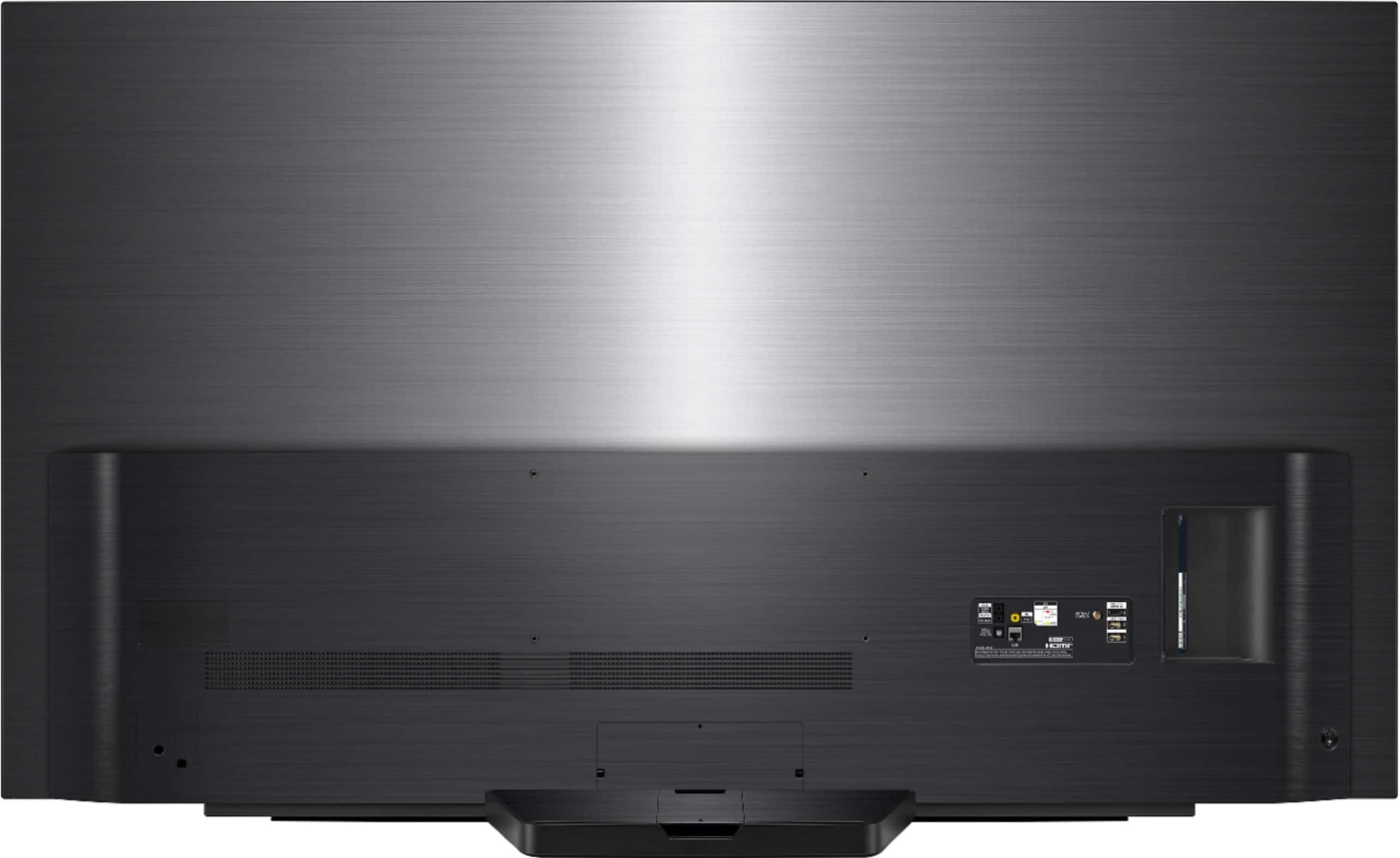
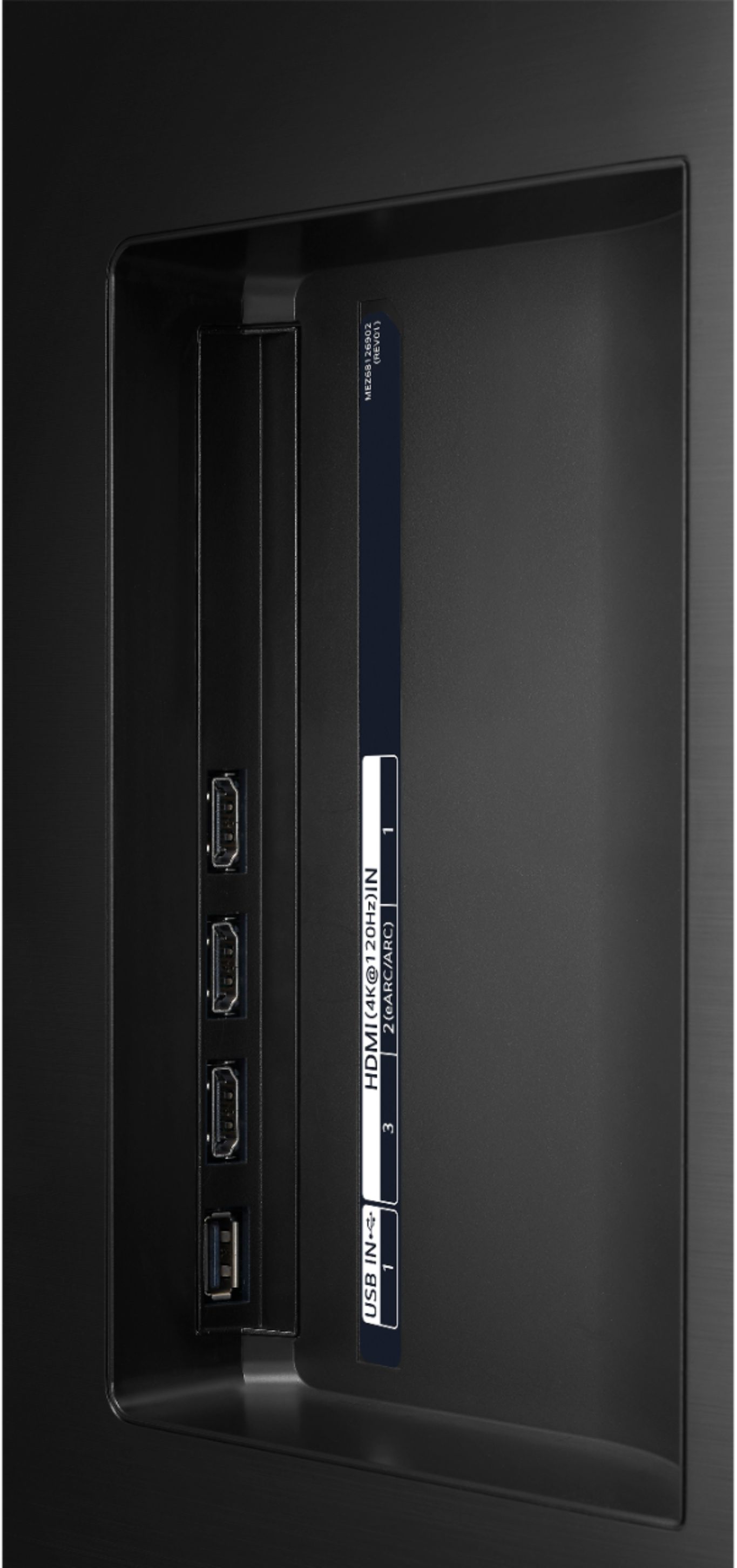
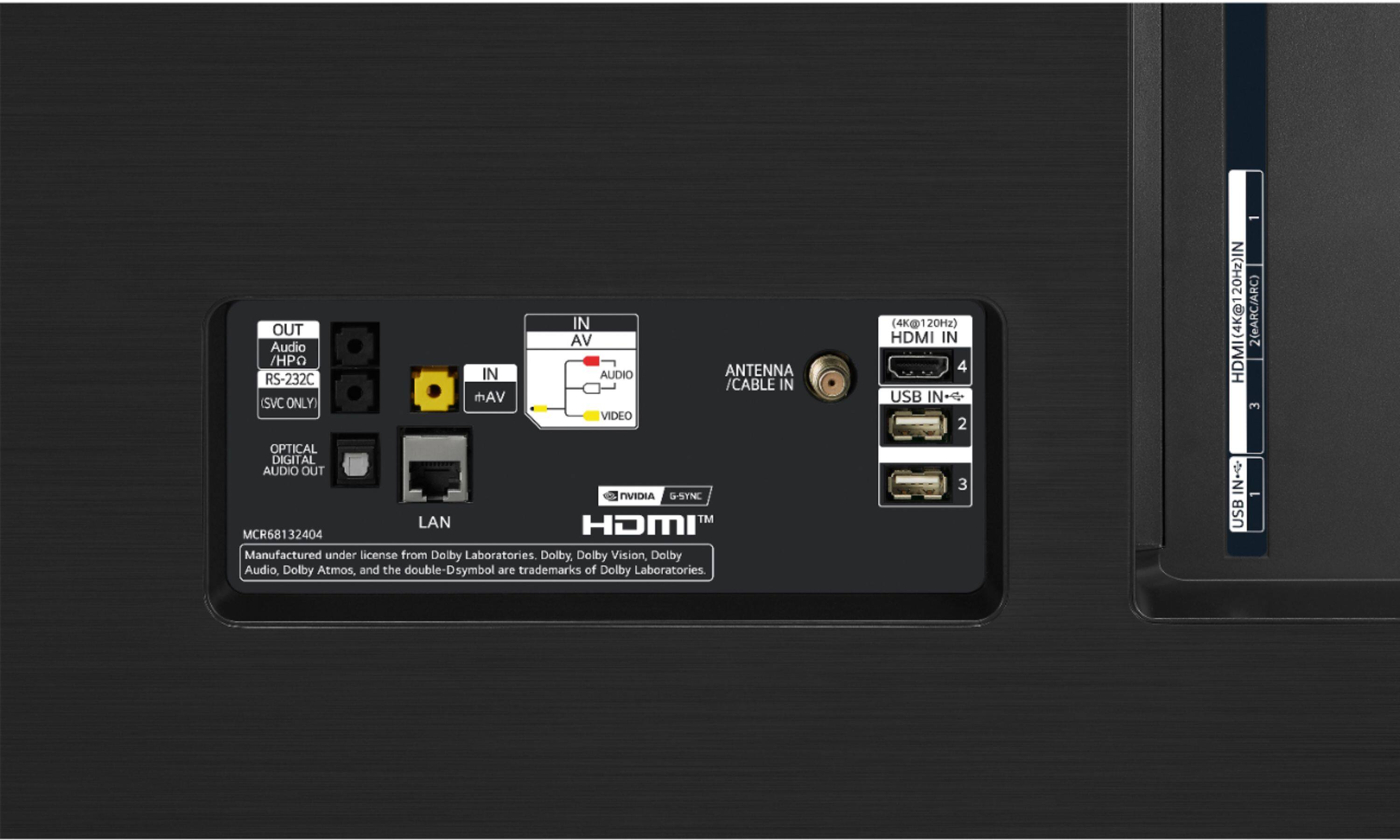
A:AnswerNot sure about the player specifically, but with it being a 4k player as long as you have quality hdmi cables the tv will display an amazing 4k picture. Yes this tv will hook up to a Sonos, be sure to hook it up through the arc slot.
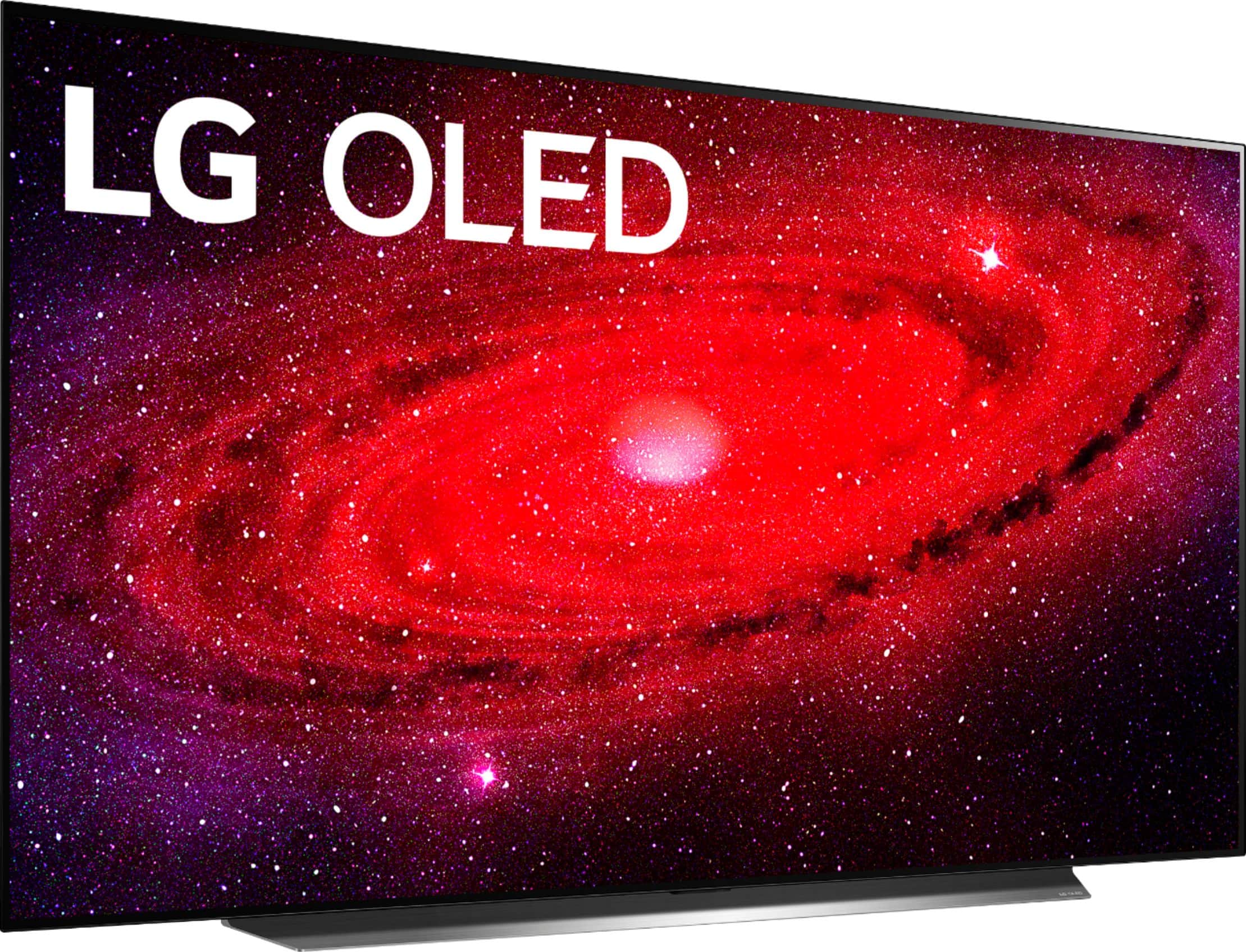
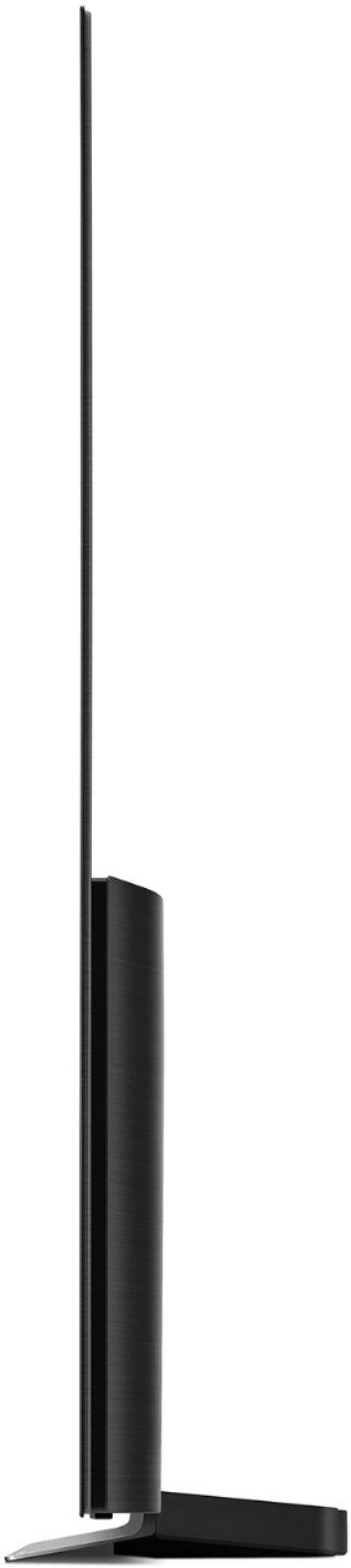
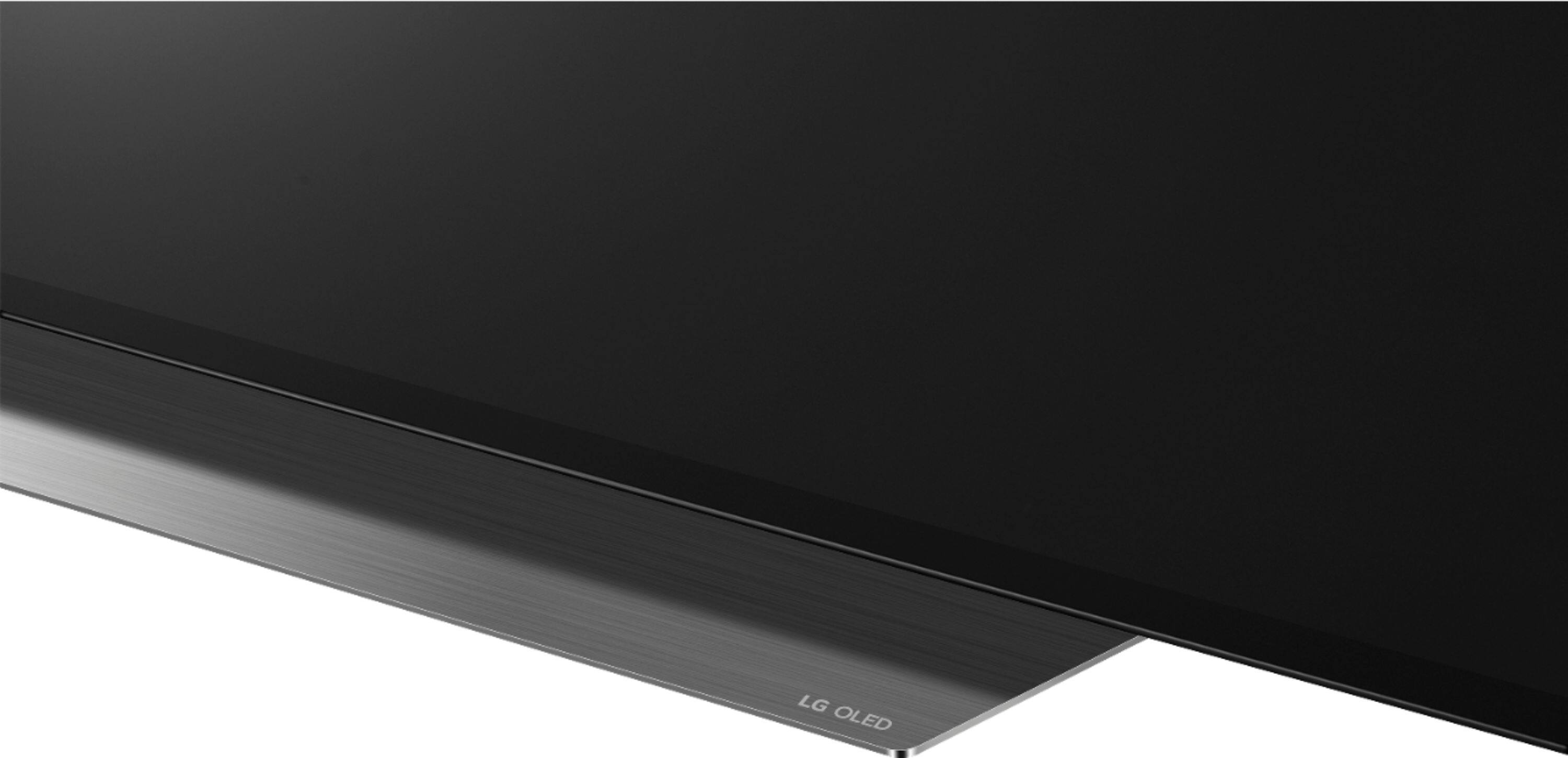
A:Answerno 3D..that ended in 2017 models....base unit is like 10x10 but with supporting air dam of 47.2 inches...so it looks great on a 48" table..BUT the air dam can hang off the edge of a table no problem, without fear of it falling over, since basically its a pedestal base design...i would not put it on a tiny table, but a 3 foot table versus a 4 foot would work..
A:AnswerNo, the warranty does not specifically cover burn-in. The TV carries a 1 year Manufacturer’s Limited Warranty on parts and labor. When applicable, there are policies and procedures in place to ensure resolutions are offered that are consistent and fair with respects to issues with burn-in.
OLED TVs have special features and settings to preserve image quality and prevent burn in and image retention. First, under OLED Screen Saver there is the Pixel Refresher that calibrates any issues that may arise on the screen when your TV has been turned on for a long time. Calibration takes more than an hour. The second feature that can be employed is the Screen Shift feature which, moves the screen slightly at regular intervals to preserve image quality. A third option is the Logo Luminance Adjustment, which can detect static logos on the screen and reduce brightness to help decrease permanent image retention. ^Daphane
A:AnswerI bought 5 .6" thick Rubbermaid shelf boards from a hardware store for under $9 each ...12×24 to glue together and put under the tv on my current stand to raise my tv above my 4" tall soundbar.
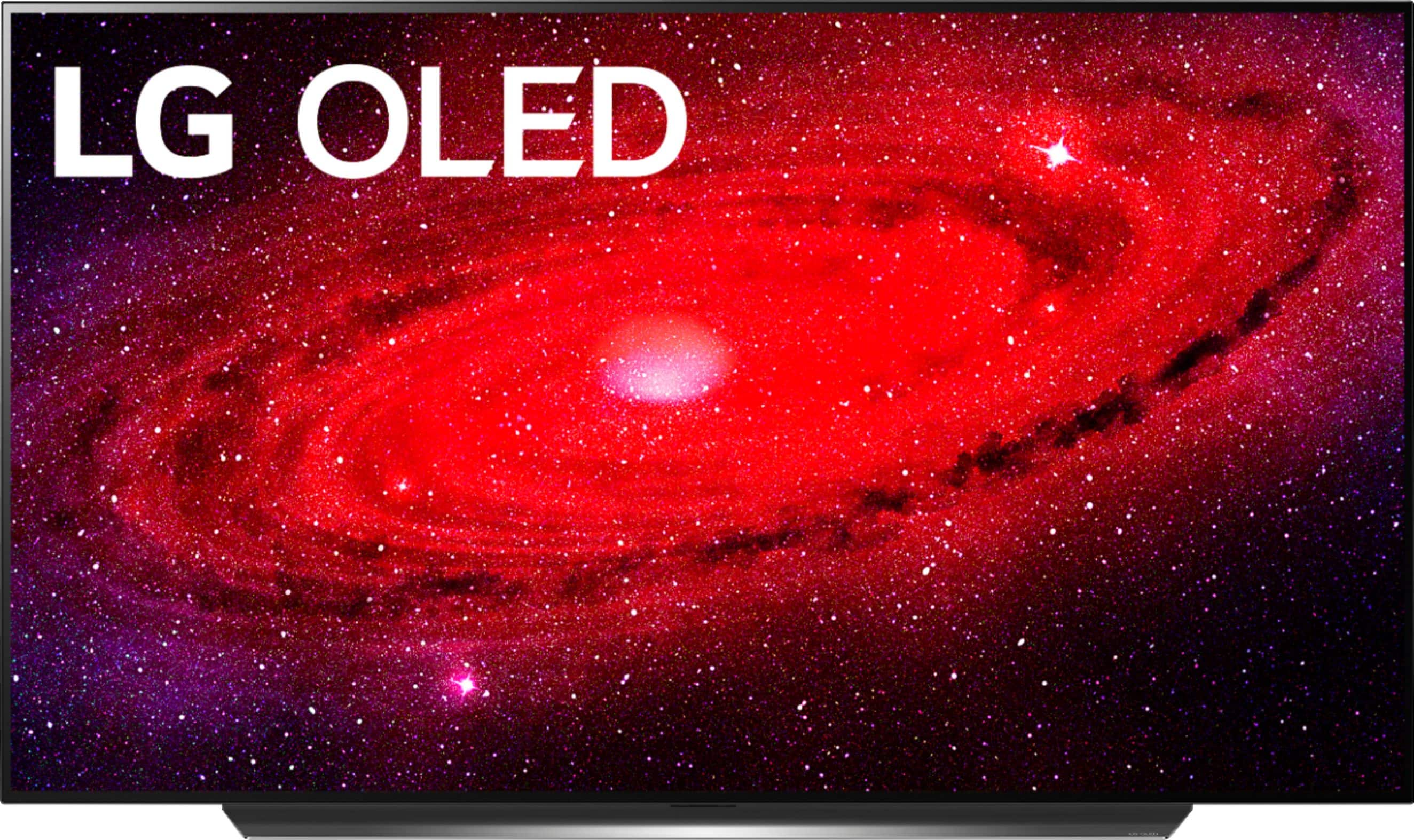
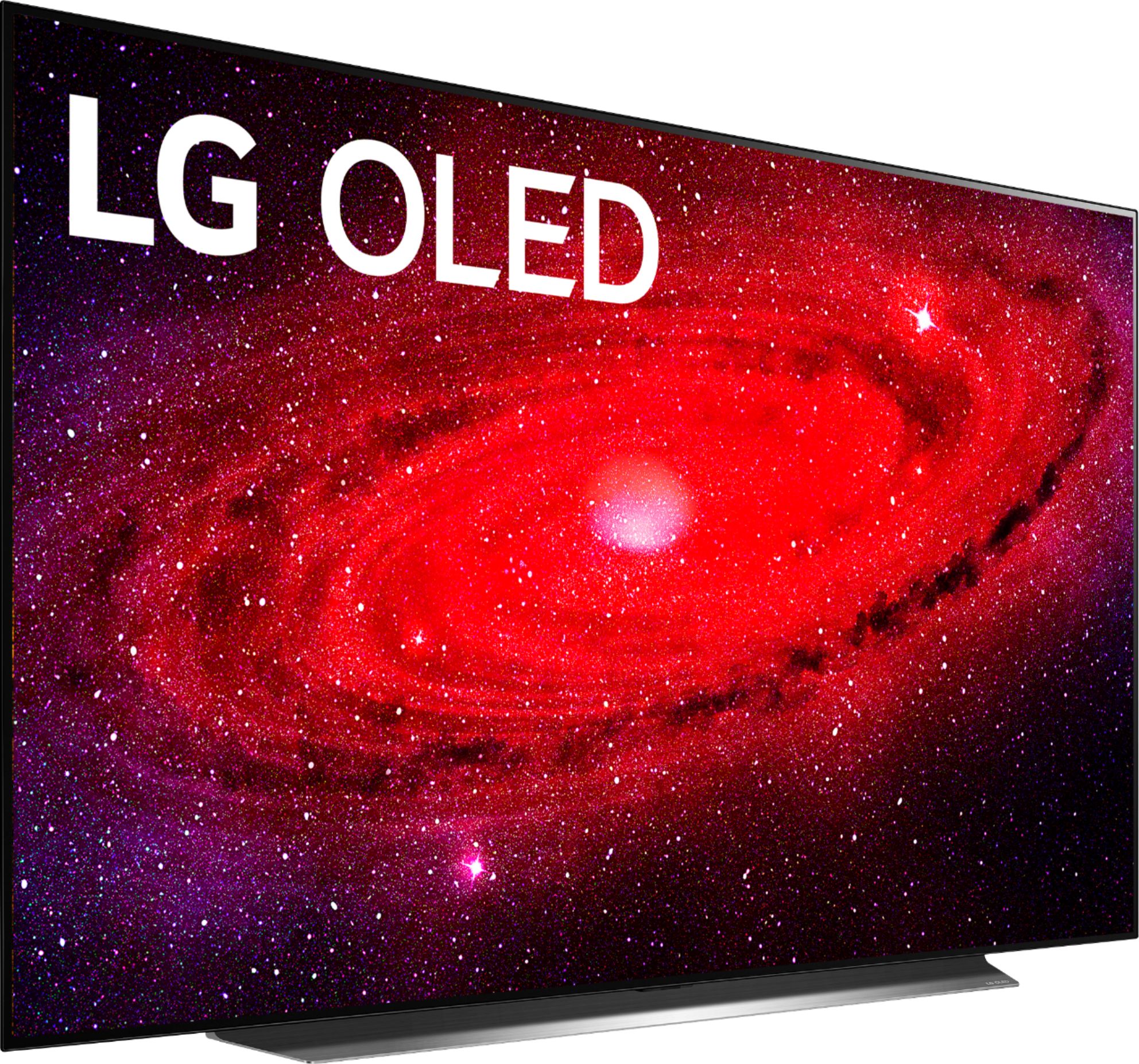
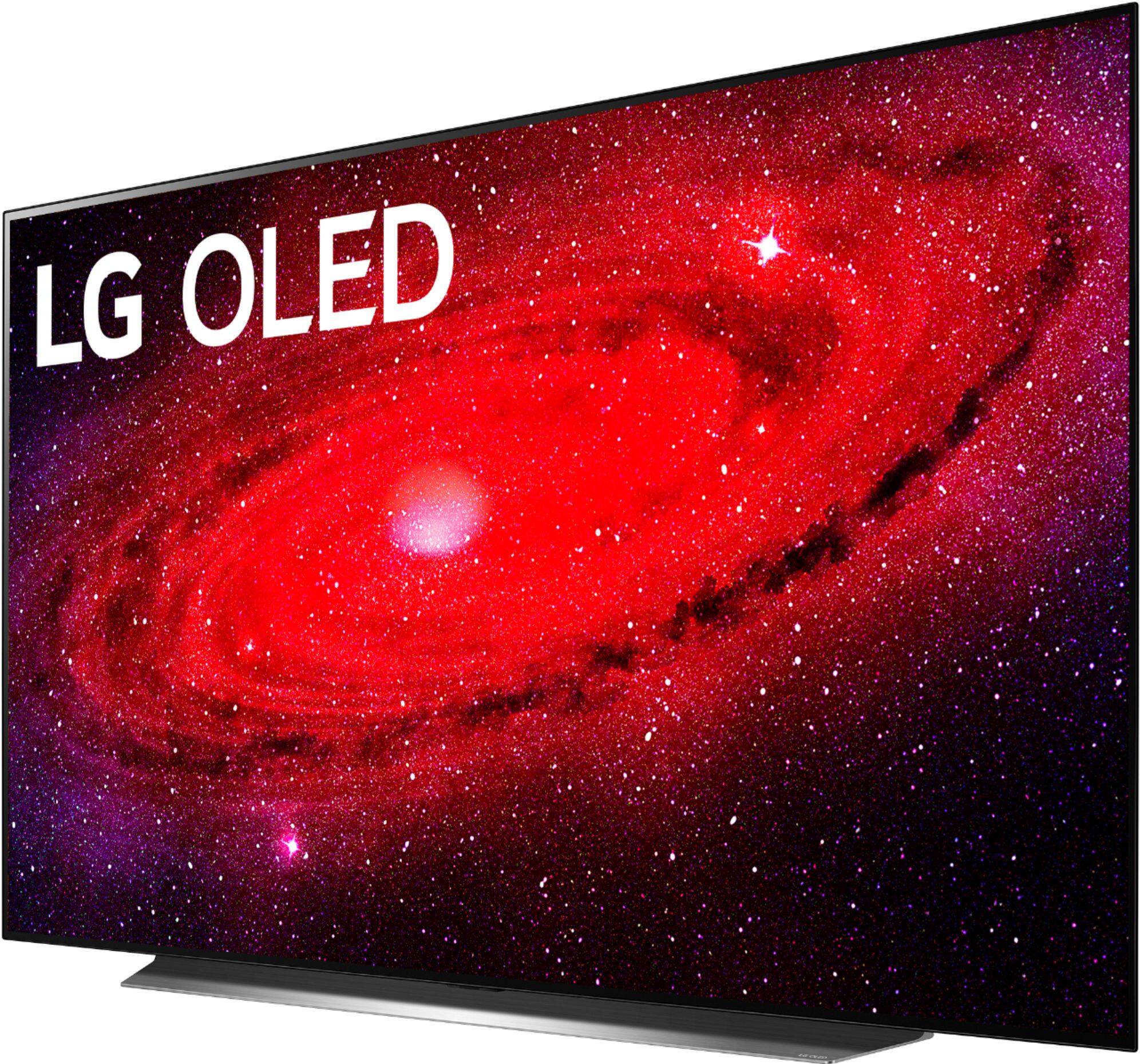
A:AnswerThe LG CX 77 inch Class 4K Smart OLED TV w/ AI ThinQ® (76.7'' Diag), Model # OLED77CXPUA has a width of 67.8" and a height of 40.3" with the stand legs attached...^IFV
A:AnswerBurn-in and image retention are possible on virtually any display. However, with the LG CX 77 inch Class 4K Smart OLED TV w/ AI ThinQ® (76.7'' Diag), Model # OLED77CXPUA, any risk of burn-in or image retention have been addressed through the use of technology that not only helps protect against damage to the screen, but features self-healing properties so that any short-term image retention that may occur is quickly rectified. It is rare for an average TV consumer to create an environment that could result in burn-in. Most cases of burn-in in televisions is a result of static images or on-screen elements displaying on the screen uninterrupted for many hours or days at a time – with brightness typically at peak levels. So, it is possible to create image retention in almost any display if one really tries hard enough. And even if image retention does occur from extreme usage, it can usually be mitigated within a short period of time by turning the display off for a while, and watching a few hours of varying content (such as your standard TV watching and channel-surfing). Additionally, LG OLED TVs and the OLED77CXPUA come with special features and settings to preserve image quality and prevent burn in and image retention. First, in the OLED Screen Saver, there is a Pixel Refresher that calibrates any issues that may arise on the screen when your TV has been turned on for a long time. Calibration takes more than an hour. The second feature that can be employed is the Screen Shift feature which, moves the screen slightly at regular intervals to preserve image quality. A third option is the Logo Luminance Adjustment, which can detect static logos on the screen and reduce brightness to help decrease permanent image retention...^IFV
A:AnswerOLED is a self-emissive technology, which brings many significant benefits to image quality and performance. As with any self-emitting display, it is possible for users of OLED TVs to experience temporary image retention under certain conditions, such as when displaying a static image on the screen for a long time. LG OLED TVs incorporate dedicated functions that protect the screen from possible image retention. If a static image persists on screen, screen brightness is automatically reduced in specific areas of, or across the entire screen. Once the static image disappears, screen brightness will automatically return to its prior setting. This is not a product malfunction. Images that may cause image retention are: • Still images or fixed images containing certain information that are displayed uninterrupted on the screen, such as channel numbers, station logos, program titles, news or movie subtitles, and headlines. • Fixed menu or icons for video game consoles or broadcasting set-top boxes. • Black bars shown on the left, right, top, or bottom of the screen, such as in images with a 4:3 or 21:9 ratio. Avoid watching a video displaying an image as listed above for extended periods of time. Adjust your TV settings as below when turning on a video exhibiting an image as listed above for extended periods of time: (1) Settings > Advanced Settings > Picture > Picture Mode Settings > Picture Mode > APS (2) Settings > Advanced Settings > Picture > Picture Mode Settings > > OLED Light > Adjust to a lower value (3) Settings > Advanced Settings > Picture > OLED SCreen Saver >Logo Luminance Adjustment > High.• Turn off the menu bar of an external device, such as a set-top box, to prevent long-term display of the menu bar of such device. (Please refer to the manual of the applicable external device for instructions.) • Adjust the settings as below when watching a video constantly showing black bars on the left, right, top or bottom, in order to remove the black bars: Settings > Advanced Settings > Picture > Aspect Ratio Settings > Aspect Ratio > Vertical Zoom or 4-Way Zoom. • G OLED TVs provide a feature called Pixel Refresher, which helps to prevent temporary image retention. • When the accumulated television viewing time reaches 2,000 hours or more (this is equivalent to watching TV for five hours a day over the course of a year), Pixel Refresher will be automatically activated once your TV is turned off. When turning off your TV, a notice will appear on the screen informing the activation of Pixel Refresher. This feature will run for an hour while your TV is turned off. A horizontal line may appear at the top or bottom of the screen when the process is almost finished.• You may also manually activate Pixel Refresher via the TV menu: Settings > Advanced Settings > Picture > OLED Screen Saver > Pixel Refresher • Whenever you watch your TV for more than four cumulative hours, Pixel Refresher will be automatically activated for a few minutes once your TV is turned off. (Note: Pixel Refresher will not be activated if the power cord of your TV is not plugged in or the main power is off.)...^IFV
A:Answer3.0 ATSC tuner...4k over air broadcast ready...for the GX...plus flush mountable to wall...the big feature...and 60 watt sound versus 30...and likely a better quality grade panel tho that is not documented as being a difference, specs and OS are identical..GX does have hands free voice control also...a cool feature..only down side is for those not wall mounting it, you have to fork out 100 bucks for the two feet to table top it...and the feet are very widely separated so yur stand might need an upgrade if you get the 77 incher..
A:AnswerLG announced back on 3/17/2020 that the LG CX 77 inch Class 4K Smart OLED TV w/ AI ThinQ® (76.7'' Diag), Model # OLED77CXPUA would be available in May. The TV is only available at Best Buy stores that have a Magnolia store. If your store does not have a Magnolia store, it will not have the TV. You can ask if you can ohave the TV transferred from a Best But Magnolia store to your local Best Buy, or if you can pay for it at your local best buy and have it shipped to you from a Best Buy with a Magnolia store...^IFV