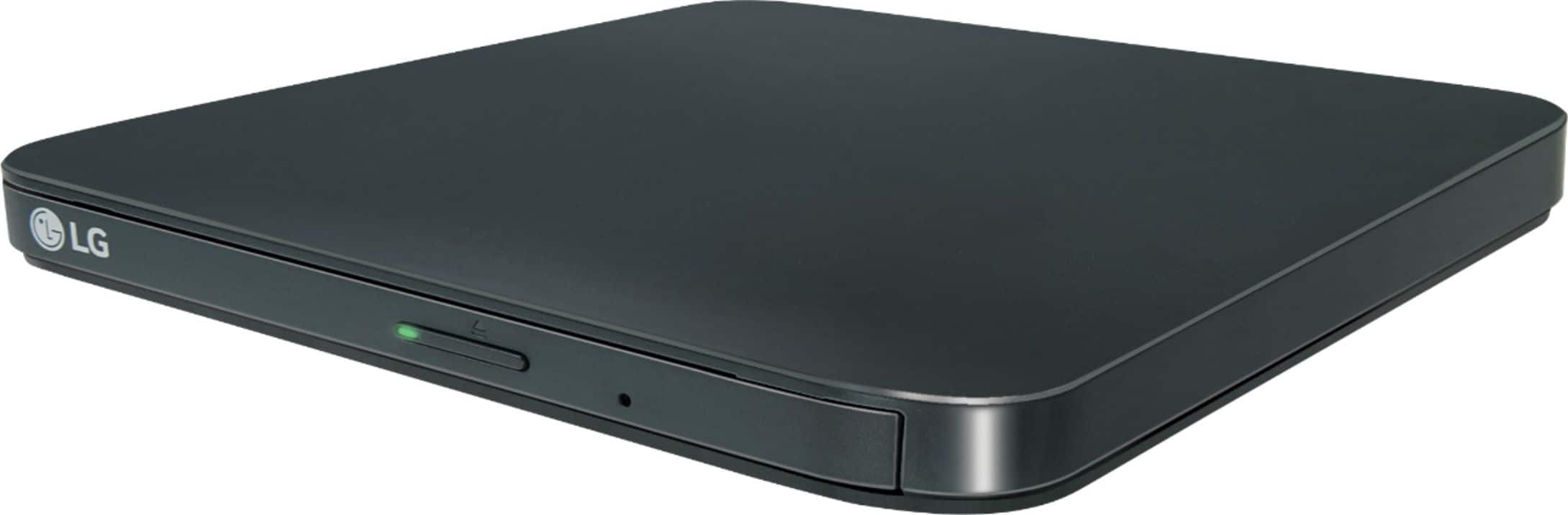
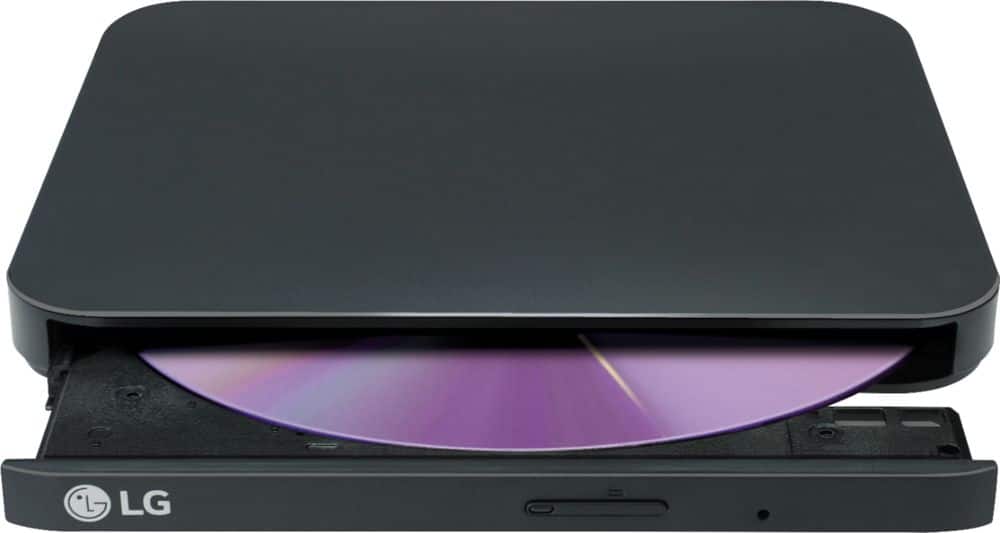
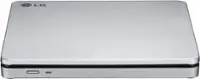
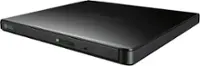
A:AnswerThe LG - 8x External USB Double-Layer DVD±RW/CD-RW Drive - Black, Model # SP80NB80 has to be connected to a computer via its USB port. The supported Operating Systems are Windows 10, Windows 8.1, Windows 8, Windows 7, Windows Vista, Windows XP, and Mac OS X. It has a TV Connectivity function that allows you to easily connect TVs, digital and photo frames via USB for playback. You should be able to play Sims™ 4 games with it, but we recommend you verify this with Electronic Arts Inc...^IFV
A:AnswerThe LG - 8x External USB Double-Layer DVD±RW/CD-RW Drive - Black, Model # SP80NB80 has to be connected to a computer via its USB port. The supported Operating Systems are Windows 10, Windows 8.1, Windows 8, Windows 7, Windows Vista, Windows XP, and Mac OS X. It has a TV Connectivity function that allows you to easily connect TVs, digital and photo frames via USB for playback.It does not connect to receivers & speakers for playback...^IFV
A:AnswerHi DanielR. LG does not provide Linux drivers for the LG - 8x External USB Double-Layer DVD±RW/CD-RW Drive - Black, Model # SP80NB80. Linux has a number of commands like dmesg, df, to check different properties like the CD/DVD-ROM device name, mount point etc. But if you want to get complete details like CD/DVD-ROM manufacture details, write and read speed details, Kernel driver which can communicate with this hardware you have to use a command called wodim. You will need to contact Linux for assistance and advise on how to obtain drivers...^IFV
A:AnswerThe LG - 8x External USB Double-Layer DVD±RW/CD-RW Drive - Black, Model # SP80NB80 is listed as being compatible with Mac OS X v.10.5.4 or Higher, Direct X 9.0 or Higher OPerating Systems. Regrettably, at the time this product was released, Mac OS Catalina version 10.15.3 had not been released yet...^IFV
A:AnswerYou can switch the LG - 8x External USB Double-Layer DVD±RW/CD-RW Drive - Black, Model # SP80NB80- from ODD (Optical Disc Drive) mode to TV Connectivity modeso you can plug it into the USB port on any TV regardless of whether it is a "Smart TV" or not...^IFV
A:AnswerHi Tiberius. Check the software for its system requirements for your laptop. If the laptop that you intend to download the Paint Shop Pro software to meets those requirements and it meets the system requirements for the LG - 8x External USB Double-Layer DVD±RW/CD-RW Drive - Black, Model # SP80NB80, you will be able to use this drive to download the software to your laptop...^IFV
A:AnswerWe would need more details about your HO Stream Laptop to determine if the LG - 8x External USB Double-Layer DVD±RW/CD-RW Drive - Black, Model # SP80NB80 can be used with it. The SP80NB80 connects to any laptop via the USB port. It is compatible with the Windows 10, Windows 8.1, Windows 8, Windows 7, Windows Vista, and Windows XP Operating Systems. It comes with a Software CD for Windows that includes DVD software for usage with Windows...^IFV
A:AnswerYes you can download and install Windows Office from a software CD with the LG - 8x External USB Double-Layer DVD±RW/CD-RW Drive - Black, Model # SP80NB80...^IFV
A:AnswerJust as you would with an internal drive, you can upload a cd disc from the LG - 8x External USB Double-Layer DVD±RW/CD-RW Drive - Black, Model # SP80NB80 to a computer...^IFV
A:AnswerThe LG Slim Portable DVD Writer DVD Disc Playback & DVD M-DISC™ Support, Model # SP80NB80 is compatible with the Windows 10, Windows 8.1, Windows 8, Windows 7, Windows Vista, Windows XP, and Mac OS X version 10.7.5 or higher Operating Systems. ^Daphane
A:AnswerThe short answer is yes, you can use the LG - 8x External USB Double-Layer DVD±RW/CD-RW Drive, Model # SP80NB80, but there will be major limitations. Chromebooks can read CD, CD-RW, DVD, and DVD-RW, discs using a proper external USB DVD/CD drive. hrome OS can read files on these disks if they are a supported file formats. This means you can easily open image or audio files in ChromeOS from files on a CD or DVD but it doesnot have the necessary codecs to play DVD files. You can connect a CD or DVD player on a Chromebook and use it read read data files if you have a disk written in data format. You cannot play an audio CD or a movie on a DVD or Blu-ray and you cannot write anything to a CD, DVD or Blu-ray disk. Chrome OS does not support optical disks to let you play music or movies. The primary reason for this is that Chrome OS doesn’t come with codecs. Codecs are necessary to compress and decompress large files like DVD videos. If you want to play DVDs on your Chromebook, you’ll need to install Linux. External DVD drives aren’t officially supported on Chrome OS...^IFV
A:AnswerExternal drives do not increase a computers ram. Unfortunately, IMacs are all proprietary, so if you want more ram, you'll have to purchase a newer computer with what you want on it. Apple solders all their ram on their motherboards, so the consumer is forced to buy new, if they want more. Sorry!
A:AnswerThere is nothing in the Owner's Manual or specifications that shows that it has region coding, CSS or RPC-2 which stores the region code in the drive's firmware. Depending on what media player you have on the computer connected to the drive, you should be able to play DVDs from other regions. ^Daphane