A:AnswerThe device does not have the ability to disable the internet through the menu settings. We recommend you speak with Verizon to determine if the internet is required on your plan. ^CP
A:AnswerIt sounds like we'll need to walk through some troubleshooting for your mobile phone. Please head over to our support team via @LGUSSupport on Twitter or you can give us a call at 800-243-0000 so that we can dig into this a little more for you. ^CP
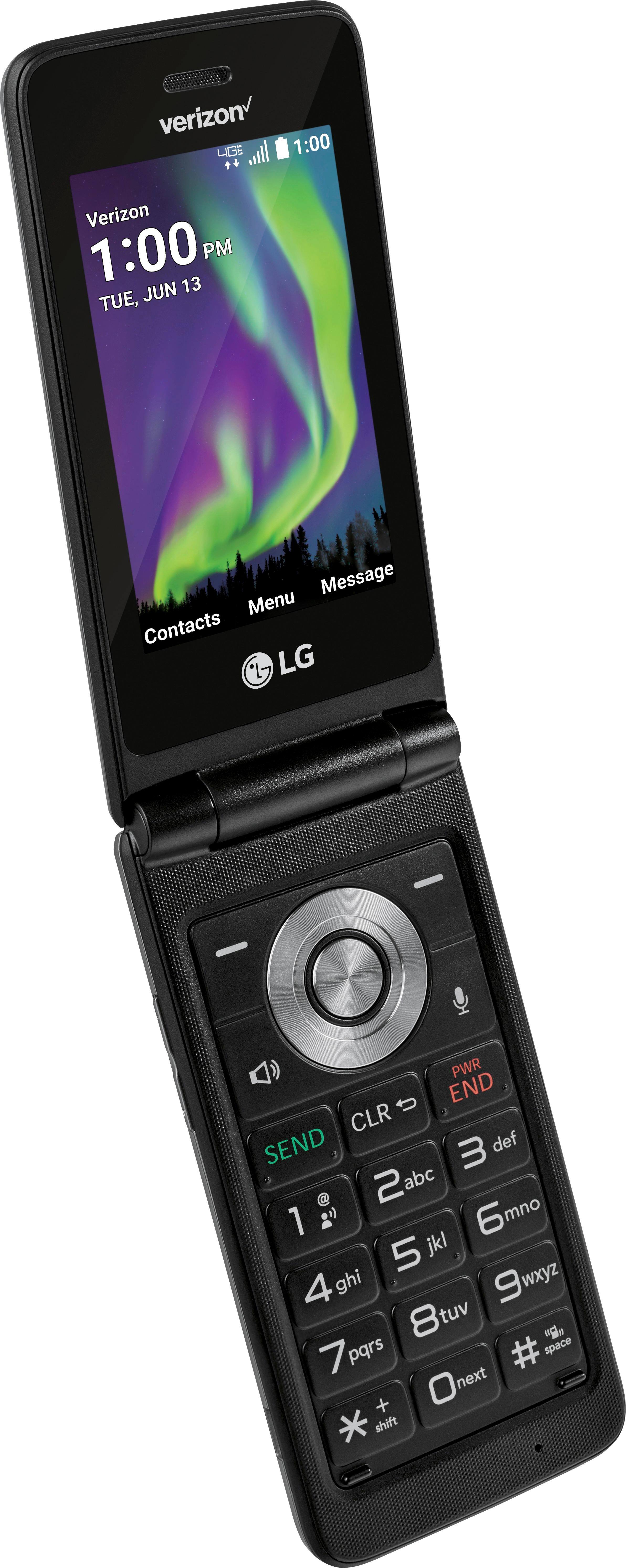
A:AnswerYou can find instructions on how to set your notification tone on the LG Exalt in the owner's manual on page 65 https://www.lg.com/us/support-mobile/lg-LGVN220#manuals ^CP
A:AnswerIt sounds like we'll need to walk through some troubleshooting for your mobile device. Please head over to our support team via @LGUSSupport on Twitter or you can give us a call at 800-243-0000 so that we can dig into this a little more for you. ^CP
A:AnswerThere is not a way to remove yourself from a group message. The senders would have to remove your name from their list of people in the group message. ^CP
A:AnswerFor information regarding changing the notification sound for your LG Exalt, please refer to page 45 of the owner's manual. https://www.lg.com/us/support-mobile/lg-LGVN220#manuals ^CP
A:AnswerYes, you can store music on the LG Exalt LTE. You can use up to a 32GB SD card with this phone. You can store music on the SD card. We do recommend checking out the phone in person to ensure the device will meet your needs. ^CP