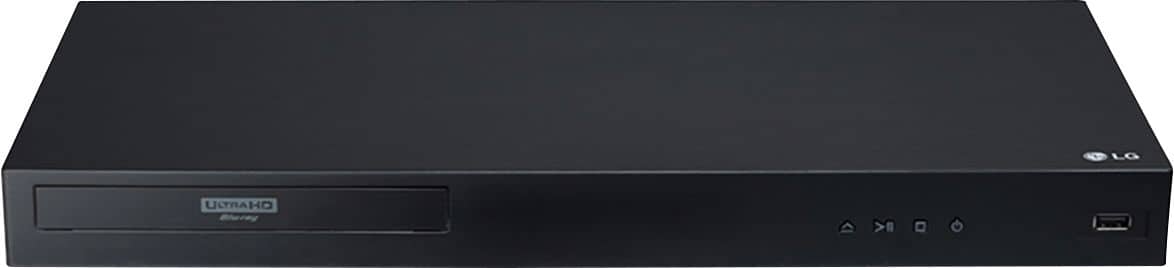
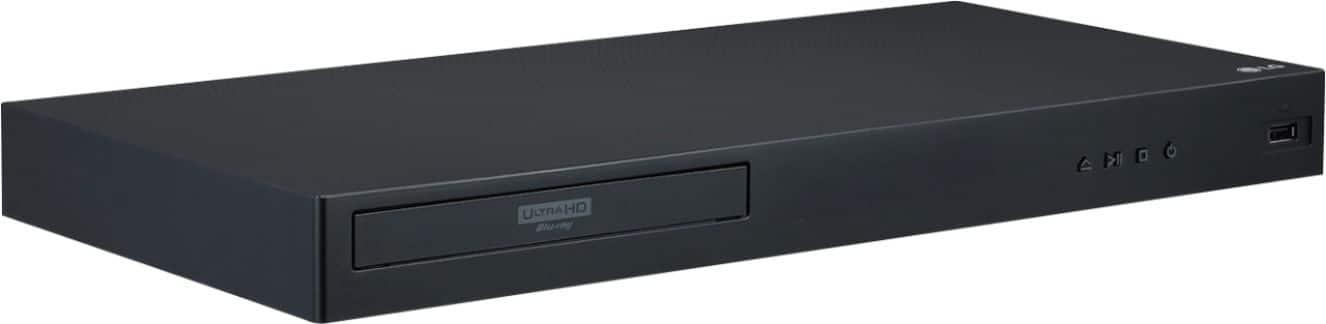
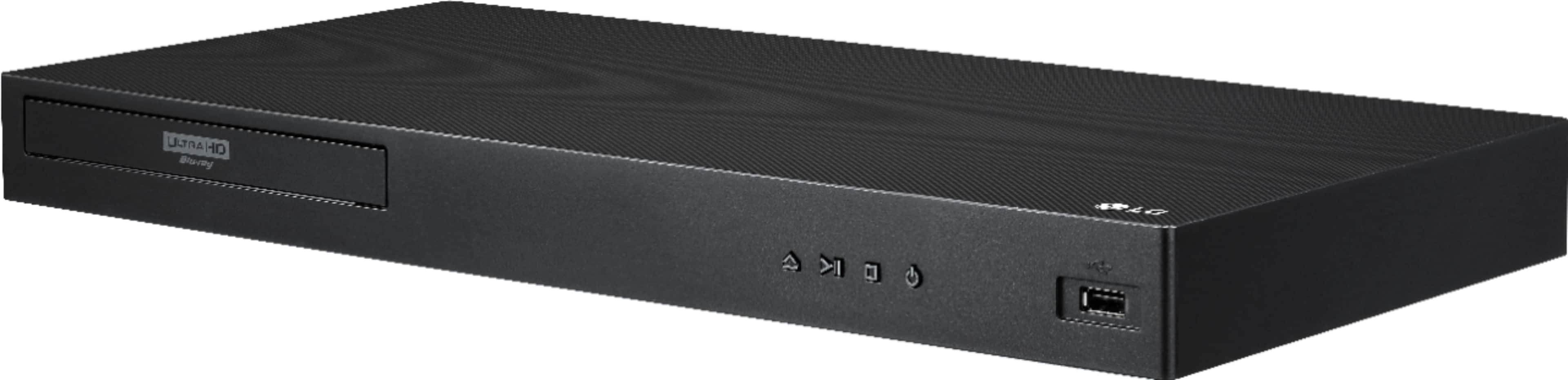
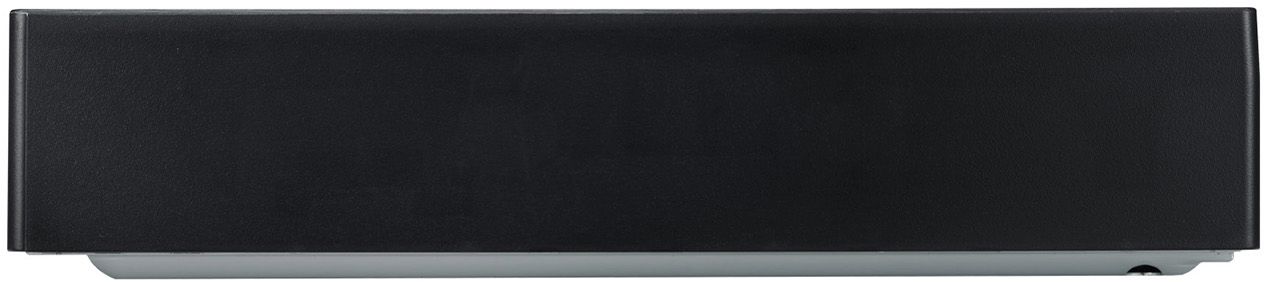
A:AnswerThe UBK90 has Dolby Vision support and can be used with other brands. If you are in need of any assistance, have additional questions, or would just like to see our helpful tips, check us out on Twitter @LGUSSupport or you can give us a call at 800-243-0000. ^CP
A:AnswerWe returned it, bought another one and it seems to work fine. Maybe it was a bad player. See my other question and answer for more details if interested. Thanks.
A:AnswerHey there. Please get in touch with us for your queries by sending us a private message on Facebook or Twitter using @LGUSSupport, or call our customer support line at (800) 243-0000, and we would be glad to help. ^Anthony
A:AnswerHi, Blu-ray & DVD backward compatible--- This LG UHD Blu-ray disc player is backward compatible supporting both of these popular legacy standards, so old favorites and new discoveries won't be left behind. Playable formats-- Include CD-R, DVD±R/RW, DVD-ROM, BD-R, BD-RE, BD-ROM, Blu-ray Disc and CD-DA., Also supports AAC, MPEG1 Layer2, MP3, FLAC, LPCM, MPEG2 Layer2, MPEG-1, XviD, MKV, H.264, VC-1, AVCHD, MOV, AVC, 3GP, VOB, TS, DAT, FLV, M4V, H.265, MPEG-2 PS, MPEG-2 TS, MPEG-4 AVC and MP4 formats. High Resolution audio
This UHD Blu-ray DVD player supports High Resolution Audio. Enjoy lossless sound audio playback that can deliver a Dolby Atmos** experience, DTS-HD Master Audio and FLAC file formats.^Vanessa
A:AnswerThe LG 4K Ultra-HD Blu-ray Disc™ Player with Dolby Vision®, Model # UBK90 supports Dolby TrueHD and the Dolby Digital Plus audio formats. ^Daphane
A:AnswerLabel "ALL" means region discs have all 1-8 flags set, allowing the disc to be played in any location. DVD movies are not region coded and will play on any player, regardless of the region in which it was sold. These discs may be labeled Region 0 or All. 4K Blu-ray discs have just one region code which is worldwide making them region free They can be played on any 4K UHD Player in any part of the world. ^Daphane
A:AnswerHDMI1 OUT TO TV on the LG Streaming 4K Ultra HD Hi-Res Audio Wi-Fi Built-In Blu-ray Disc™ Player with Dolby Vision®, Model # UBK90 has to connect to your TV and HDMI OUT (HDMI2 AUDIO ONLY) is what you would use to connect to an external receiver, Home Theater System, or Soundbar. You do not need it to connect to just your TV...^IFV
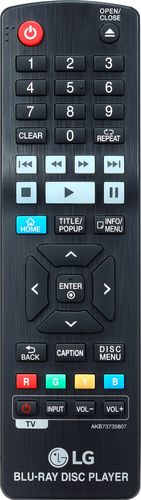
A:AnswerIf the disc that you are watching on the LG Streaming 4K Ultra HD Hi-Res Audio Wi-Fi Built-In Blu-ray Player, Model # UBK90 has subtitles on it, some discs only allow you to change the subtitle from the disc menu. In that case, press Title/Popup or the Disc Menu button and choose the appropriate subtitle from the selections on the disc menu. Otherwise, press the INFO/MENU button & select an option using the ◄/►and press enter, then use ▲/▼to select the [Subtitle] option...^IFV
A:AnswerPlease contact LG Customer Support so that we can better investigate your issues and quickly assist you towards a resolution. You can contact our Customer Support by any of the below options:
Phone: 1-800-243-0000
LiveChat: https://www.lg.com/us/support/chatbot
Email: https://www.lg.com/us/support/email-appointment
Facebook Messenger: https://www.facebook.com/LGUSA/
Twitter: @LGUSSupport
The LG Community Forum is also a great resource for getting help from other LG customers: https://lgcommunity.us.com
A:AnswerRe: Does the UBK90 play all disks quietly? No. I have found that it plays some disks emitting a lot of noise as the disk is spinning in the unit. I have just replaced my LG UBK90 with a Samsung UBD-8500 which is quite superior in almost every aspect. I have submitted my review to BB concerning the LG UBK90 on 5/12/2019, and they may post it in a few days. Here is what I had to say. These are all criticisms of the LG UBK90...It only comes with 2 apps: youtube and netflix. There is no apps store for the LG UBK90, which means that you cannot add additional apps. You cannot turn off DolbyVision; it tries to upscale everything to DolbyVision. For non DolbyVision disks, it oversaturates the color for whatever you are watching. The user interface for the UBK90 is simple to use, but unappealing to look at. There is no way to query the UBK90 to see what the input disk is. For instance, is the input 1080p, SDR, or HDR, there is no convenient way to get this info. There is no DLNA support. The UBK90 is a no frills DolbyVision player. While the Samsung UBD-M8500 does not have DolbyVision, its HDR capability (which is very good) and its other features make it a superior UHD blu ray player. John
A:AnswerPlug the LG UBK90 directly to the soundbar's HDMI input for best audio experience. That way Dolby TrueHD and Dolby Atmos would work properly, sadly the LG SK9Y soundbar doesn't have DTS:X nor DTS-HD MA decoders therefore any movie with DTS:X or DTS-HD MA on it will output in regular lossy DTS Digital Surround instead.