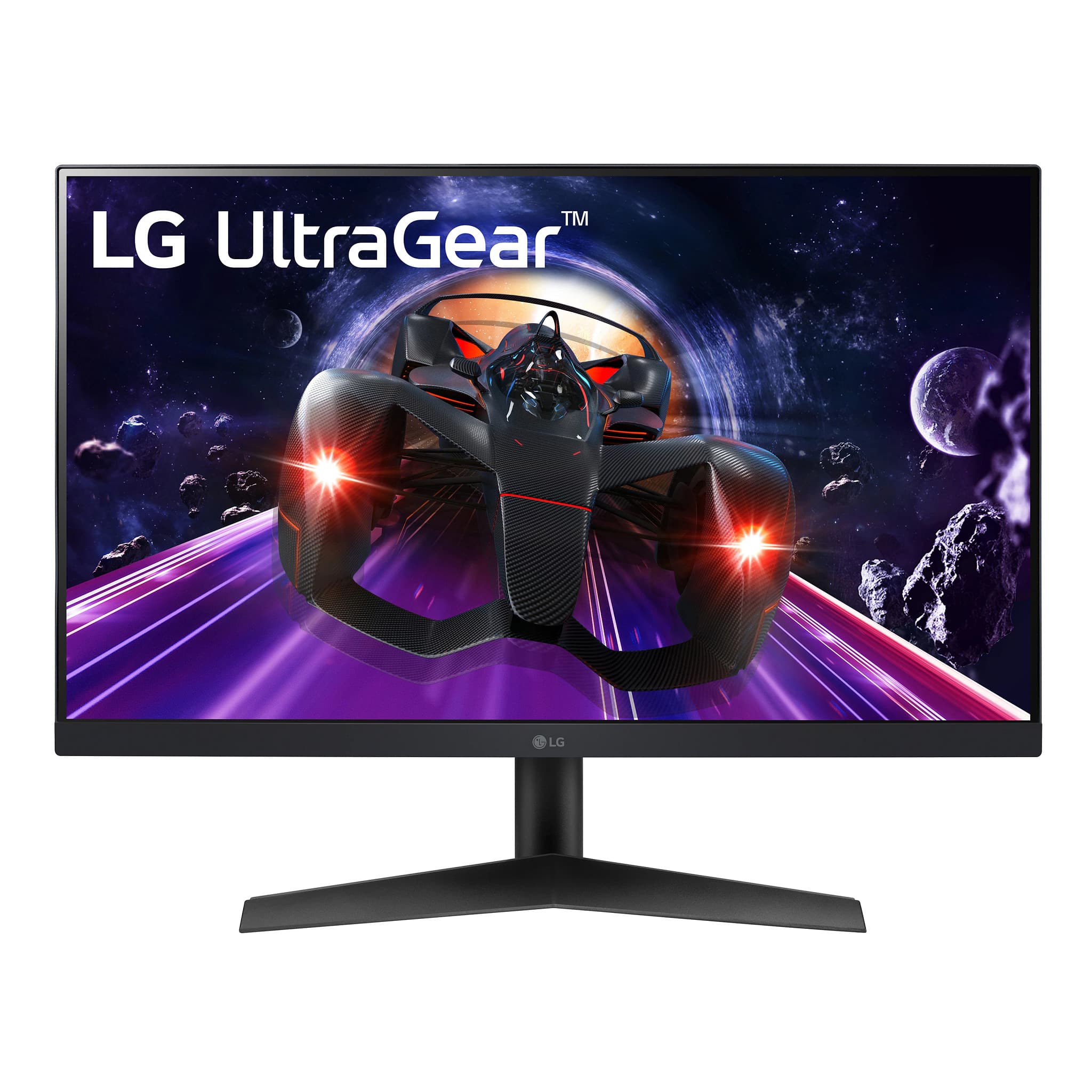
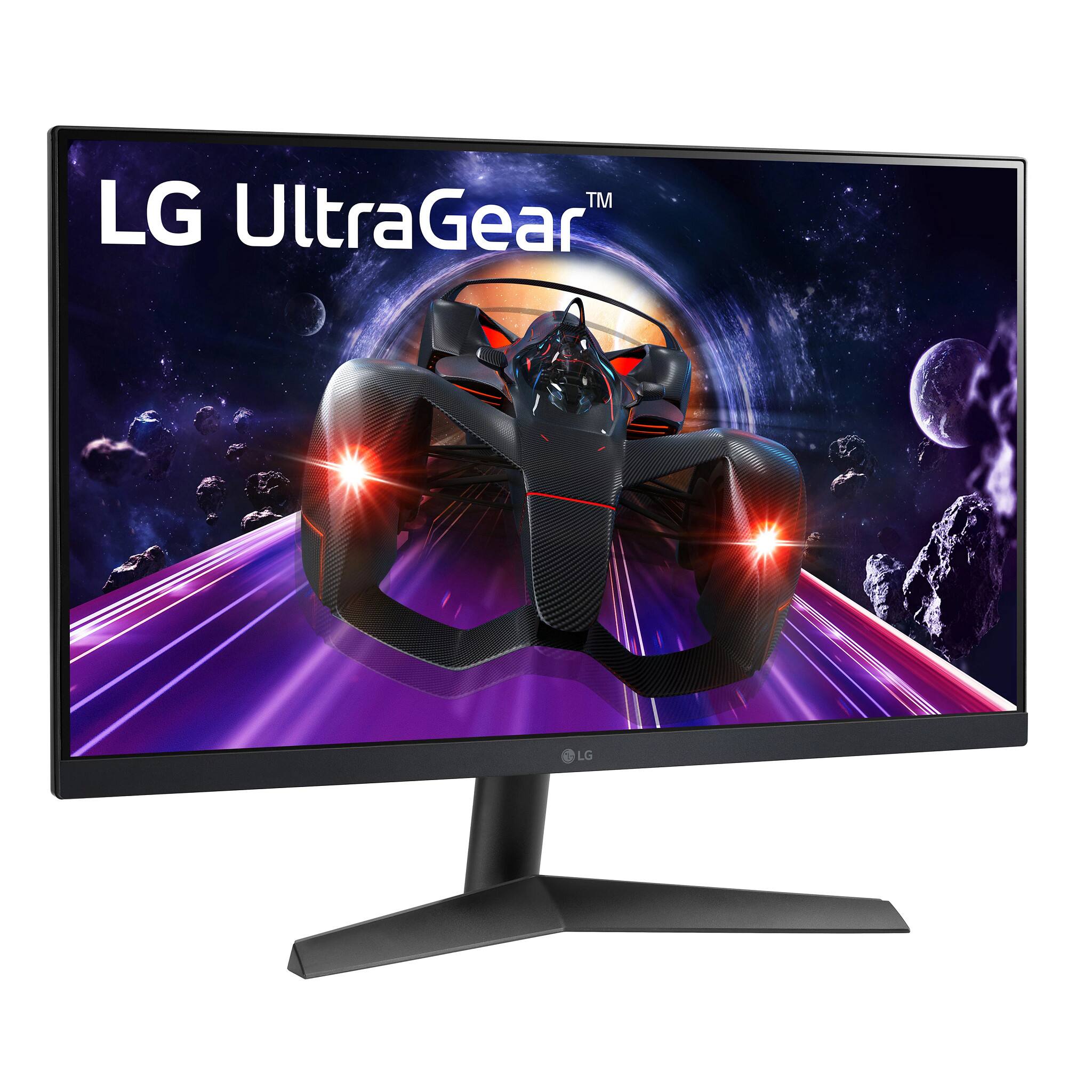
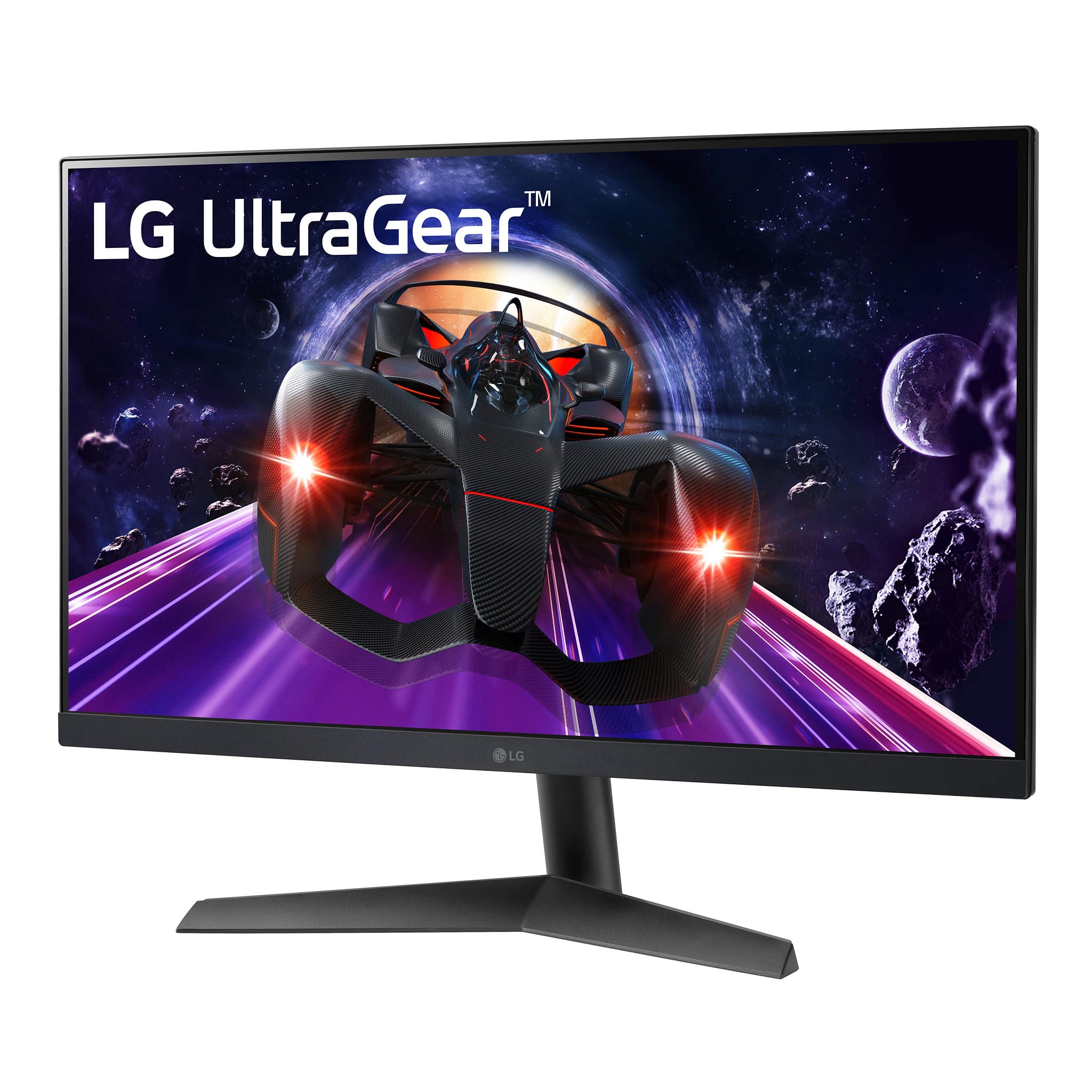
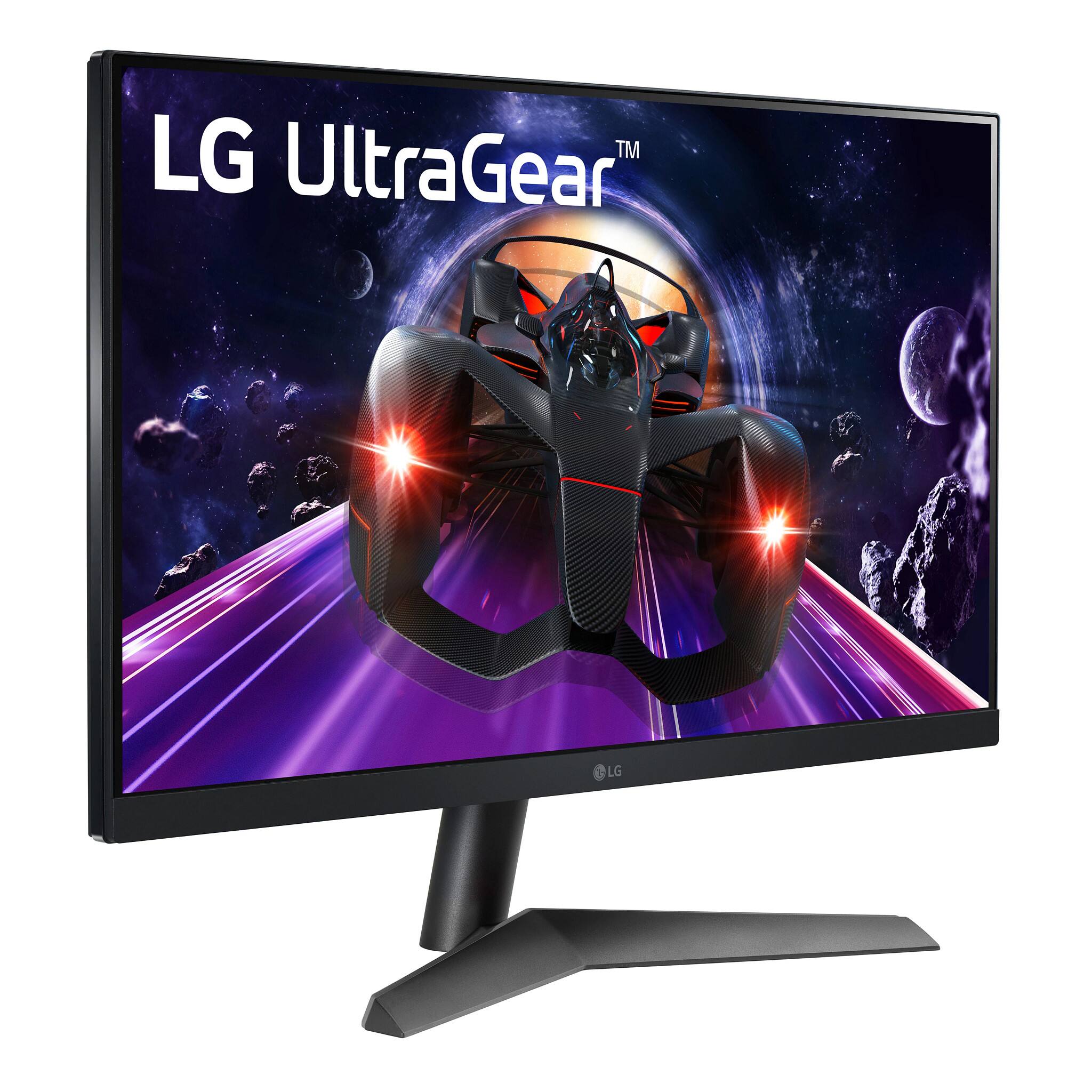
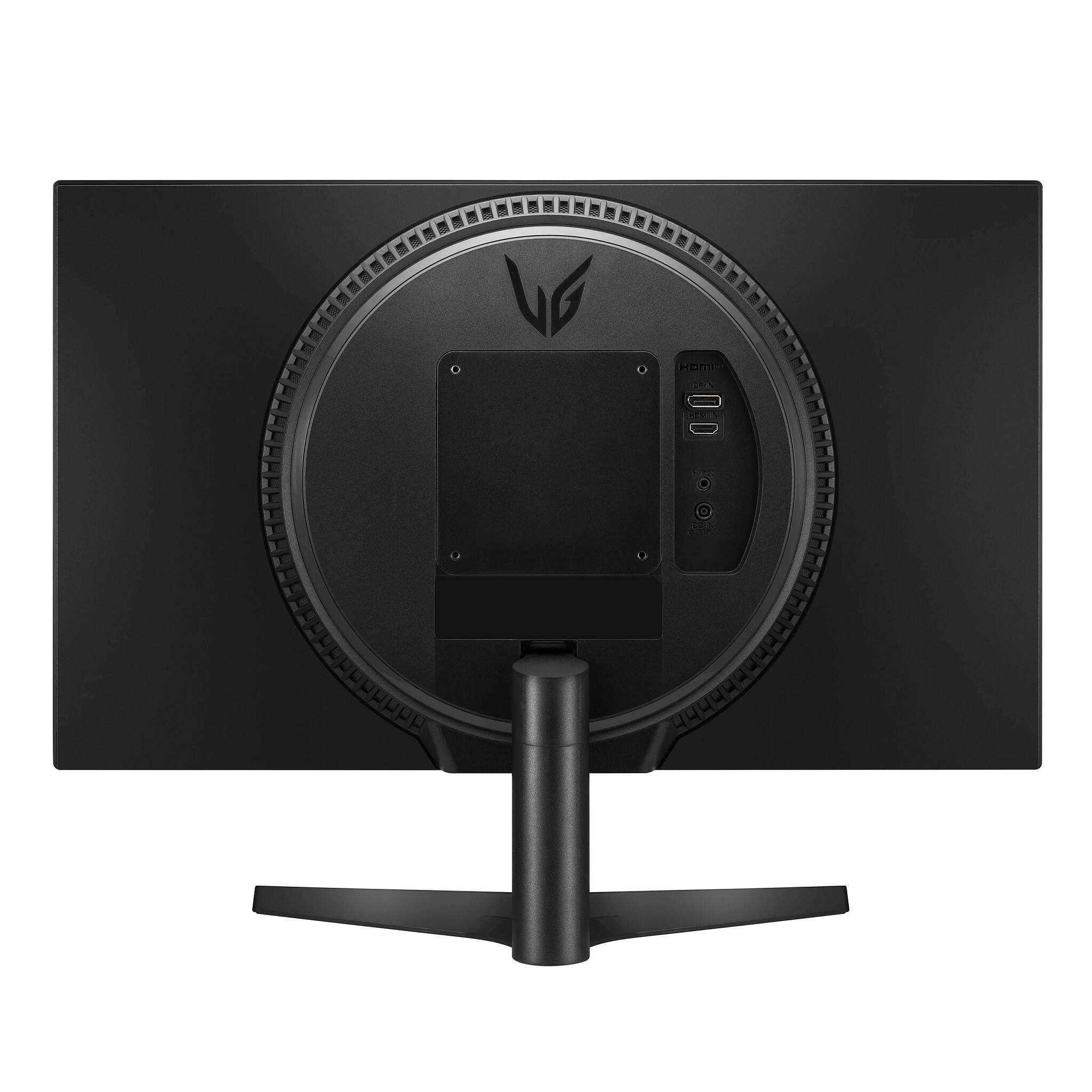
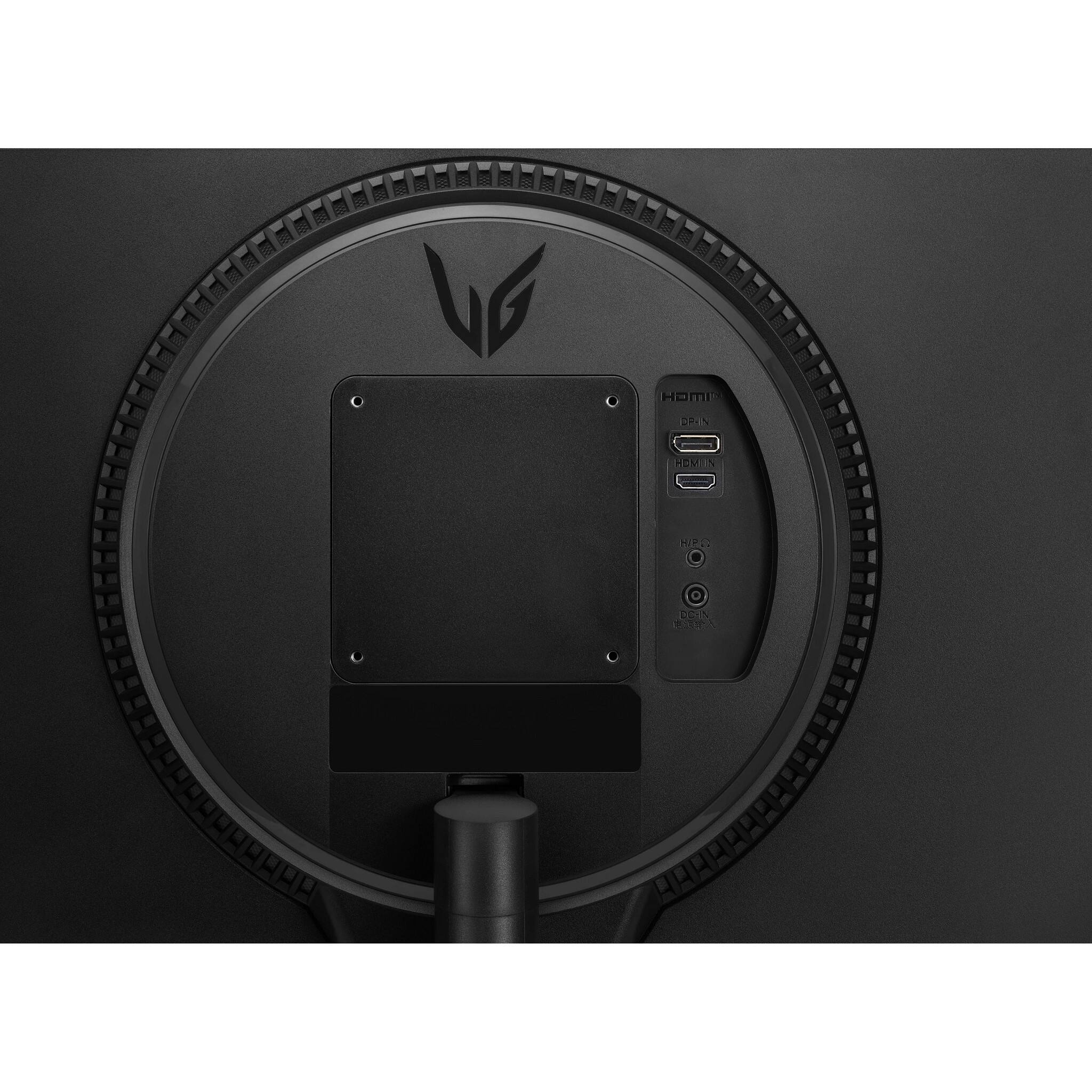
A:Answer Hi, Press the joystick button, go to Menu → Input, and then select the input option. Using a DVI to HDMI / DP (DisplayPort) to HDMI cable may cause compatibility issues.
• Use a certified cable with the HDMI logo attached. If you do not use a certified
HDMI cable, the screen may not display or a connection error may occur.
• Recommended HDMI cable types
- High-Speed HDMI®/TM cable
- High-Speed HDMI®/TM cable with Ethernet. Here's the manual https://www.lg.com/us/support/product/lg-24GN60R-B.AUS. ^Vanessa