A:AnswerThe Game Mode minimizes motion blur in fast-moving videos. To take full advantage of this function, select 1920 x 1080 @ 120Hz/144Hz before enabling 1ms Motion Blur Reduction. Please note that 1ms Motion Blur Reduction and FreeSync feature can not used at the same time. ^Daphane
A:AnswerI am not familiar with what a elgato used for. Based on a Google search and my understanding of what I have read, I would say no. The device connects between a gaming console and the TV and is powered by a USB connection. It captures video as the console sends it to the television, compresses and stores it. I recommend you seek advise of gaming experts that are more knowledgeable with this type of setup. ^Daphane
A:AnswerThe LG 24'' UltraGear™ FHD 144Hz 1ms Gaming Monitor with FreeSync™, Model # 24GL600F-B has a native resolution of 1920 x 1080 @ 144Hz. It supports 1920 x1080 @ 120Hz...^IFV
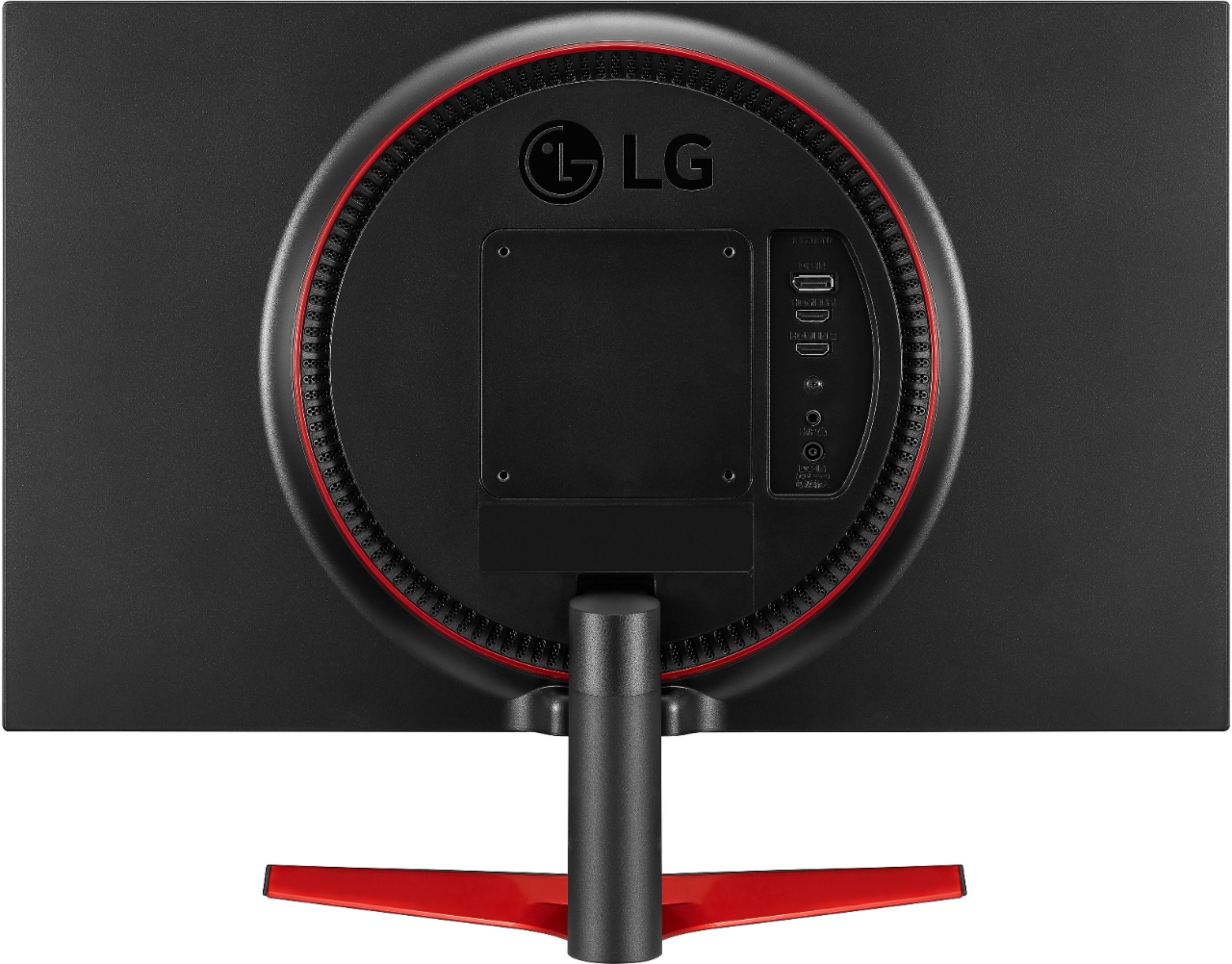
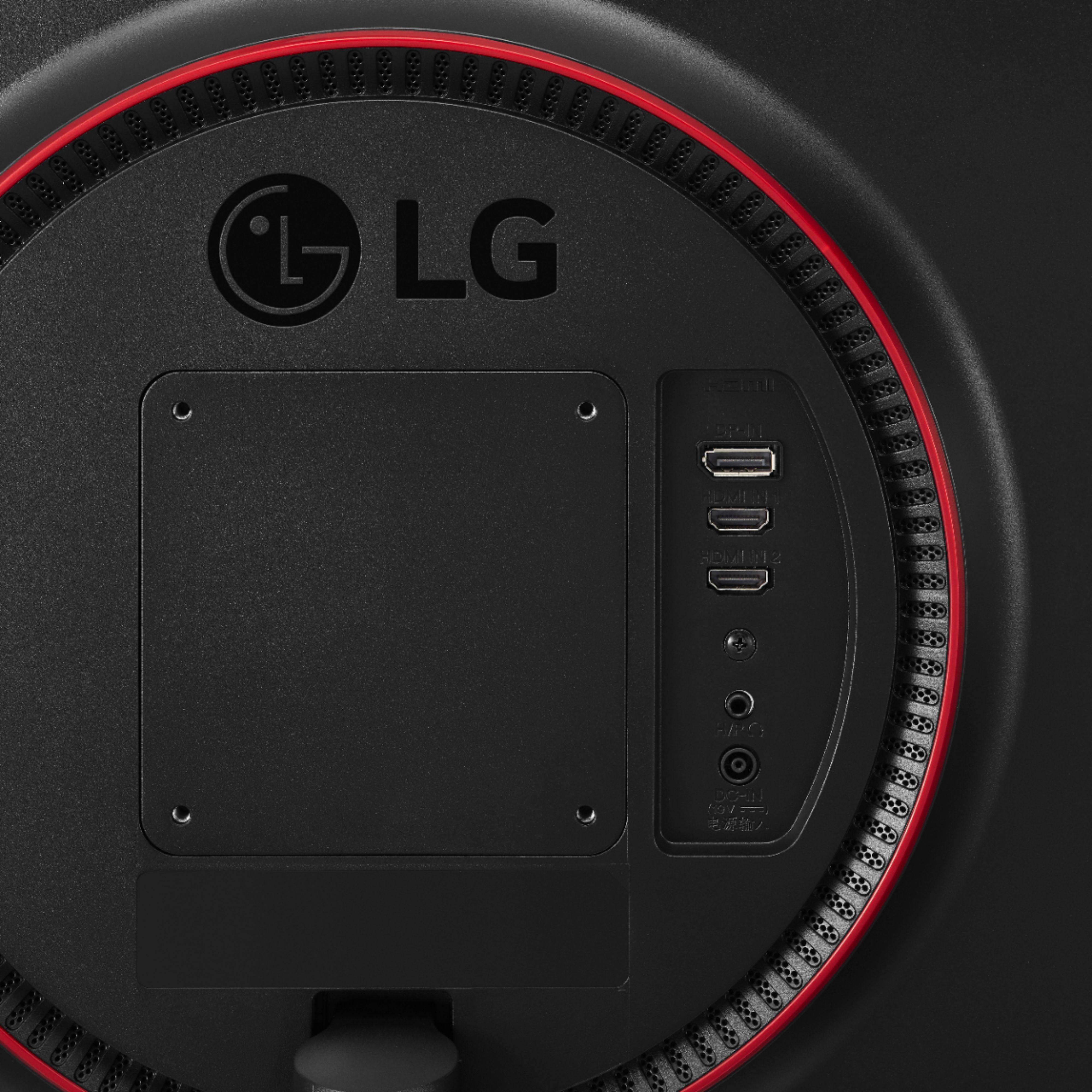
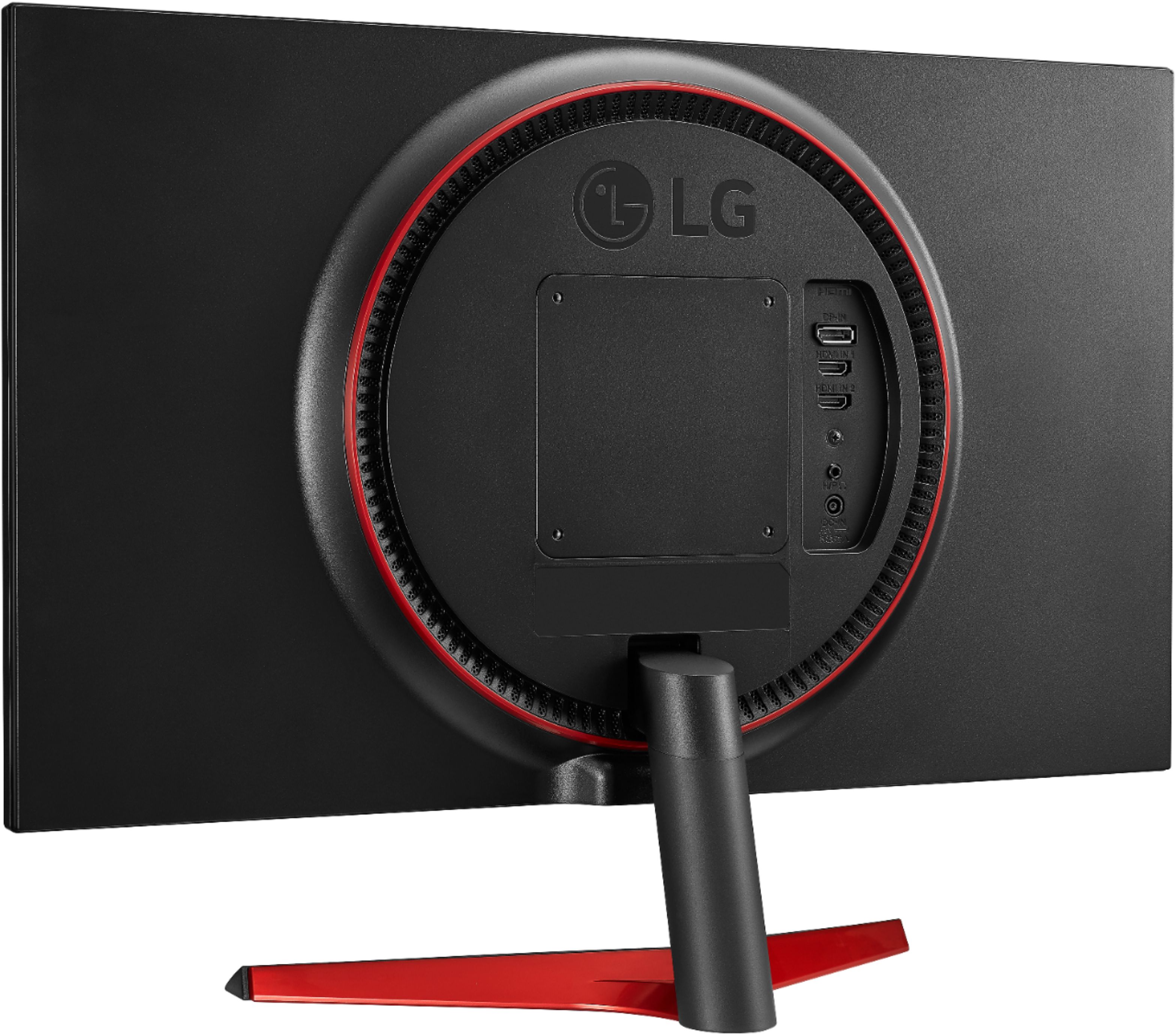
A:AnswerThe 24'' UltraGear™ FHD 144Hz 1ms Gaming Monitor with FreeSync™, Model # 24GL600F-B cannot be diasy chained. Both the HDMI ports and the DisplayPort on the monitor are inputs. They are not outputs...^IFV
A:AnswerBest Buy's product information page for the LG 24'' UltraGear™ FHD 144Hz 1ms Gaming Monitor with FreeSync™, Model # 24GL600F-B only shows that the monitor is "Sold Out" but does not indicate how long it has been sold out. Please contact Best Buy's Customer Service for inquiries about how long this monitor has been sold out...^IFV
A:AnswerHi Akleema. Yes, the "FHD" in the title for the LG UltraGear™ 24" LED FHD FreeSync Monitor - Black, Model # 24GL600F is short for "Full HD" which is a resolution of 1920 x 1080...^IFV
A:AnswerDoes the graphics card in the PC/Laptop that you have the 24'' UltraGear™ FHD 144Hz 1ms Gaming Monitor with FreeSync™, Model # 24GL600F-B support FreeSync™? Regrettably, without more information about your setup, we cannot determine what the issue is. Please contact our Support Center at (800) 243-0000 and provide them with as much information as you can about your setup so they can assist you with the issue that you are experiencing...^IFV
A:AnswerAs indicated in the title, the LG 24'' UltraGear™ FHD 144Hz 1ms Gaming Monitor with FreeSync™, Model # 24GL600F-B is an AMD FreeSync™ monitor. It is not an NVIDIA-tested and officially verified NVIDIA® G-SYNC® Compatible monitor so NVIDIA does not guarantee that it will work with NVIDIA Cards. It has a v range of 48-144 via DisplayPort™ and 48-144 via HDMI®...^IFV
A:AnswerAs indicated in the title, the LG 24'' UltraGear™ FHD 144Hz 1ms Gaming Monitor with FreeSync™, Model # 24GL600F-B has a native refresh rate of 144 Hertz...^IFV
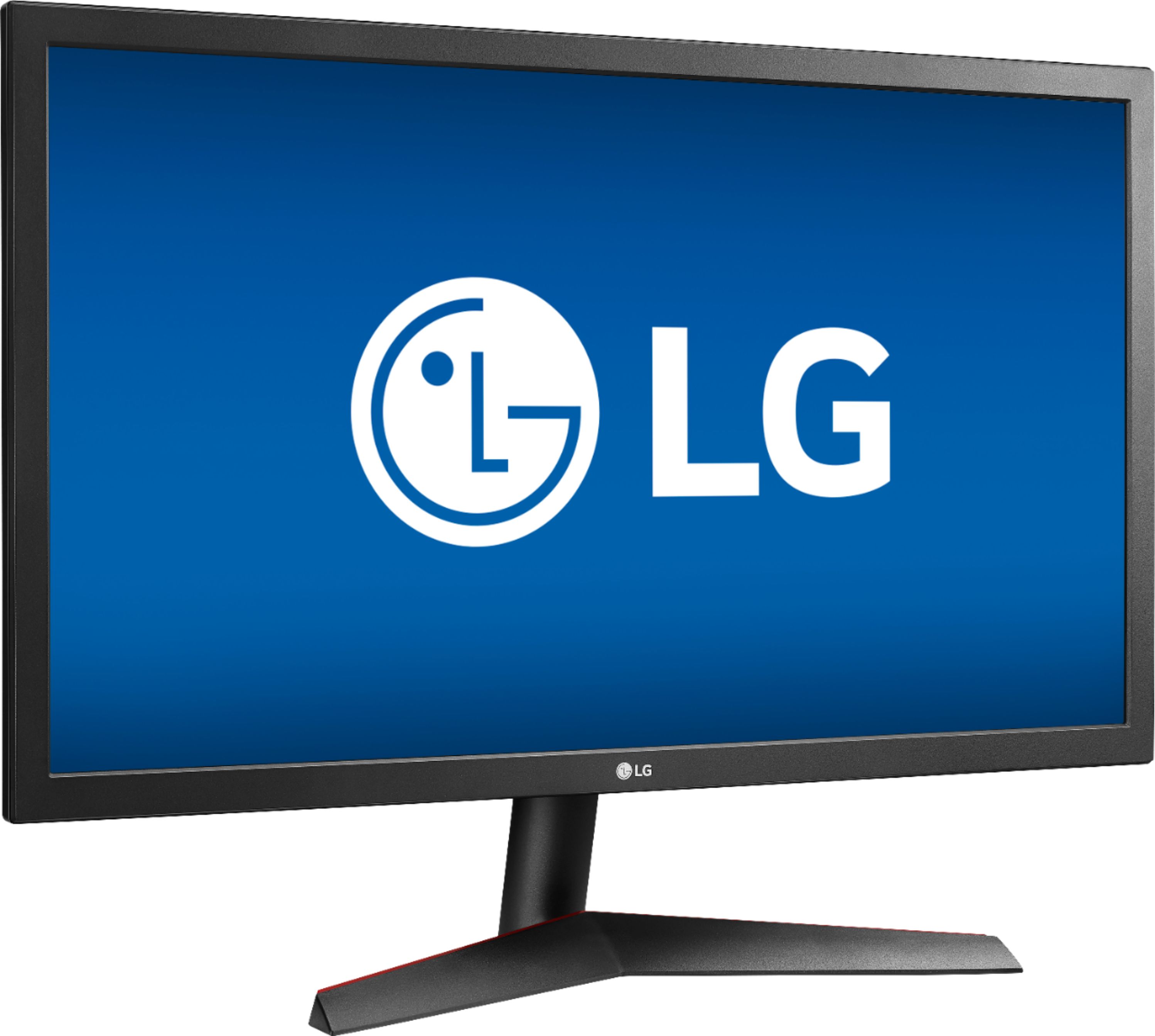
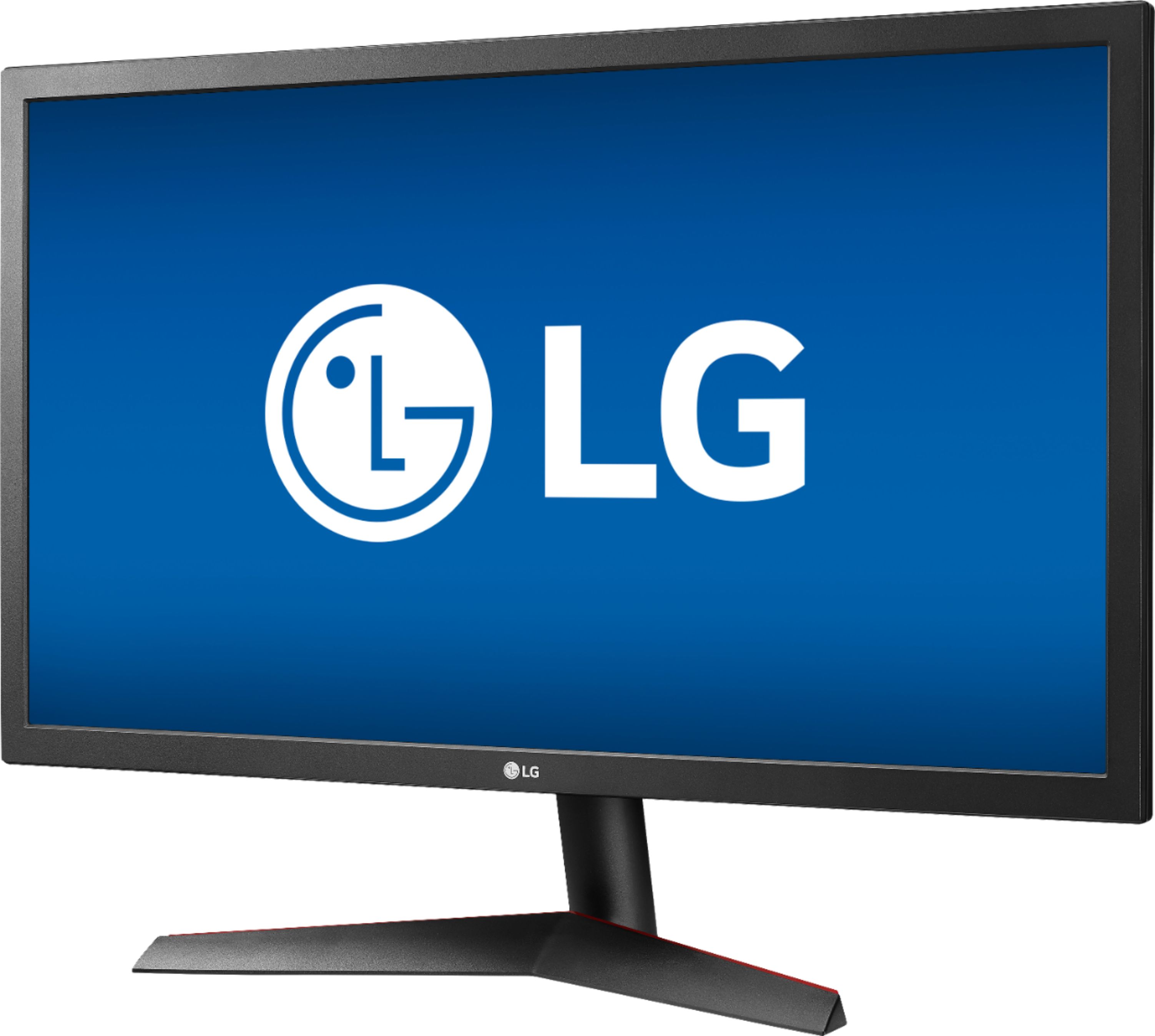
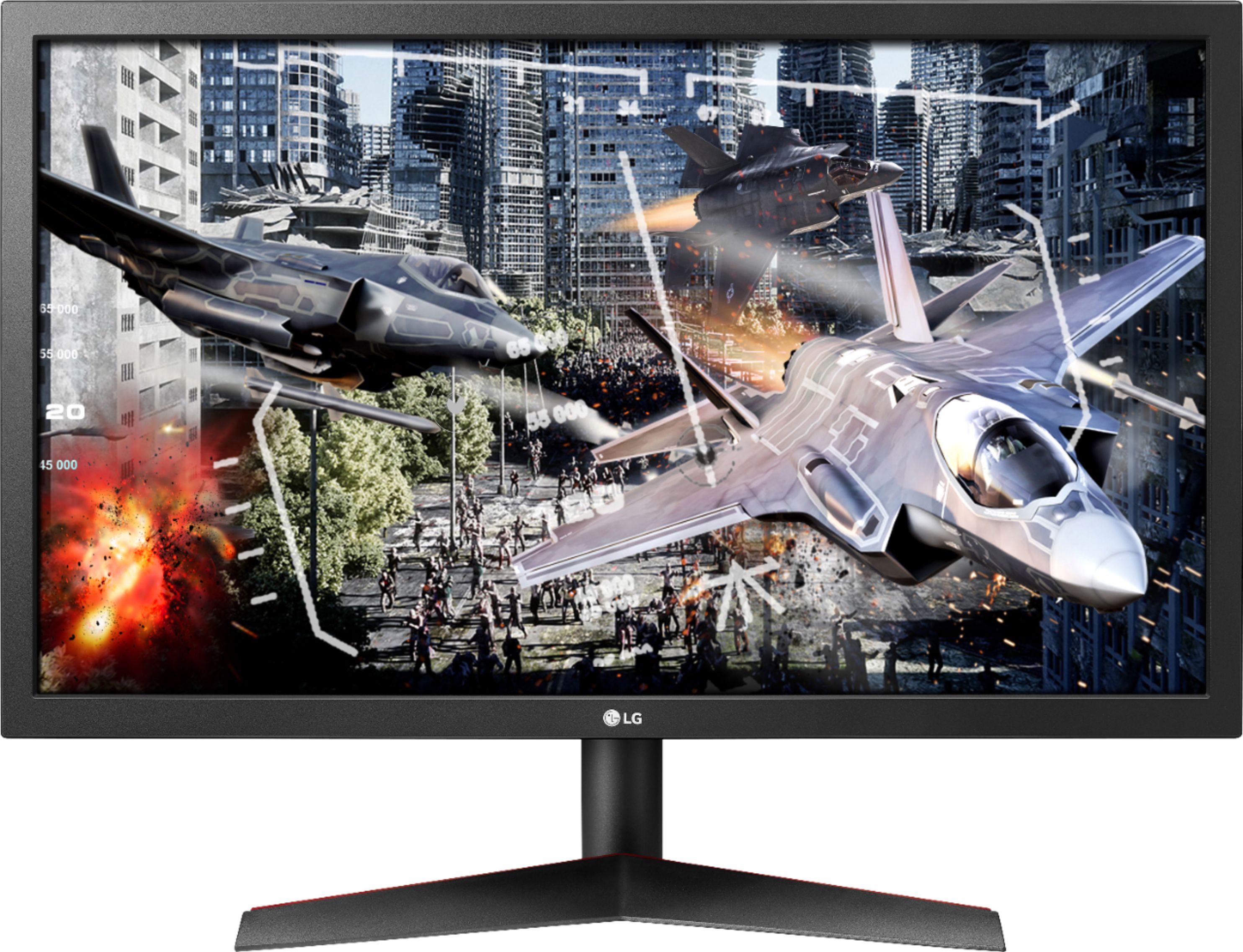
A:AnswerHi inact. There is only one version of the LG 24'' UltraGear™ FHD 144Hz 1ms Gaming Monitor with FreeSync™, Model # 24GL600F-B that we manufactured so if the monitor that you have does not look like the one pictured on the Best Buy site, you probably have a different model. This monitor features a DisplayPort input and 2 x HDMI inputs. Unfortunately, without a model number or without knowing what connectivity your monitor has, we cannot advise you on if it is capable of supporting a 144Hz refresh rate over HDMI...^IFV
A:AnswerPlease contact Best Buy's Customer Service for any inquiries about when the LG 24'' UltraGear™ FHD 144Hz 1ms Gaming Monitor with FreeSync™, Model # 24GL600F-B will be back in stock in your local Best Buy store...^IFV
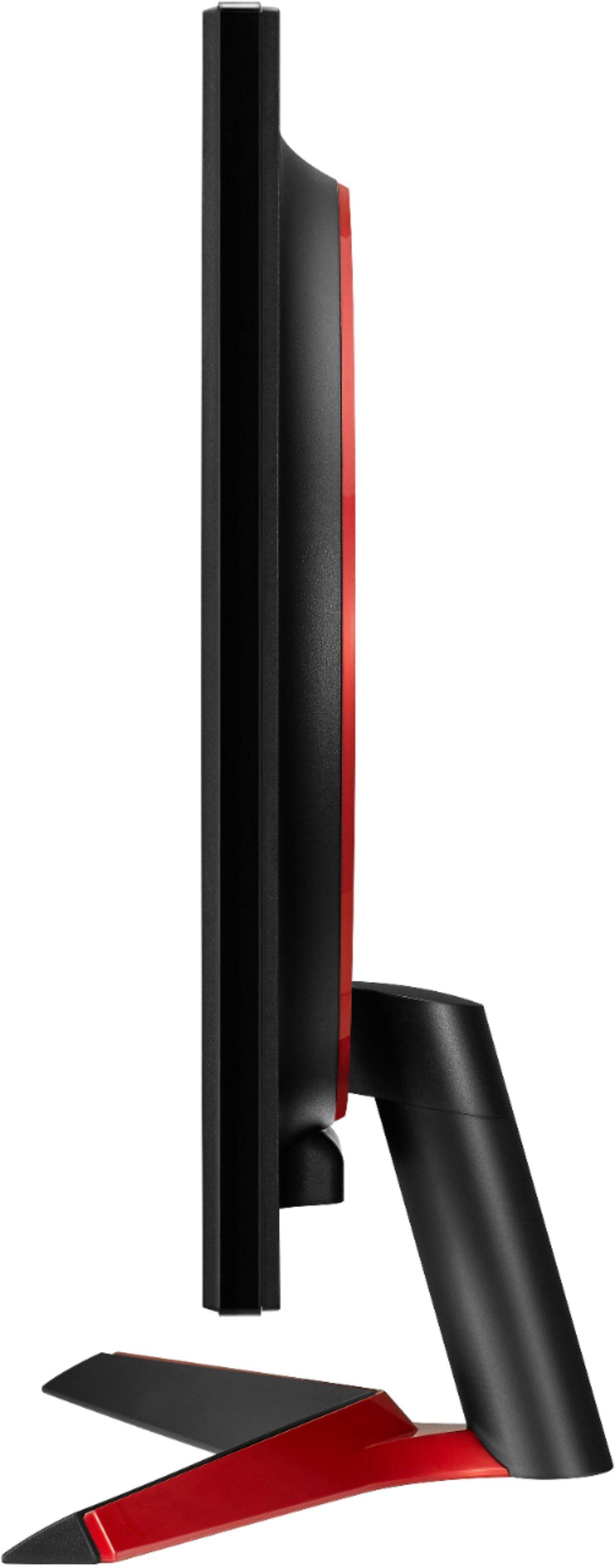
A:AnswerThe LG 24'' UltraGear™ FHD 144Hz 1ms Gaming Monitor with FreeSync™, Model # 24GL600F-B can only be tilted. IT cannot be pivoted to portrait mode...^IFV
A:AnswerThe LG 24'' UltraGear™ FHD 144Hz 1ms Gaming Monitor with FreeSync™, Model # 24GL600F-B is designed to be connected to a PC/Laptop. It features 2 x HDMI ports on it and comes with an included HDMI cable, so if your laptop has an HDMI output on it, simply connect its HDMI Out to either HDMI In on the monitor...^IFV
A:AnswerBoth connections offer a great picture. The Display Port is going generally better. Please contact LG Customer Support by direct message via Twitter (@LGUSSupport) or Facebook Messenger (https://www.facebook.com/LGUSA/). Thank you. ^DLI