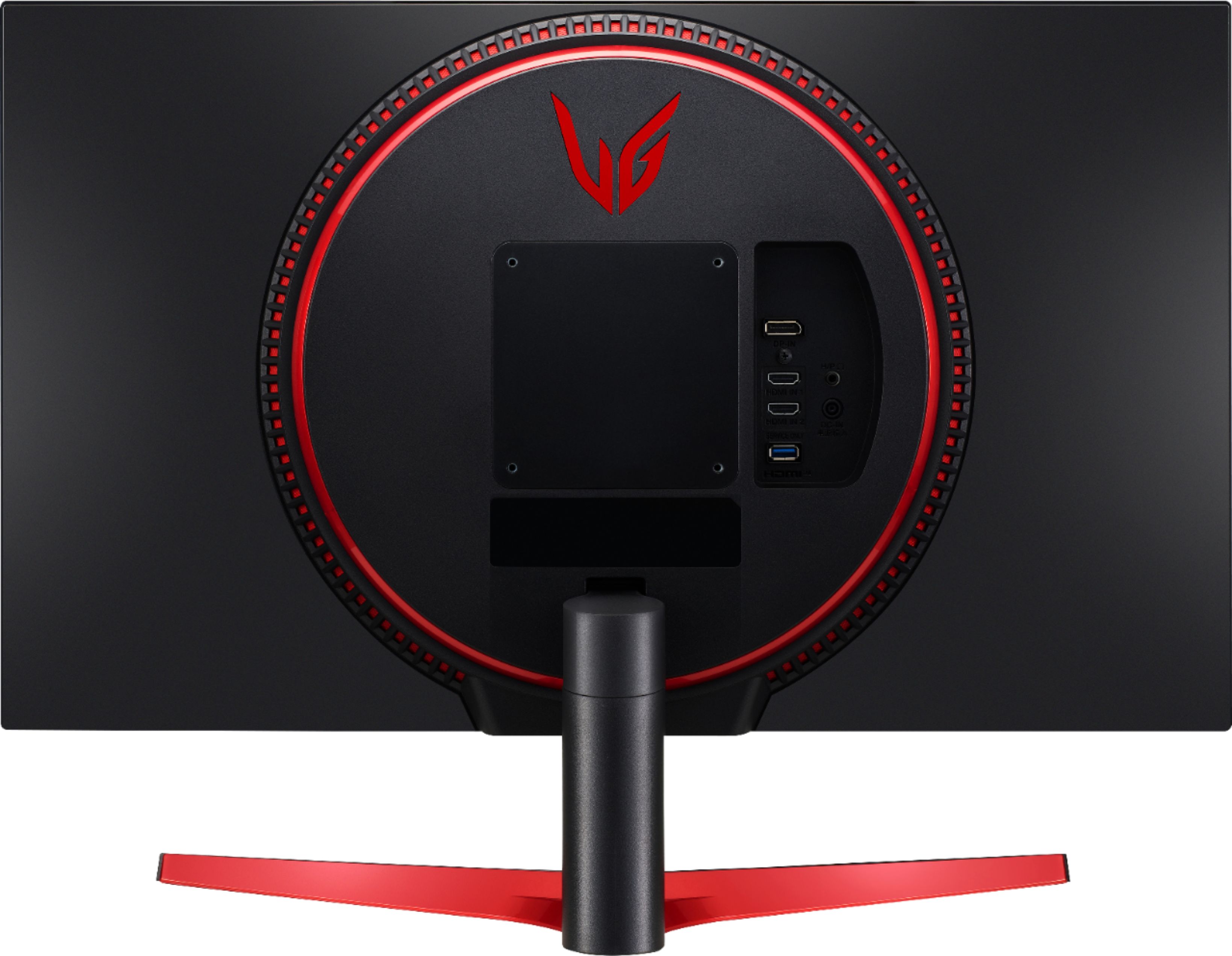
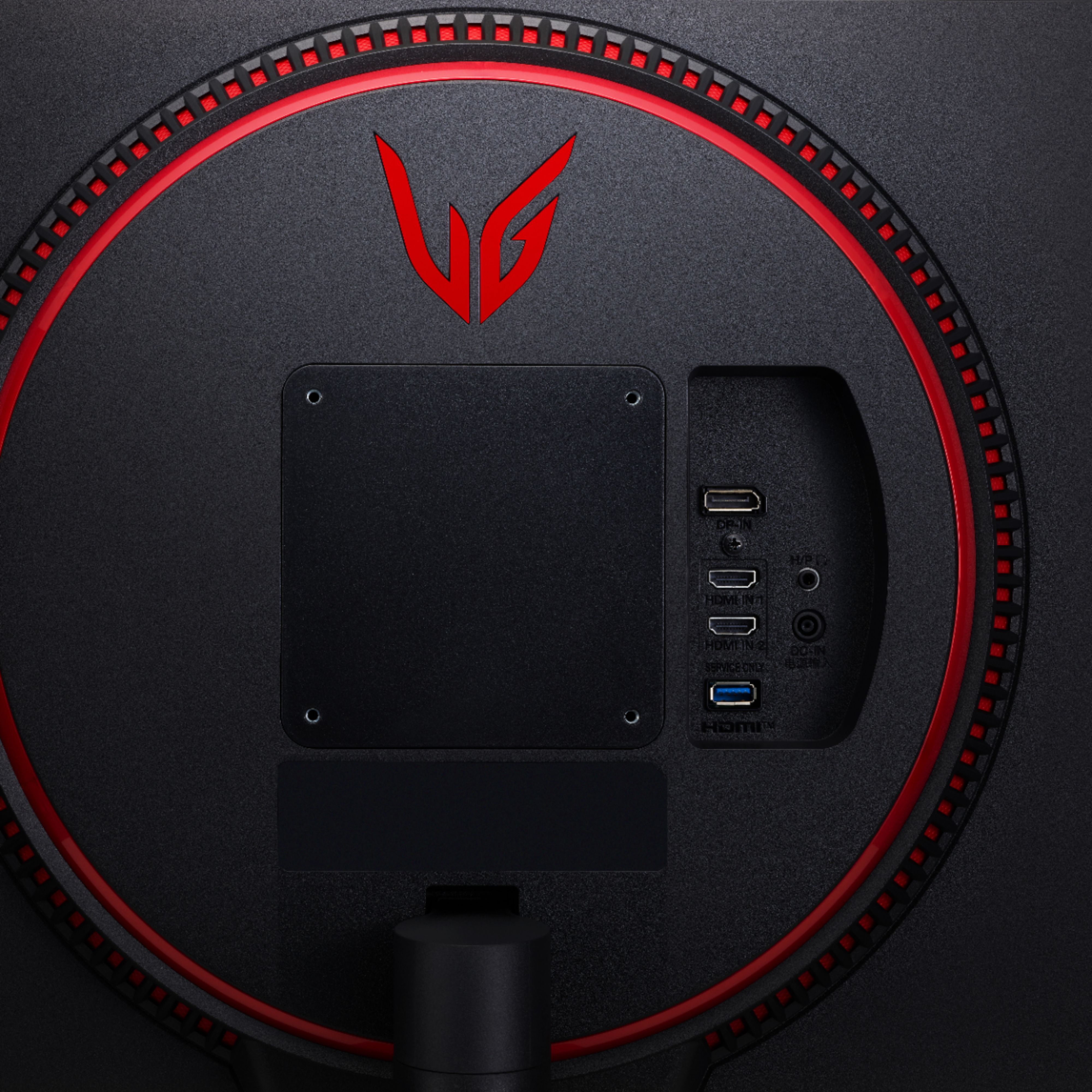
A:Answeri think you could as long as you have an HDMI output.
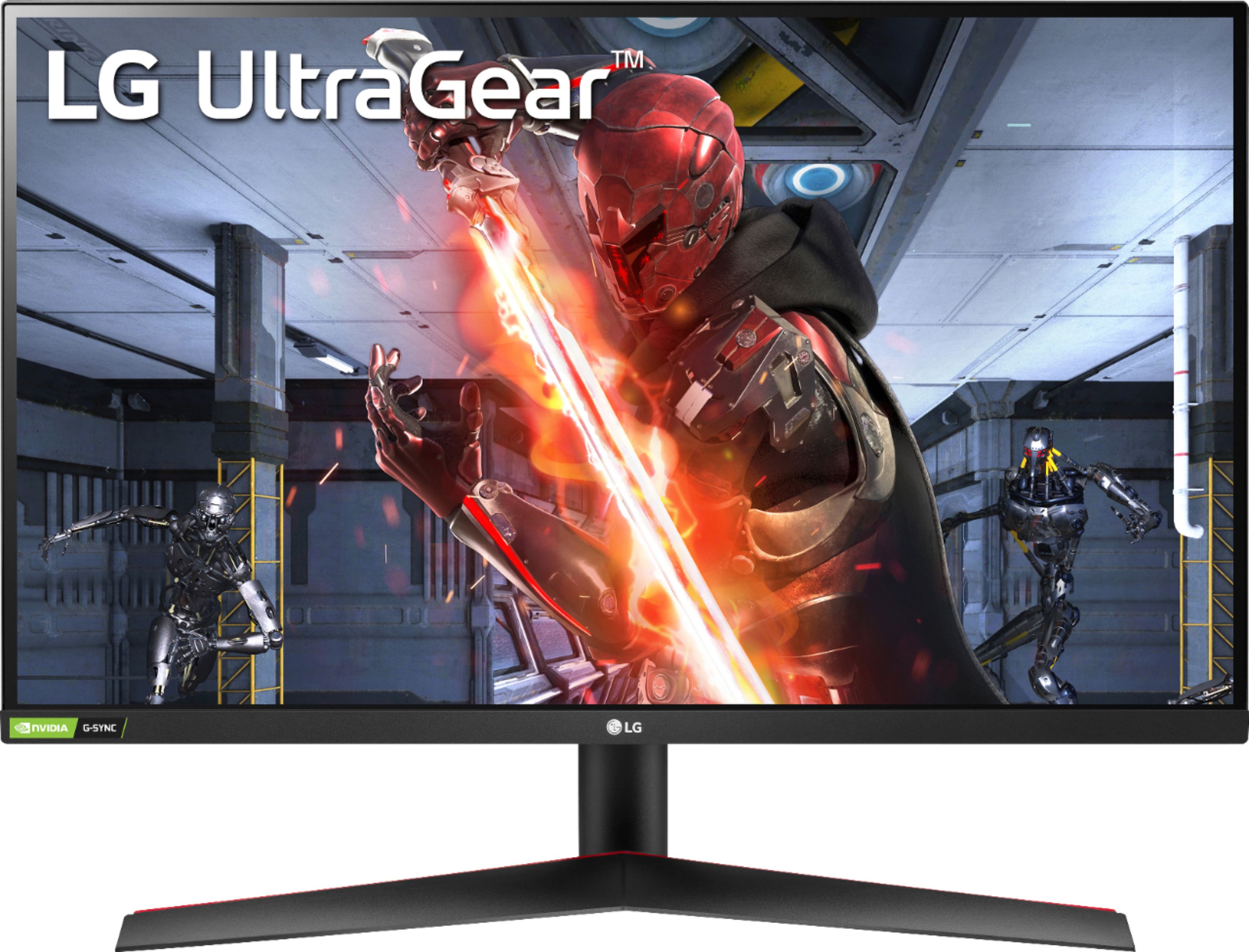
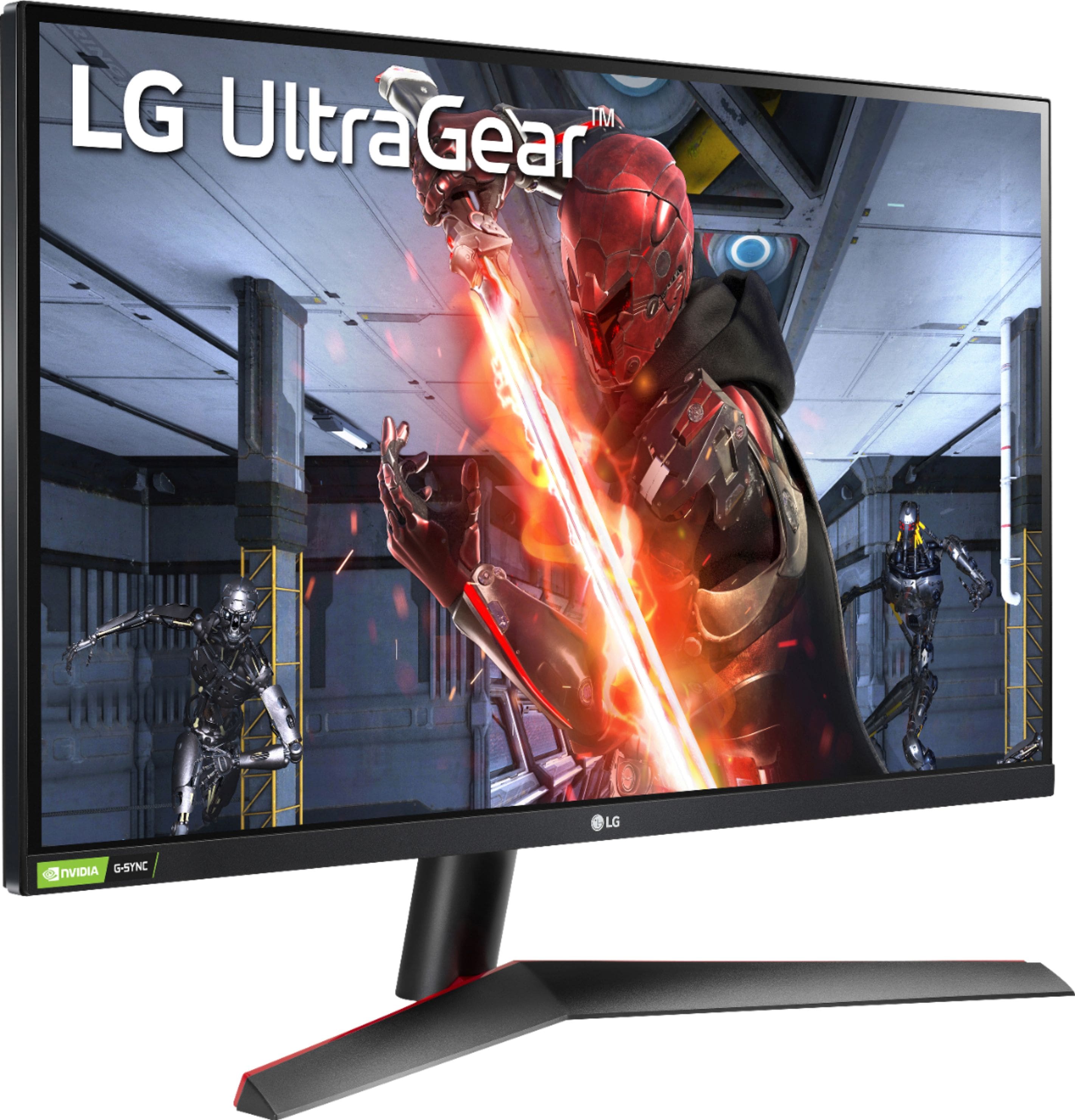
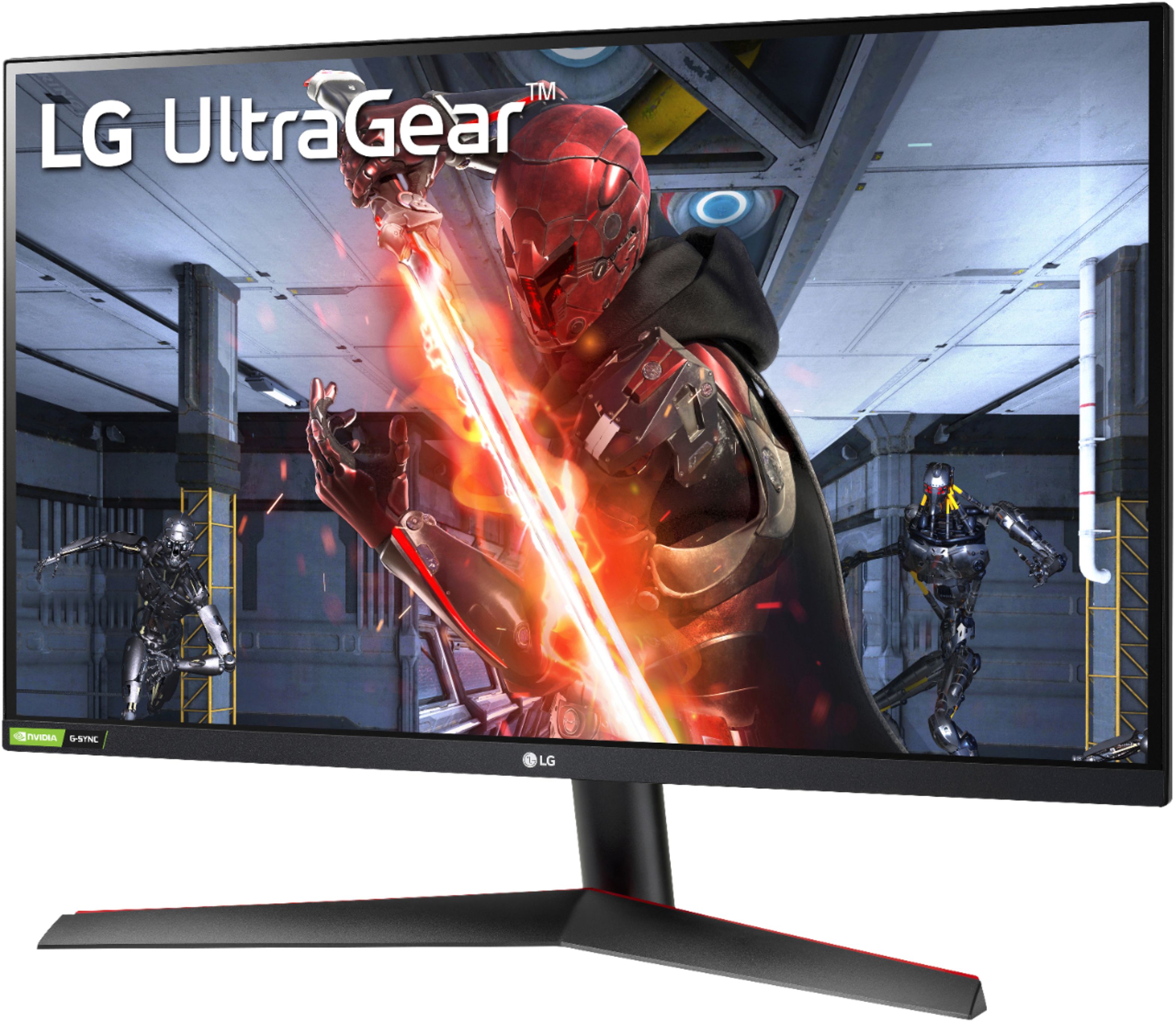
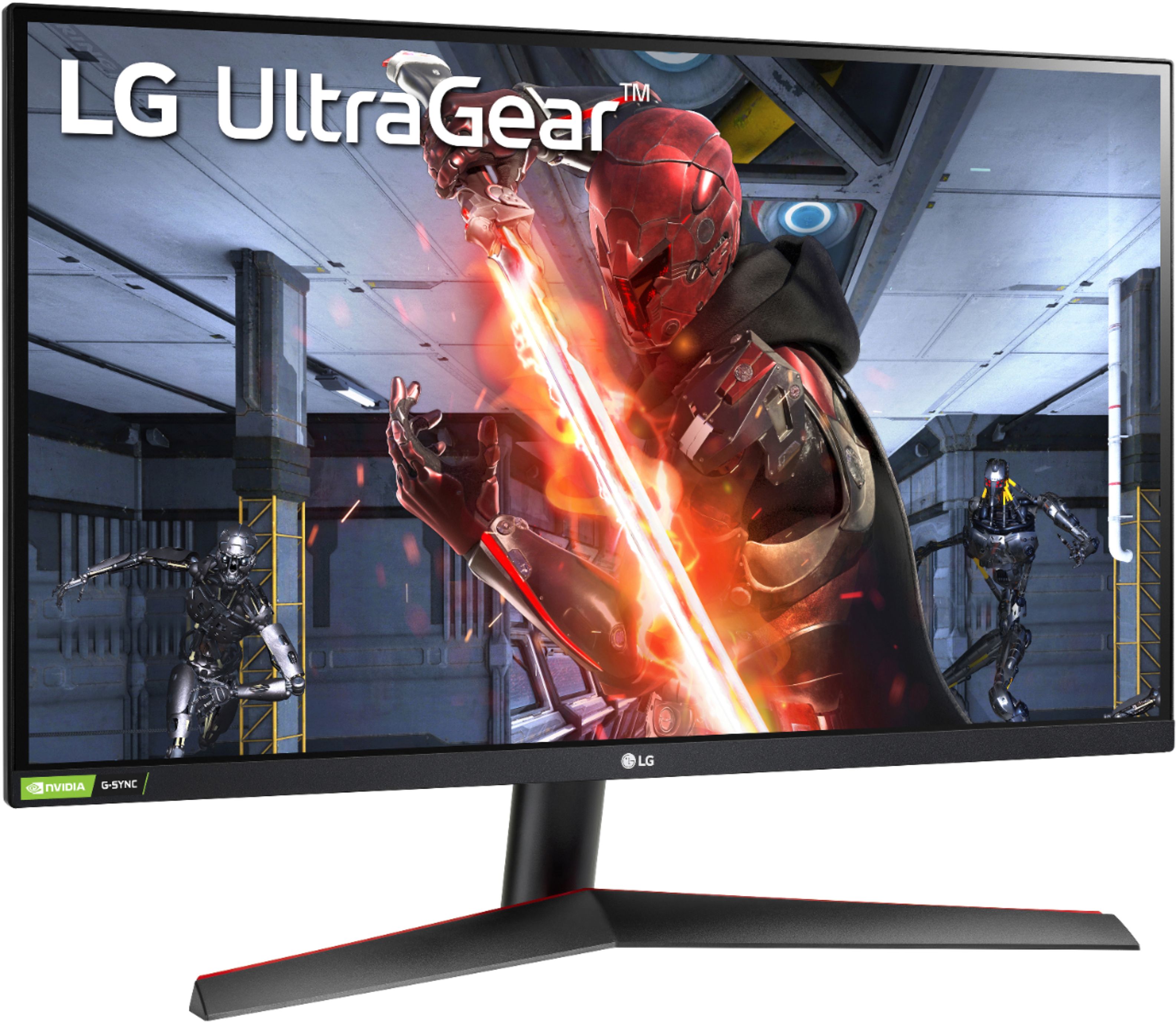
if it's the LG 27GN600-B on sale for $199, i think it's a great buy
i paid $320 each for 2 of these in the last year. i really like them
A:AnswerFor model 27GN600-B HDR works via HDMI or Display Port. In some resolutions HDMI Compatibility Mode: Off. In Game Mode with HDR on the owner's manual does not specify that it only works via Display Port. The manual can be downloaded from the support page at https://www.lg.com/us/support/product/lg-27GN600-B.AUS. For further assistance, please reach out to our technical support team via private message on Facebook @LGUSSupport and use #VOC in your first message to our social media support team or call at 800-243-0000. ^Daphane
A:AnswerPlease reach out to our support team via private message on Facebook @LGUSSupport use #VOC in your first message to our social media support team. You can also try the forums on https://www.facebook.com/LGUSA; they are a great resource for getting help from other LG customers. Thank you. ^Daphane
A:AnswerPlease reach out to our technical support team via private message on Facebook @LGUSSupport and use #VOC in your first message to our social media support team or call at 800-243-0000. Also, be sure to provide your contact information, model/serial numbers and date of purchase. ^Daphane
A:AnswerNo, I don’t think so. I had it hooked up to my laptop via hdmi, The only way for G-sync to work is if you have it linked via display port. That’s how I got it to work with my laptop.
A:AnswerThe monitor is NVIDIA G-SYNC Compatible with AMD Free Sync Premium. There are specific resolutions and frequencies in which HDMI Compatibility Mode must be Off. For detailed information, please see page 41-44 of the owner's manual. The manual can be downloaded from the support page at https://www.lg.com/us/support/product/lg-27GN600-B.AUS. Please contact Best Buy customer service at (888) 237-8289 for information regarding pricing. ^Daphane
A:AnswerThis is a Plug and Play monitor and doesn't require drivers. For further assistance, please reach out to our technical support team via private message on Facebook @LGUSSupport and use #VOC in your first message to our social media support team or call at 800-243-0000. ^Daphane
A:AnswerConnect one end of the HDMI cable into the bottom terminal of the dock labeled "HDMI OUT," then connect the other end into an HDMI port on your television or monitor. This is a Plug and Play monitor and doesn't require drivers. For further assistance, please reach out to our technical support team via private message on Facebook @LGUSSupport and use #VOC in your first message to our social media support team or call at 800-243-0000. ^Daphane
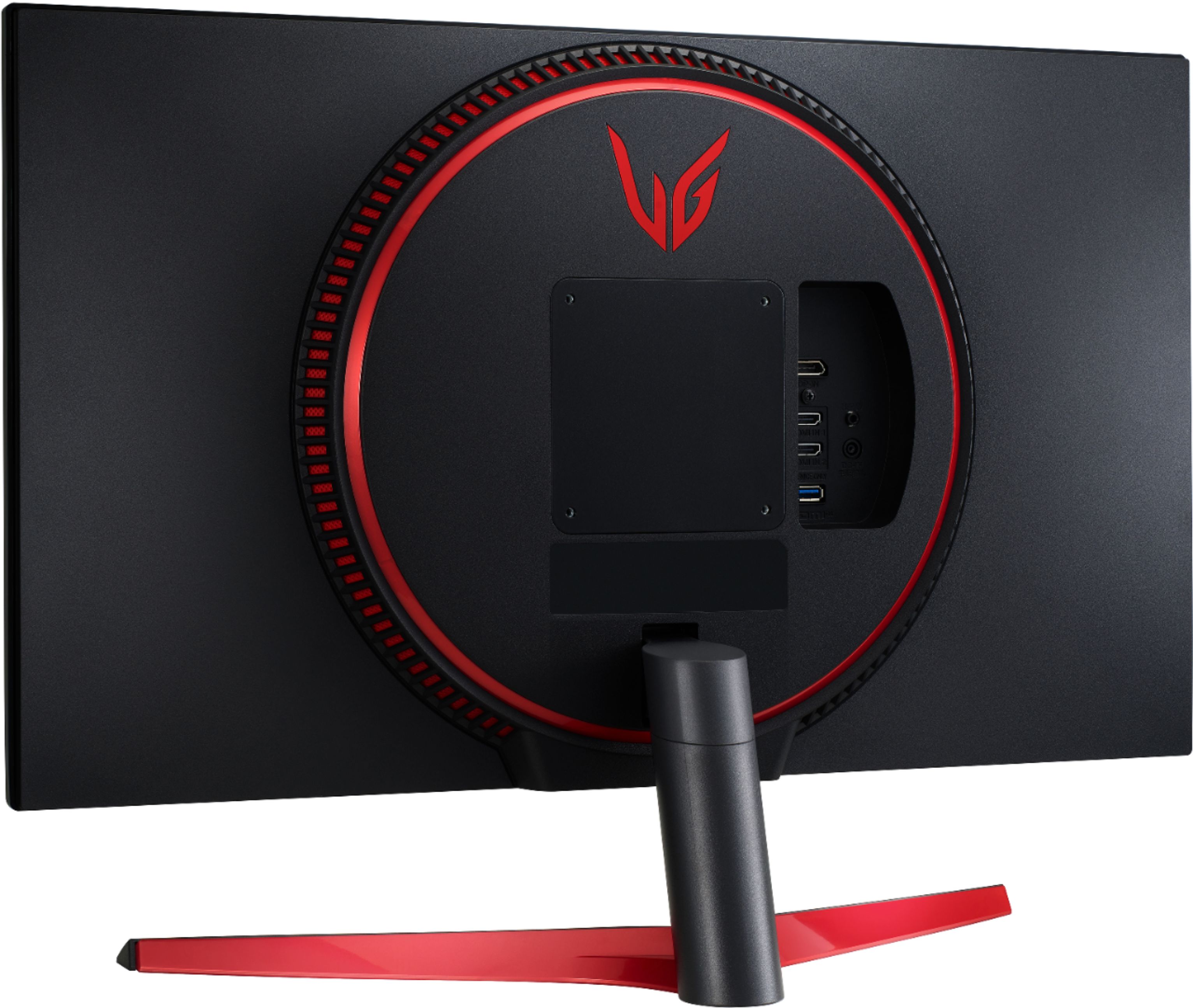
A:AnswerThis monitor does not have built in speakers. There is a headphone out. For further assistance, please reach out to our technical support team via private message on Facebook @LGUSSupport and use #VOC in your first message to our social media support team or call at 800-243-0000. ^Daphane
A:AnswerPlease reach out to our support team via private message on Facebook @LGUSSupport and use #VOC in your first message to our social media support team or call at 800-243-0000. Also, be sure to provide your contact information, model/serial numbers and date of purchase. ^Daphane