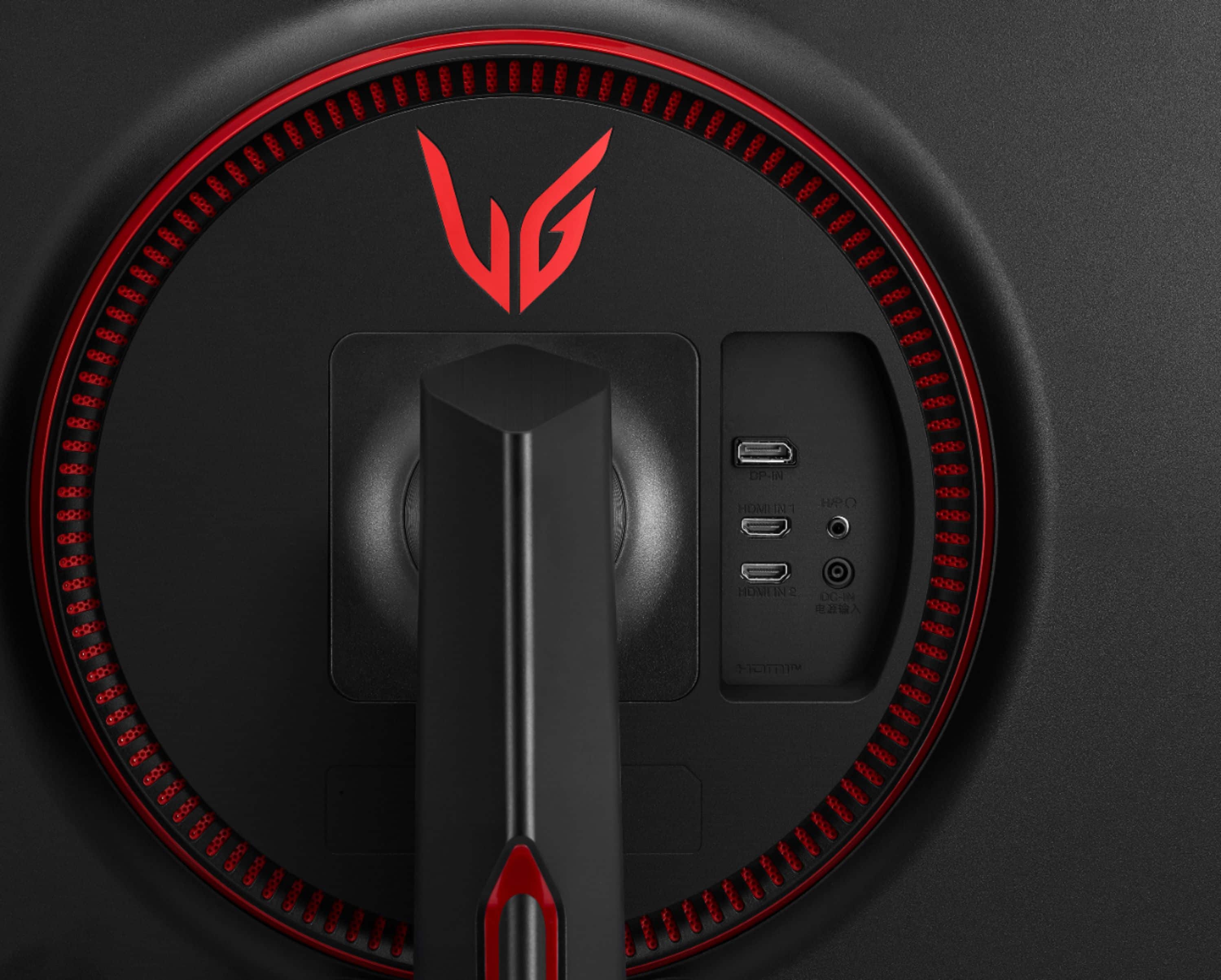
A:AnswerPlease reach out to our technical support team via private message on Facebook @LGUSSupport and use #VOC in your first message to our social media support team or call at 800-243-0000. Also, be sure to provide your contact information, model/serial numbers and date of purchase. ^Daphane
A:AnswerWe hate to hear this. The replacement part number for the AC/DC adapter is EAY62990913. https://lgparts.com/products/eay62990913?_pos=1&_sid=9f7ed3174&_ss=r. ^Daphane
A:AnswerYup, theres a blue light filter built straight into the monitors setting, and a variable setting that makes sure it filters it throughout the day.
A:AnswerIt's a toggle like those old ThinkPad laptops red button. It it got smashed you'll have to get it repaired. It's sensitive but super intuitive.
A:AnswerThis is a Plug and Play monitor and doesn't require drivers. If you are in need of assistance with using a monitor, give our computer specialists a call at 800-243-0000. ^Daphane
A:AnswerI have this monitor paired with my Series X and it is allowing me to enable 1440p at 120hz. Try disabling "Allow 4k" in video settings. This monitor can accept a 4k signal and will downscale it, so that may be the problem.