Skip to contentGo to Product SearchGo to Footer
Main Content

Questions & Answers

Your price for this item is $1,599.99
The comparable value price is $1,999.99
Page Showing 21-40 of 40 questions
  • QuestionHi, does this monitor have the same limitations as its previous version when it comes to enabling G sync and the screen going blank? Not that it’s really necessary considering the speeds already but I was just wondering before I buy. Thanks.

    Asked by JayBee.

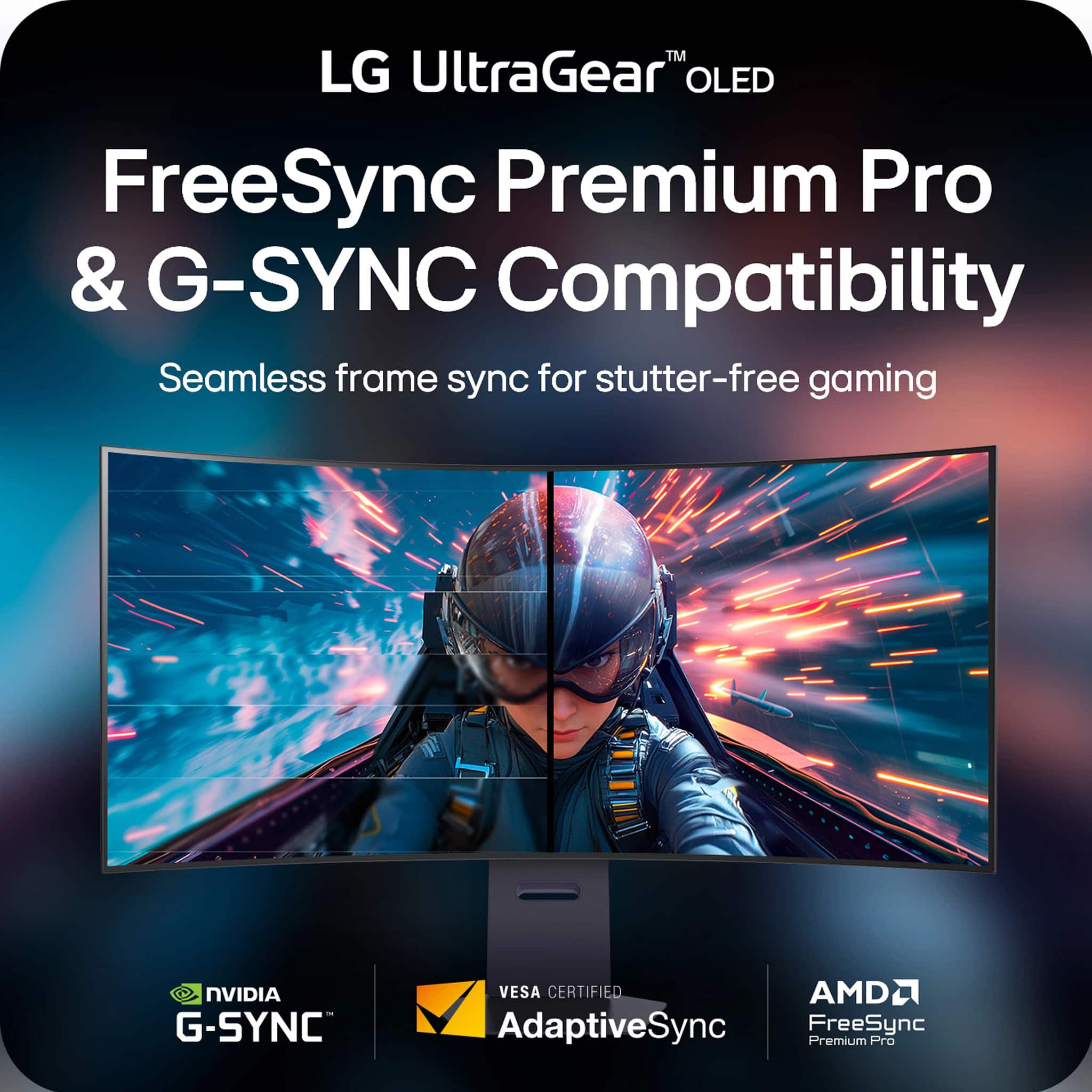
    • Answer The reason I ask is that supposedly there is a known issue with the previous incarnation of this monitor (not the 5k2k version) but the 45” one that was sold last year where G Snyc was not operating correctly because of the OLED but it appears that having checked out information on Reddit and your confirmation that this monitor(5k2k) actually does everything. Congratulations on your purchase. It’s a winner.

      Answered by JayBee

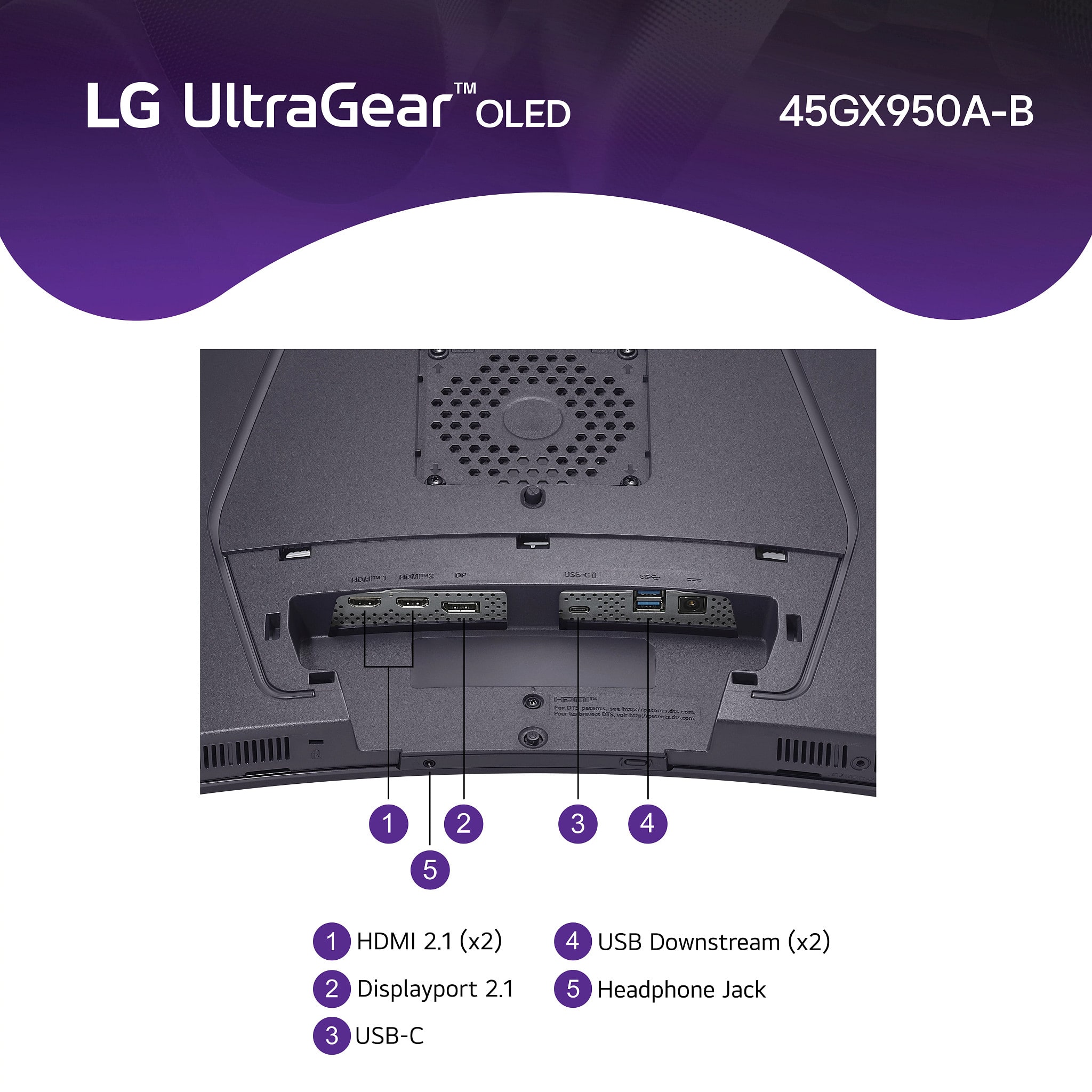
  • QuestionDoes it have a ear HDMI plug or a dedicated plug to hook up a soundbar or speakers other than a 3.5mm plug/headphone jack? If not why and this thing is $2000

    Asked by Styles3way.

    • Answer It has speakers built in, they arent the greatest but do the job well, it has 2 usb ports you might be able use.

      Answered by GavMan

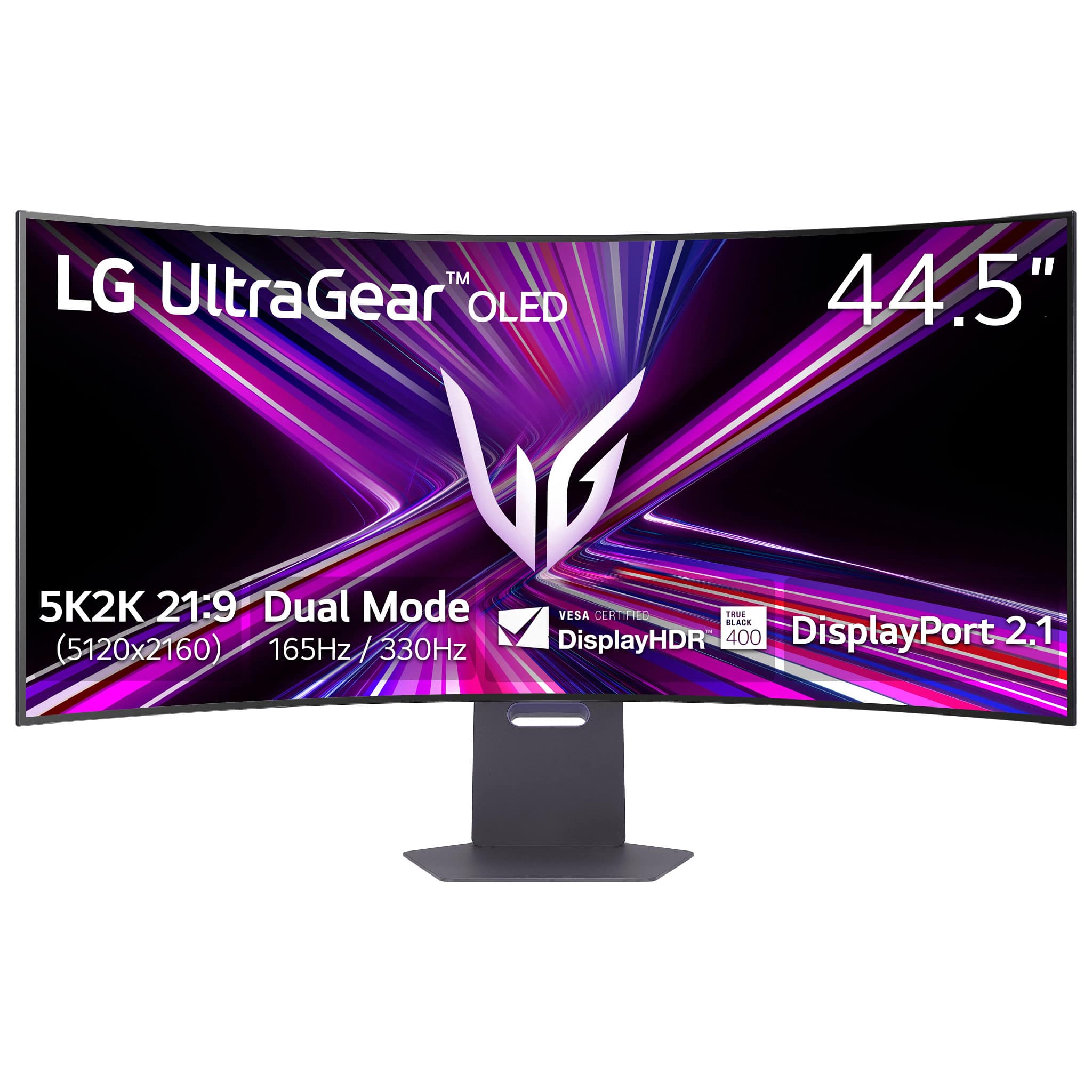
  • QuestionWhy is this monitor listed as OLED and IPS. They are two different types of panels

    Asked by Atlec91.

    • Answer I think you might be looking at 2 different monitors, this one is only OLED.

      Answered by GavMan

  • QuestionDoes this monitor has pip or pop function?

    Asked by Mo37.

    • Answer Hi there, Mo. Thank you for sharing your experience with us regarding the 45GX950A-B UltraGear OLED Gaming Monitor. We understand your inquiry about the picture display functions. Yes, the 45GX950A-B monitor does have both PIP (Picture in Picture) and PBP (Picture by Picture) functions. These features allow you to display content from two different input sources on the screen simultaneously, which is excellent for both multitasking and a dual setup. Since the unit has this capability, you can access the PIP/PBP settings within the monitor's On-Screen Display (OSD) menu to select your desired screen configuration and input sources. https://www.bestbuy.com/product/lg-ultragear-45-oled-dual-mode-5k2k-wuhd-165hz-wfhd-330hz-0-03ms-g-sync-freesync-premium-pro-gaming-monitor-black/JJ8VPZWPY9 If you have any further questions about its features or setting up the PIP/PBP functions, please send us a private message on Social Media @LGUSSupport, and our team will be more than happy to assist you. —Renzo

      Answered by LG Digital Customer Care

  • QuestionHow do I purchase a protection plan?

    Asked by Donnell.

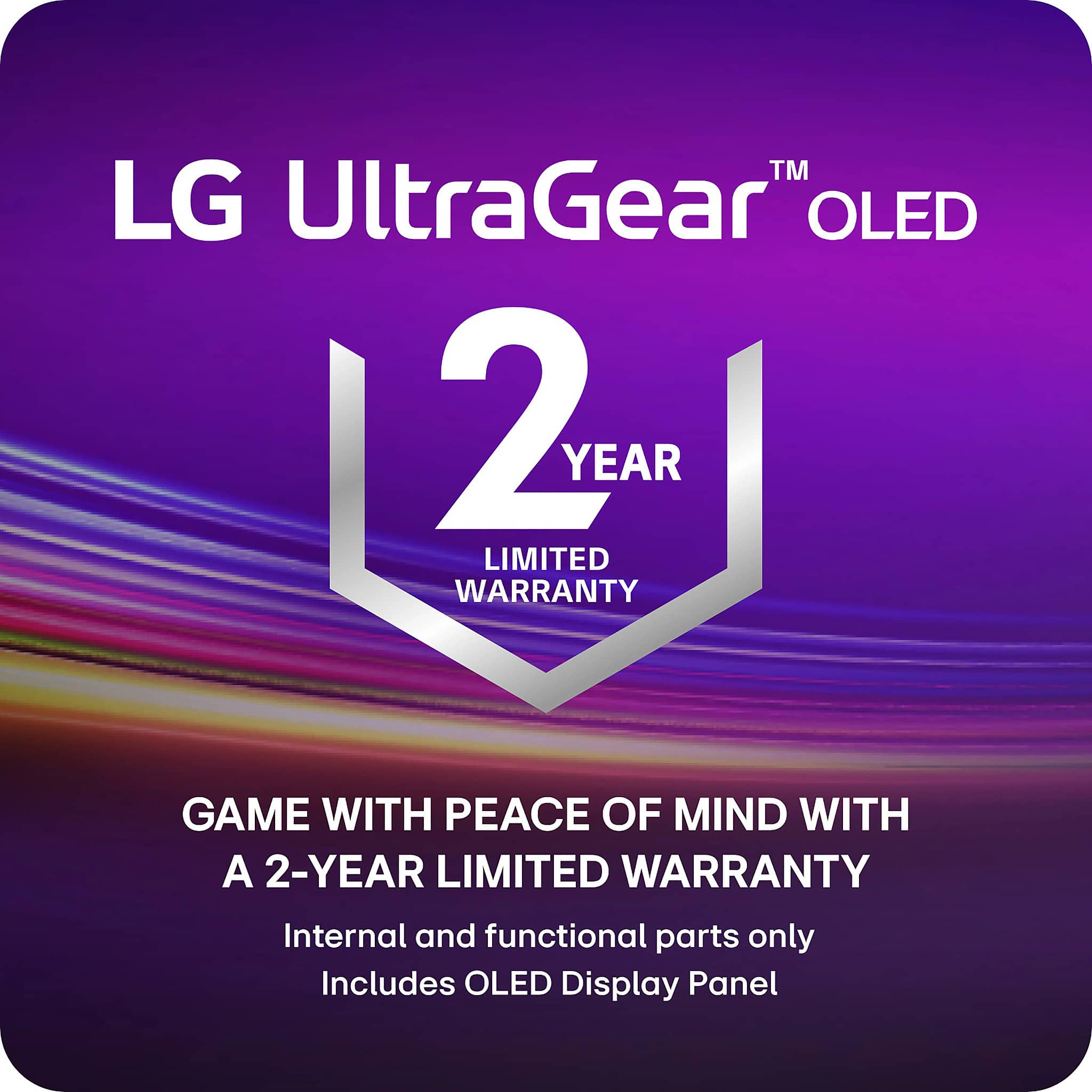
    • Answer They should give you the option at checkout, but the monitor does come with a manufacturer's warranty.

      Answered by GavMan

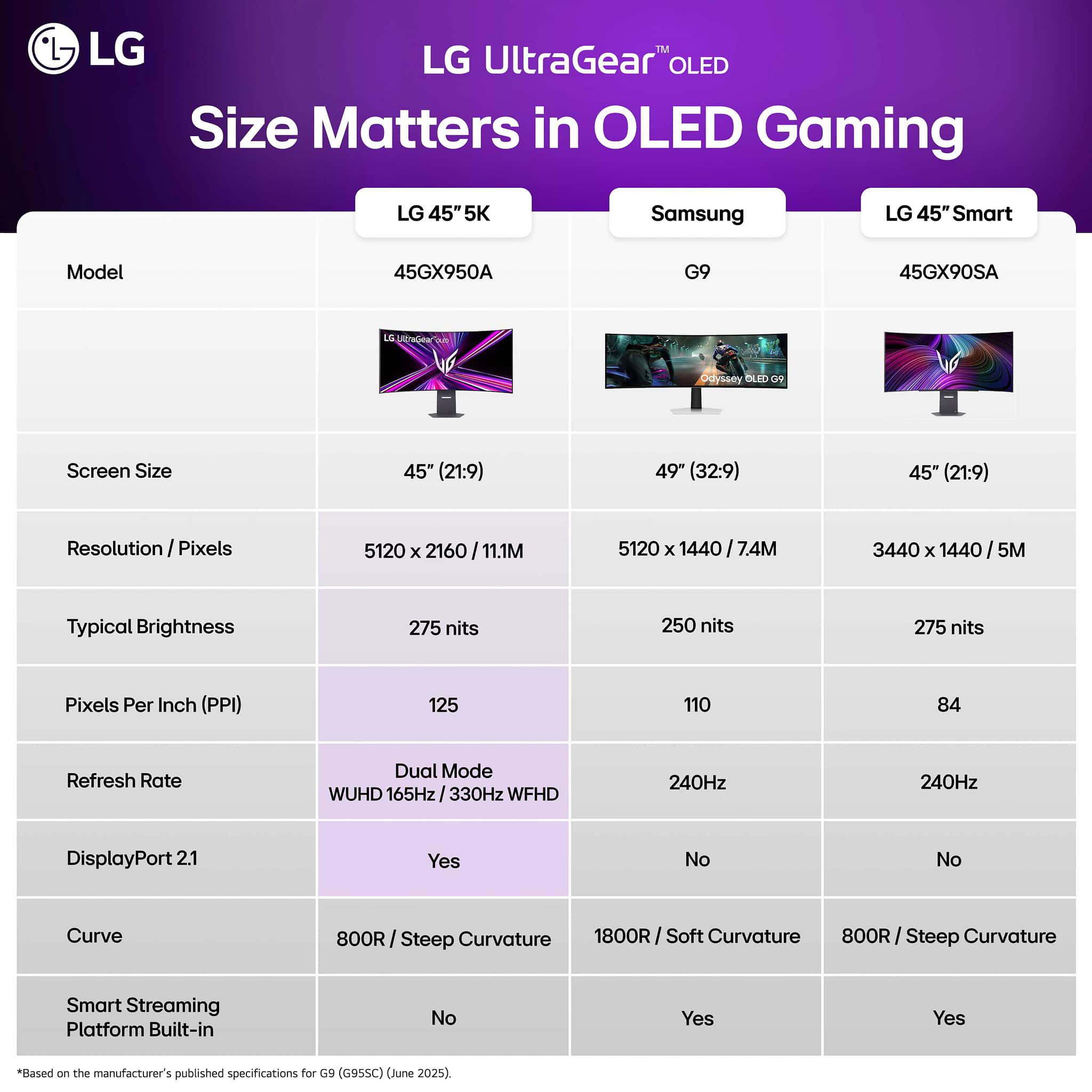
  • QuestionDoes this monitor have the LG streaming services and the free channels?

    Asked by HectorT.

    • Answer no. this model doesn’t have the smart features.

      Answered by Will

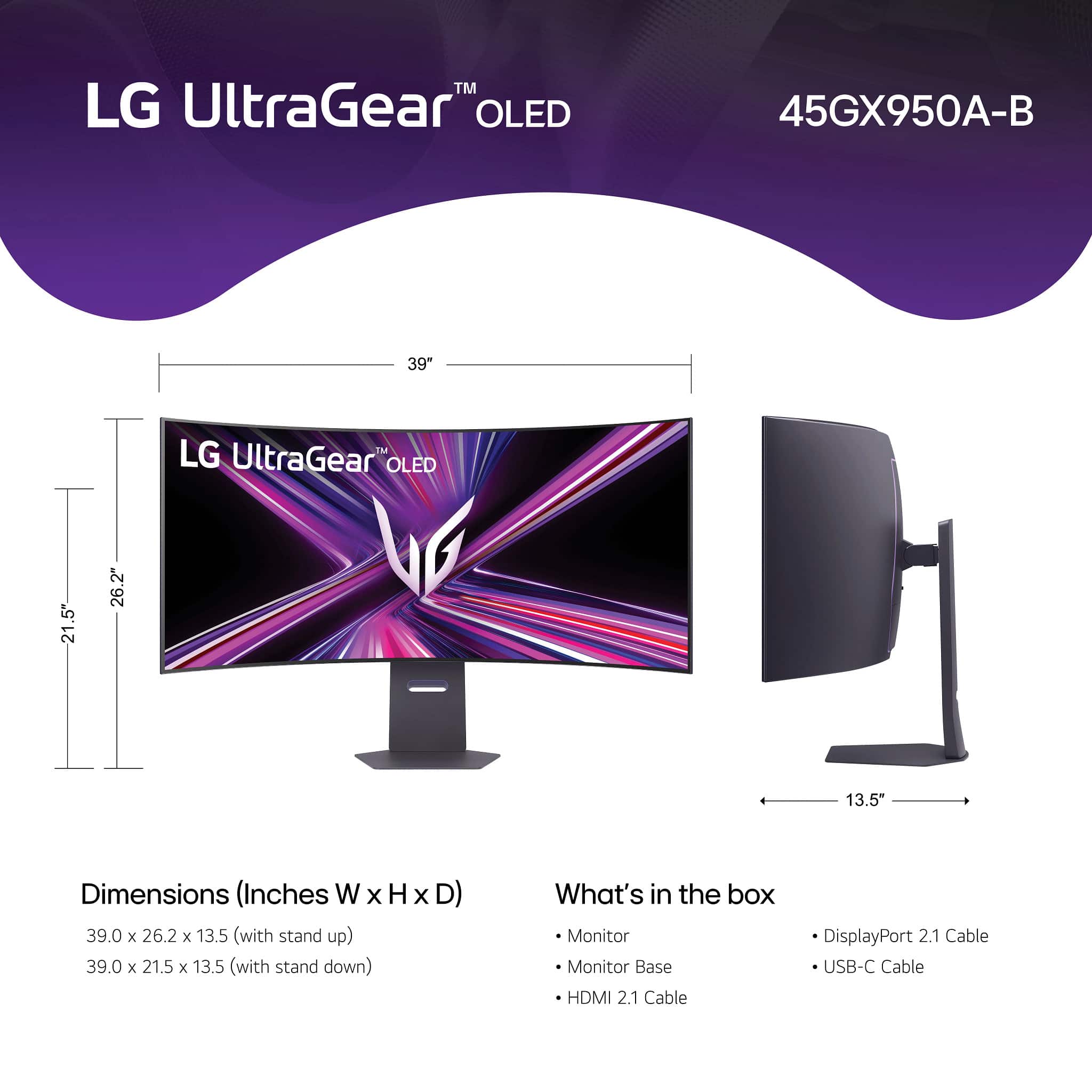
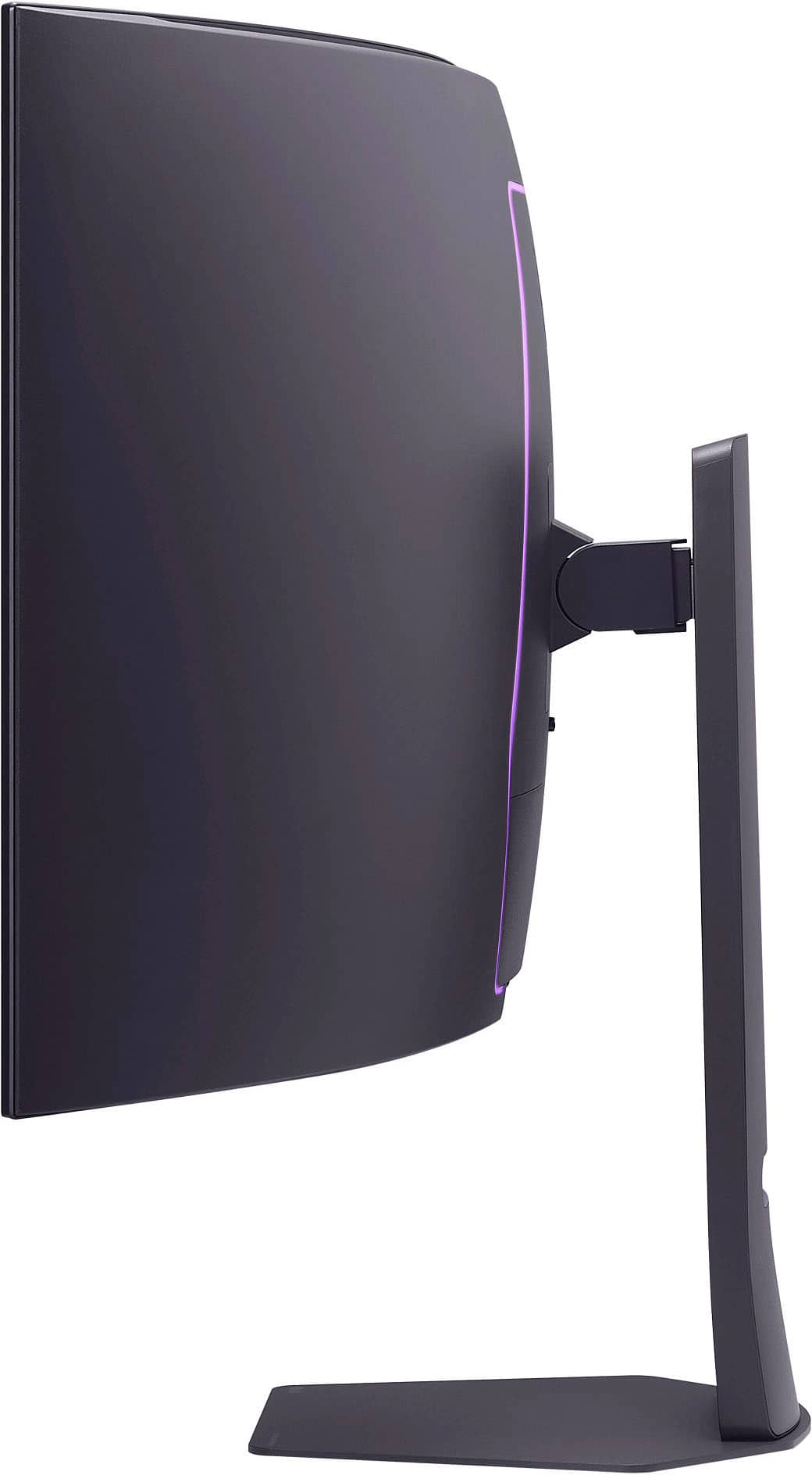
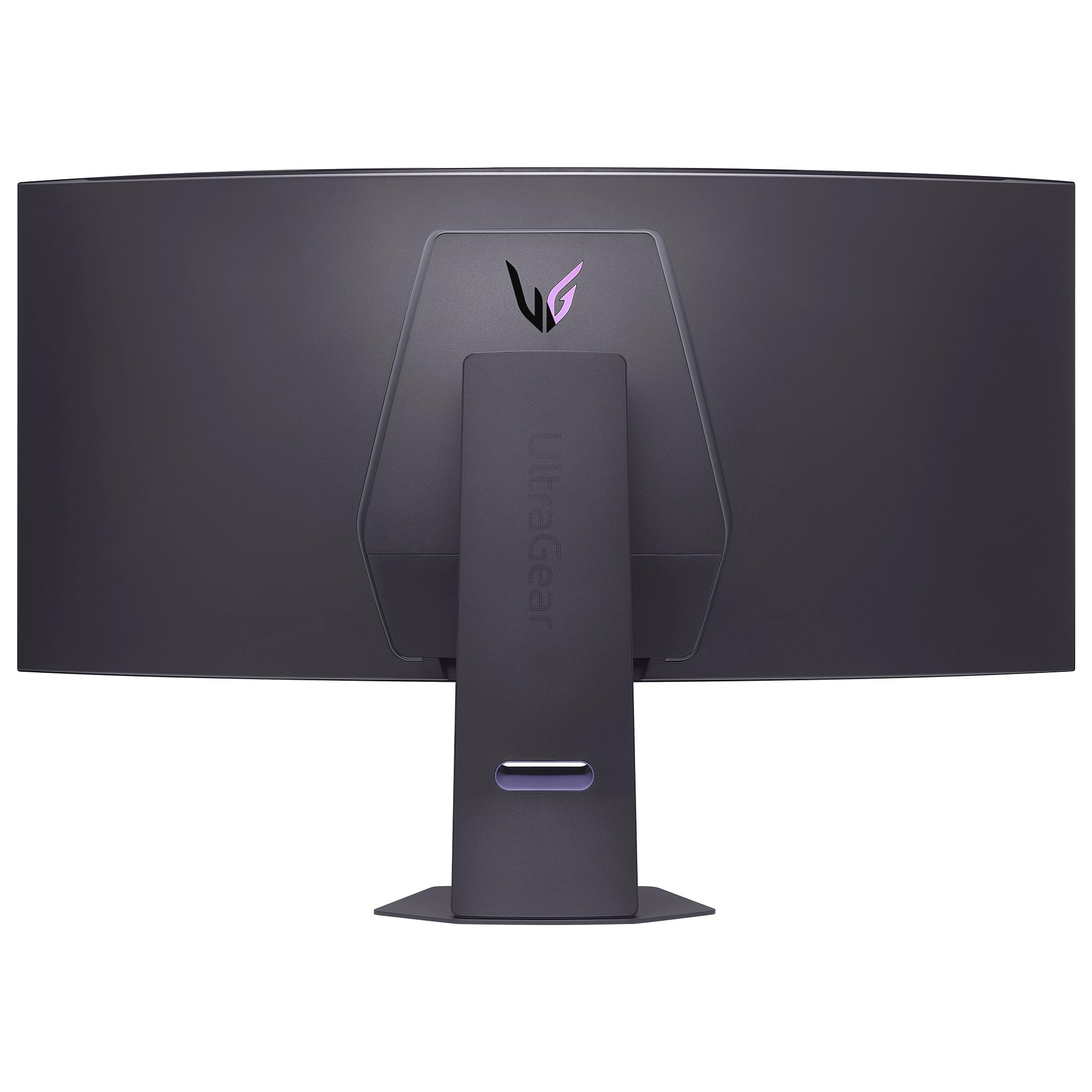
  • QuestionWhat are the measurements of the stand or base?

    Asked by Stand.

    • Answer Front x Back= 10.5" Left x Right = 11.5"

      Answered by SamL

  • QuestionHow dual resolution works?? Other monitors all you have to do is press a buttons to switch from 4k to 1080p. Monitor is expensive and investing $2000 withouth that feature is no sell for me.

    Asked by VictorR.

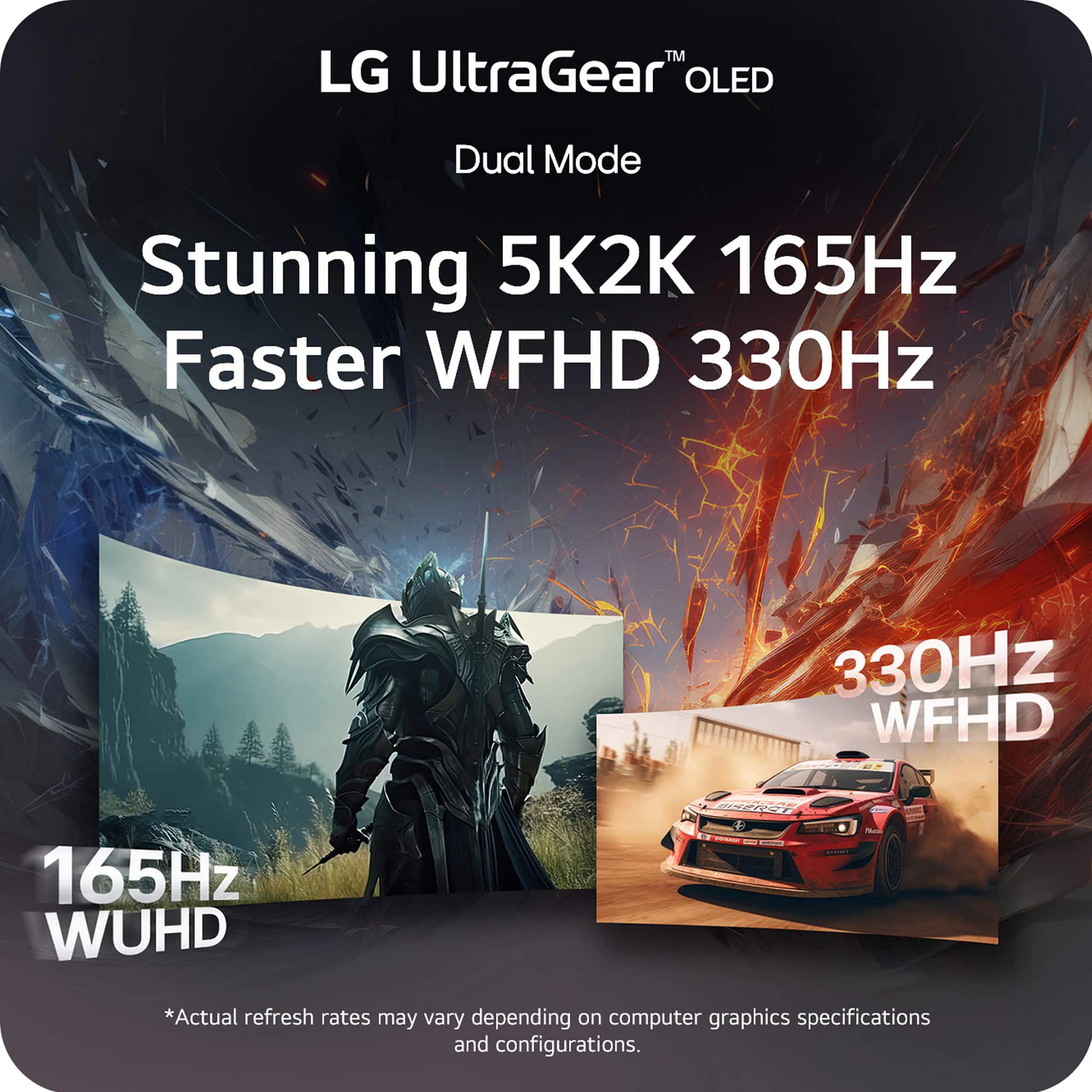
    • Answer There is a button on the bottom of the monitor you can use to switch between modes, you can set them to different resolutions/aspect ratios/frame rates in the monitor settings. I have mine at 5k2k ultrawide 165hz on one, and 27" 1080p 330hz on the second one. The dual mode works well and is easy to use/configure.

      Answered by GavMan

  • QuestionI'm looking to buy this monitor, coming from a glossy screen not sure if I'll like it, if I was to finance it& for whatever reason I want to return will there be a stocking fee?Currently have the best buy membership which I was told 60 days free returns

    Asked by Ricky.

    • Answer 60 days free return no restocking fee with the best buy plus that I have I’ve never had a problem with best buy and I’ve brought back a 1600 dollar monitor before

      Answered by JordanC

  • QuestionG sync work for both resolutions or just for the 5k ?

    Asked by Noreadmycomment.

    • Answer Yes I believe it does work with both

      Answered by GavMan

  • QuestionHow long are each of the cables that are included?

    Asked by Lori.

    • Answer The included cables for the LG UltraGear™ 45" OLED Dual Mode (5K2K WUHD 165Hz, WFHD 330Hz) 0.03ms G-Sync®/FreeSync Premium™ Pro Gaming Monitor - Black, Model # 45GX950A-B are 1.8m (5.91 feet) long...^Ivan.

      Answered by LG Digital Customer Care

  • Questionwhich model does the screen fold on a push of a button

    Asked by chitownmaster.

    • Answer That is an experimental prototype from LG that isnt yet for sale

      Answered by GavMan

  • QuestionDoes it support eARC?

    Asked by Windex.

    • Answer The LG 45” UltraGear™ OLED 5K2K WUHD 165Hz or WFHD Dual Mode 330Hz 0.03ms G-sync Compatible DisplayPort 2.1 Gaming Monitor, Model # 45GX950A-B does not have an HDMI eARC port...^Ivan.

      Answered by LG Digital Customer Care

  • QuestionDoes this have a built in KVM

    Asked by Corey.

    • Answer You can connect it to multiple devices and switch between them in the input settings, if thats what you're asking, but no, it does not have a KVM switch.

      Answered by GavMan

  • QuestionDo you need a 4090 or 5090 in order to effectively use this monitor? It doesn't seem like even a 5070 Ti could fully utilize the 4K potential with high FPS.

    Asked by Danny.

    • Answer No—you don’t need a 4090 or 5090 to use it effectively. But what GPU you should get depends on how you plan to use it: 1440p / 120–144 Hz gaming: RTX 4070 Ti / 4070 / 5070 Ti → very capable at high FPS in many titles at 1440p. This is realistic if you’re fine with high or balanced settings. 4K @ high FPS (120 Hz+) in demanding games: RTX 4080 / 4090 / next-gen 5090 → better suited for pushing 4K + high refresh without big sacrifices in settings. A 5070 Ti can hit good FPS, but you’ll likely lower some settings to stay at high refresh rates in heavier games. So in short: For work + casual gaming → RTX 4070 / 4070 Ti / 5070 Ti is plenty. For competitive or maxed 4K high-FPS gaming → 4080/4090 or future 5090 class is ideal. Conclusion: You don’t need a 4090/5090 to use the monitor well; just choose a GPU based on the resolution + FPS goals you care about.

      Answered by MichaelR

  • QuestionCan I hook my ps5 pro up this?

    Asked by Scott.

    • Answer The LG 45-inch UltraGear™ OLED 5K2K WUHD 165Hz or WFHD Dual Mode 330Hz 0.03ms G-sync Compatible DisplayPort 2.1 Gaming Monitor, Model # 45GX950A-B, has 2 x HDMI 2.1 ports that you can connect your PS5 with, but the monitor's native resolution of 5120 x 2160 is not supported on your PS5 Pro nor is the other resolution mentioned in the header, the WFHD, is a resolution of 2560 x 1080 pixels. The monitor does support 2560 x 1440 @ 120 Hz over HDMI; however, PS5 lacks support for variable refresh rate (VRR) when running in 1440p mode, but at higher refresh rates (up to 120Hz) gameplay will feel more fluid anyway, so a lack of VRR may not, in reality, negatively affect your experience. The monitor also supports 1920 x 1080 @ 60Hz, which is supported on your PS5 Pro It also supports 3840 x 2160, but at 165 Hz, which is not supported on your PS5 Pro, which supports 3840 x 2160 @ 60Hz...^Ivan..

      Answered by LG Digital Customer Care

  • QuestionCan my son hook his PS5 up to this monitor to do his gaming?

    Asked by Nick.

    • Answer The LG 45-inch UltraGear™ OLED 5K2K WUHD 165Hz or WFHD Dual Mode 330Hz 0.03ms G-sync Compatible DisplayPort 2.1 Gaming Monitor, Model # 45GX950A-B, has a native 5K2K (5120 x 2160), or WUHD resolution, which your PS5 does not support. However, it does support 2560 x 1440 @ 120Hz and 1920 x 1080 @ 60Hz, and it has two HDMI 2.1 inputs for connectivity...^Ivan.

      Answered by LG Digital Customer Care

  • QuestionIs this a smart monitor ?

    Asked by Anonymous.

    • Answer The LG 45-inch UltraGear™ OLED 5K2K WUHD 165Hz or WFHD Dual Mode 330Hz 0.03ms G-sync Compatible DisplayPort 2.1 Gaming Monitor, Model # 45GX950A-B IS NOT an LG Smart monitor...^Ivan.
      Answered by LG Digital Customer Care

  • QuestionDoes this monitor have a built in microphone?

    Asked by PJ.
    • Answer Hi there, PJ. Thank you for sharing your question with us. We understand your inquiry regarding the LG UltraGear 45GX950A-B. This model does not include a built-in microphone. While it features integrated speakers and a headphone jack for audio output, there is no integrated mic on this monitor. If you plan to use voice chat or streaming, you can connect an external microphone via USB or use a headset with a microphone through the audio jack. https://www.bestbuy.com/site/lg-ultragear-45-oled-dual-mode-5k2k-wuhd-165hz-wfhd-330hz-0-03ms-g-sync-freesync-premium-pro-gaming-monitor-black/6619492.p?skuId=6619492 If you need any further assistance—such as recommendations on compatible headsets or setup guidance—please send us a private message on Social Media @LGUSSupport, and our team will be more than happy to help you. We appreciate your patience as we ensure you have the best possible gaming setup. —Renzo

      Answered by LG Digital Customer Care

  • QuestionIs this compatible with a Macbook Pro? I know Macs can have issues with certain monitors.

    Asked by russtanner6.

    • Answer Hello there, thank you for reaching out with your question about your 45GX950A-B.AUS. We understand your situation regarding MacBook Pro compatibility. The LG UltraGear 45GX950A-B.AUS is equipped with a USB‑C port supporting 90 W Power Delivery and DisplayPort Alt Mode, plus HDMI 2.1 and DisplayPort 2.1 inputs, making it fully compatible with MacBook Pro models (M1, M2, M4) over a single Thunderbolt (USB‑C) cable. Troubleshooting Step: If your MacBook Pro doesn’t immediately detect the monitor, please confirm that your Thunderbolt/USB‑C cable is firmly seated and then: Open System Settings > Displays. Press and hold Option and click Detect Displays. Select the USB‑C input and set the resolution to 5K2K (5120×2160) at 165 Hz. You can also connect via HDMI 2.1 using a high‑speed HDMI cable, though USB‑C offers the most streamlined, single‑cable experience with power delivery. https://www.lg.com/us/monitors/lg-45gx950a-b-gaming-monitor#pdp_specs If you’d like personalized assistance configuring your MacBook Pro with this monitor or have any other questions, please send us a private message on Social Media @LGUSSupport and our team will be more than happy to explore possible solutions. We appreciate your patience as we help you enjoy the expansive view of your LG 45GX950A-B.AUS. —Renzo

      Answered by LG Digital Customer Care