A:AnswerAbsolutely! My router is downstairs in my laundry room and on the opposite end of my upstairs home office and no problems at all! Great product!
A:Answerok , let me try the steps again so I can list them in order, thanks...I just assumed once the ethernet computer was removed from the ethernet cable and had the adaptor, it would function as a wireless computer and my router would recognize it, thanks!
A:AnswerHello, Norby. The Linksys WUSB6300 v2 is compatible with Windows 8, Windows 8.1, and Windows 10. For Mac OS, it is compatible with OS X® 10.11 to OS X® 10.15 operating systems (OS). To know more about this adapter, you can also visit this link: (https://www.linksys.com/us/support-article?articleNum=138212#hi4).
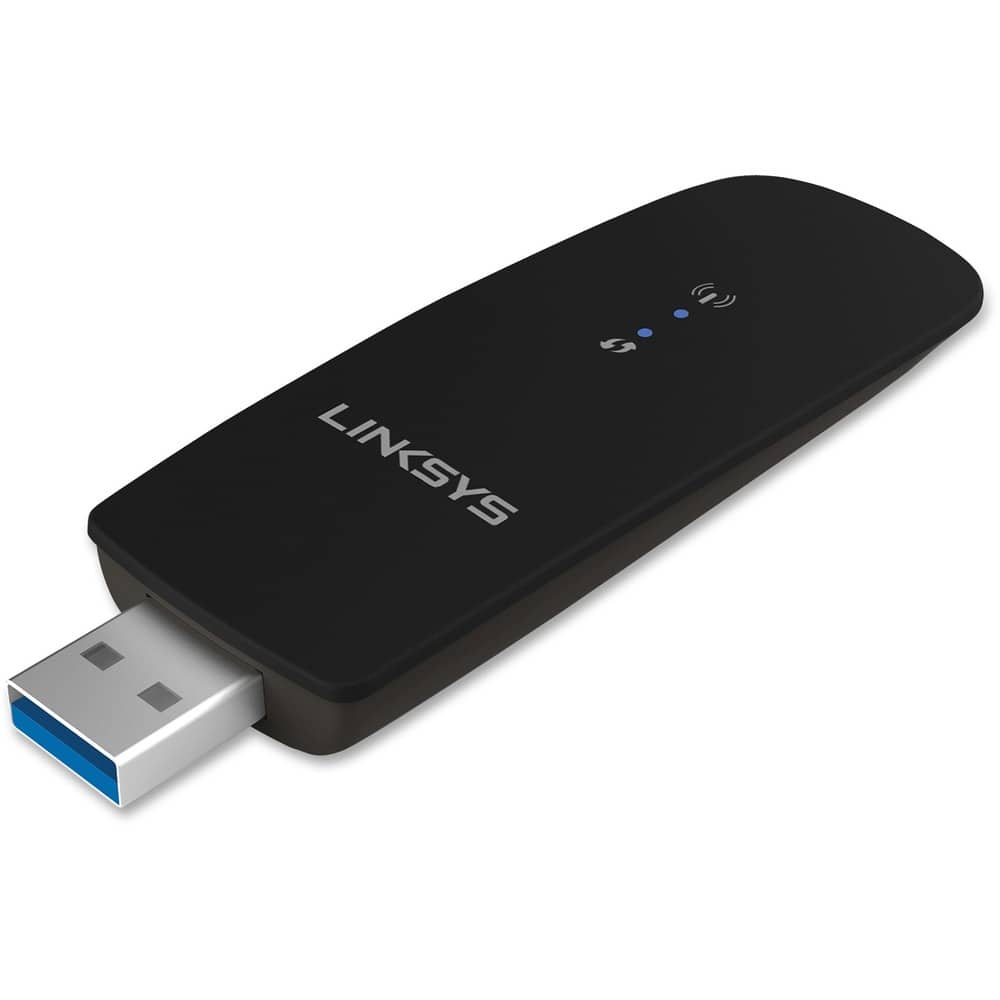
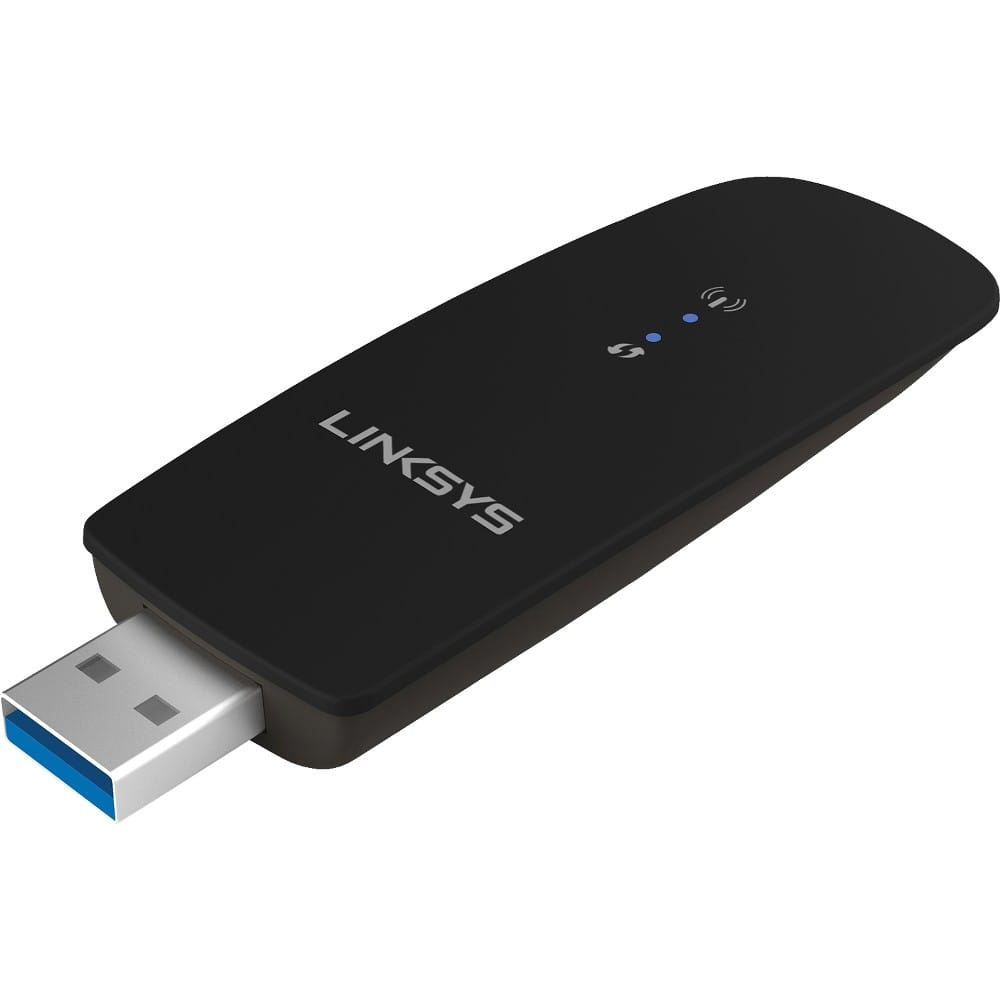
A:AnswerHi there. The Linksys WUSB6300 is designed to give Wi-Fi capability to your computer. However, it does not boost your existing router’s signal.
We recommend checking our range extenders instead. Click this link to know more: https://www.linksys.com/us/c/wireless-wi-fi-range-extenders/. If you need further assistance, email us at LinksysCares@linksys.com with the link to this post, for our reference.
A:AnswerNo, Momof2brats. The WUSB6300 adapter only supports computer running on the following OS: Windows XP, Windows Vista, Windows Vista 64-bit, Windows 7, Windows 7 64-bit, Windows 8, and Windows 8 64-bit, Windows 10 64-bit.
A:AnswerHi. The Linksys WUSB6300 Wireless-AC USB Adapter is only compatible with Windows operating system. You can still connect your devices to the wireless network without internet access.