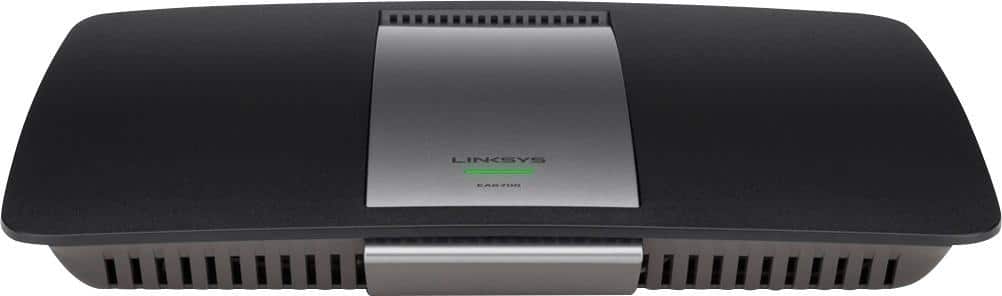
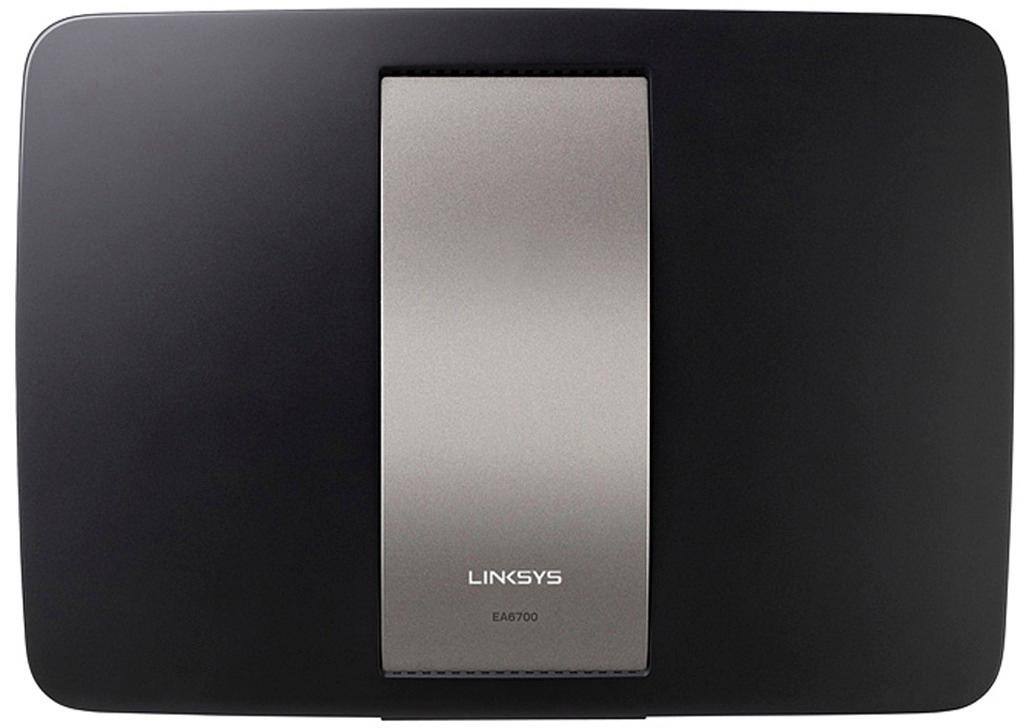
A:Answer Yes. But Edge is just IE with a facelift, and relies on old things buried in dark parts of Windows where few dare to go.
If i Edge doesn't take you right to the router page when you plug your computer in to it and enter the IP in Edge, open your control panel -> Internet Options -> Connections tab -> Lan Settings (bottom right) -> Make sure "Automatically detect settings" is on, and if you don't know what it all means and why you need it, the others need to be off. Save/ok your way out and give it another try. If it doesn't work, a reboot should do it.
.... also I love seeing official Linksys staff telling people they will need an old Windows 8 computer to set up the Router. It's not true and would be blindingly stupid if it was. "Yeah, if you buy this house you can park in the garage. But you need to park a '67 Camaro here first to unlock it." Except this guy was serious. And in all this time no one else there has removed it. That's gold.