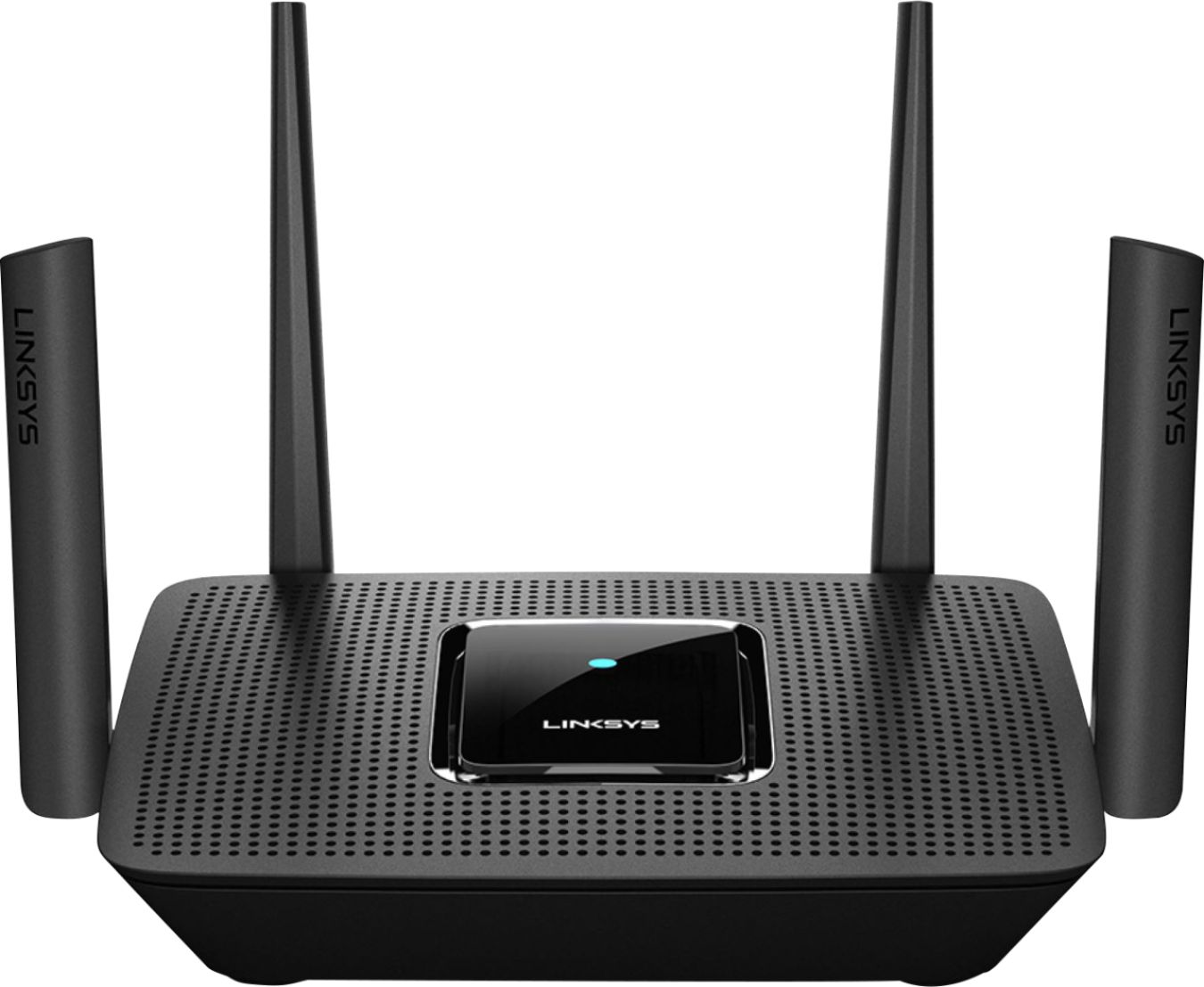
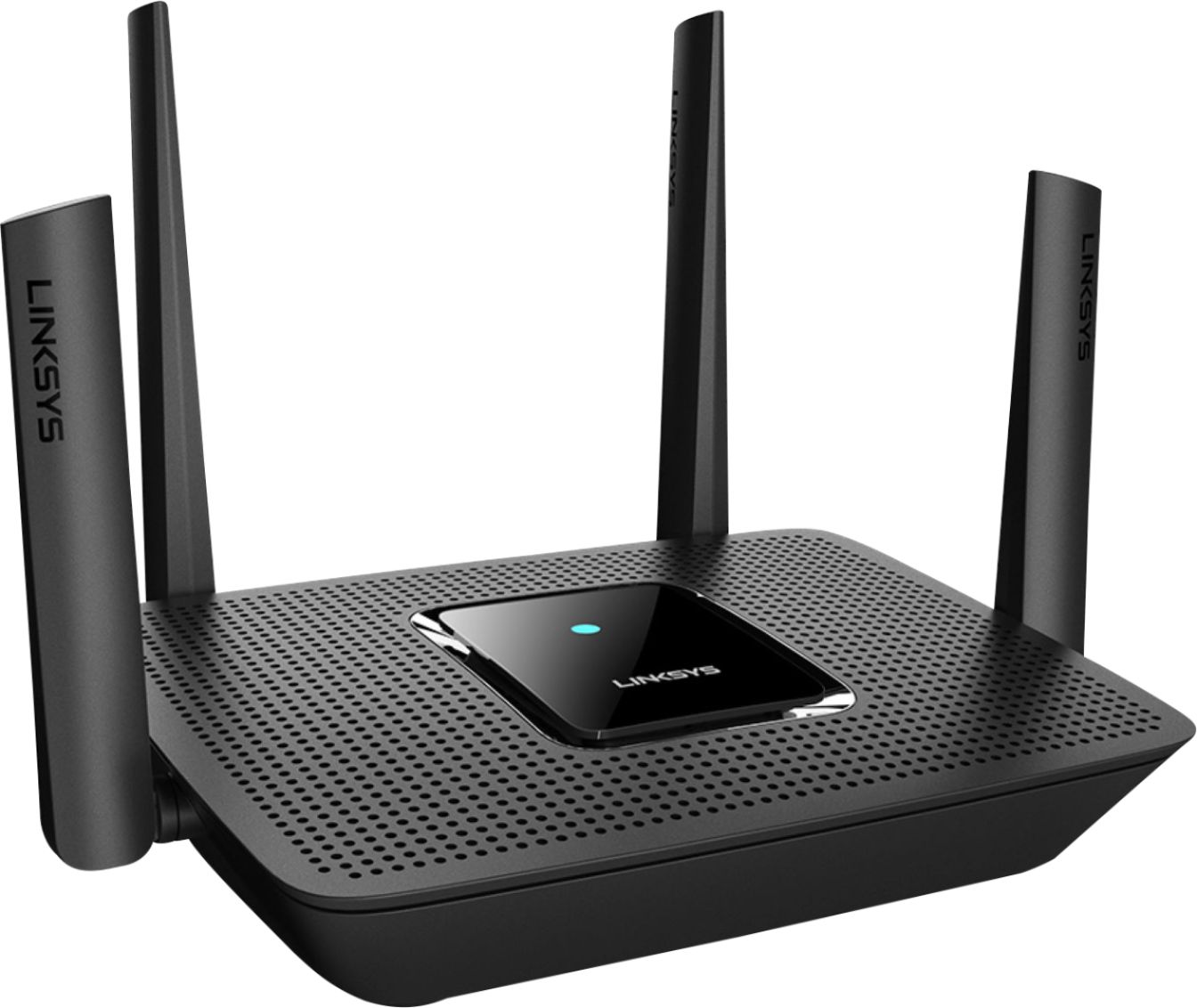
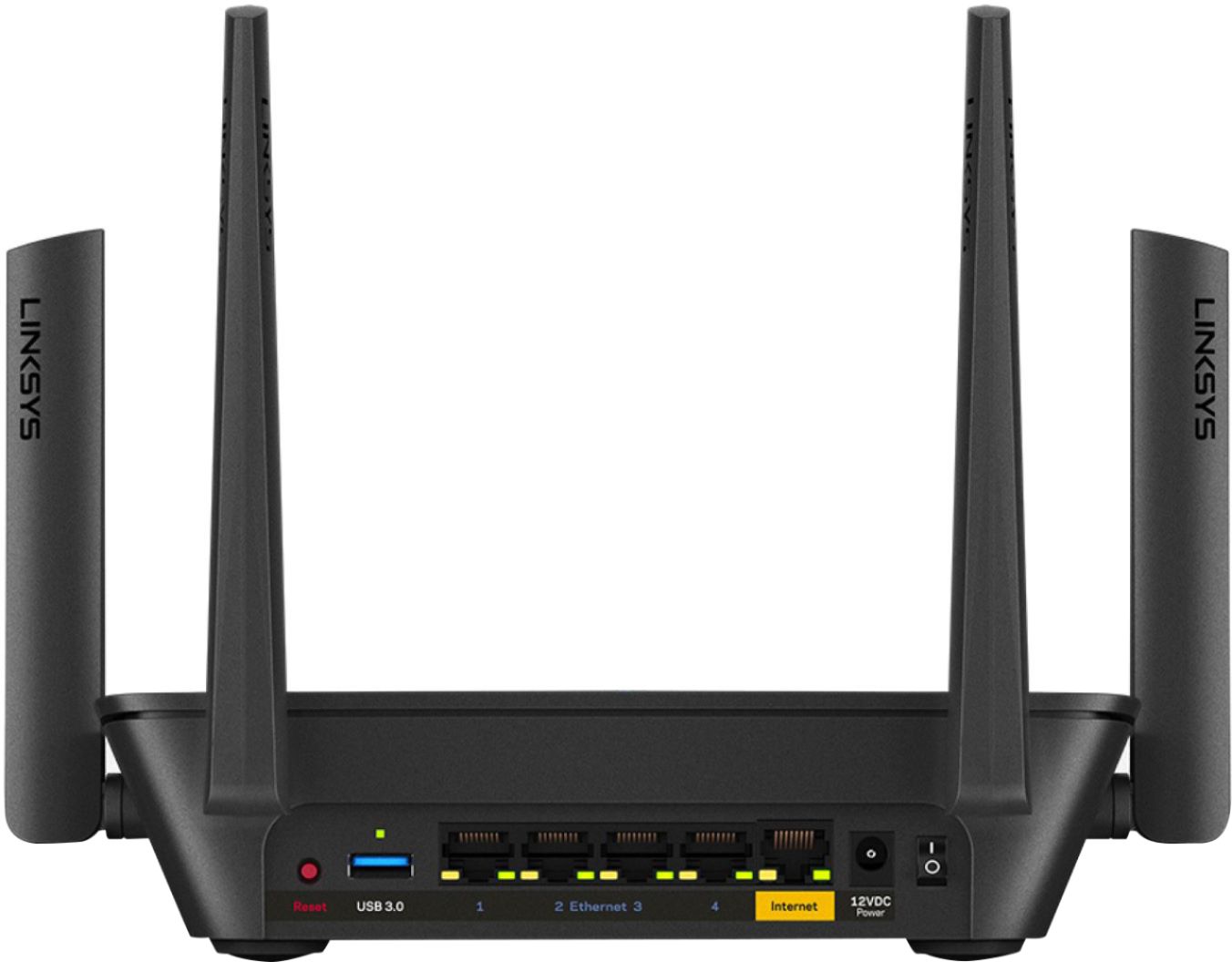
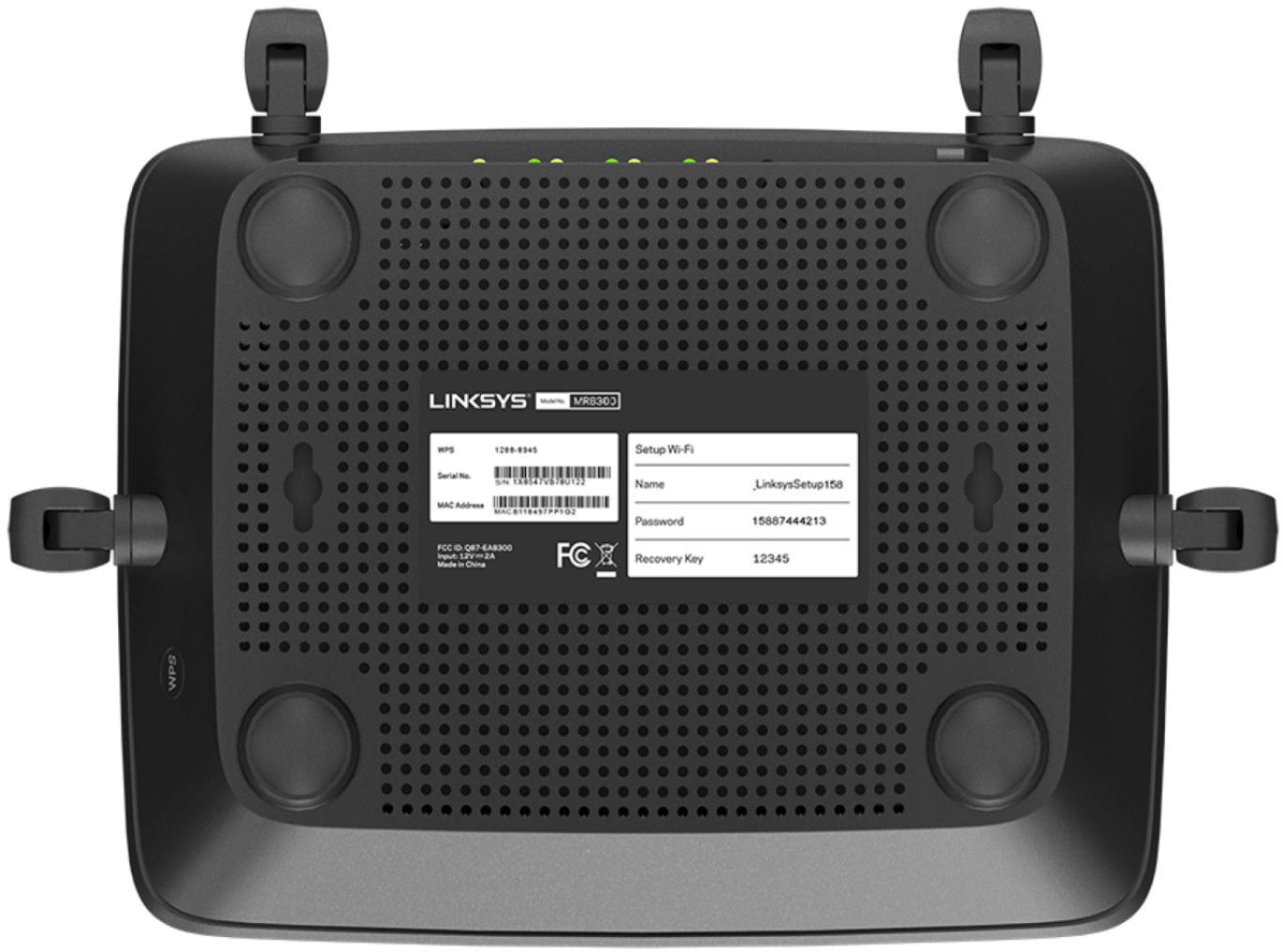
A:AnswerHi, Houndman7. Our routers will work with most cable modems/ISPs. However, a modem is required for them to have internet connection. Please reach out to us at [email protected] for more inquiries.
A:AnswerHi, VTech,
The Linksys MR9000 can cover up to 3,000 square feet. Just make sure to place the router as high off the ground as possible since the building is made with brick/concrete walls. The most ideal location for your router would be at the central part of your church.
A:AnswerHi, Dave. The Linksys MR9000 Mesh WiFi 5 Router can replace standard routers and it has up to 400 (2.4GHz) + 867 (5GHz1) + 1733 (5GHz2) Mbps WiFi throughput.
A:AnswerHi, Mulva. The Linksys MR9000 Mesh WiFi 5 router works with any modem or modem/router (gateway) that is provided by the ISP connected to the Internet/WAN port.
A:AnswerYes, I bought the ac3000 and made it the parent node/router and made the Linksys ac2200 that I bought 5 months earlier into the child node. I reset it to the factory setting and configured it to be a wireless child node using the Linksys app. I have Xfinity GB speed and the speed at the ac3000 router is 889 and it boosted the signal in the bad spots in my house from 25Mbps to 569Mbps
A:AnswerHi, DannyT. The Linksys MR9000 is an Intelligent Mesh-compatible router. If you wish to add it in your current network, then you may have to set it on Bridge Mode. Thus, take note that in bridge mode, the Parental Controls, Device Prioritization and other advanced features are not supported. These will be greyed out on the app. Check out this link for the setup info: https://www.linksys.com/us/support-article?articleNum=316730.
A:AnswerRegarding this question,
the wifi extender doesn't have to be from the same manufacturer as the router. You can use any. for example, I have a hubs system from a third party with this router and it works. Of course, you will have to download the app according to the wifi extender that you use or the hubs you use. So, yes you should be able to use it.
A:AnswerHi Ev. Yes, the Linksys MR9000 is capable of catering multiple wired and wireless devices in a network. It can deliver speeds of up to 3 Gbps, with coverage up to 3,000 square feet.
A:AnswerA router only works for its purpose. the device you have should have its own default firewall. The firewall is the one that should protect you from any bad players. regarding whether the router can help you protect yourself more, it can provide more security, but it will not act as a penetrable wall. "Hackers" know that hacking takes time, they won't go for someone individual, they need to get something out of the hack, so they normally for industries and companies. The way one ends up getting hacked, is not from your network, but if for example you have a Facebook account, and Facebook got hacked, then it could affect you, but the hacker will never go to your router's signal and you personally. Just be cautious when making strong passwords in anything you make an account, from your bank account to Facebook, or Gmail.
Hope it helps.
A:AnswerRonald, I guess you should check with Linksys for the official answer but it seems it should be fine. This will connect with your modem that should be interfacing with your satellite.