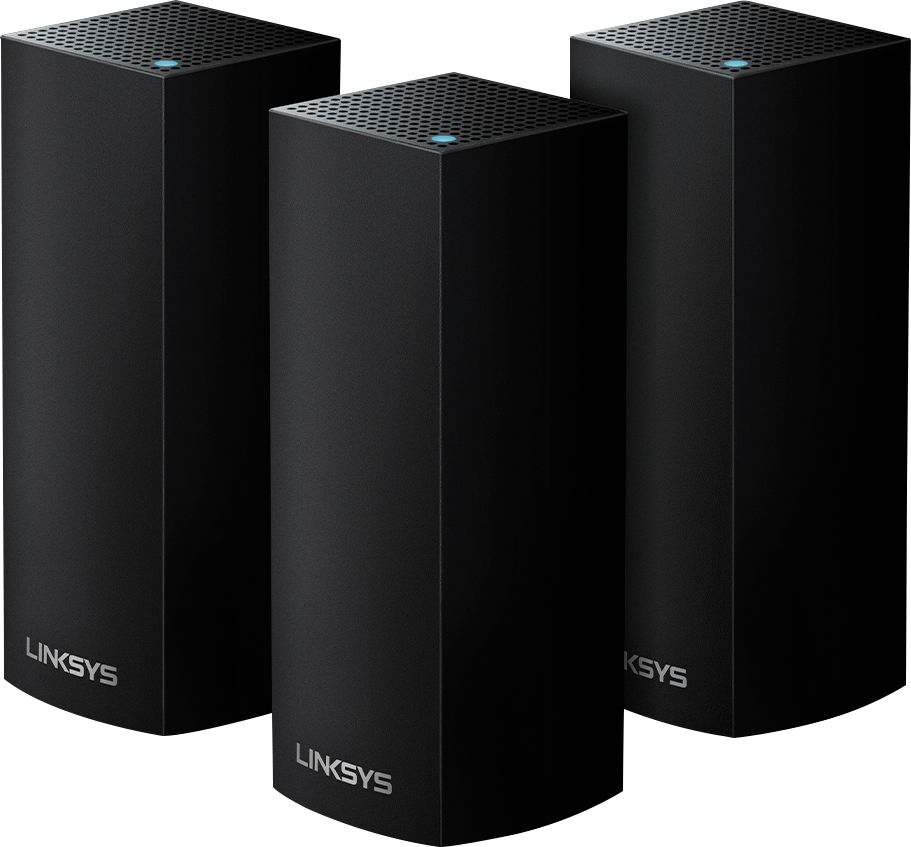
A:AnswerHaving FiOS myself if you also have their TV or phone you need to use the router for those services and then piggyback off of the verizon router and kinda isnt good which is why we are looking at this product lol.
Verizon does have a new router but they want a fortune for it. I've been seriously thinking about cutting the TV out and going just internet using slingbox or a firestick/similar but then I lose the dvr ability. Seems like stuck between a rock and a hard place like my dad used to say.
Just be cautious as this will not work as a main router for Verizon if you have their TV service: I've tried and they told me
A:AnswerHi. If you’re referring to the transmission rates for the nodes (wireless), its 867 Mbps (for each 5 GHz radio), 400 Mbps (for 2.4 GHz) per node, and a wired speed of up to 1Gbps speed. Wireless data rates may depend on the mix of wireless products used and external factors. Please reach out to us at LinksysCares@linksys.com with your contact details and link to this post, so we can have a close look at this.
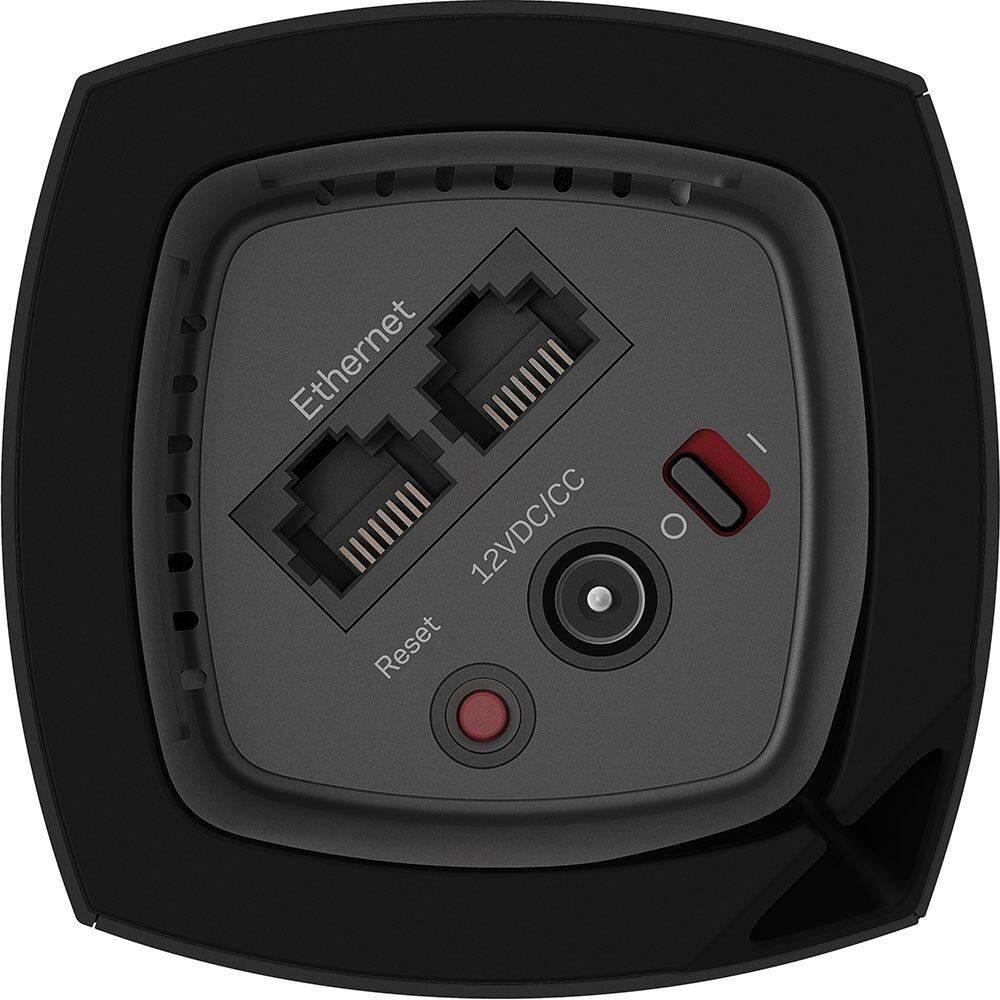
A:AnswerThere is no phone connection on the WiFi system, only Ethernet connection and power.
Not sure why you would need a phone connection into the WiFi system.
Keep the phone connection connected to your cable router that provides phone service.
A:AnswerHi, Robert. If you have a gateway (modem-router combo), you can either set the Velop system to bridge mode (same network) or cascade it to your device as a separate network.
A:AnswerHi. Both use a strong encryption method to encrypt data transmitted over the air. The main difference between them is in the authentication stage. WPA2 Enterprise uses IEEE 802.1X, which offers enterprise-grade authentication. WPA2 Personal uses pre-shared keys (PSK) and is designed for home use.
A:AnswerIt means that the node has dropped off the connection - you need to reset it by unplugging it, plug it back in and reset it in the app. If that doesnt work, then you need to downgrade the firmware to the last known STABLE version 1.1.9.195026 - This will get it working as it should. a quick search on google will show you how...
A:AnswerIt's late on the response here but you wouldn't need your EA8300 with this system. Just set this up and give the EA8300 to charity. I can't speak for your infrastructure, but mine is old, OLD construction and I have flawless coverage everywhere I go.
A:AnswerYou must connect one unit to your Comcast modem by Ethernet cable (provided in package), the others only get connected to their own power supply. This does set up a new network (mesh network) of its own.
A:AnswerYou need to consult with someone verbally because you are clearly out of your area of knowledge. Far too many things to discuss for a post here.
A:AnswerNo, this will plug into your router, anything currently connected to the router stays on the router, unless it is WiFi. This only improves the WiFi coverage and speed.
A:AnswerAny Mesh solution that supports a wired ethernet backhaul should solve your problem. Make sure it is a 1 Gbps backhaul and not 100Mbps or all your wireless mesh nodes will be capped at <100Mbps internet speeds.
The Velop would solve your problems.