A:AnswerIt uses the same wifi name for both bands. But the only problem I encountered was having to reconnect to the wifi for those devices that had previously used what had been named xxx-5g and was now just xxx. Otherwise, devices automatically connected at their highest possible speed.
A:AnswerConnected devices? I doubt if there is a limit other than the 254 available ip addresses. Being able to prioritize devices helps tremendously. I gave our computers and smart TV high priorities since that's where we want our fastest streams. But low priorities to most of our smart devices
A:AnswerYes, it can, ScottTX. However, for us to better check this out further, please drop us an email at [email protected] with your contact details and the link to this post for reference.
A:AnswerI believe these have to be plugged into your modem, since these are wireless routers themselves. One has to be plug into your modem and the others wirelessly throughout your home. You do not have to change WiFi password.
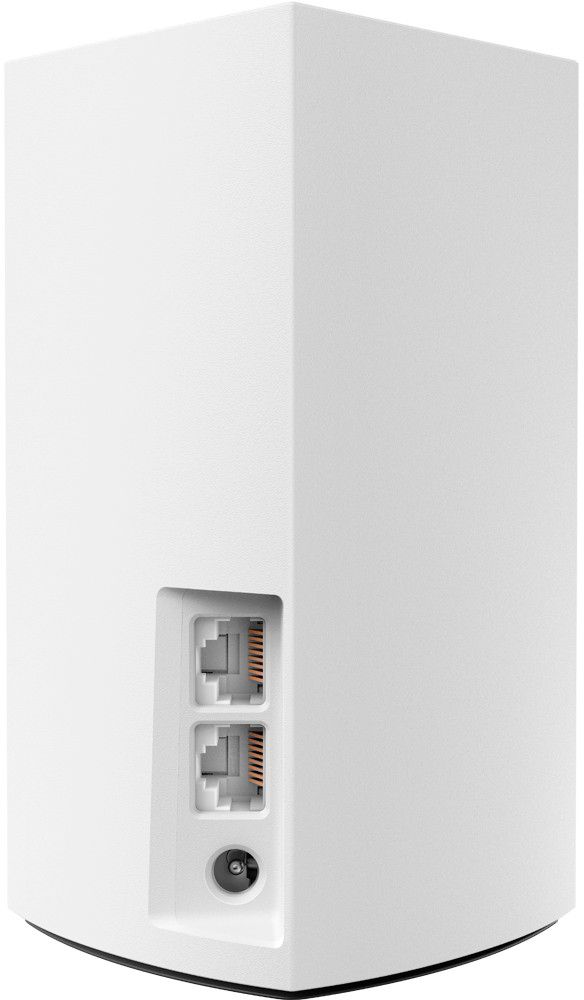
A:AnswerYes. But since I have several ethernet devices that had been connected to my old router I had to get a gigabit switch and plug that into the node.
A:AnswerHello. Yes, you may connect the Linksys WHW0103 directly to the modem and have your existing router set as bridge mode to avoid issues, and so you can also optimize the feature of the Linksys Velop.
A:AnswerThe Velop is a mesh network modem and will not be able to work with your existing EA6350.
The Velop system would be a direct replacement for your existing router.
If you wish to keep your existing router, you could add a range extender. Range extenders must be able to communicate with the base unit (EA6350). Range extenders can not be daisy chained to extend the range even further, for that the Velop system can have several units all daisy chained to provide a more complete coverage.
A:AnswerI used a Motorola router/WiFi AC1900 to link to cable but plugged my Linksys WiFi into the router & returned the Comcast router. Much faster speeds & better buffering of 4K HD tv!
A:AnswerOne of the Linksys nodes needs to be hard wired connected (Ethernet cable) to a network modem, your Verizon router. Other Linksys nodes will communicate wirelessly to the one node hardwired to your network modem.
A:Answer"Is this home Wi-Fi? If so how much a month?" implies you have something specific in mind but you didn't specify. Are you referring to a service like cable internet or a device like a router? As a general rule, the internet is provided by a service provider at a monthly rate. Once that cable enters your home, it goes to a modem\router setup which in turn provides wi-fi to your home. Again, typically, you are only getting a bill from the service provider for the service to your home and perhaps equipment rental if you get your modem/router solution from them. I hope this answers your question.
A:AnswerI currently have Spectrum as my internet provider and it works perfectly. I can’t directly speak on Optimum but I’m sure it would work just as great.
A:AnswerI pay for 1 gigabit. The modem I got was rated to do 1 gigabit. The peak speed test in the app says I'm getting 514mbps but the speed test online says I'm getting less than 50, whereas with my 8-year-old router-modem combo (all of $100 back then) regularly got 80.
If it halves your connection like it did mine, you'll be fine.
A:AnswerIt will work with any internet provider and one of the nods will replace your router so not you don’t need the router from your internet provider
A:AnswerIt works great as long as you don’t have a solid wall (brick) obstructing the signal. My tv room has a brick wall and I’m constantly losing the signal...