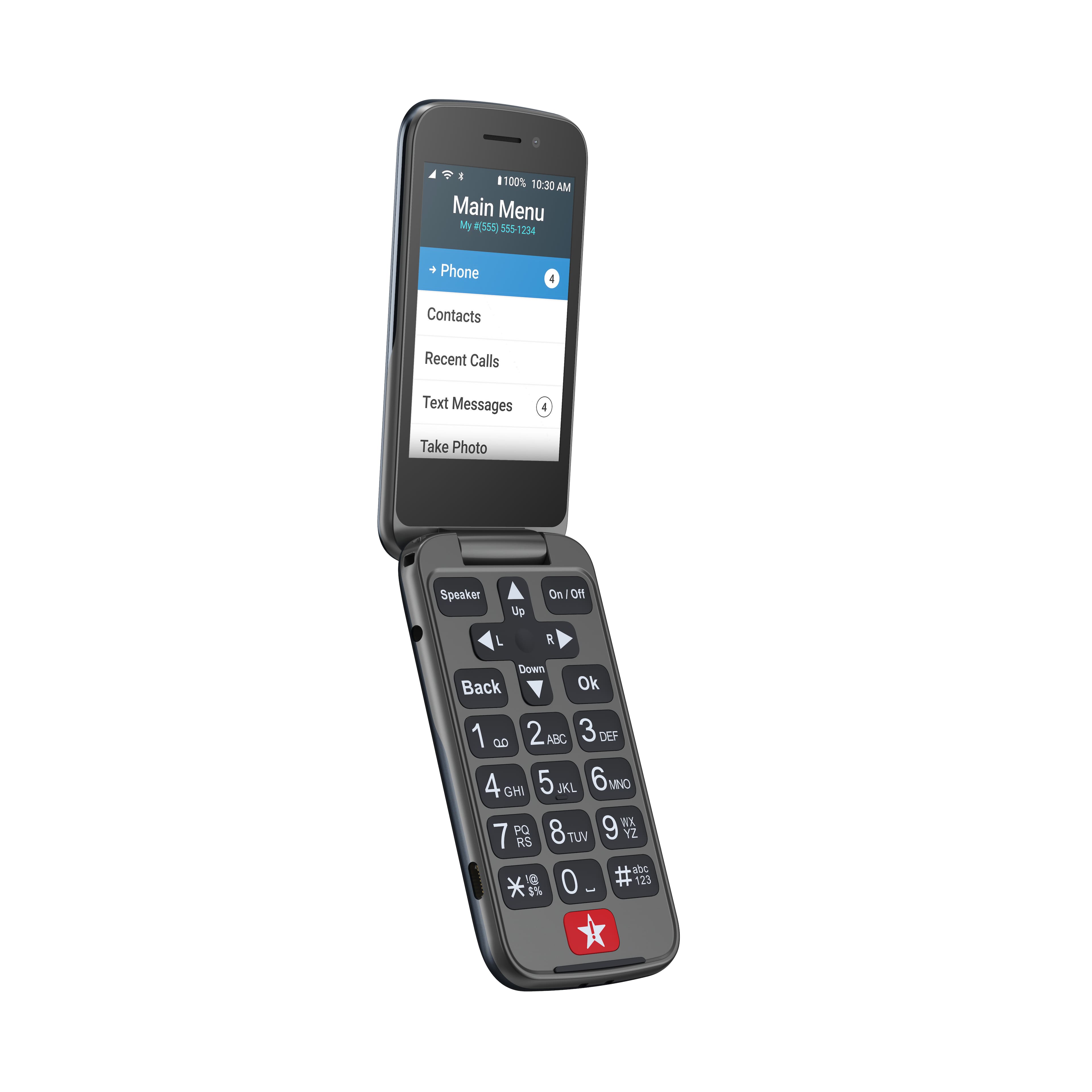
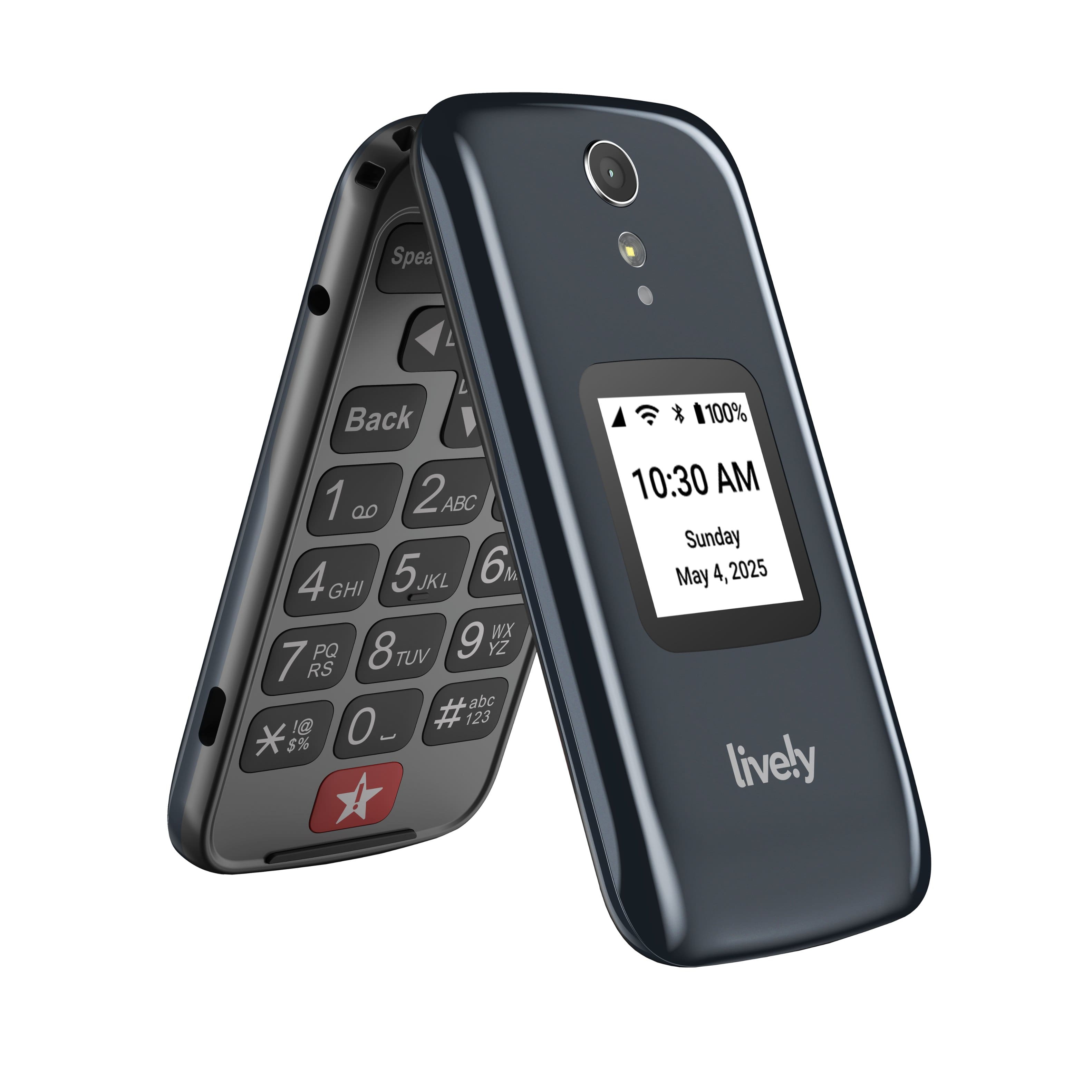
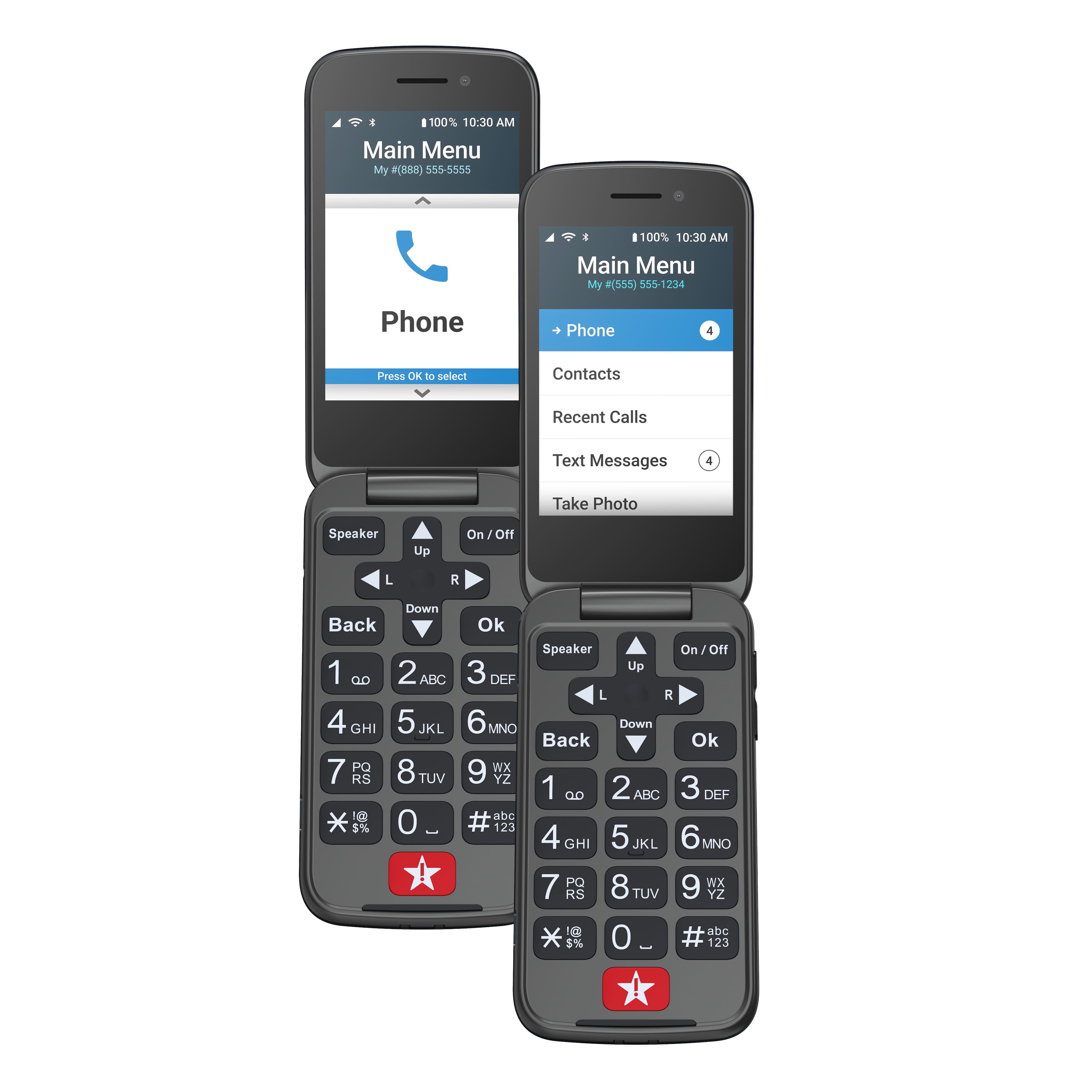
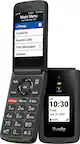
A:AnswerThe Lively has upgraded some specs and adds Alexa. But since it removed speed dial and Alexa integration is buggy and requires a multi step conversation to make a call, the original Jitterbug is a better option for those less technical or vision-impaired. After trying to make it work, I had to switch my mom back to the Jitterbug.
A:AnswerThank you for your interest in our Lively Flip. Yes, the Lively Flip has Caller ID capability. To view more details about the Lively Flip, please view the Product Support page of our website.
A:AnswerThey are similar, but the Lively is much more complicated for what should be simple things. Don't believe those saying they are the same; you will be sorely disappointed!
A:AnswerHello, the Lively Flip phone does not have the speed dial option however, the phone does allow you to set favorites and emergency contacts for faster access to phonebook entries.
A:AnswerWe appreciate your feedback and want to take this opportunity to provide some information. We would like to help you with the volume issue. You can turn off (or lock) the volume buttons on the side of the phone if you keep accidentally pressing them. From the Main Menu, select Settings and press the OK button. Select Volumes & Sounds and press the OK button. Select Volumes and press the OK button. Select Lock Buttons and press the OK button. Select Yes to lock the volume buttons or No to unlock them and press the OK button. Thank you for the suggestions and we are actively working on having the ability to answer the phone by opening it.
A:AnswerWhen you activate a new Lively Flip phone, there is an account that is created for you and a monthly recurring charge based on the plan you choose during the activation process. There is a one-time activation fee of $35.00. If you activate online, then the fee will be discounted to $25.00. For any further assistance please contact our Customer Service Team at 1-800-733-6632, between 5 a.m. and 7 p.m. Pacific Time seven days a week.
A:AnswerGreat question! To lock the exterior volume buttons on the Lively Flip, from the Main Menu, select Settings and press the OK button, select Volumes & Sounds and press the OK button, select Volumes and press the OK button, select Lock Buttons and press the OK button, select Yes to lock the volume button or No to unlock them, and press the OK button.
A:AnswerNo..I have the newest Jitterbug Smart 3 cell phone, and after 1 whole week of tech support from Lively Smart, even with remote control, they connected me with their top tech, and after two days waiting for a reply to my problem he said this phone is not wifi enabled. Even though phone is built with the capacity for wifi, the company Lively Smart which is a trademark of BEST BUY most probably decided to not enable this function in order to be able to collect more revenue with only cellular connection capabilities. If you live remotely as I do and there is no cellular tower available, and you depend upon wifi to make and receive phone calls and texts you are out of luck, even though this phone is an excellent one.
A:AnswerI see Lively answered a question like yours claiming that the Jitterbug has the flip to answer option but the truth is the Jitterbug is not a flip to answer phone. I flowed Lively's instructions and I called Lively. Mine and my mother's is still a two step operation. I am looking for another phone.
A:AnswerGreat Call told me there was a 30 return period if my mom didn't like the phone. I was concerned that she wouldn't hear it ring because her Verizon phone (Orbic) was not loud enough. The Lively phone is plenty loud - and you can make it vibrate to help get your attention.
A:AnswerHello, thank you for your interest in our Lively Flip phone. Yes, you will have the ability to enter contacts on your free mygreatcall.com account by using your computer. These contacts will sync with the phonebook on your Lively Flip phone. For more details on the Lively Flip, please visit the Product Support page of our website.
A:AnswerHello, we do not offer pay as you go or prepaid service. All of our plans are monthly plans with a set amount of minutes provided. We accepted check, money order or credit/debit card as forms of payment. Please visit our website to view our rate plans. www.GreatCall.com.