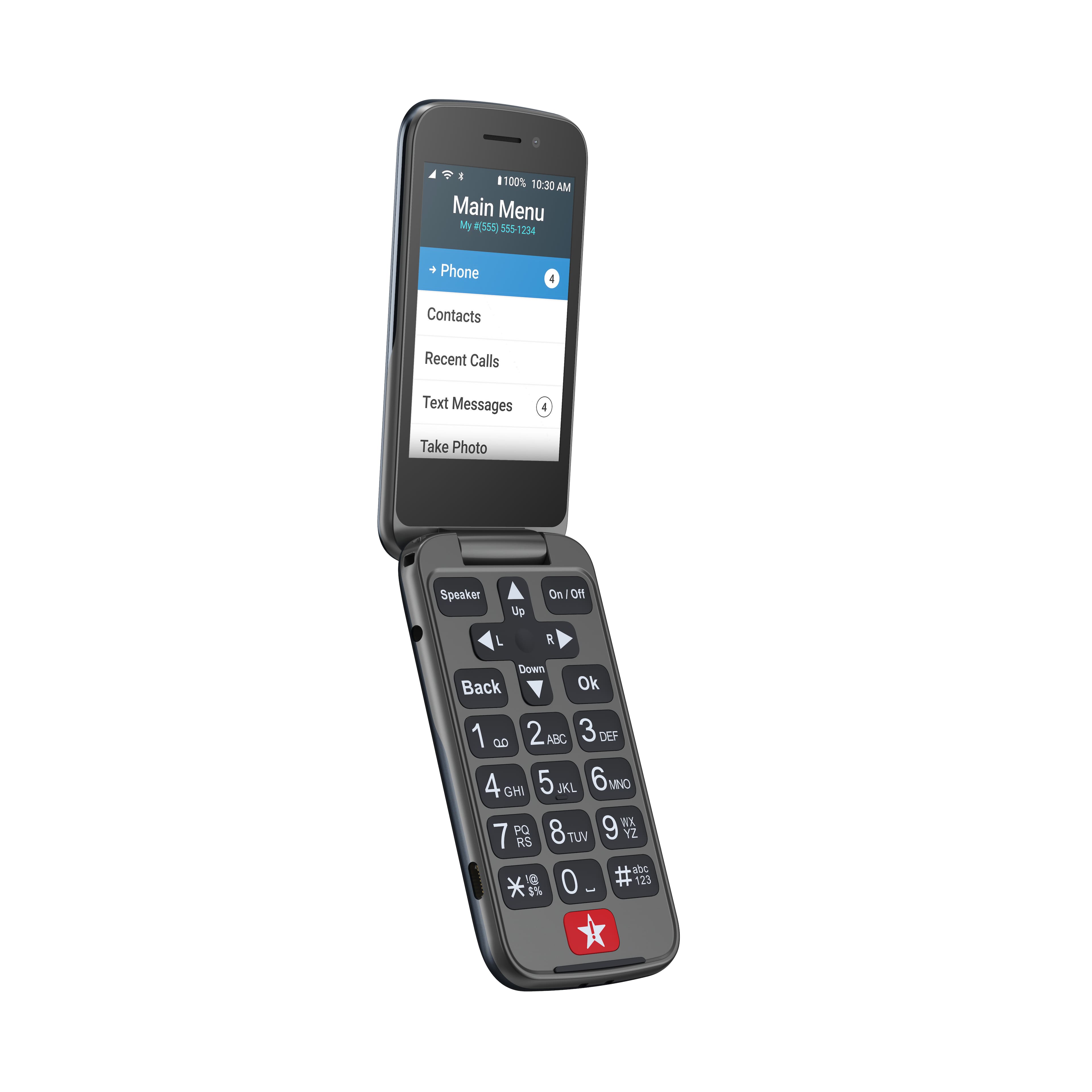
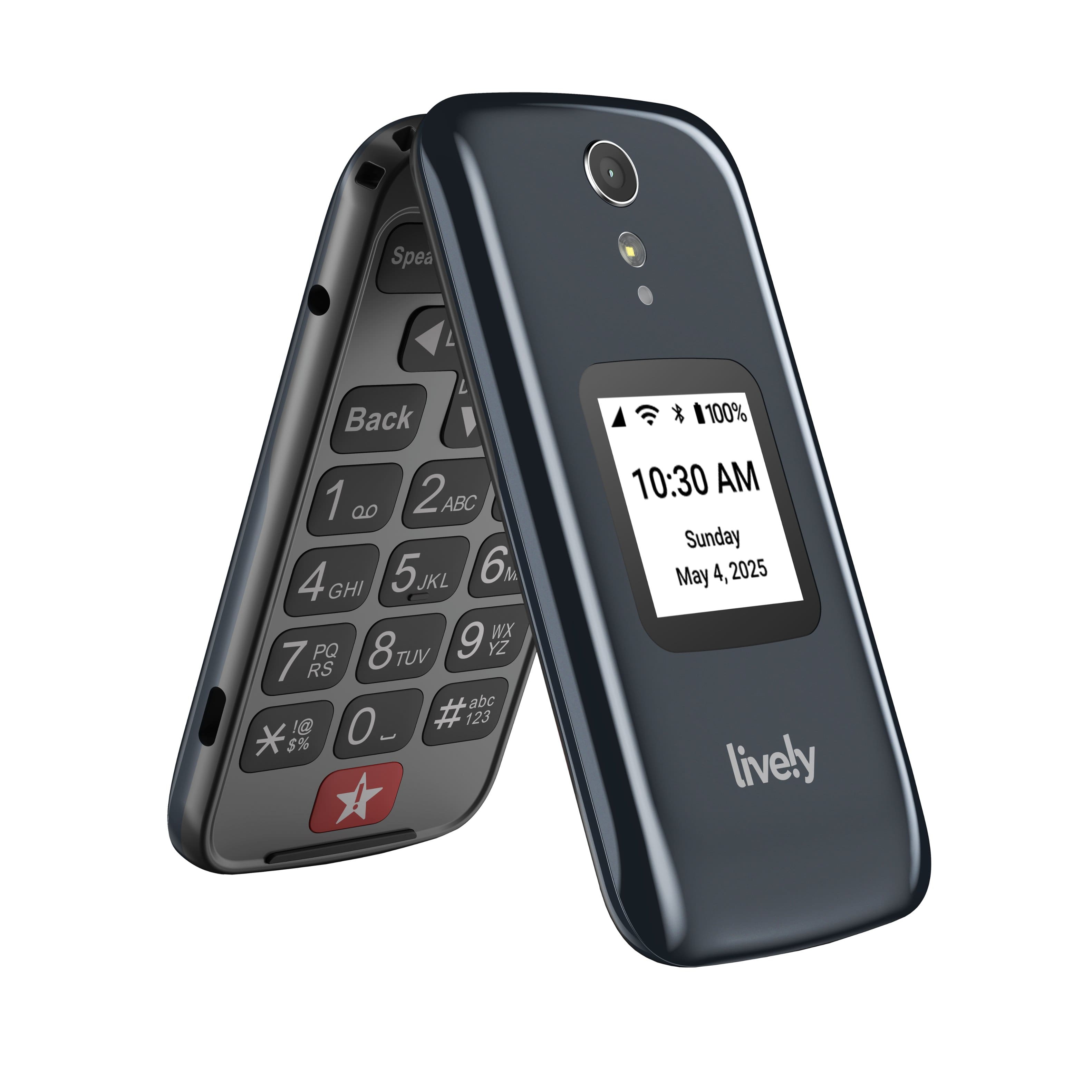
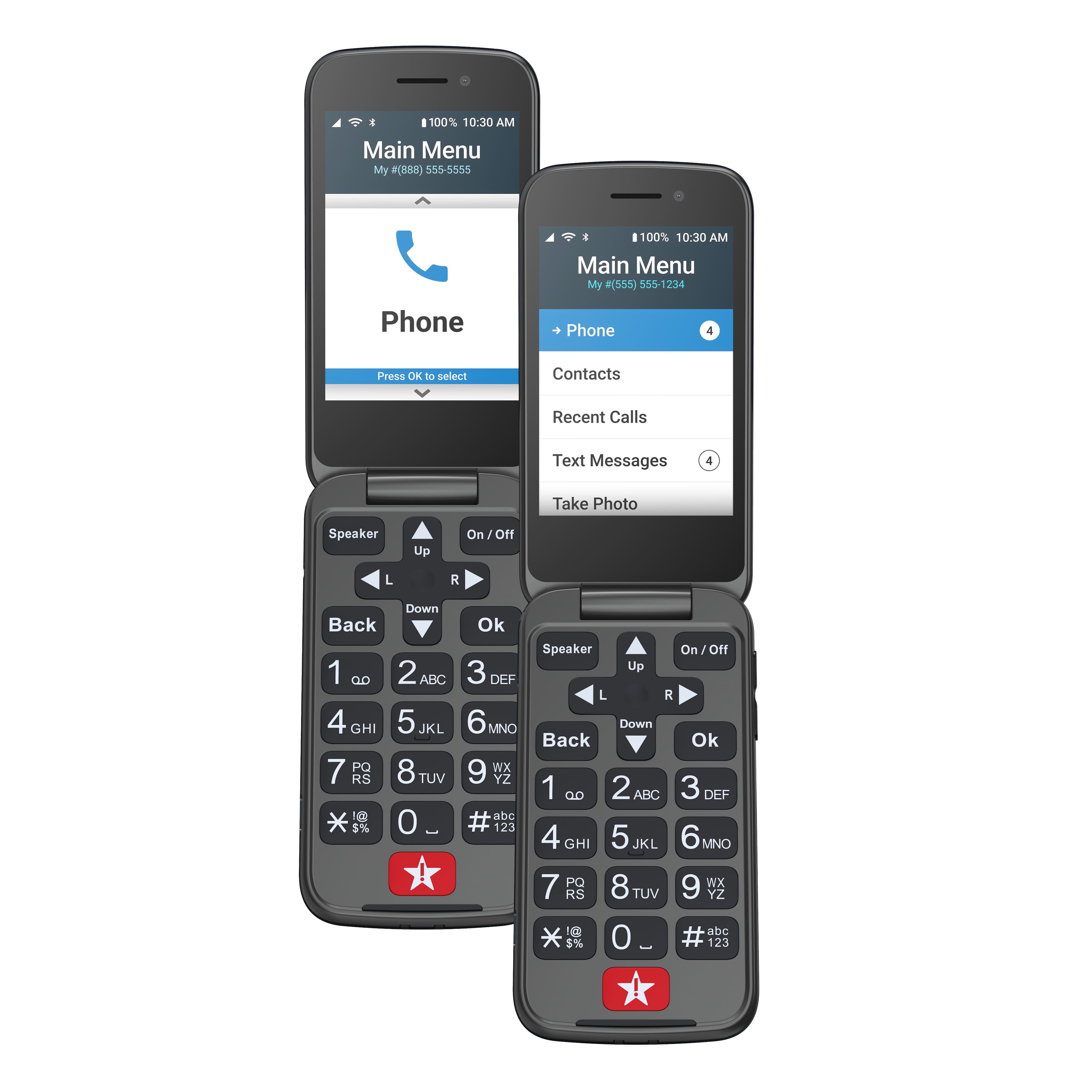
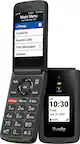
A:AnswerHello, thank you for your interest in the Lively Flip phone. The Lively Flip phone does not have access to the internet and can not have apps downloaded.
A:AnswerHi Steve, the Lively Flip does not have the capability to use the internet nor download applications and we would recommend our Jitterbug Smart2 phone, that has these features.
A:AnswerGreat question! To answer a call on the Jitterbug Flip2 phone you flip the phone open and press OK, or you can go to settings on the phone to enable the answering option and be able to answer a call by flipping the phone open only.
A:AnswerI would say no. The "easy" jitterbug flip2 requires multiple steps to make a call from the contact list. Another reason I wouldn't give it a higher rating.
A:AnswerYes. so what happened I call the phone company to register/activate the phone as instruction, the person on the other line told me that it doesn’t work with T-mobile and require $29 to activate. I was about to return the phone, out of curiosity, i put in t-mobile sim card and it works just fine without any registration or activation with the company. so if you purchase, just simply put in the sim card and make a test call.
A:AnswerThe Lively Flip includes a useful feature titled "Reminders" and is found under the Help Tools menu. This feature can remind customer to perform a task such as: take medicine, check blood pressure, check blood sugar, check mail, feed pet(s), take a walk, turn off lights...etc. as well as set free form reminders with no restrictions for up to 4 pre-selected questions.
A:AnswerHello Meme, poor call quality is often related to the signal strength. If the signal the phone is receiving is fair or poor, that could be why you are experiencing an echo or the call breaking up. The signal strength is shown on the status bar at the top of the outside or inside screens. Please have your mom check the signal strength or give us a call at (800) 733-6632, between 5am and 7pm Pacific time, so we can ensure it is working properly.
A:AnswerGreat question! The new Lively Flip phone has new features available. We are able to assign call forwarding at your request, and are happy to inform you voicemail is an available feature that can be added to your plan. For more information on features available for the Jitterbug Flip2 please visit our website www.Livley.com to view our guidebook.
A:AnswerThanks for asking, Rachel! The Jitterbug Flip2 is 4G LTE compatible and unlocked per nationwide standards. However, we cannot control which carriers choose to accept or activate our phones, nor do we guarantee our phones are compatible with other networks. Lively phones were specifically designed to work on the Lively network which is powered by the nation’s largest and most reliable wireless network. To enjoy exclusive features that are only available on the Lively network, activate with Lively by phone or on the Lively website. Lively has a variety of plans with so you can choose the one that works best for you.
A:AnswerThere is no talk only, but the monthly fee is very reasonable. My mom doesn't text either. But if grandkids want to text, that option is available.
She pushed the emergency button by accident the second day of having the phone. The company was very understanding and there was no charge. I am the contact for emergencies and I was able to tell them to disregard the false alarm.
A:AnswerThe phone is unlocked and can be used with most any carrier and uses a nano sims card, its comes with a pre installed for the carrier great call but you can use your own and its under the battery under the removable back cover and also has a memory card slot.
A:AnswerGreat question! The Jitterbug Flip2 phone does not offer map & directions capabilities. However, our Jitterbug Smart2 phone does. We hope you find this information helpful.
A:AnswerI had the same issue and was told by Lively to download the pictures to a Google account and send that file to the drugstore. I have not tried that method yet. If you are successfull let us know.