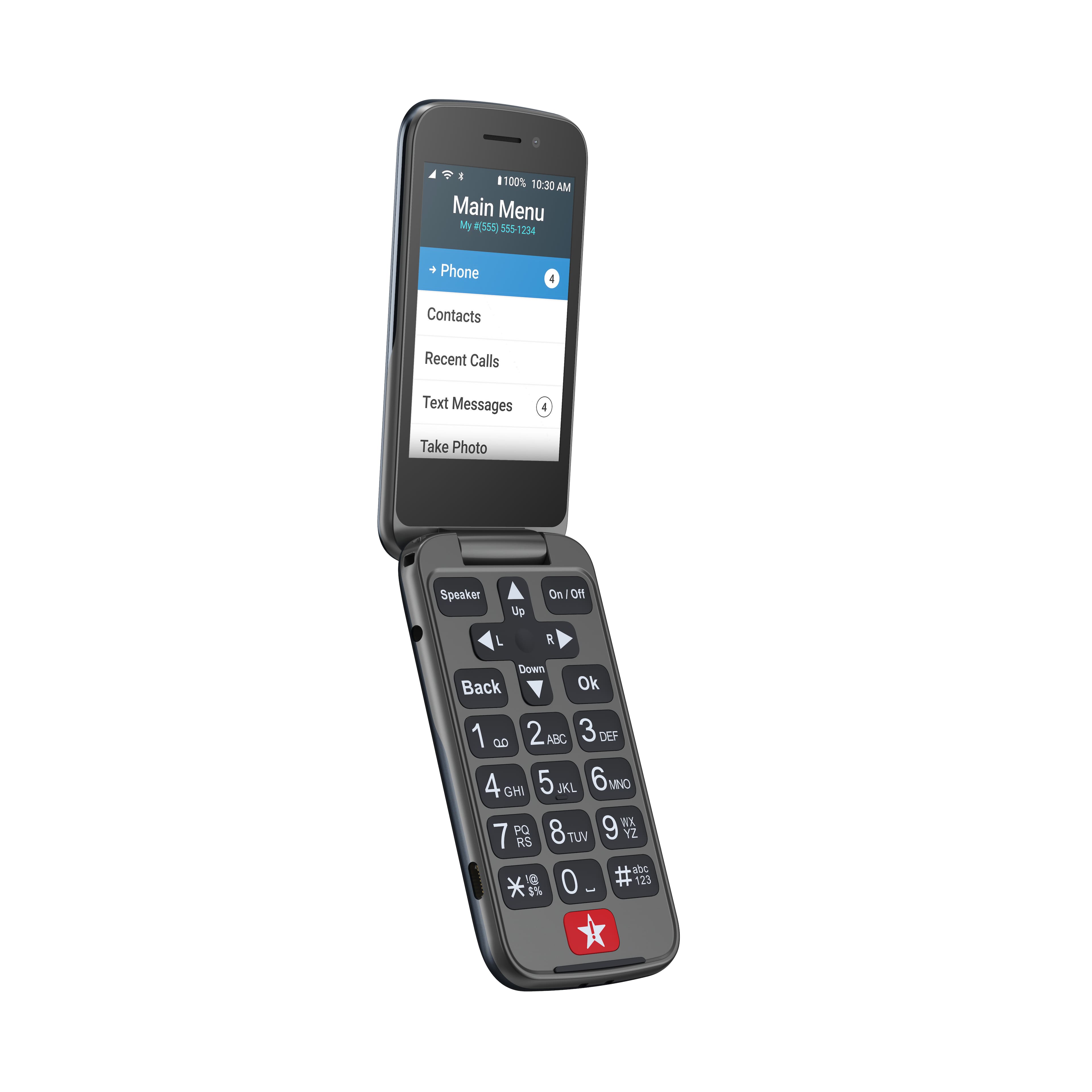
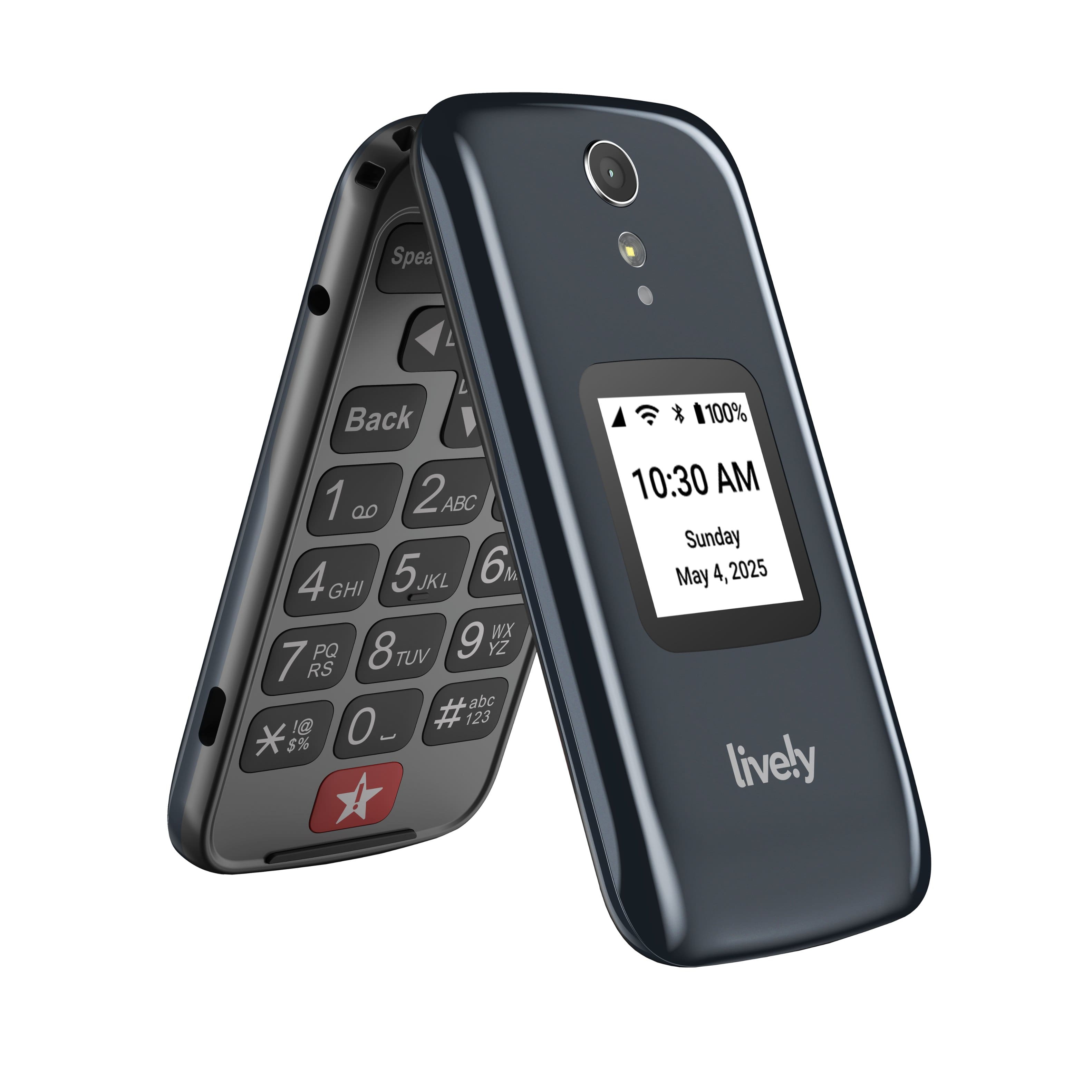
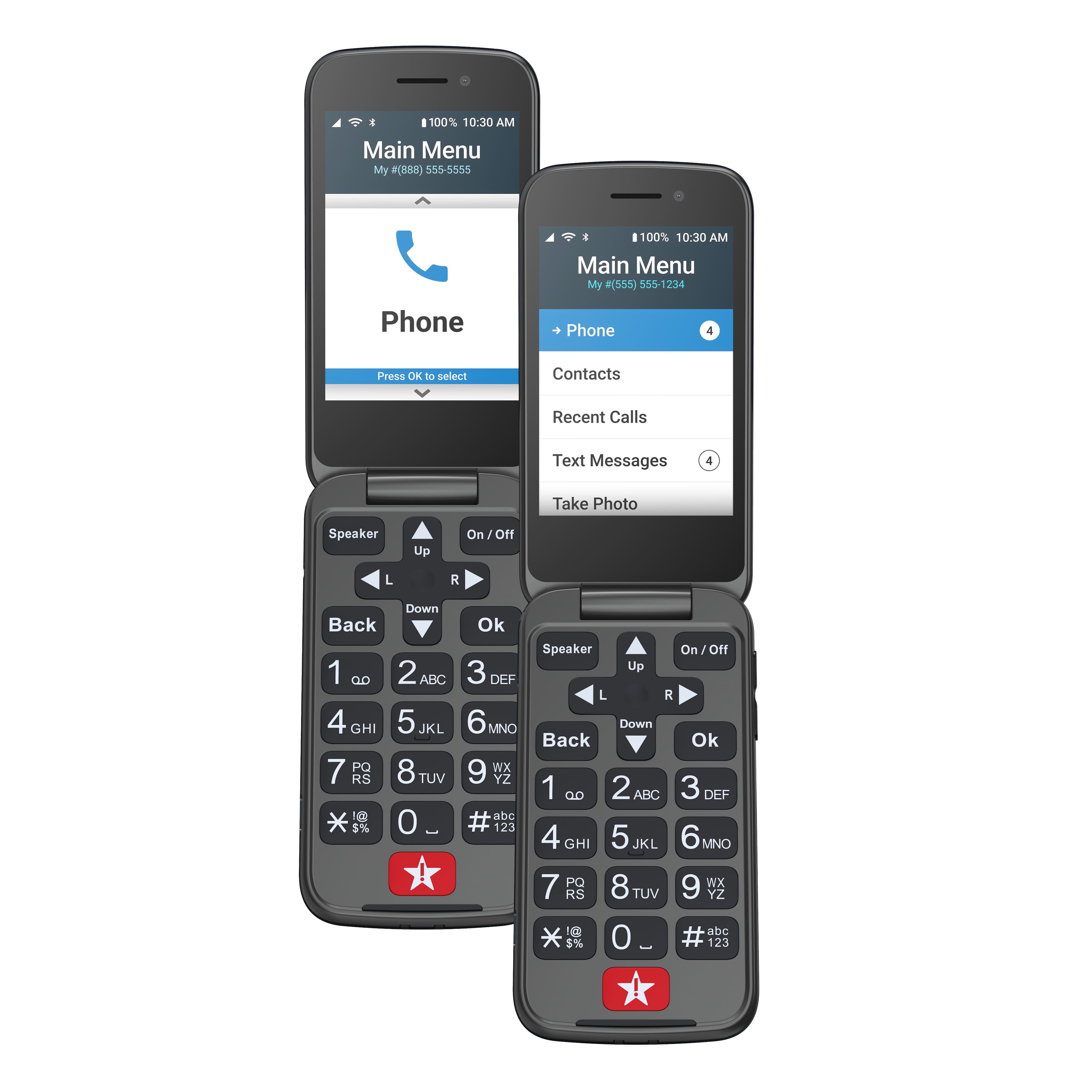
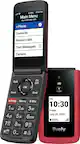
A:AnswerHi Clyde, the Lively Flip phone does have the capability to send photos to an email address or you may connect the phone to a computer with a USB to download the photos. For further assistance on this, please contact us at 1(800)733-6632 between 5am – 7pm, Pacific Time.
A:AnswerHello, we would like to thank you for your interest in the Lively Flip. The highest SAR value for this model when tested is .87W/Kg for use at the ear and 1.11W/Kg for use close to the body. While there may be differences between the SAR levels of various phones and at various positions, they all meet the government requirement for RF exposure. SAR information on this model phone is on file with the FCC and can be found under the Display Grant section of www.fcc.gov/oet/ea/fccid after searching for FCCID: 2ACCJN033 for 4053S.
A:AnswerThe Lively Flip phone does not offer access to the internet or email and GreatCall would not sent a notification of this nature. Please call our Customer Service at 1-800-733-6632 between 5am and 8pm Pacific time for further assistance.
A:AnswerThe Lively Flip phone does not have internet access and so emailing is not available. Please see our easy to use Jitterbug Smart2 Android smartphone which does have internet access for emailing.
A:Answergo to call history, click ok,click on clear all OR the indivisible number and click ok, follow on screen instructions to to clear the number and close the screen out/
A:AnswerThank you for your question! We do not have any late fees and we allow you to pay up to 30 days after the due date with out interruptions in service. We suggest you call us to set up a payment plan if needed.
A:AnswerNo. My dad just had to replace his. Do not turn on the new phone! This is important. You have to call the number that comes with the phone. They will get the new phone setup. Only after they get it setup can you turn it on. The one good thing though, was that all of my dad's information was automatically ported to the new phone. I was so glad i didn't have to enter all of the phone numbers again.
A:AnswerHello! Thank you for your inquiry. All of our devices come with a set of instructions. We recommend contacting our customer service department to assist with device set up.
A:Answercall customer service. You can get the unlimited plan vs. the 300 minutes per month plan. I had to do that for my family member, as he talked more then 300 minutes one month and the bill was high$$$. Customer service helped me and waived most of the extra charges, which I appreciated.
A:AnswerHello Moshi, we are sorry to hear your Jitterbug Flip2 is showing in Airplane mode. To better assist you please call Lively Customer Service to resolve your issue.
A:AnswerHello, great question. Yes, you can transfer, port in your number from your previous carrier. When you activate your Flip2, there will a temporary number assigned, and you can use it while waiting for the port in to complete, which is usually one to three days if the information you provide is correct. You will need your account information for your previous carrier, and we suggest you contact them to see if a PIN transfer number is required.