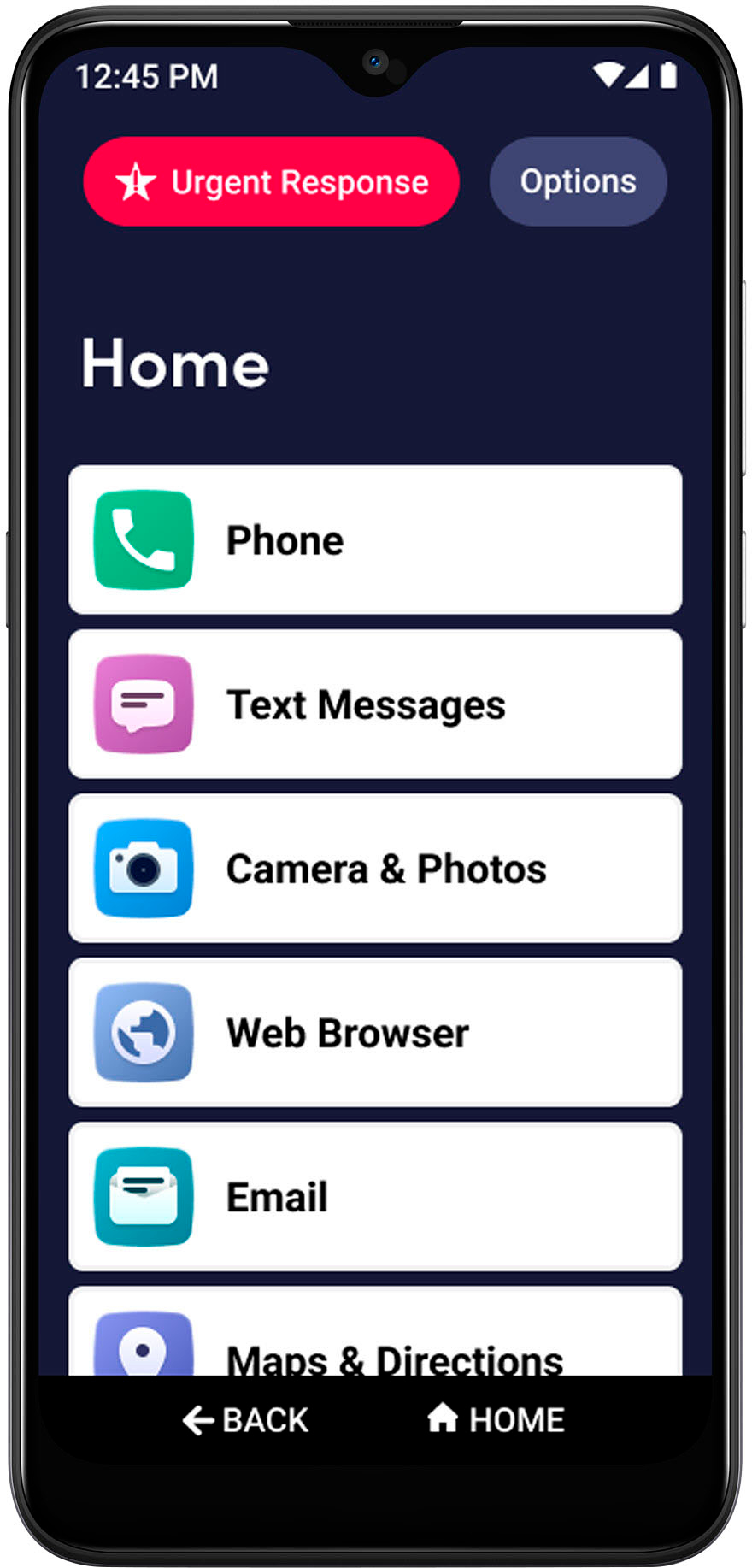
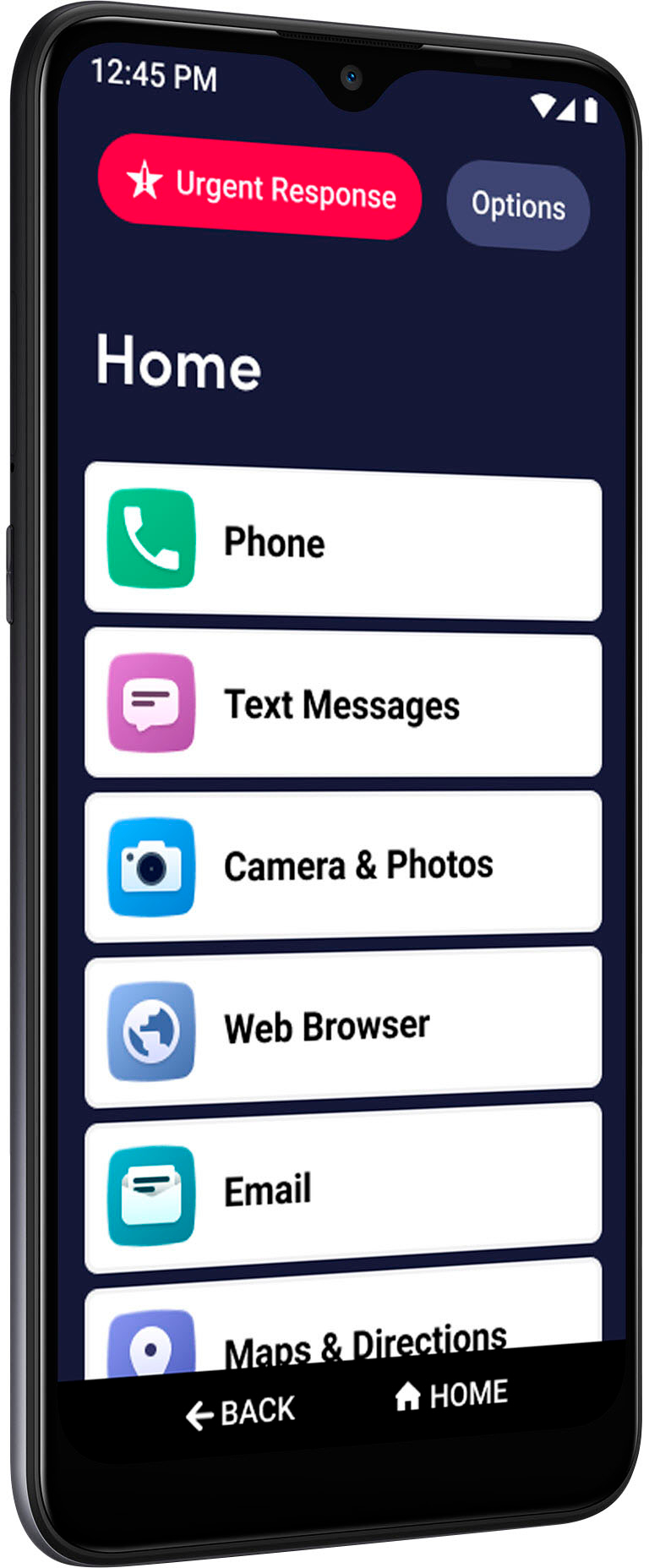
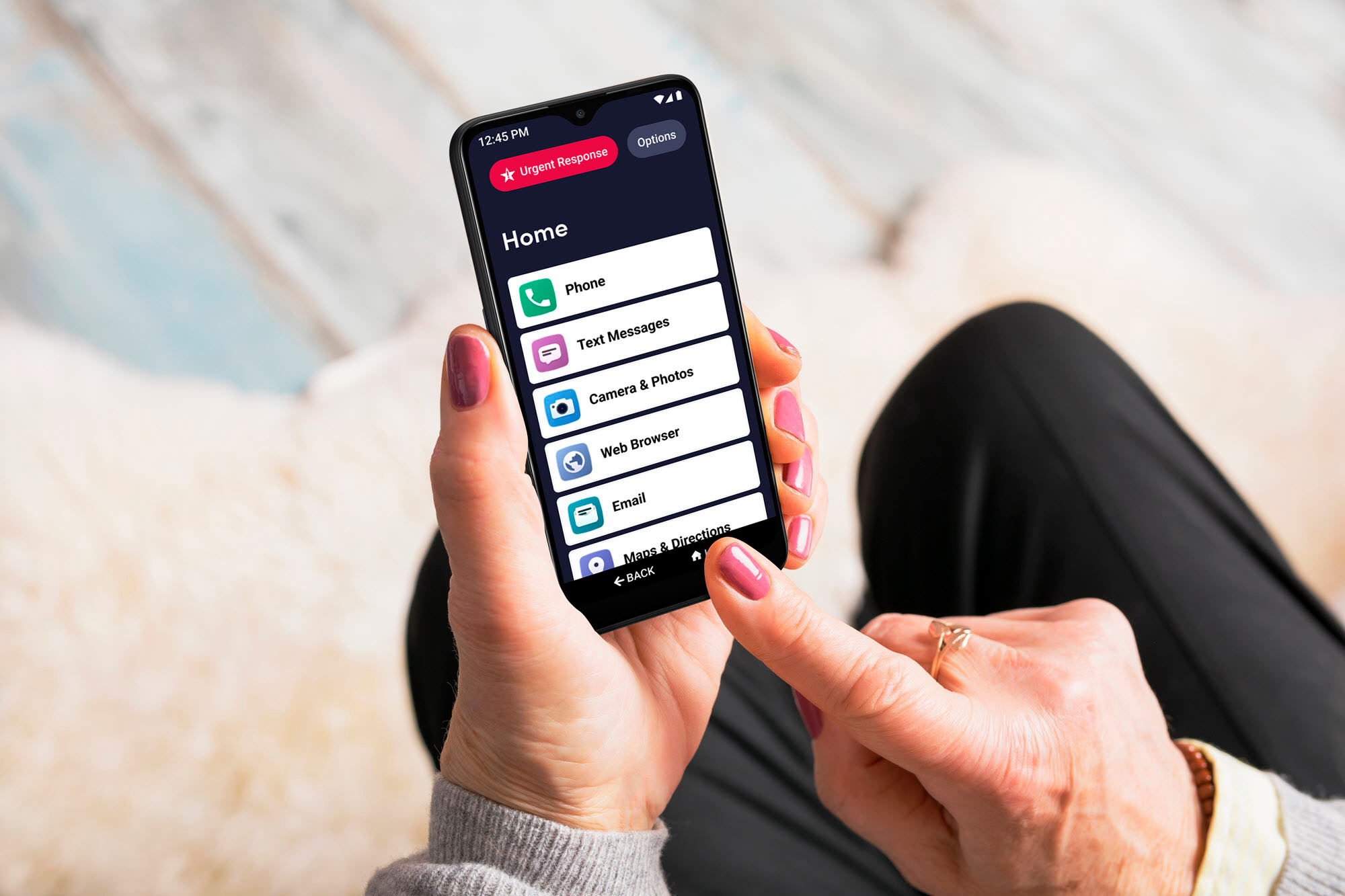
A:Answer I have just been trying to figure this out. It has something to do with "split screen" mode of operation. When you are on your home screen, tap Options, and then tap Task Manager. Your recently opened apps should appear. You should be able to scroll through them left to right. For example, I had Maps & Directions pulled up earlier. I find that page in the Task Manager and tap the Google icon at the top of that page and I see App Info and Split Screen. I tap Split Screen and then I find the page where I was texting and tap it. This splits the screen where I have the Google navigation maps in the top half of the screen, and the Text Messages app in the bottom screen. If you change the orientation of you phone, the screens will split left and right. I don't think there is any way to use multiple windows like you do on a computer. To go back to the regular screen, just drag the dividing line all the way to one side (or top or bottom) and hit the Home button. You should be back to your regular single screen. Since you have the same phone, it seems that this should work. I really knew nothing about this, but I got on my computer and started looking for some ideas. If you play around with this for a while you may get it to work too.