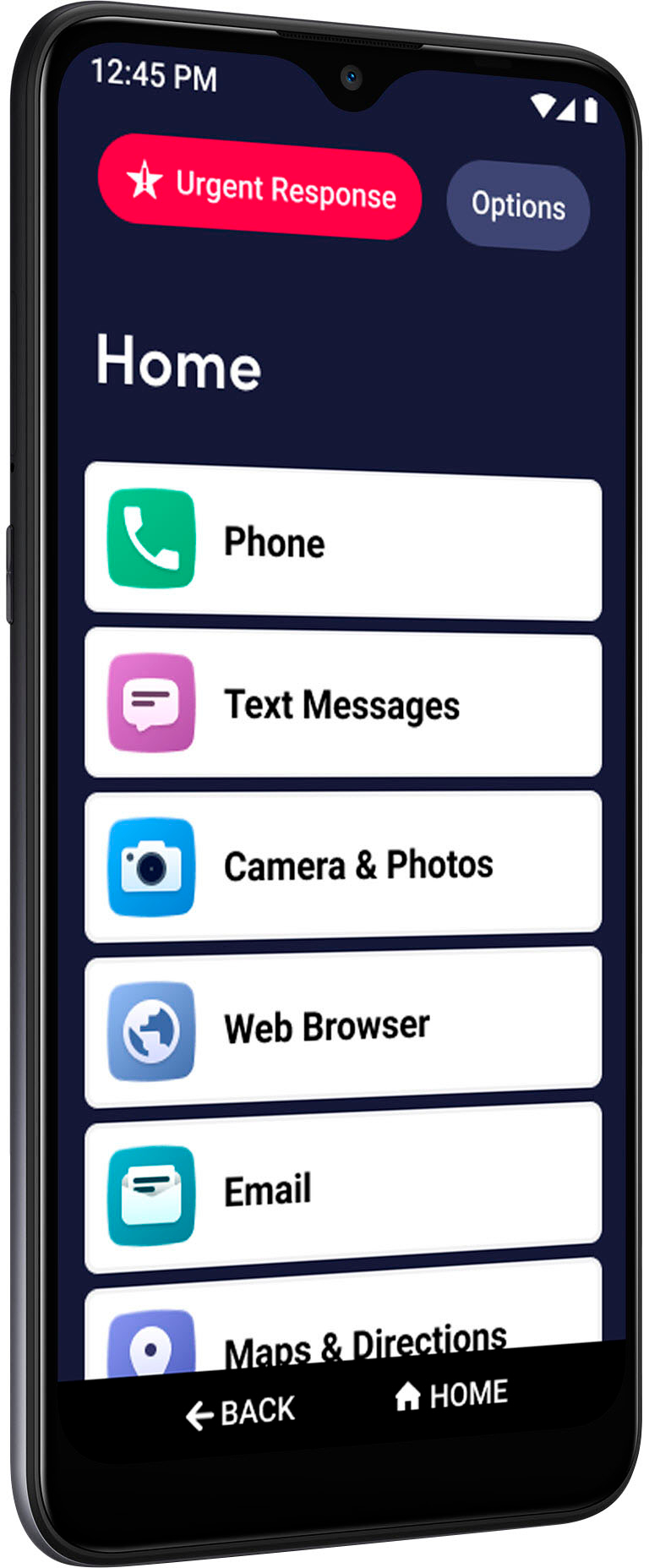
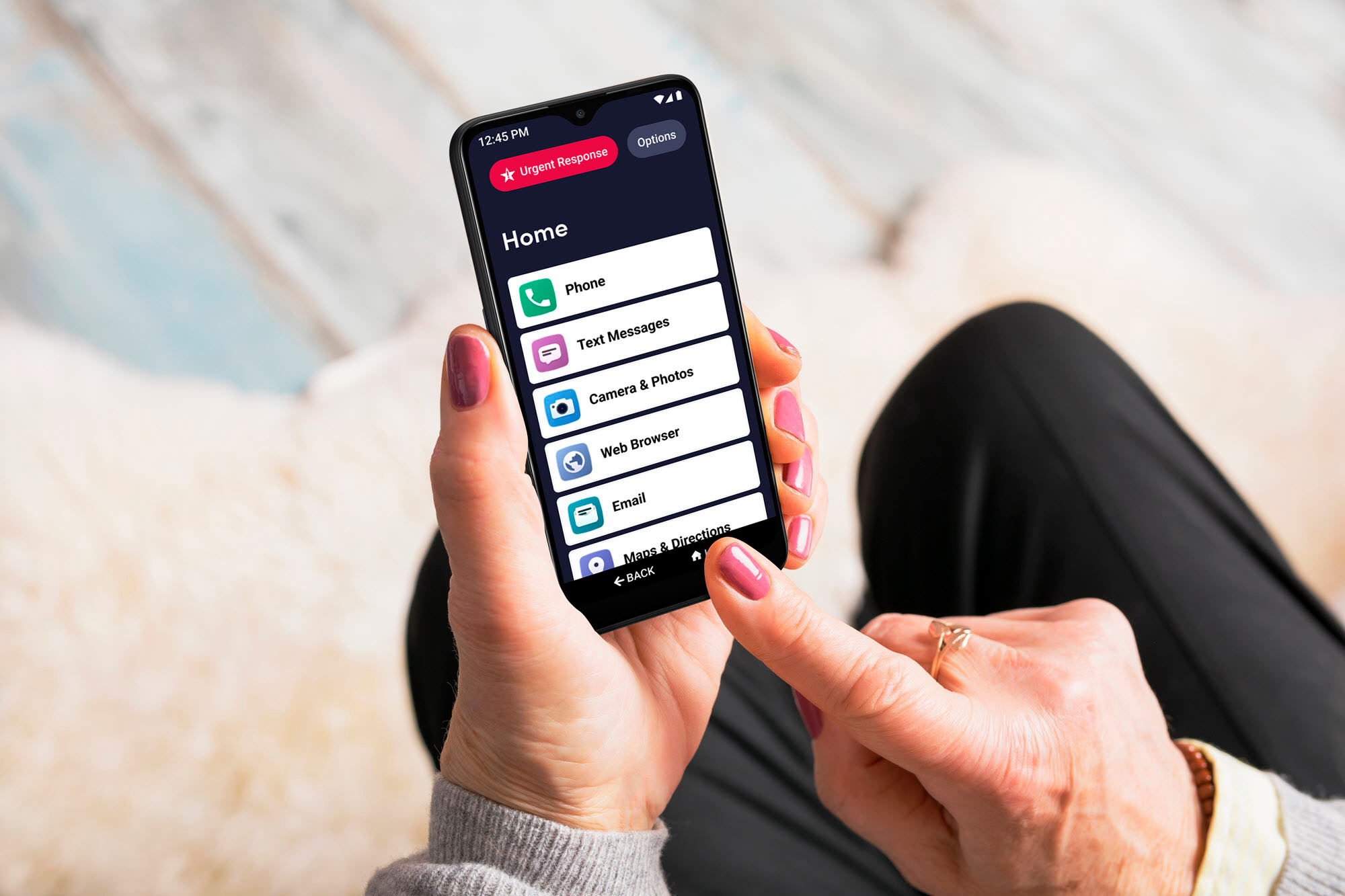
A:AnswerThank you for asking, CJ! The Jitterbug Smart3 has an internal storage capacity of 32GB with the ability to expand the memory up to 256GB, with the use of a Micro SD memory card. The Jitterbug Smart2 has an internal storage capacity of 16GB with the ability to expand memory up to 32GB, with the use of a Micro SD memory card. For more details on our products, please visit the Support page of our website.
A:AnswerGreat question! Yes we are able to setup a data limit feature that is available at no additional cost to you, this will help prevent any overage from occurring when set up on a limited data plan .
A:AnswerIt does take SIM card. The phone was supposed to be unlocked and thats questionable. After getting it set up he has a orange line with message saying something wrong. So after looking on line I found out it’s not compatible with ATT that’s our carrier So I was absolutely told wrong at the store. And text message it dings one time and it’s not very loud. He is totally frustrated with the phone
A:AnswerWe are so glad you asked. Yes, Contacts are listed within the Phone app. Another great thing about the Lively Smart is the order of the apps on the home screen is customizable, so you can prioritize Contacts to the very top if you’d like!
A:AnswerThe new Lively Smart operates off of Android 10. All of the previous generations of Jitterbug and Lively phones will accept system updates to your device if they are available. Since you are an existing customer, please give us a call so we can assist you!
A:AnswerGreat question! The Lively Smart comes preloaded with Brain Games powered by Posit Science®, a fun way to help sharpen your focus and improve your memory. Your mother-in-law will also have access to the Google Play Store to download the games she enjoys.
A:AnswerThank you for inquiring about the camera. The Lively Smart phone's camera includes dual camera with 13 MP auto focus and 5 MP fixed focus with flash and the front camera includes 5 MP.
A:AnswerYes, Alexa is compatible with Android 5.0 or higher. The Jitterbug Smart3 operates on Android 10. For more details on the Jitterbug Smart3, please visit the Support page of our website.
A:AnswerOpen Settings> Advanced Settings> Home screen & lock screen> Default home app> then select between Android Experience or Lively Experience. I hope this helps others who hate the Lively home screen.
A:AnswerHello, the Lively Jitterbug Smart3 does come with a battery. If you already have a Lively Jitterbug Smart2, after you purchase the Smart3, your current Lively Jitterbug phone number can be transferred, and the instore staff can assist you. If you need any further assistance, please call us at 1 800-733-6632, between 6am and 6pm Pacific time.
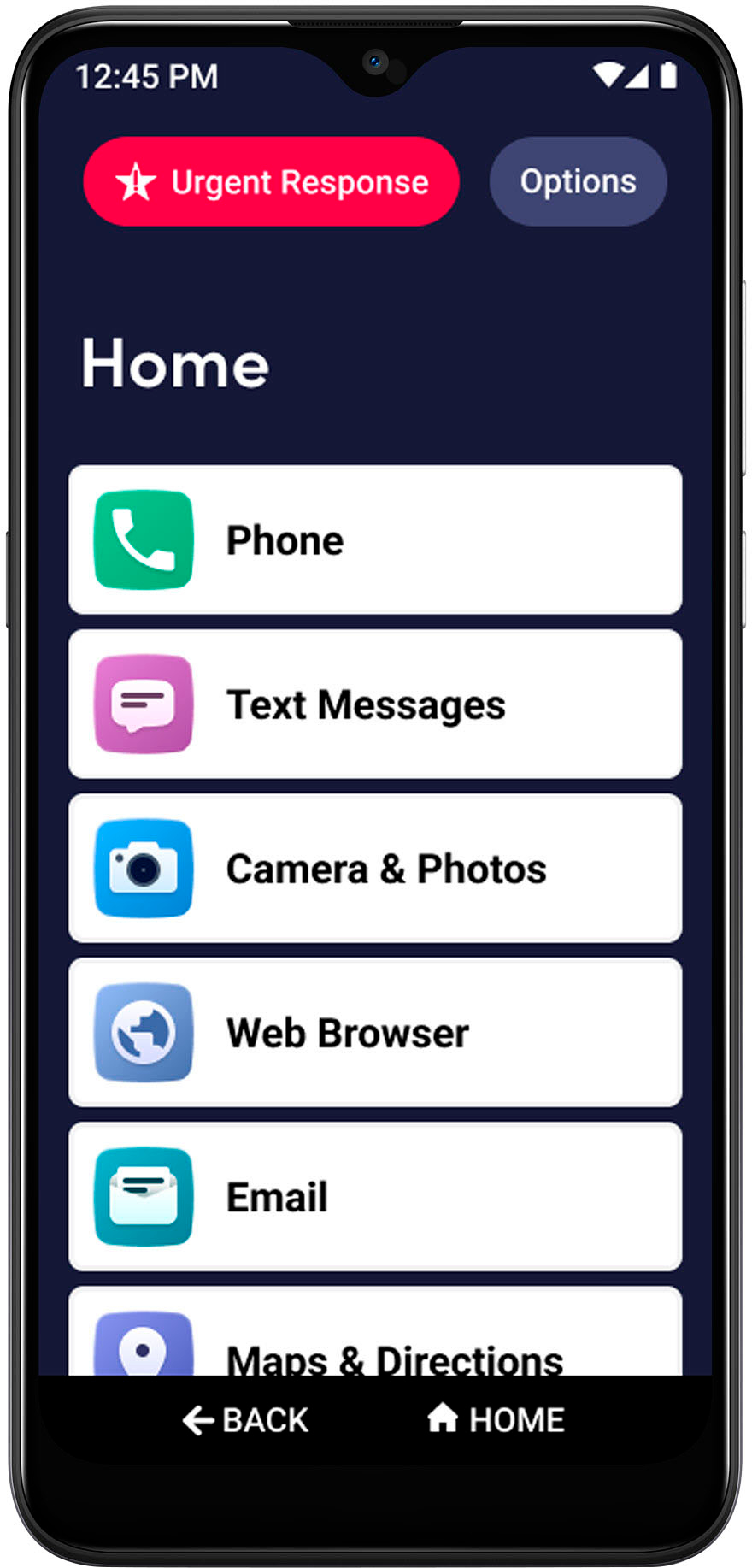
A:AnswerFrome the phone number transfer worksheet, they ask:
name of account holder
phone number you wish to transfer
service provider name
account number
account password or pin
last 4 digits of account holder's SSN
billing address on acount
If you have Verizon, you have to go to Verizon first and get a "transfer account number" or something like that, that is generated on the Verizon website.
I don't think anyone at Best Buy can help with any of that--they will just give you Lively's number, and you will be on hold for a very long time. Bring your patience!
A:AnswerGreat question! The Lively Jitterbug Smart3 comes with a USB type-C cable packaged with the phone. If you need an extra one, that is what we would suggest using.
A:AnswerPressing then 5 star button is like calling an alarm company -- they answer and ask what you need -- police, ambulance, etc. If you hang up, they call you back to make sure you are okay. If you don't answer, they call anyone you have listed as a contact. They sent the police once to check on me because i never heard my phone ring and my roommate didn't know where I was. My cat has pushed the 5 star button SO MANY TIMES and i have never had any negative repercussions.
If you want detailed answers on how the other services work, it's best to read the descriptions on the lively website and then call their customer service if you still have questions.
A:AnswerThe storage capacity on the Lively Smart phone is 32GB of internal memory and expandable up to 256GB. The Lively Smart does have pre-installed applications to play music, such as Play Music and Radio. You can also download music apps from the Google Play store. For information about the iPhone please check with that manufacturer.
A:AnswerAs far as I have explored, the Lively phone has apps such as weather, calculator, FB, google maps & directions, personal operator for Lyft ride share and others. I have no knowledge nor discovery that there is Bluetooth.
A:AnswerHello, great question! With the Jitterbug Smart3 you can send group text messages. Here is how: 1. On the Home screen, TAP Text Messages. 2. TAP Create a New Message. 3. TAP Create a Group Message. 4. TAP Add People, then TAP either Choose Contact or Enter Phone Number. 5. Compose your message using the On-Screen Keyboard or with Voice Typing. 6. TAP Send. These instructions can be found in the user guide packaged with the phone on page 77, and the user guide can also be viewed on the “Support” page of our website.