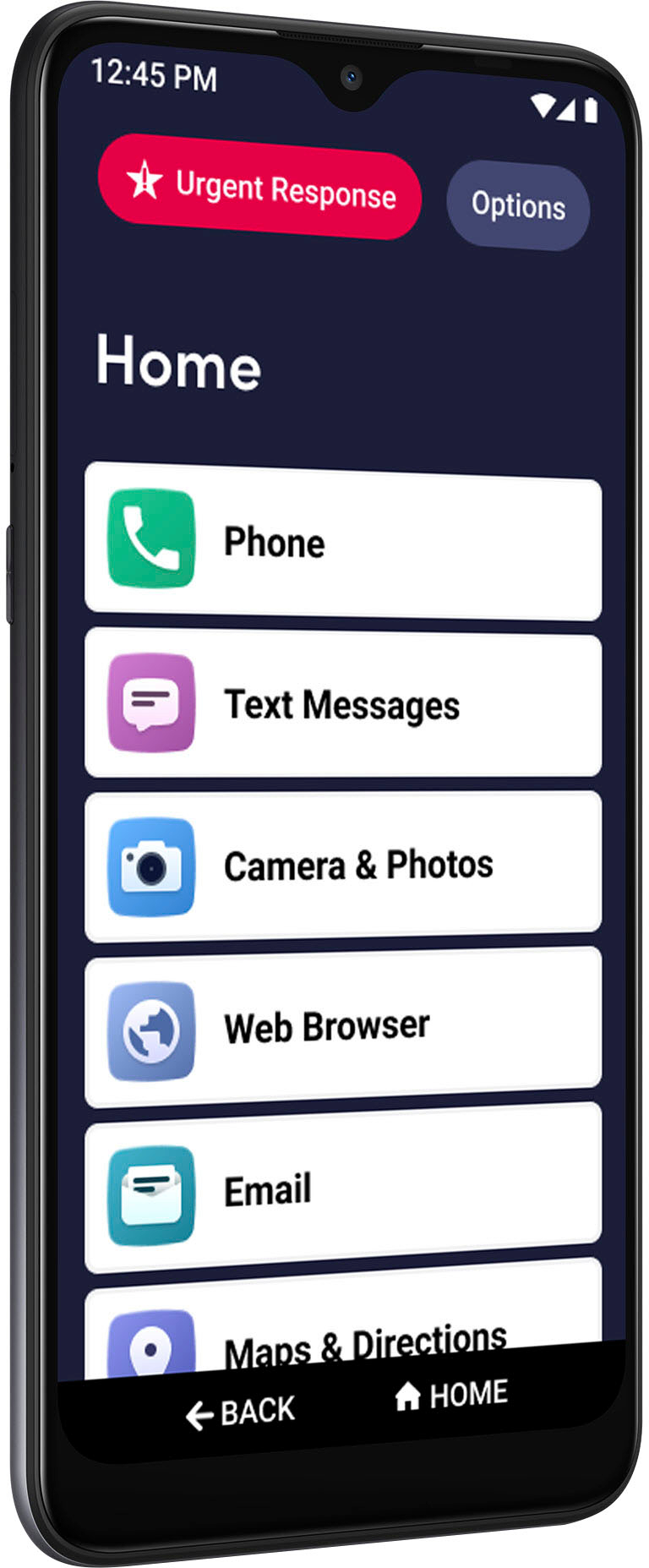
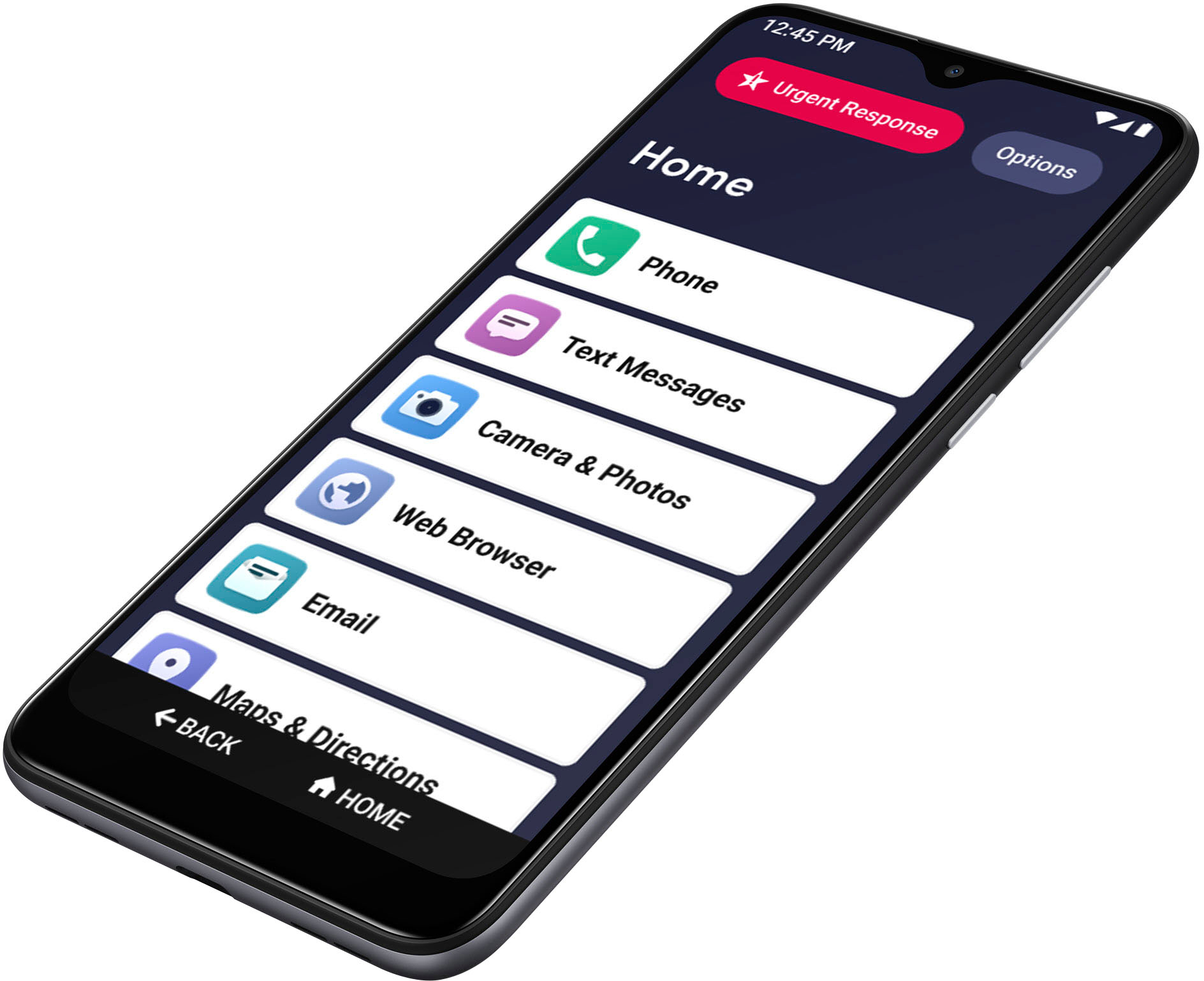
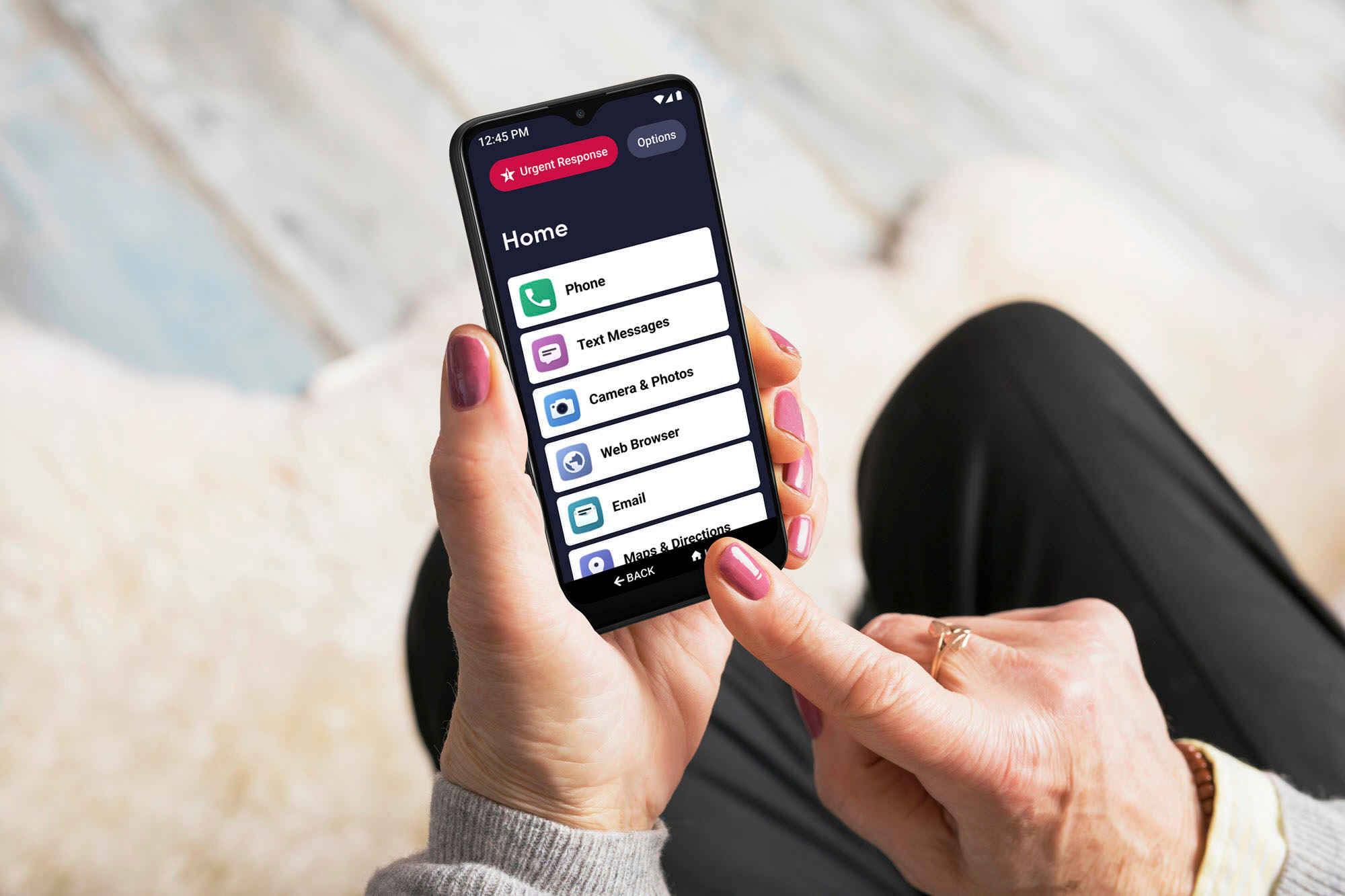
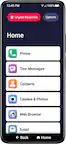
A:AnswerI have just been trying to figure this out. It has something to do with "split screen" mode of operation. When you are on your home screen, tap Options, and then tap Task Manager. Your recently opened apps should appear. You should be able to scroll through them left to right. For example, I had Maps & Directions pulled up earlier. I find that page in the Task Manager and tap the Google icon at the top of that page and I see App Info and Split Screen. I tap Split Screen and then I find the page where I was texting and tap it. This splits the screen where I have the Google navigation maps in the top half of the screen, and the Text Messages app in the bottom screen. If you change the orientation of you phone, the screens will split left and right. I don't think there is any way to use multiple windows like you do on a computer. To go back to the regular screen, just drag the dividing line all the way to one side (or top or bottom) and hit the Home button. You should be back to your regular single screen. Since you have the same phone, it seems that this should work. I really knew nothing about this, but I got on my computer and started looking for some ideas. If you play around with this for a while you may get it to work too.
A:AnswerThis is a great question! It sounds like you are completing the activation process. There should be a button that allows you to "skip". Once you complete the activation you are able to select settings and data and sign into your WIFI network.
A:AnswerTake your lates bill from Spectrum if you have Best Buy's
tech assistance plan. Otherwise, have the salesperson
explain what you have to do. There is also a "how to
start" booklet in the box the phone comes in.
It takes a few days for the old account to be closed and the
new phone to work with the transferred number. In the meantime Lively (jitterbug) will give you a temp phone no,to use your new phone.
A:AnswerGreat question! Lively allows you the option to transfer your cell or home phone number, as long as your number is still available. There are instructions on how to do so included with the box -- just make sure you do not cancel your previous service until the transfer is complete. To enjoy exclusive features that are only available on the Lively network, activate with Lively by phone or on the Lively website.
A:AnswerLively has a $35 activation fee for each new Line of Service (LOS).
As for shipping, it depends on speed of shipment, and usually for new devices, they will often offer free shipping.
Taxes vary state to state, as all phones are assessed taxes for local, county, state, and federal taxes that are required to be charged for each device/account. The final total will be given on the first months bill.
A:AnswerAs a Lively agent, you should still be able to contact us here at Lively to make a payment. You can call Customer Care at 800.733.6632, and make a payment via the phone system, or talking to one of our live agents ($5 fee is assessed for agents taking payments over the phone).
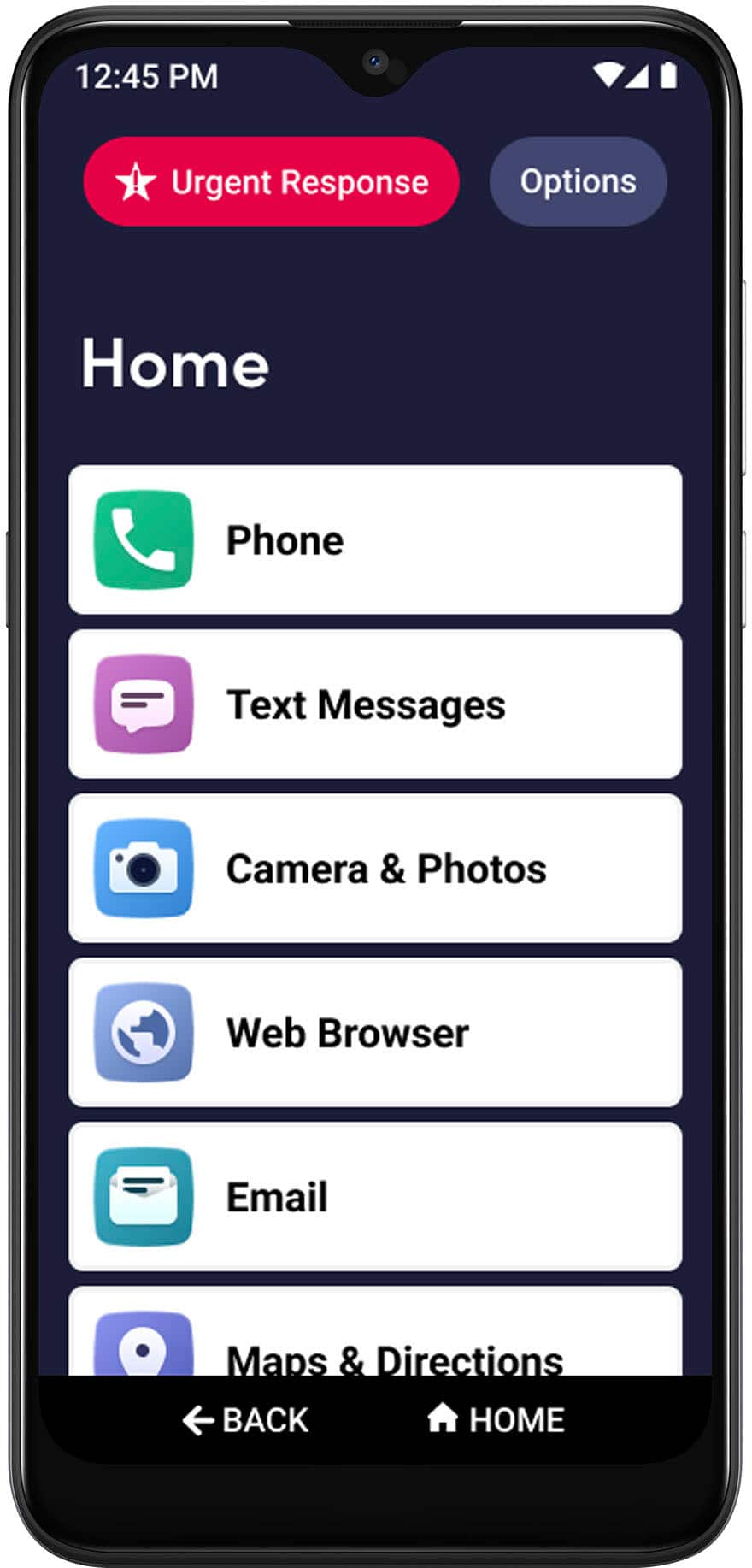
A:AnswerThank you for your question. The Jitterbug Smart 3 phone has the Google Play store which allows you to download apps to the phone. We suggest you check with the manufacture of the camera for the specific software requirements of the phone.