A:AnswerThis option is to help with people who have a risk of falling, etc. and may need assistance. For more information recommend going to the Lively website. There they have details for the three levels of support available.
A:AnswerNot sure on how best to answer this question.
We purchased the phone for our mother who currently uses Verizon. We were told by a representative at the Verizon Store the phone could not be swapped to their service. It was not clear if this was based on not being able to unlock the phone or some other technical issue.
Hope this helps!
A:AnswerThe phone says it will make calls through WiFi when Verizon's signal is weak (which it almost always is in this county), and asks the user to enable WiFi - even though WiFi is already enabled and connected. Clicking "ENABLE" does nothing except clear the dialog containing the ENABLE button; you still cannot make a phone call through WiFi. In general, I have found Lively service, and the Jitterbug's Android software to be extremely weak. I may ditch it, in favor of a more expensive (but also more capable) option.
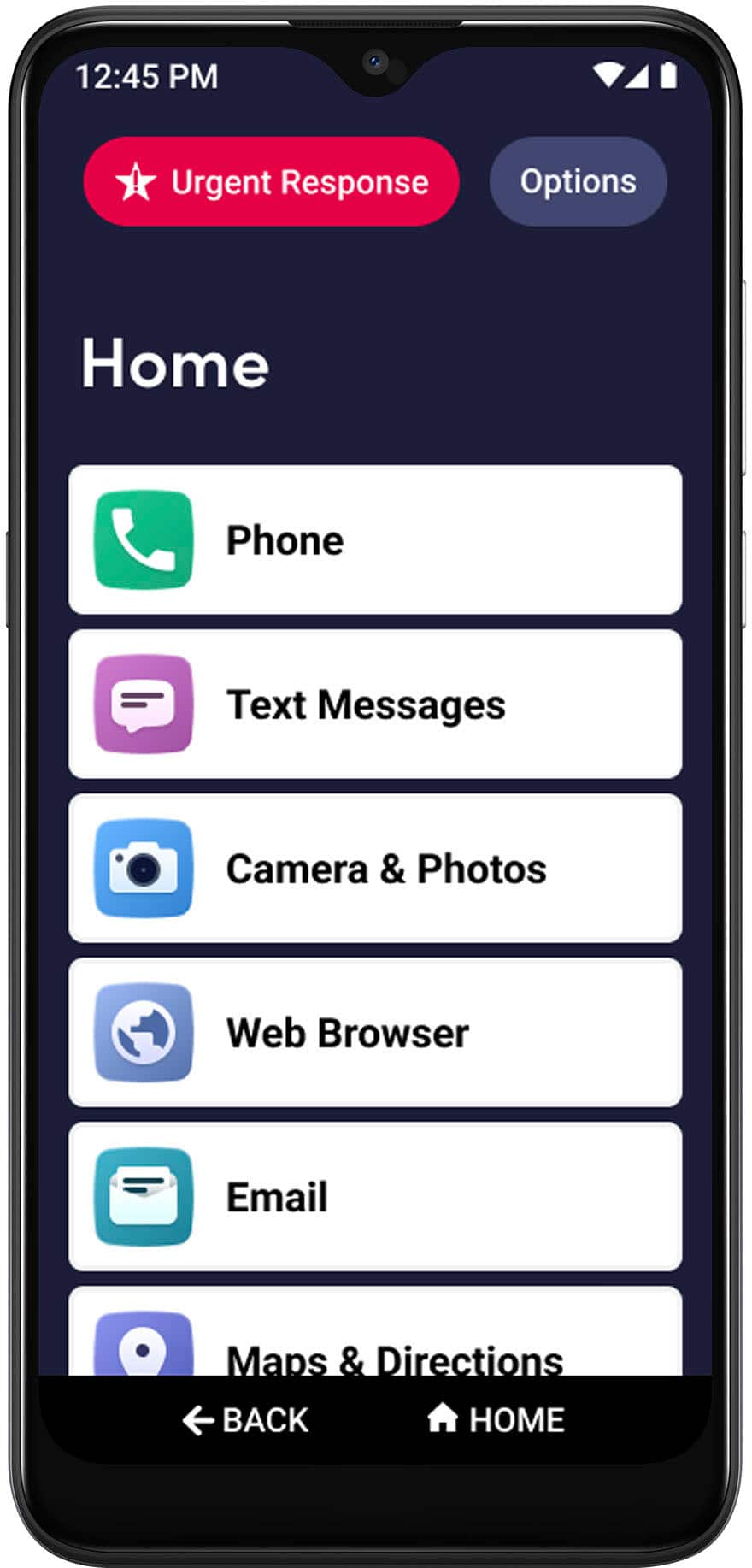
A:AnswerGreat question! You are able to set a lock screen to prevent accidental dialing and provide an extra layer of security if you misplace your phone.
A:AnswerI have no idea......I probably will be going back to BEST BUY to sign with another company.....the first person I spoke with at Lively was foreign and was very rude and impatient with me, as I don't understand this technology and asked him to remove me from Facebook......as of now, they have not removed me they have completely changed my whole phone ...... I wish you luck if you speak with them.....I see on TV for Lively, they also sell hearing aids.....Have had lots of problems since i asked them to remove me from Facebook!
A:AnswerIt uses Goggle. You can download any game or app available from Goggle App Store. You can access the internet like other phones so Facebook is available.
A:AnswerGreat question. The Jitterbug Smart3 uses a (USB-C connection) requiring the user to manually plug a micro USB cable from either an AC charger or Car charger into the bottom of phone.
A:AnswerWe don't know, we have had ours for 1 month & the wife still cannot figure out how to use the thing. Every time she makes a call it hangs up on her. the longest call she made was 15 seconds before it hangs up on her.
It's not even worth using, get an iphone.
A:AnswerGreat question! If you are using a Google account on your current smartphone and have backed everything up, once you log into your Google account on your Jitterbug Smart3 phone, those items should be available.