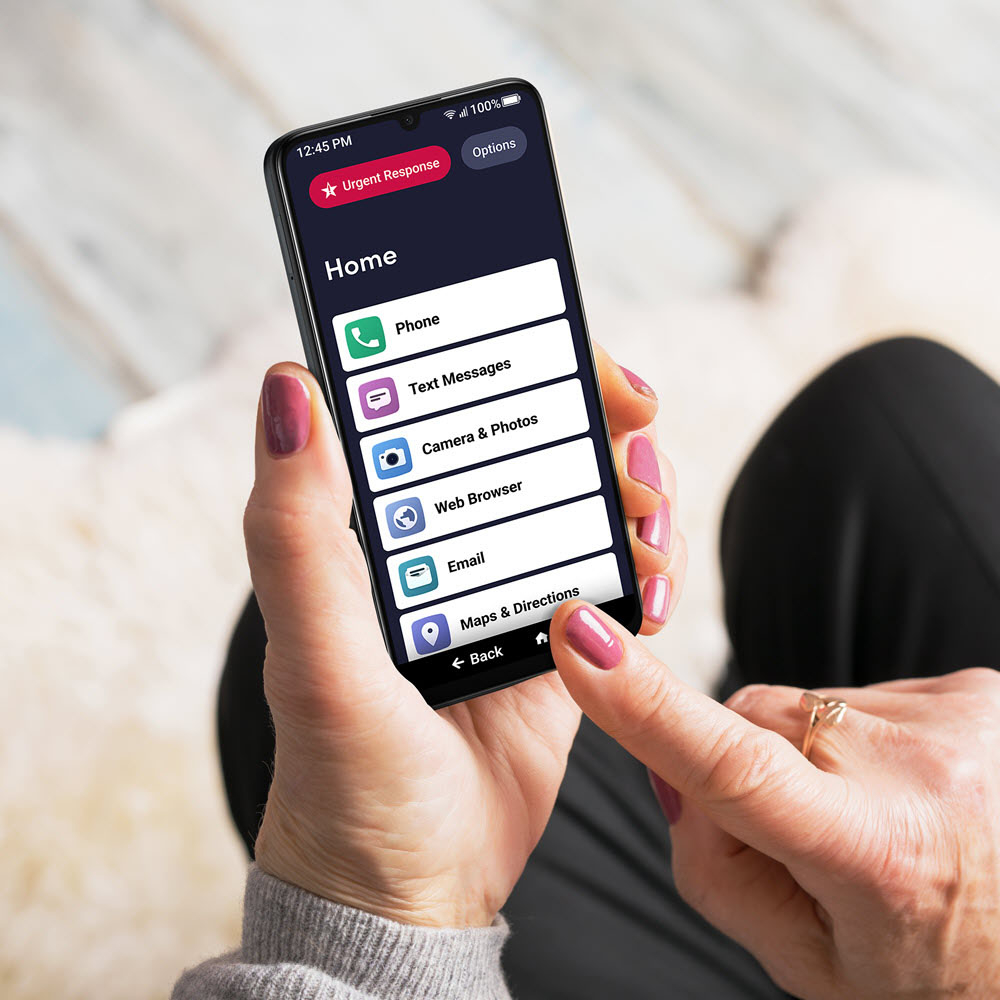
A:Answer A complete failure for seniors with hearing loss. This phone is marketed for seniors, but it is completely useless for anyone who is hard of hearing. The volume is shockingly low. We tried using the speakerphone, but it made no difference. It was so quiet that even family members with normal hearing couldn't make out the words. For my dad, it was essentially silent. Combined with severe setup issues and getting wrongfully charged four times after canceling the plan, this has been a horrible experience. Save yourself the stress and avoid it.