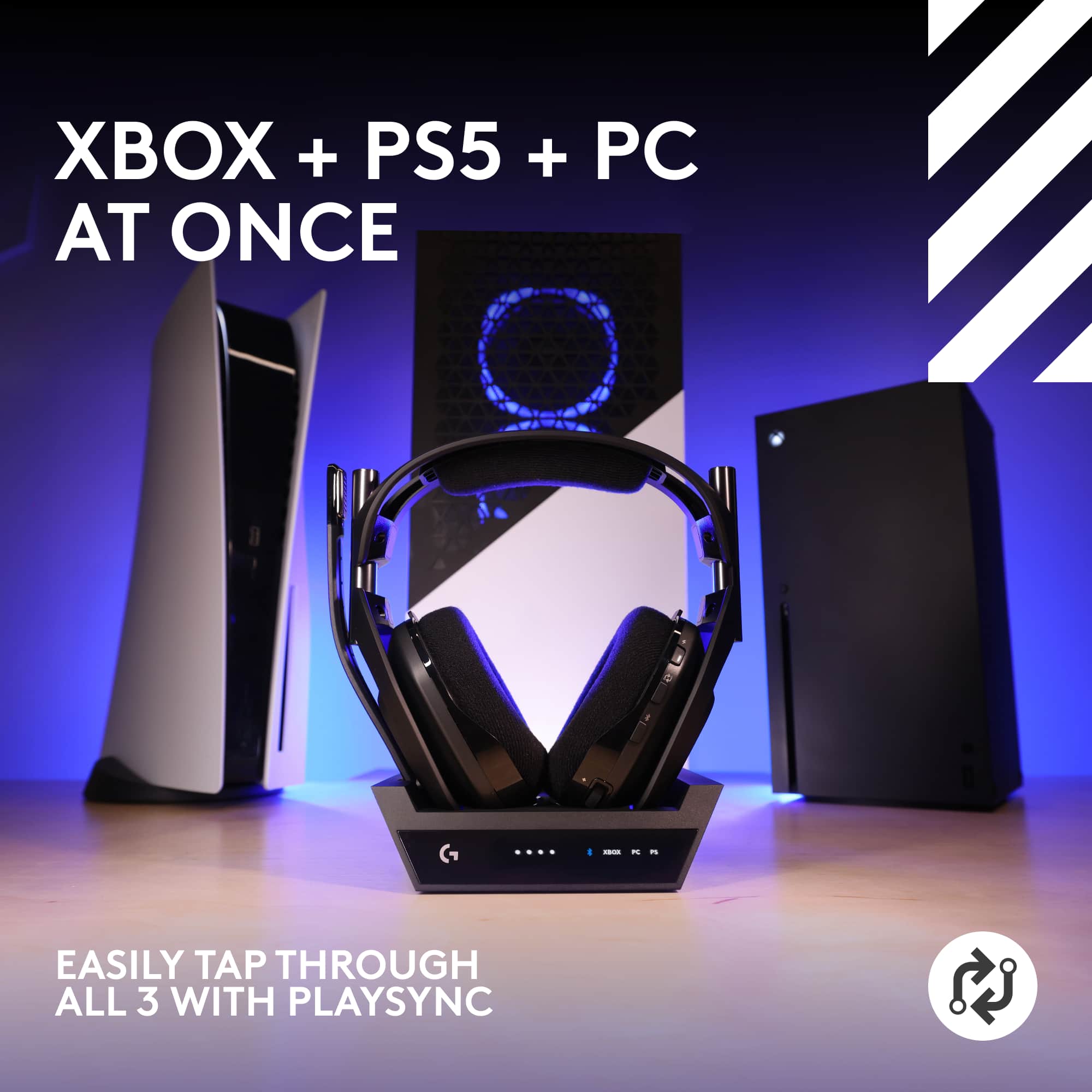
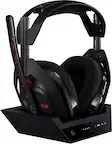
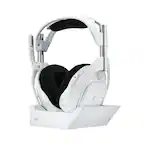
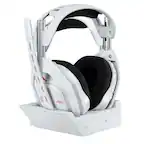
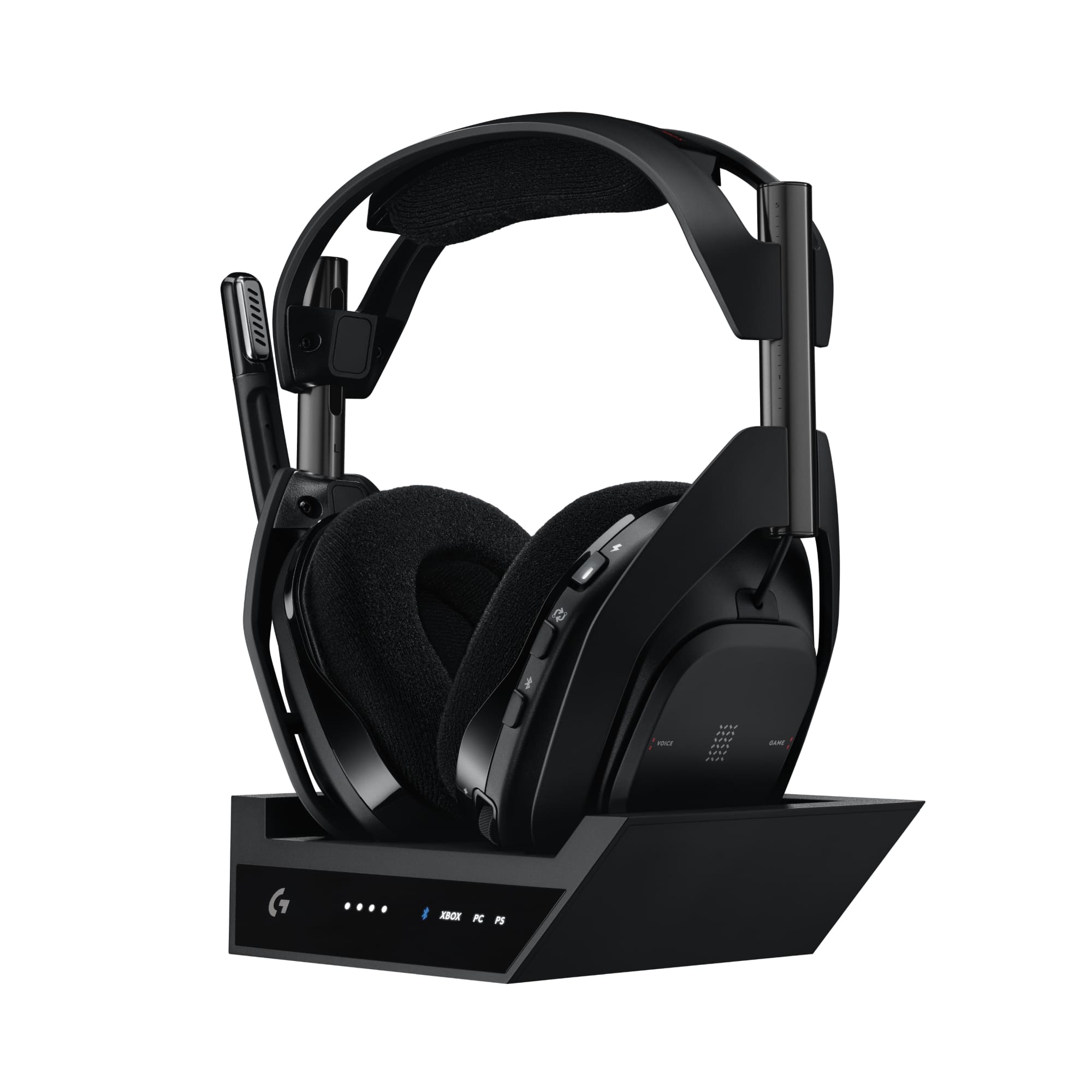
A:AnswerHey! Astro A50 X offers two connection methods for Xbox Series X:
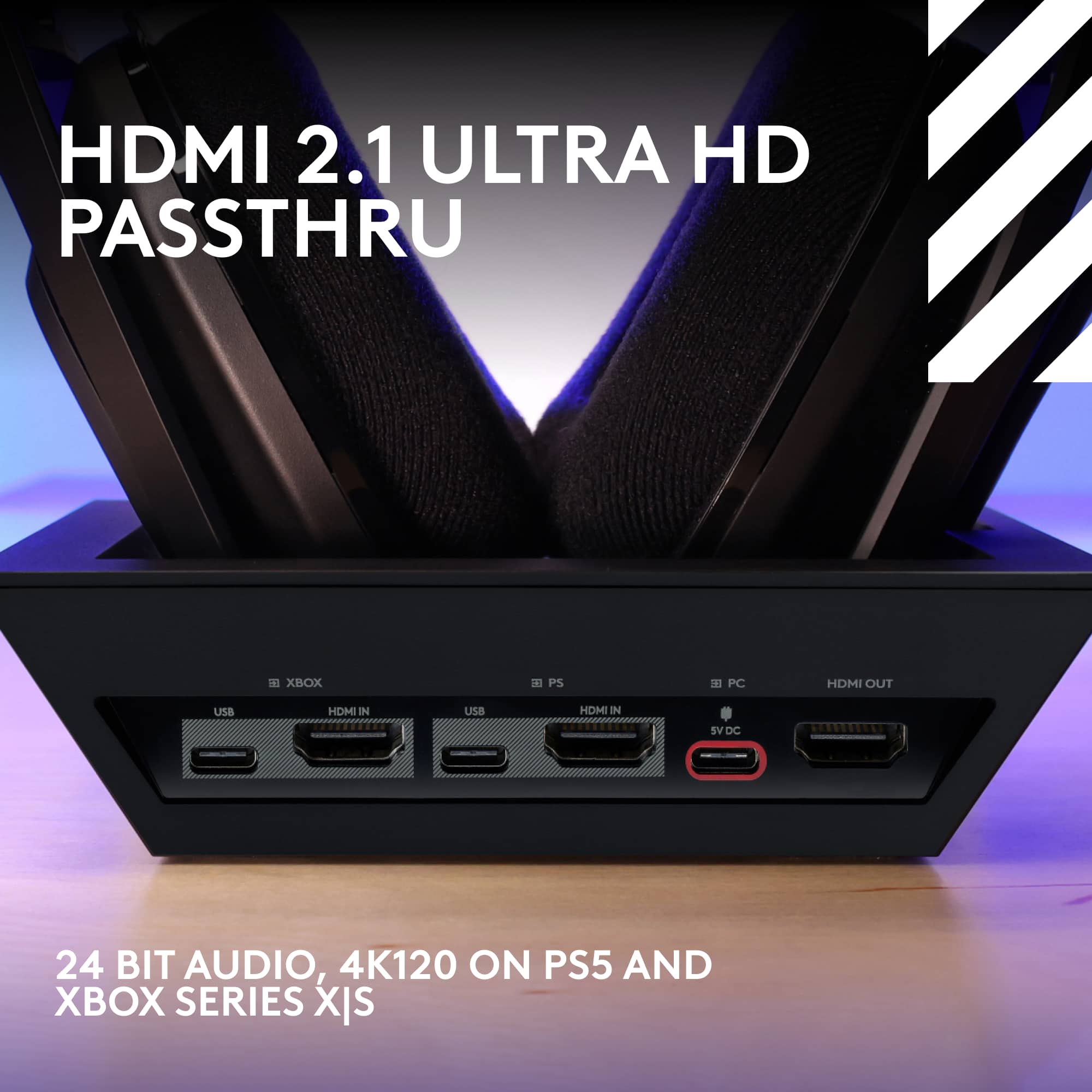
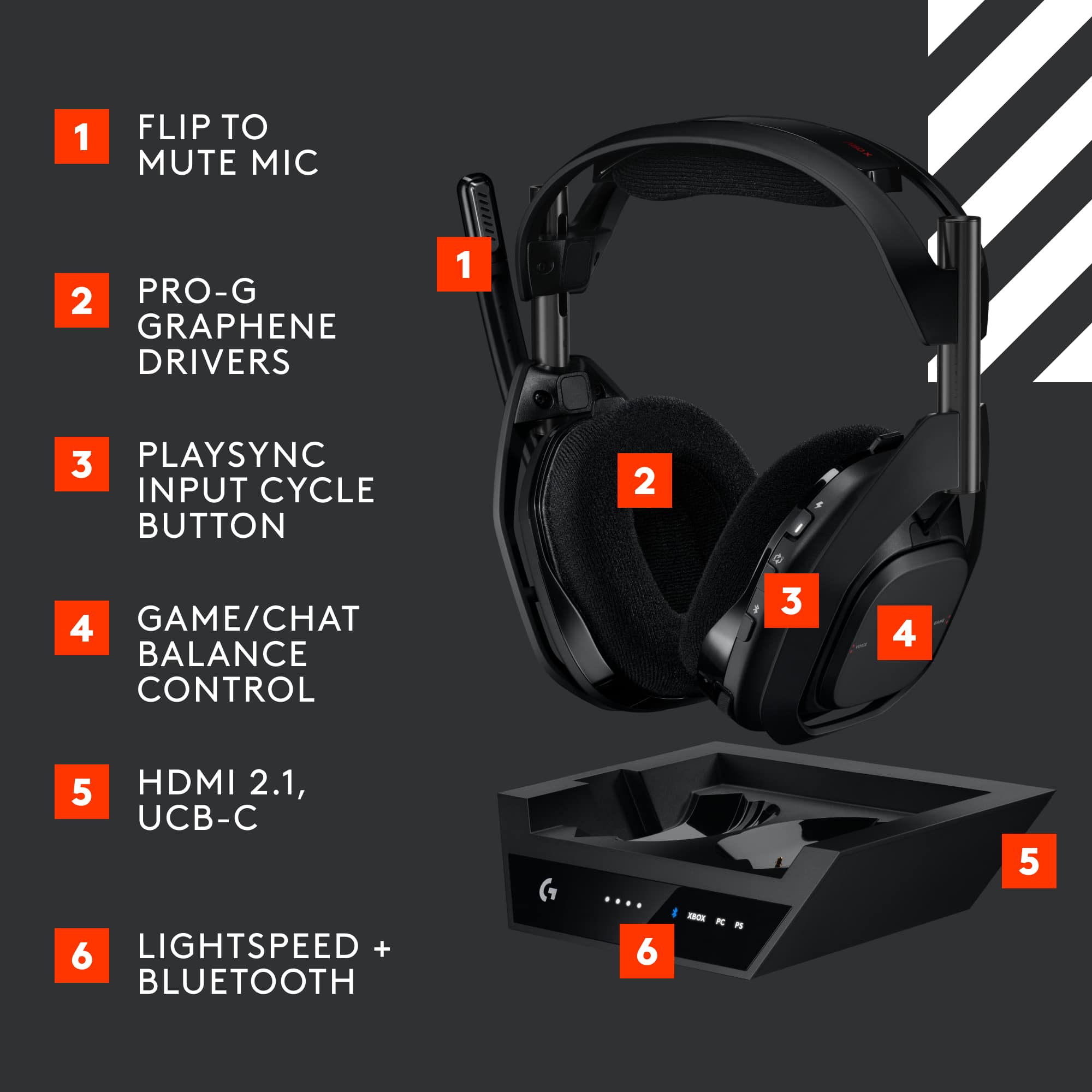
1. Both HDMI & USB (Recommended): Enables Dolby Atmos, 4K 120Hz passthrough, and game/chat balance control.
2. USB Only: Simpler setup, but limited to stereo audio and lacks features like Dolby Atmos.
A:AnswerYou must download the Dolby app on Xbox. If you turn on your headset, follow the steps on the app once you open it. You will also have to go to the console settings
A:AnswerHey! Thanks for asking. Many Logitech products are in high demand and we're working to meet the increased need as fast as possible. Thank you for your patience and please continue to check www.logitechg.com as it will be updated as soon as products are available.
A:AnswerYes it is gone. The surround sound is controlled from the console/pc side now. It is determined by the output on the console/pc. PC/Xbox will output in Dolby atmos whereas ps5 will output via the 3d audio setting for Sony Tempest 3d audio.
A:AnswerThat's unexpected! In order to help you effectively, please provide your information to our support team via email at [email protected] with your
- Name:
- Email Address:
- Country:
- Product Name:
- Brief description of issue:
A:AnswerNo it is not possible to connect the A50 X to the GoXLR. Since A50 X primarily connects through LIGHTSPEED or Bluetooth that requires the A50 X's base station.
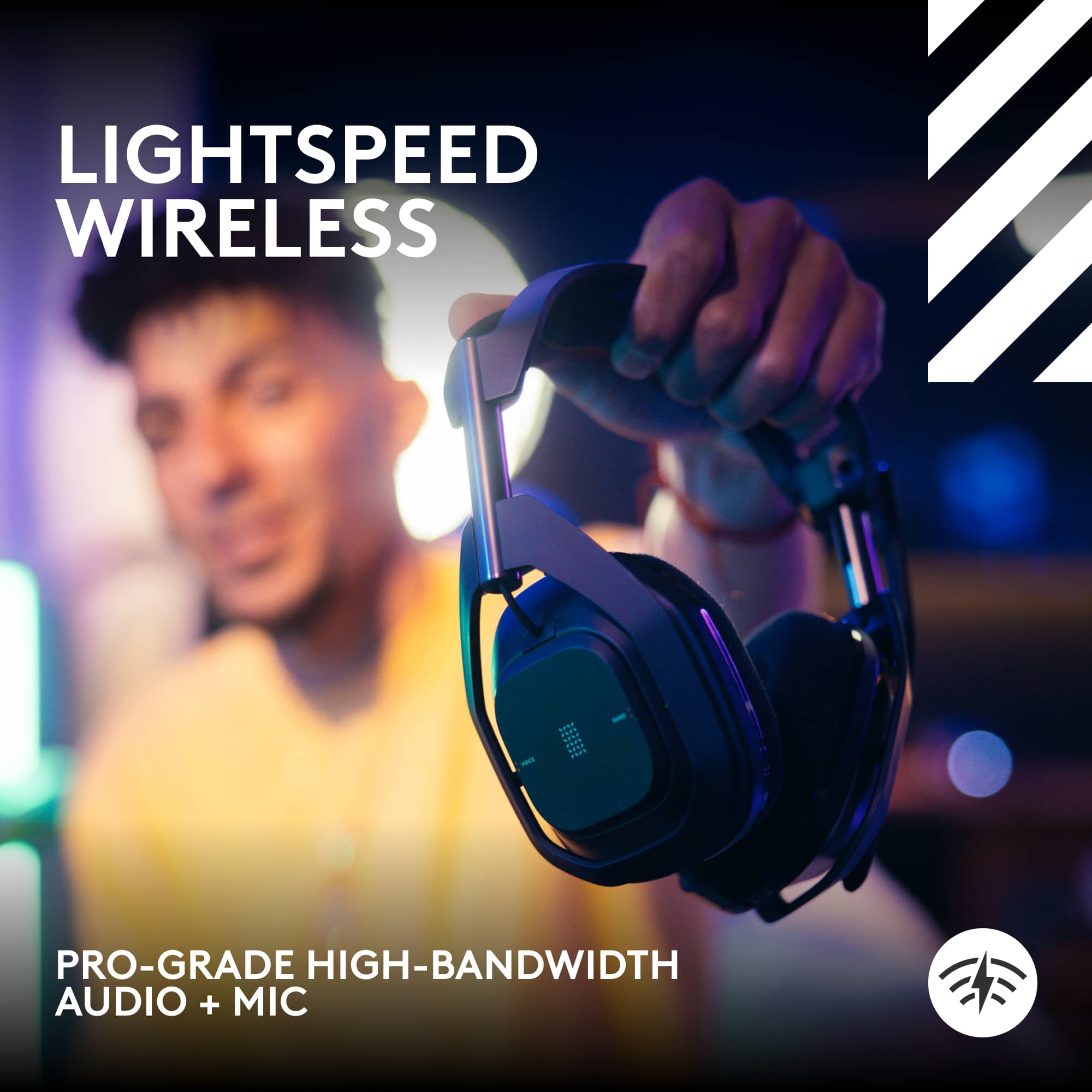
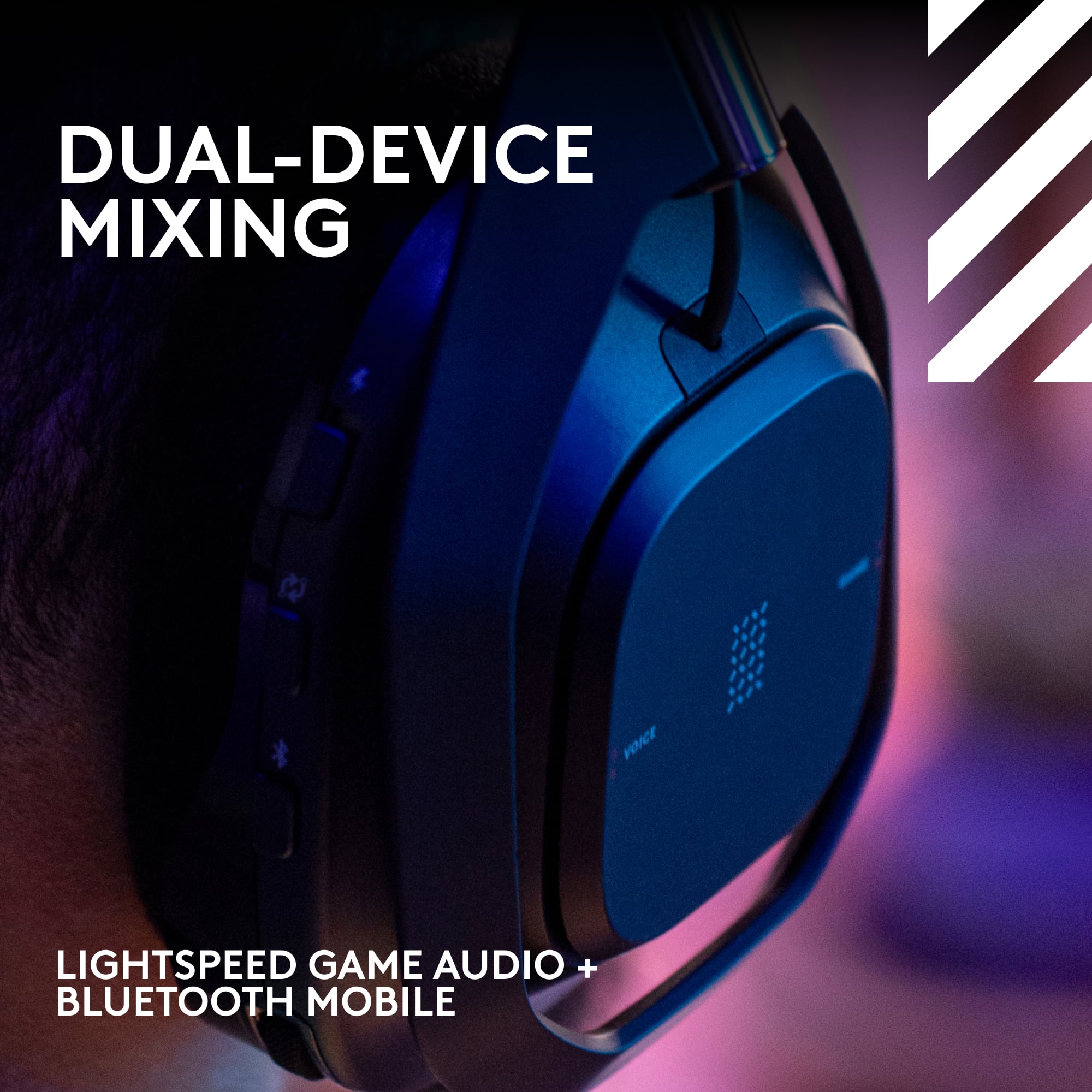
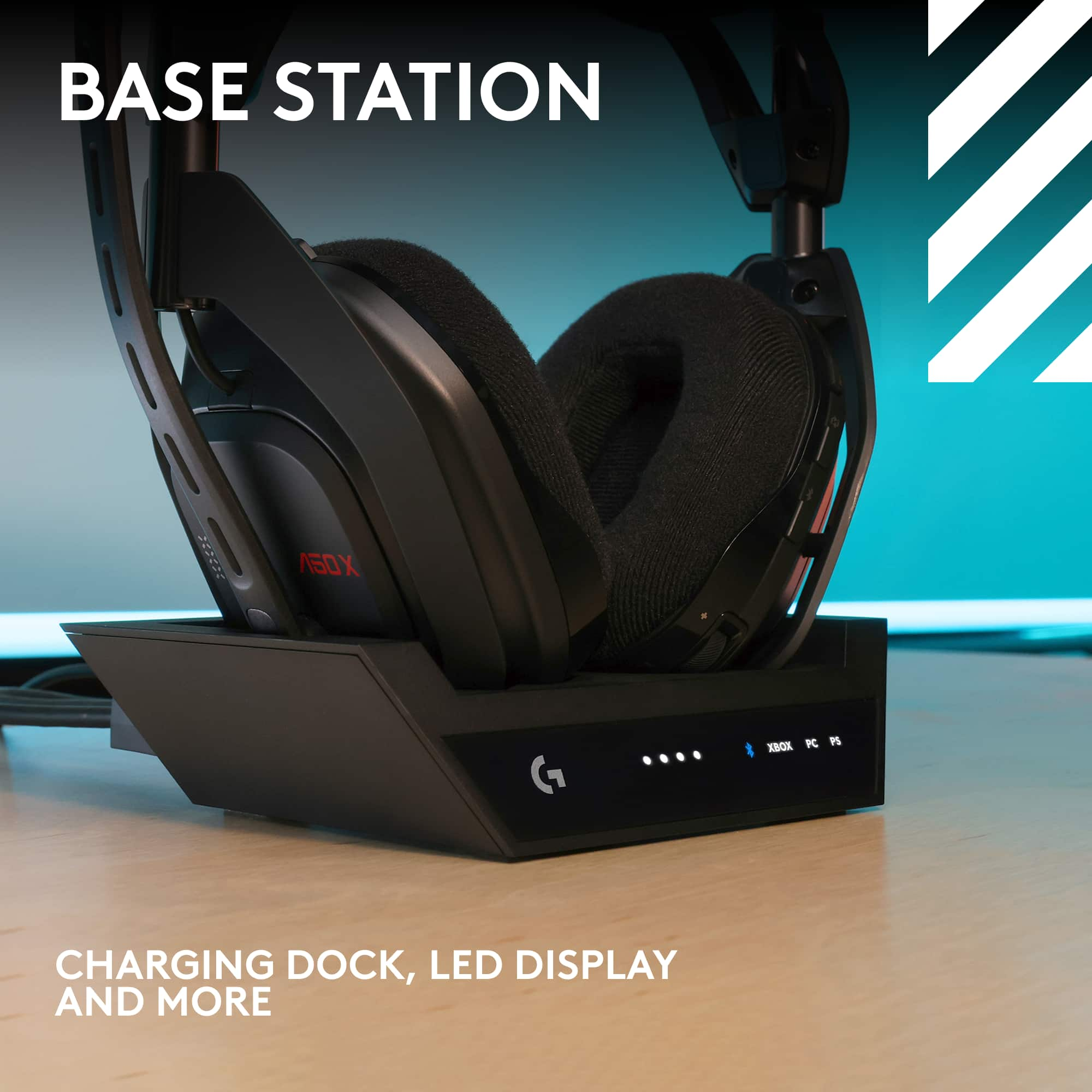
A50 X Base Station enables simultaneous LIGHTSPEED + Bluetooth® connectivity. Mix your phone audio, like Discord chat, into your game. Also, connect to your Switch or any other Bluetooth-compatible device. Max out your wireless audio loadout.
A:AnswerHey! To get that issue resolved, we recommend reaching out to our social care team via email at [email protected] with your
- Name:
- Email Address:
- Country:
- Product Name:
- Brief description of issue:
A:AnswerHey! A50 X Base Station enables simultaneous LIGHTSPEED + Bluetooth® connectivity. Mix your phone audio, like Discord chat, into your game. Also, connect to your Switch or any other Bluetooth-compatible device. Max out your wireless audio loadout.
A:AnswerHey! The device is compatible only with: Xbox Series X|S or Xbox One console and a USB port
PlayStation® 4 or 5 console and a USB port
HDMI cables required for full experience, optimal video passthrough requires HDMI 2.1 certified cables
PC with Windows® 10/11 or later and a USB 2.0 port
mac® OS 13 and above
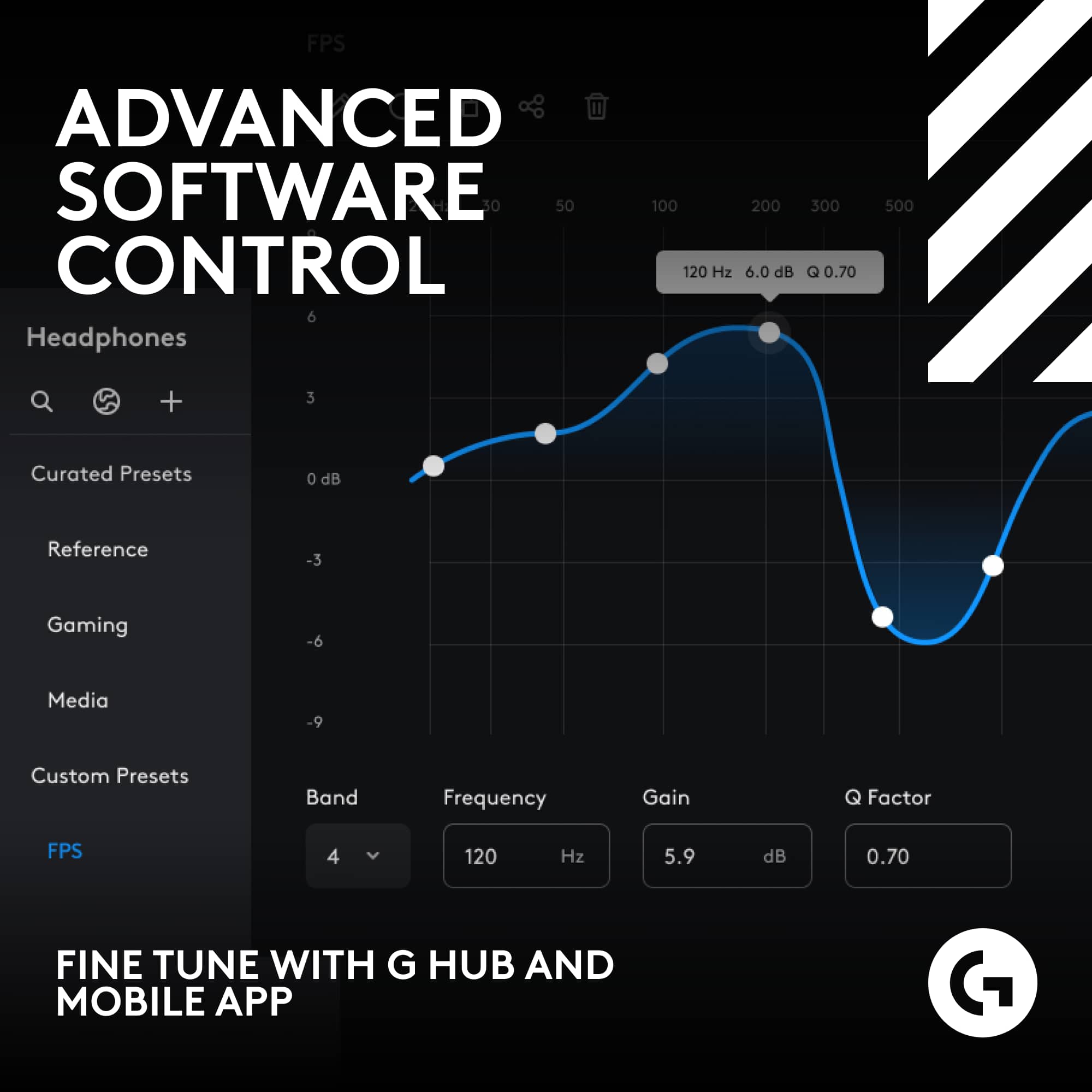
Internet access required for G HUB, Logitech G Mobile App, and Dolby Atmos feature for Xbox and Windows