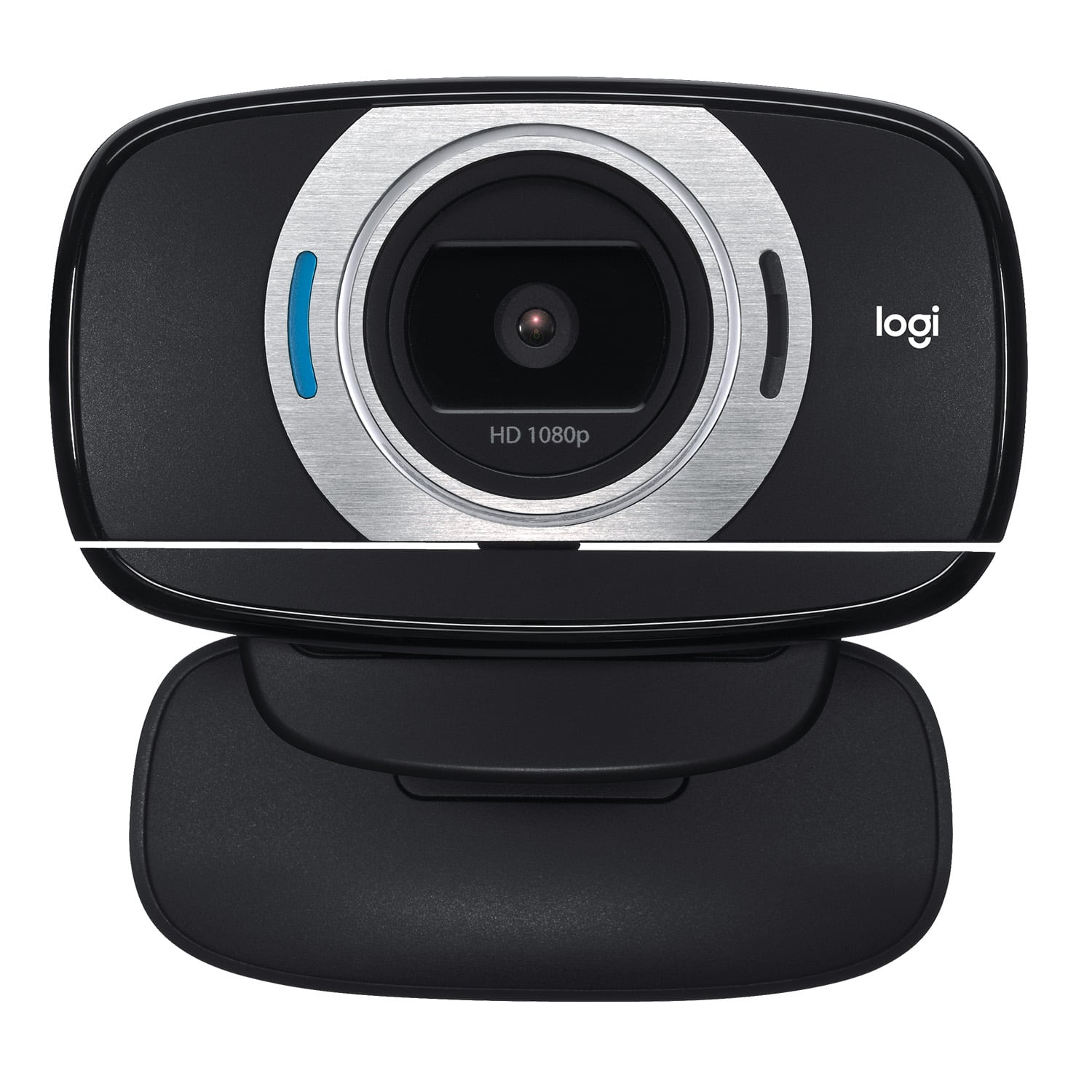
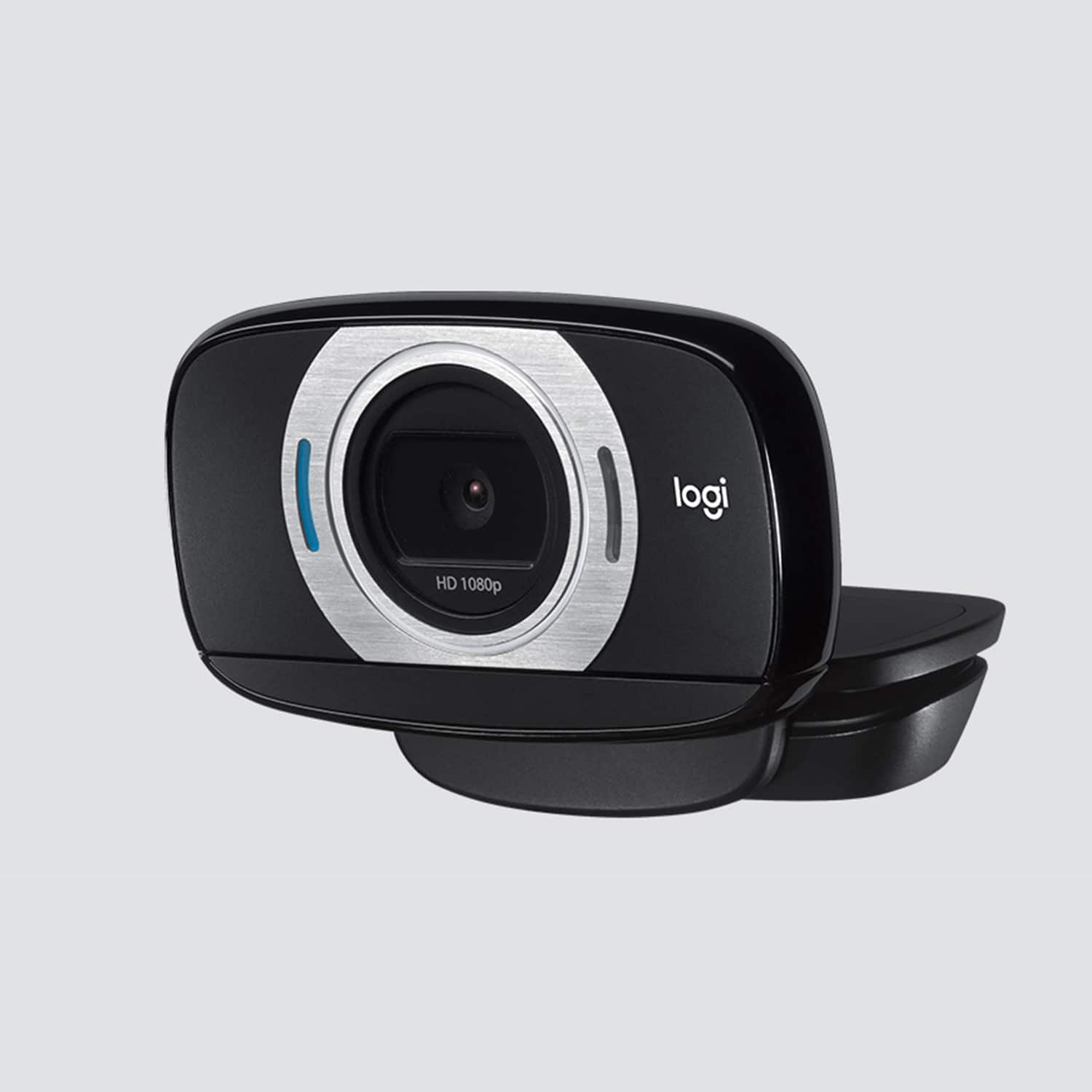
A:AnswerThe Logitech website gives this camera a field of view (FoV) of 78 degrees. I know, not terribly helpful, is it? However, with a bit of that math you swore you would never need in the real world, I can tell you that for each foot of distance, it should see an area that is roughly 17.5 inches wide, and 11 inches tall. For each additional foot of distance, you add another 17.5 x 11 inches. So at 2 feet it sees 35 inches wide by 22 inches tall.
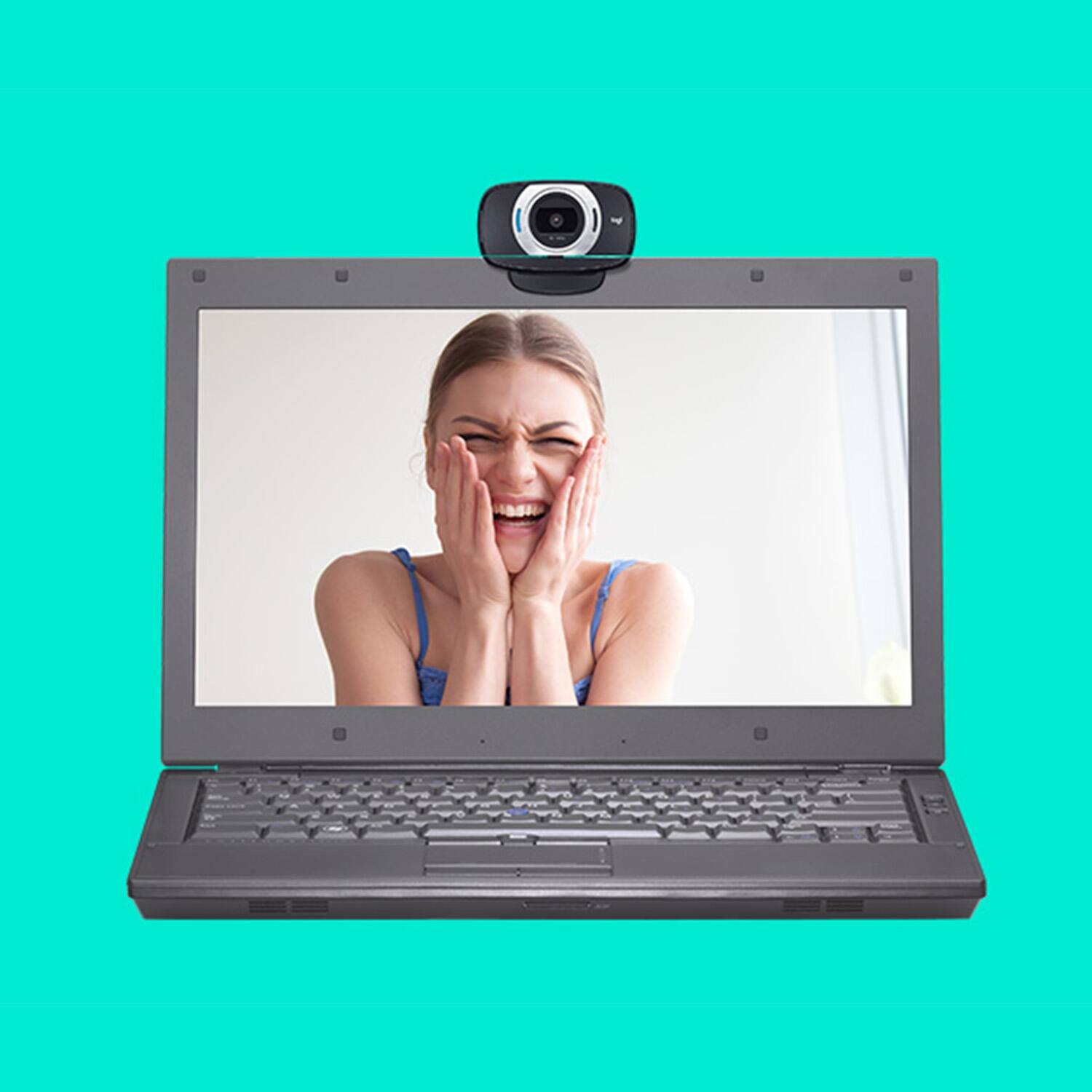
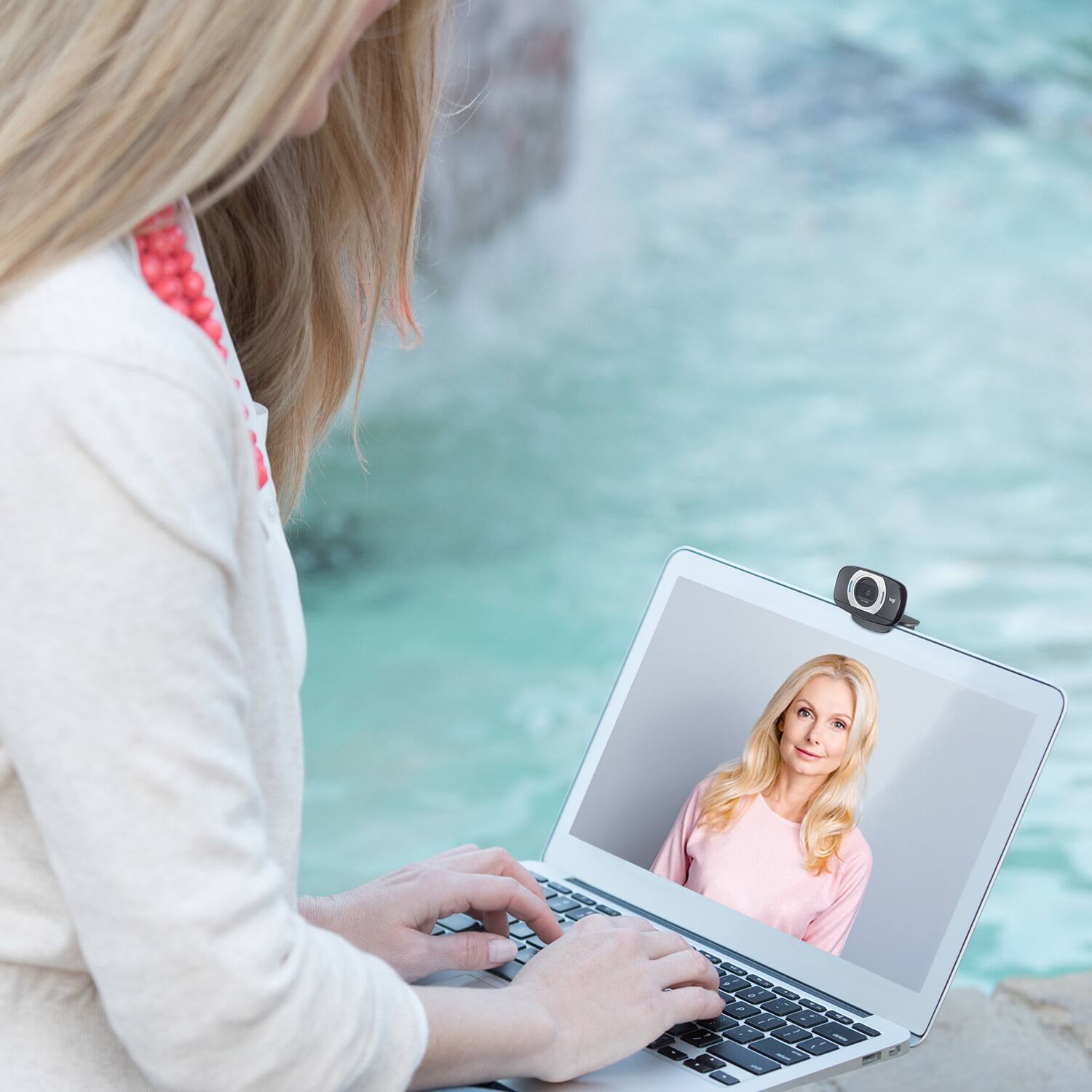
To put some perspective to this, if you set a laptop on your lap (about 18 inches from your face) you can see from the top of your head to somewhere around the middle of your chest and from shoulder to shoulder. For people who use it on a monitor for their PC (about 3 feet from your face), you can see from the top of your head to the middle of your hips (if you are 5'-6" or so) and an area 6 feet wide. Sorry, I don't have a body reference for that, but its "about" the width of a normal sized couch.
The Logitech C525 (also sold at best buy) has a FoV of 68 degrees which is a viewable area of 16.5 inches wide by 9.25 inches high per foot. Laptop: Top of head to upper chest and most of your shoulders. PC: Top of head to most of your upper body and 4 feet wide or twice as wide as your counter tops are deep.
If you want to know how far you have to be from either of these cameras to see a specific width (Man! I wish I could include this awesome 8 foot wide painting my 2 year old did in my videos!) you can take the width (in feet) of the thing you want to see, and divide that number by 1.62 for the C615 or 1.37 for the C525. This will give the distance (again, in feet) of how far the camera has to be from the thing to see the whole width.
Example: My kid's 8 foot wide painting. I take 8 and divide it by 1.62 because I have the C615 and I see I need to have the camera at least 4.94 feet from the painting. If I have the C525 instead, I take 8 and divide it by 1.37 and I find I need to be 5.84 feet away. If you don't want to (or don't know how to) figure out the feet and inches from that, just round UP to make sure you can see it.
A:AnswerIt does have a mic. . go to settings then to mic and make sure this webcam is the primary. Test it and go. This is a plug and play item. Just have to find it .
A:AnswerYes it does. You can also control it in up and down and right and left movements. Done through the webcam controller program using your computer mouse. You can download the program from Logitech, it should automatically download when you set up the camera.
A:AnswerThe price on Best Buy's website is correct. The price for the C615 webcam on Logitech's own website is $69.99. Beware of sellers offering this product for significant markups, as they tend to be third-party sellers and do not traditionally come with manufacturer warranties.
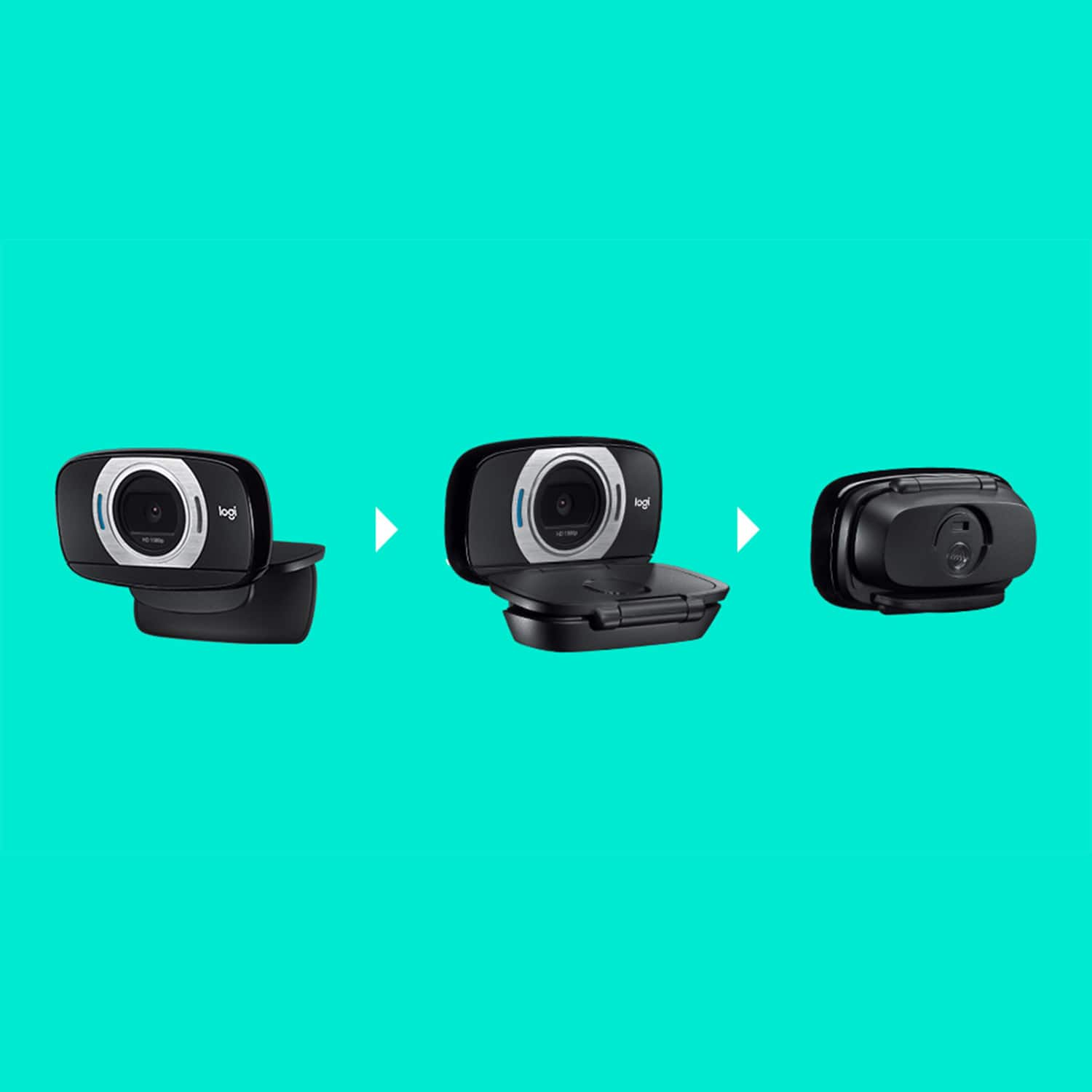
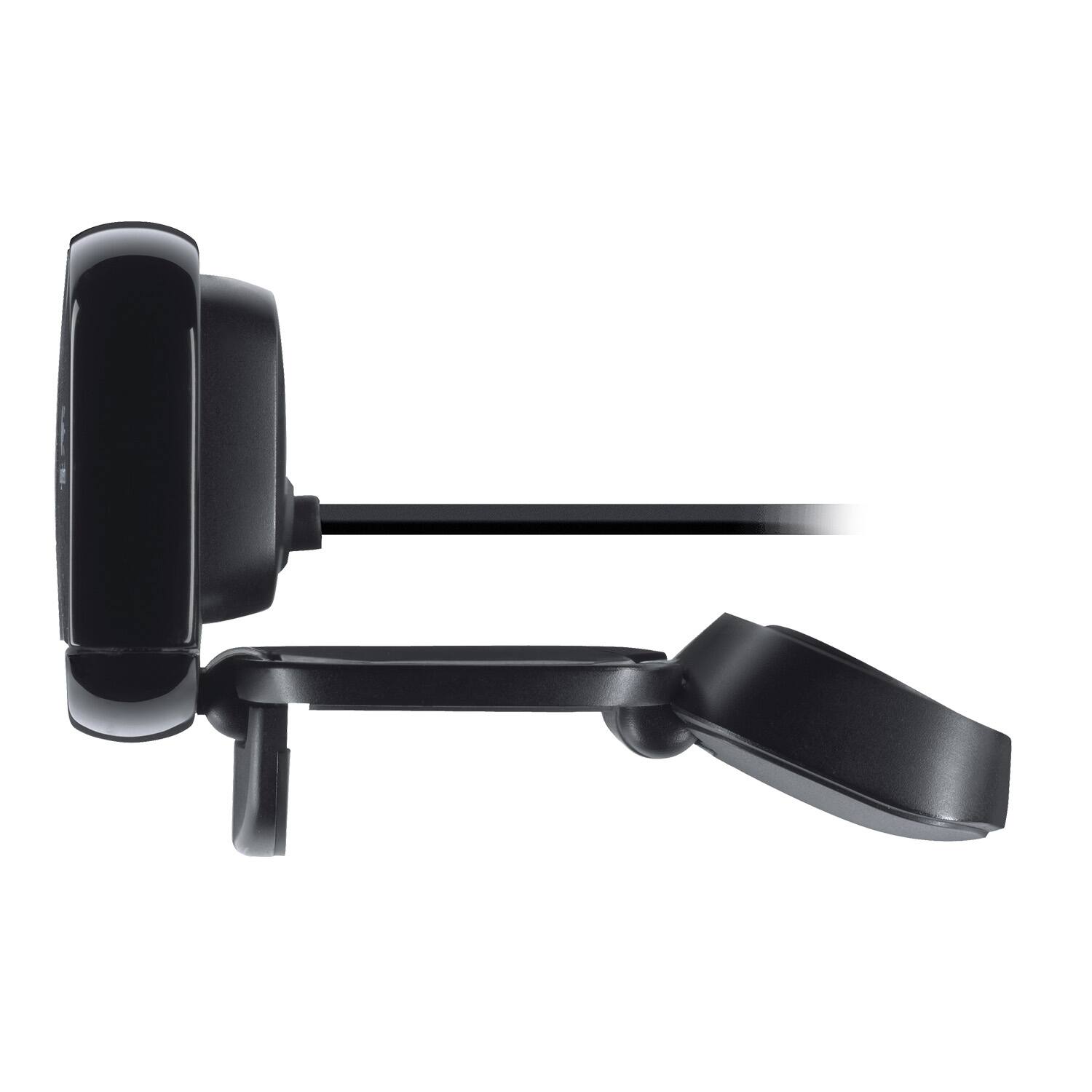
A:Answersome, this is meant to attach to a monitor or similarly shaped surface. There is a small screw in for it to be fitted to a tripod; however, it does require a computer connection in order to operate.
A:AnswerHello DM, the camera itself does not have virtual background options. Virtual backgrounds depend on the program you are running (zoom, skype, etc..). Is the camera capable of showing virtual backgrounds, yes. Can the camera show virtual backgrounds by itself, no, you would need to check the settings on the program you are running to use the C615 webcam.
A:Answeryes it can i use it for streaming on mine if youd like to sample some footage of it in action you can see some of my past streams here or catch me streaming live with it at https://mixer.com/beastlife1599 if you do stop by drop us a follow lol