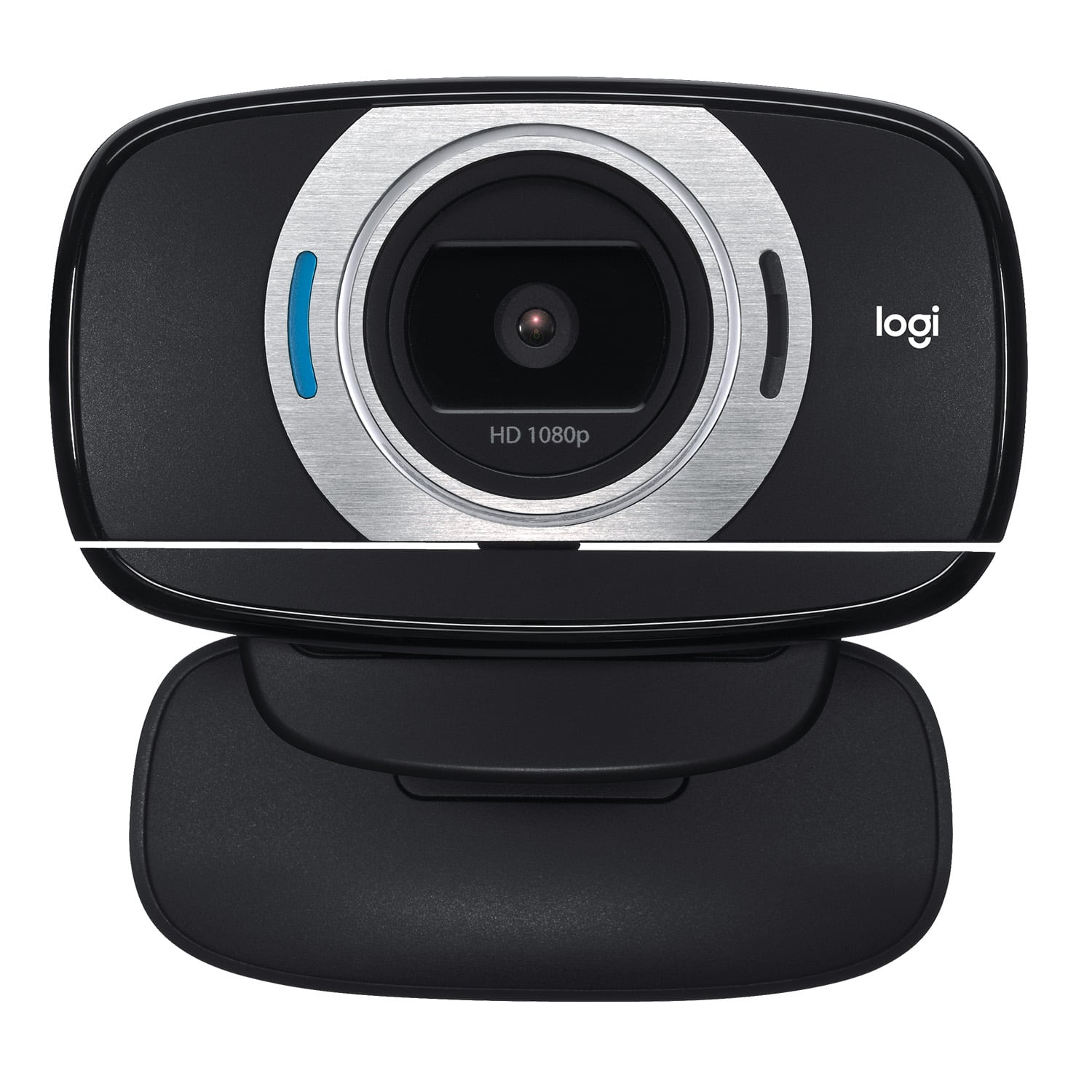
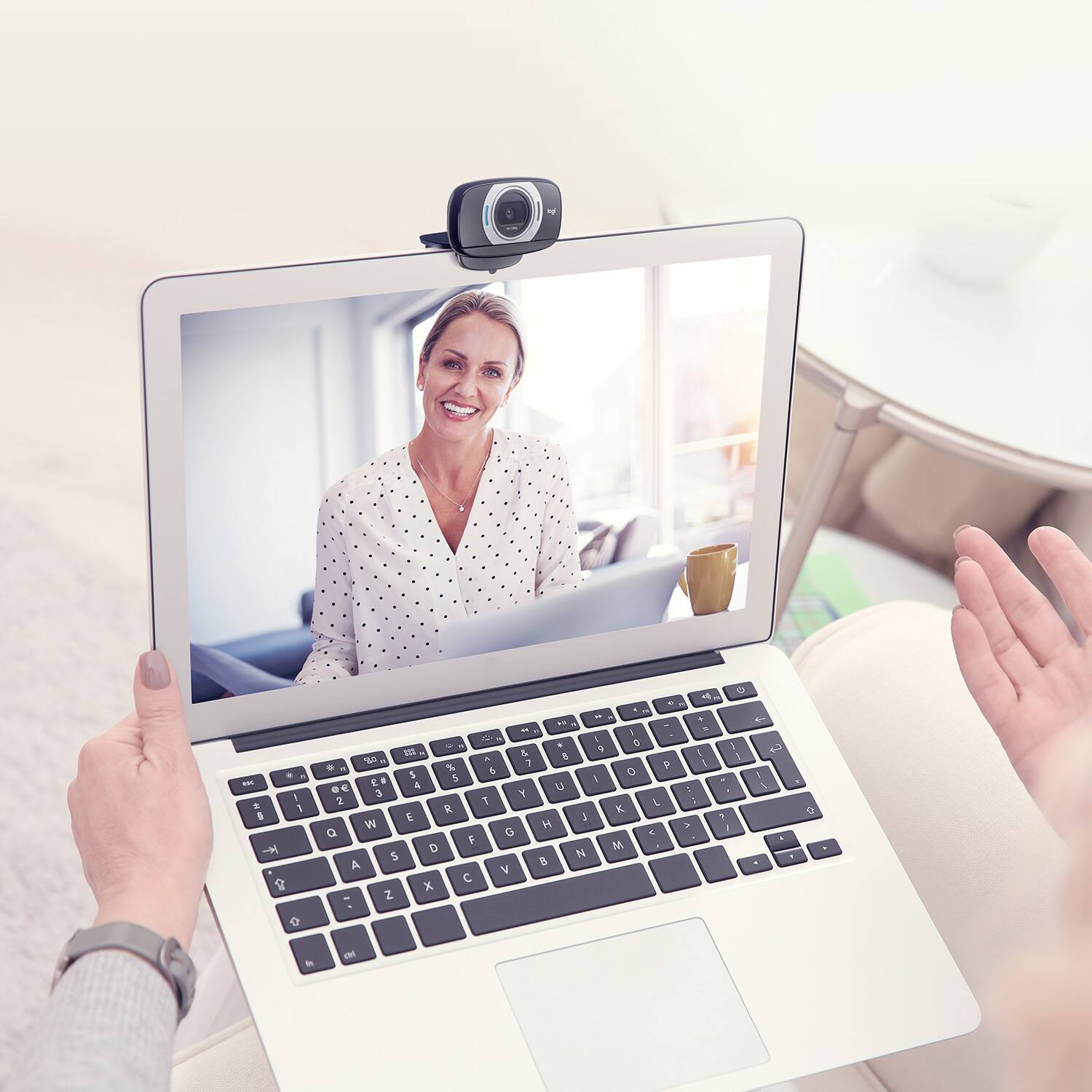
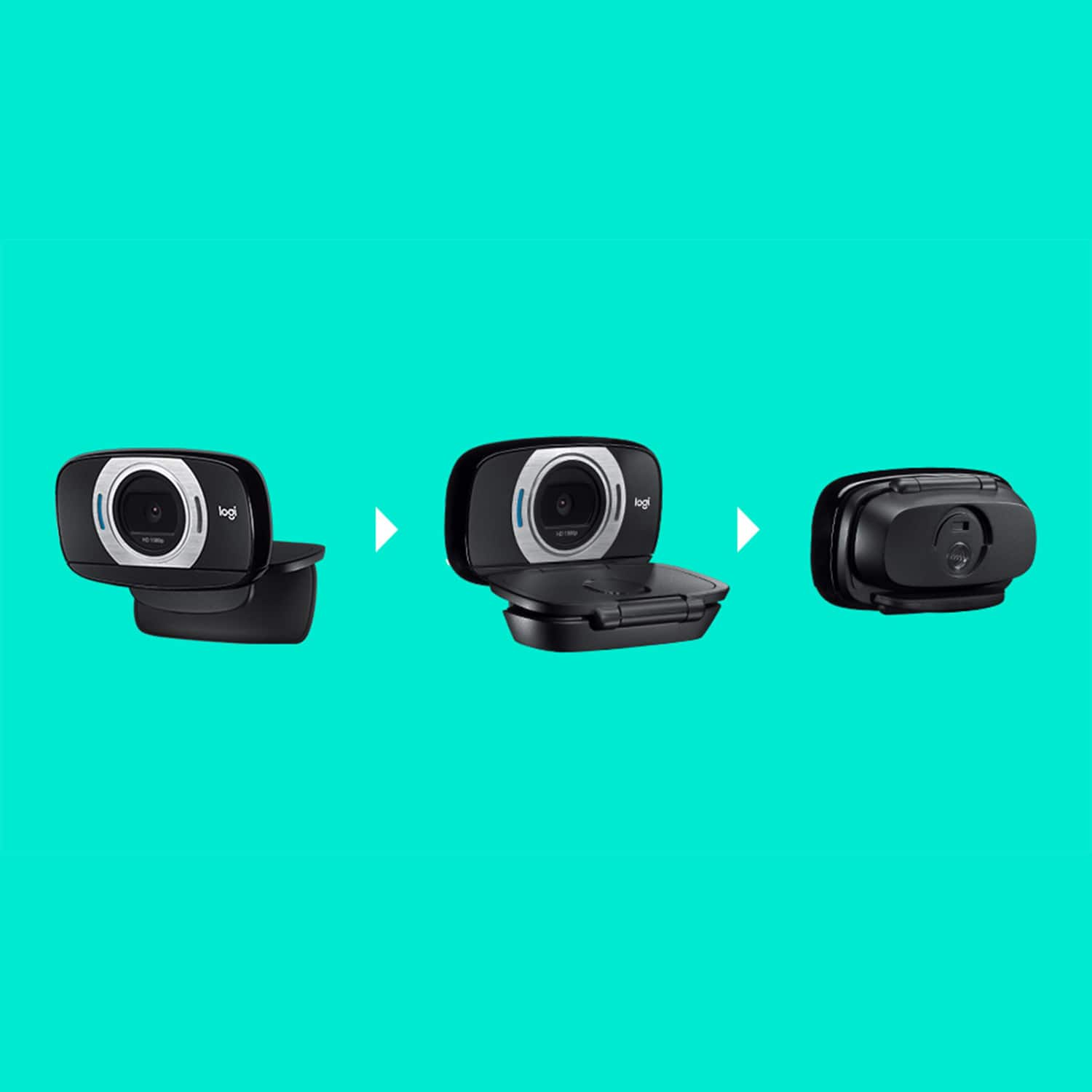
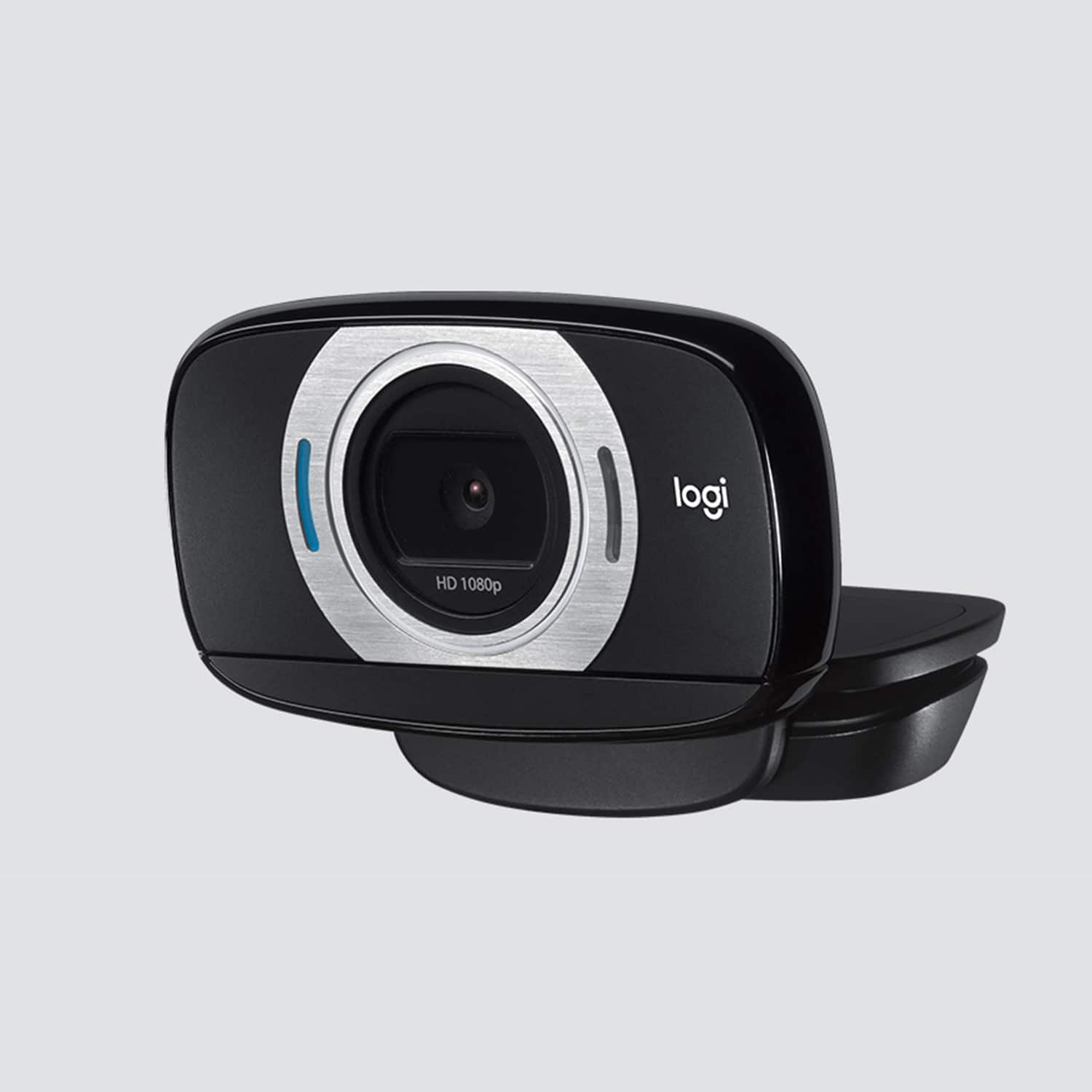
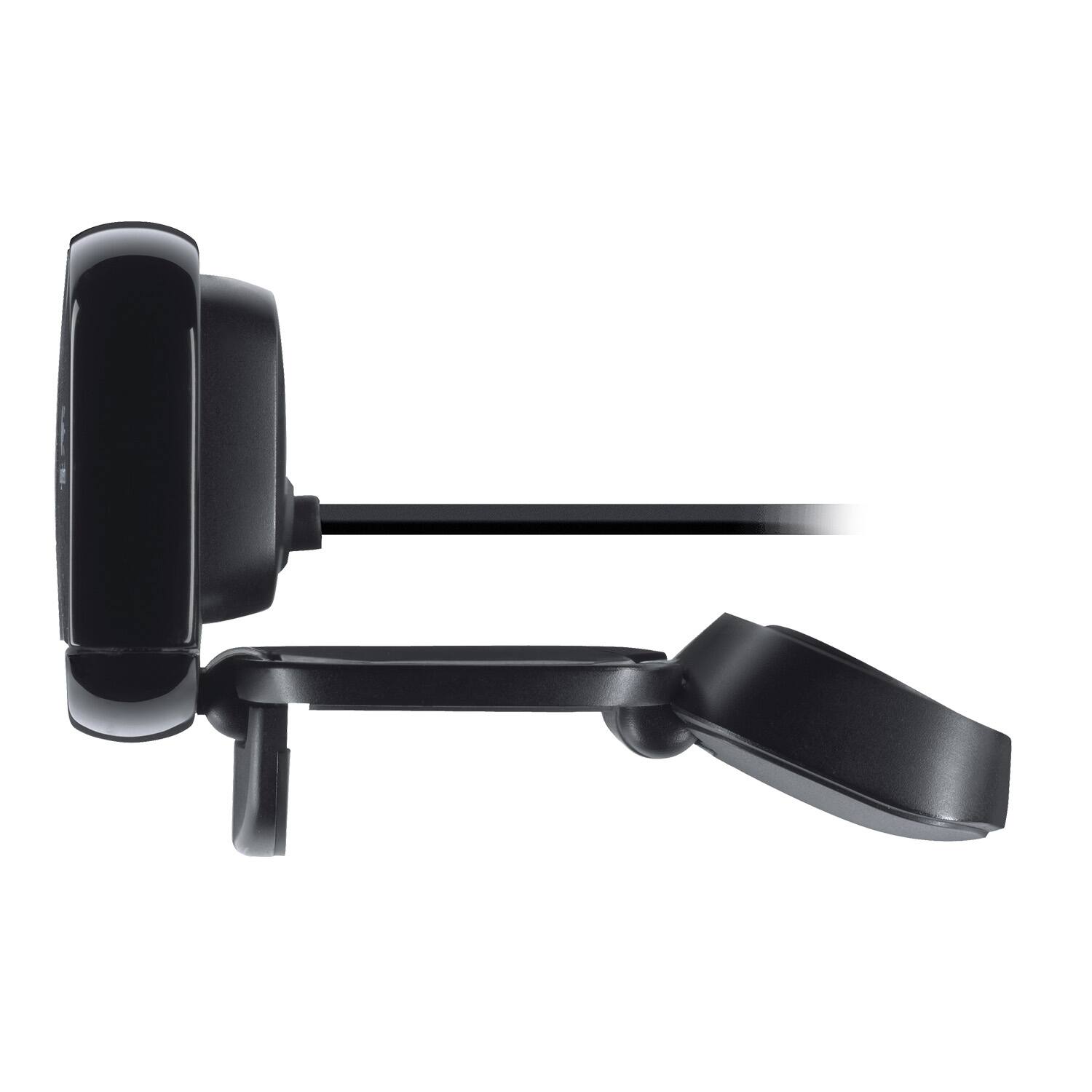
A:AnswerThe camera automatically powers on when you start up a camera app. There is no separate "power on" feature. Make sure the USB cable is plugged in and that your device's default camera is set to your Logitech.
A:AnswerNo. Buy a surveillance camera like a Fujikam F001 or similar one for around $60 which has wireless capabilities and suitable software to use it for security purposes.
A:AnswerYes just know you can't use it for multiple programs at once (for instance you can't use its microphone for Skype and the stream you have to pick one) other than that it's a high quality web cam (and I suggest if you get this to turn the face following fewture off if weirds people out while you're streaming)
A:AnswerI had to locate a manual on something I can't remember. What I use is firefox or internet explorer. On top you should see a box that says search.
Write in Manual for Logitech HD Webcam C615. I know it will bring things up for it but you have to look to see if it brings up what your looking for
A:AnswerYou can install the bundled Logitech Camera Settings app and turn down the "color intensity" setting.
Btw, the camera settings are reset when computer reboots (at least on Mac).
Hope Logitech will fix that in future. Although I don't think they're actively maintaining old software.
A:AnswerFor teaching with zoom I find this easier to position and works very week with the zoom background filter. Any photos you have downloaded can become your background on zoom. Helps hide the house clutter and you can look like you’re teaching anywhere. A binder clip helps keep it mounted also can work with a small tripod.
A:AnswerThe Logitech C615 is connected with a USB cable. The webcam is two devices, a camera and a microphone. When you start a program that uses a camera the program detects the camera automatically. At first the microphone was not working. I had to go to Settings / Sound / Input to select the webcam for sound input. The webcam is not detected by all Mac programs. So far I have used it for FaceTime, Skype, and answering phone calls. It does not work with Image Capture. You do need speakers.