A:AnswerIt depends on the operating system and application software. Zoom allows you to select which microphone is active for example.
Windows OS let you choose the default microphone under control panel/hardware and sound/sound/Recording.
A:AnswerThis camera has a very good image but as with everything you will just have to buy one and try it out. Keep the box in case it does not work out you can return it.
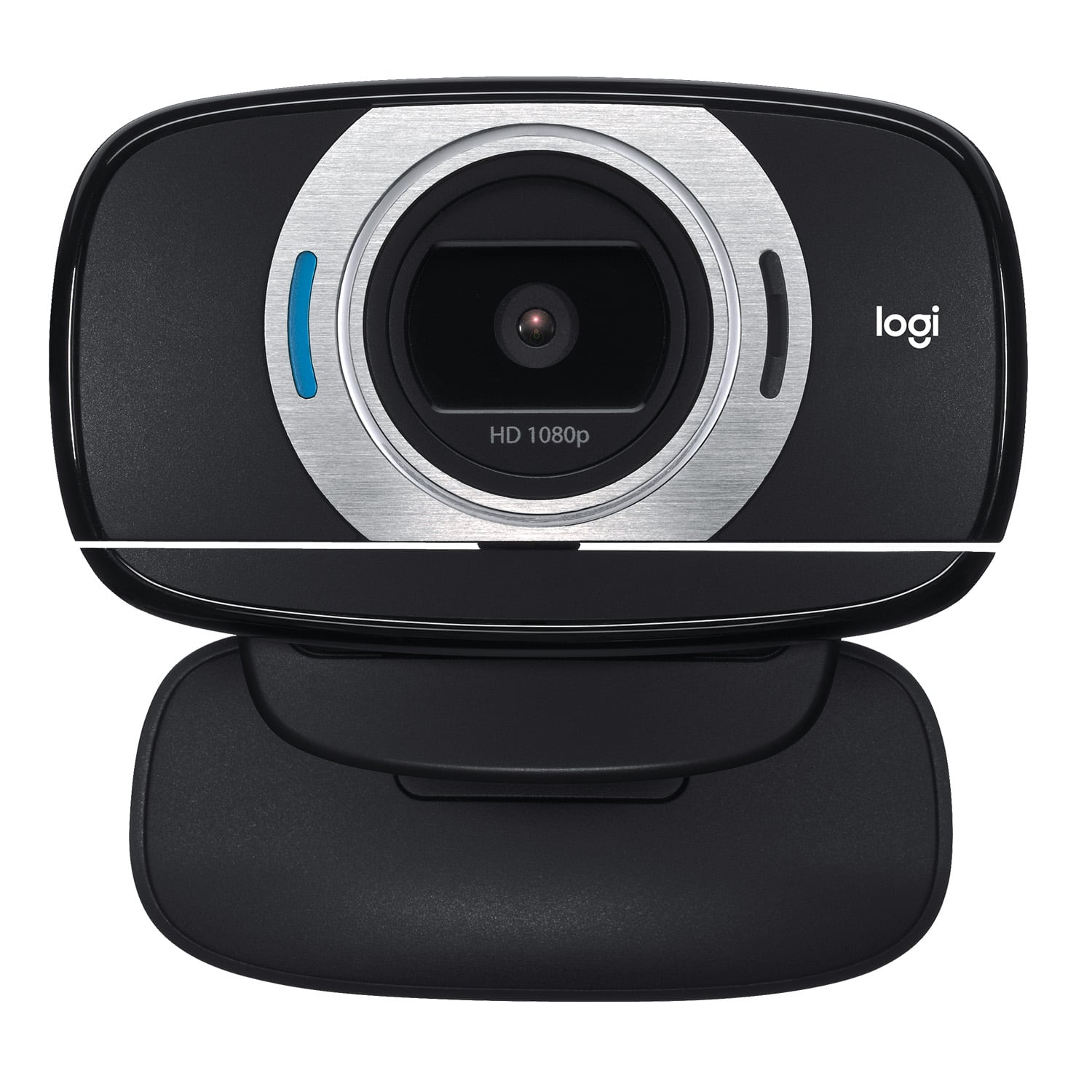
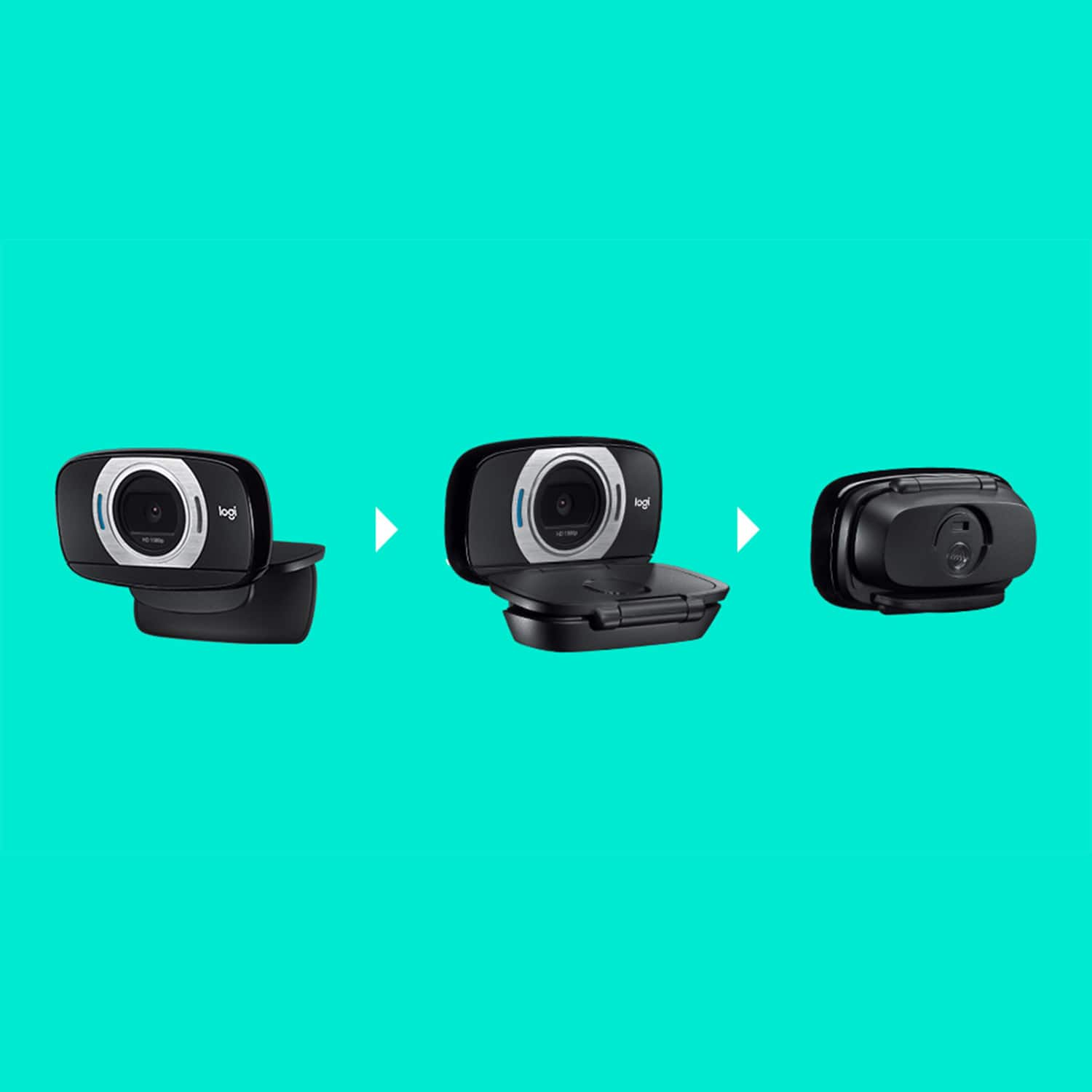
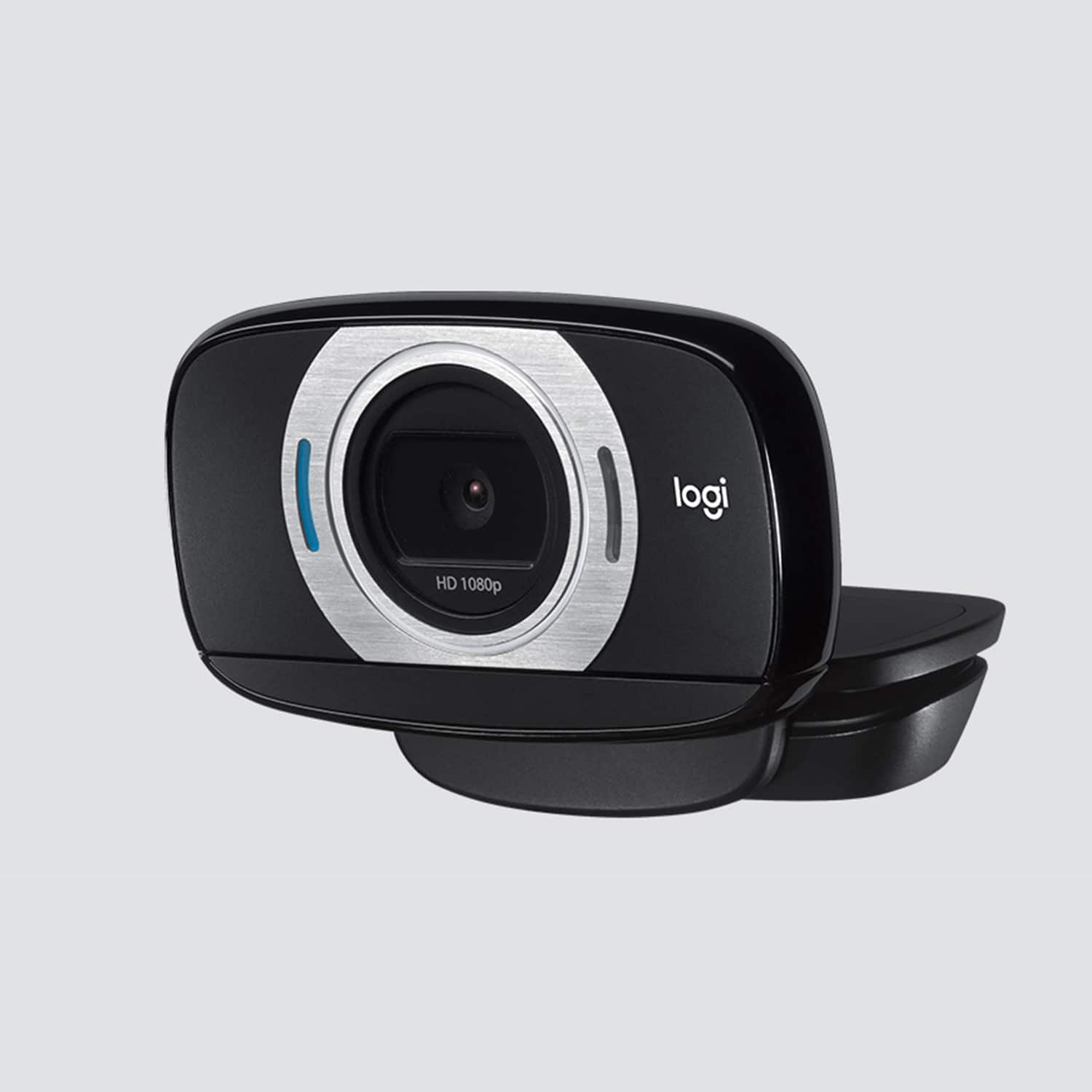
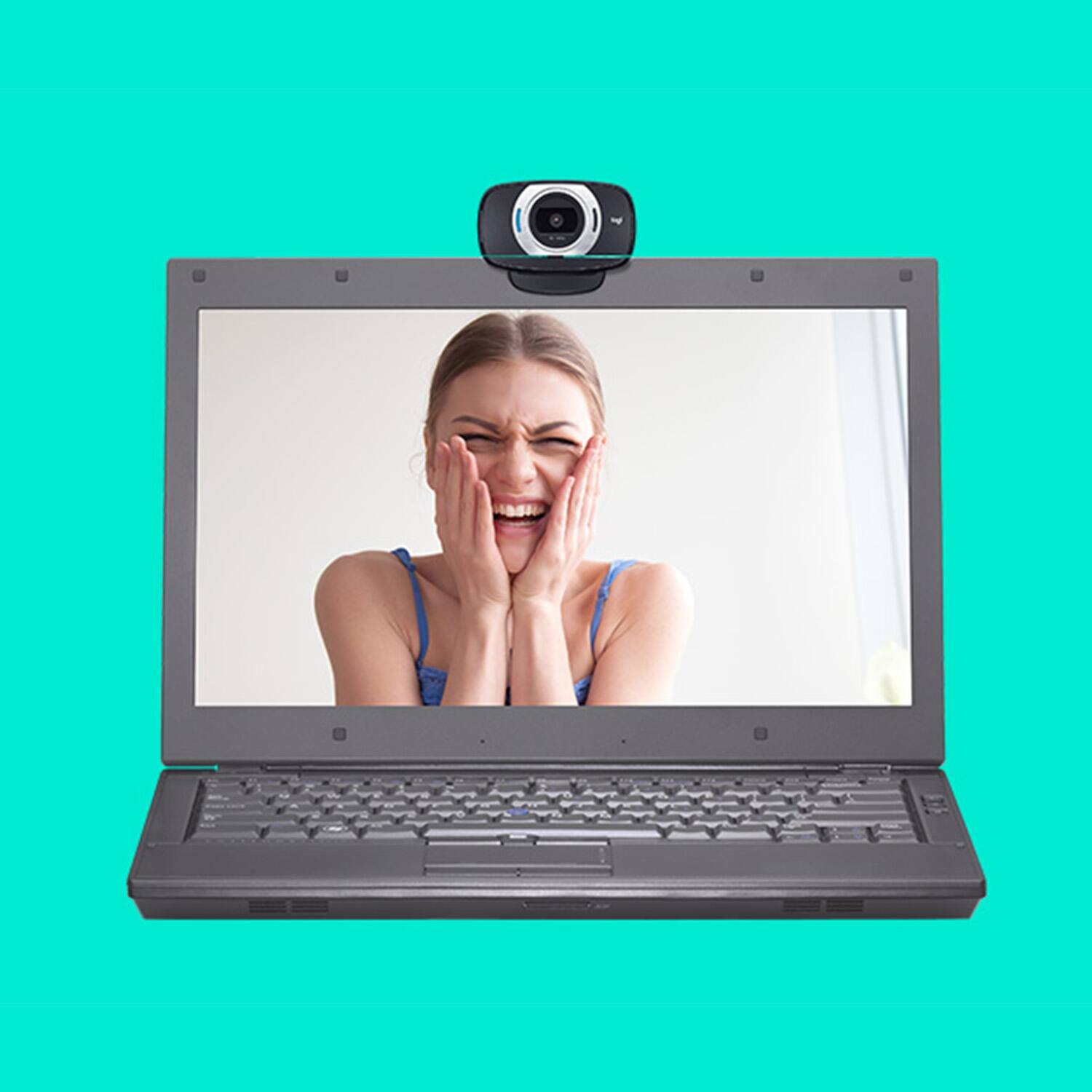
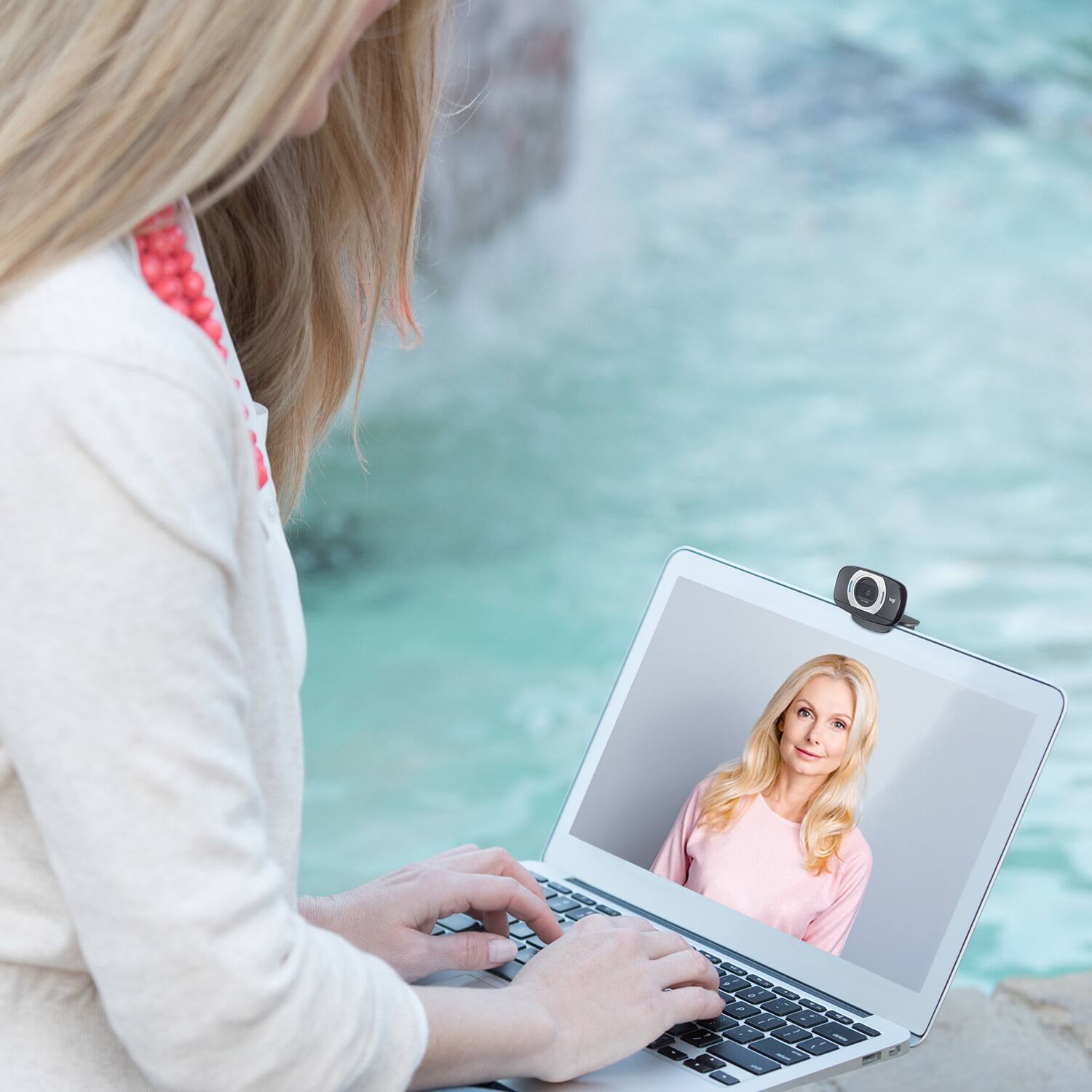
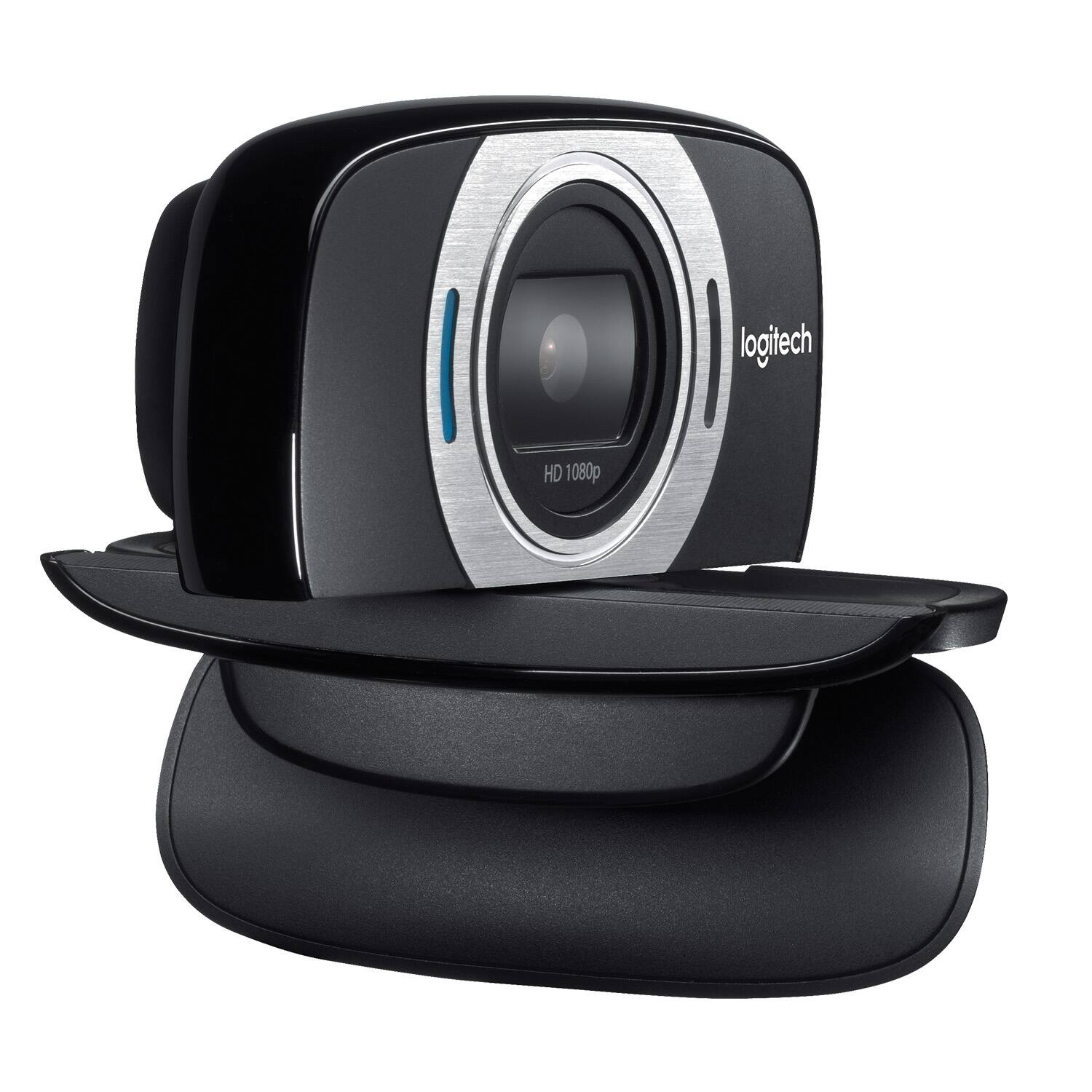
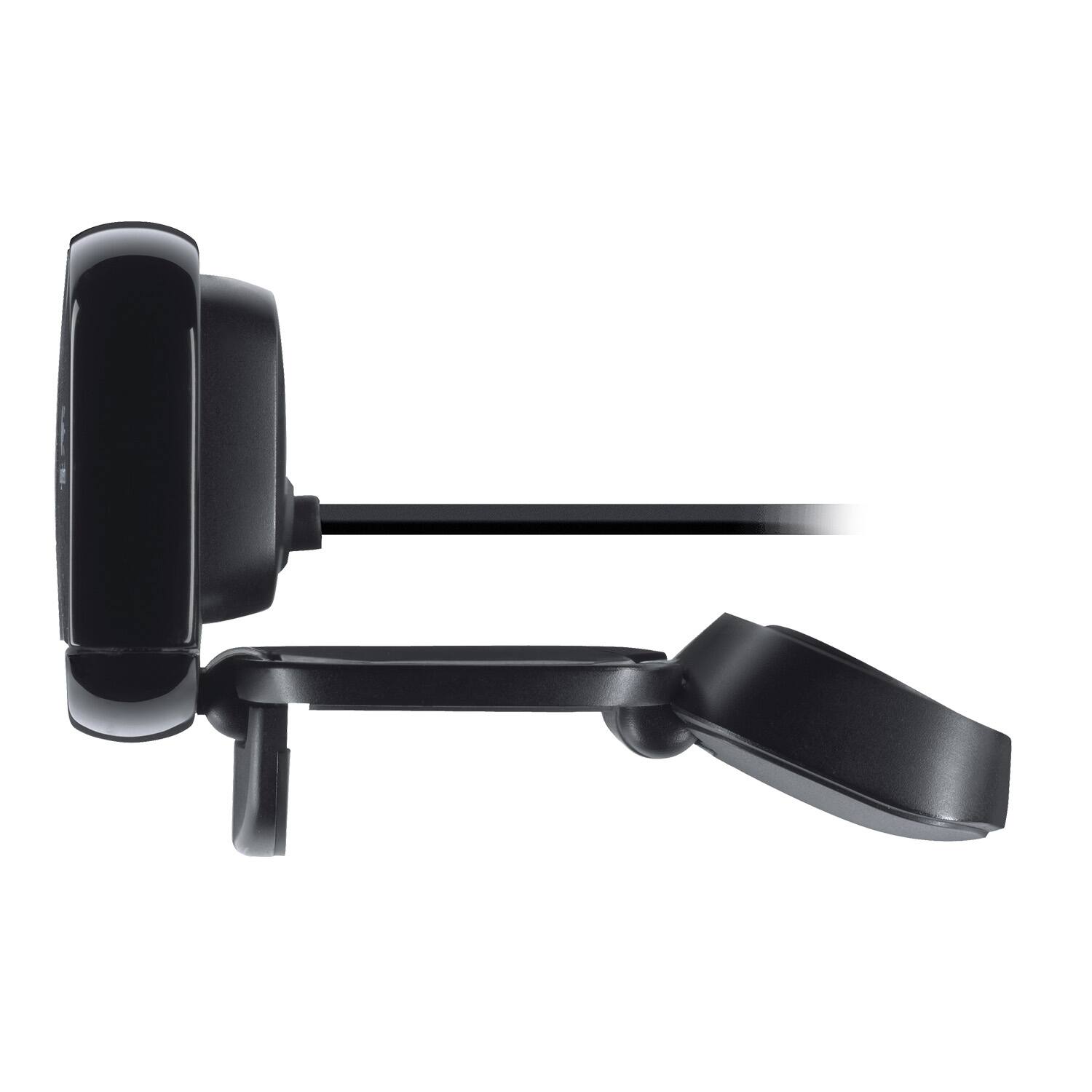
A:AnswerIt is designed with a small weighted base to hang off the top of your monitor however the base also has the ability to sit on flat surfaces too. So you could set it on the table beneath your monitor.
A:AnswerYou can choose which microphone and camera you use in almost all apps that use both. Usually once you set it, your application will remember it until you change it again.
A:AnswerHello, the C615 will work with your Macbook Air 2020 if it has a USB Type-A port, if one is not available you may use a Type-A to Type-C adapter.
A:AnswerYes, you can use a different microphone on your computer instead of using the built-in mic from the webcam. This is configured in your program's configuration settings.
A:AnswerIt’s a simple plug and play. Your PC Should recognize the device when you plug in the USB and when you open up your zoom application, it will use that HD camera as a default WebCam. Or you might have to play with the settings. Works fine with Zoom for my daughters online classes.