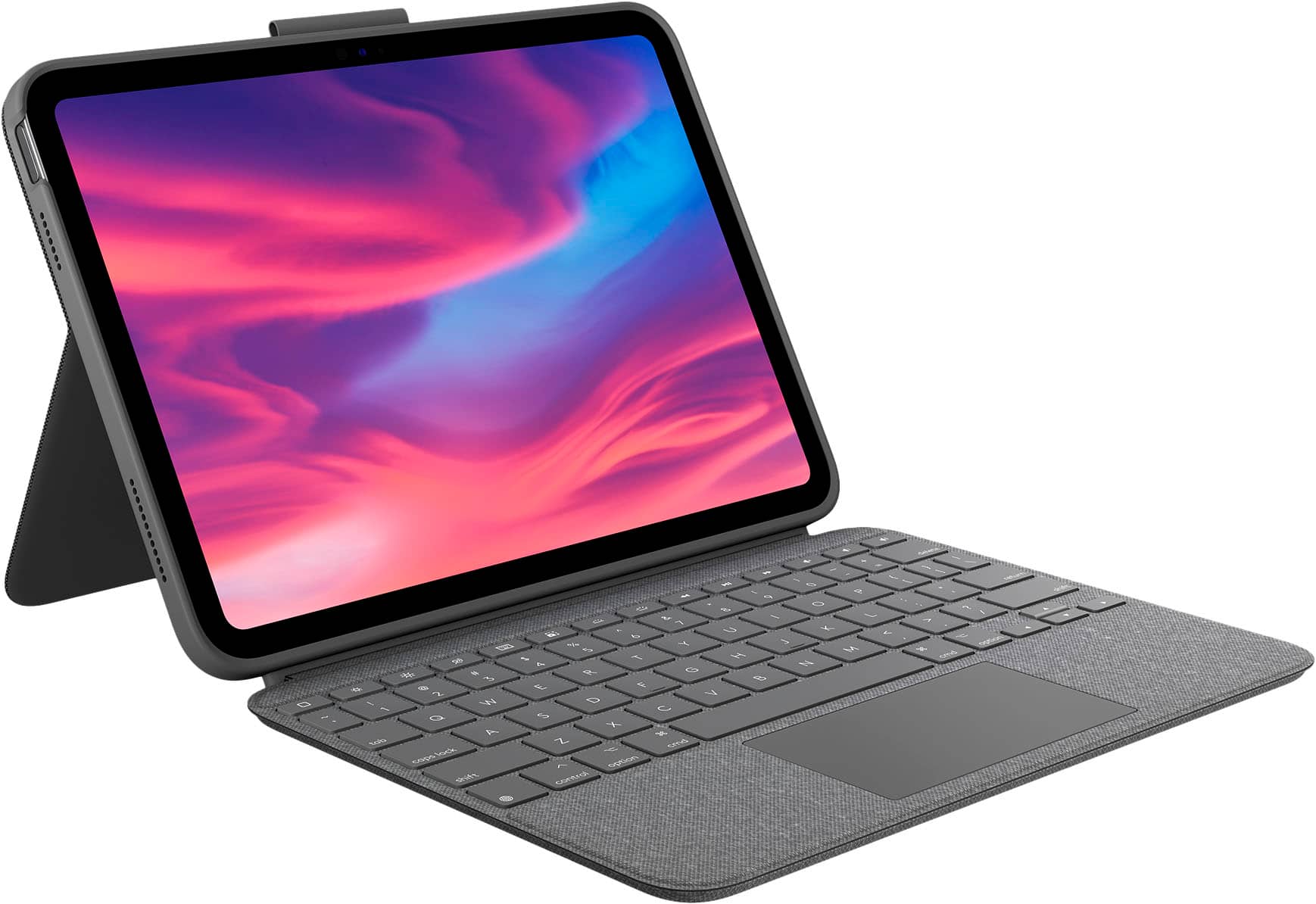
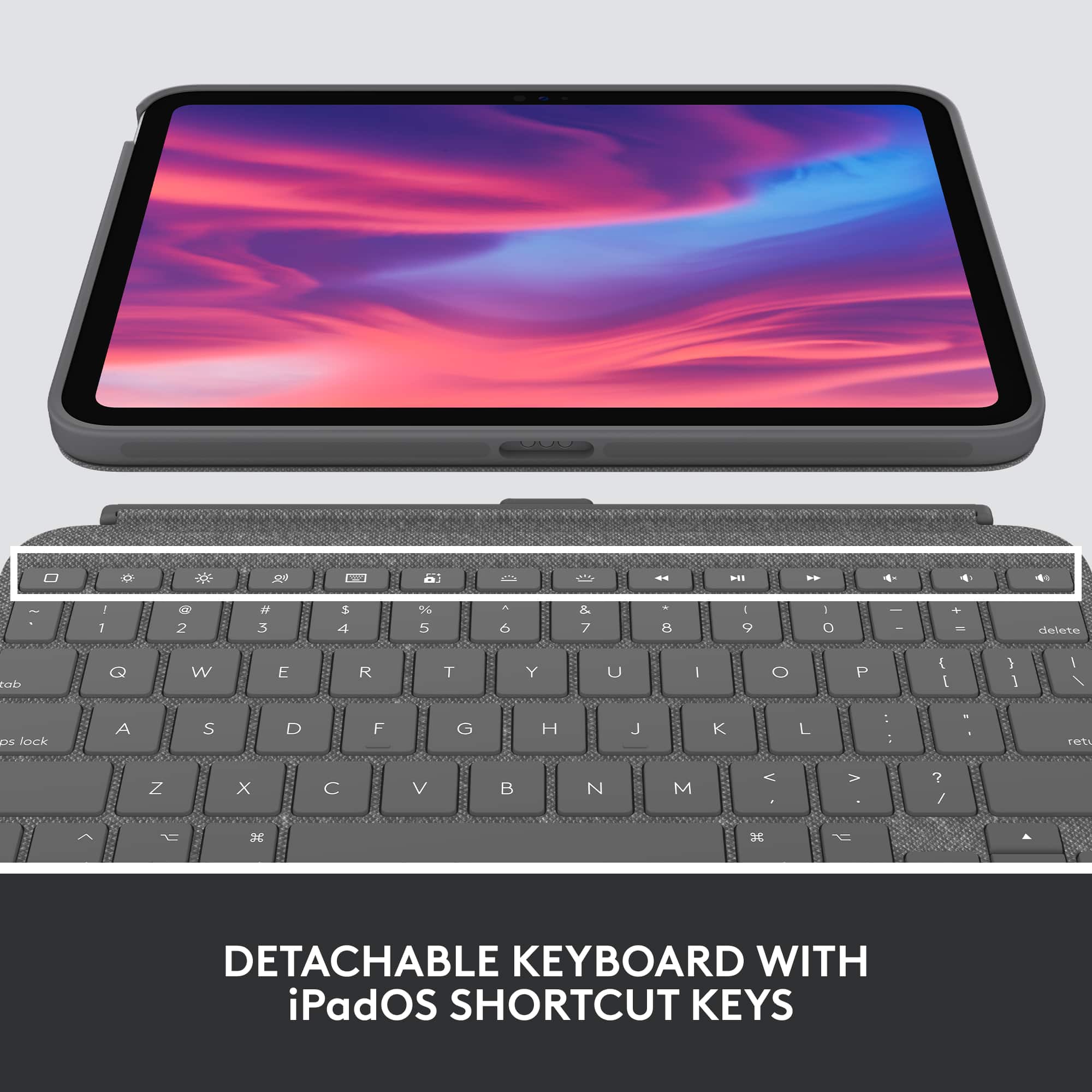
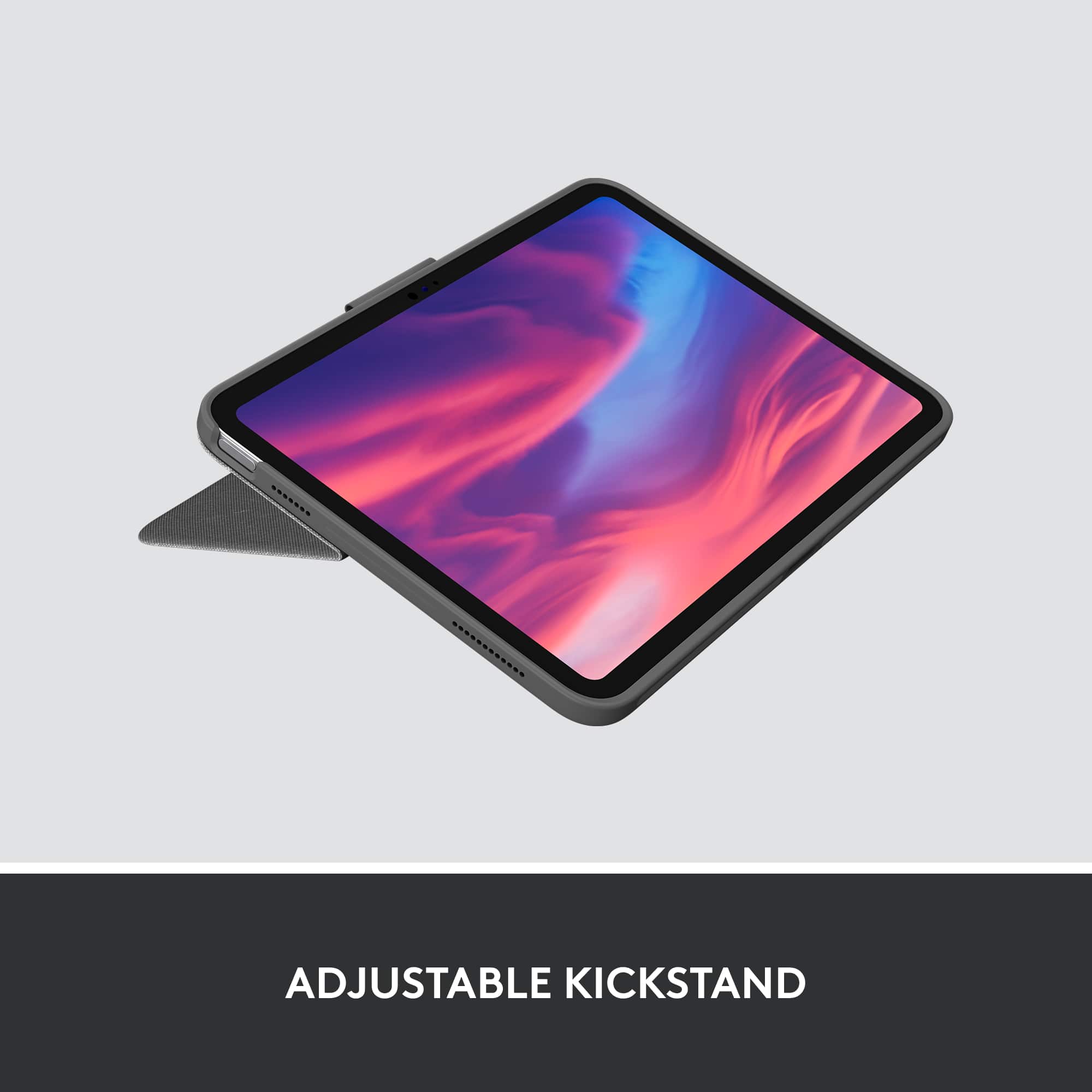
A:AnswerTo remove the on-screen keyboard, check keyboard settings, disable AssistiveTouch, restart your iPad, update iPadOS, check for Logitech app updates, detach/reattach the keyboard, and force quit apps. If issues persist, contact Logitech or Apple support.
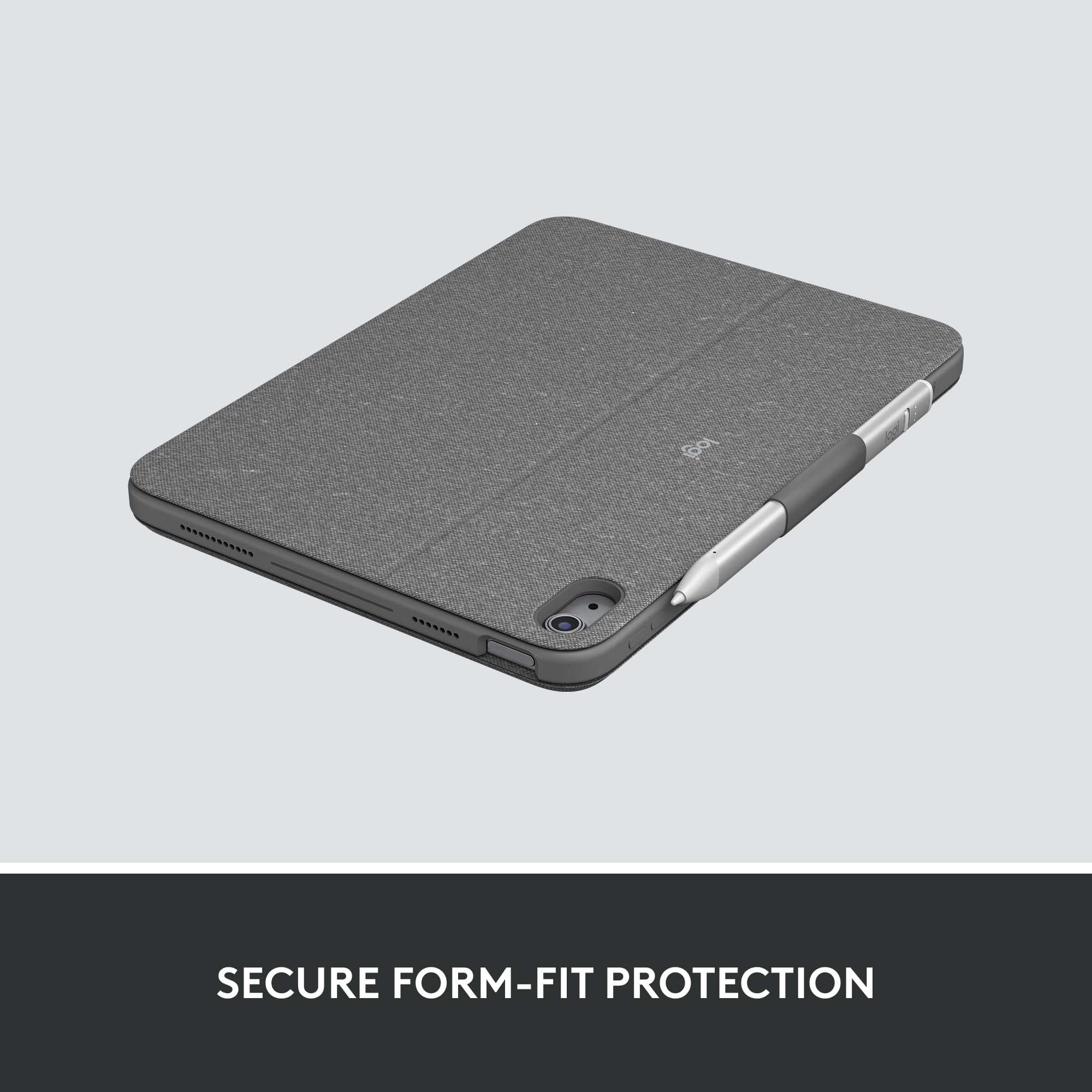
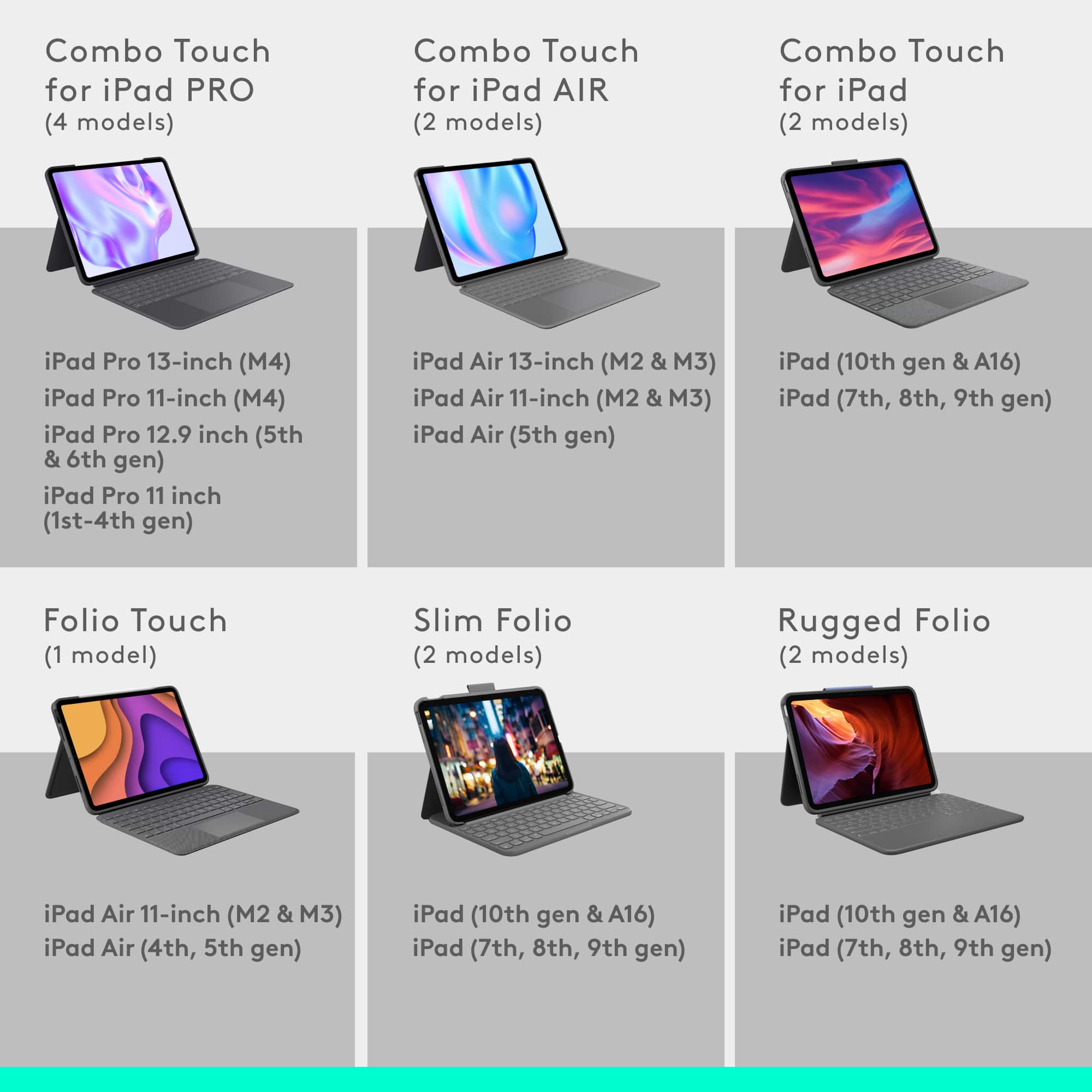
A:AnswerNo, the Logitech Combo Touch Keyboard and Trackpad Case for Apple iPad (10th Gen) is not compatible with the newest iPad Air 11". It's designed specifically for the iPad (10th Gen) and won't fit the newer iPad Air model.
A:AnswerHey! No, the Logitech Combo Touch Keyboard and Trackpad Case for Apple iPad (10th Gen) itself does not support Ukrainian or Russian letters. However, you can still use an iPad software keyboard that supports these languages in conjunction with the case.
A:AnswerI did, but after I tried, the next time I tried to use it, it was working fine and the app then told me it was up to date…so I think it actually is updating, but the prompt says it failed.
A:AnswerThis case does fit the 11th gen A3354 iPad.
https://www.logitech.com/en-us/shop/p/combo-touch-ipad
I have no idea why someone from Logitech would tell you otherwise.