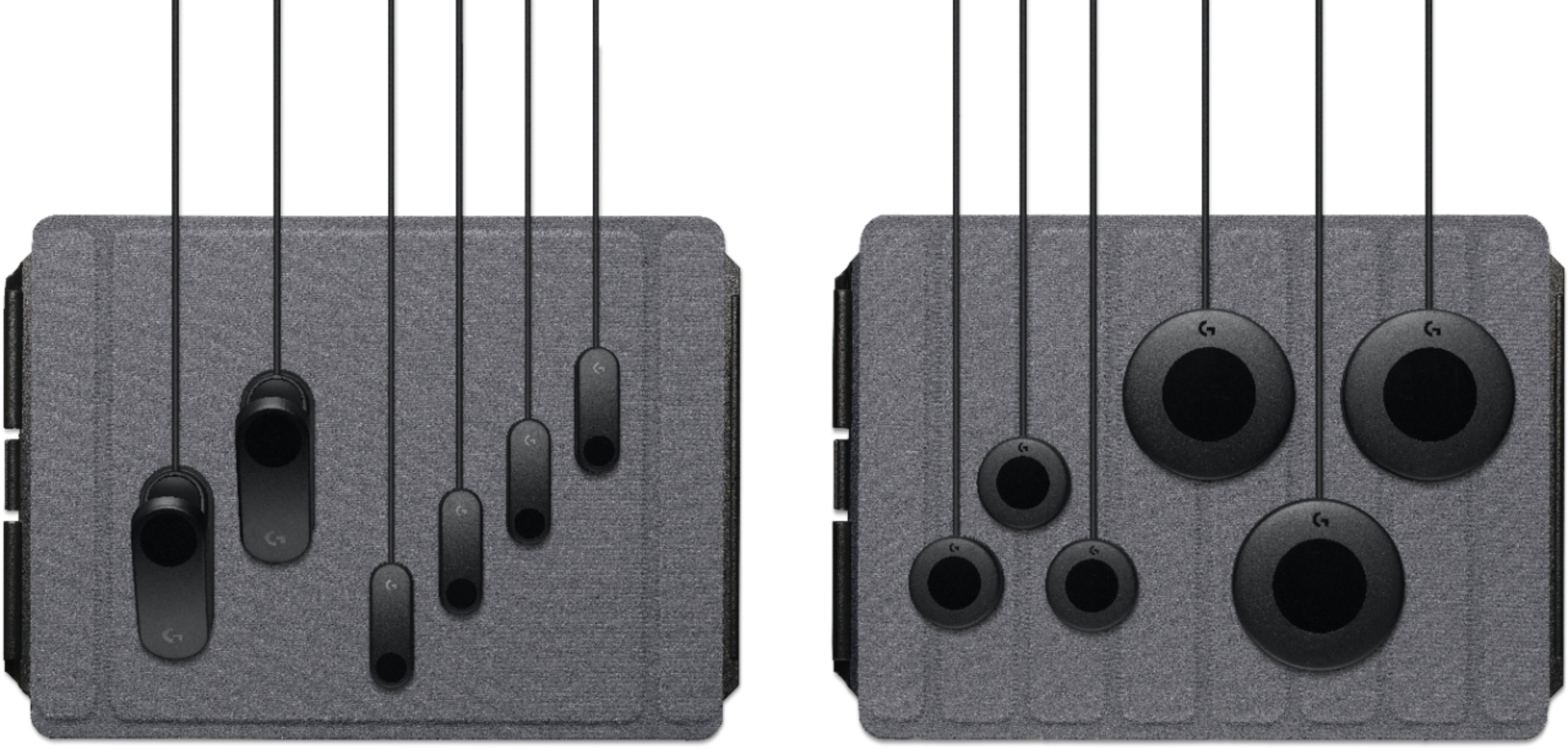
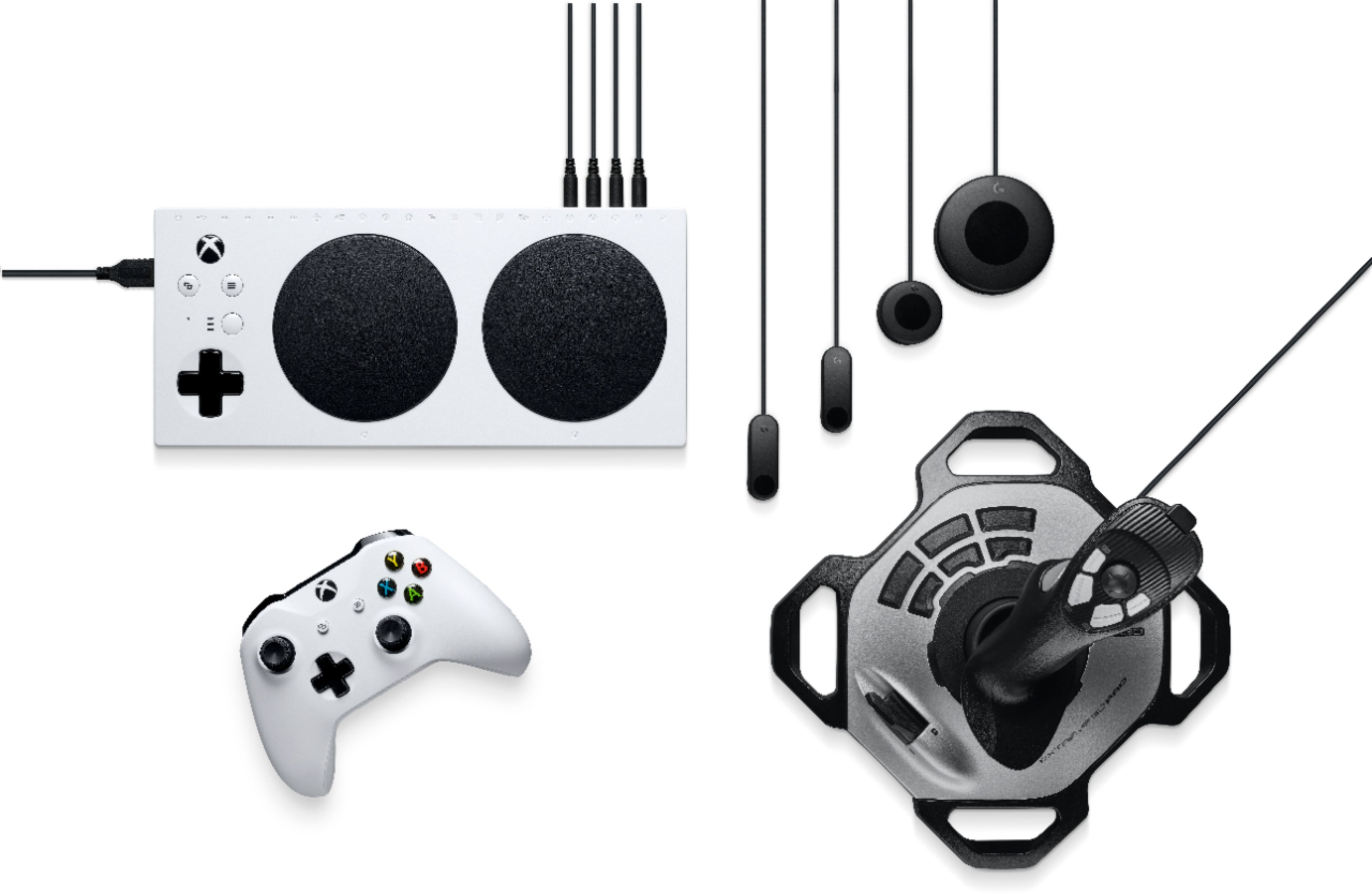
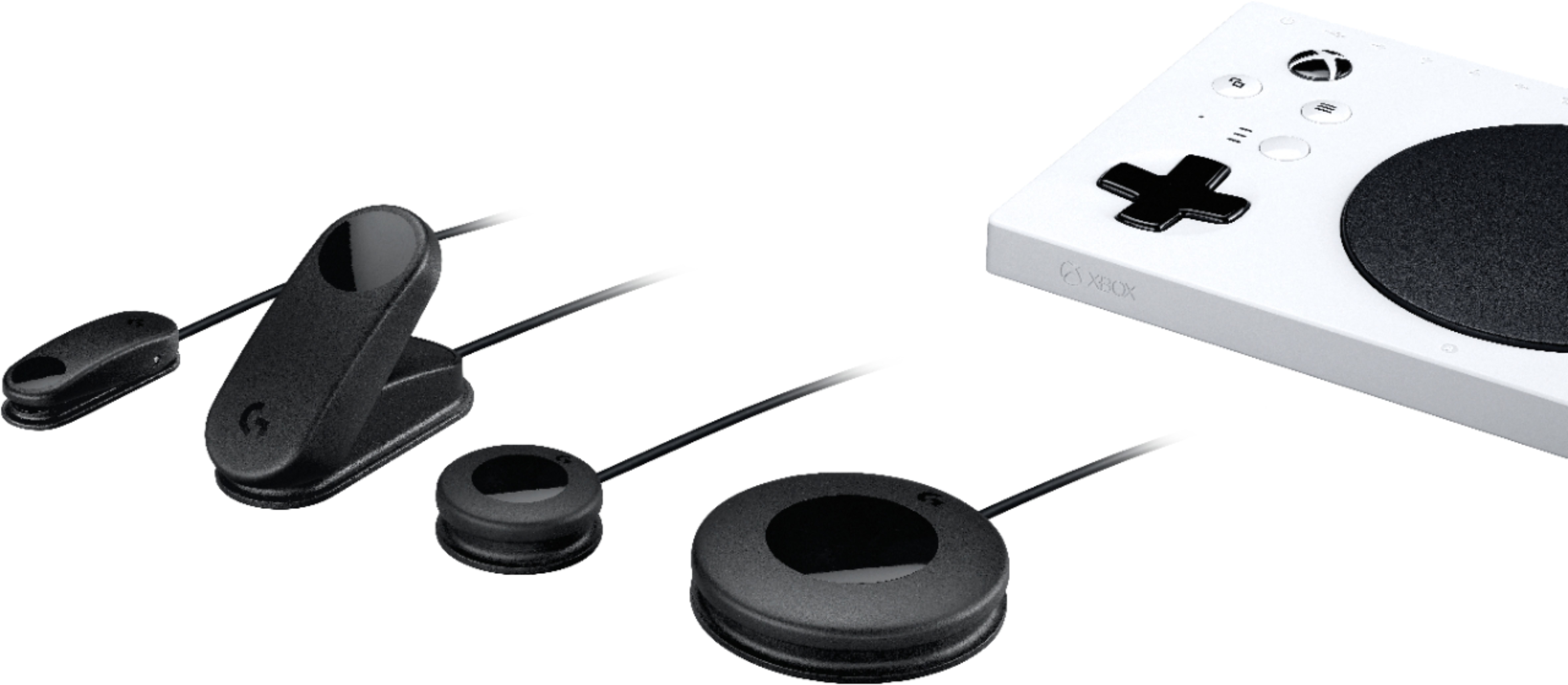
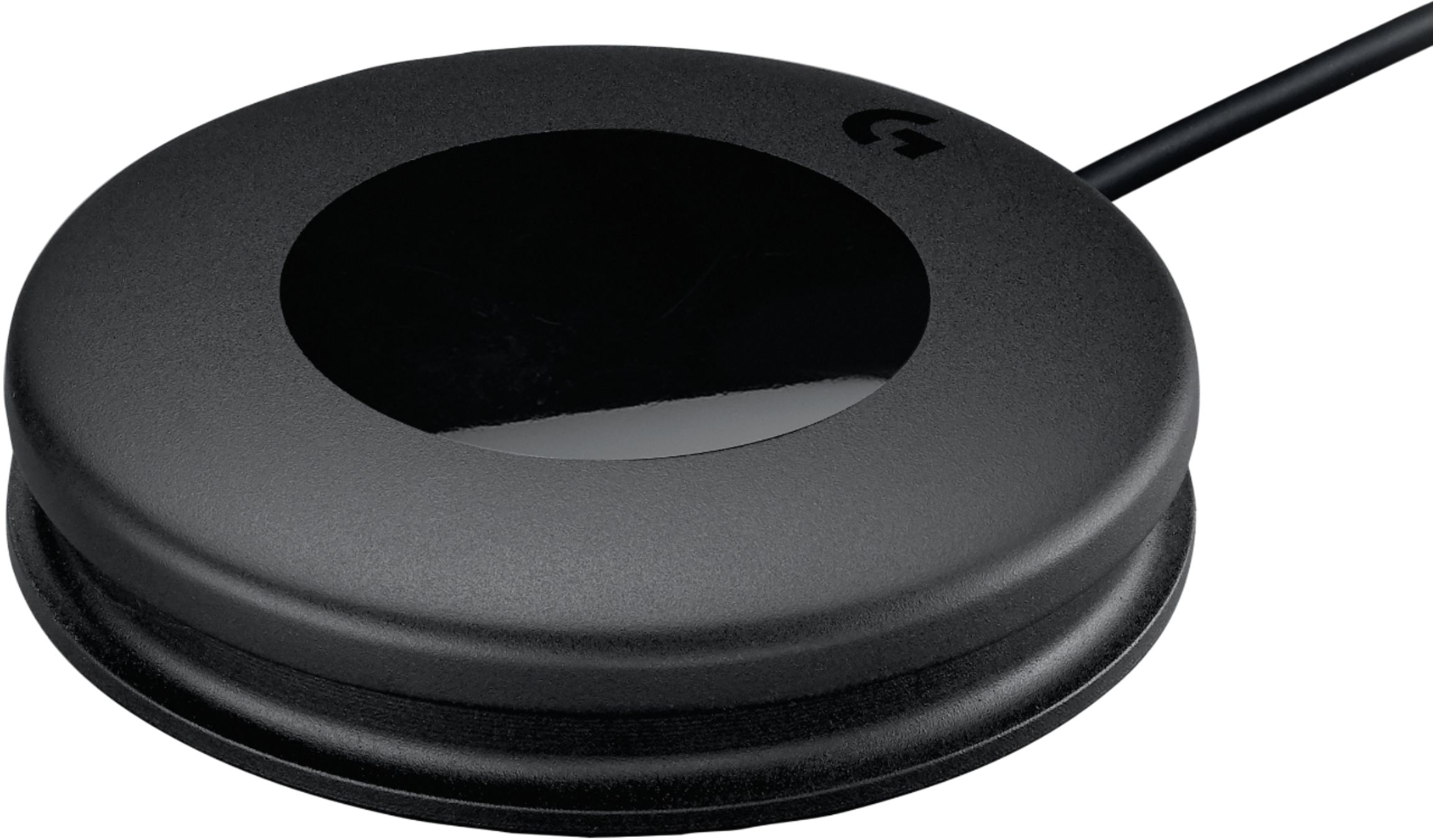
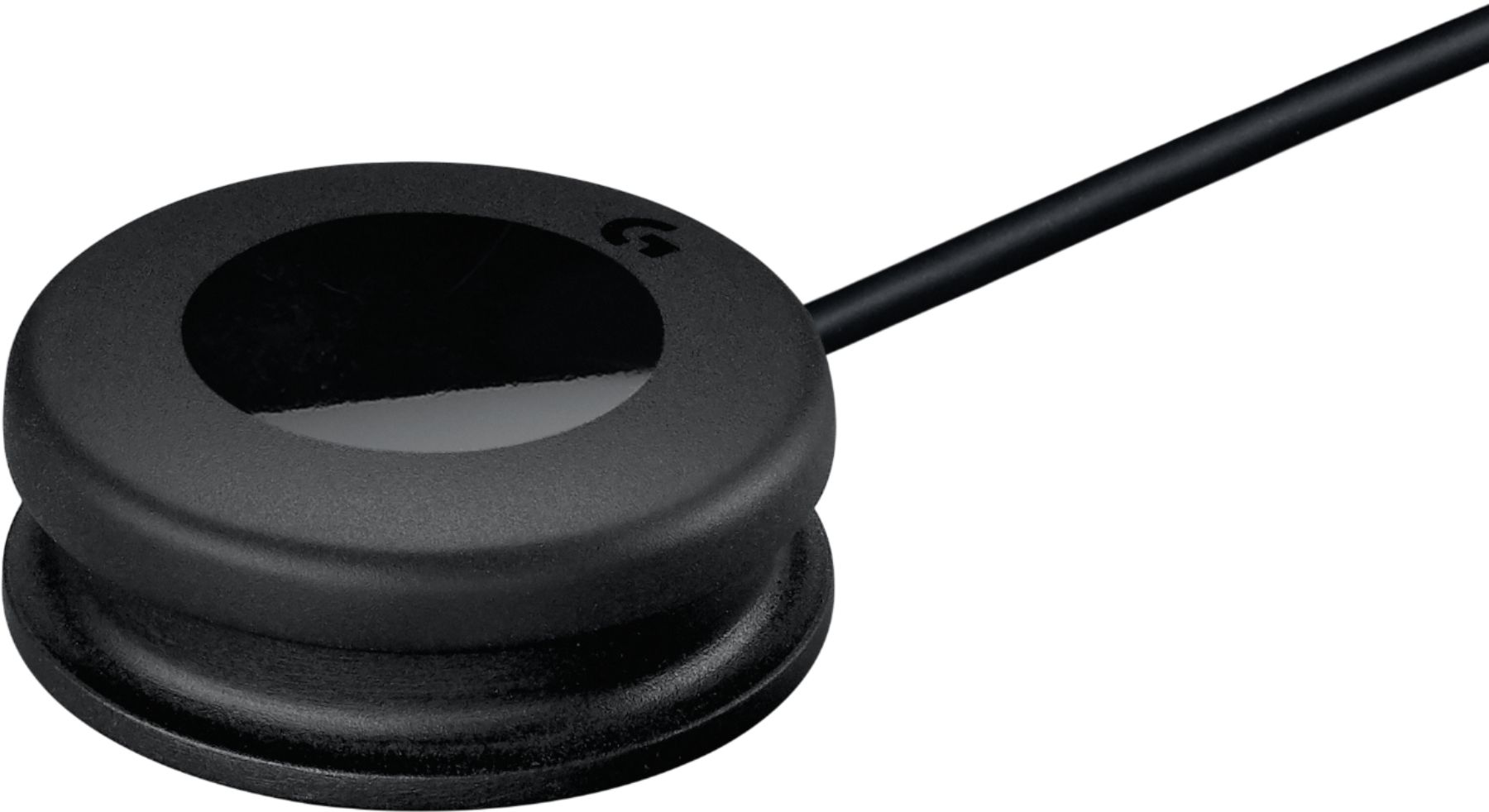
A:AnswerLets be clear there are two different items you need one by xbox the adaptive controller(white base) not included, more precise a hub for adapting and combining switches, buttons and triggers to combine in different ways to allow most anybody play games. Two the buttons, switches and triggers that are used with the xbox one adaptive controller to allow people to play. Most switches, buttons and triggers are very expensive. Sometimes one controller joy stick $50. Logitech for one hundred dollars gives you all that is in the picture and in reality more. The adaptive controller is the only thing sold separately. Large buttons , Small Buttons, triggers ,small and large and switches. Also included is Velcro a pad to fix things to. Please go to you tube and search both the controller and Logitech. This xbox one system has co pilot which allows two controllers to be combined as one and when one is the adaptive controller with Logitech buttons and triggers the possibilities are endless. For better results you can search out singular specialty pieces to add to the adaptive controller such as and evil controller that would replace the left or right thumb joy stick. Remember you can also remap how buttons are used along with the adaptive controller and buttons.
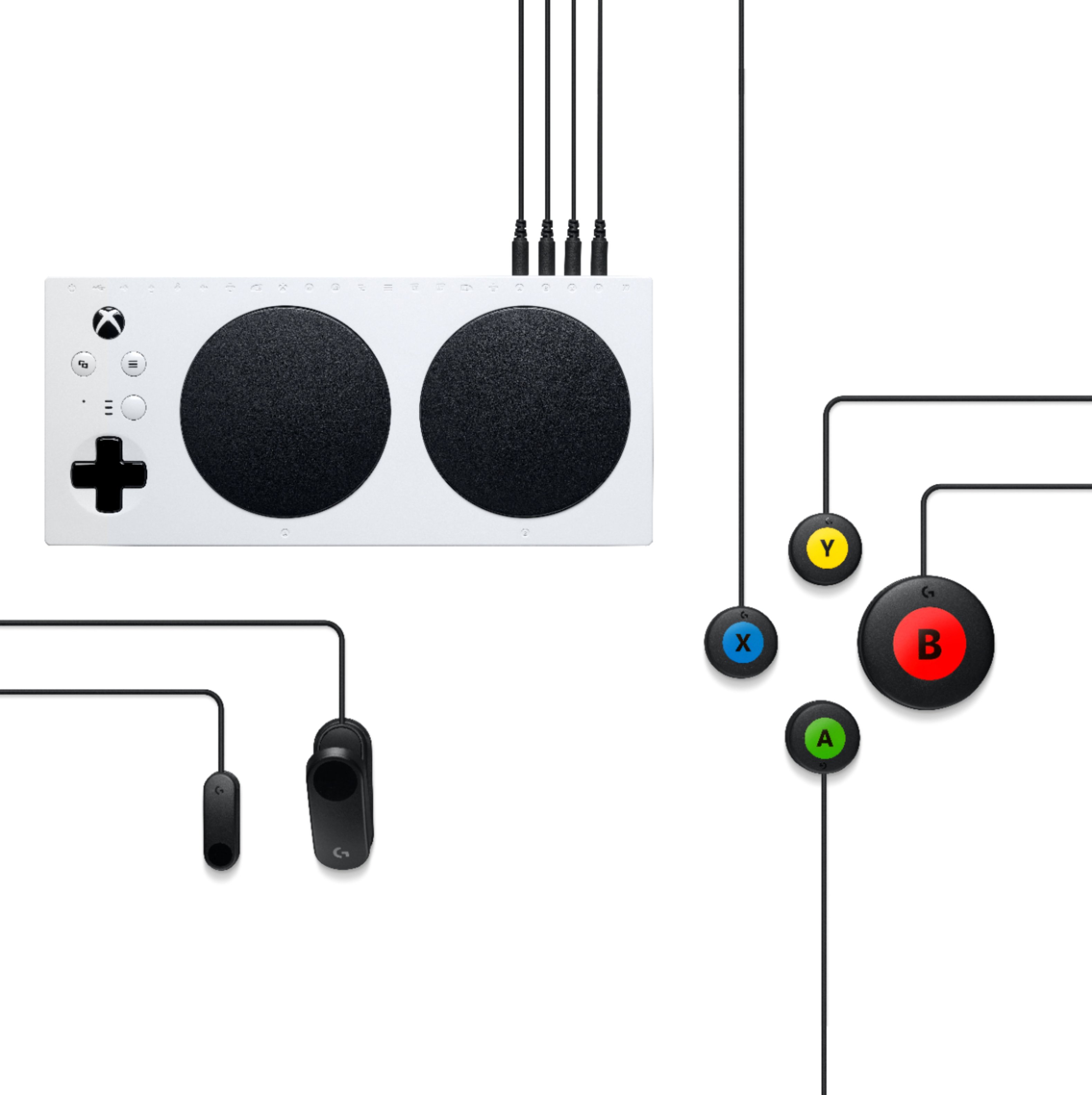
A:AnswerYes, My son had his left hand severely injured. Cutting all tendons, excerpt one to his thumb. One nerve branch was severed also. He was lucky enough to have a great surgeon and should gain most if not all movement back. So he in essence is a disabled gamer for 9 months to 2 years. The adaptability of the Micro soft adaptive controller coupled with the Logitech buttons, switches ,and triggers is awesome. Your imagination and money unfortunately are your limits. To allow anyone who has a disability or is physically limited for even a short period of time to use either or both hands is amazing. The Microsoft adaptive controller and the Logitech buttons, triggers and sensors used together could allow endless possibilities on there own but added with a couple of other switches by other companies like evil controllers will allow anyone the ability to game.
The one handed gamer
A:AnswerYes, you can attach 4 individual buttons of your choice into each of the D-pad direction ports and then make sure your game settings are set to allow the D-pad to give movement versus the left joystick. (Most games already work that way).
A:AnswerHello natalie! This product if for the G Adaptive Gaming Kit for the Xbox Adaptive Controller, but does not include the Adaptive Controller, no. The controller itself can be found here: https://www.bestbuy.com/site/microsoft-xbox-adaptive-controller-white/6455394.p?skuId=6455394. What you'll get in this Gaming Kit are the following elements:
Small Buttons x3
Large Buttons x3
Variable Triggers x2
Light Touch Buttons x 4
Rigid hook and loop Game Board
Flexible hook and loop Game Board
Label Sheets x 2
Hook and loop attachment stickers
Hook and loop ties
User documentation
Mathieu from Logitech
A:AnswerHello Shaymon, The G Adaptive Gaming Kit unlocks the possibilities of play with the Xbox Adaptive Controller (sold separately) so it won't work with keyboard keys. - Richard from Logitech
A:AnswerHello John, you will not be able to use a mouse with this controller, since this controller will be used instead of a regular controller or mouse. It cannot be mapped out unfortunately. Have a great day.
A:AnswerThe Adaptive Gaming Kit uses both Rigid and Flexible hook and loop for the Game Board. Here's a link to the specifications from Logitech's website: https://www.logitechg.com/en-us/products/gamepads/adaptive-gaming-kit-accessories.943-000318.html#product-tech-specs.