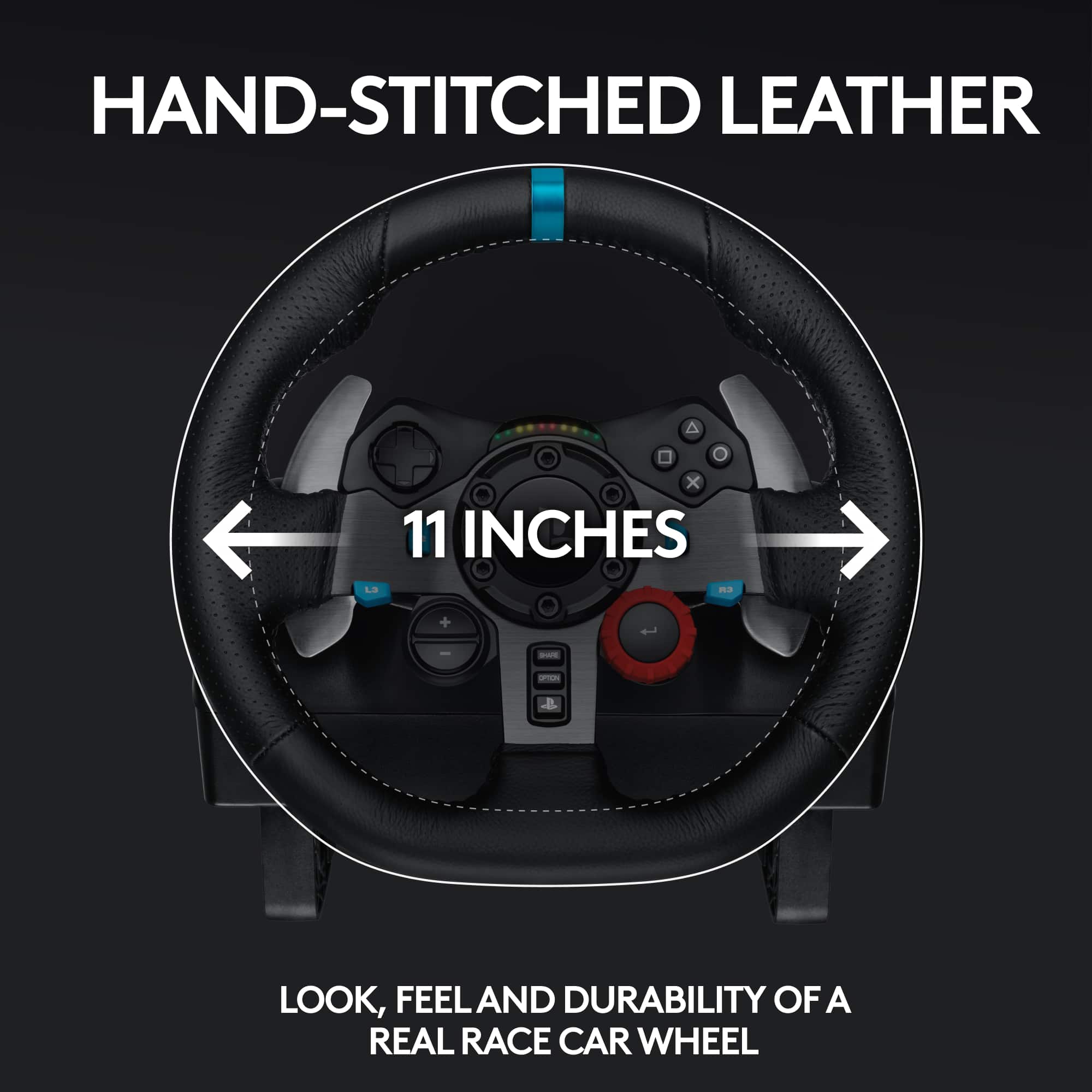
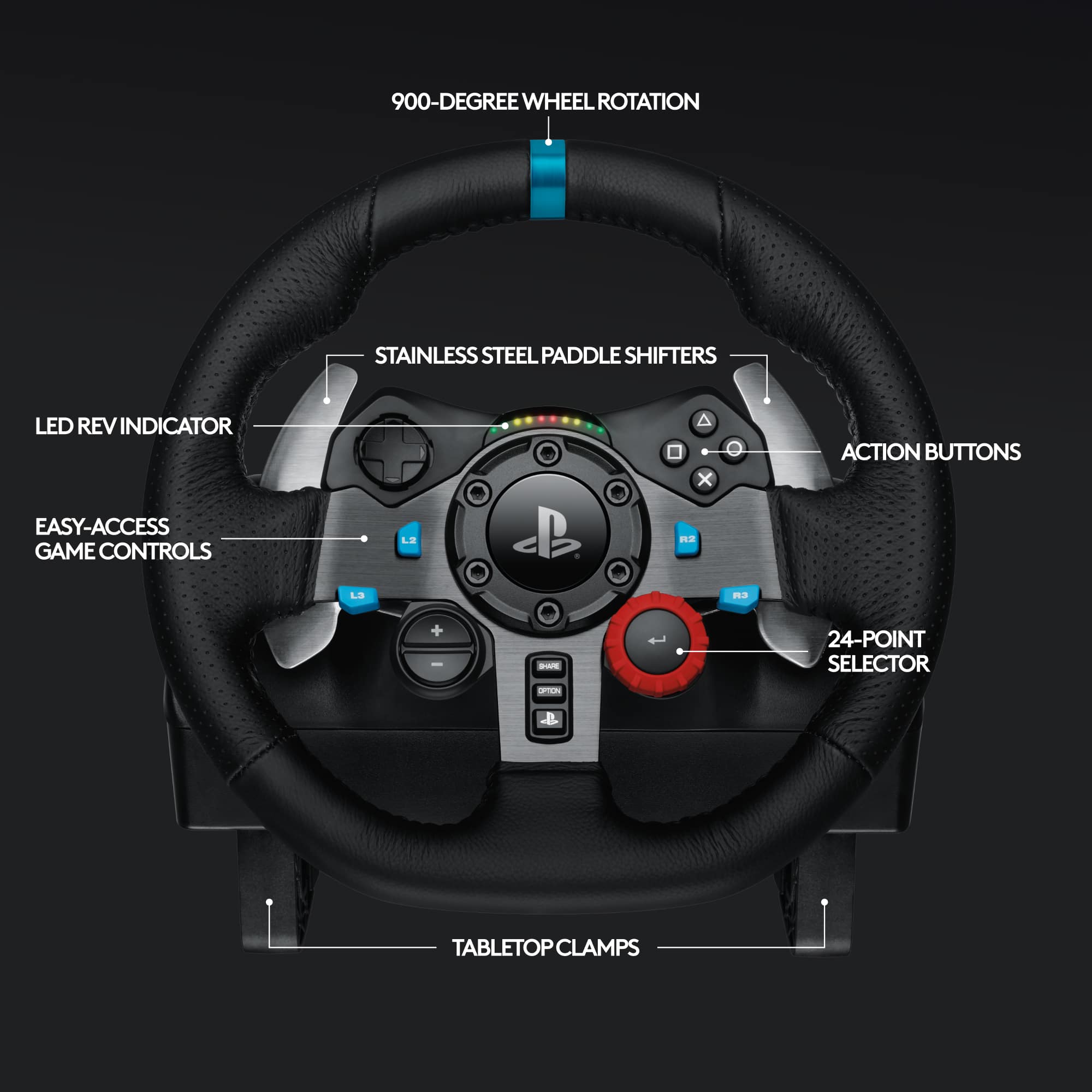
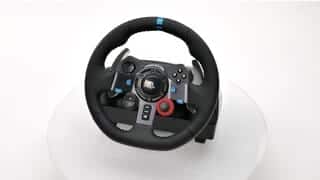
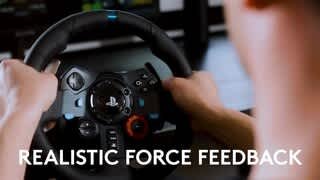
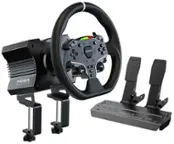
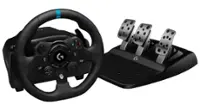
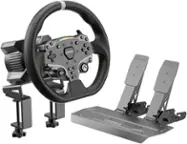
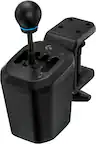
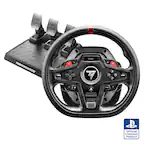
A:AnswerYes. This wheel works with all PS4 games designed to work with wheel controllers. There is a switch on top of the center of the wheel to switch between PS3 and PS4 games. By default, it comes in the PS3 position. Just switch it over to PS4 and it should work fine. See photo.
A:AnswerHello RoodyP, It sounds like you've got a bad connection. Here's a video to help you troubleshoot connection issues: https://youtu.be/OgbNLxZJgHk. Also, it looks like Need For Speed Heat isn't compatible to work with the G29/G920. The only NFS game that is compatible is NFS Payback. For a complete list of compatible games, here's a link to the product support page: https://support.logi.com/hc/en-us/articles/360025334353--FAQ-G920-Driving-Force-Racing-Wheel. - Richard from Logitech
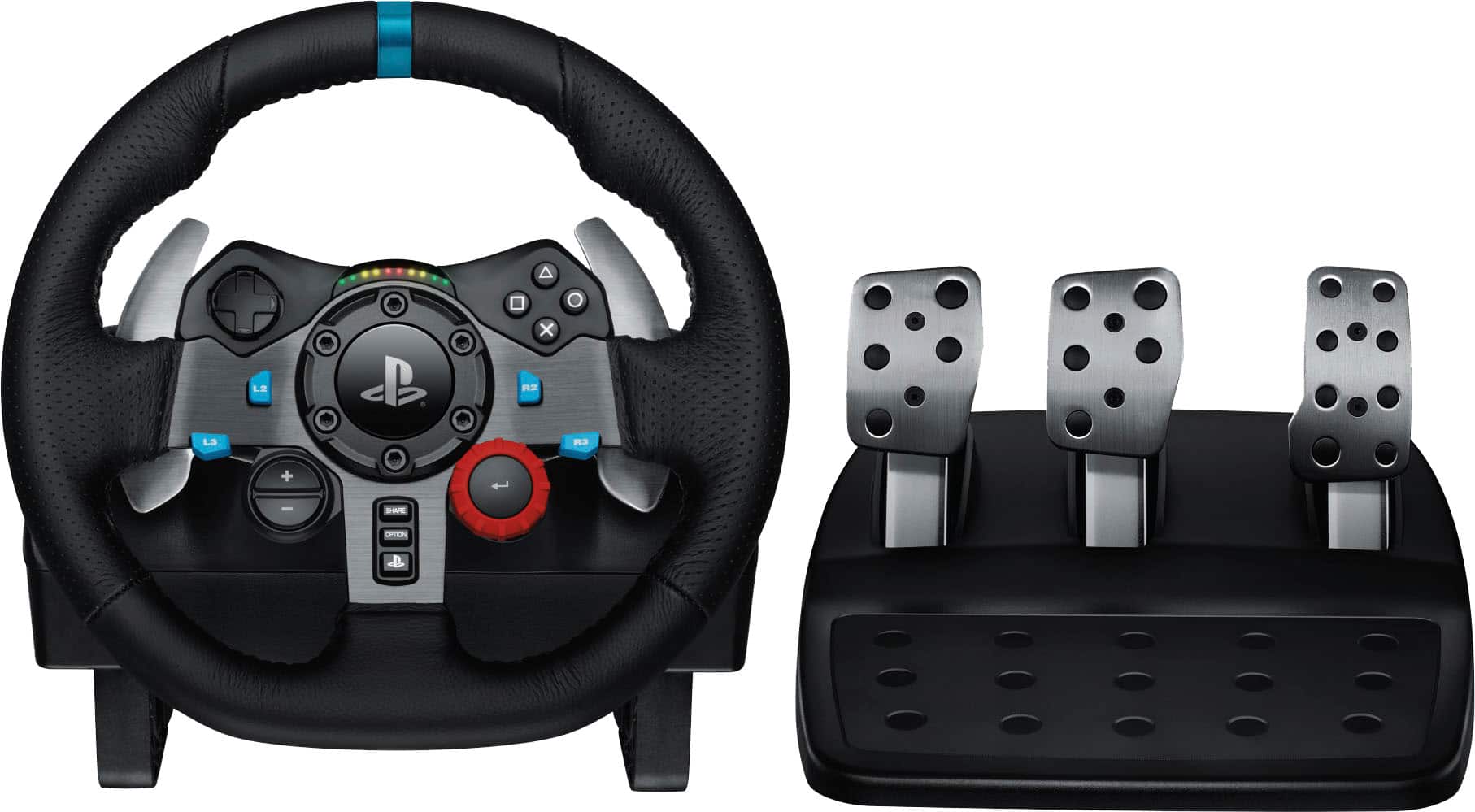
A:AnswerHi Hsum, I suggest downloading Logitech's G Hub software onto your PC and then attach your G29. G Hub will update the firmware and allow you to customize settings. Here's the link to the download: https://support.logi.com/hc/en-us/articles/360024694994--Downloads-G920-Driving-Force-Racing-Wheel.
A:AnswerYou can find the games that are compatible with this steering wheel at the Logitech support web page
https://www.logitechg.com/en-us/products/driving/driving-force-racing-wheel.html
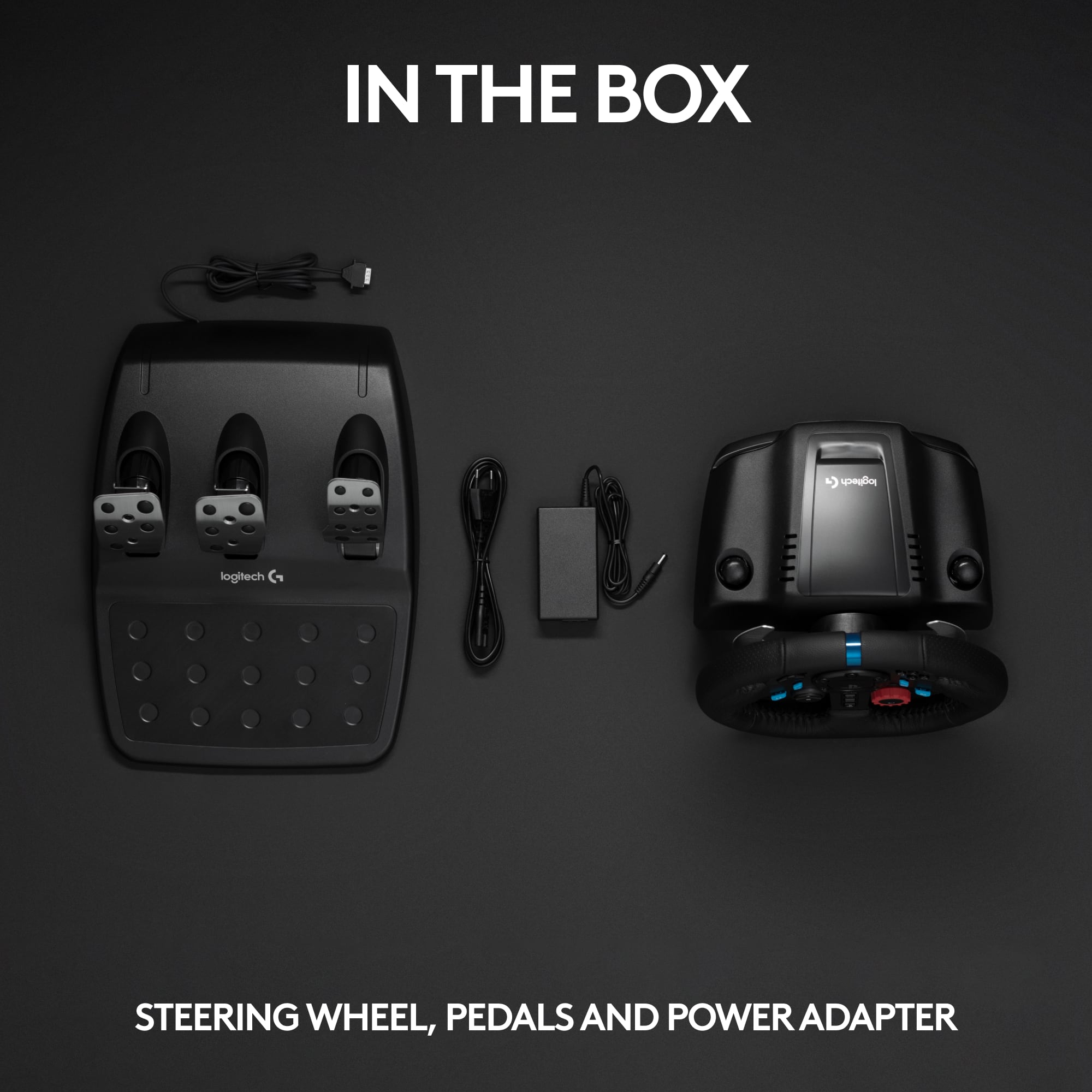
A:AnswerThe steering wheel connects to your PS3/PS4 or PC via a USB plug wired to the unit. Then the console or PC is connected to your TV.
This can be set up to work with many games, however, I think it would be really hard to play the non driving parts of GTA using the buttons on the steering wheel.