Questions & Answers
- Model:
- 910-005135
- |
- SKU:
- 5877912
Highly rated by customers for: Battery Life, Wireless, Weight
Page Showing 1-14 of 14 questions
Q: QuestionG703 vs g903
Asked by lololol.
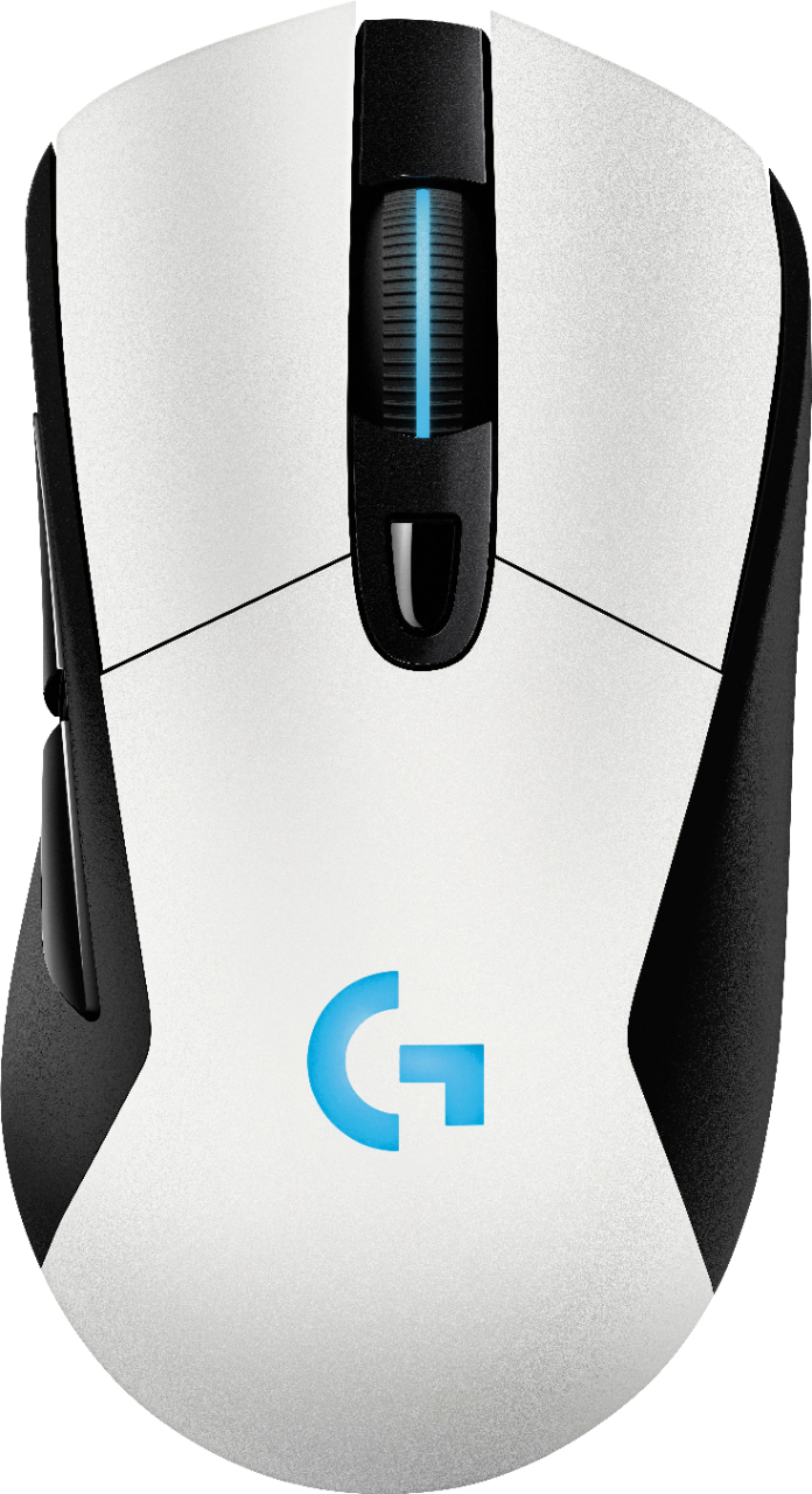
- A:Answer I chose the G703 because it's right-handed and fits my hand better. The G900 and G903 are a bit longer and flatter than my previous mice (G502, DeathAdder, Myonix NAOS). While the G900 and G903 have more buttons, some of them are there just to facilitate ambidexterity. I also prefer the LED patterning on the G703 with its lit scrollwheel. Technology-wise they are at the same level (same sensor, same LightSpeed tech, PowerPlay compatible), so pick the one that feels better.
Answered by Brian
Q: QuestionWill this mouse work on an iMac? Or is it only compatible with Windows?
Asked by Jays2107.
- A:Answer Yep it's universal.
Answered by PWRDByAdobo
Q: QuestionI currently have the G403 which I use on my Xbox and works just fine for fortnite, I am wondering does the wireless G703 work on the Xbox in March of 2019?
Asked by Wade.
- A:Answer Im pretty sure.. as long as you connect the wireless chip usb into your xbox, it should register.
Answered by Ayinde
Q: QuestionI bought this mouse. I was wondering how do i turn off the LED for wireless mode so it doesn't kill the charge?
Asked by Hidden4love.
- A:Answer Lighting settings. Bottom right of screen on desktop click on the up arrow (win 10, maybe something different for a earlier windows) Click on it then click on Logitech icon. Logitech will open up and on the bottom of the Logitech window, click on third icon from the left which is lighting settings. Then Put logo and wheel to off.
Answered by Dagna
Q: Questiondoes this mouse have wireless charging compatibility
Asked by mike.
- A:Answer yes
Answered by peaches
Q: QuestionWhy am I unable to have this shipped to my house? I specifically want to buy the white one but I'm forced to drive an hour and twenty minutes to get this item.
Asked by Jeff.
- A:Answer Certain products need to be carried in store for stock and other items are sometimes for sale online only. It just depends on the products and the current market. Looks like this product is only sold in Best Buy stores.
Answered by MRMan
Q: QuestionIs this new one right? Nobody use it? Or not refurbish?
Asked by Holycrap.
- A:Answer this is the new powerplay version of the g603.
Answered by PUBG
Q: QuestionWhy is this exact mouse only $49.99 on Amazon?
Asked by OldPanda.
- A:Answer If it is, you will not regret the purchase.
Answered by hamyoreo
Q: QuestionDoes this mouse on glass or do you have to have a mouse pad for those kinds of surfaces?
Asked by Fost16.
- A:Answer Since this mouse uses a laser, it won't work very well on glass (most mouses shouldn't, and if they do it's probably not intended for that surface). So while you don't need a mousepad for ANY surface, you would need one if your desk is glass.
Answered by Nico
Q: QuestionI use Windows 10. Is the software required, or can I just plug it in and use it?
Asked by JM11.
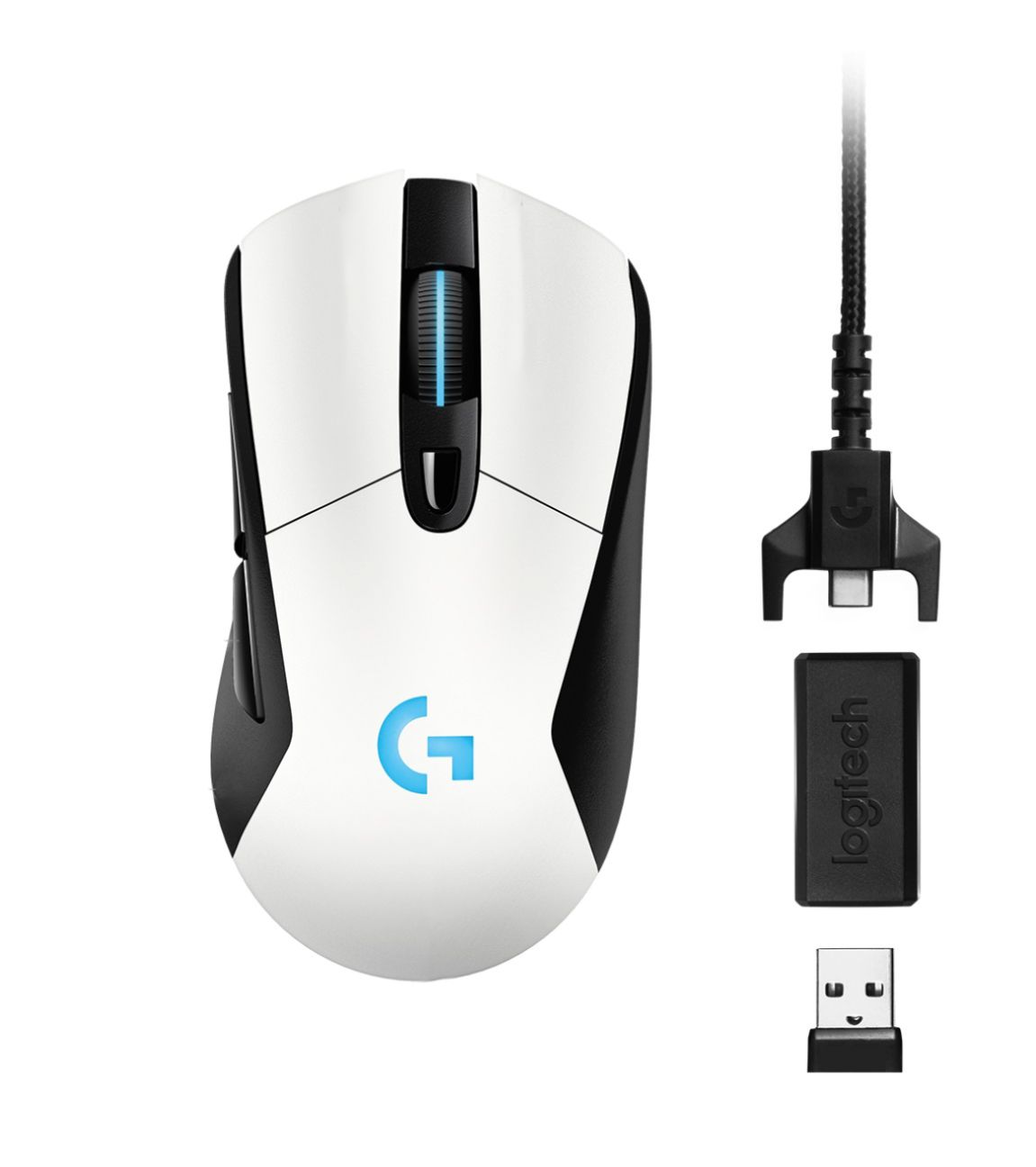
- A:Answer You can just use it when the USB drive is connected. There is a software if you want to modify the settings of the mouse though.
Answered by Chuy
Q: QuestionI'm looking for a good gaming mouse would this mouse be a good option?
Asked by Jimfeld.
- A:Answer Yes. It is nice because it's wireless, and it doesn't really have a delay. It also has great battery life.
Answered by Nico
Q: QuestionIs the white version glossy or more of a non-slick tactile feel?
Asked by kaiserrandal.
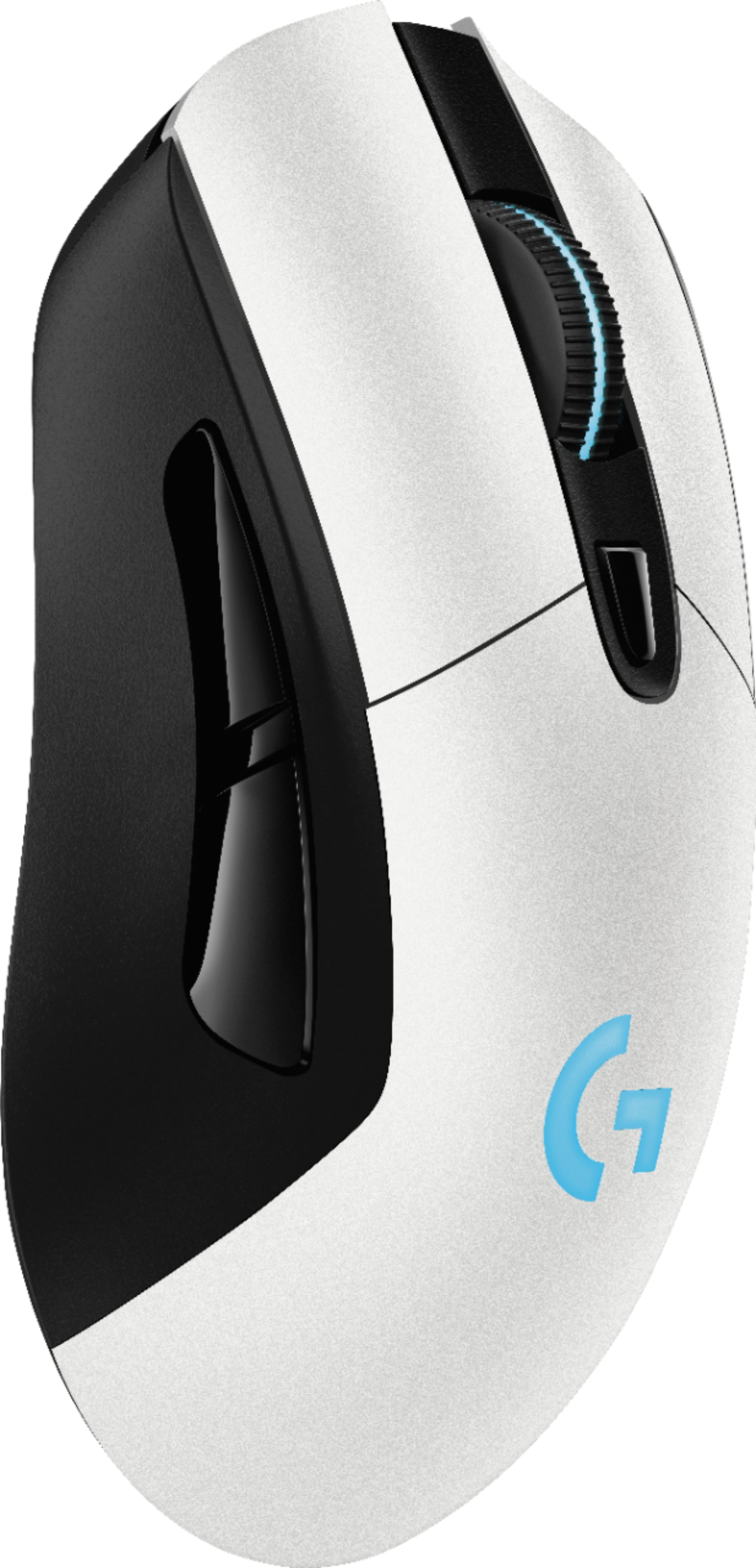
- A:Answer Definitely more of a matte finish, yes. Not glossy.
Answered by BJacH
Q: QuestionWhat is the model number of the mousepad in the video that continuously charges the device?
Asked by Turchman.
- A:Answer Logitech - POWERPLAY Wireless Charging System for Select Logitech Gaming Mice - Black
Answered by Wisdom
Q: QuestionIs this a good mouse to use for blender software?
Asked by Christopher.
- A:Answer It definitely isn't a bad mouse for Blender. It only has 2-3 buttons that are useful to be customized into macros, so if you want a mouse with a bunch of macros, this probably wouldn't be the best one for that. But it is good for most other uses you would need in Blender
Answered by Nico
Page 1, Showing 1-14 of 14 questions
Best-selling Best Buy
- $299.99$299.99The price was $349.99
- $59.99$59.99The price was $99.00
- $199.99$199.99The price was $349.99
- $14.99$14.99The price was $19.00
- $24.99$24.99The price was $29.99
- $14.99$14.99The price was $19.00
- $139.99$139.99The price was $149.99