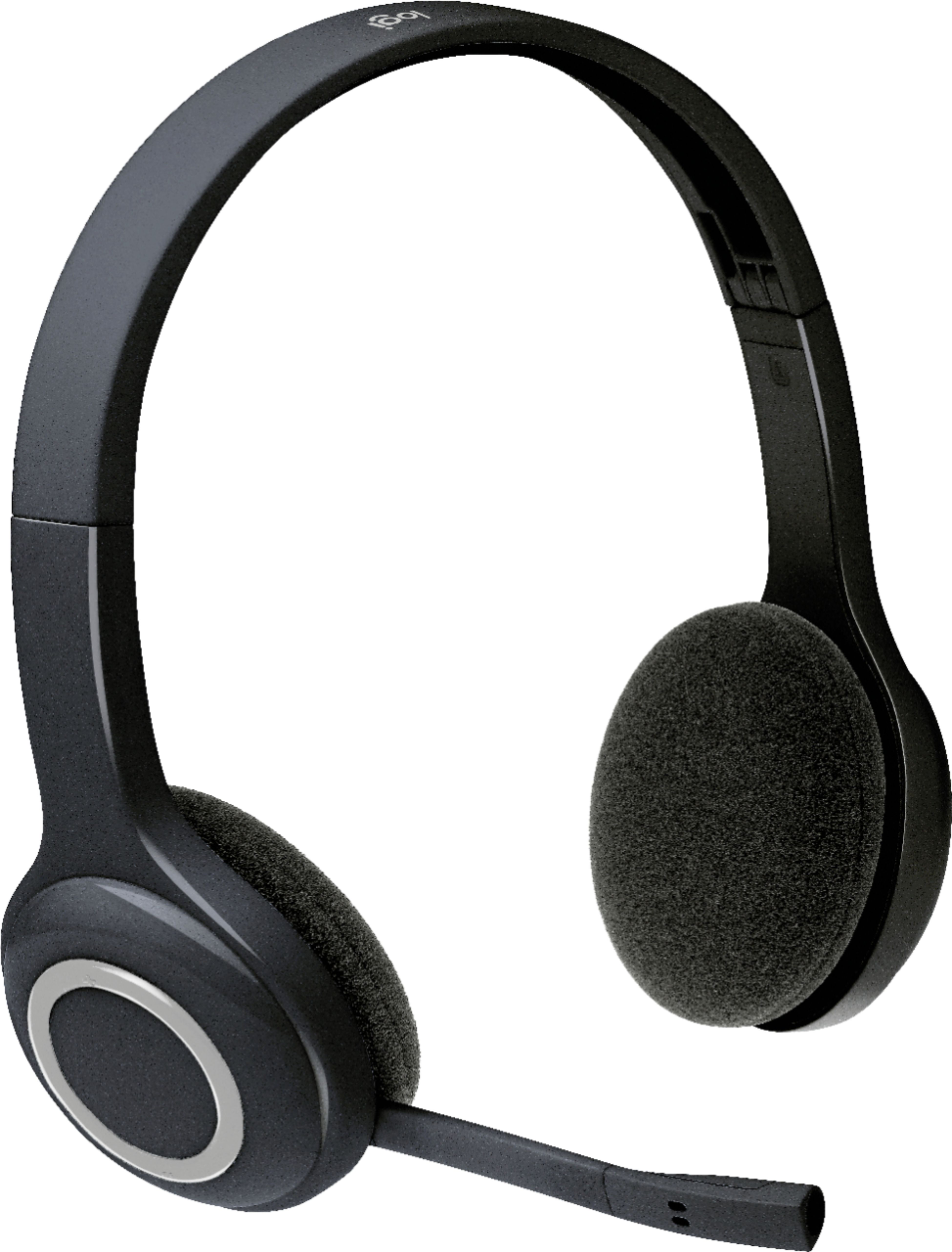
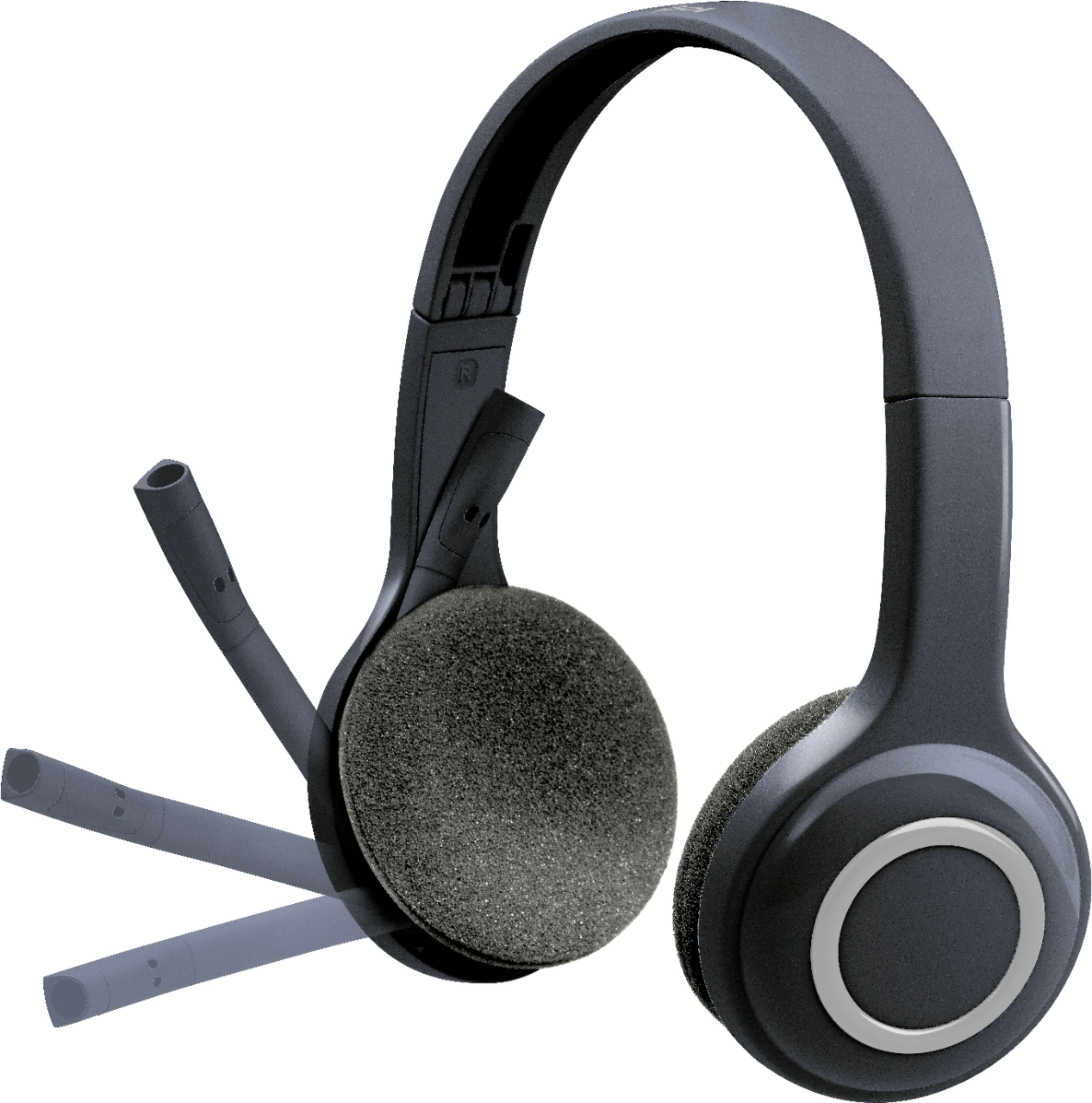
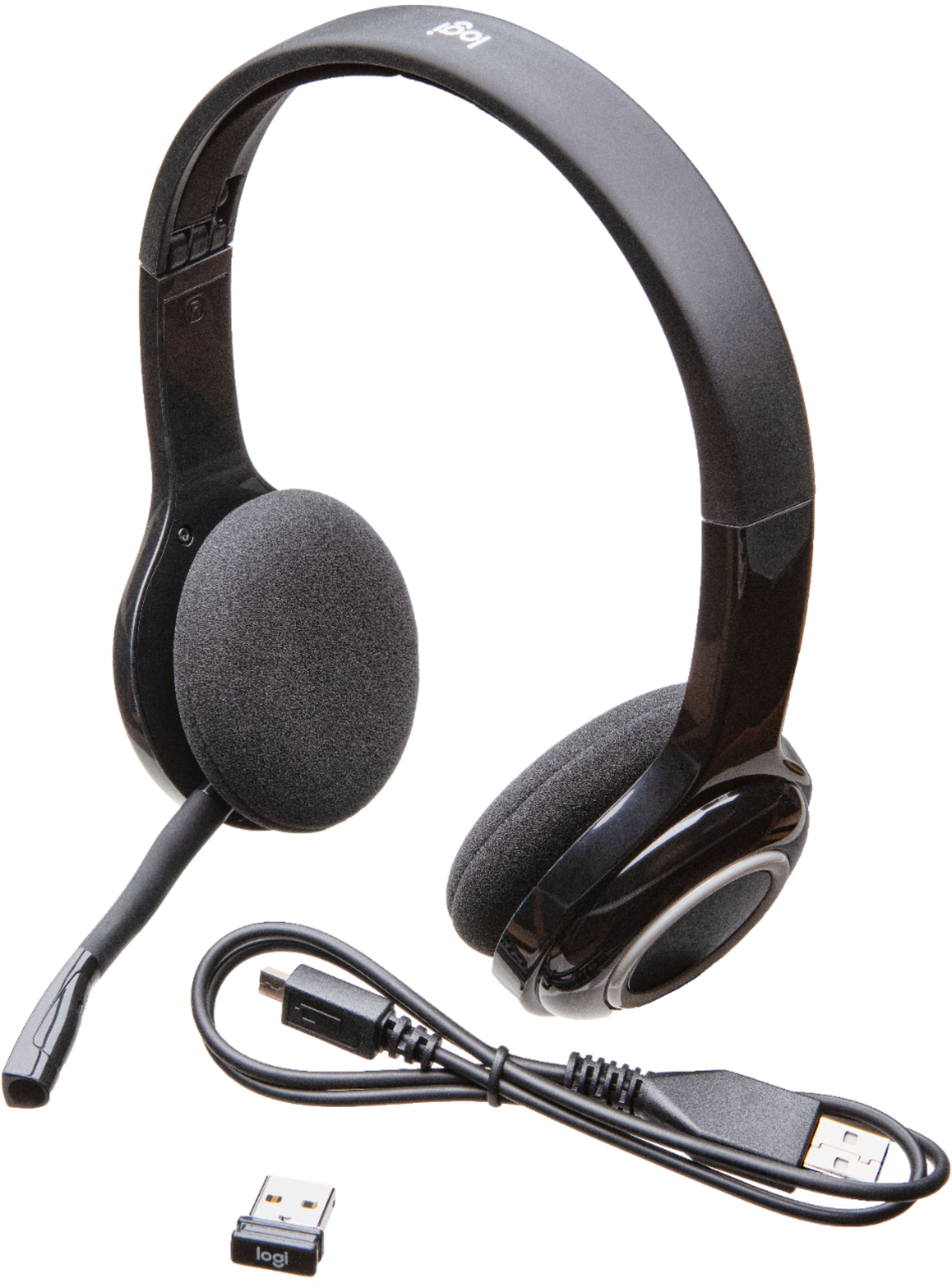
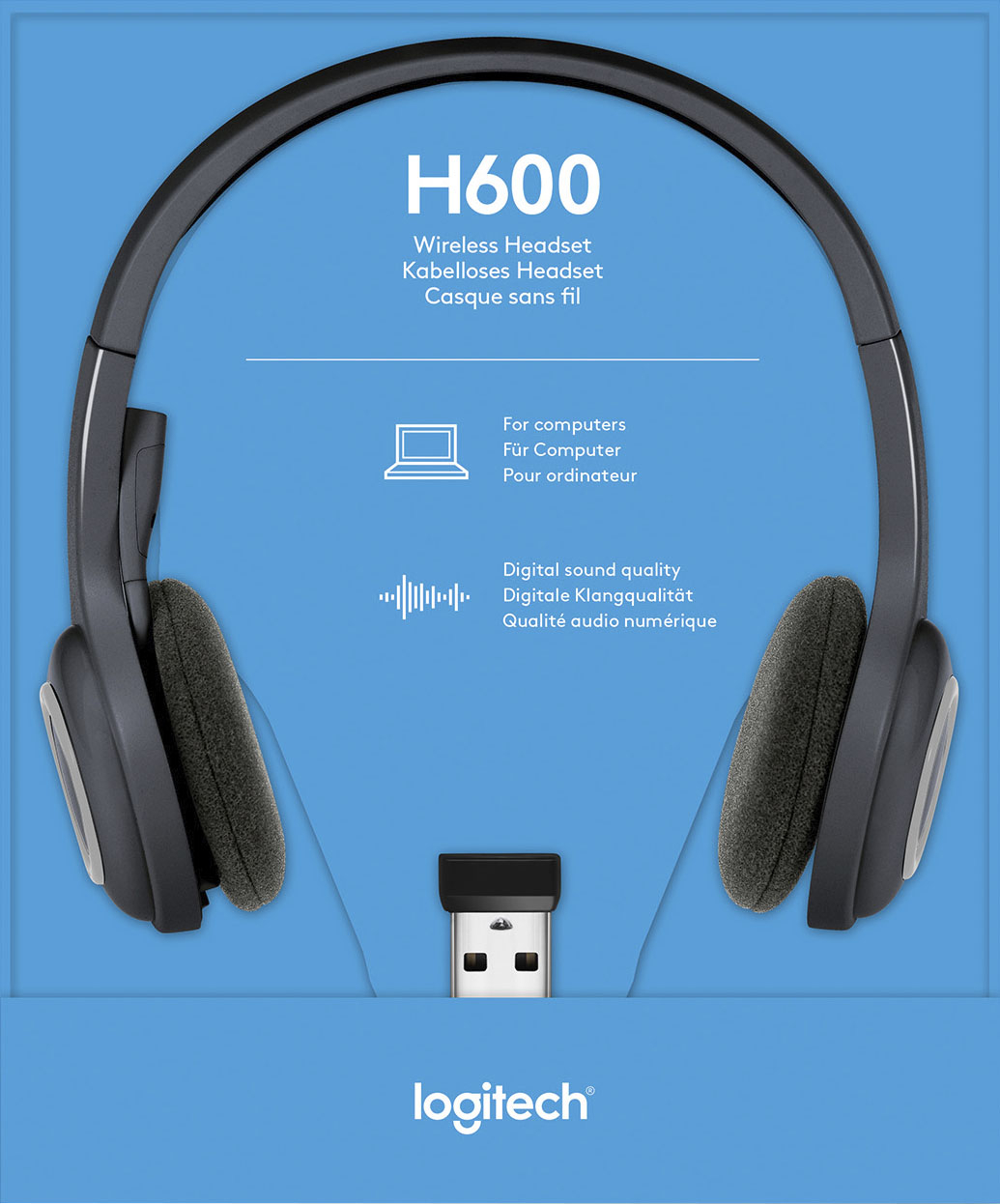
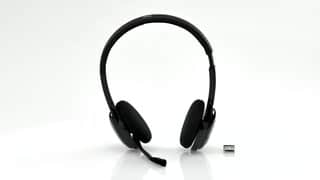
A:AnswerHi Joe, The H600 connects via a USB receiver that works with Common calling applications across almost all platforms and operating systems, which the XBox S doesn't support. Logitech G does have a variety of gaming headsets that are designed to work with consoles. Here's a link for you to check them out https://www.logitechg.com/en-us/products/gaming-audio.html. Hope that you find this helpful and thank you for choosing Logitech. - Richard from Logitech
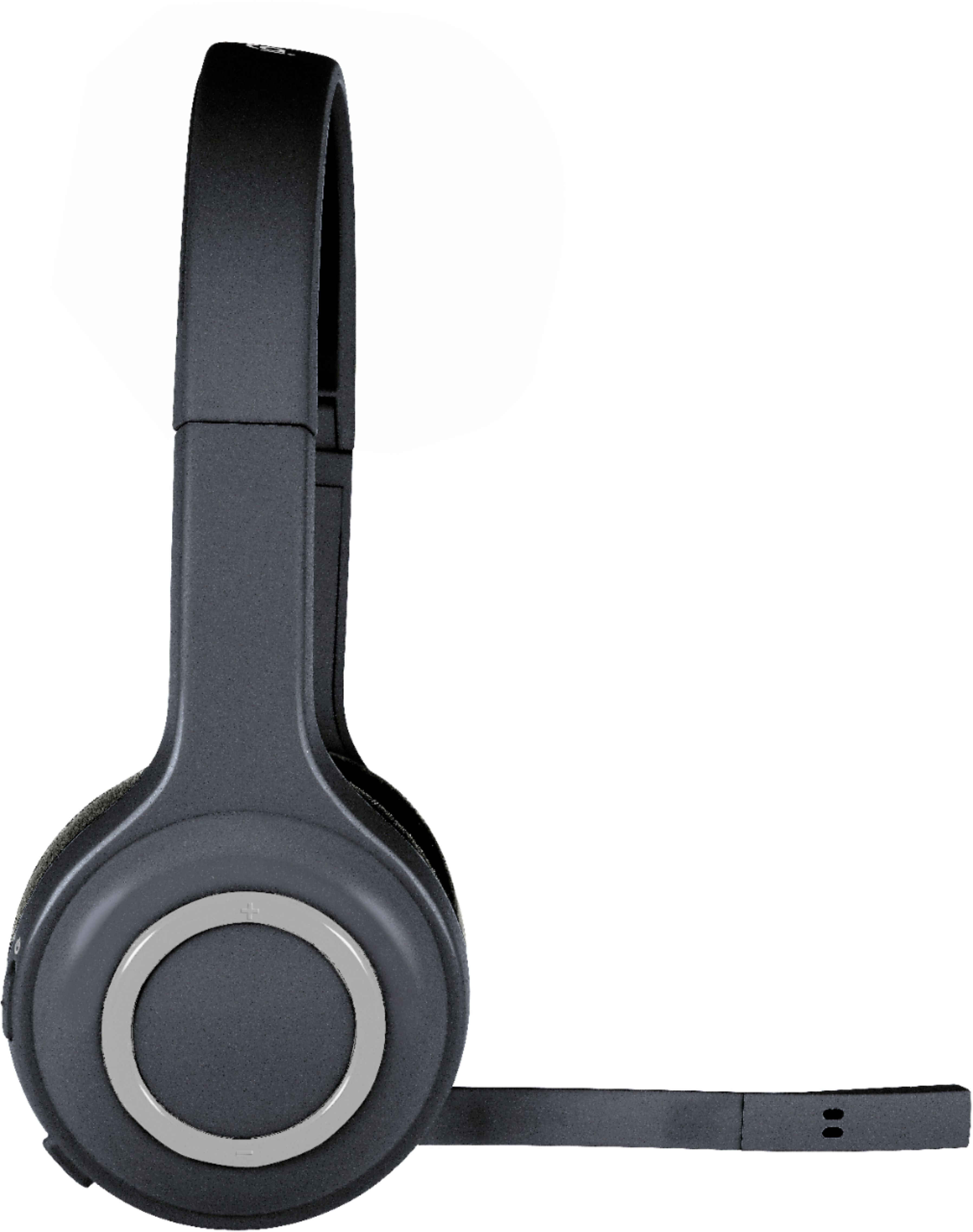
A:AnswerHello Hubert! On your H600 Wireless Headset, below the On/Off control, is a press-button mute switch. So there are no visual indication that the mic is muted, but when an ascending tone is heard, the microphone is active, whereas a descending tone indicates that the microphone is muted.
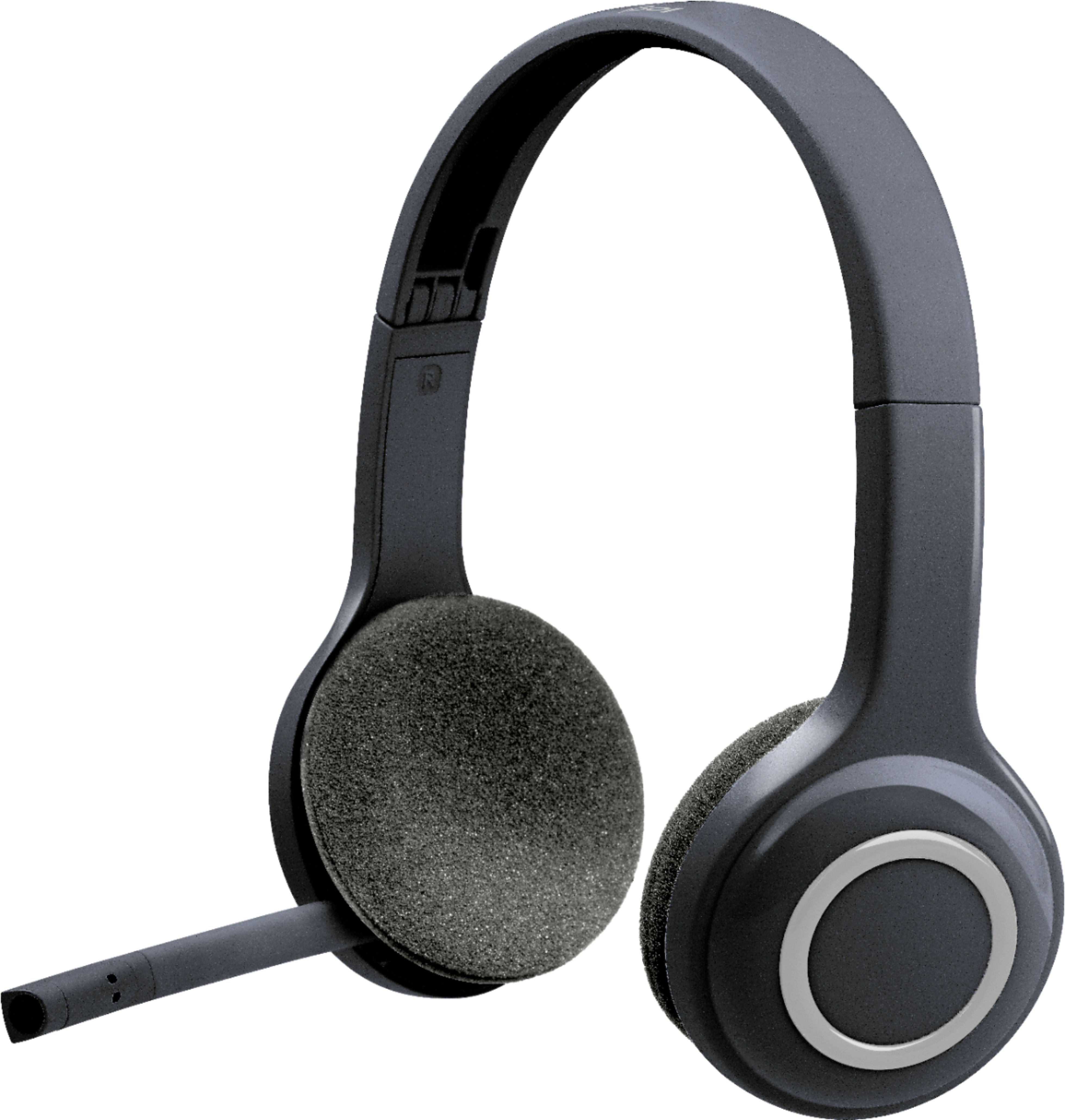
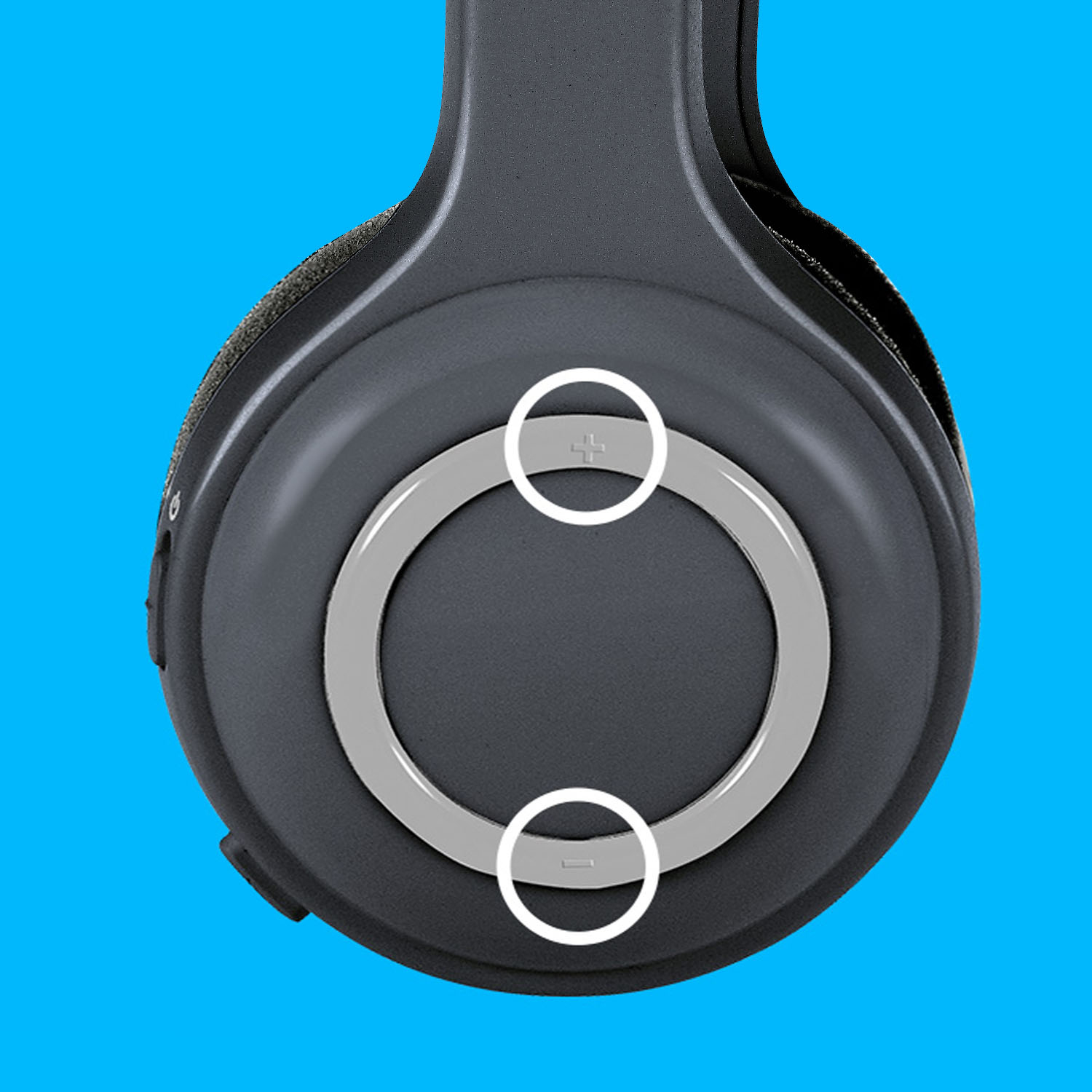
A:AnswerThe H600 does have bluetooth, although not advertised. To pair, turn on the headset, then hold the up volume and mute button at the same time until the green light blinks rapidly. Then you can pair the headset to your phone, I just did this with my iPhone.
A:AnswerDepends on the uses. I use mine about 3 to 4 hours a day and get anywhere from 3 to 4 days before having to charge. I also turn it off after each use until needed again.