A:AnswerI charge it when I’m not using it? I.e lunch? Change it. But i been getting through my day on the phones about 11 hours and i charge it at lunch and breaks. But I’m not a fan. I going to return it and go back to the Jabra evolve 75. More money but so worth it.
A:AnswerI bought mine in 2016, I have replaced the foam inserts as I carried them around in my bike courier style computer case for 4 years. So far they work as well as the day I bought them. June 2022.
A:AnswerHello Pal, the H800 is compatible with MacOS. As long as you have a USB port for the connection, you'll be able to use the H800 with your mac mini. Have a great day.
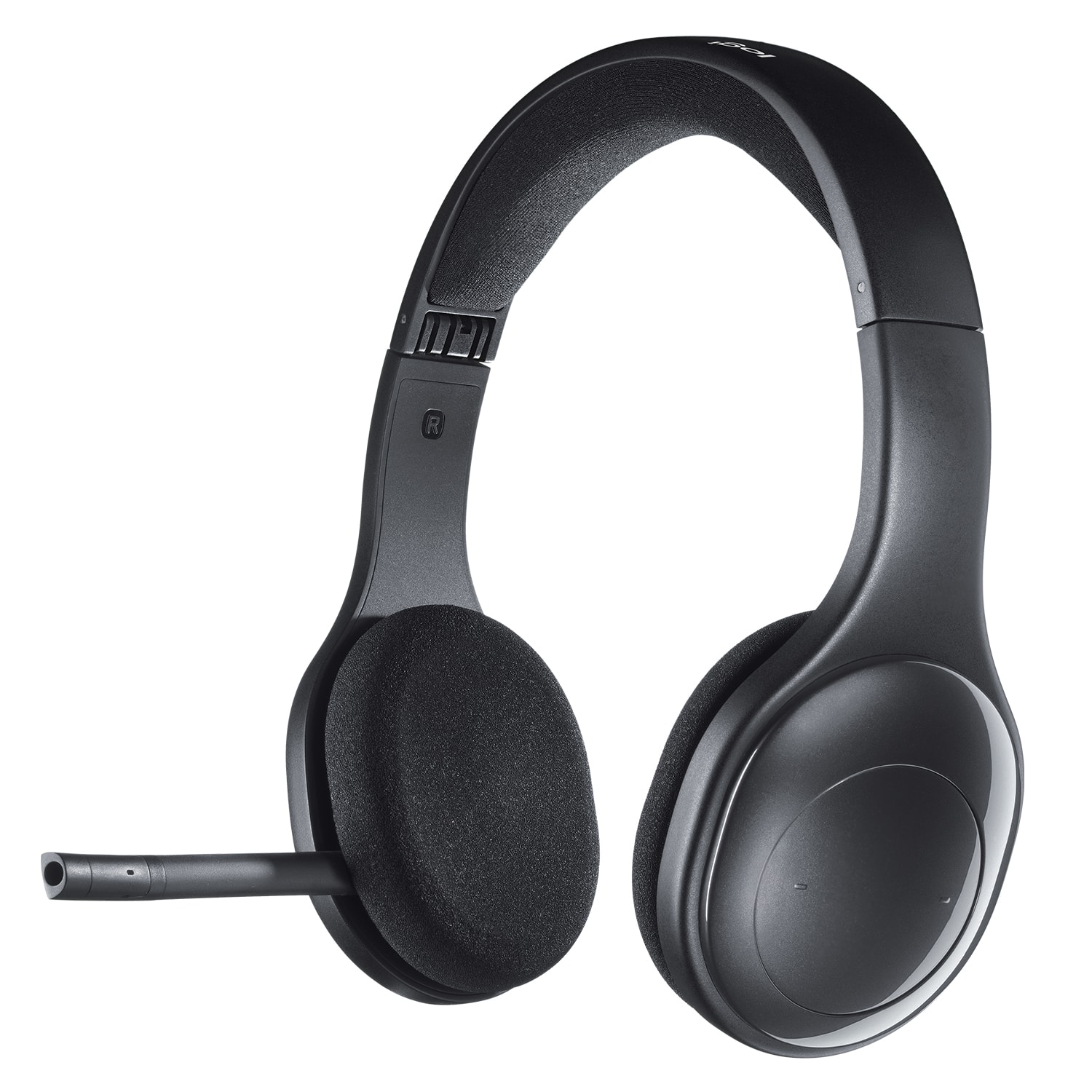
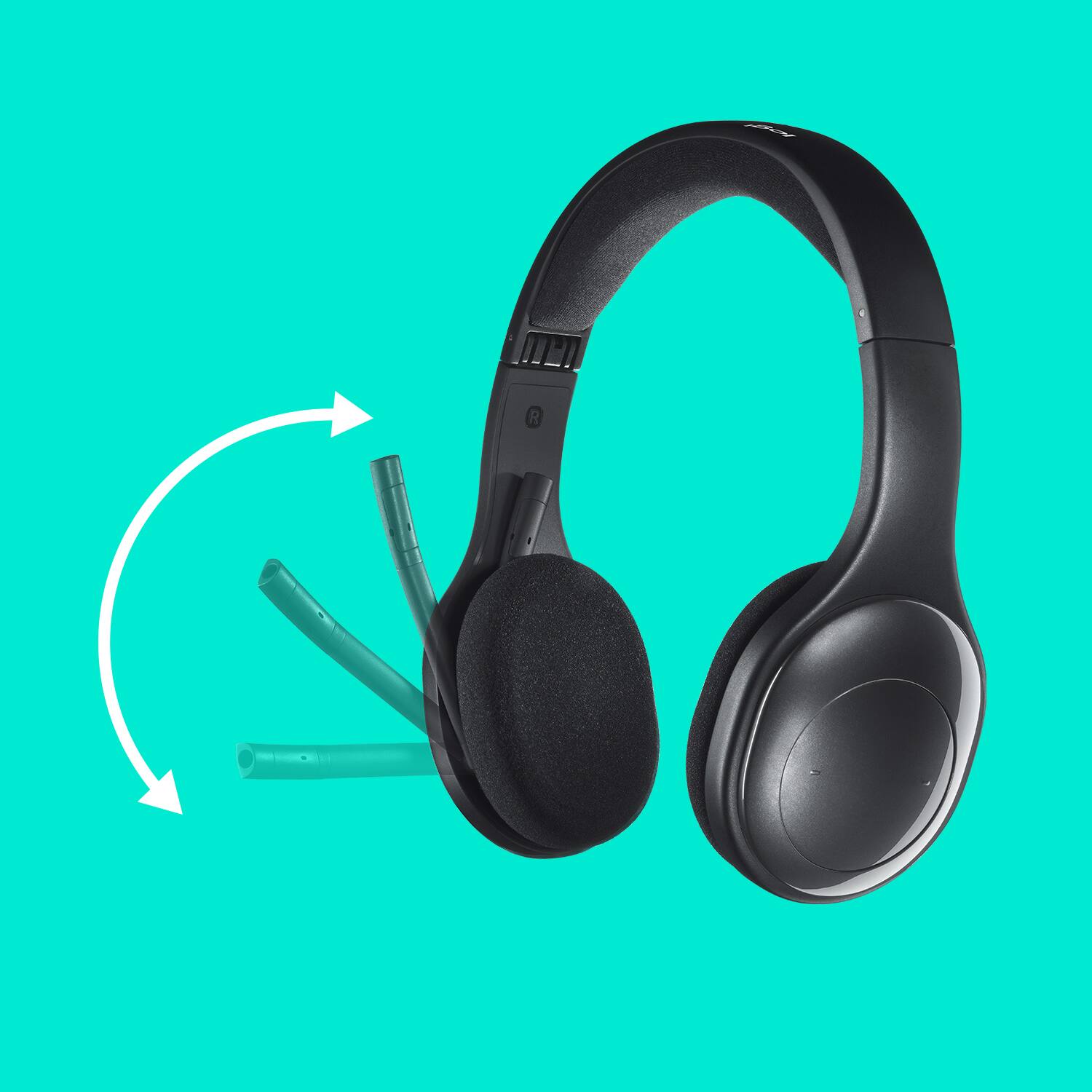
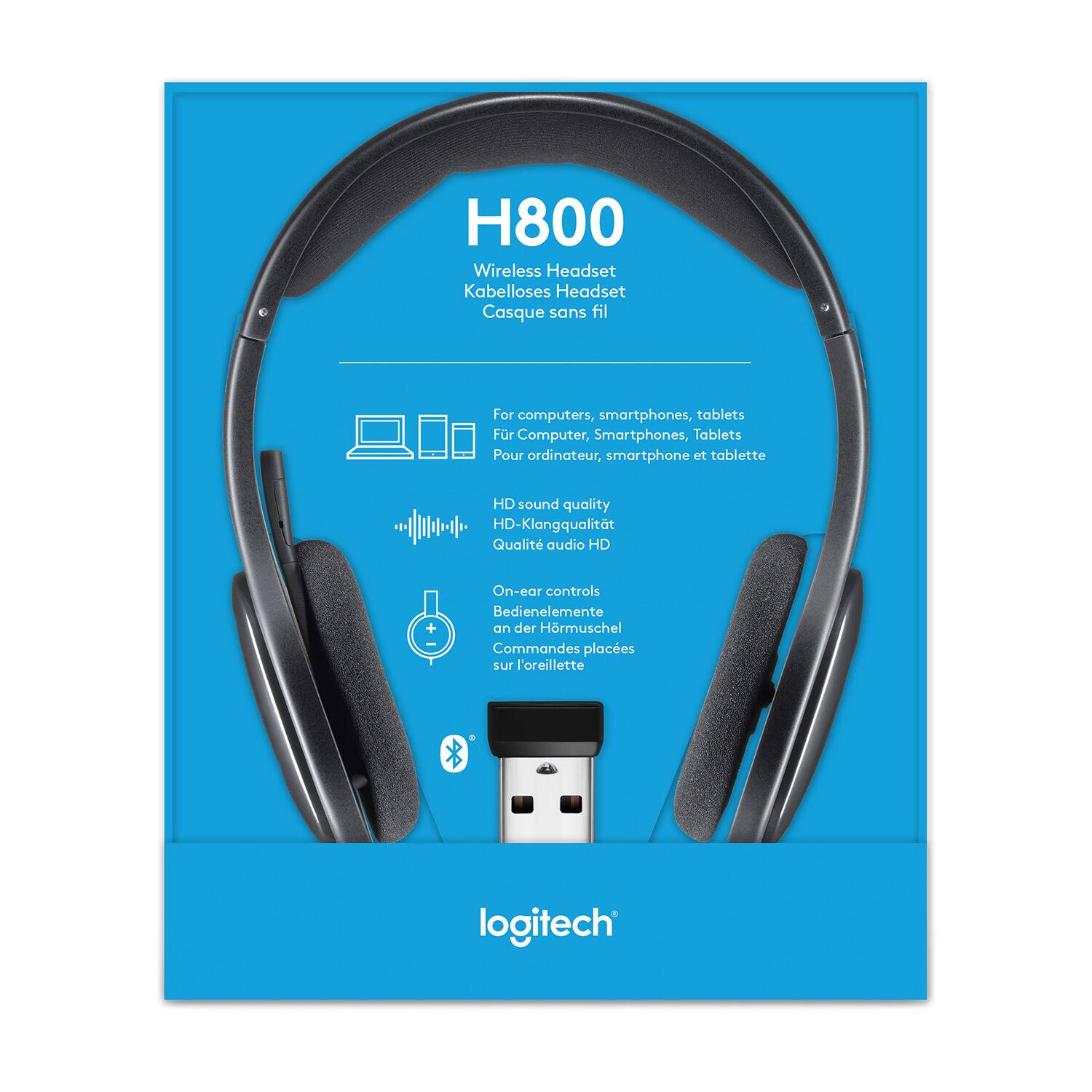
A:AnswerHi Laima the H800 is a Bluetooth capable headset and will pair with an iPad or other devices that are Bluetooth capable. The microphone is noise cancelling and can be pivoted up when not in use. The H800 works with the most calling platforms. You may have to adjust settings within BlackBoard for it to use the headset as its primary audio source.
A:AnswerI would expect that it will work when plugged in to the docking station - provided the laptop is docked. I'm using it with an HP laptop and dock. It works just fine. The one thing I have noticed is that when using bluetooth with the computer, the mute function for the headset does not work.
A:AnswerHello, spare parts are not currently available for the H800 but you may contact us for follow up spoort here: https://support.logi.com/hc/en-za/requests/new?ticket_form_id=360000621393&pID=c2cc5e27-7db0-11e9-bada-4782997d5759
A:AnswerHi Chetes, seems like the battery life just isn't what it should be with your H800 and you may want to possibly do an exchange at your local Best Buy. We do apologize for the inconvenience it is causing you with working from home efficiently.
A:AnswerHello Dante,
Thank you for choosing Logitech. I am sorry that you have experienced difficulty with getting your H800 setup. I would like to help. I have attached a link to the support page for your H800 headset, for your reference. You will want to select the headset input to the H800’s microphone, and audio output as H800. If you are not seeing this option in the app that you are using, you may need to adjust your computer’s microphone privacy settings. I hope you enjoy your H800 headset. For further assistance with your Logitech products, please visit the support website.
Best regards,
John at Logitech
https://support.logi.com/hc/en-us/articles/360024318533--Getting-Started-Wireless-Headset-H800
A:AnswerI haven't heard an echo. But I own a headset and it is terrible for MAKING calls. Even if you have the boom practically inside of your mouth. Call quality for recipient is awful.
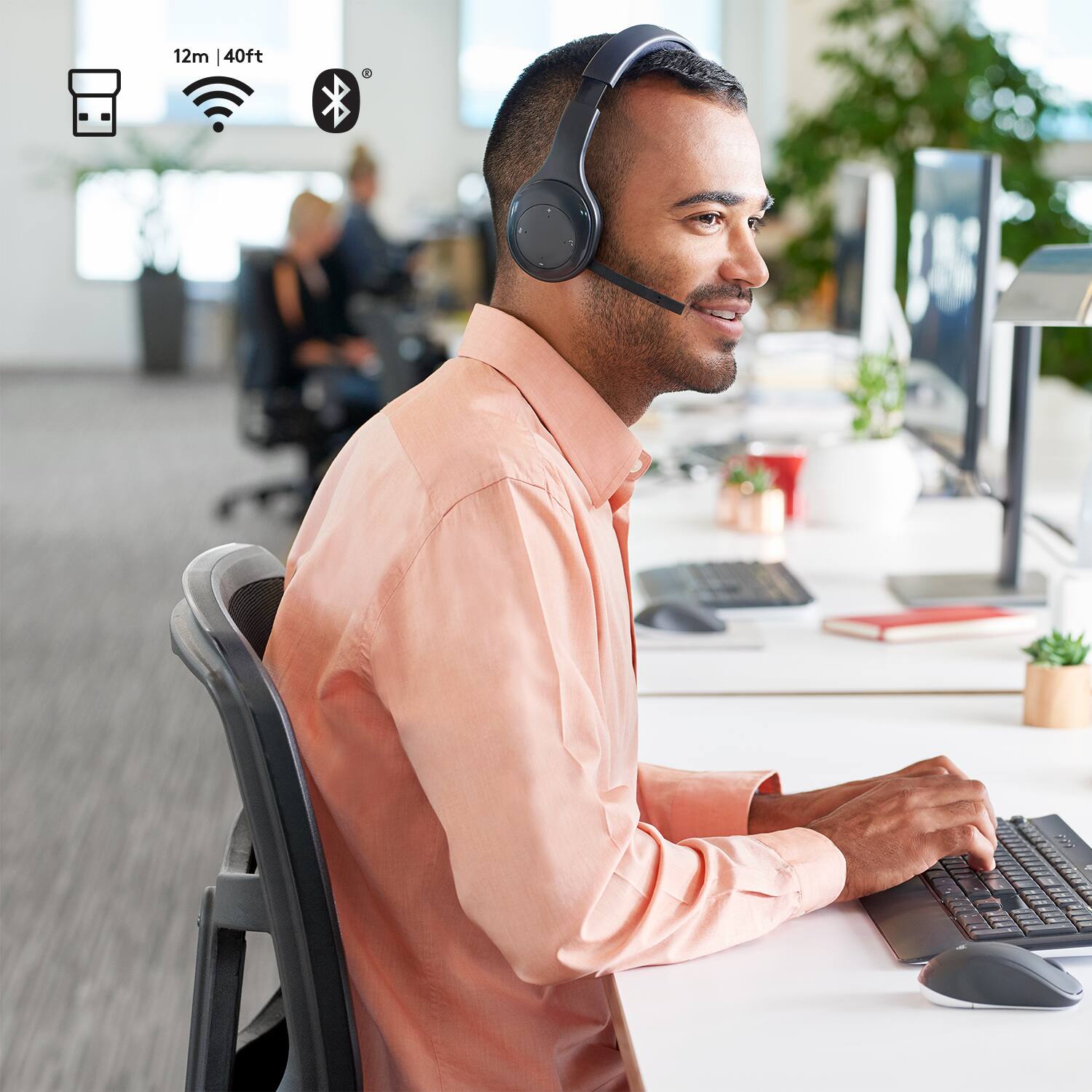
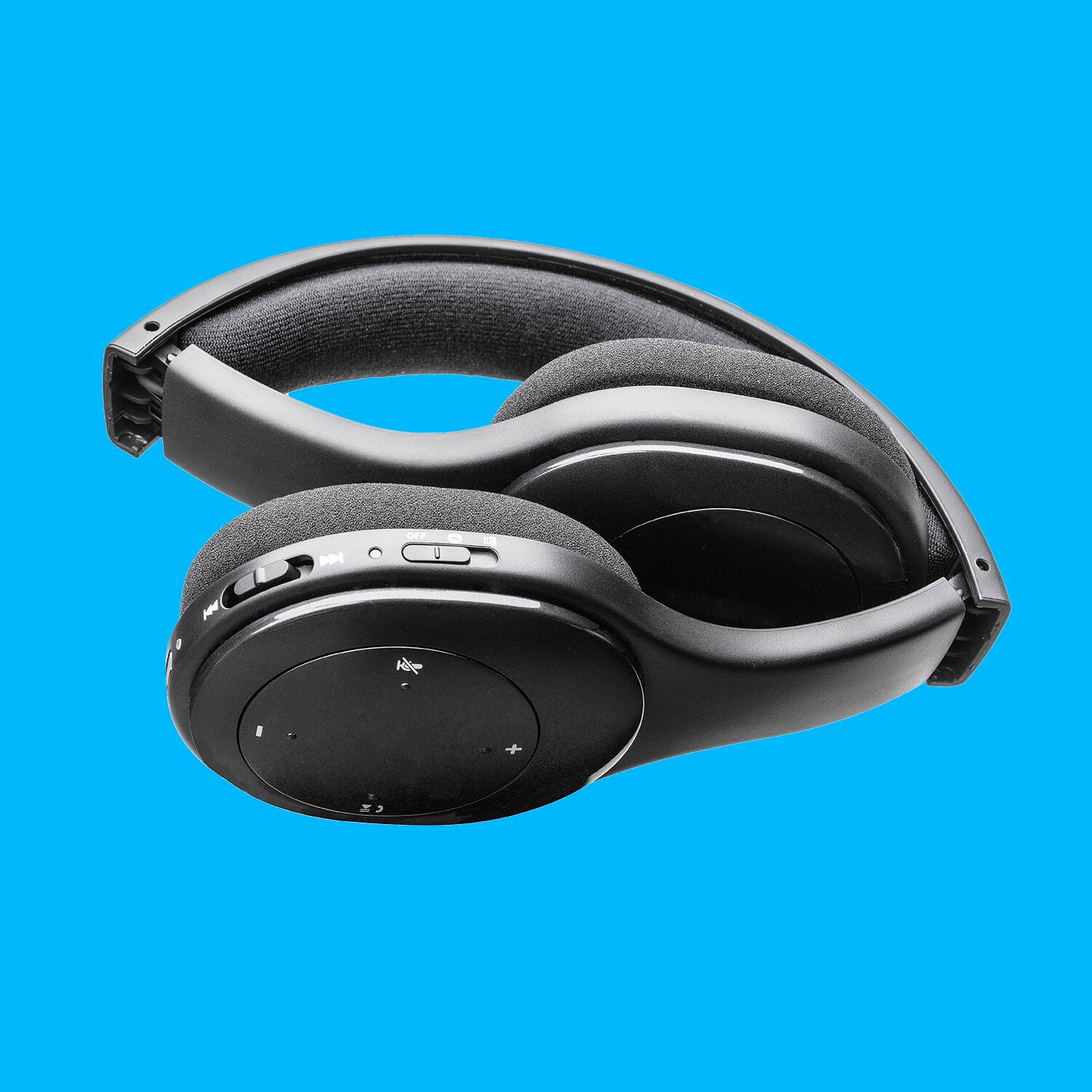
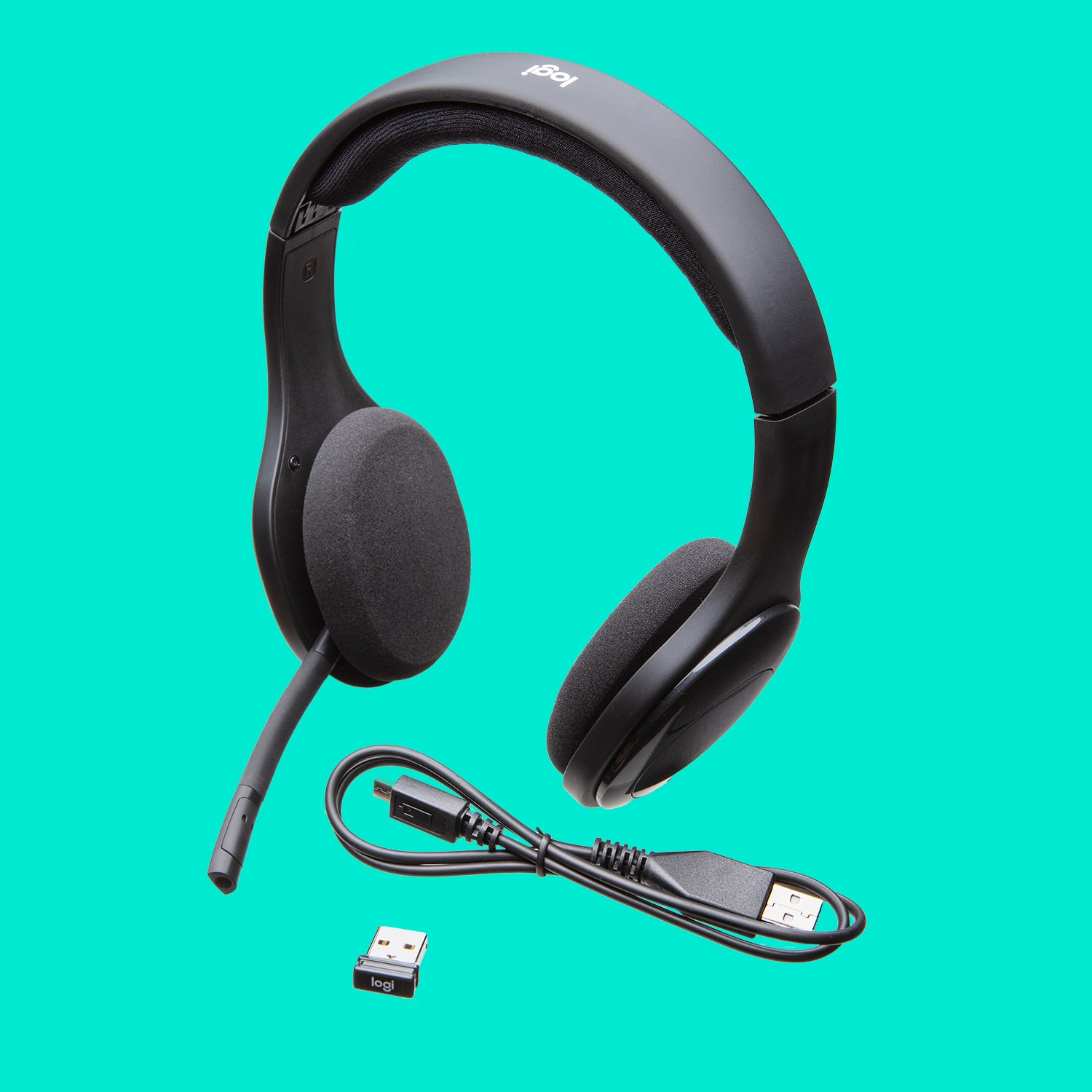
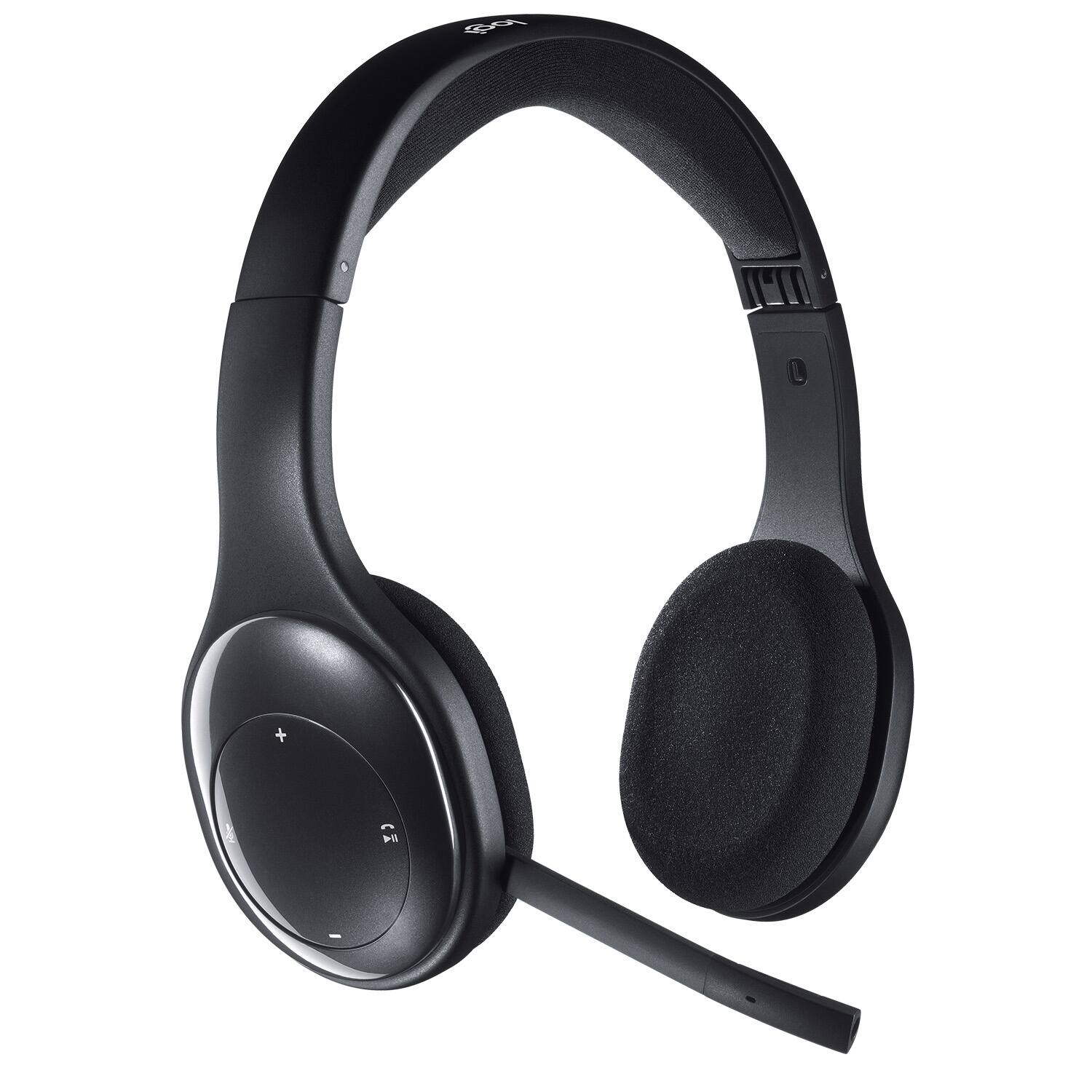
A:Answer"Operating diagram?" It's a wireless, "over-the-ears" headset which connects either via Bluetooth or Logitech dongle (switch selectable). In the office, I've used this feature to connect it to my desktop and laptop (not simultaneously). The dongle is attached to my desktop USB port and I connect to my laptop with Bluetooth.
A:AnswerHyperX
HyperX - Cloud Stinger Core Wireless 7.1 Surround Sound Gaming Headset for PC - Black. has a left side mic 2 the same price.
However, it does not have Bluetooth mode
https://pisces.bbystatic.com/image2/BestBuy_US/images/products/6407/6407588_rd.jpg